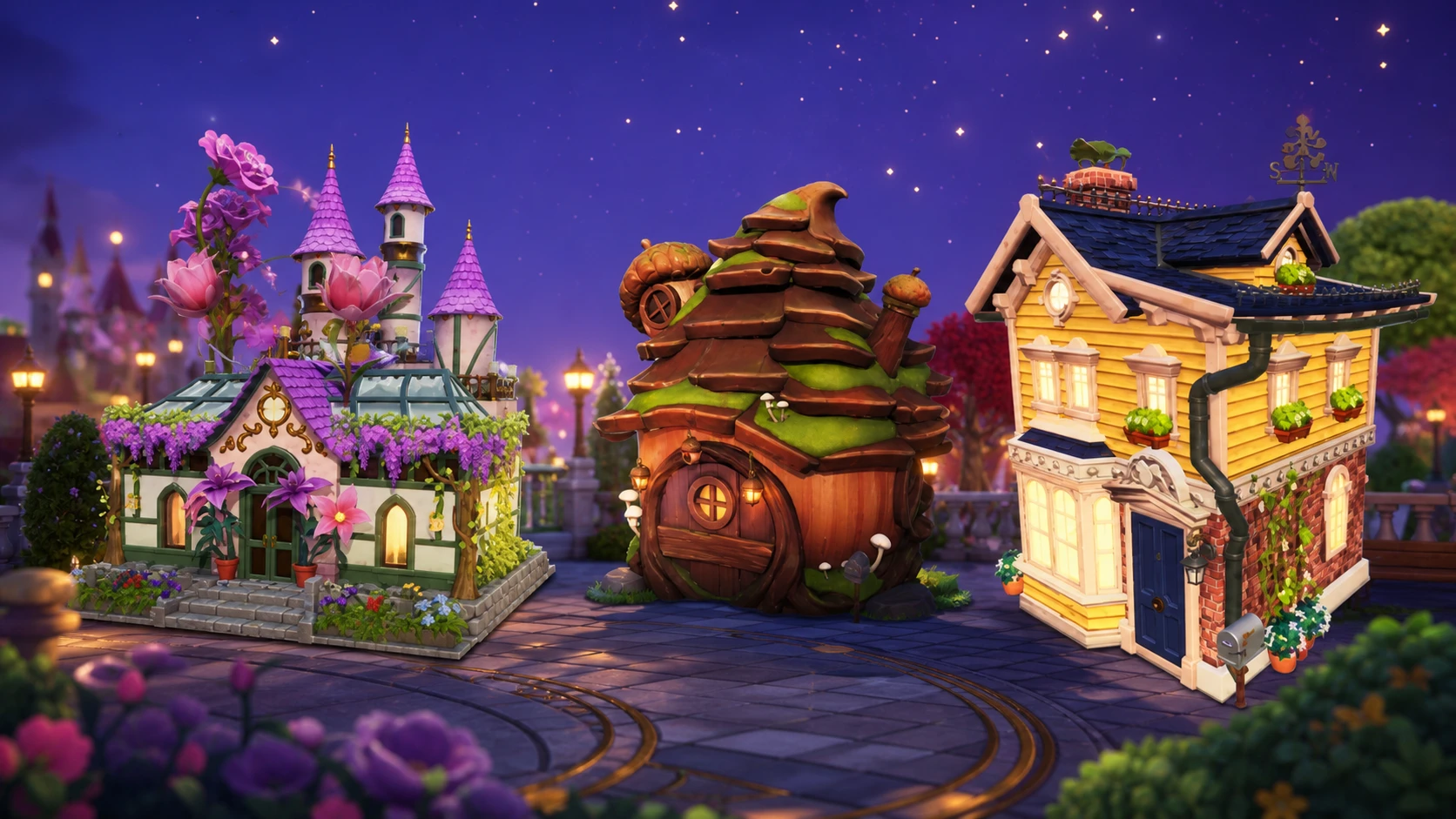
Disney Dreamlight Valley is letting players steer the design of a future house skin, and the only way to have a say is through an online vote. The skin will be free for everyone once it ships, but your input only counts if you complete every round before the window closes.
Quick answer: Go to the official community house voting page, then pick an option in all seven design phases. Voting runs June 17 through June 26, and your ballot only registers if you finish every round.
How to vote for the house skin in Disney Dreamlight Valley
The whole process happens outside the game, on the official site rather than inside your save file. That trips people up, so don’t go hunting for a menu in the Valley itself.
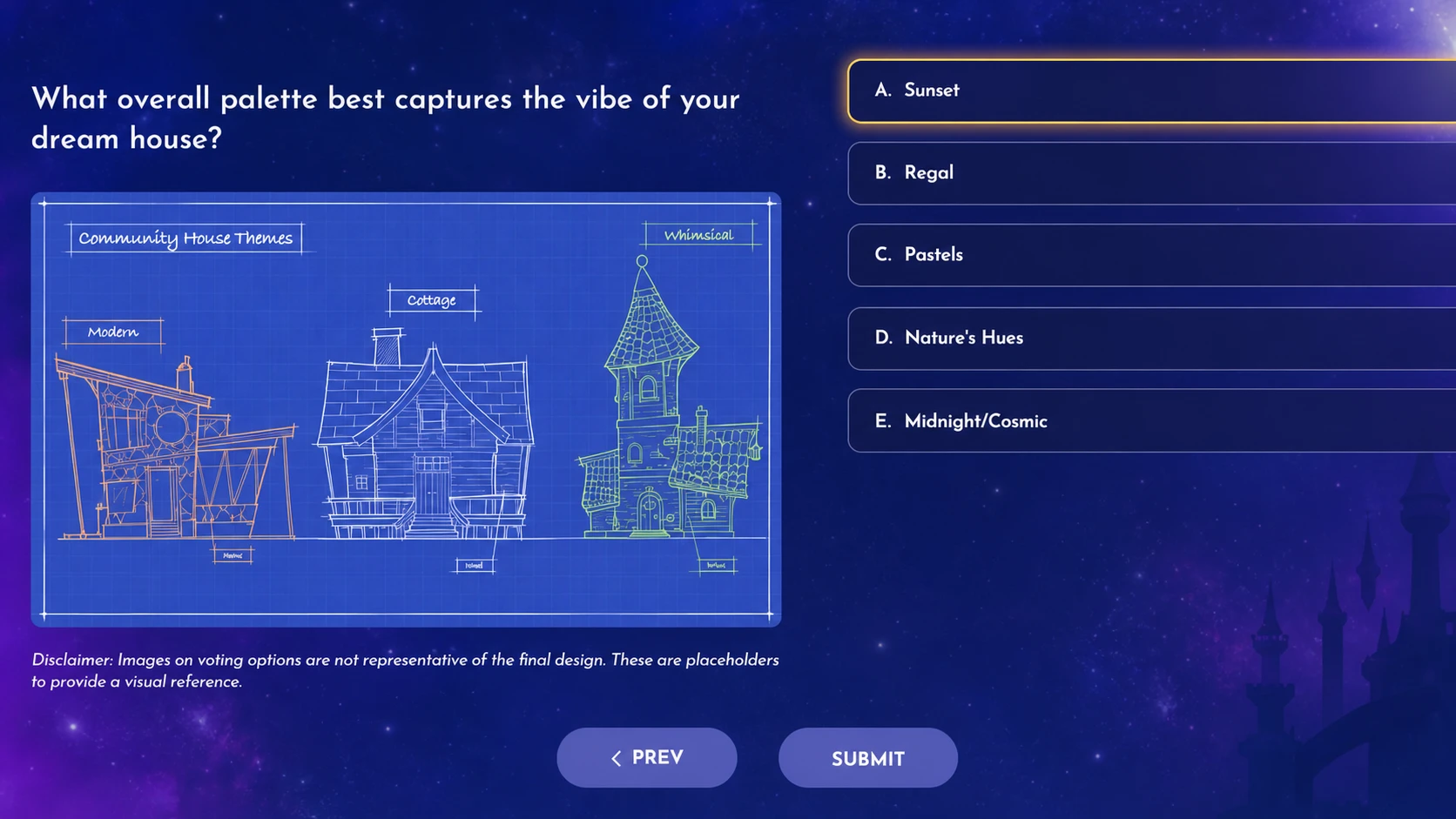
Whichever options get the most votes across the whole community win their respective categories and feed into the finished skin. There’s no in-game confirmation or reward for taking part, so once you’ve submitted every round, you’re done.
All seven house skin voting phases and options
The vote is split into seven rounds, each covering a different part of the house. Here’s every choice on offer.
| Phase | Options |
|---|---|
| Overall visual style | Cozy and inviting; Grand and sophisticated; Magical and nature-inspired; Bright and breezy; Mysterious and quiet |
| Overall shape | Tall; Short; Wide; Multi-levelled; Round; Crooked |
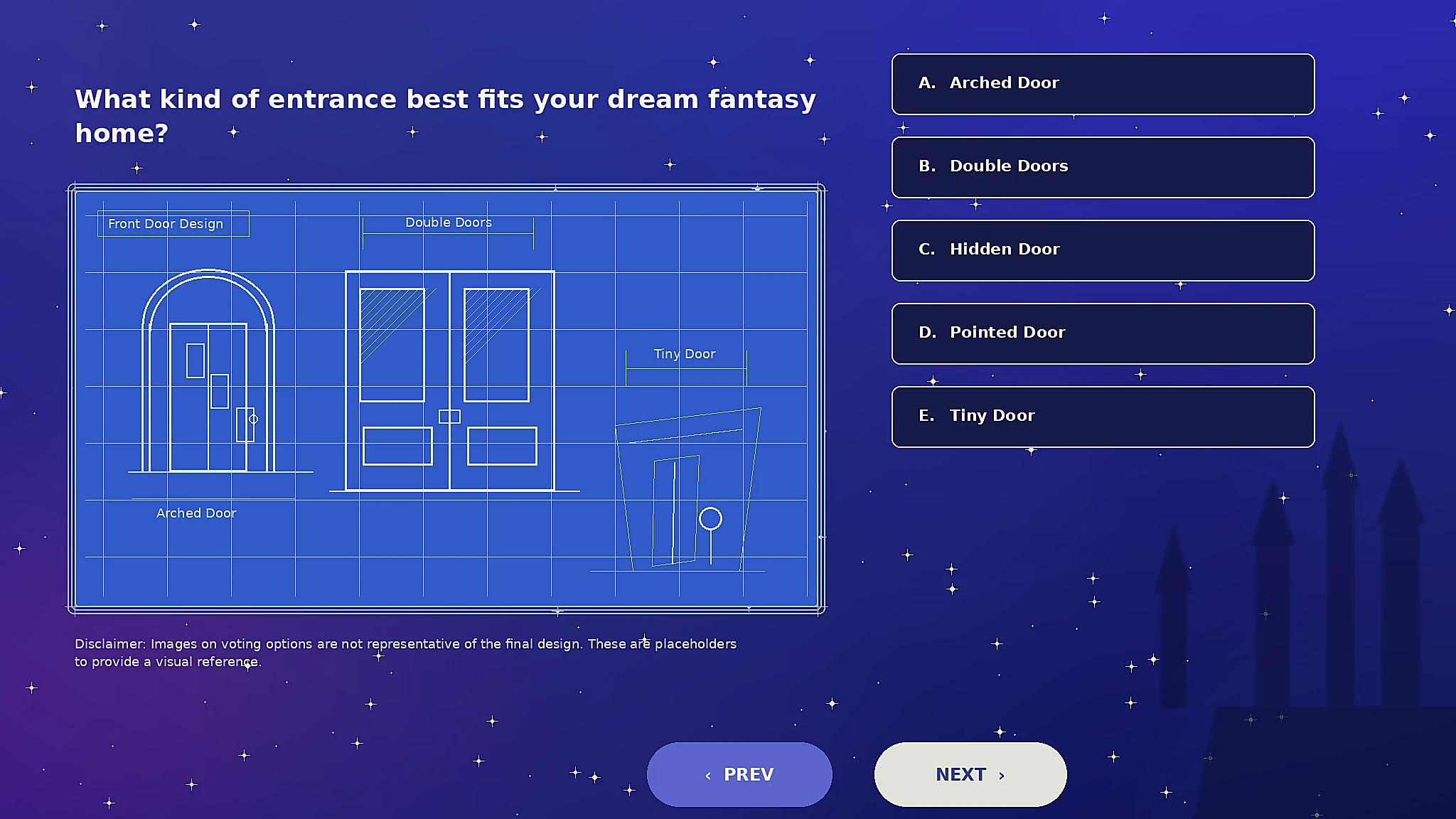
| Entrance | Arched Door; Double Doors; Hidden Door; Pointed Door; Tiny Door |
| Window design | Peek-a-Boo Window; Oval Window; Stained Glass Window; Half Moon Window; Off-Center Window |
| Material | Wood; Corals; Metal; Stone; Glass |
| Standout element | Veranda; Porch Columns; Tower; Outdoor Staircase; A Roof Garden |
| Overall palette | Sunset; Regal; Pastels; Nature’s Hues; Midnight/Cosmic |
Community house skin voting period
The voting window is open from June 17 to June 26, which gives you a little over a week to take part. After that, the polls close and the most popular picks lock in the final look of the house. If you want a say, get your votes in before the deadline.
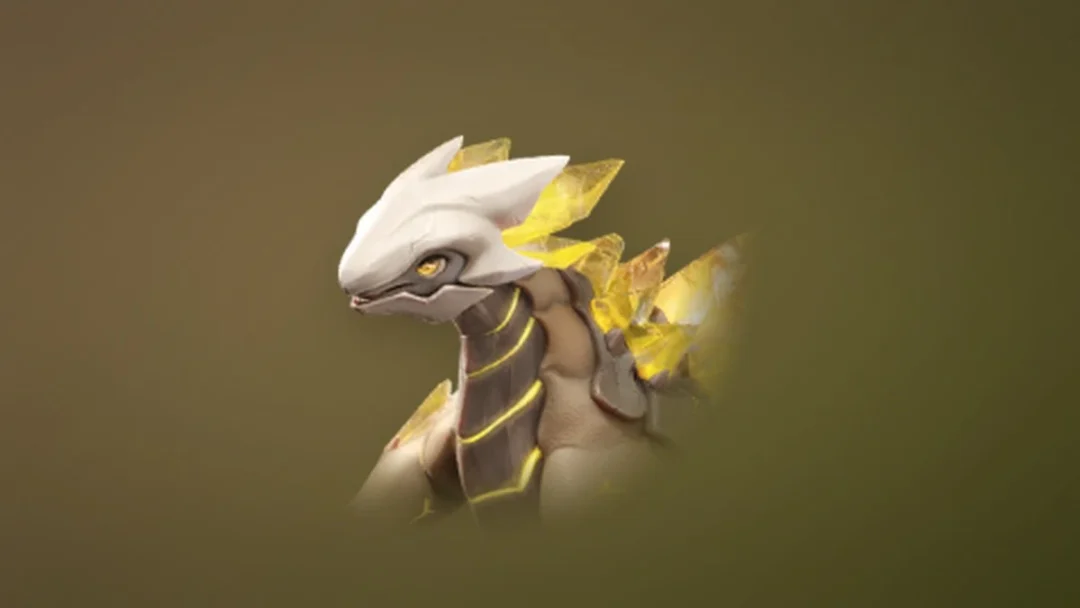
This follows the same community-driven approach used for the Sakura Blossom Dragon companion in 2025, where players voted on the design element by element.
How to get the community house skin once it’s ready
The finished house skin will be a free item for all players, with no Moonstone cost attached. If it follows the rollout used for the Sakura Blossom Dragon, it will likely be redeemable with a special code once it’s complete rather than dropping automatically into your inventory.
Note: A house skin only applies once your home is fully upgraded on the outside through Scrooge McDuck’s expansions. To swap to it later, stand outside your house, enter furniture mode, select the building, and use the replace prompt to change the skin.
When the community house skin releases
The collaborative house skin is confirmed to arrive in Disney Dreamlight Valley sometime before the end of 2026. No exact date has been shared, so it can land at any point after voting wraps, most likely tied to one of the free updates in the back half of the year. For now, the priority is simple: finish all seven rounds before June 26 so your vote shapes the result.