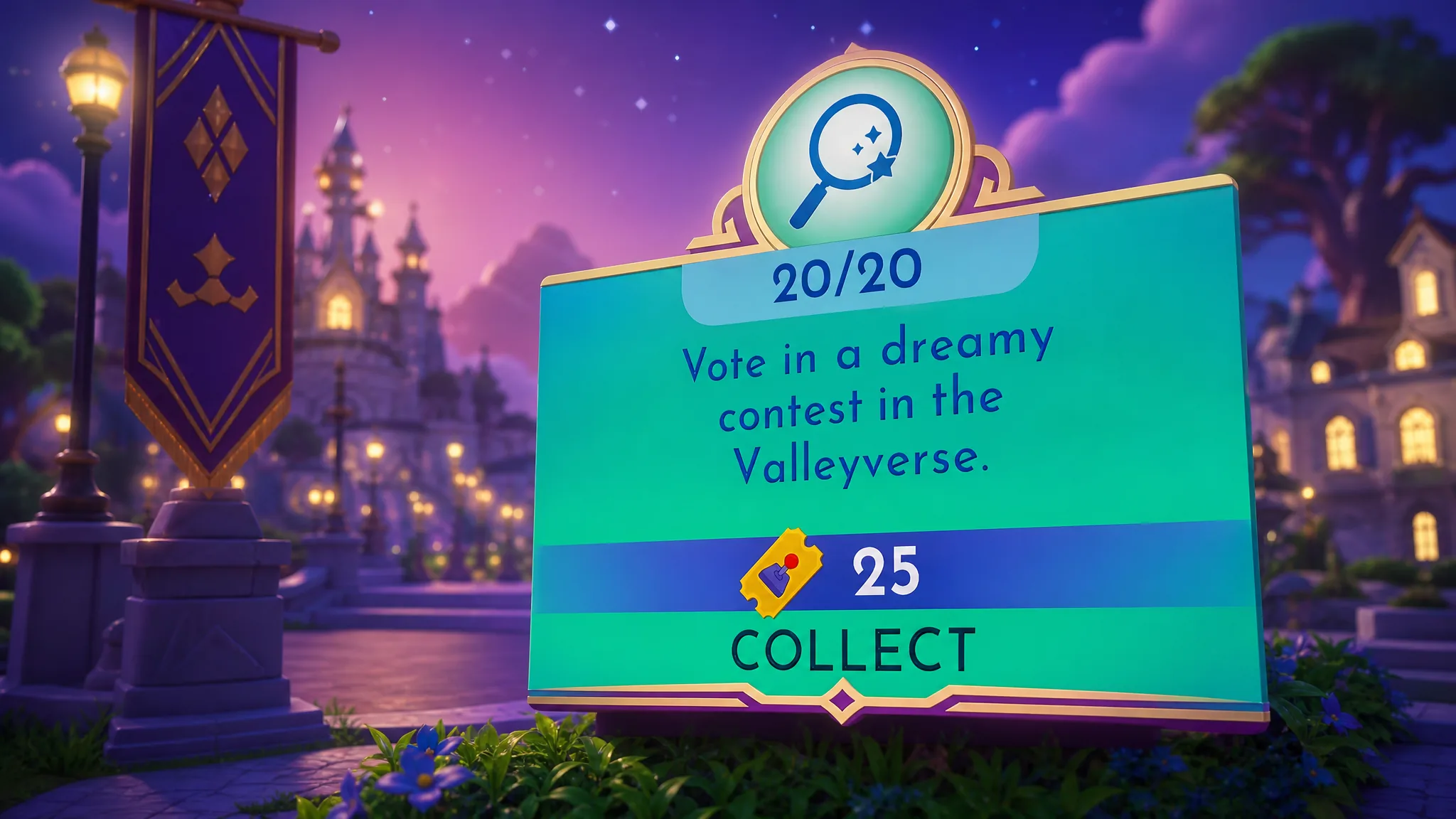
The Week 5 routine duty in Disney Dreamlight Valley that asks you to “vote in a Dreamy Contest in the Valleyverse” is easy to misread. There is no separate contest and no multiplayer server to join. The Dreamy Contest is the weekly DreamSnaps photo challenge, and the duty simply wants you to cast enough votes on other players’ entries.
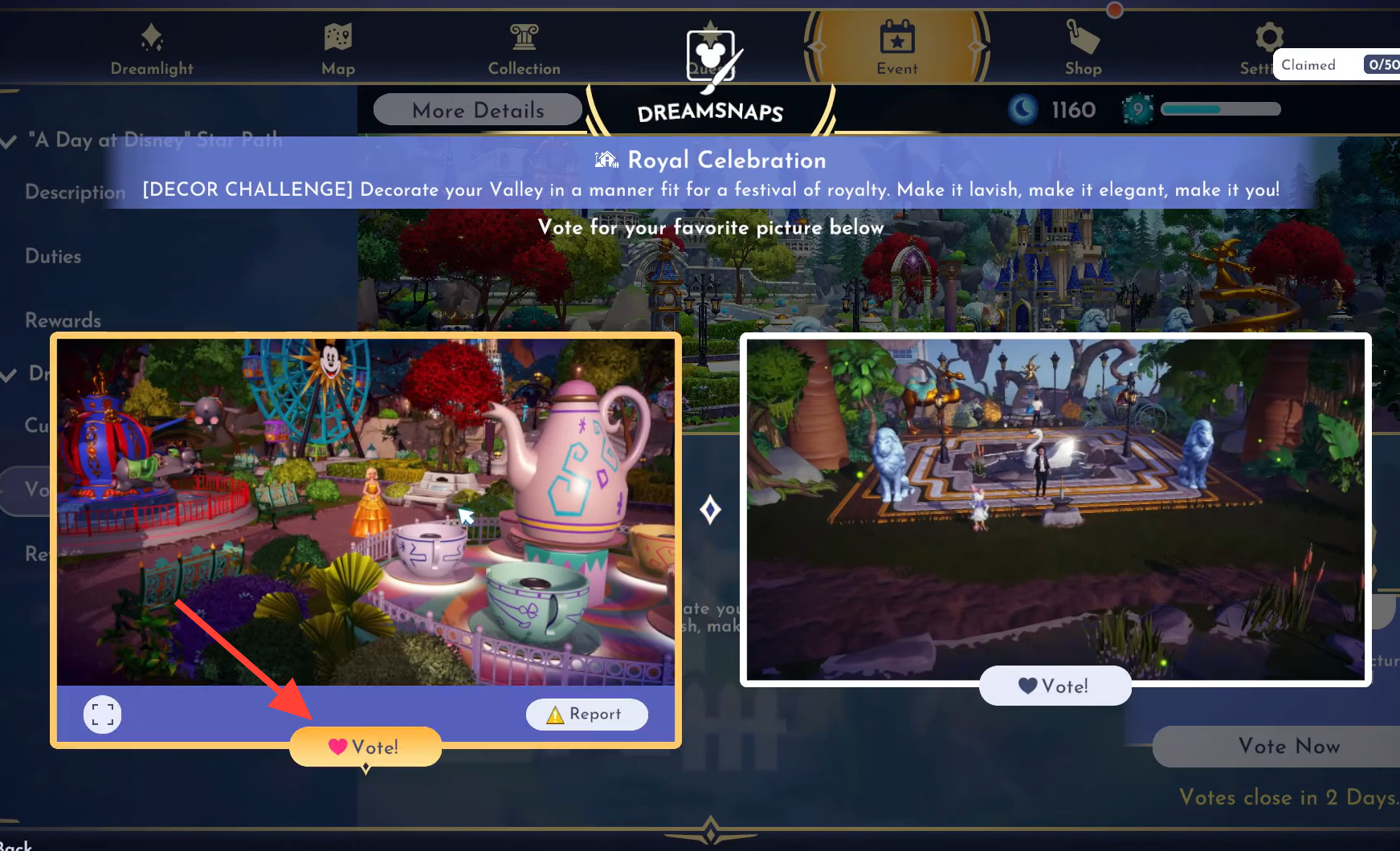
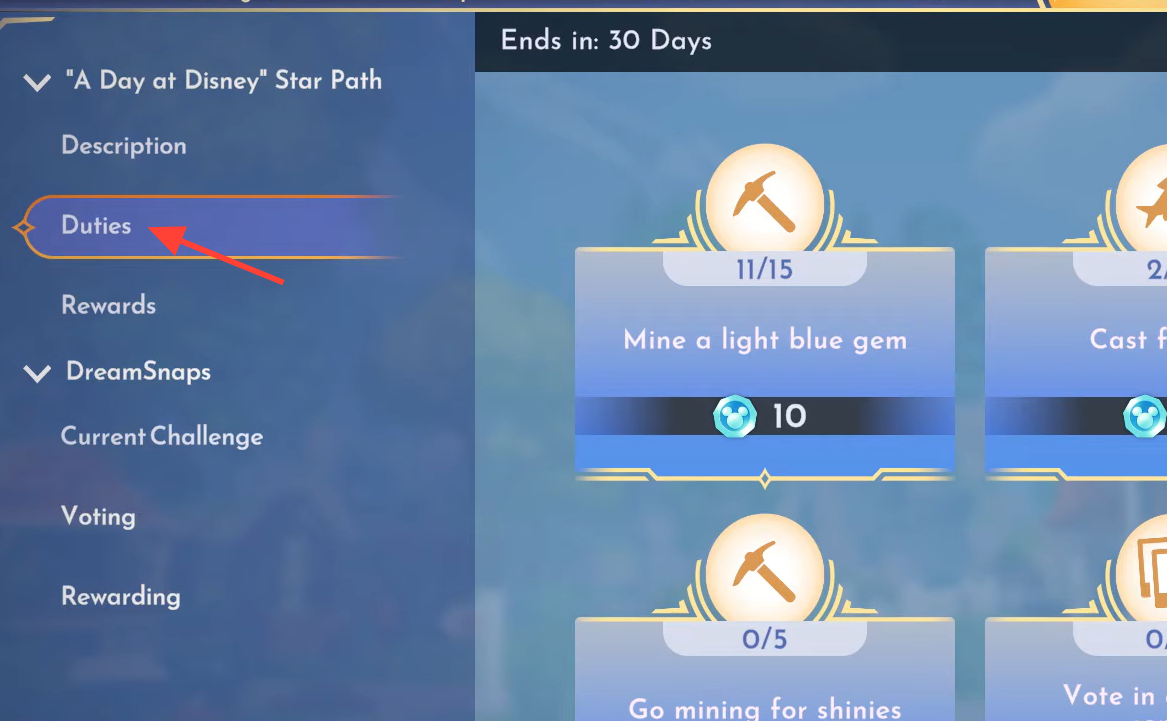
Quick answer: Open the Events tab, select DreamSnaps, go to Voting, and pick a favorite from each pair until you have voted on 20 DreamSnaps. The duty then completes and pays out 25 tokens plus 50 Moonstones.
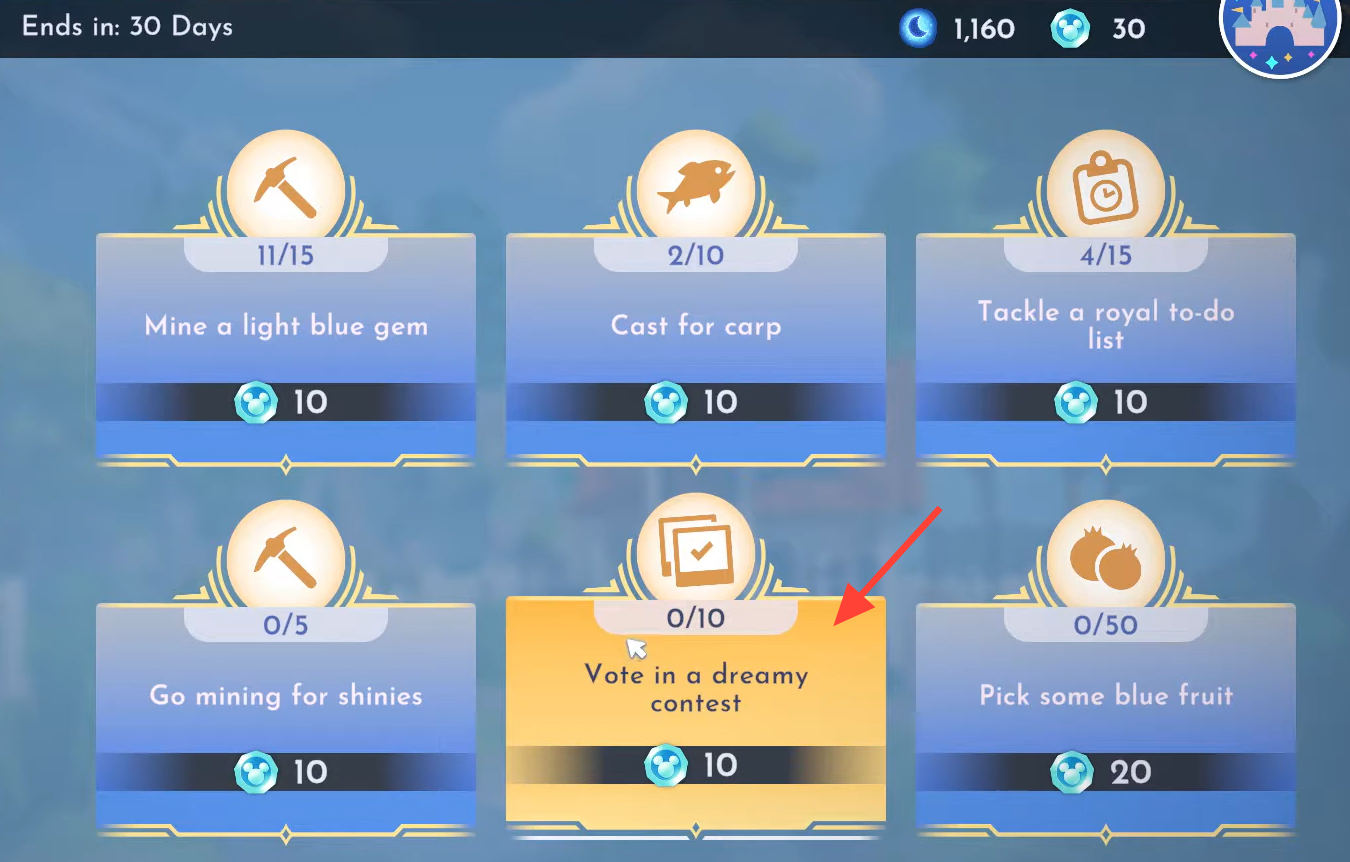
What the Dreamy Contest in the Valleyverse actually is
The “Dreamy Contest in the Valleyverse” wording is just the duty’s label for DreamSnaps. DreamSnaps is a weekly photo contest where players dress up their characters or decorate the Valley to match a set theme. Other players then vote on the submitted photos, and the number of votes each entry receives decides how well it ranks.
Because voting happens inside the game’s Events menu, you never need to team up with anyone. This is a solo action, even if you have only ever played by yourself.
How to vote on 20 DreamSnaps
Rewards for completing the duty
| Requirement | Reward |
|---|---|
| Vote on 20 DreamSnaps | 25 tokens |
| Vote in the DreamSnaps contest | 50 Moonstones |
You will know it worked when the routine duty flips to complete and the tokens and Moonstones land in your totals. If the counter seems stuck, make sure you are choosing a photo from each pair rather than skipping past them.
If the duty is not showing up
Routine duties unlock in order, so the voting task will not appear until you have finished the previous week’s routine duties. Complete those first, and the Week 5 set becomes available.
Players with the Premium Star Path can skip past the earlier weeks and unlock every routine duty released so far, which lets you jump straight to the voting task without clearing the backlog.
Submitting your own DreamSnap
Voting does not require an entry of your own, but you can add one if you want to compete. Go to DreamSnaps and open Current Challenge in the Events tab to see the week’s theme, then take and submit your photo through the camera menu. Building a submission a few days early gives you time to match the theme and stage the shot.