Dokkodo is a samurai action-RPG on Roblox built around skill-based combat, with mechanics for parrying, feinting, clashing, chambering, and disarming. The fastest way to learn those systems and stay current on changes is to use the game’s official community pages, which cover everything from stances and weapons to NPCs, locations, and patch notes.
Quick answer: Use the Trello board for mechanics and reference data, the Discord server for announcements, codes, clan links, and bug reports, and the BloxInformer wiki for extra detail. The game is developed by the Shrine of Enlightenment team and is still in active development.
All official Dokkodo links
Each link below points to an official or developer-maintained Dokkodo page. The Trello and wiki are view-only references, so you do not need an account to read them. Joining the Discord does require a Discord account.
| Platform | What it covers |
|---|---|
| Dokkodo Trello board | Controls, stances, parrying, feinting, clashing, chambering, posture, disarming, weapons, locations, NPCs, and events |
| Dokkodo Discord server | Announcements, patch notes, sneak peeks, codes, clan server links, bug reports, and developer communication |
| Dokkodo wiki | Extra pages on weapons, mounts, questlines, and core mechanics |
| Dokkodo game page | Launch the game directly on Roblox |
| Shrine of Enlightenment community | The Roblox group behind Dokkodo’s development |
What the Dokkodo Trello board includes
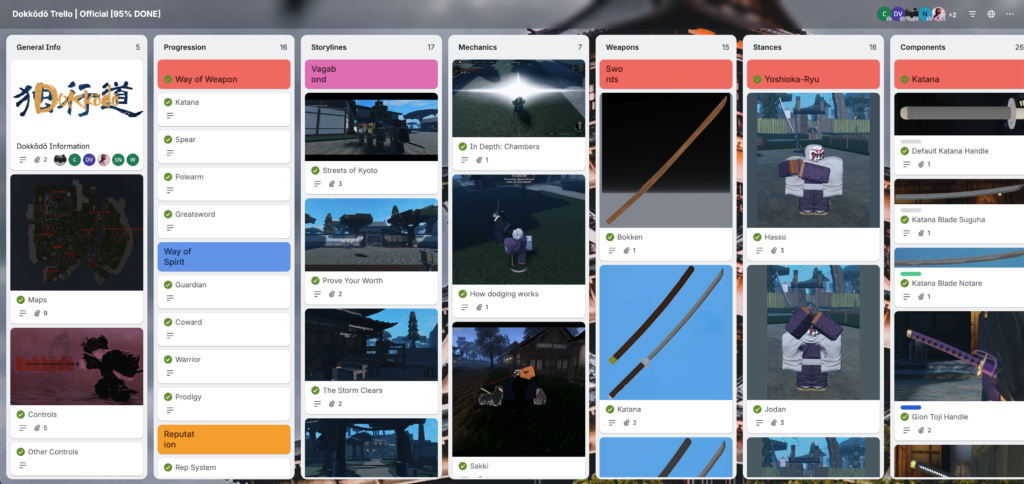
The Trello acts as a structured wiki for the game. Information is split into individual cards, grouped by topic, so you can jump straight to the system you want. If you need details on a specific character, for example, open the NPC column and select that character’s card.
The board is the best place to start before you play, because it explains the combat systems that the in-game FAQ does not fully cover. You can read it without logging in, and only the developers can edit its contents.
- General information such as controls and settings
- Parrying, feinting, clashing, and chambering
- Posture and disarming mechanics
- All weapons and all stances
- All locations and NPCs
- All events
How to join the Dokkodo Discord server
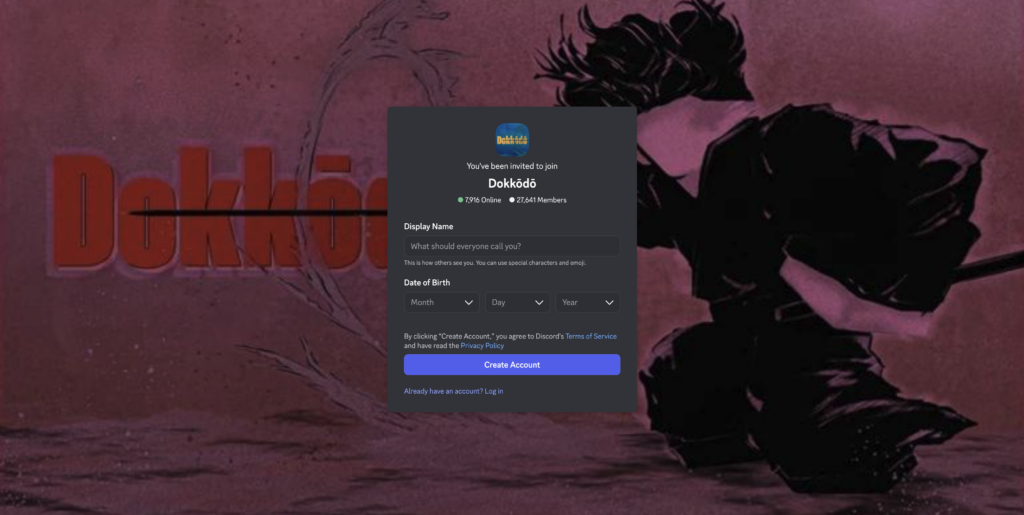
You will know you joined successfully when the server appears in your Discord sidebar and you can read the announcement and community channels. The Discord is also where clan server links are shared, so you can join a clan’s own server to organize for game modes. It is the recommended place to report bugs and send suggestions straight to the dev team.
Is there an official Dokkodo wiki?
There is no standalone official wiki for Dokkodo right now. The community-run BloxInformer wiki fills that gap with separate pages for weapons, mounts, questlines, and the major mechanics. From its main page, select the topic you want to open the matching entry.
Note: Because Dokkodo is still being updated, some mechanics may change between patches. When details differ, the Trello and Discord are the most current places to confirm what is live.
If you only have time for one resource, read the Trello first to grasp the combat basics, then keep the Discord open for announcements, codes, and clan links. There are no active Dokkodo codes confirmed at the moment, so the Discord remains the place to watch for any future free rewards.