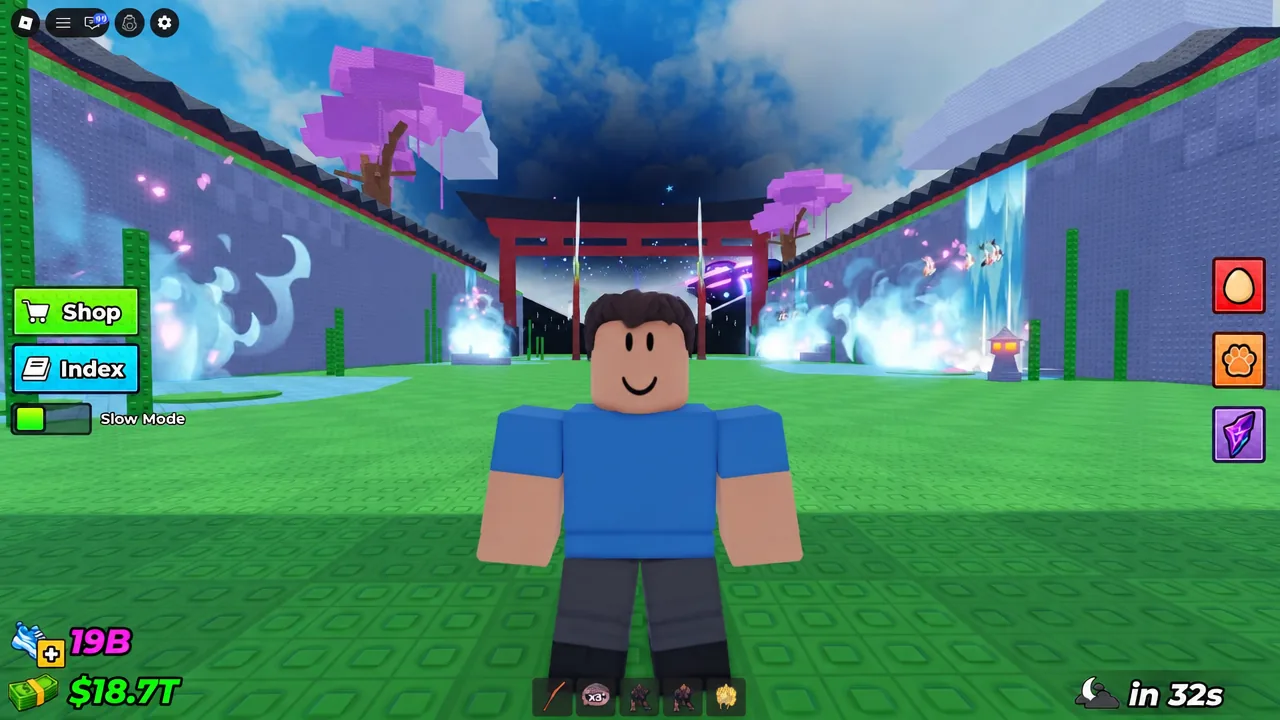
Steal An Egg is a speed-building simulator where you sprint between themed zones, grab eggs from other bases, and haul them back to sell. The problem is that everyone else in the lobby is chasing the same rare spawns, and a Divine egg can vanish seconds after it appears. That is why so many players want a server to themselves — and why the first thing they discover is that the game does not hand one out.
Quick answer: Steal An Egg has no private server feature. The workaround is to join a public server with one player, then fill the remaining slots of the 7-player cap with your own alt accounts or friends.
Why Steal An Egg has no private server option
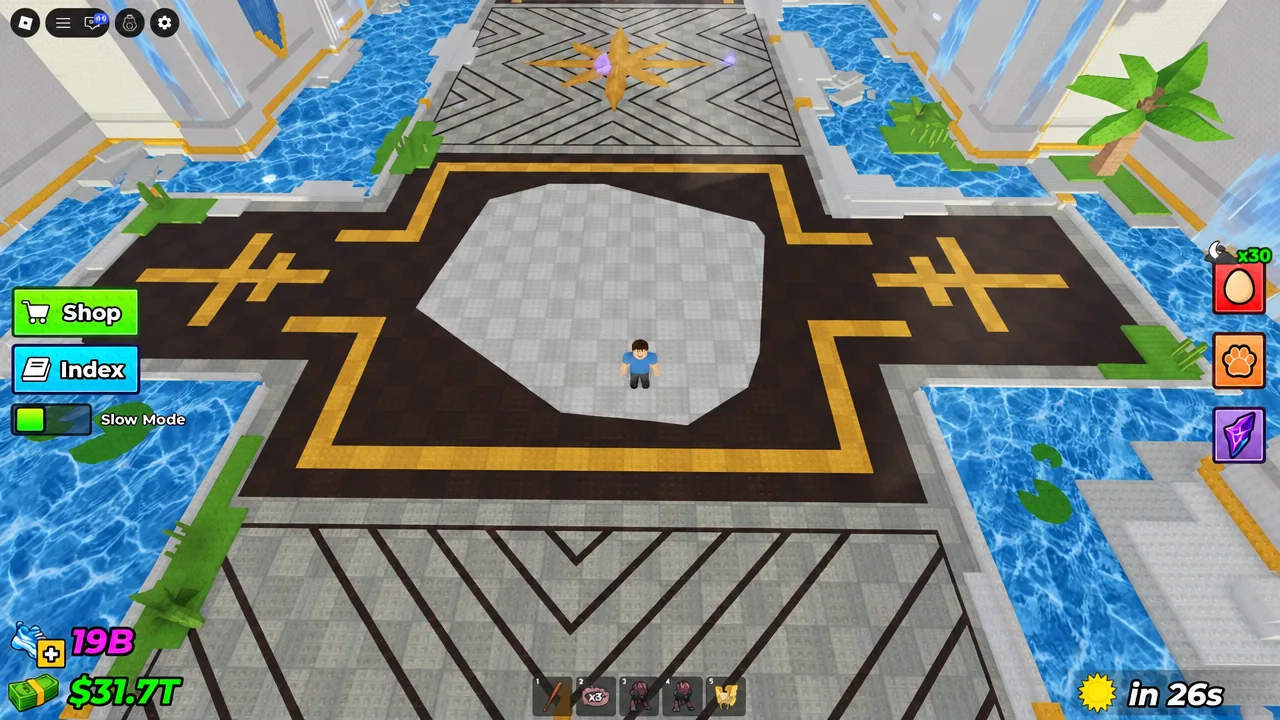
Open the experience page on Roblox, switch to the Servers tab, and the Private Servers section reads: “This experience does not support Private servers.” That is a developer-side setting. There is no gamepass to buy, no Robux price, and no hidden menu — unlike games such as Steal A Brainrot or Fisch, the team behind Steal An Egg has not switched the feature on.
Anything advertised as a free private server link for the game is not one. What does work is occupying a normal public server until nobody else can get in. Three approaches do that, and they can be combined.
| Method | Works on | Effort | Holds the server? |
|---|---|---|---|
| Join an AFK or 1-player server | PC, mobile, console | Low | No — anyone can join |
| Fill all slots with alt accounts | PC, mobile | High | Yes, while accounts stay in |
| VPN into a quiet region | PC, mobile | Medium | Partly |
Method 1: Find a low-population or AFK server
This on its own is not a private server. The slots you leave open are visible to Roblox matchmaking, so a random player — or an exploiter — can drop in at any moment.
Method 2: Fill every slot so nobody else can join
A Steal An Egg server holds seven players. Once all seven slots are taken by accounts you control — or by friends you trust — matchmaking has nowhere to place a stranger, and the lobby behaves exactly like a private server.
PC: running multiple Roblox clients with Process Explorer
Windows normally allows one Roblox client at a time because the app creates a singleton handle. Closing that handle lets you launch additional clients on the same machine.
procexp.exe and procexp64.exe.RobloxPlayerBeta.exe, and look in the lower pane for the handle named ROBLOX_singletonEvent — the full path reads Sessions1BaseNamedObjectsROBLOX_singletonEvent. Right-click it, pick Close Handle, and confirm with Yes.Seven Roblox clients on one machine is heavy. Drop the graphics quality in each window before you start, or expect stutter and disconnects.
Mobile: spare devices and cloud phones
The same logic works without a PC. Log alt accounts in on any spare phones or tablets you own and send each one into the same server. Android cloud emulator services such as UGPhone can also run several virtual devices at once — install Roblox on each instance, sign in to a different account, and join the target server to take up the remaining slots.
If you do not have alt accounts, friends work just as well. Find a server with one or two people, pull your group in through the party connection feature, and you get the same lockout once the lobby is full.
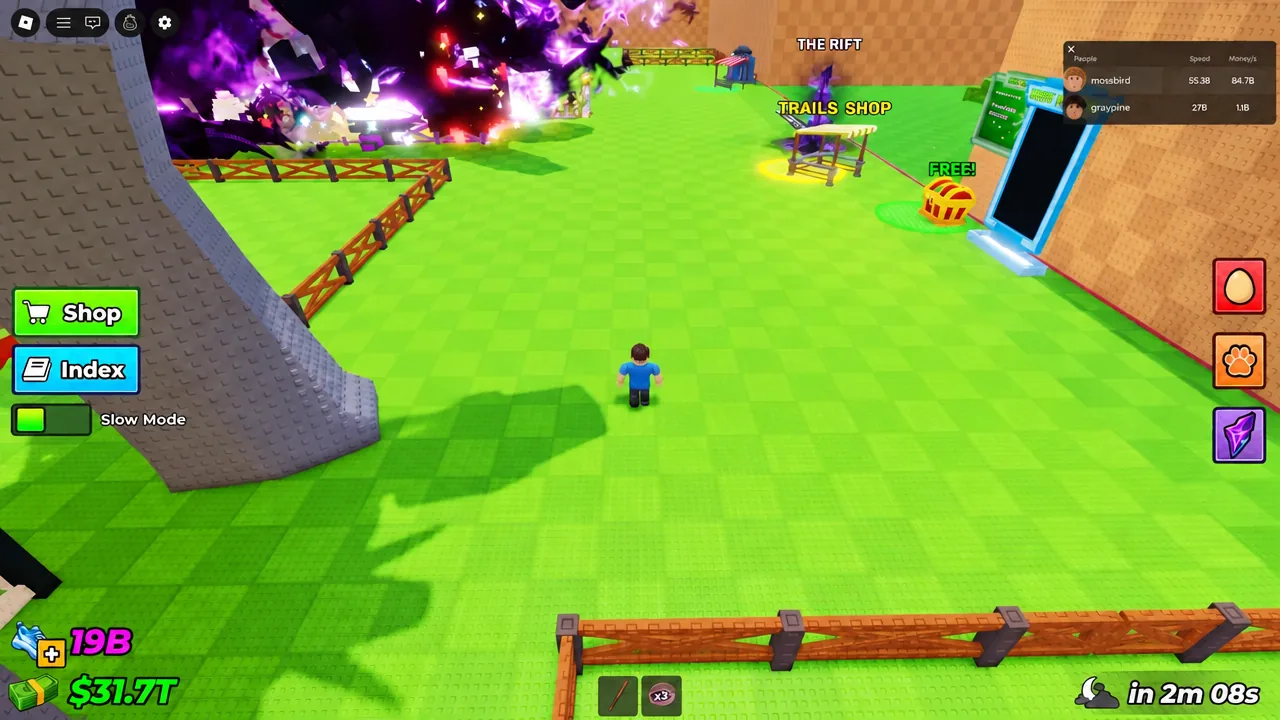
Method 3: Use a VPN to land in a quieter region
Roblox routes you to servers near your connection. Change where that connection appears to come from and you land in a different regional pool, which is useful when your home region is saturated.
Dealing with a leftover random player
Occupying six slots still leaves one stranger in the lobby. The practical fix is attrition. Keep beating them to every spawn and knocking them back from eggs they try to carry until the server stops being worth their time. Once they disconnect, move one more of your accounts into the empty slot to seal it.
How to confirm the server is locked down
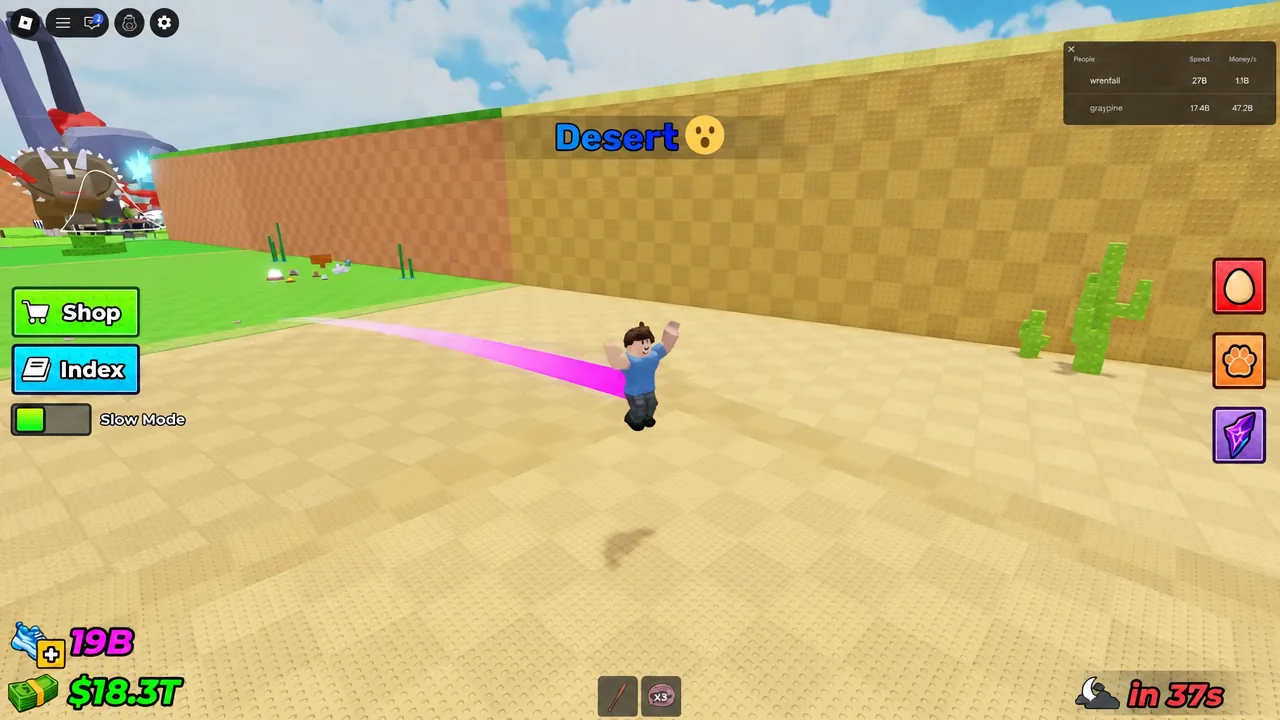
Open the Esc menu and check the player list. Every name should be yours or a friend’s, and the count should read the full seven. On the Roblox server list, the entry you joined will show as full, which is what stops matchmaking from routing anyone else in.
The practical confirmation comes in-game. When a rare egg spawns and the interact prompt is still there when you arrive — with no competing player sprinting in from another zone — the lockout is holding. Runs through the Forest, Lake, Desert, Jungle, Snow, Volcano, Abyss Ocean, Prehistoric, Cosmic, Titan Temple, and Angels & Demons zones stop being a race.
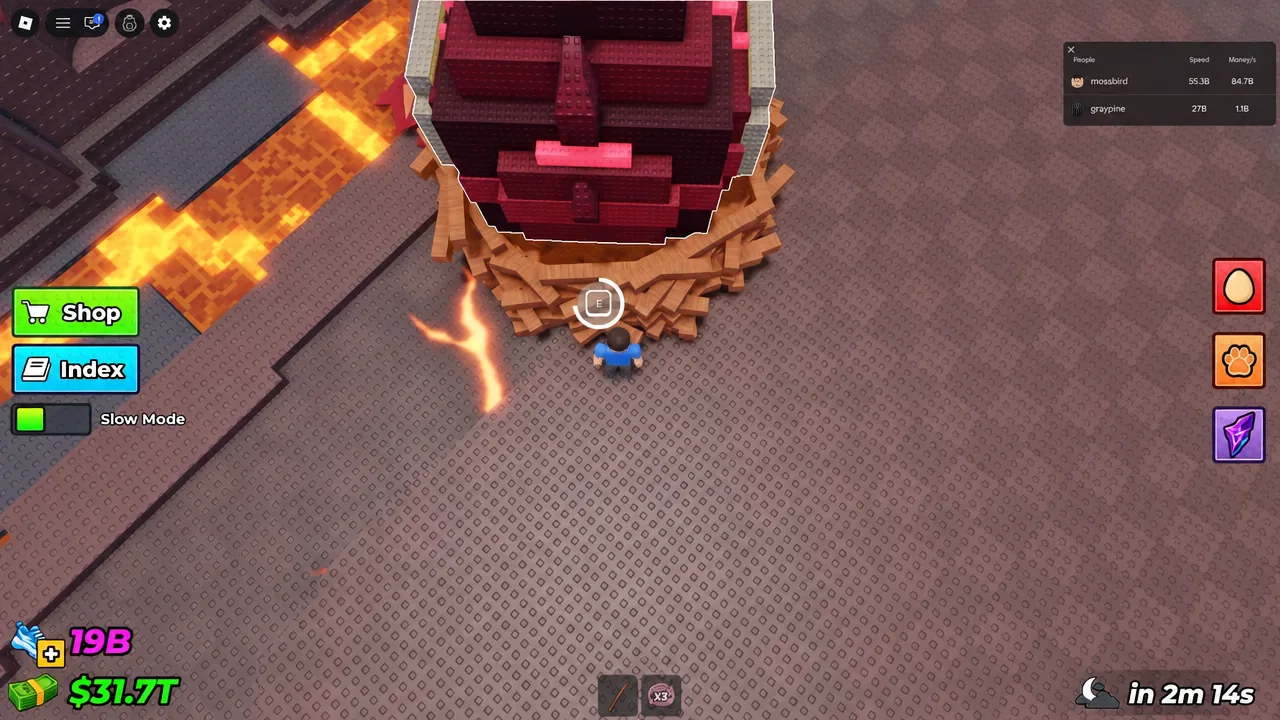
None of this is permanent. The moment an alt account times out, crashes, or leaves, the slot reopens and the server is public again. Until the developers add a gamepass or switch on Roblox’s built-in private server system, filling the lobby yourself is the closest thing available.