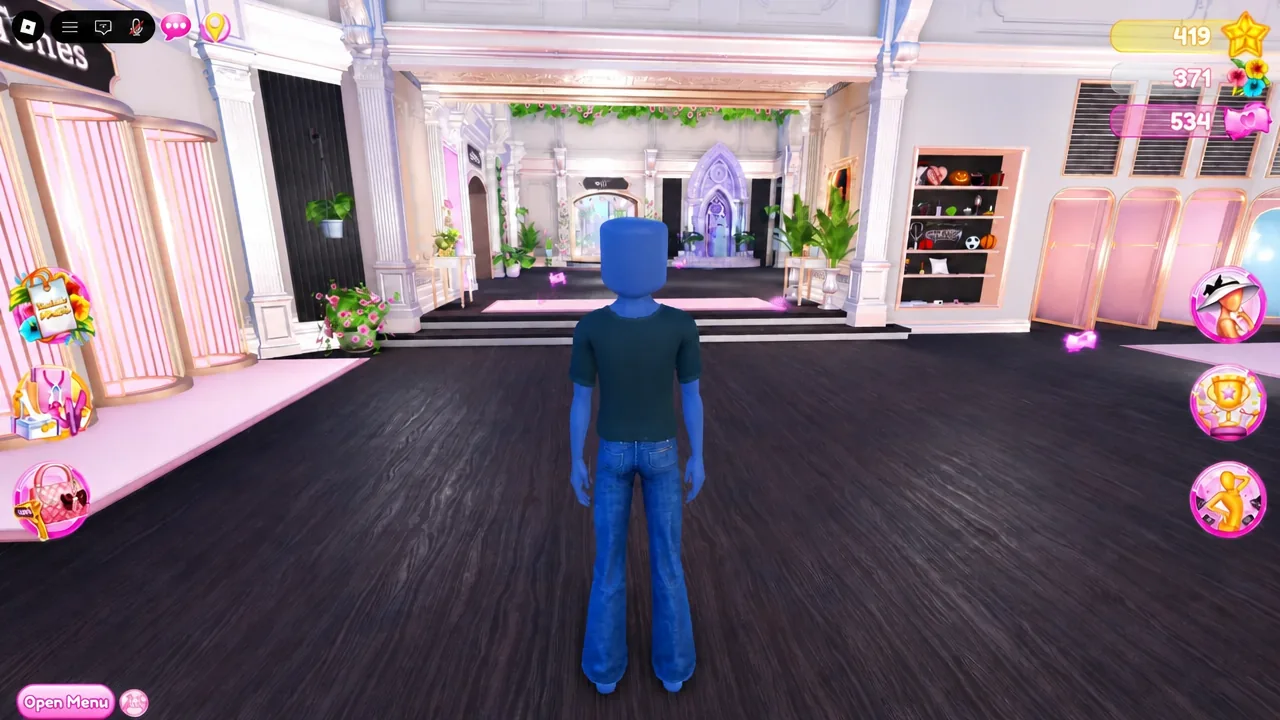
Dress To Impress is running a limited celebration for hitting 10 billion plays, and almost everything in it disappears when the window closes. The 10B Party Update bundles a redeemable code, a set of sweet-themed celebration items, a new Freeplay mini-quest, and the return of the OG tote bag toggle. None of it carries over once the event listing ends.
Quick answer: Join a fresh server, open the code menu, and redeem 10BILLION exactly as written to unlock the fork-shaped wand, then enter Freeplay to start the new mini-quest before the event closes on September 19, 2026 at 11 a.m. ET.
10B Party Update: Event window and what is live
The celebration opened on September 5, 2026 at 11 a.m. ET (3 p.m. UTC) and runs for two weeks, ending at the same clock time on September 19. That start time works out to 8 a.m. Pacific, 4 p.m. in the UK, and 5 p.m. in Central Europe. The update landed on game version V2.0.7.
| Detail | What it is |
|---|---|
| Milestone | 10 billion plays |
| Event window | September 5–19, 2026, ending 11 a.m. ET |
| Code | 10BILLION |
| Code reward | Silver fork-shaped wand accessory with a pink bow |
| Celebration items | Cake-style dress, matching hairstyle, wand accessory |
| New activity | Freeplay mini-quest |
| Returning toggle | OG tote bag, feminine bodies only |
Note: the counts shown in the update notice and the in-game claim list do not always match, so treat the Dressing Booth as the final word on what you actually own.
How to redeem the 10BILLION code
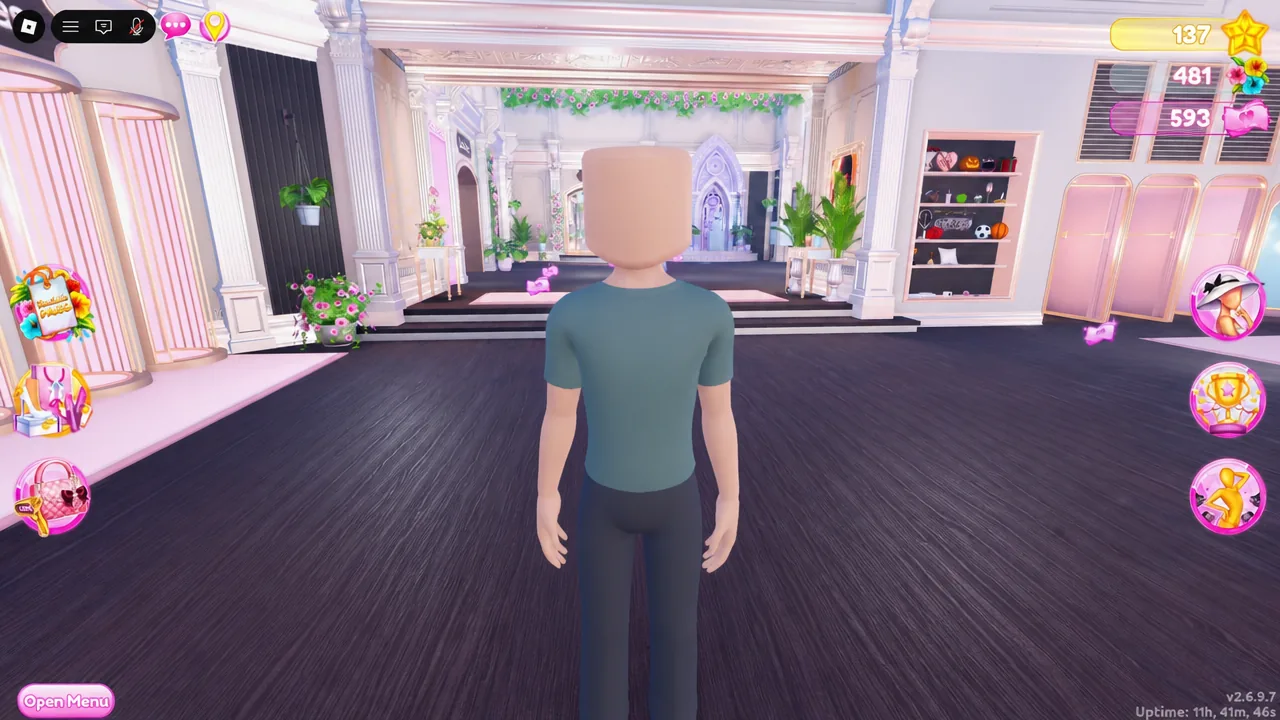
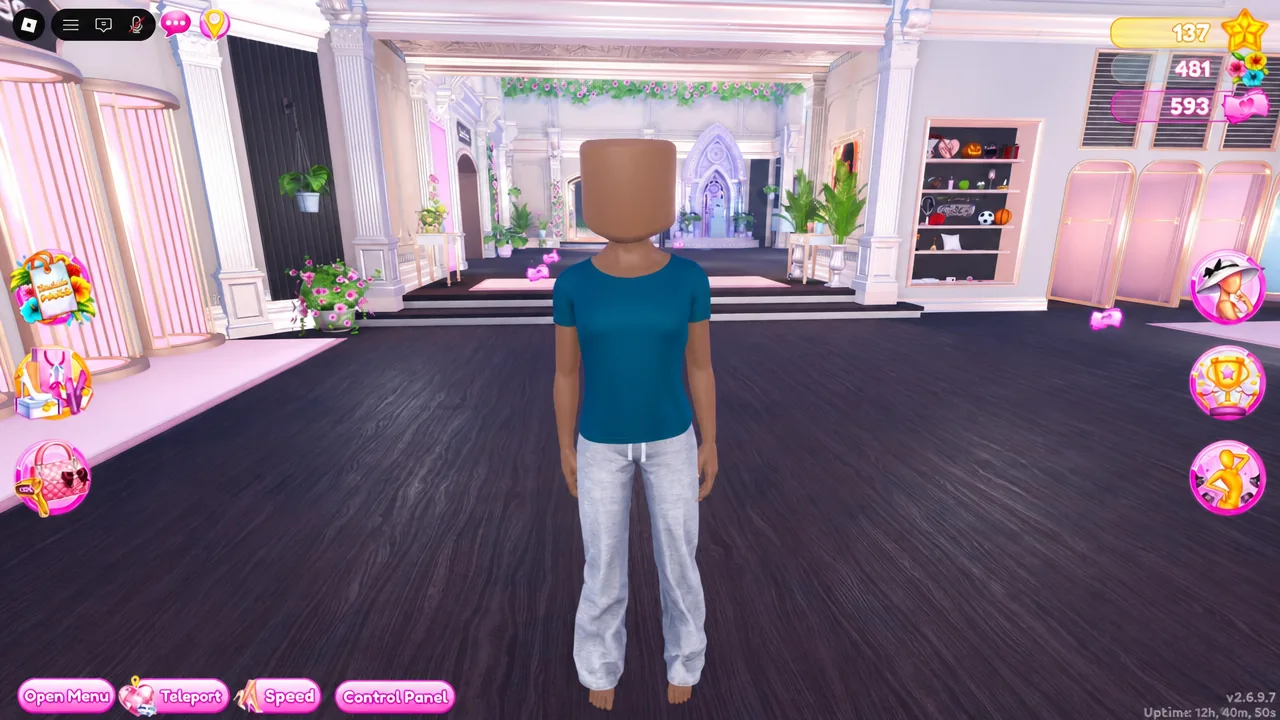
10BILLION exactly as shown and confirm with the pink tick. Codes are case sensitive and a stray space will cause a failure, so retype rather than pasting if it does not take.Starting the 10B Freeplay mini-quest
The mini-quest only runs in Freeplay, not on the runway. Enter Freeplay mode from the lobby, then follow the quest objectives in the order the game presents them and keep an eye on the progress counter as it ticks up. The counter is the reliable signal that an objective registered.
Finishing the quest is how the celebration pieces land in your wardrobe. The cake-style dress, the matching hairstyle, and the wand accessory should all be visible in the Dressing Booth once the quest closes out. If they are not there, open the achievement and reward area inside the Dressing Booth before assuming the claim failed.
OG tote bag toggle: Feminine bodies only
The original tote bag toggle is back, but it is restricted to feminine avatar bodies for now. If you are on a masculine body and the toggle does not appear, that is the current limit rather than a bug. Switch to a feminine body in the Dressing Booth to test it before rebuilding a saved outfit around the bag.
Scarlet’s Treasure Hunt status
Scarlet’s Treasure Hunt returned on August 29, 2026 and sent players into Freeplay to search the map for chests, with Seashell Cove holding a separate mystery. That run rewarded the Trident of the Shells and brought back the Seashell Crown, alongside making every hairstyle adjustable.
Its listed window closed on September 4 at 11 a.m. ET, the day before the 10B Party opened, so check the active event notice in a current server rather than assuming the chests are still spawning. An ended calendar entry does not always mean every associated item vanished, but it does mean the hunt route is no longer the path to the new mini-quest.
Order to claim everything before September 19
Limited quests come first. Styling can wait, because the new items stay in your wardrobe after the event closes, while the ways to earn them do not.
| Order | Task |
|---|---|
| 1 | Redeem 10BILLION in the code menu |
| 2 | Enter Freeplay and start the mini-quest |
| 3 | Claim the celebration items as they unlock |
| 4 | Test the OG tote bag toggle on a feminine body |
| 5 | Check whether any Scarlet content is still active |
| 6 | Verify every unlock in the Dressing Booth |
If the 10B content or code does not work
Two things account for most failures. The first is an old server: Roblox updates spread across sessions instead of replacing them all at once, so a lobby that still looks like the previous event needs a leave-and-rejoin rather than troubleshooting. The second is code entry, where a typo, wrong casing, or an extra space blocks redemption.
If both check out and a reward still is not showing, look in the achievement and reward section of the Dressing Booth before redeeming again. Items sometimes land there rather than appearing in the wardrobe category you expected.
The practical takeaway is timing. The code and the mini-quest are the only two things gated by the two-week window, and both take a few minutes each. Handle them in your first session, then spend the rest of the event putting the cake dress and fork wand to work on the runway.