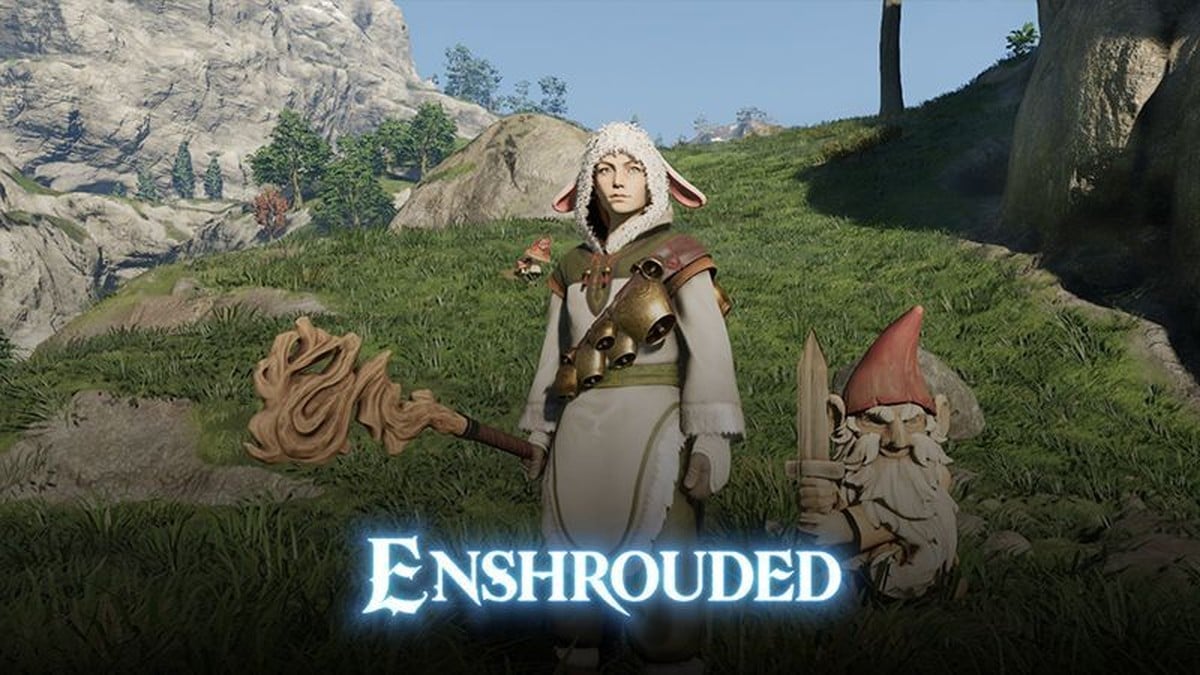
The Gnome in Enshrouded was a reward from the “Fluffy Drops” Twitch campaign, and that campaign ended on 18 November 2024 at 22:00 UTC. Watching streams will no longer earn it.
Quick answer: Keen Games says every Twitch drop reward is part of the game, so the Gnome can still be acquired through quests, achievements or discovery instead of watch time.
Which Twitch Drops campaign gave the Garden Gnome
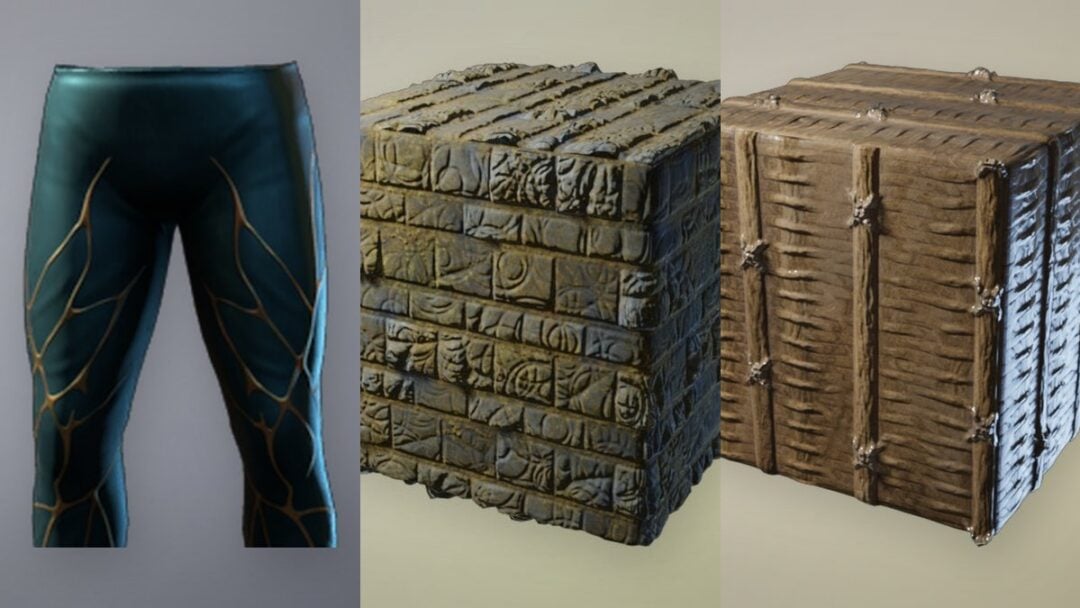
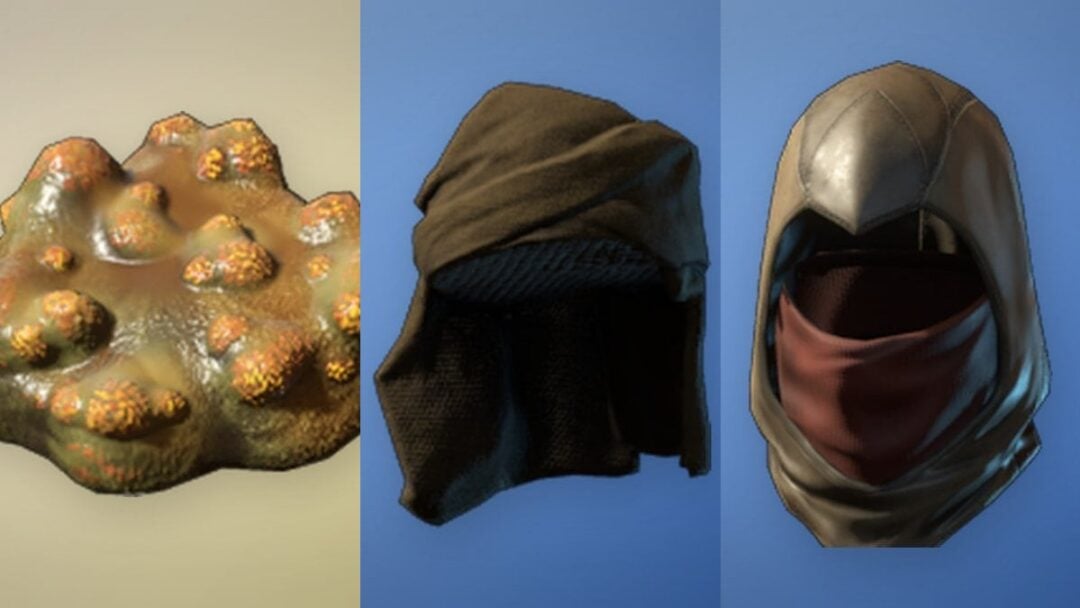
The Gnome belonged to Fluffy Drops, where it was the reward for 3 hours of watch time. Most of the other rewards were pieces of a Fluffy outfit, unlocked at different watch-time thresholds.
| Fluffy Drops reward | Watch time |
|---|---|
| Fluffy Boots and Pants | Watch 1 hour |
| Fluffy Mittens | Watch 1 hour 30 min |
| Fluffy Tunic | Watch 2 hours |
| Gnome | Watch 3 hours |
| Fluffy Hood | Watch 4 hours |
No Twitch Drops campaign is running right now. The official Twitch Drops listing shows “Coming soon” in place of a current campaign, and the most recent one, “Efflorescent Hope Drops”, ended on 5 May 2026. No official date for the next campaign is confirmed.
Can you still get the Garden Gnome?
Yes, though not through Twitch. Keen Games addresses players who missed a campaign directly in its Twitch Drops FAQ:
“Don’t worry Flameborn. All the Twitch drop rewards are part of the game. You can still acquire them through quests, achievements, discovery etc.”
Keen Games has not said where in the game the Gnome turns up, or which quest, achievement or discovery hands it out.
How Enshrouded Twitch Drops work when a campaign is live
If a later campaign offers the Gnome and similar rewards again, you’ll need Twitch and Steam accounts, with Enshrouded in your Steam library, to earn them. Prime membership isn’t necessary.
To switch to a different Twitch account, sign in with Steam or PlayStation on the same page, choose Unlink account, and then link the new one.
Claiming a Twitch drop inside Enshrouded
A drop claimed on Twitch isn’t in your backpack yet. It shows up in the game’s own menu, and you have to move it to a character.
The item appearing in your character’s inventory confirms the claim succeeded. You can claim cosmetic drops again for your other characters.