Gaming How-To

Enshrouded: How to Repair Tools and Gear at the Workbench

Opening and closing the Workbench menu restores worn tools like the Pickaxe and turns their durability bar green again.

Opening and closing the Workbench menu restores worn tools like the Pickaxe and turns their durability bar green again.

In Enshrouded, a tool that’s nearly worn out is easy to spot. The bar under its slot on the action bar turns short and red. You can fix it at your Workbench.

Quick answer: Go to a Workbench (the prompt reads “E Craft & Repair”), press E, then close the menu. “ALL ITEMS REPAIRED” appears, and the tool’s bar is full again.


Repair a worn Pickaxe at the Workbench
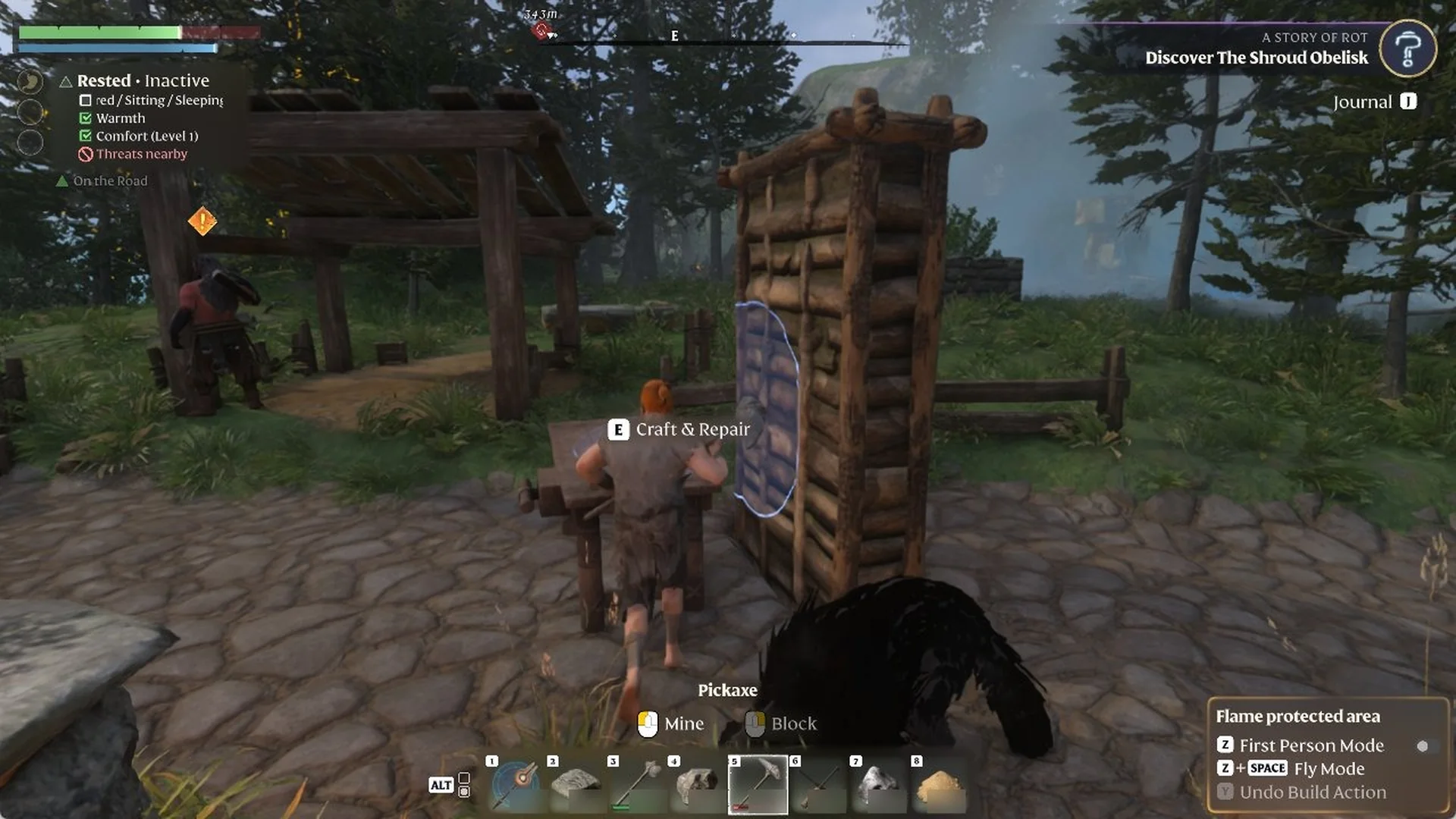
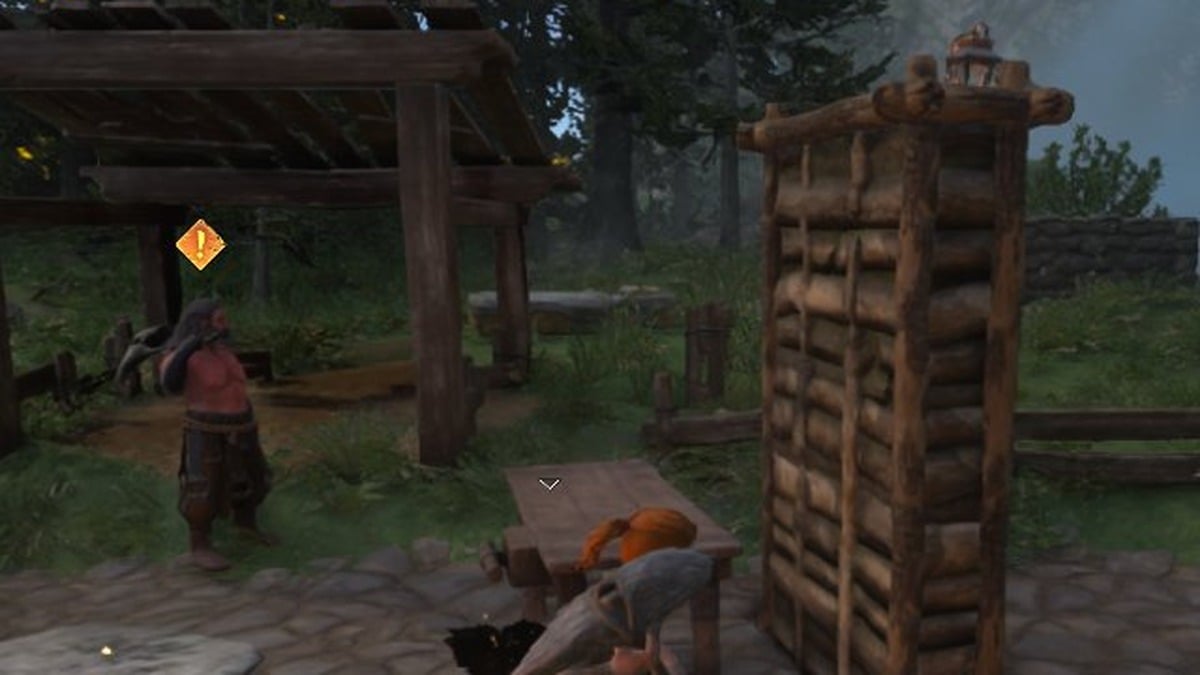
Walk up to your Workbench with the damaged tool on your action bar. When you’re close enough, the prompt “E Craft & Repair” appears. A Pickaxe in this state shows a short red bar under its slot.
Character at the Workbench by day with the 'E Craft & Repair' prompt and a short red bar under the Pickaxe.
At the Workbench, the Pickaxe slot shows a short red bar.
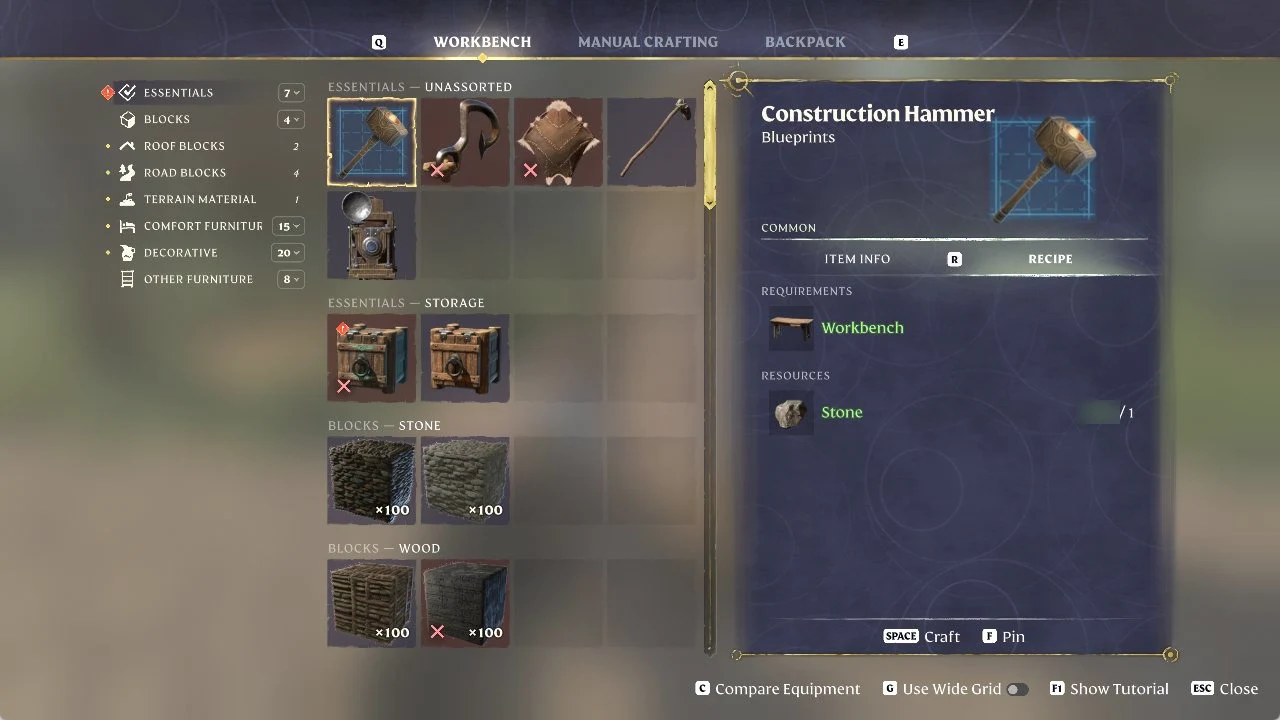
Press E to open the Workbench menu. It has three tabs, WORKBENCH, MANUAL CRAFTING and BACKPACK. At this point you can browse the recipes in these tabs without choosing anything to repair.
Enshrouded Workbench menu open after pressing E, showing WORKBENCH, MANUAL CRAFTING and BACKPACK tabs with a recipe card on the right
The Workbench menu after pressing E, with its WORKBENCH, MANUAL CRAFTING and BACKPACK tabs.
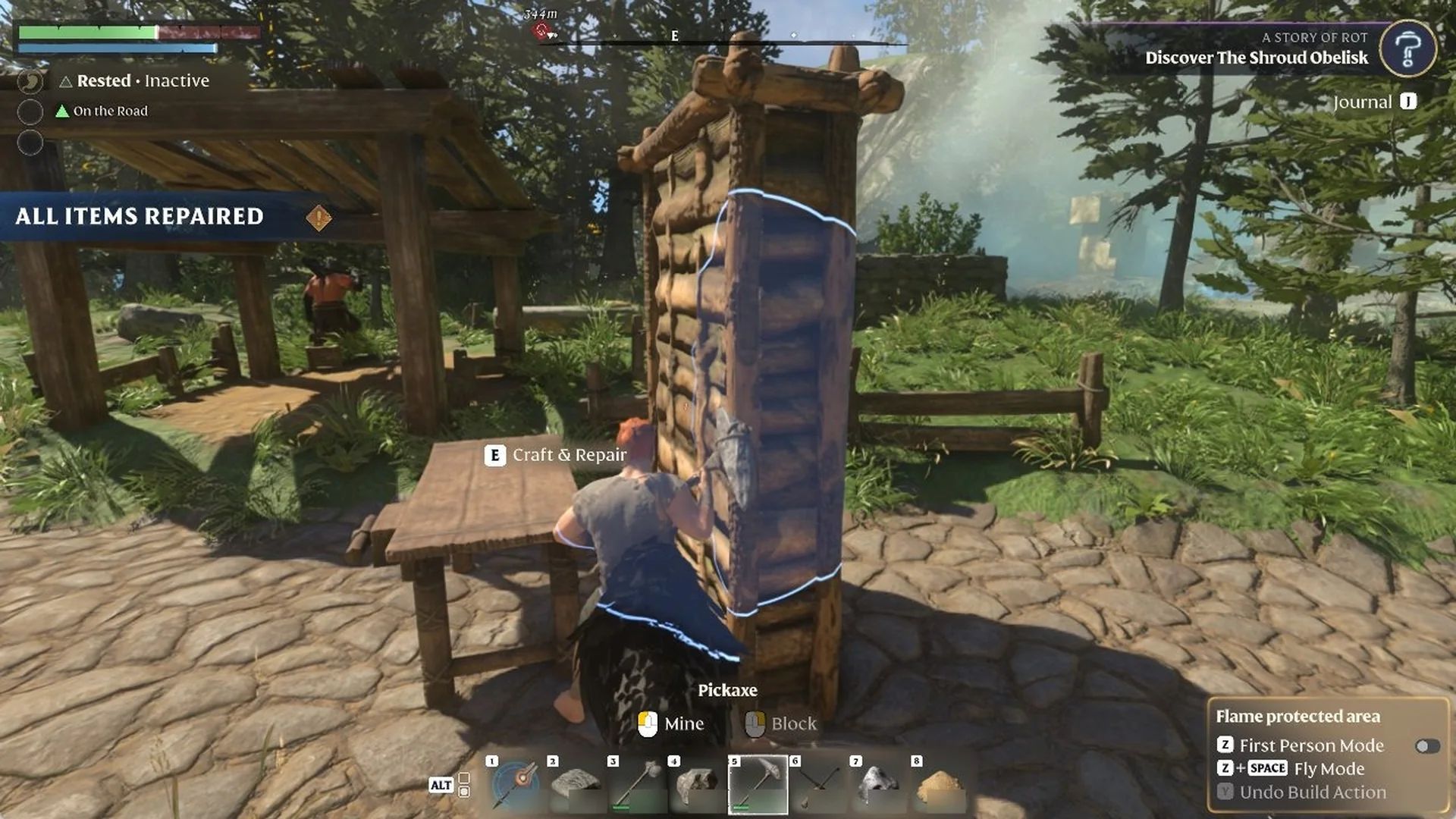
Close the menu with ESC. As it closes, the banner “ALL ITEMS REPAIRED” shows on the left side of the screen.
Player back at the Workbench with the 'ALL ITEMS REPAIRED' banner on the left and the Pickaxe slot bar full and green.
At the Workbench, “ALL ITEMS REPAIRED” appears and the Pickaxe slot bar is full.

How to tell the repair worked

After you close the Workbench menu, look for the banner “ALL ITEMS REPAIRED” on the left of the screen. The bar under your Pickaxe’s action bar slot is also full and green again instead of short and red. No repair cost or materials were shown or asked for.

If you have no Workbench yet, learn how to build the Workbench, and craft a Repair Kit at the Hunter to repair your equipment on the go. A Pickaxe whose card reads “Durability 0 / 180” is replaced by crafting a new Pickaxe.