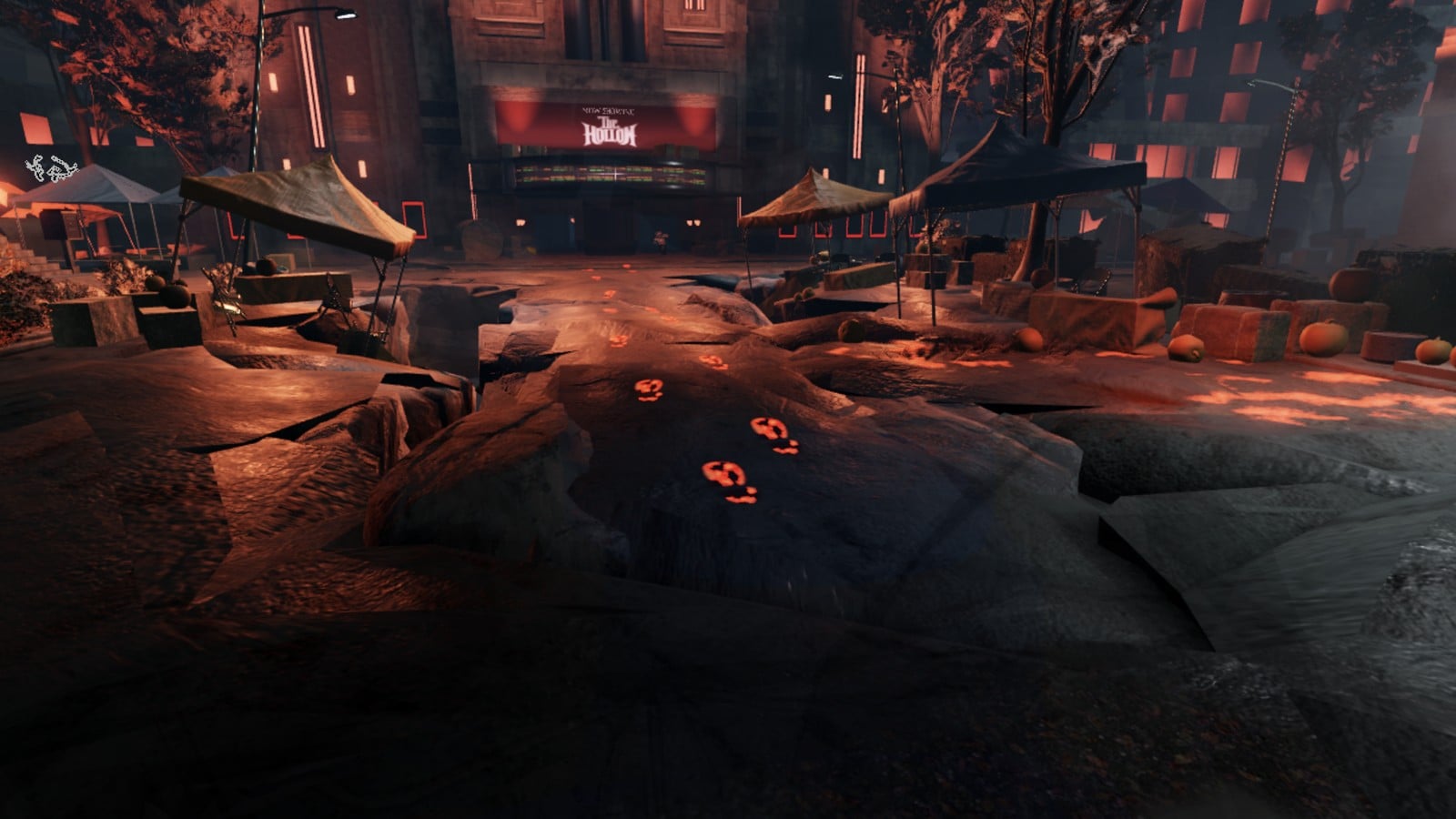
The Hollow, part of the Roblox Presents Halloween event, is live from 22 October through 2 November 2026. It directs players to eight partner games to earn tickets, but the tasks are only revealed after you enter each game. The entries below follow the games’ grid order, checked on 24 October, and give each objective, its quest-panel location and its current status. The partner lineup and tasks are subject to updates during the event.
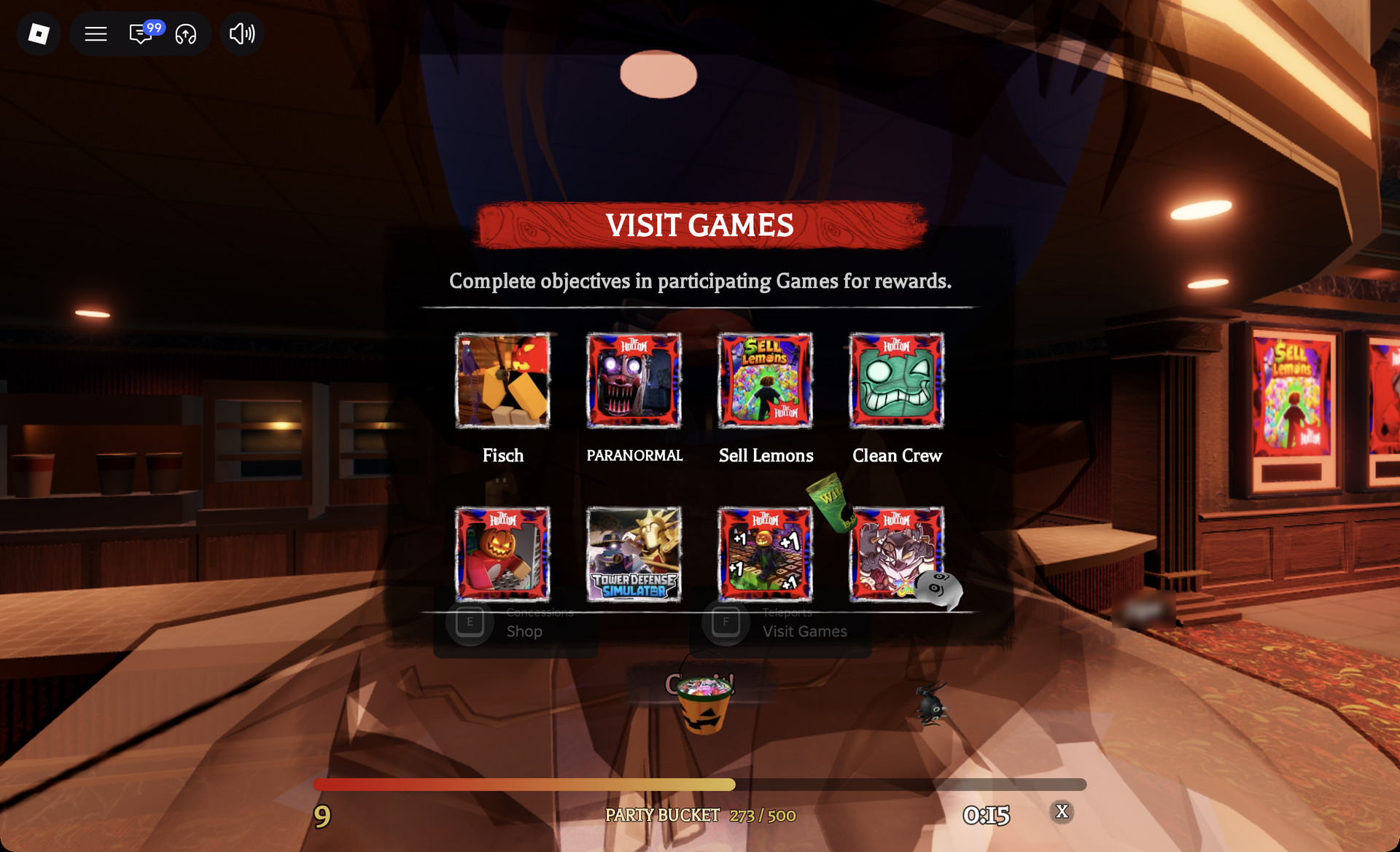
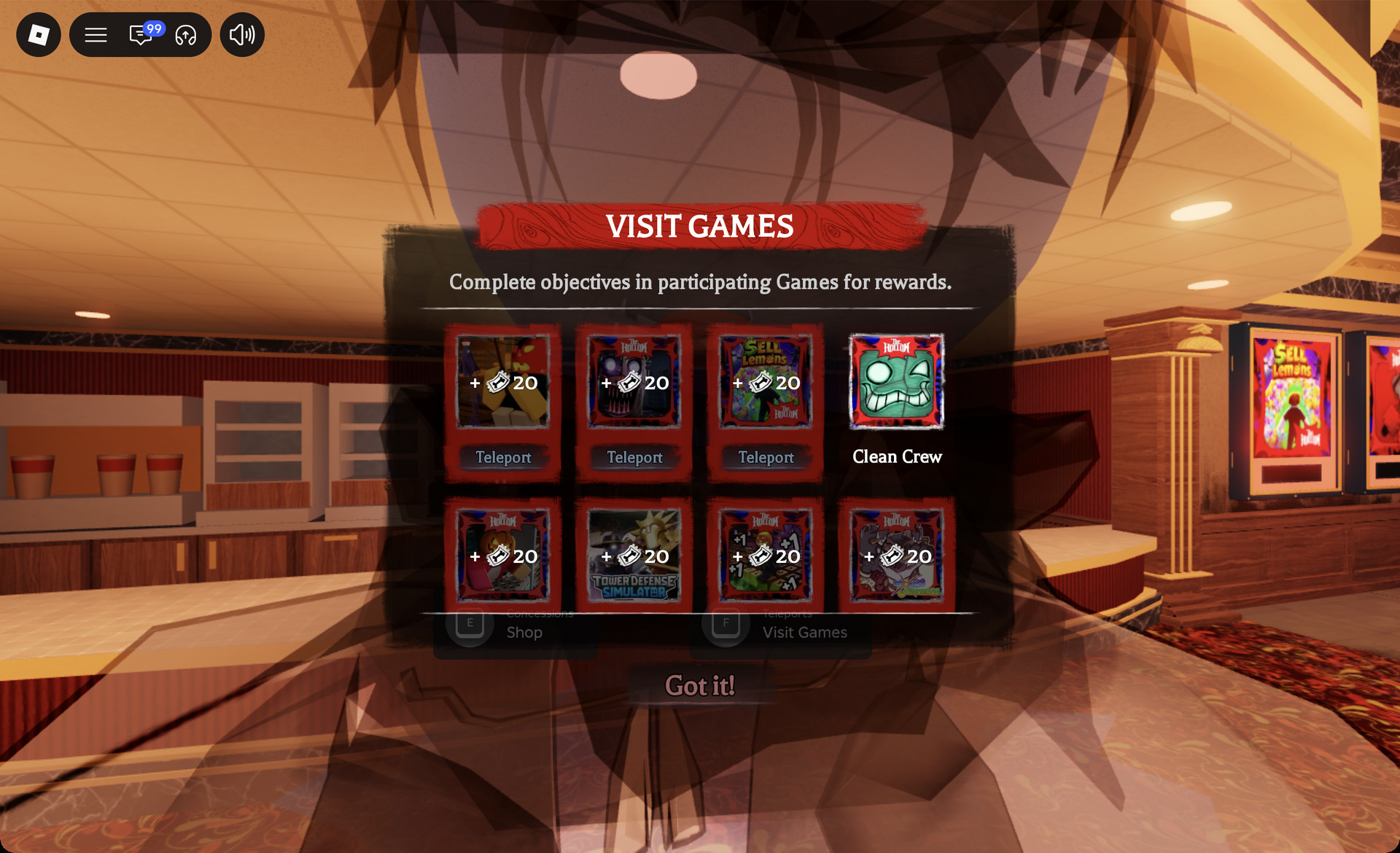
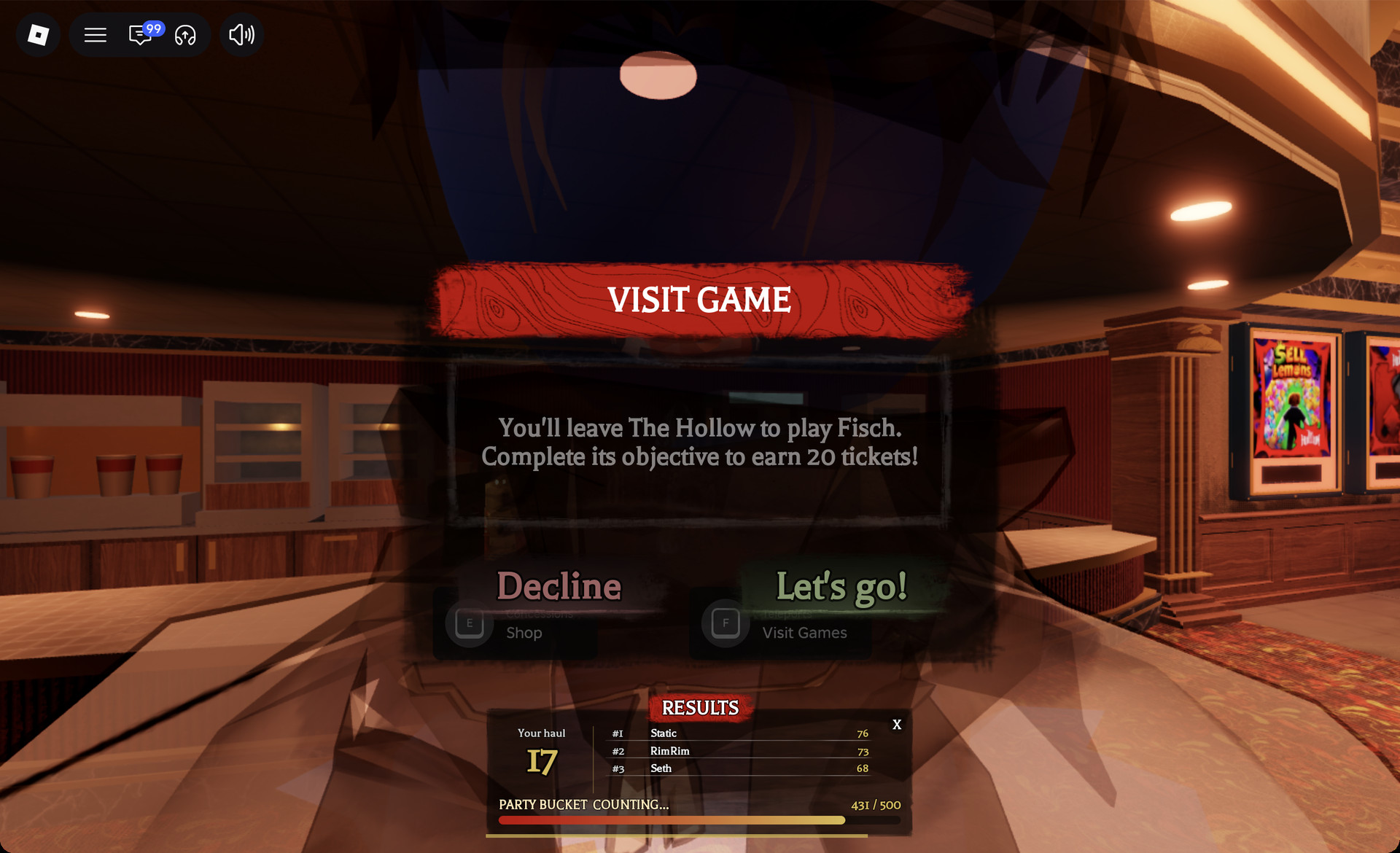
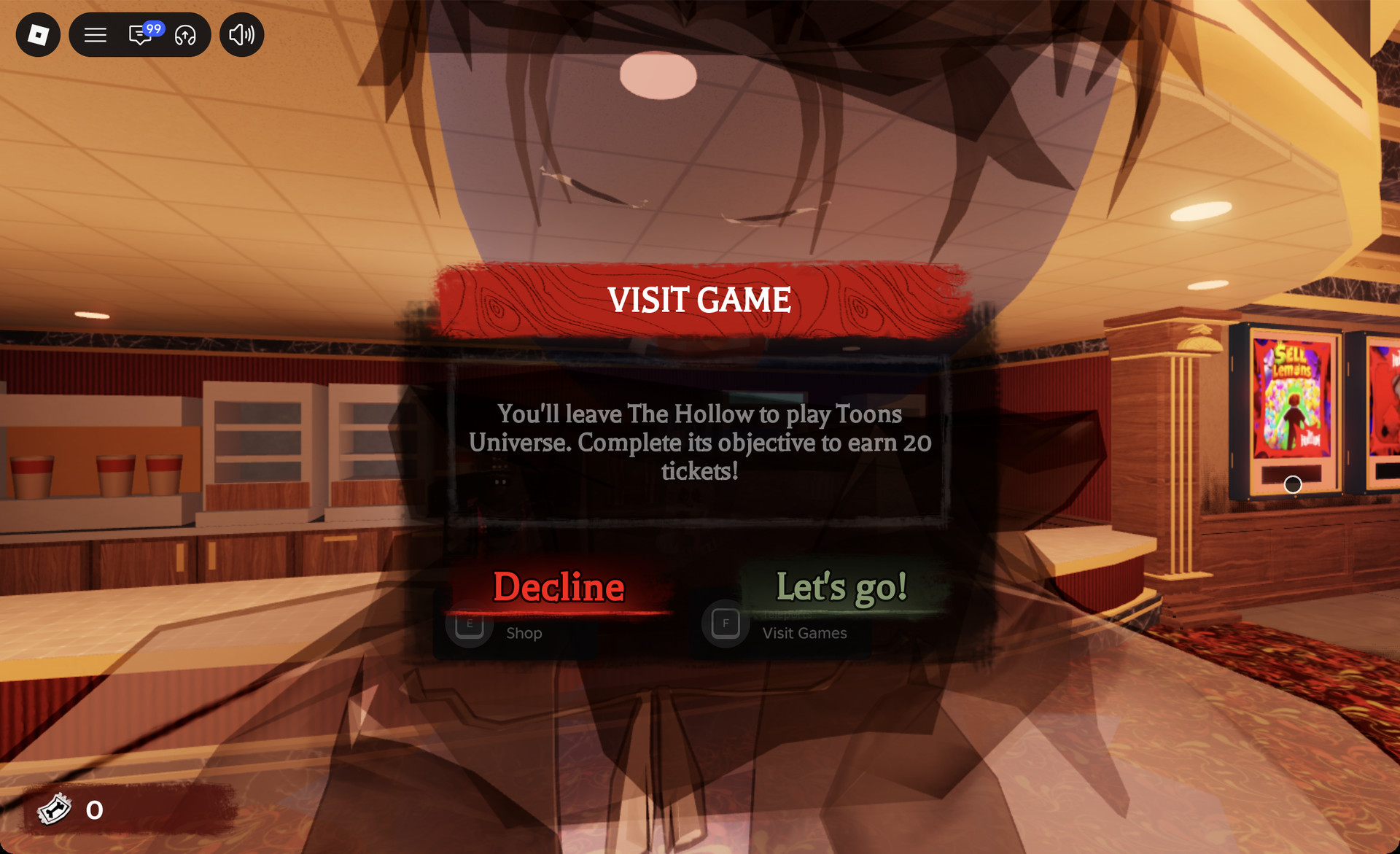
Quick answer: Open the ticket counter, go to the shop, pick “Visit Games”, and launch each game from its tile. Each prompt promises 20 tickets. Tower Defense Simulator paid 40 when redeemed.
How to open Visit Games in The Hollow
Every quest starts from inside The Hollow on Roblox. Always enter a partner game through its tile. Tower Defense Simulator only shows its Hollow pop-up when you arrive from The Hollow, and joining it directly shows nothing.
Hollow quest objectives in all eight games
The table follows the Visit Games grid, row one first and then row two. Status reflects 24 October.
| Game | Hollow objective | Quest panel | Status (24 Oct) |
|---|---|---|---|
| Fisch | Not found yet | Not found yet | Not completed |
| PARANORMAL | Not confirmed yet | Not confirmed yet | Not completed |
| Sell Lemons | Open 5 sticker packs | “The Hollow / EVENT” button (right edge), then red “The Hollow” button | Started, 0/5 |
| Clean Crew | Bring back 12 MULCHPODS to BUDDY | Quest card after PLAY on main menu | Not completed |
| Survive Overnight in a Mega Store | Fill and stir the cauldron | Lobby board, left of lobby street | Not completed |
| Tower Defense Simulator | Beat Solar Requiem Night 1 on Easy | Pop-up on arrival from The Hollow | Completed, 40 tickets |
| Plus 1 Speed Keyboard Escape | Reach stage 11 in Hallo’World | Pumpkin button, top-right row | Route reached, not completed |
| Toons Universe | Snuff candles and clear 12 floors | “Candle Hollow” button, right of lobby | Not completed |
Each Hollow quest, game by game
Each section below quotes the game’s own quest text as it appeared on screen on 24 October, says where its quest panel opens, and gives our status in that game.
1. Fisch
The Hollow objective in Fisch has not been found yet. The Quest Book, on hotbar key 4, lists only “Challenge Quests: Friend Quest: Bait Crates”, with no Hollow entry. We also found no Hollow-branded button in the game. Fisch’s own Halloween content is separate and should not be mistaken for the Hollow quest.
2. PARANORMAL
The Hollow objective in PARANORMAL is not confirmed yet. The game’s Quests list, behind the clipboard icon, has no Hollow row. The lobby also has its own “HALLOWEEN EVENT” button on the right side, but that panel carries no Hollow logo. It has not been confirmed to pay out a Hollow badge, so treat it as the game’s own event rather than the Hollow quest.
3. Sell Lemons
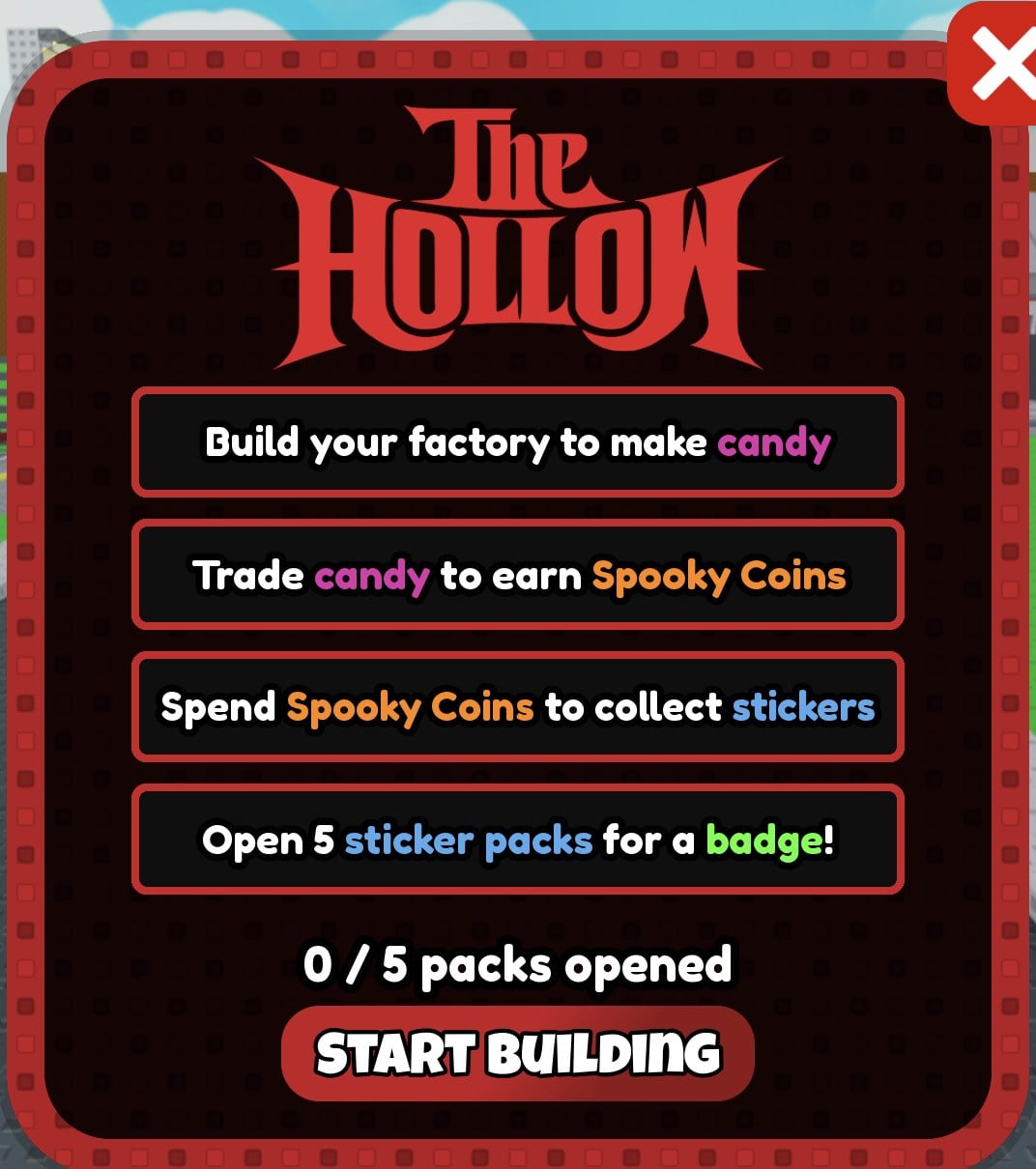
The objective is “Open 5 sticker packs for a badge!” The “The Hollow / EVENT” pumpkin button at the right edge of the screen starts a camera tour of the event area and then shows the HALLOWEEN STICKER SHEET. The red “The Hollow” button beside the sticker sheet opens the quest panel, which contains four lines:
- “Build your factory to make candy”
- “Trade candy to earn Spooky Coins”
- “Spend Spooky Coins to collect stickers”
- “Open 5 sticker packs for a badge!”
Below those lines is a counter, “0 / 5 packs opened”, along with a “START BUILDING” button. Spooky Coins also appear on the ground as spinning pumpkin coins, and walking through one gives 20. The status is started at 0/5 and not yet completed. The 20-slot sticker sheet that leads to the Jack-O-Mech is Sell Lemons’ own reward and is separate from the Hollow quest.
4. Clean Crew
Press PLAY on the left side of the main menu, the van menu. The Hollow quest card opens with this text: “You and your crew must bring back a total of 12 MULCHPODS to BUDDY!” and “Once finished, you’ll earn the “Good For Your Bones” badge!” The same menu offers MULTIPLAYER, SOLO and TUTORIAL.
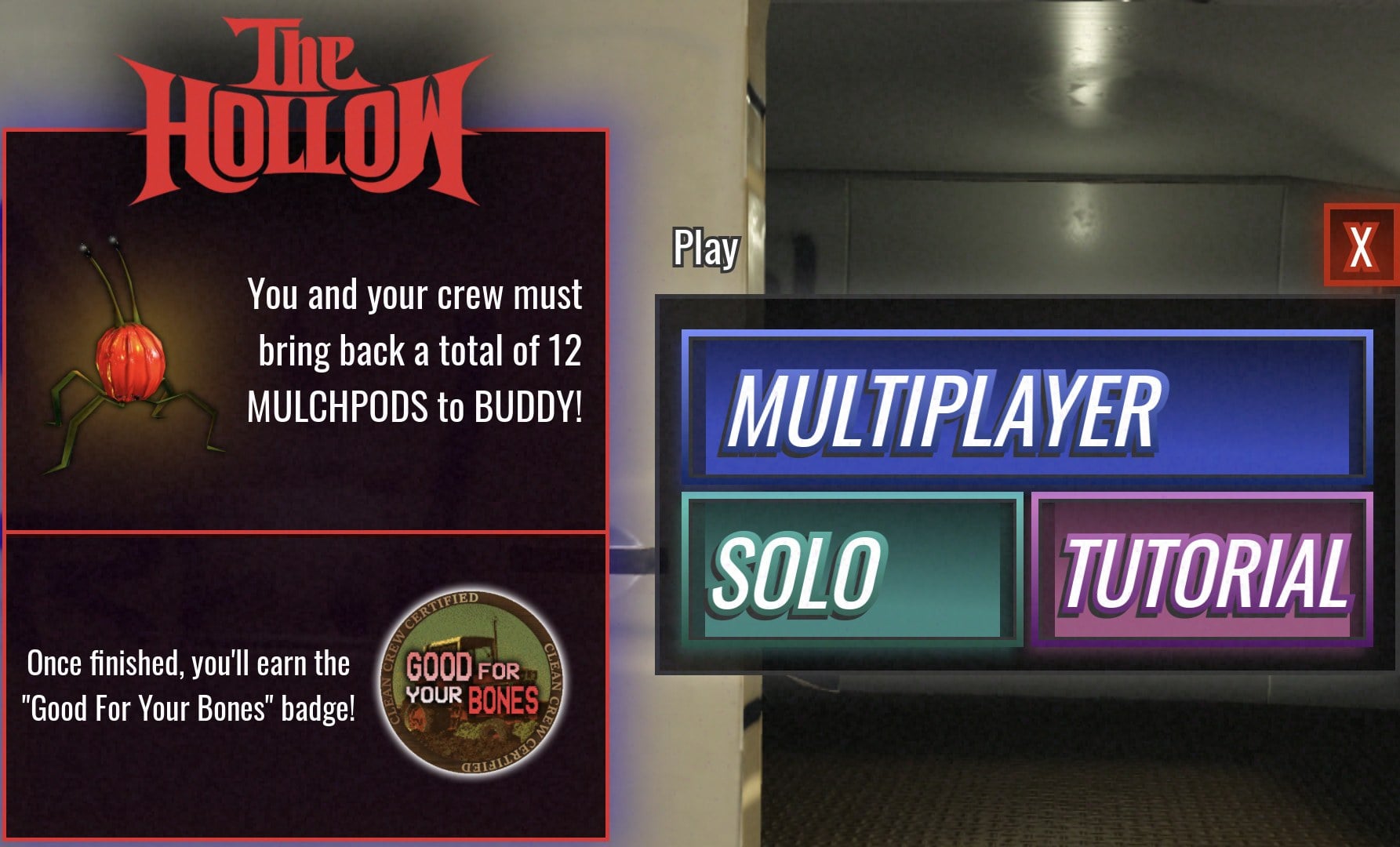
The phrase “a total of 12” suggests a running total, though it has not been tested whether the count carries over between runs. The objective has been read but no run has been played yet. For how a run works, see the Clean Crew run guide.
5. Survive Overnight in a Mega Store
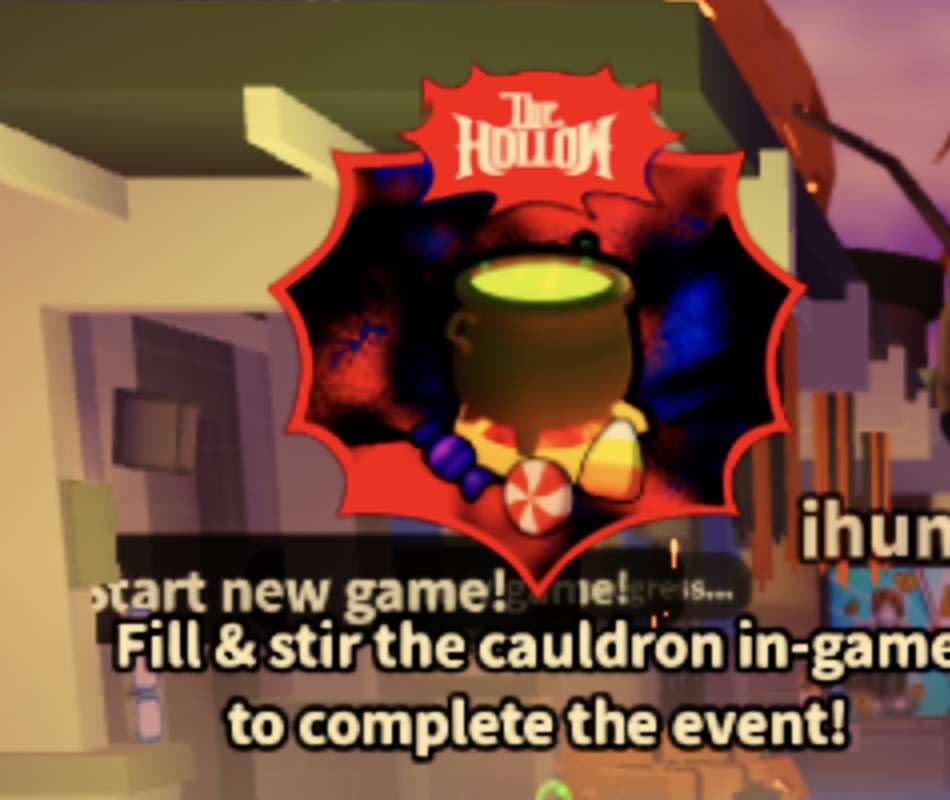
On the lobby street’s left side, a board bearing The Hollow logo hangs above an actual cauldron. Its message is “Fill & stir the cauldron in-game to complete the event!” The street’s blue rings serve as “Start new game!” pads.
After the round begins, check next to the spawn point. A raised wooden platform holds a large black cauldron, with an orange candy corn, a purple wrapped candy and a red peppermint swirl towering above it. A note attached to the platform reads:
Seek the pumpkins with glowing eyes,
for in their bellies your treasure lies.
One mends the wounded,
one fuels your fight,
one keeps you up at night.
Then brew six of each into a stew of delight!
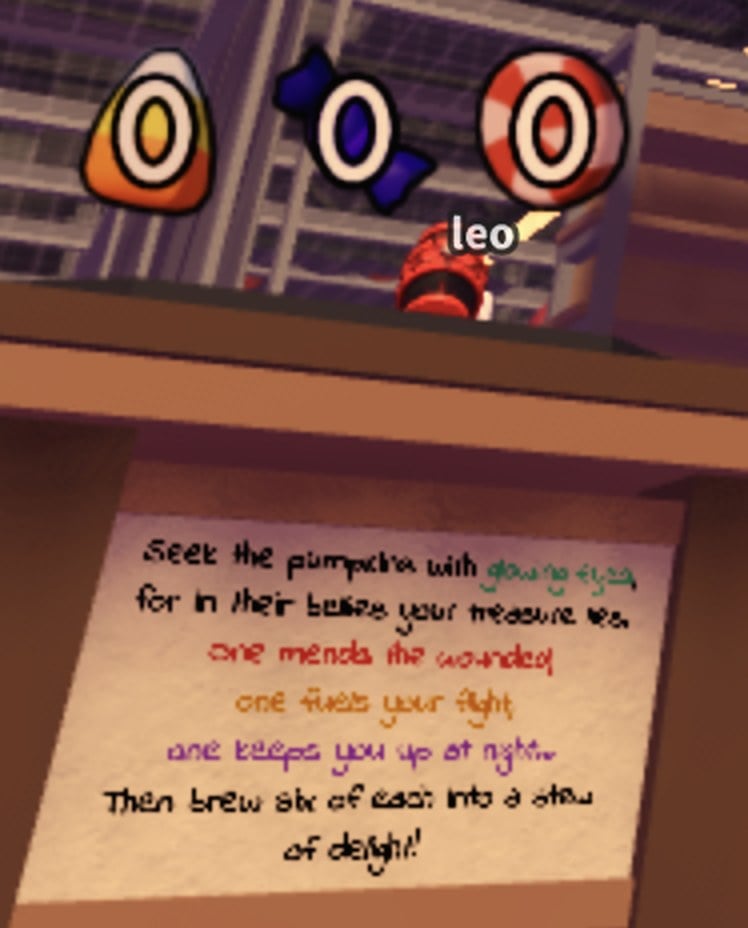
One untested way to read the note is to smash glowing-eyed pumpkins for three candy varieties, then add six of each to the cauldron and stir. We saw one pumpkin with glowing eyes beside the platform at night. The quest remains unfinished.
6. Tower Defense Simulator
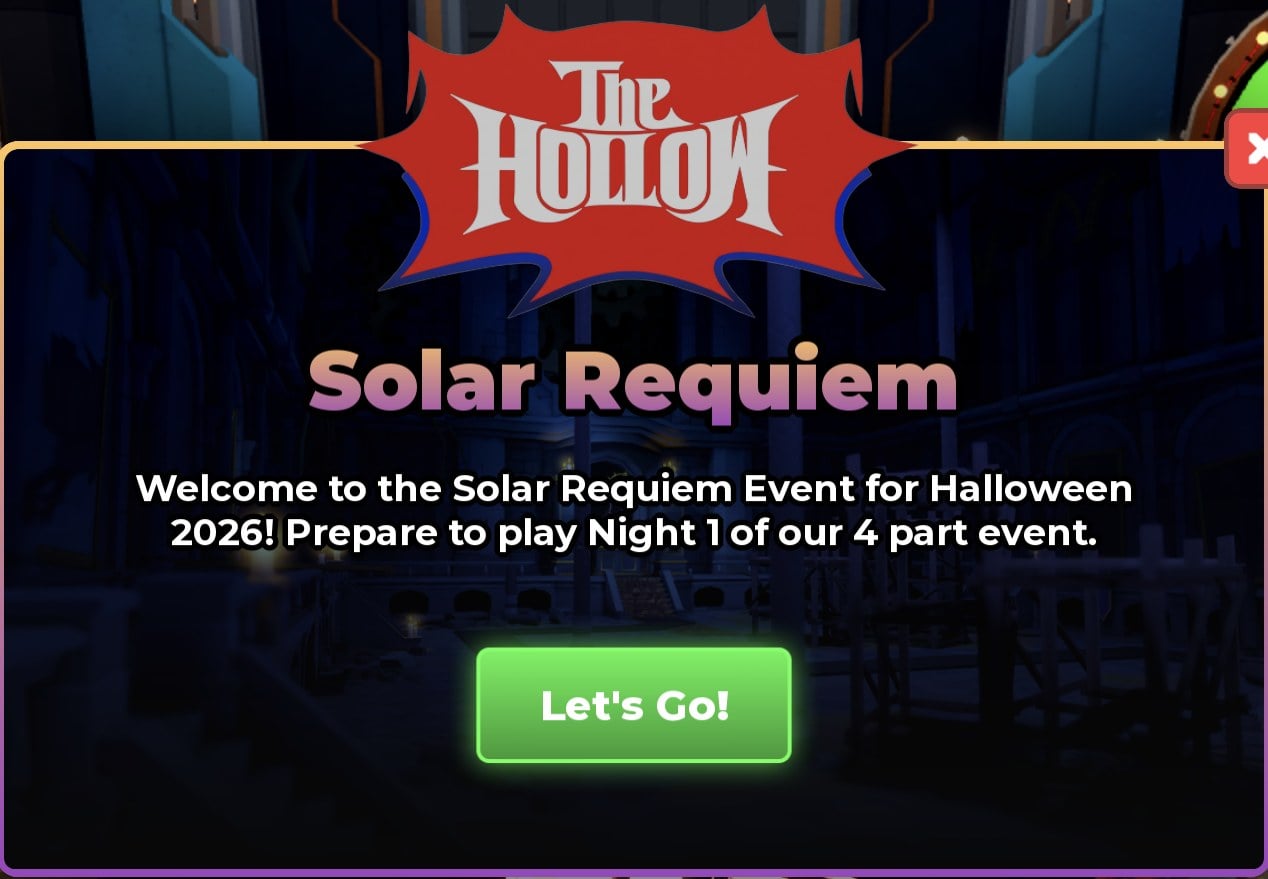
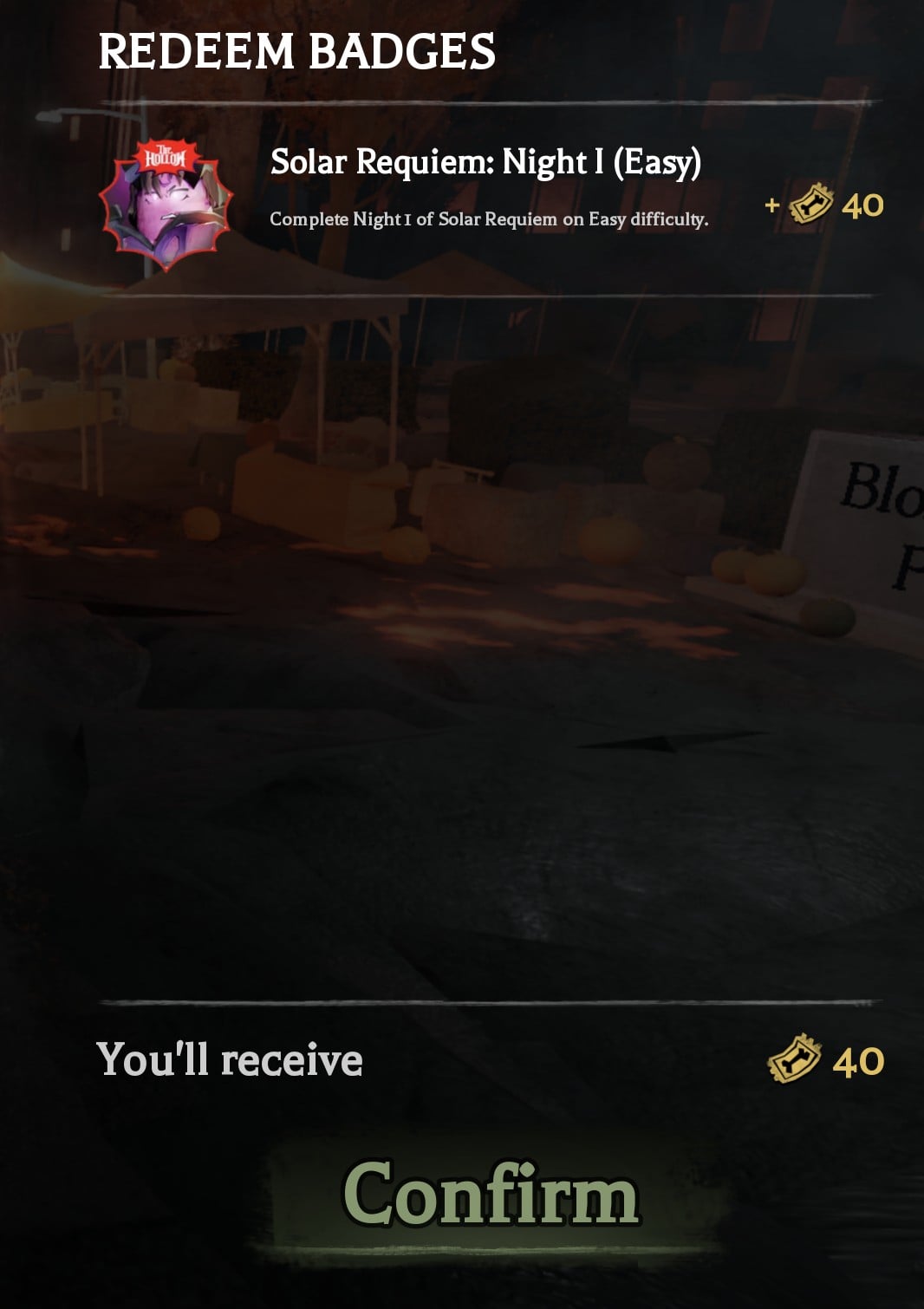
The objective is to beat Night 1 of the Solar Requiem event on Easy. If you arrive from The Hollow, a pop-up with The Hollow logo appears. It is titled “Solar Requiem”, reads “Welcome to the Solar Requiem Event for Halloween 2026! Prepare to play Night 1 of our 4 part event.” and has a [Let’s Go!] button. Clearing the night awards the badge “Solar Requiem: Night I (Easy).”
This quest is completed. The REDEEM BADGES panel paid 40 tickets, even though the tile promises 20. The full walkthrough is in the Tower Defense Simulator quest guide.
7. Plus 1 Speed Keyboard Escape
The objective is “Reach stage 11 in Hallo’World”, tracked as 0/11. The panel also shows “+3K” candy corn, which is the game’s own currency. Open it with the pumpkin button that carries The Hollow logo in the top-right button row. That button opens “~Halloween Quests~”, a daily rotating list marked “New quests in …”. The Hollow row is the one with The Hollow logo and no SKIP button.
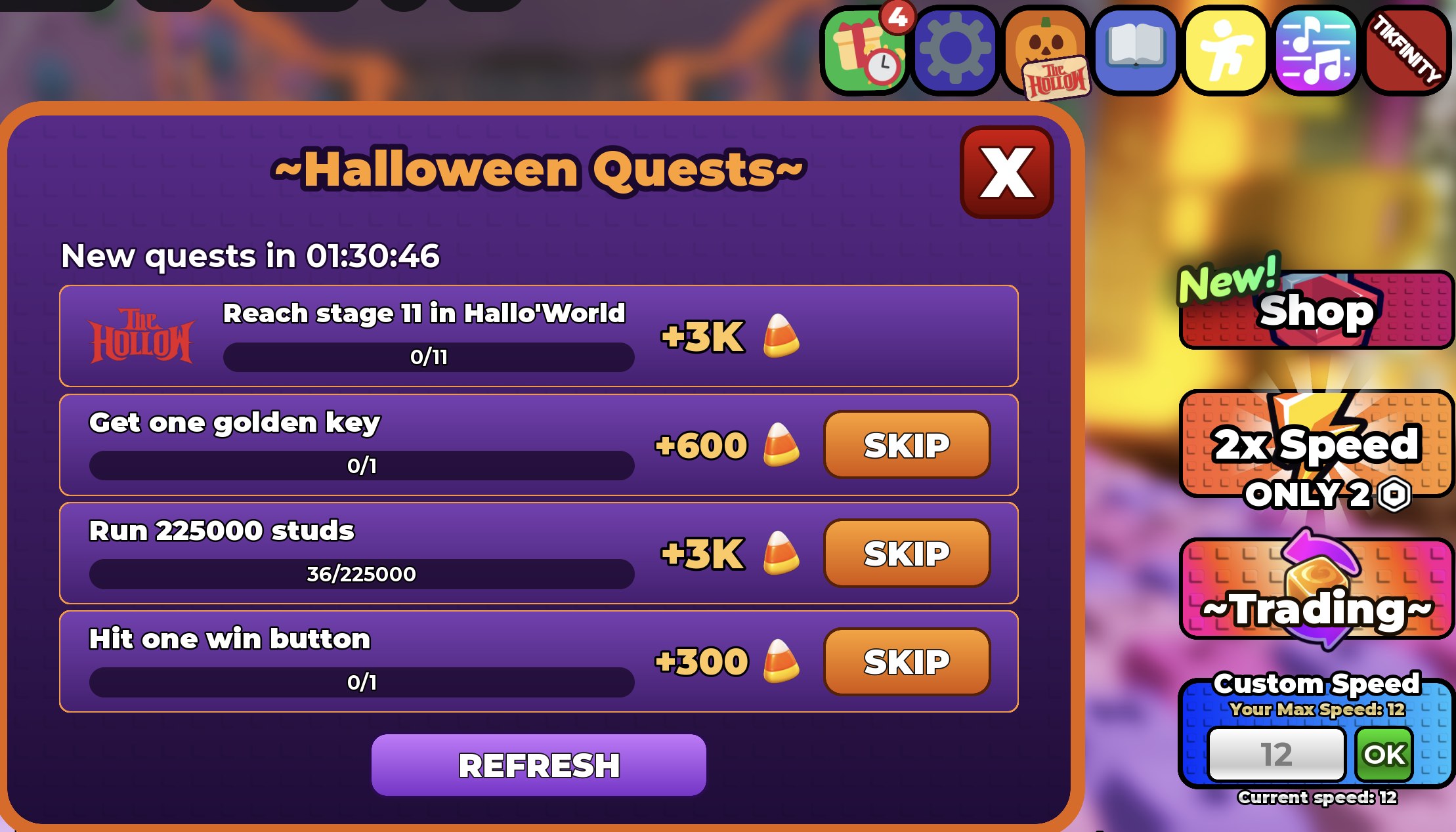
In Hallo’World your Speed resets to 0, because World 1 speed does not carry over. The stage rooms are long, and 60 seconds of walking from a fresh start did not reach Stage 2. The route has been reached, but stage 11 has not, so the quest is not completed.
8. Toons Universe
The “Candle Hollow” button, marked with a candle icon on the right side of the lobby, opens the quest panel. It reads: “A candle may appear in front of your elevator. Snuff the candle out and complete the floor to progress this quest! Beware, the candle being snuffed out will force a blackout, break the elevator and may agitate the infecteds….” Progress starts at 0/12, with these milestones:
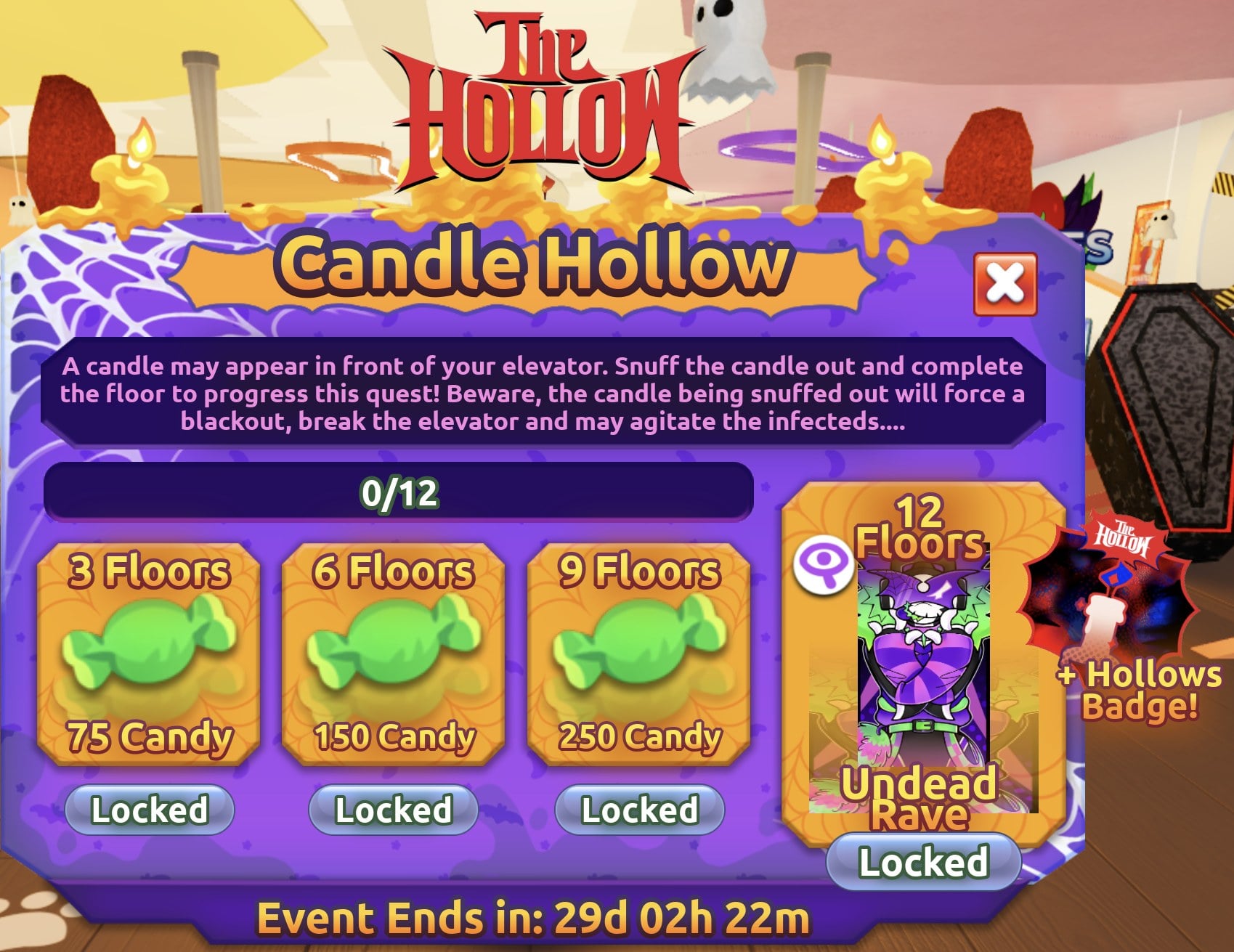
| Floors | Reward |
|---|---|
| 3 Floors | 75 Candy |
| 6 Floors | 150 Candy |
| 9 Floors | 250 Candy |
| 12 Floors | “Undead Rave” skin + Hollows Badge |
On the one Floor 1 run we played, no candle appeared in front of the elevator. Whether all 12 floors need to be completed in the same run has not been tested. The quest is still incomplete.
Redeeming Hollow tickets with REDEEM BADGES
Partner games do not hand out tickets themselves. Completing an objective earns a badge in that game, and the tickets are paid out back in The Hollow. Each of the eight tiles promises 20 tickets, though Tower Defense Simulator paid 40.
Earn the badge, then return to The Hollow to claim the tickets. After the HOW TO PLAY card disappears, find the badge and its ticket value in the REDEEM BADGES panel. Press Confirm to add the tickets to the counter in the bottom left.
What tickets buy in The Hollow shop
For scale, here is what items cost in The Hollow’s shop. A single game’s 20 tickets matches the price of the cheapest items.
| Item | Price |
|---|---|
| Flashlight | 20 tickets |
| Night Vision Goggles | 40 tickets |
| Radar Detector | 80 tickets |
| Gourdlord: The Entangled | 100 tickets |
| Invisibility Cloak | 120 tickets |
| Quack-O’-Lantern (Roblox Plus row) | 20 tickets |
Horror games missing from the Visit Games list
Several well-known Roblox horror games are not on the Visit Games list as of 24 October:
- DOORS
- Piggy
- 99 Nights in the Forest
- Dandy’s World
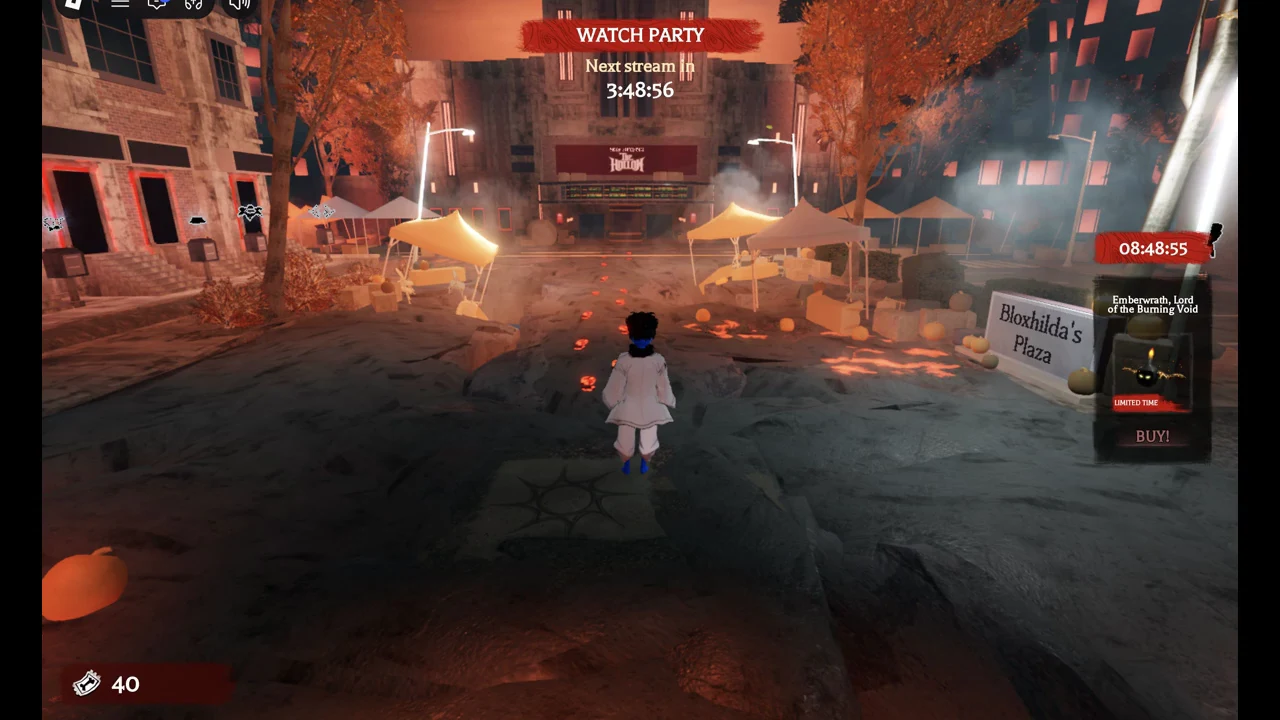
A portal arch labelled “Doors” stands in the street hub outside the cinema. It is separate from the Visit Games list and does not appear among the eight Visit Games tiles. For tickets from this list, the eight games in the table above are the full set as of 24 October.