The controls and camera you carry over from FC 26 will not give you the sharpest read on the pitch this year, because defending leans more manual and player switching decides most goals. Setting the camera wide and dialing in a competitive controller profile fixes both problems before you ever kick off. Here are the exact values to use and how to save them so they load every time.
Quick answer: Use the Co-op camera with Height 20 and Zoom 0, plus the Competitive controller preset with Tactical Defending, Semi through balls, Late Pass Receiver Lock, and Analog Sprint Off. Save your profile afterward.
Best camera settings in FC 27
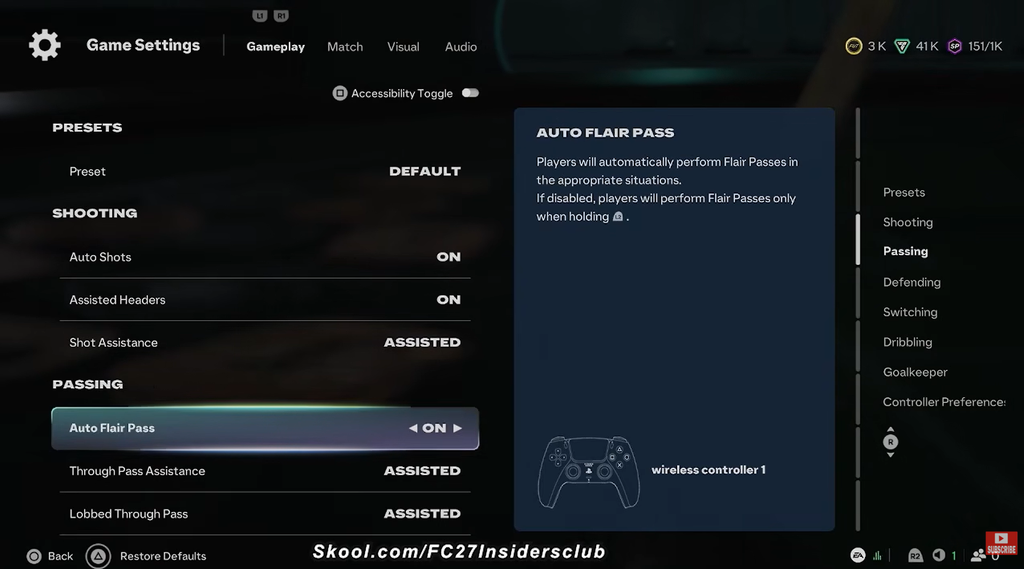
Co-op is the strongest all-round camera because it sits high and flat, showing almost the entire pitch at once. That wide view keeps off-ball runners on screen, stabilizes your left-stick aim, and cuts down on the diagonal distortion that broadcast angles add to passes and shots. Apply Co-op across every 11v11 mode, then switch to a custom height and zoom.
| Setting | Recommended value |
|---|---|
| Single Player / Multiplayer / Player Career / Clubs Camera | Co-op |
| Rush Camera | Rush Tactical |
| Custom Camera Settings | Custom |
| Height | 20 |
| Zoom | 0 (adjust for display size) |
| Horizontal / Vertical Camera Sensitivity | 20 |
| Inverse Horizontal / Vertical Control | Off |
| Camera Shake Visuals | Off |
| Power Shot Zoom | Off |
Turning Power Shot Zoom off keeps your peripheral vision clear on fast counters, so you can see open runners the moment a turnover happens. If you like the cinematic zoom, leaving it on does not change how the shot behaves.
Set zoom to match your screen
Height 20 works for everyone, but zoom depends on how far you sit from the display. Smaller screens can run zoom at 0 for maximum width without eye strain, while a large living-room TV needs more zoom so player models stay readable from across the room.
| Display | Distance | Zoom |
|---|---|---|
| Monitor 21″ or less / 24–27″ esports | Within arm’s reach | 0 |
| Midsize display 32–43″ | About one metre | 3–5 |
| Living-room TV 50″+ | Two to three metres | 10–20 |
Co-op can feel slower than a zoomed-in broadcast view, but the pace is identical. The camera barely moves because the whole pitch already fits on screen, so the picture stays calm while sprint speed and ball physics stay exactly the same.
Best controller settings in FC 27
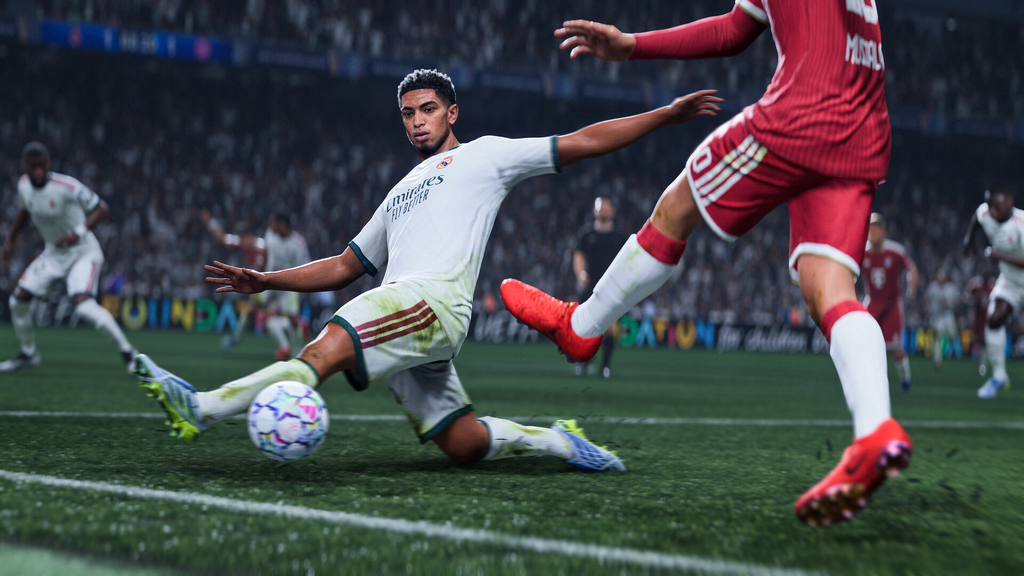
Start from the Competitive preset so your assists match ranked online modes, then adjust the individual options below. These values keep passing accurate, defending responsive, and switching fast under pressure.
| Setting | Recommended value |
|---|---|
| Preset | Competitive |
| Shot Assistance | Precision (Assisted for beginners) |
| Ground Pass Assistance | Assisted |
| Through Pass Assistance | Semi |
| Lobbed Through Pass | Semi |
| Cross Assistance | Assisted (Semi for more control) |
| Lob Pass Assistance | Assisted |
| Pass Receiver Lock | Late |
| Precision Pass Sensitivity | Normal |
| Clearance Assistance | Directional |
| Defending | Tactical Defending |
| Professional Fouls | On |
| Pass Block Assistance | On |
| Auto Switching | Air Balls and Loose Balls |
| Auto Switching Move Assistance | None (Low for beginners) |
| Right Stick Switching | Classic |
| Right Stick Switching Reference | Player Relative |
| Right Stick Switching Sensitivity | 4–5 |
| Next Player Switching | Closest to Ball |
| Reaction Time Calibration | Off |
| Player Lock | On |
| Simplified Skill Moves | Off |
| Save Assistance | Assisted |
| Analog Sprint | Off |
| Trigger Effect | Off |
| User Vibration | Personal preference (Off for ranked) |