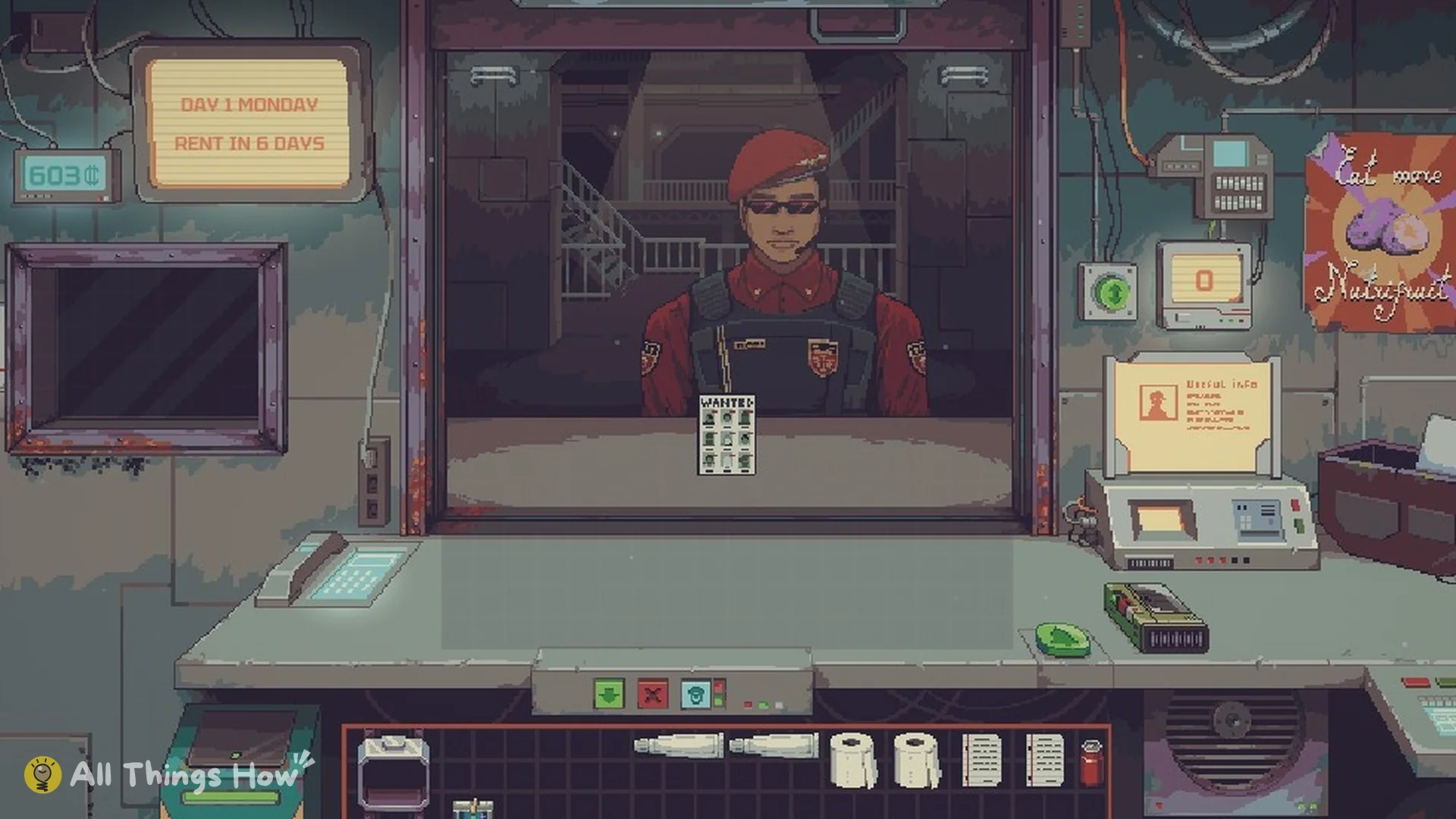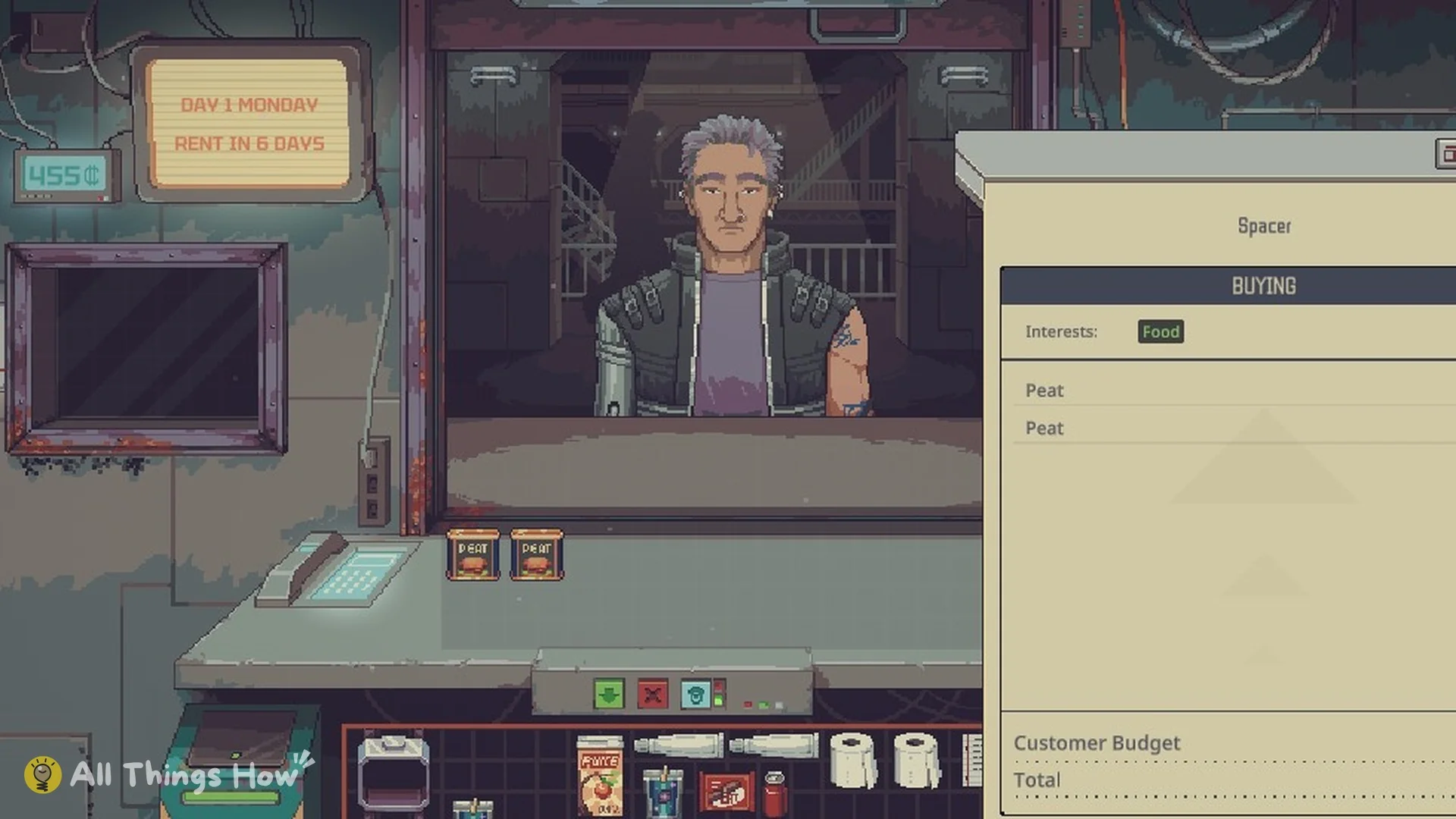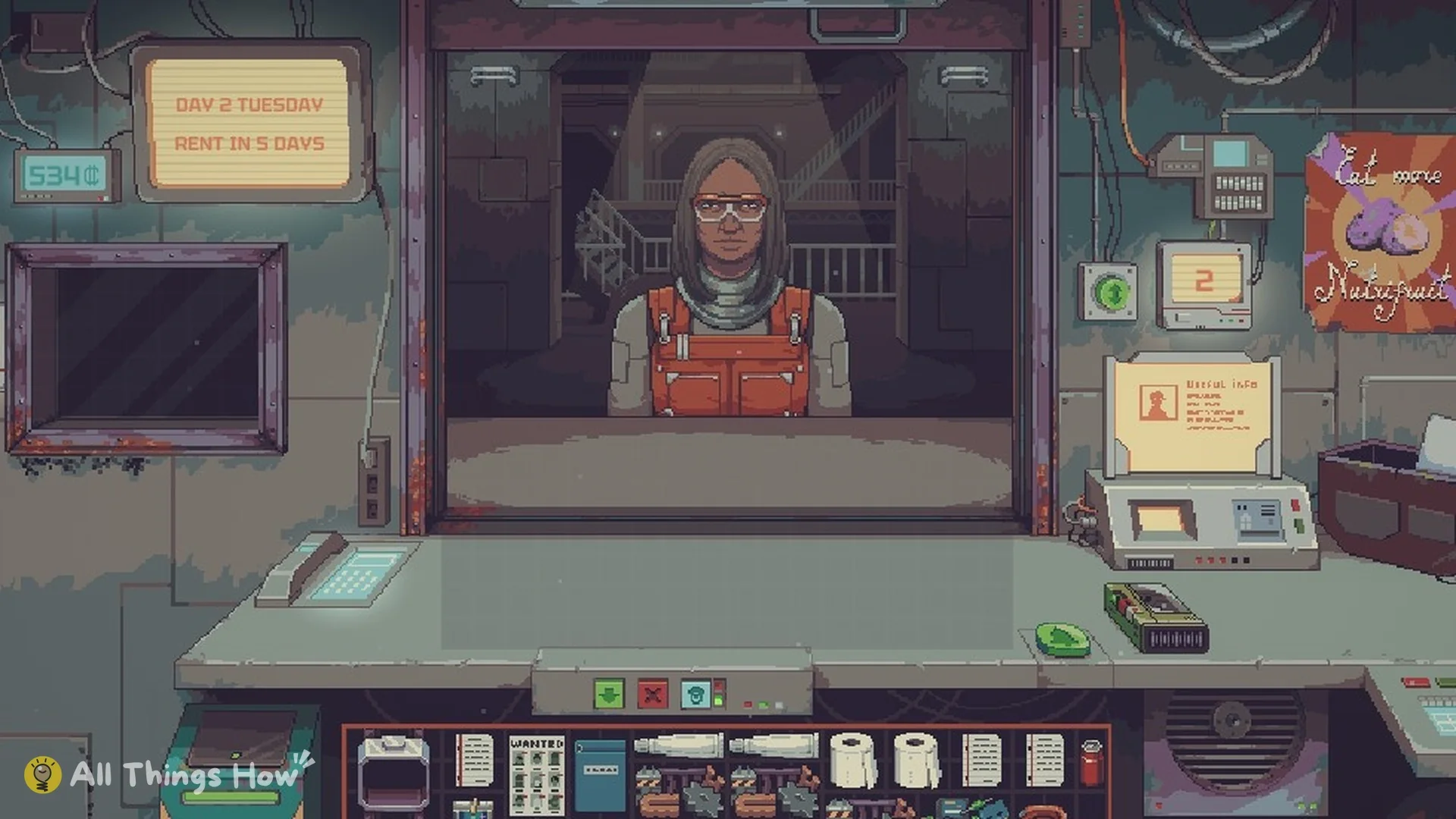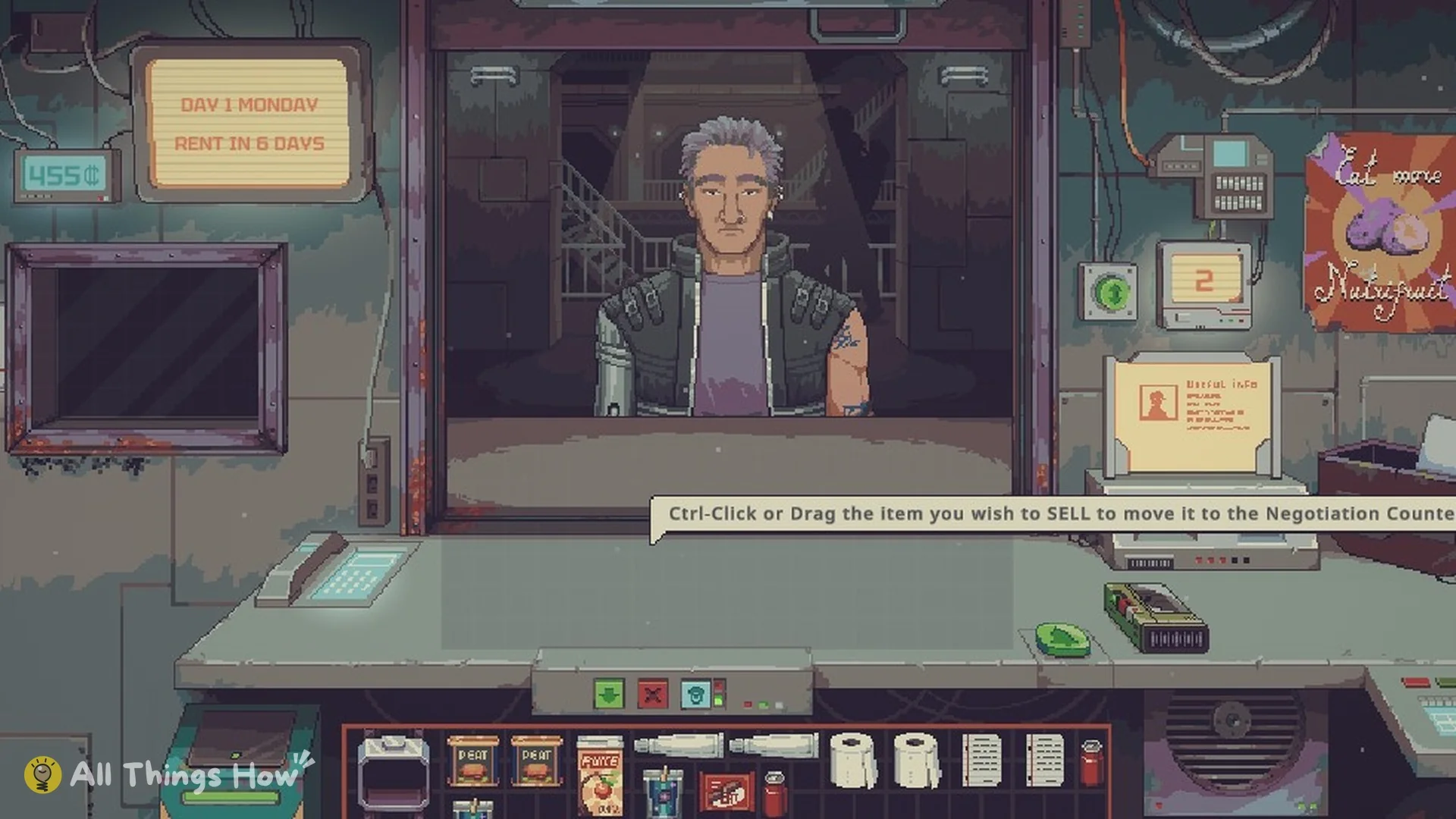
Some sellers who walk into your shop in Probably Stolen: Cyberpunk Shopkeeper Sim want to unload everything at once. They will cut the price if you take the entire pile. Whether that deal makes you money depends on what is in the pile, who will buy it later, and how much cash you need to keep for rent.
Quick answer: Buying wholesale means taking a seller’s whole pile at a discount. Accept it when you can resell most of the items, or when one or two items cover the price on their own, and you still have rent money left.
How wholesale offers work in Probably Stolen
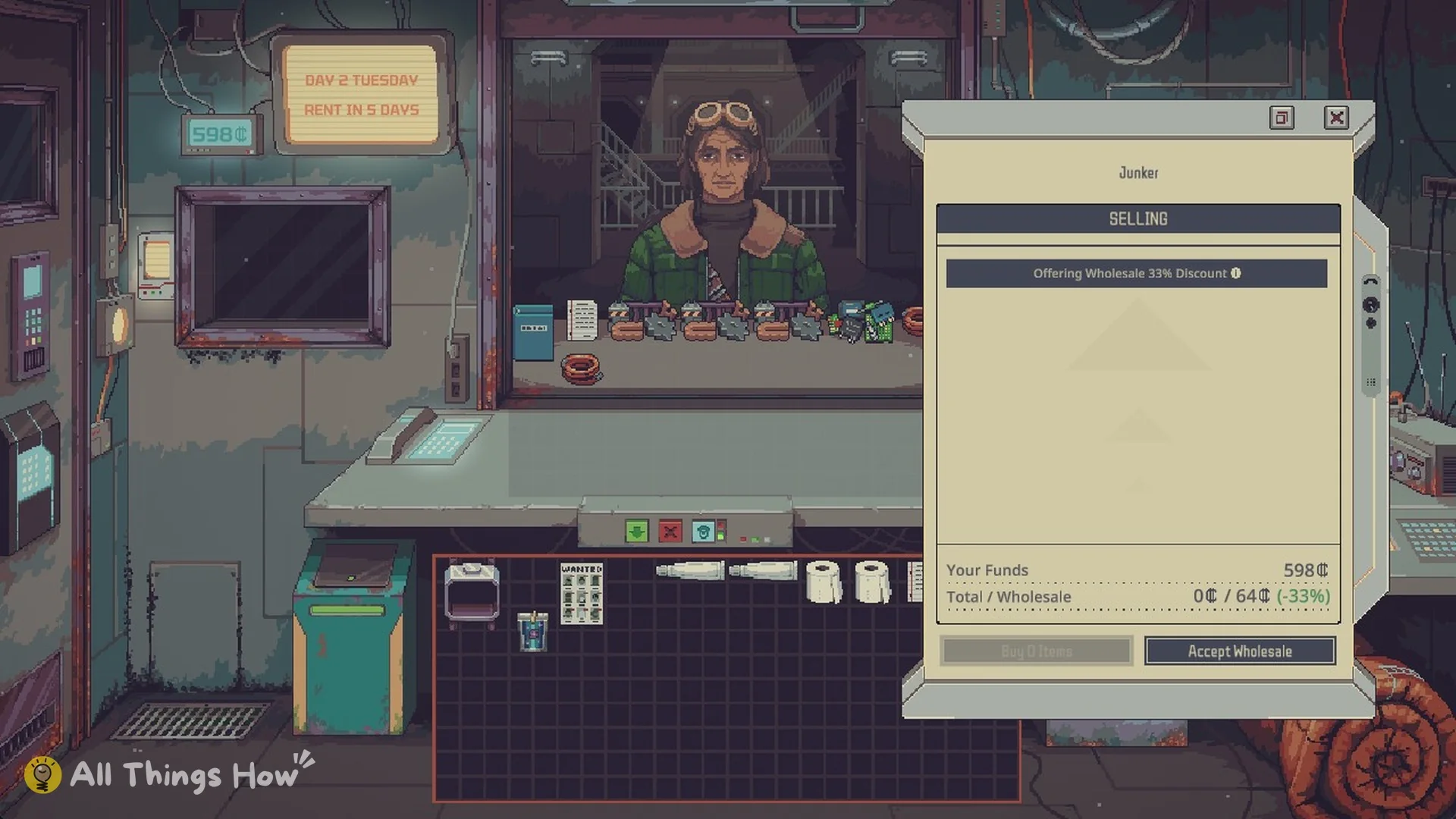
Wholesale offers are available only from customers marked SELLING. When one appears, the negotiation panel displays an “Offering Wholesale” line with the offer’s discount percentage along its upper edge. Hover over that message to see its tooltip; Mentor’s Note: Buying Wholesale displays the same text.
“Sometimes sellers offer a discount if you buy all of their items. (This is called buying “Wholesale”.) You can still inspect each item in the offer individually.”
The bottom of the panel shows two figures. Your Funds is your cash. “Total / Wholesale” compares the normal total for the items you picked with the discounted price for the whole pile. For example, it can read 0 credits / 64 credits (-33%). Below these figures are two buttons:
- Buy N Items buys only the items you selected, at the normal price.
- Accept Wholesale buys the entire pile at the discount.
The discount is not fixed. Offers at both 33% and 15% show up on Day 2, so read the percentage in the line every time.
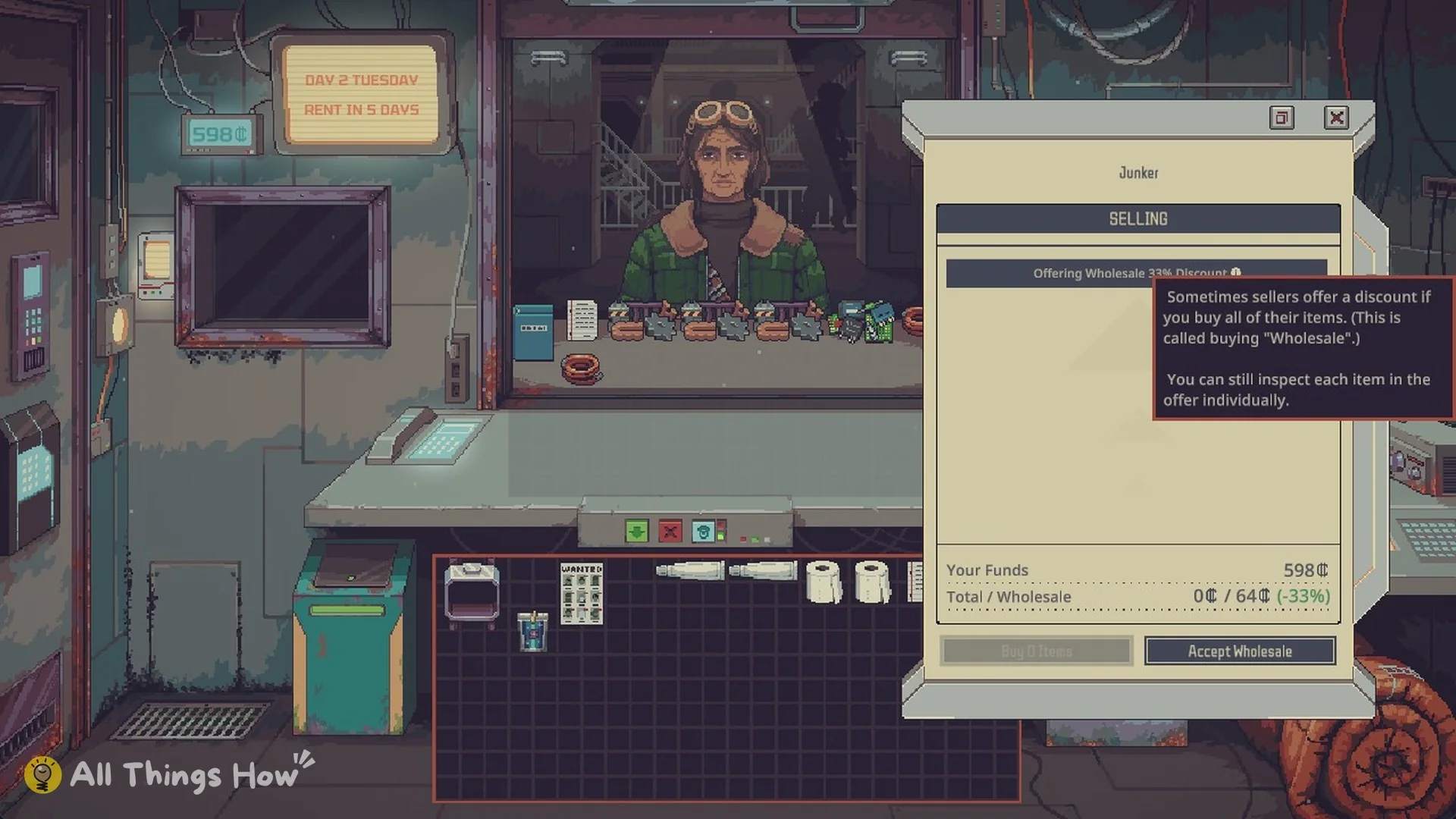
Accepting a wholesale pile, in order
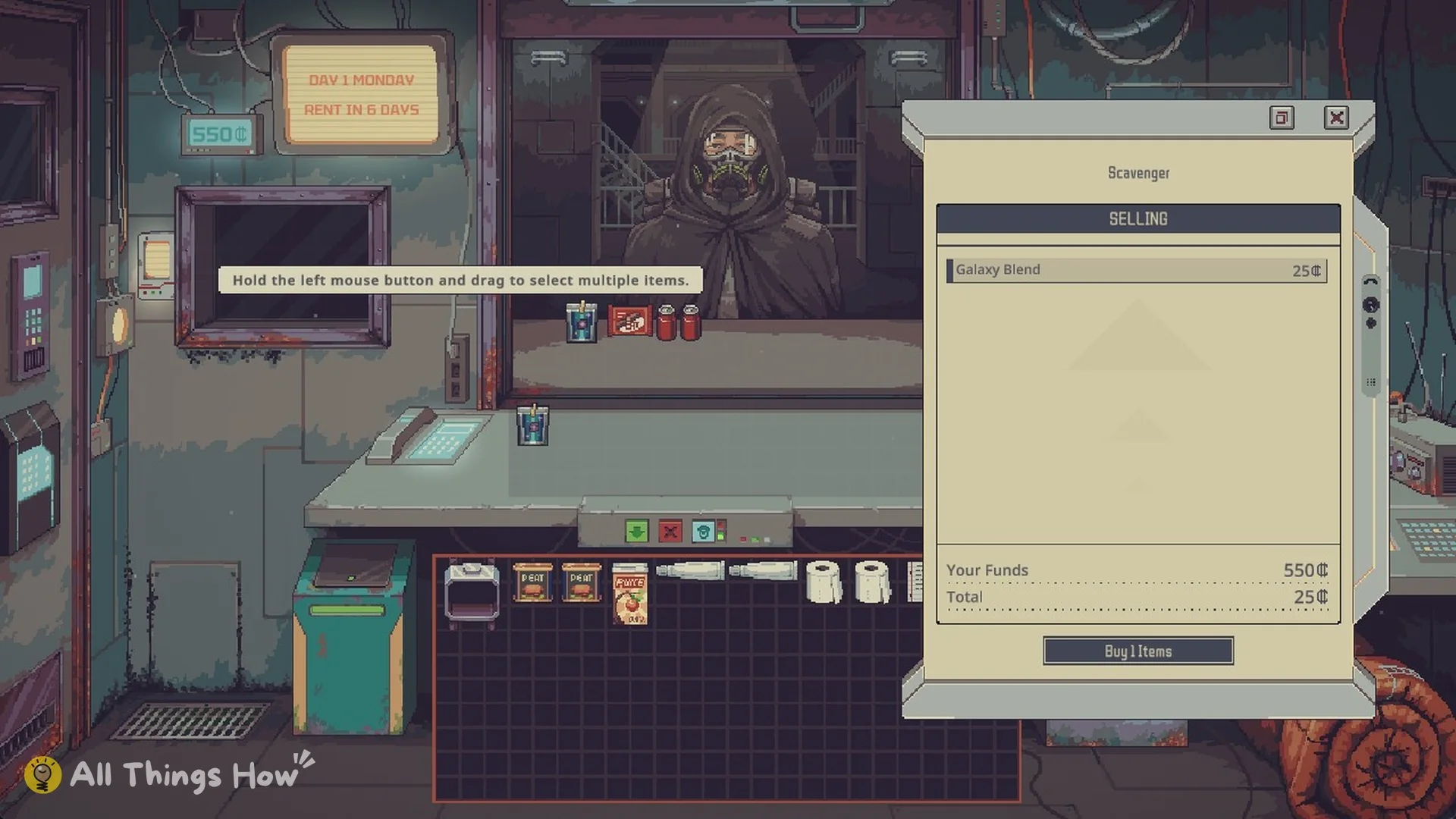
You can confirm the purchase went through in two places. After you accept, the pile appears on the counter. After the transfer, the items are in your inventory and ready to sell.
Two Day 2 wholesale offers on Mark Up
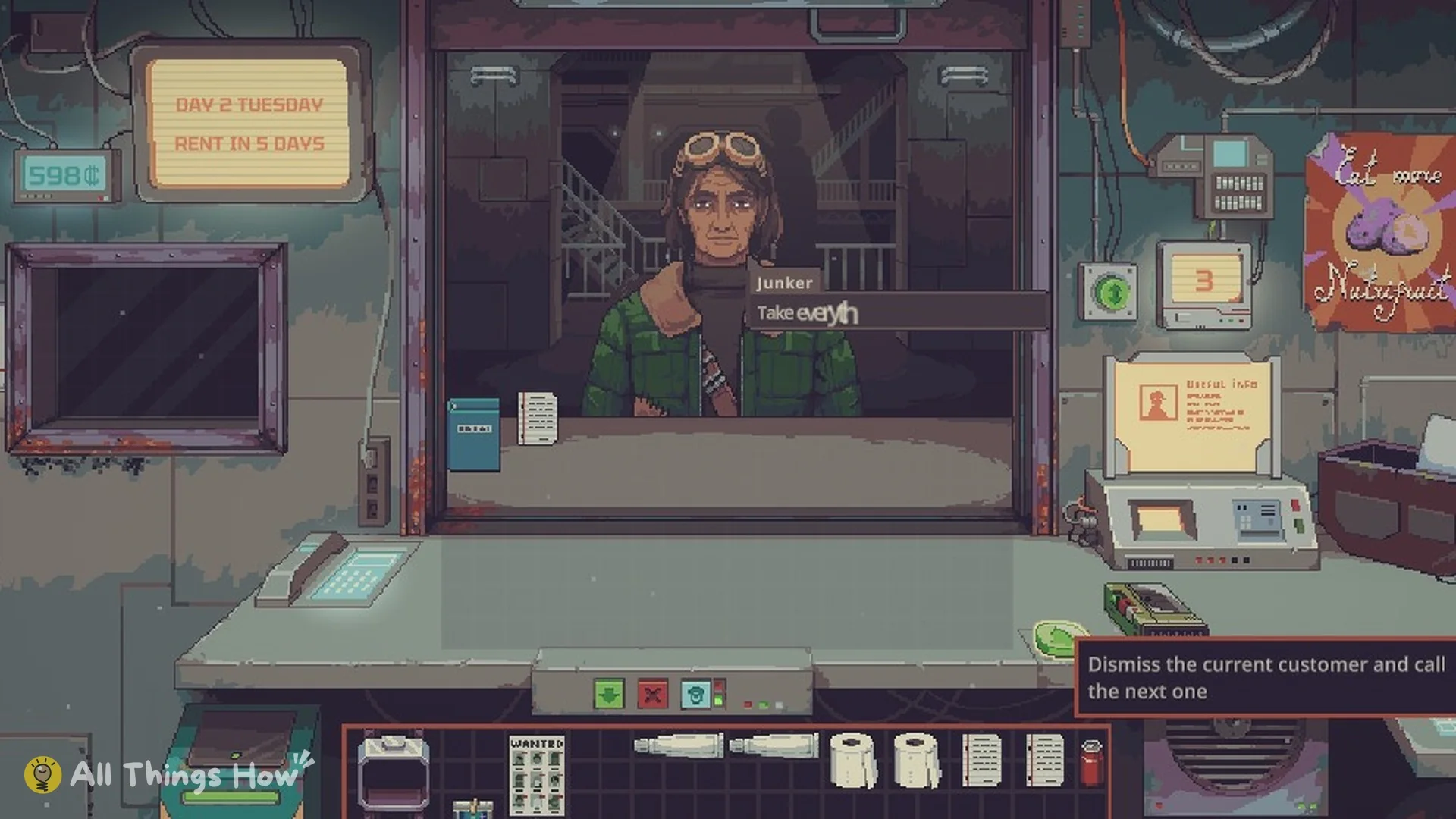
Both offers appeared on Day 2 (Tuesday) during an Apprentice run on Mark Up (Normal) difficulty, which began the day with 598 credits.
| Seller | Pile | Discount | Wholesale price |
|---|---|---|---|
| Junker | Scrap | 33% | 64 credits |
| Scavenger | 6 Peat | 15% | 128 credits |
The Scavenger’s offer is simple to evaluate. On Day 1, a Spacer paid 29 credits per Peat on Mark Up. At that rate, six Peat would resell for about 174 credits, versus the 128-credit wholesale cost. Food such as Peat sells steadily, so this pile is low-risk.
Worked profit example: reselling the 64 credit scrap pile
The Junker’s scrap pile paid off with the very next customer. A Lower Level Repairman came in BUYING. His Interests were Material, Tool and Energy Cell, and his Customer Budget was 119. Every item he bought came from the wholesale pile. These are the Mark Up prices:
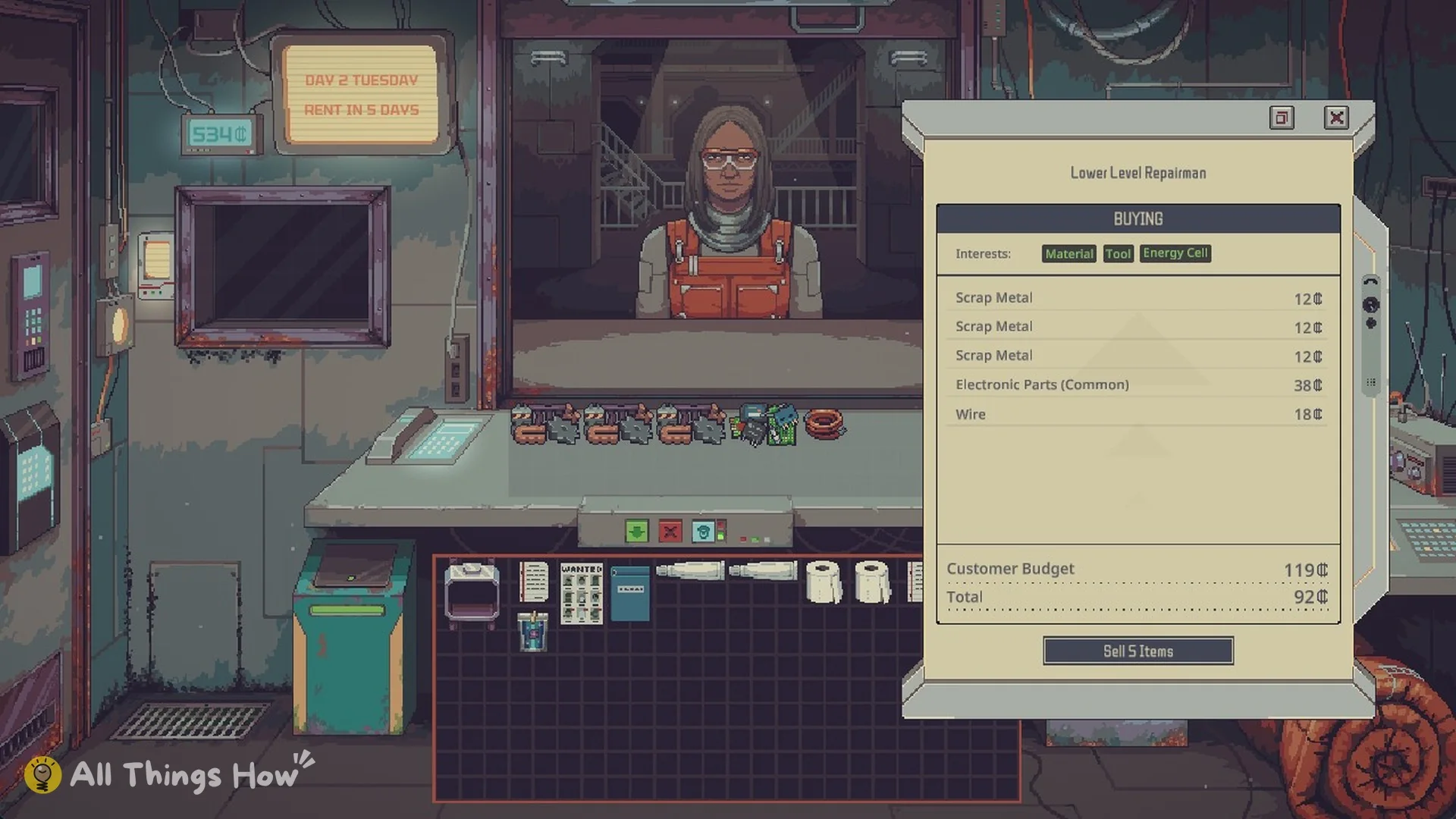
| Item | Sale price (Mark Up) |
|---|---|
 Scrap Metal Scrap Metal | 12 |
| Scrap Metal | 12 |
| Scrap Metal | 12 |
 Electronic Parts (Common) Electronic Parts (Common) | 38 |
 Wire Wire | 18 |
| Total | 92 |
One customer brought in 92 credits, while the pile had cost 64. Its cost was recovered before another buyer showed up. Select a price line to view the breakdown, including “Market and Merchant: Retail Markup (+15%)”. Your sale prices carry a markup whose rate depends on difficulty:
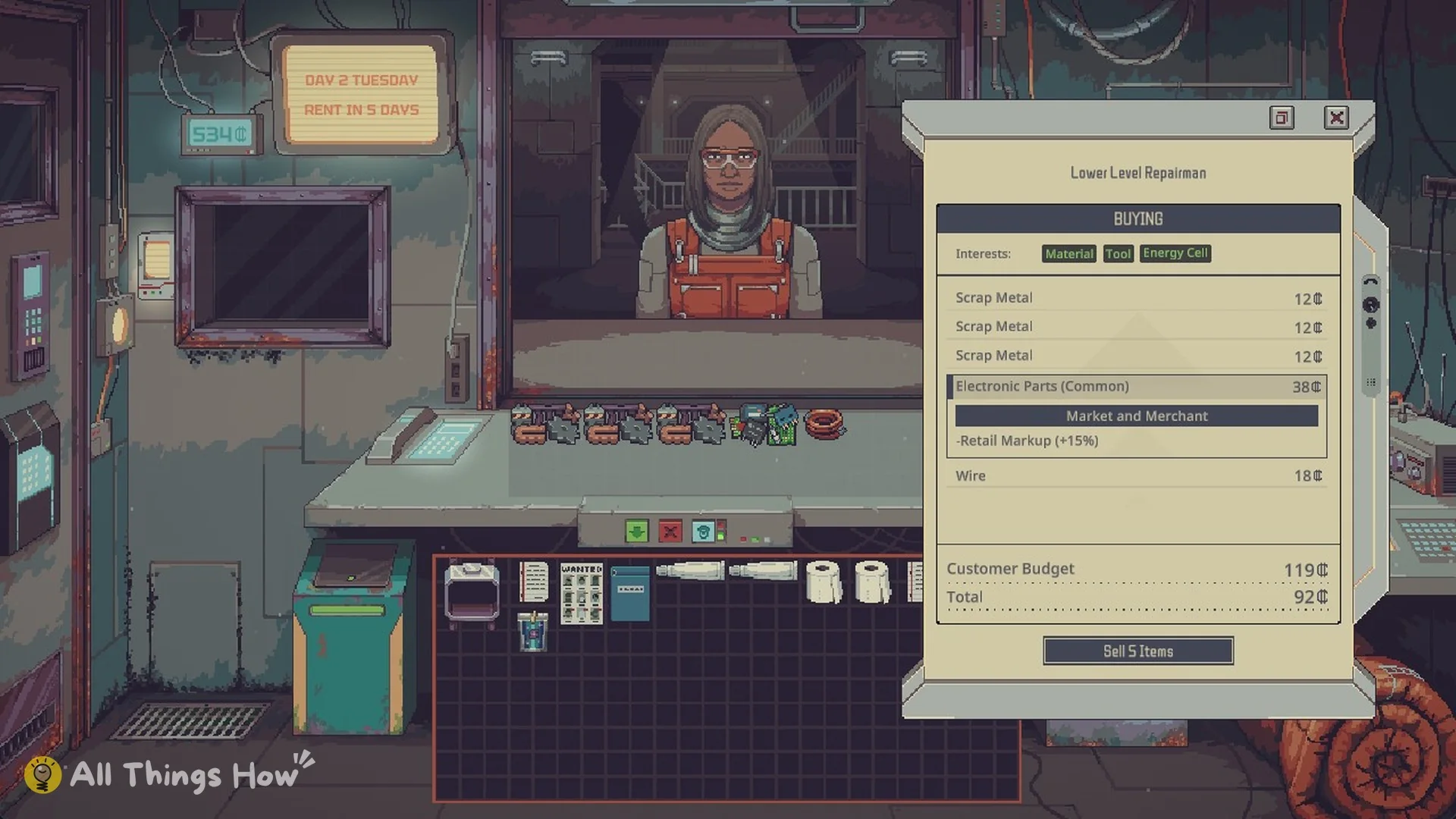
| Difficulty | Retail Markup |
|---|---|
| Mark Up | +15% |
| Price Gouge | +20% |
| Thin Margins | None |
| Red Ink | None |
Customer Budget and Interests limit what buyers will purchase, and some also have Restrictions. For instance, a buyer with Variety won’t take two copies of the same item. A pile with many duplicates might require several customers to sell through.
When to accept a wholesale offer, and when to pass
Click Accept Wholesale when any of these is true:
- Most of the pile can be resold. Peat and other food sell steadily, while repair customers purchase Scrap Metal, Wire and Electronic Parts, which also turn up when scavenging the Dumping Ground.
- One or two valuable items in the pile cover the whole price by themselves.
- You will still have enough cash for rent after paying.
Pass on the offer if most of the pile is unsellable Junk, or if buying it would leave you without enough for rent. On Mark Up, rent is 200 credits on Day 7 (see how rent works). You can still buy just the items you want with Buy N Items, at the normal price.