Rent in Probably Stolen: Cyberpunk Shopkeeper Sim keeps the pressure on your shop’s cash all run. The Landlord shows up every seven days to collect, the bill grows after each visit, and refusing to pay can end your run on the spot.
Quick answer: The Landlord collects rent every 7 days, starting at 200 credits on Day 7. Keep that much cash on rent day; refusing to pay with no Landlord’s grace left ends the run.
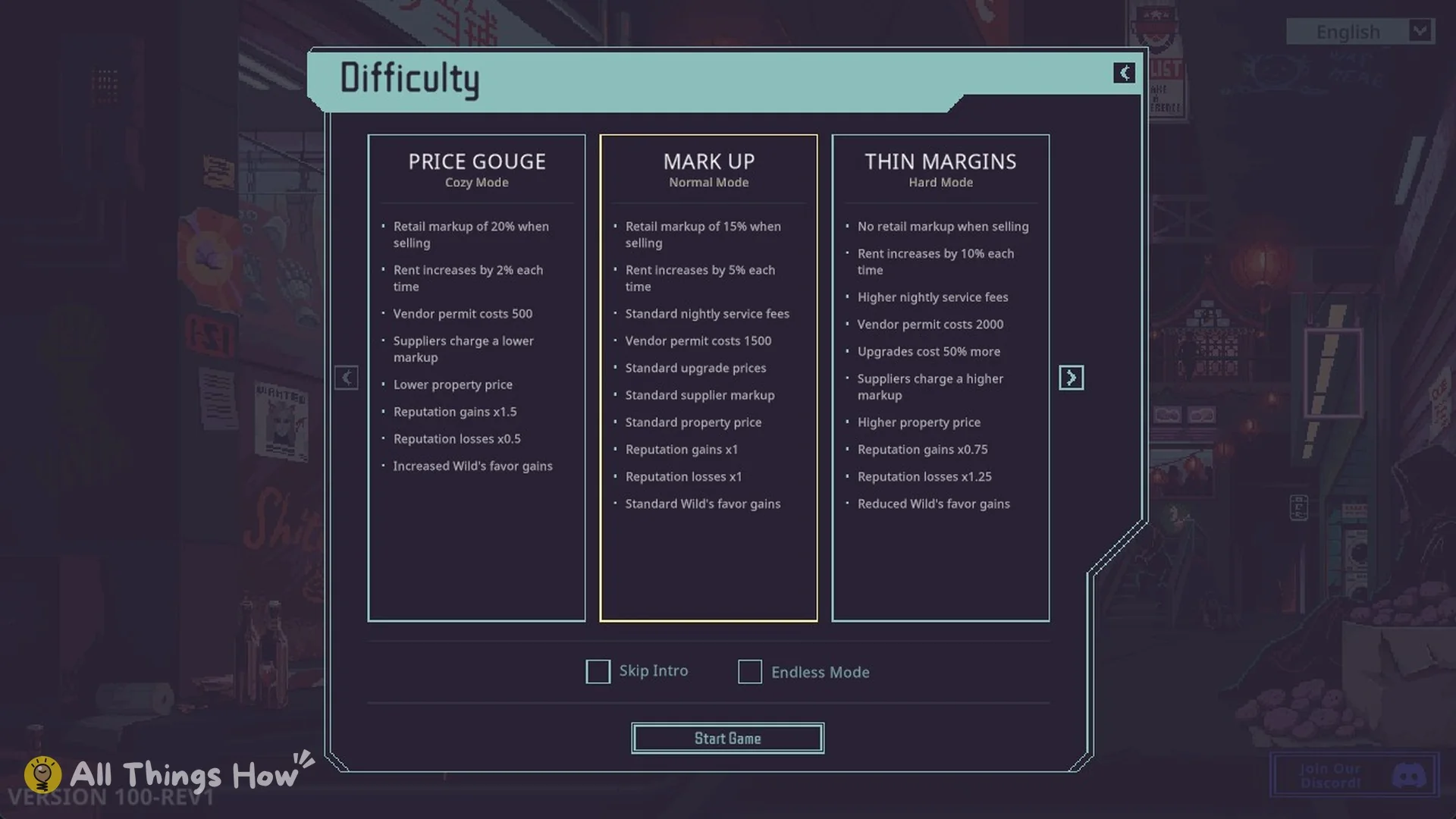
| Difficulty | Rent increase each rent day (Difficulty screen) | Landlord’s grace at the start |
|---|---|---|
| Price Gouge (Cozy Mode) | 2% | Yes |
| Mark Up (Normal Mode) | 5% | Yes |
| Thin Margins (Hard Mode) | 10% | No |
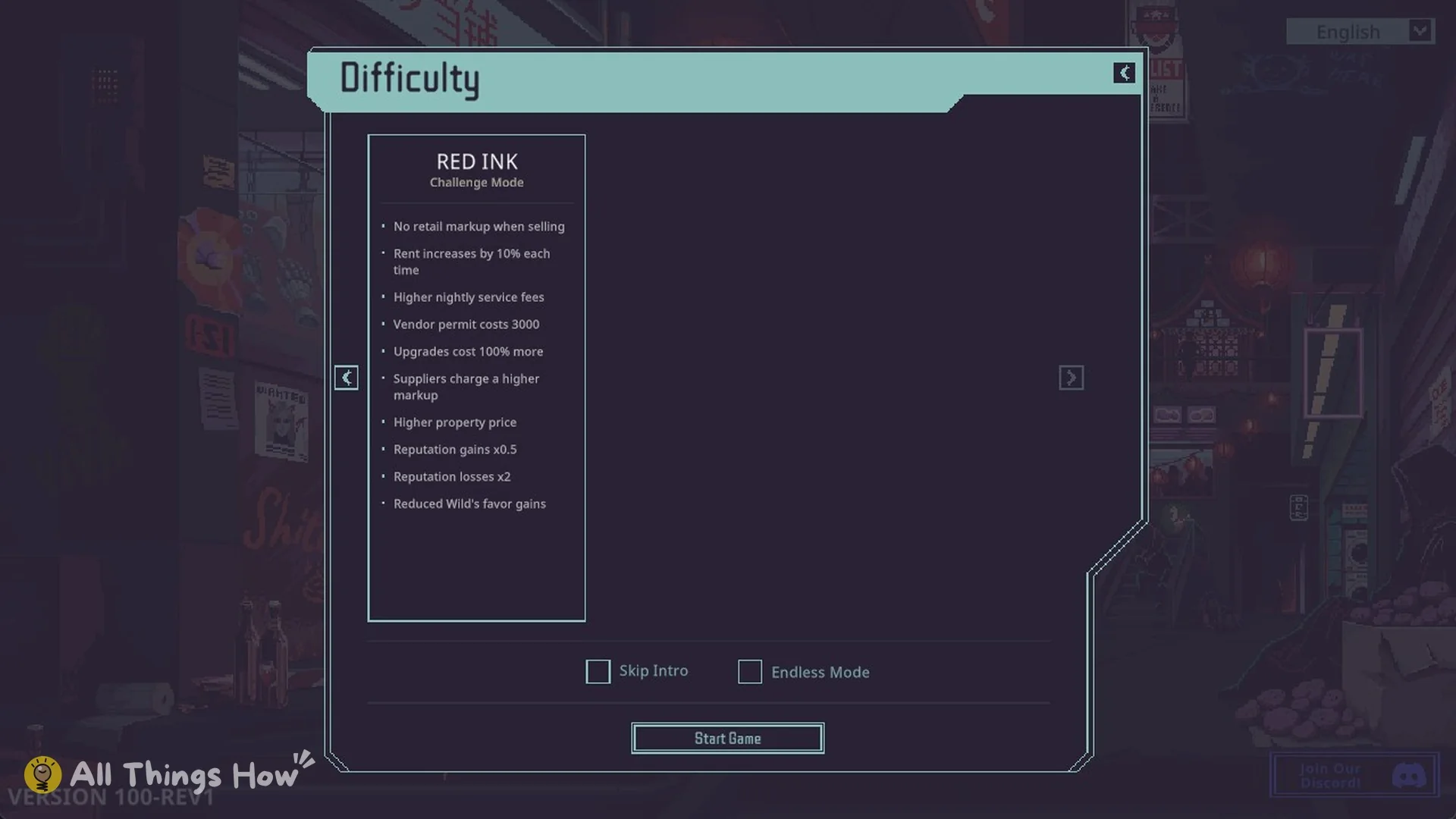
| Red Ink (Challenge Mode) | 10% | No |
Red Ink is on page 2 of the Difficulty screen. Price Gouge’s entry reads “Rent increases by 2% each time”, and Red Ink’s reads “Rent increases by 10% each time”.
Rent due dates in Probably Stolen
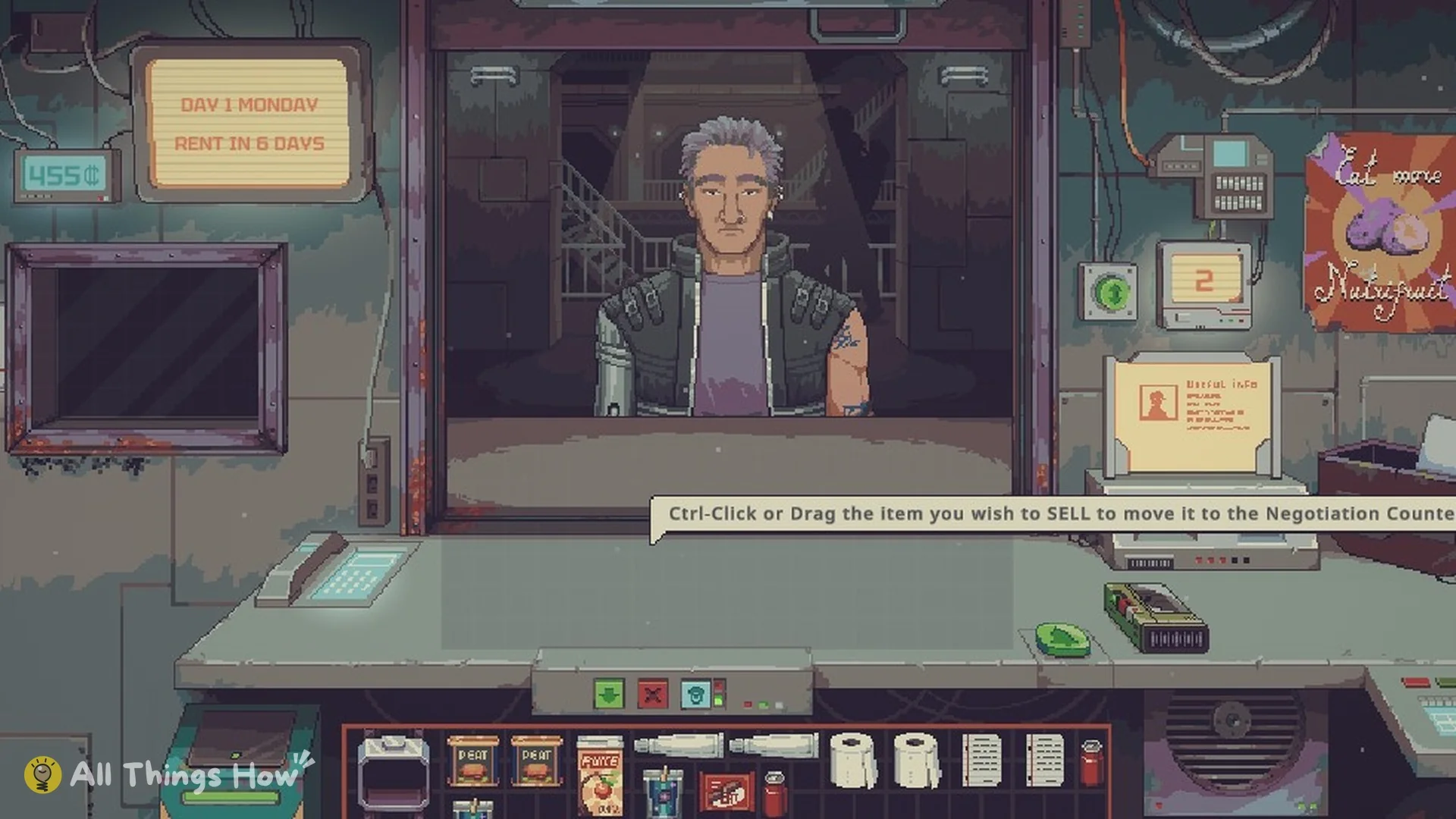
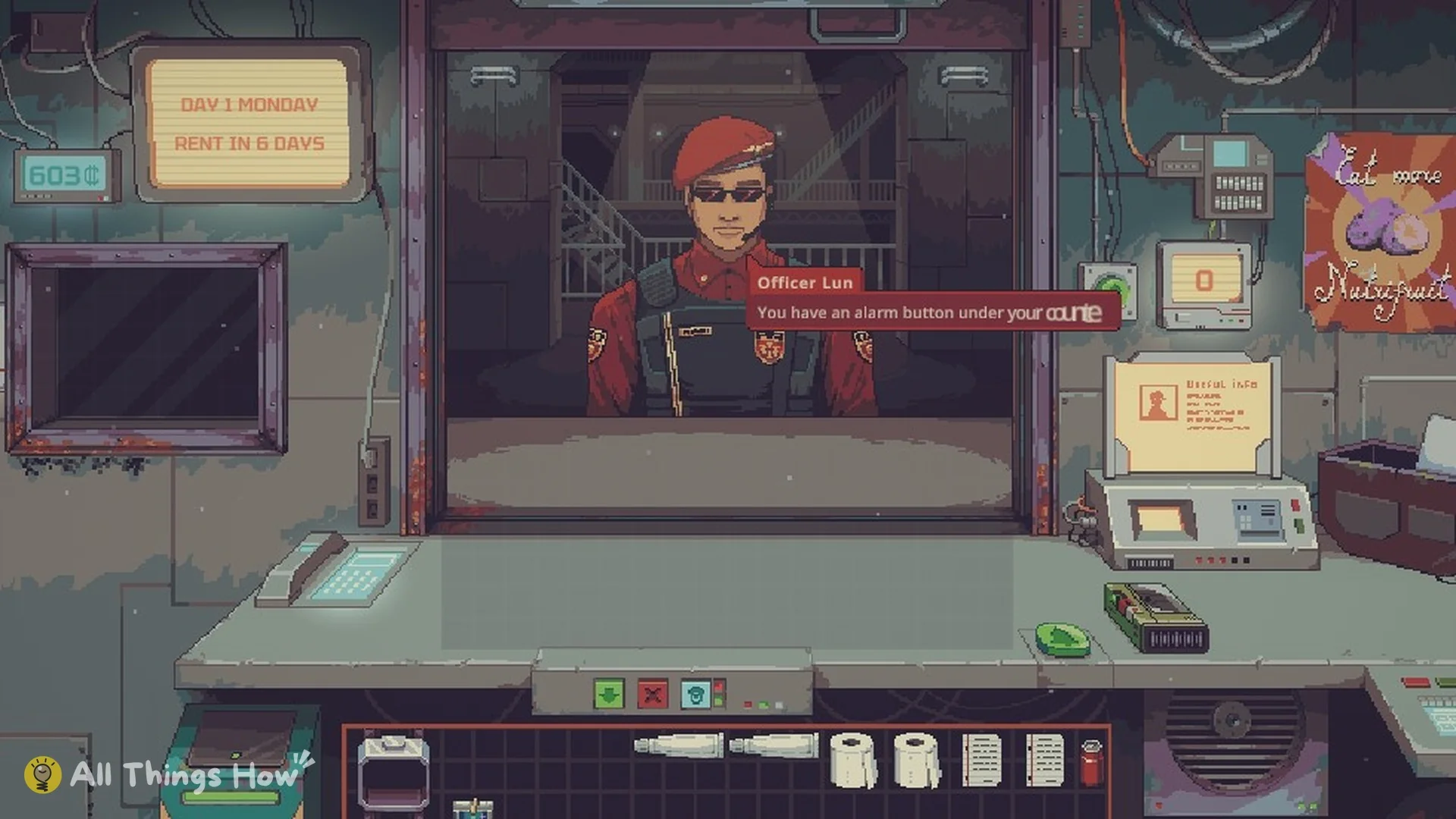
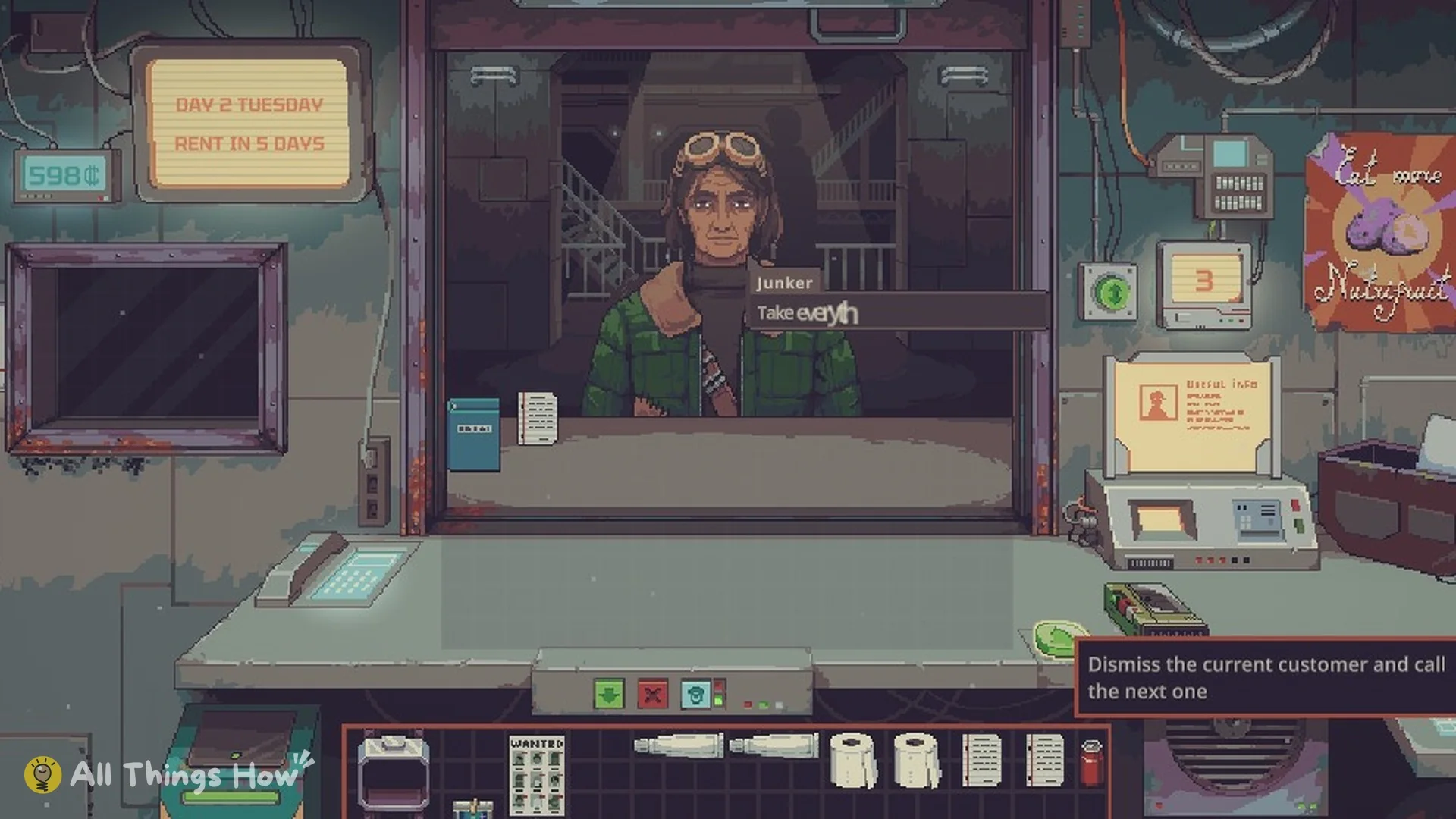
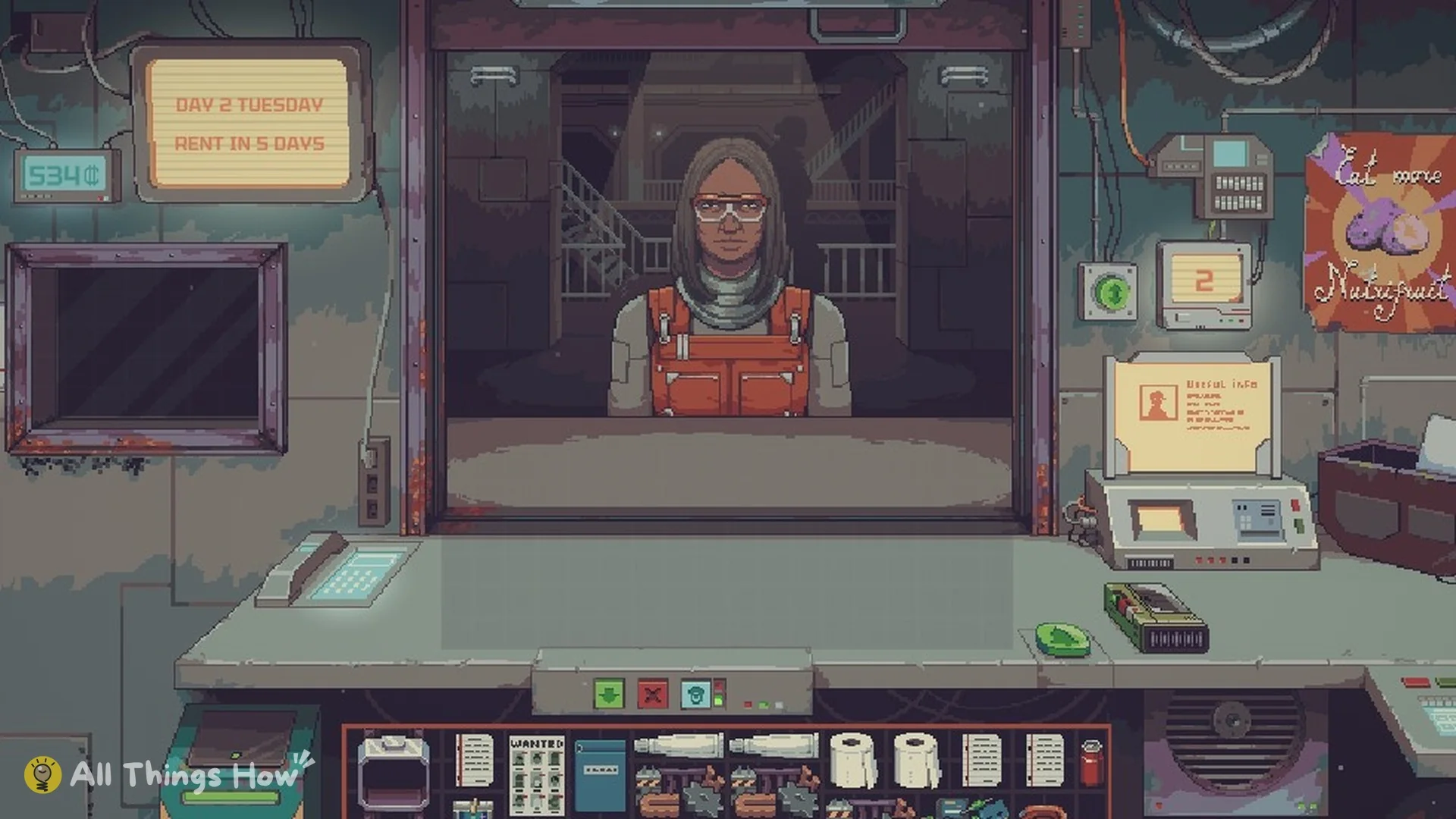
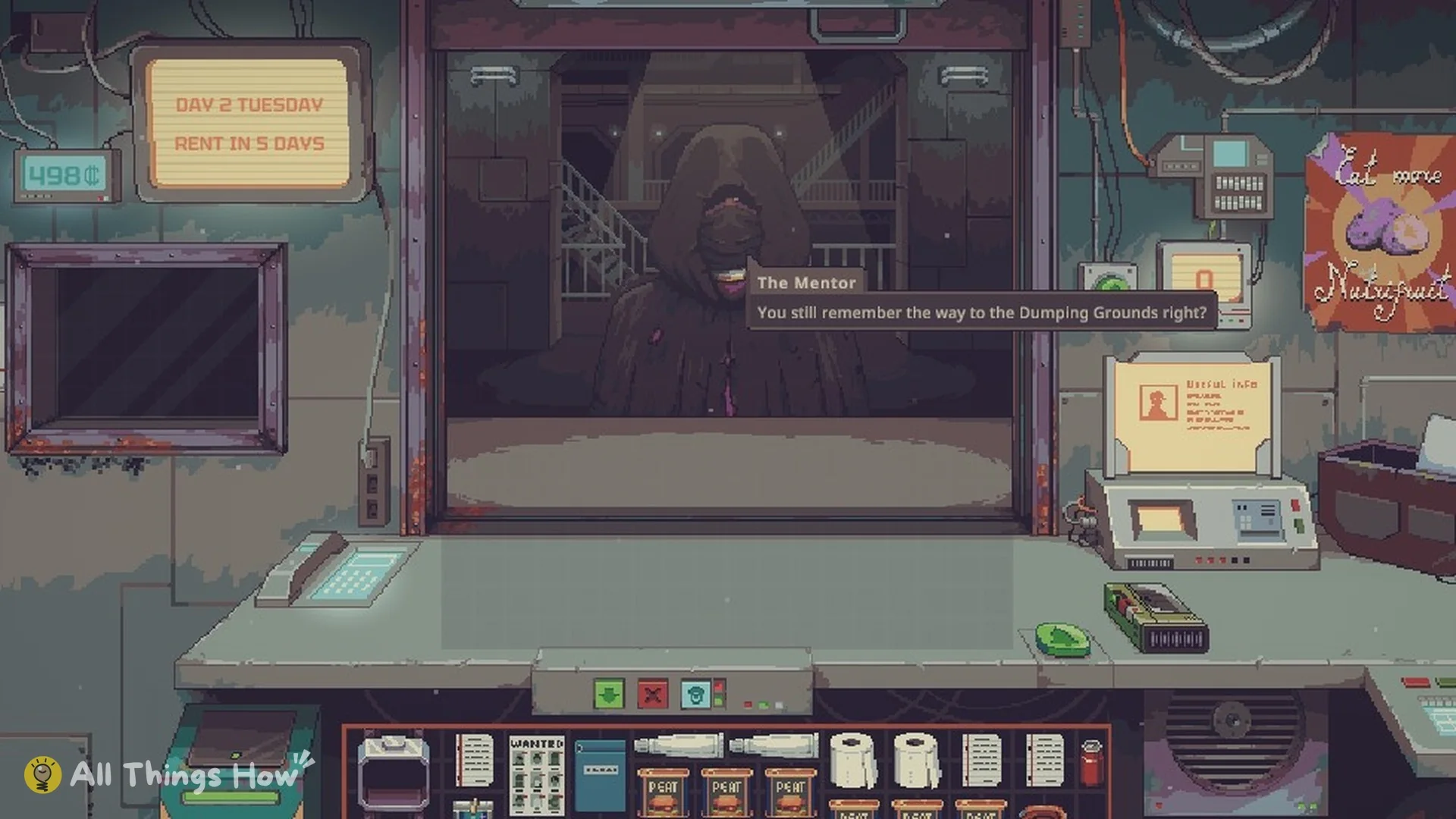
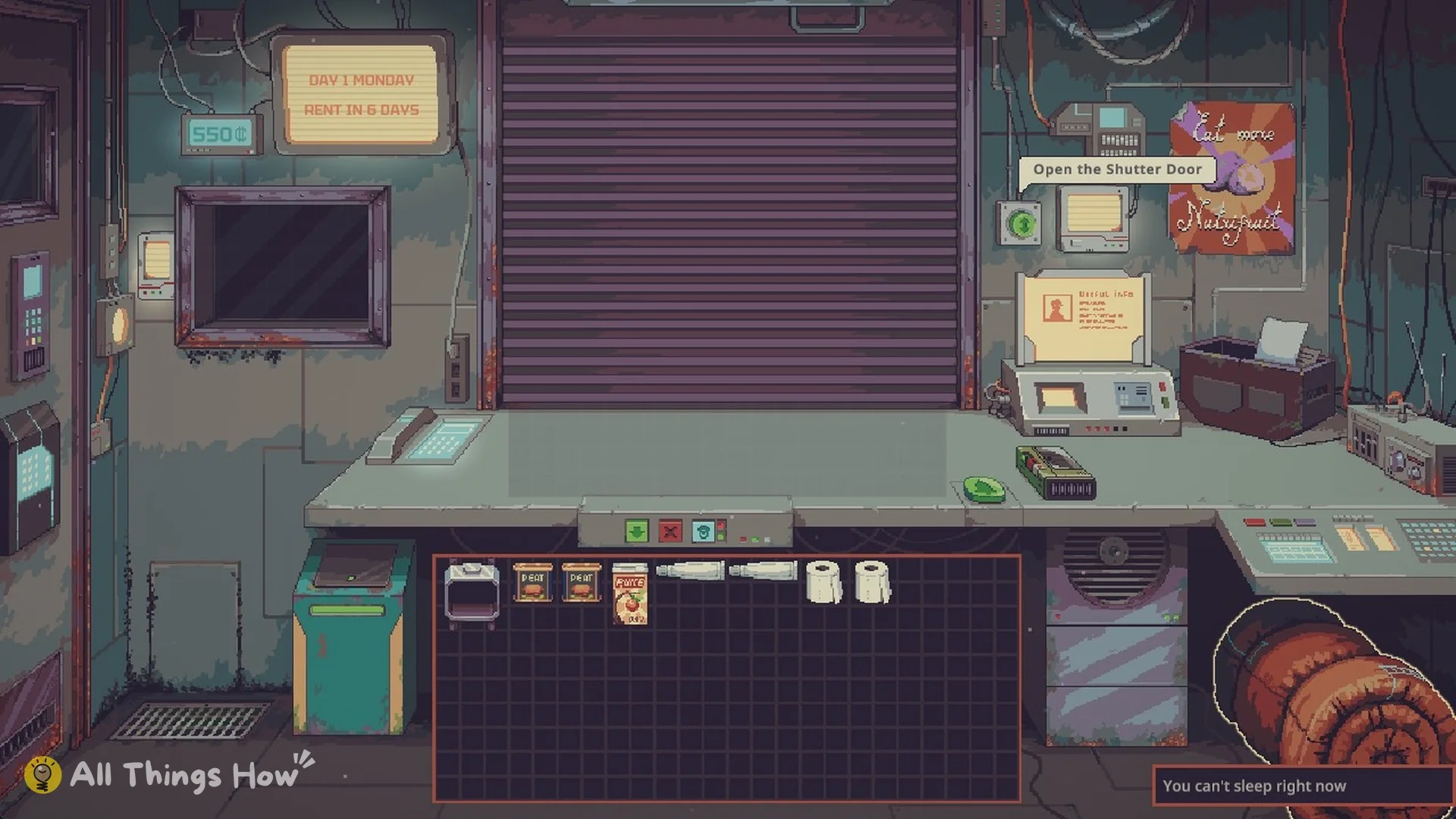
The wall display beside the shutter shows today’s date and how long remains before payment: Monday, Day 1, with six days left; Tuesday, Day 2, with five days left.
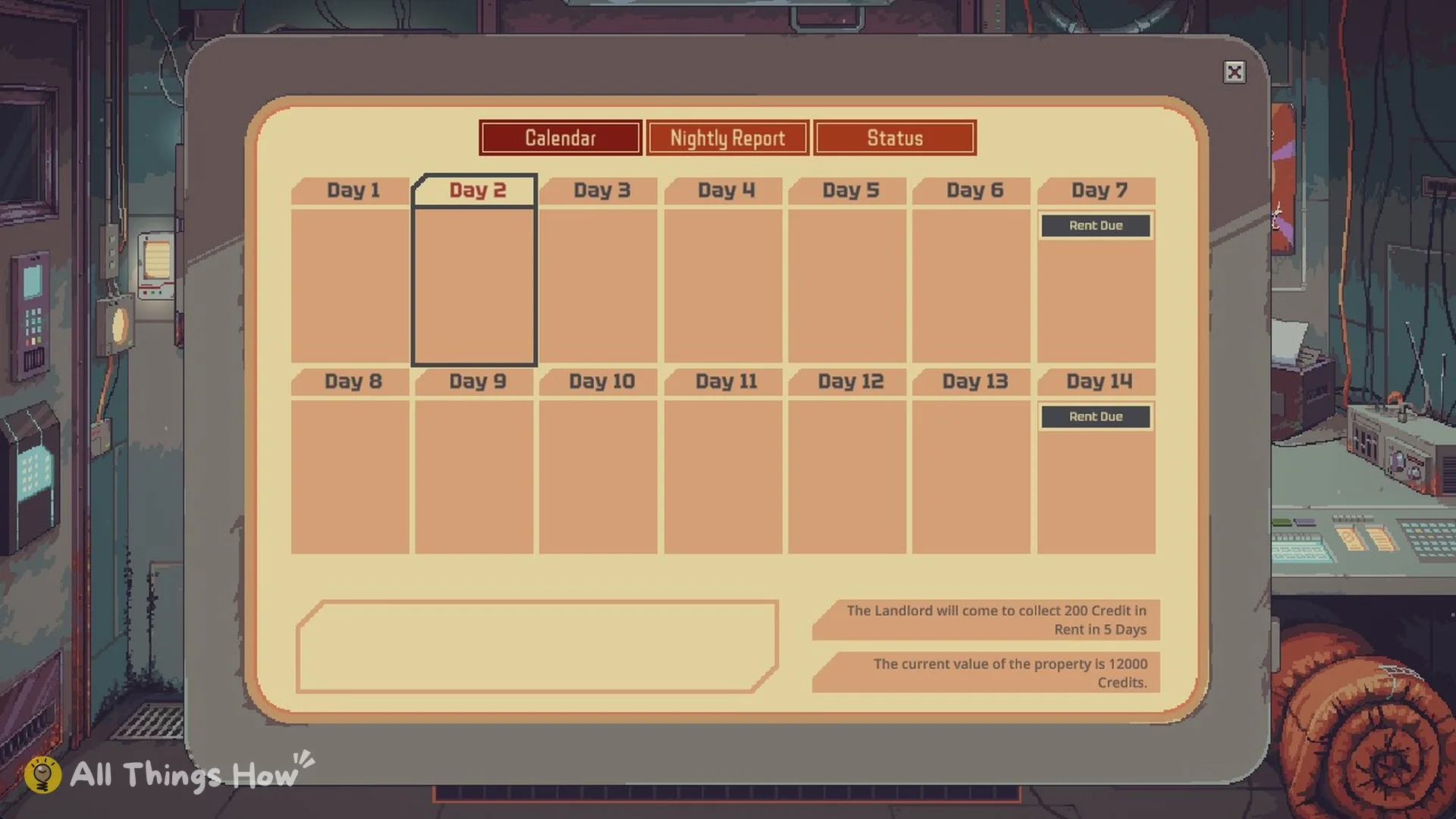
The Calendar tab in the end-of-day panel shows the same schedule. It marks “Rent Due” on Day 7 and Day 14. At the end of Day 1 on Mark Up, it also says “The Landlord will come to collect 200 Credit in Rent in 5 Days”.
How to pay rent on time
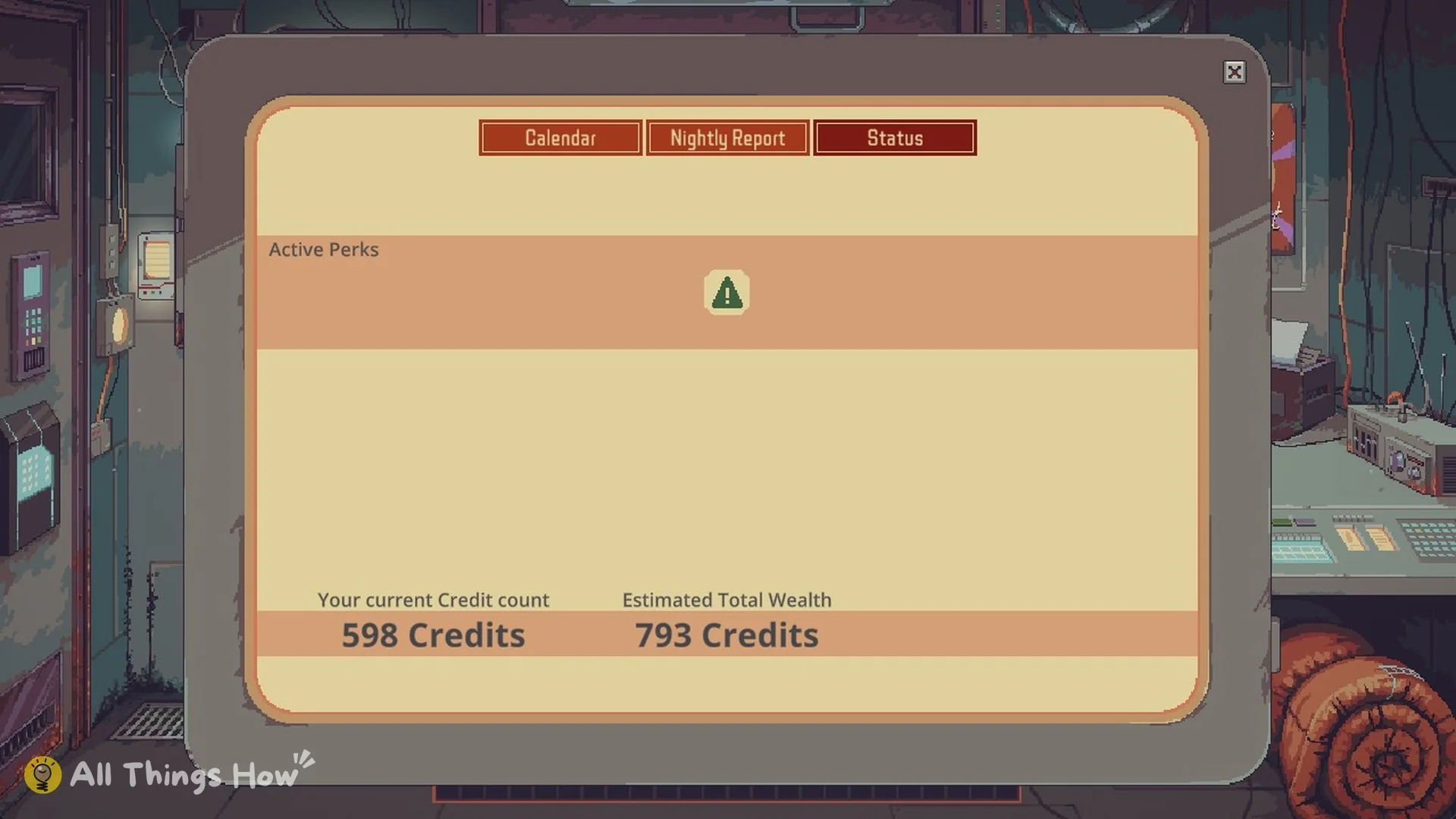
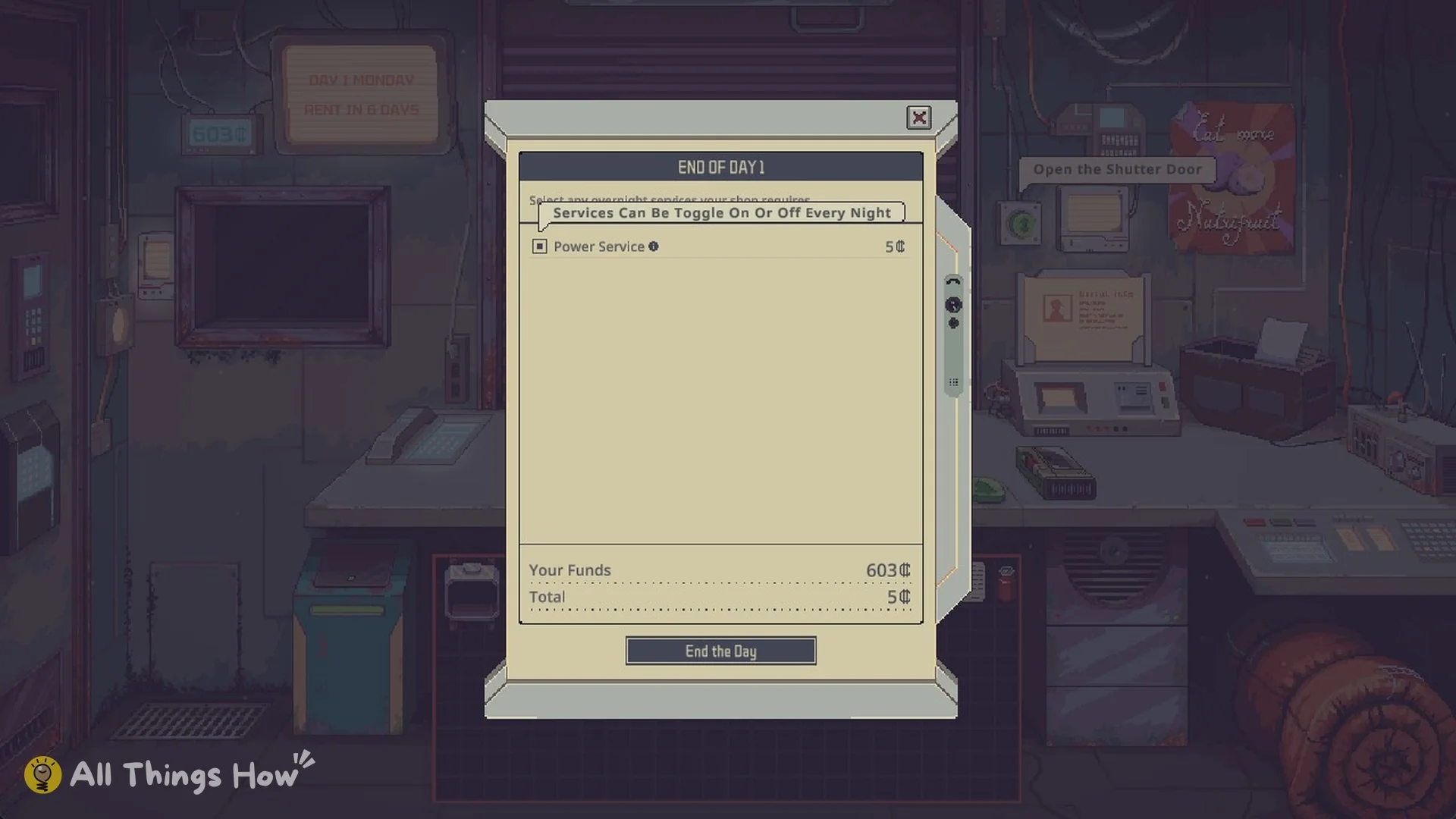
The first week on Mark Up is manageable (our beginner guide walks through Day 1). Day 1 starts at 550 credits and ended at 598, so normal trading covers the 200-credit rent easily. The risk is spending everything on stock and upgrades. Keep food on the shelves, since the Mentor’s Note on Food says “Food is the most traded commodity on the station”.
The Mentor’s Note on Upgrades warns: “These upgrades can be useful, but you must be careful when managing your cash flow and keep an eye out for the next rent payment.”
Choices that raise your starting rent
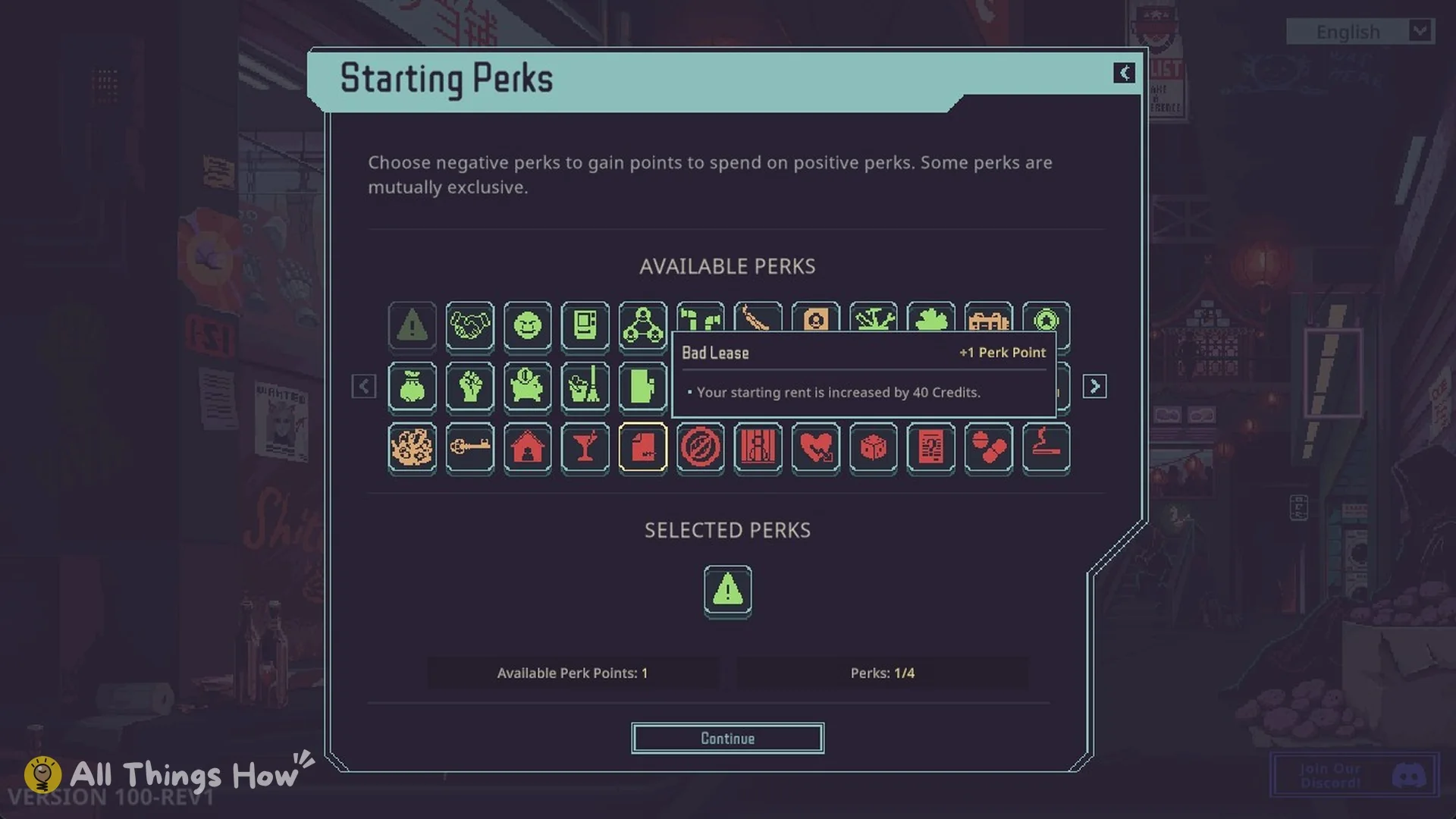
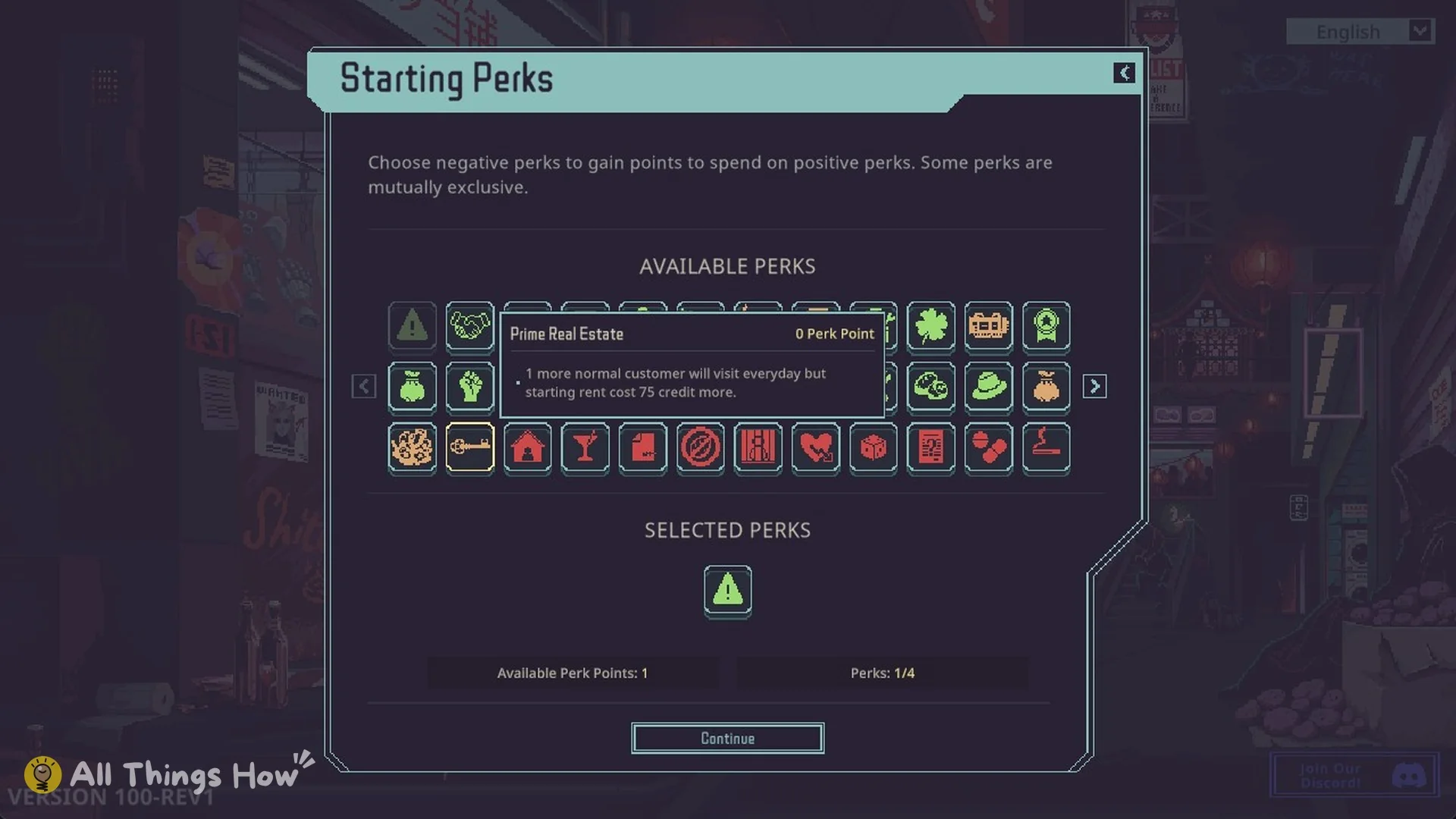
Some choices you make before the run starts add to your first rent bill.
- Fence, Hydroponic Farmer and Aquafarmer: on the Specialization screen, each of these specializations is marked “Increased starting rent”.
- Bad Lease (starting perk, gives 1 perk point): “Your starting rent is increased by 40 Credits.”
- Prime Real Estate (starting perk, free): “1 more normal customer will visit everyday but starting rent cost 75 credit more.”
Missing rent and the Landlord’s grace
The Landlord’s grace covers a single missed payment. Declining to pay while you still have it skips that week’s rent once, but the unpaid amount carries over to the next week’s bill. The normal rent increase still takes effect after that payment date.
If you have no grace left, refusing to pay ends the run. You get the ending “You Defaulted On Your Rent“, which reads: “As a result of failing to pay your rent, you were evicted. Abandoned by your customers, your contact, and even The Mentor, you are forced to go back to the life of a scavenger.”
Thin Margins and Red Ink begin with no Landlord’s grace, so refusing the first rent payment on either difficulty ends the run.
Getting grace back with Rent Grace (Favor)
Wild’s network sells an upgrade called Rent Grace (Favor) for 100 favor. Its description reads: “Wild will convince the Landlord that if you missed a rent payment, it’s acceptable to pay the missing rent together with the next week’s rent. This is a one time favor.” On Thin Margins and Red Ink, this upgrade is how you get a safety net.
Buying the store deed to stop paying rent
You can stop paying rent permanently by buying the store deed from the Landlord. The base price depends on difficulty:
- Price Gouge and Mark Up: 12,000 credits
- Thin Margins: 24,000 credits
- Red Ink: 36,000 credits
On Mark Up, the Calendar on Day 1 says “The current value of the property is 12000 Credits”. Buying the deed wins the run with the Buyout ending, and you never pay rent again.