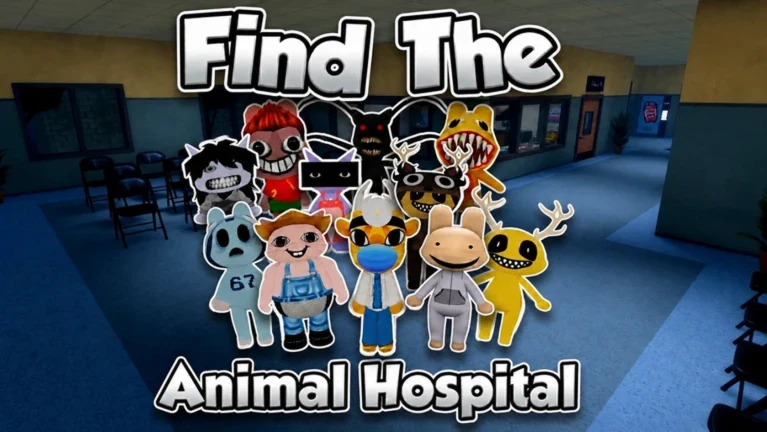
The last stretch of Find The Animal Hospital Morphs [100] asks you to track down the ten characters that push your Banban Morphs count from 90/100 to the full set. All ten sit in locked-off or out-of-the-way spots across the elevator shaft, the upstairs offices, a janitorial storage room, the slide’s green room, and the playroom marked “!Naughty Corner.” Most require the Crowbar to open boarded doors.
Quick answer: Equip the Crowbar, then collect all 10 remaining morphs from the elevator shaft, the upstairs office and kitchen, the janitorial storage room, the green slide room, and the Naughty Corner playroom to hit 100/100.
What you need before starting
The route relies on one tool and a lot of back-and-forth across the outdoor bridge. Confirm the following before you set off.
- The Crowbar in your hotbar, used to break boarded doorways and wooden double doors.
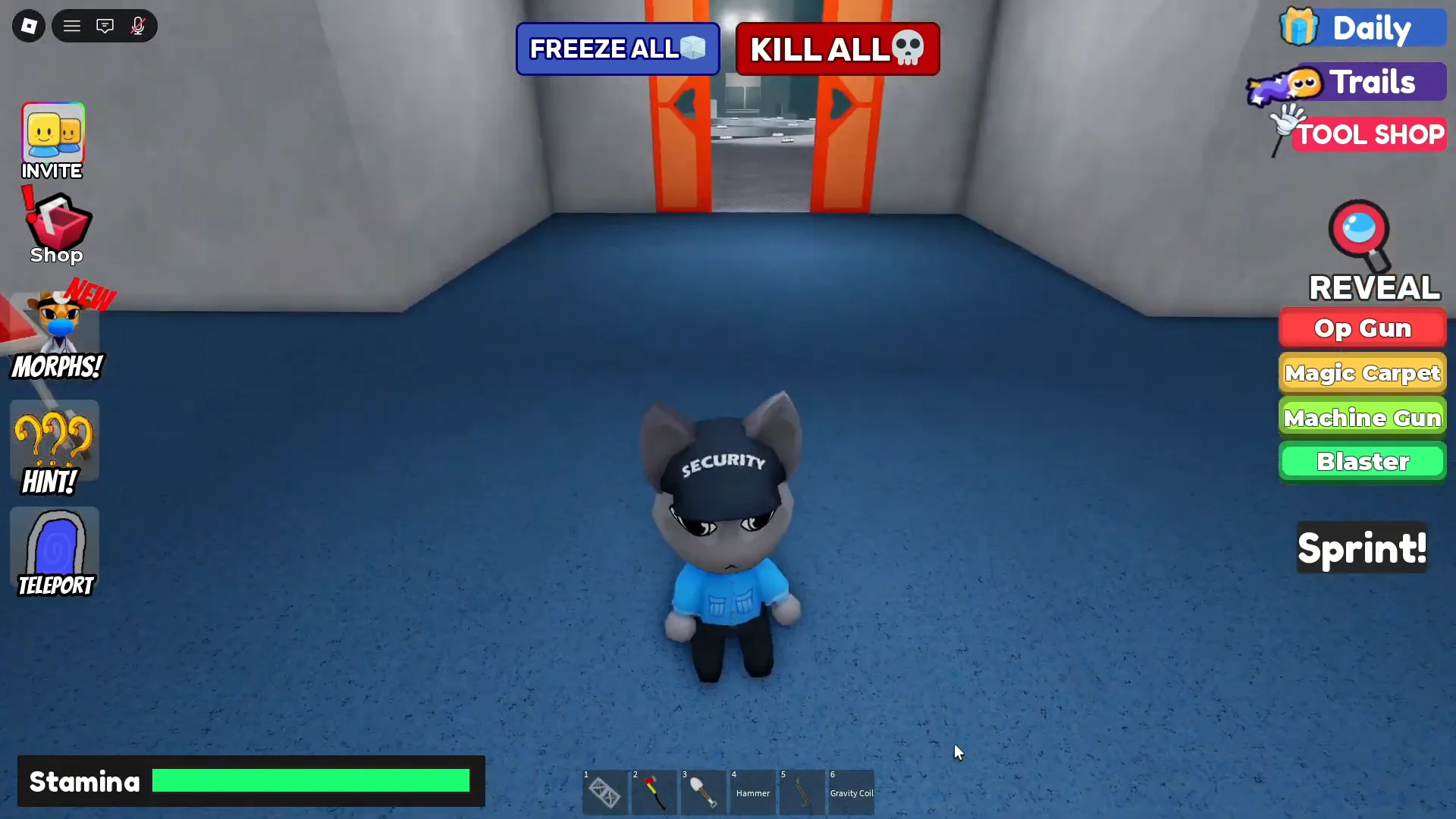
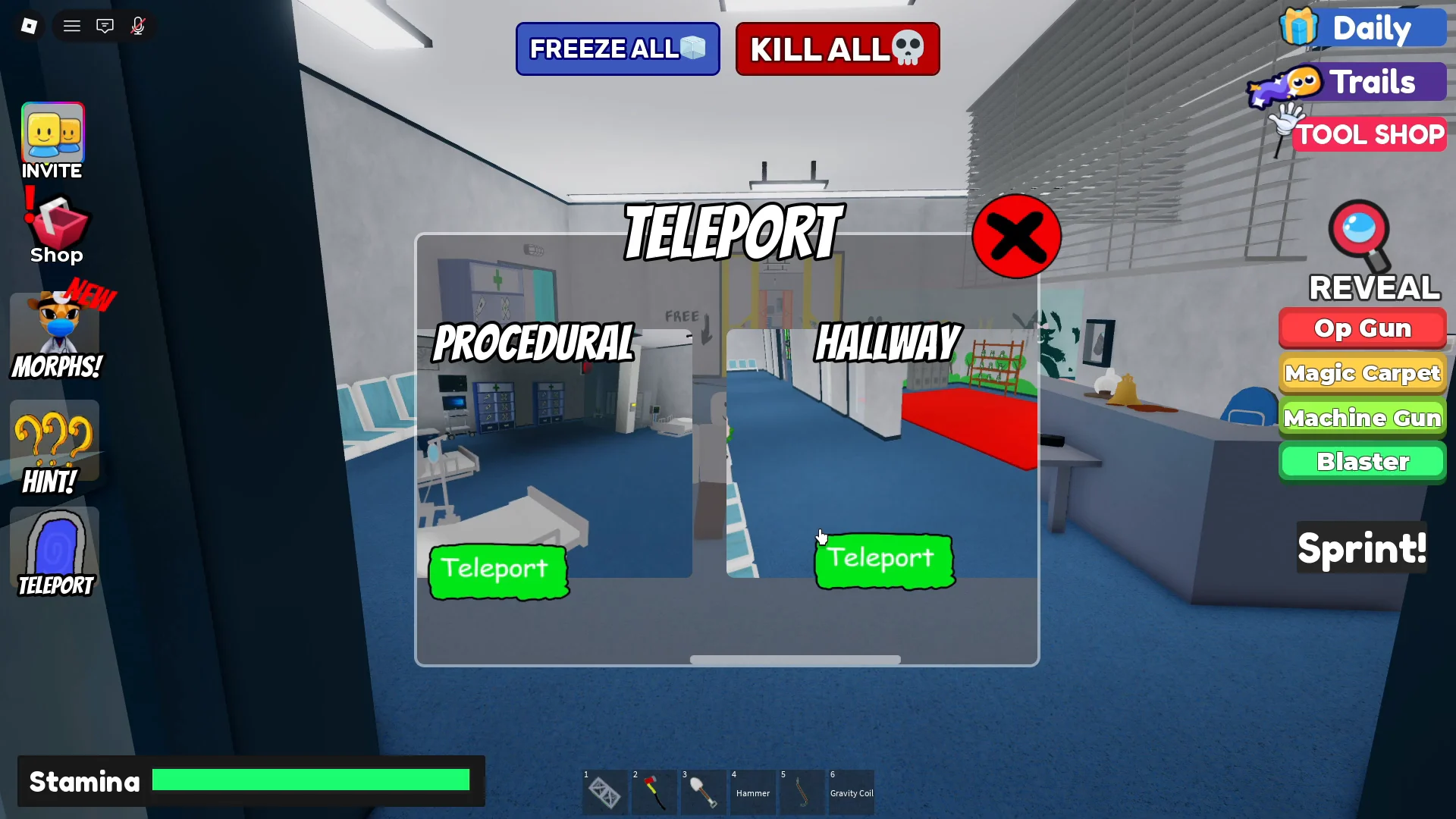
- The Teleport menu, which offers ENTRANCE, PLAYGROUND, PROCEDURAL, HALLWAY, and GROUND FLOOR to cut down on walking.
- Interact prompts such as “Requires Crowbar” and “Break” appear on barriers you can open, and “Get!” appears on each morph.
All 10 new morph locations
| Morph | Zone | Where to grab it |
|---|---|---|
| Ron Griffin | Elevator shaft | Ledge corner off the red platform |
| Intern Minion | Elevator shaft | Support beam above the platform |
| Batman Duck | Upstairs office | On the desk behind the monitor |
| Tails Patient | Upstairs kitchen | On top of the stove |
| Hatsune Miku Patient | Storage room | Behind the cardboard boxes |
| Ron Spiderman | Storage room | Behind the tilted gurney |
| Richard Intern | Storage room | Atop the box stack on the lockers |
| Clean up nurse | Green slide room | At the plush cat nurse’s foot |
| Big Intern | Green slide room | Corner behind the plush cat |
| Barista | Naughty Corner playroom | Among the chairs and bowling pins |
Elevator shaft: Ron Griffin and Intern Minion
Two morphs sit around the outdoor red elevator platform. Grab Ron Griffin first, then come back for Intern Minion after you have cleared the upstairs and storage rooms.
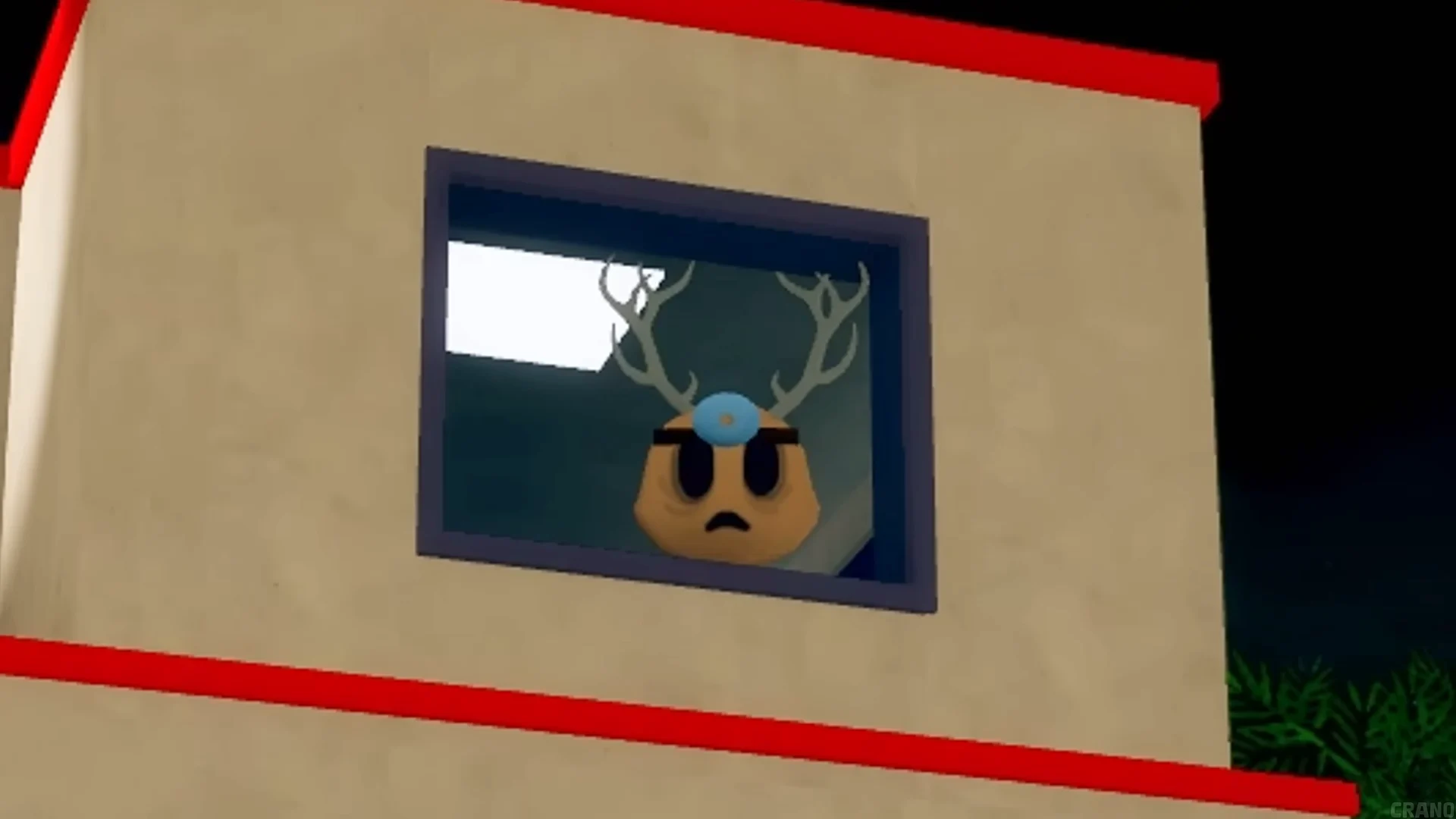
Upstairs office and kitchen: Batman Duck and Tails Patient
Both of these are behind boarded doors along the same upstairs hallway, reached by crossing the outdoor bridge and climbing the brick stairs.
Janitorial storage room: Hatsune Miku Patient, Ron Spiderman, and Richard Intern
Three morphs share one room next to the kitchen. Break in once and grab all three before moving on.
Green slide room: Clean up nurse and Big Intern
The slide drops you into a green room built around a giant plush cat nurse. Two morphs are tucked in with it.
Naughty Corner playroom: Barista
The final morph is in the pastel playroom with “!Naughty Corner” written on the wall, back across the bridge one more time.
Confirming you reached 100/100
Each pickup triggers a “You found:” pop-up naming the morph, so you get immediate confirmation as you touch each figure. Once Barista is collected, open the Banban Morphs menu. The counter that started at 90/100 should now read the full set, and every character will be selectable from the morph list.
If you want to double-check a specific character, open the Morphs menu and select it. Any morph you have unlocked can be equipped from there, so equipping one confirms it is registered rather than still marked “Not Found!”