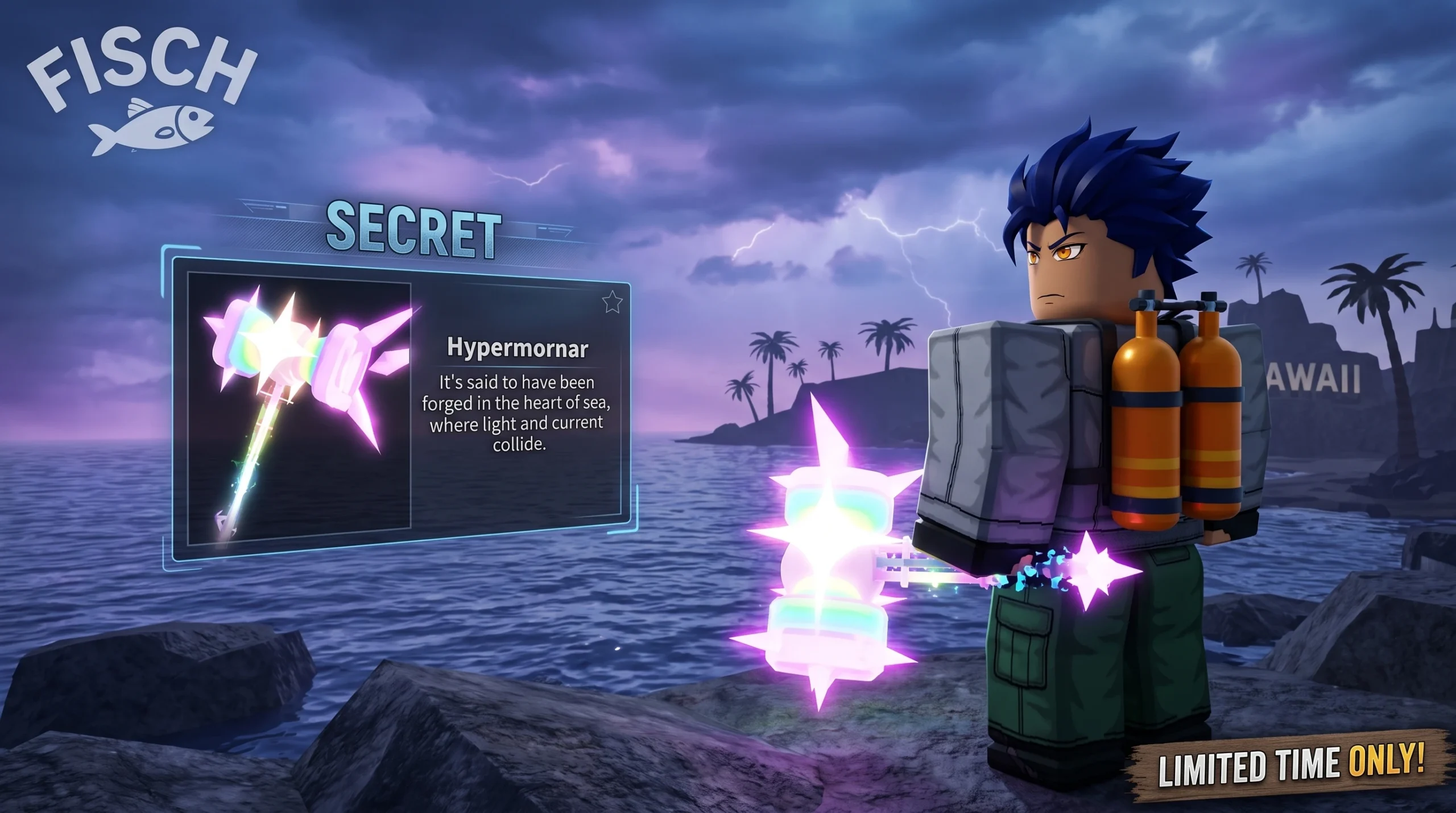
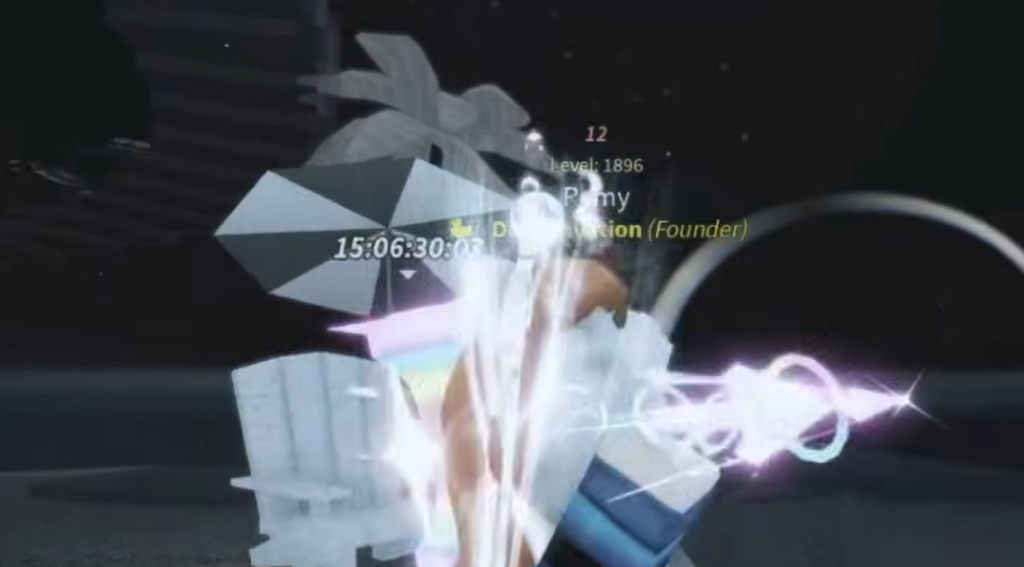
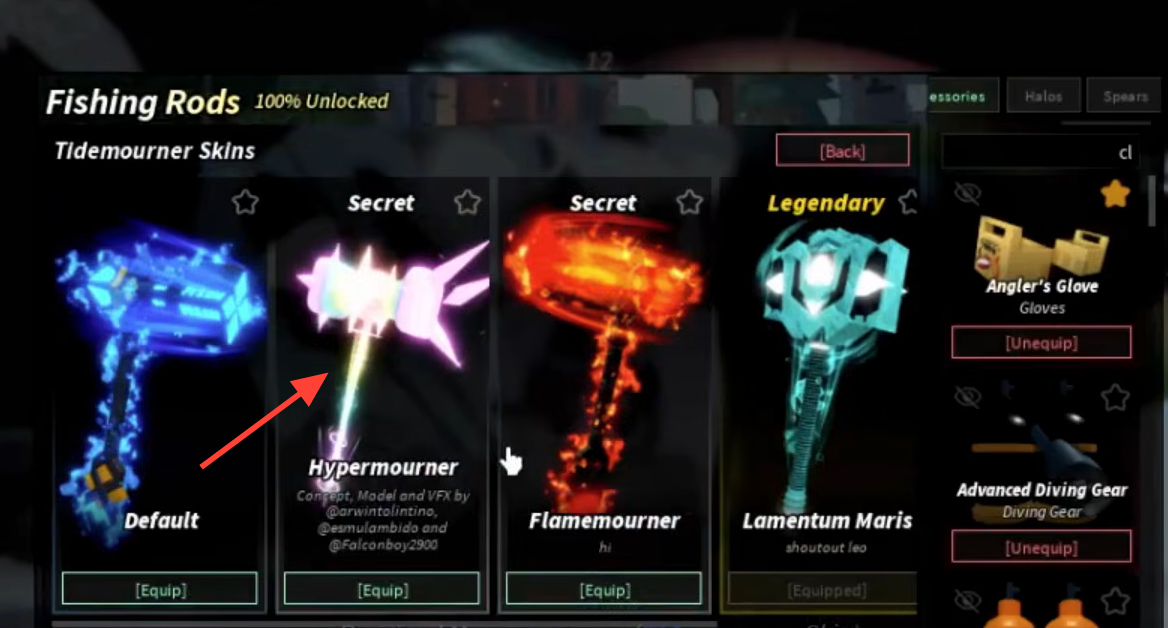
The Hypermourner is a Secret skin for the Tidemourner rod in Fisch, and it turns the rod’s cast into a large pink-and-rainbow beam with star and sparkle effects. Unlocking it does not require a trade, a code, or Robux. It hinges on one triggered event tied to the game’s day-night cycle.
Quick answer: Equip the Tidemourner, travel to the Hawaii area, then activate a Rainbow Totem. The moment the rainbow appears, you receive “Hypermourner (Tidemourner Skin).”
What you need before the Hypermourner unlock
Two things must be true at the same time for the skin to drop. You need the Tidemourner rod in your hand, and you need a Rainbow Totem to activate. Without the rod equipped when the rainbow arrives, the skin will not be granted.
| Requirement | Detail |
|---|---|
| Tidemourner rod | A Stage 7 rod crafted at the Ancient Archives in Tidefall at Level 200 |
| Rainbow Totem | Consumable that spawns a rainbow when activated |
| Location | The Hawaii area |
| Sundial Totem (optional) | Speeds up the celestial cycle so the day change happens sooner |
The Hypermourner was added in Version 1.92.0, so make sure the game is fully updated before attempting the unlock.
How to trigger the Hypermourner skin in Hawaii


Confirm you received Hypermourner
You will know it worked when a cluster of system messages appears on screen. Expect lines that read “A new day is here!”, “Received Hypermourner (Tidemourner Skin)”, a “???” prompt, and “A rainbow has arrived.” The “Received” line is the definitive confirmation that the Secret skin is now in your collection.
Equip the Hypermourner skin
Why the skin might not unlock
If the messages never appear, one of the core conditions was missing. The most common reasons are simple to check.
- The Tidemourner was not equipped in your main hand when the rainbow appeared.
- You activated the Rainbow Totem somewhere other than the Hawaii area.
- You did not have a Rainbow Totem to use, or used a different totem by mistake.
- The game was not updated to a version that includes the Hypermourner skin.
Because the whole trigger comes down to popping a Rainbow Totem in Hawaii with the Tidemourner in hand, the fix is usually to re-check your equipped rod and repeat the totem activation in the correct area. Once the “Received Hypermourner” line shows up, the Secret skin is yours to equip whenever you want that rainbow cast.