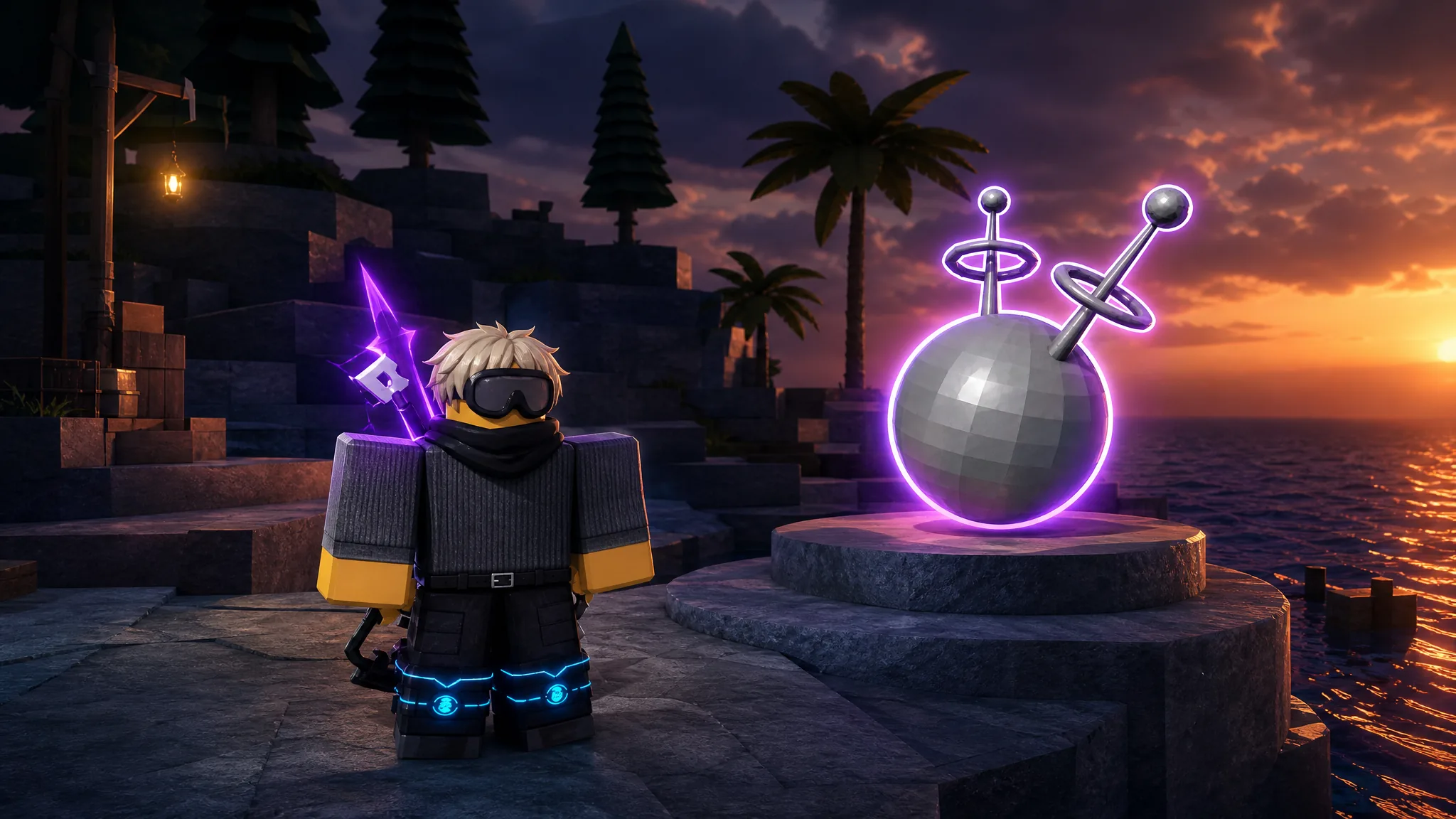
The Compact Disk in Fisch is the item that lets you unrestrict the Noiseform rod, which is why so many players chase it the moment they reach Hawaii. It does not drop from random casts. It is tied to a specific fish, a specific location, and a specific weather state, and if any of those three are off, you can cast all day without a single bite.
Quick answer: Travel to Hawaii, force Cursed Storm weather, and catch the storm-locked fish that spawns under those conditions. Landing it rewards the Compact Disk, which you then use to unrestrict the Noiseform rod.
What the Compact Disk does in Fisch
The Compact Disk exists for one job. It removes the restriction on the Noiseform rod so you can actually use it instead of just owning it. If your Noiseform is still locked, the Compact Disk is the missing piece, and everything below is built around catching the fish that hands it over.
Requirements before you cast
Three conditions all have to be true at the same time. Get one wrong and the target fish will not appear, no matter how good your bait or rod is.
| Requirement | What it needs to be |
|---|---|
| Location | Hawaii |
| Weather | Cursed Storm (force it with a Cursed Storm Totem) |
| Target | The storm-locked fish that only spawns during Cursed Storm |
A Cursed Storm Totem lets you trigger the weather on demand instead of waiting for it to roll naturally. That is the fastest route, but the totem has a known quirk covered further down.
How to get the Compact Disk fast
Why you can’t lure the fish (common failures)
Most people who get stuck are not unlucky. They are missing one of the three conditions or hitting the totem placement bug. Here are the exact reasons the catch refuses to trigger.
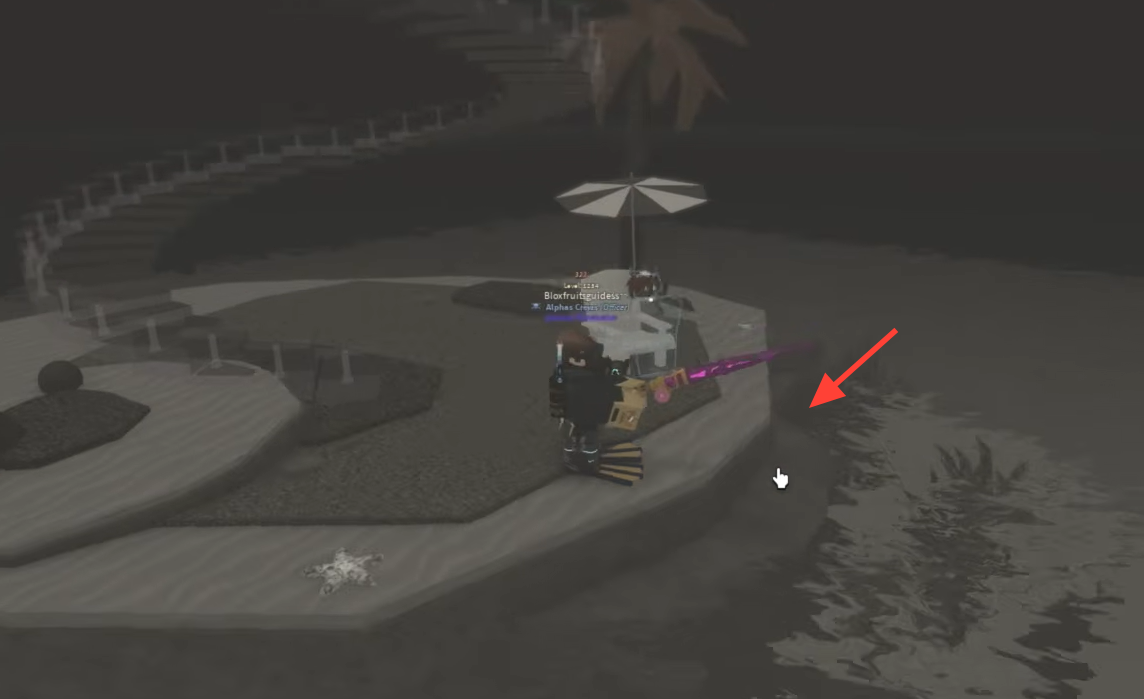
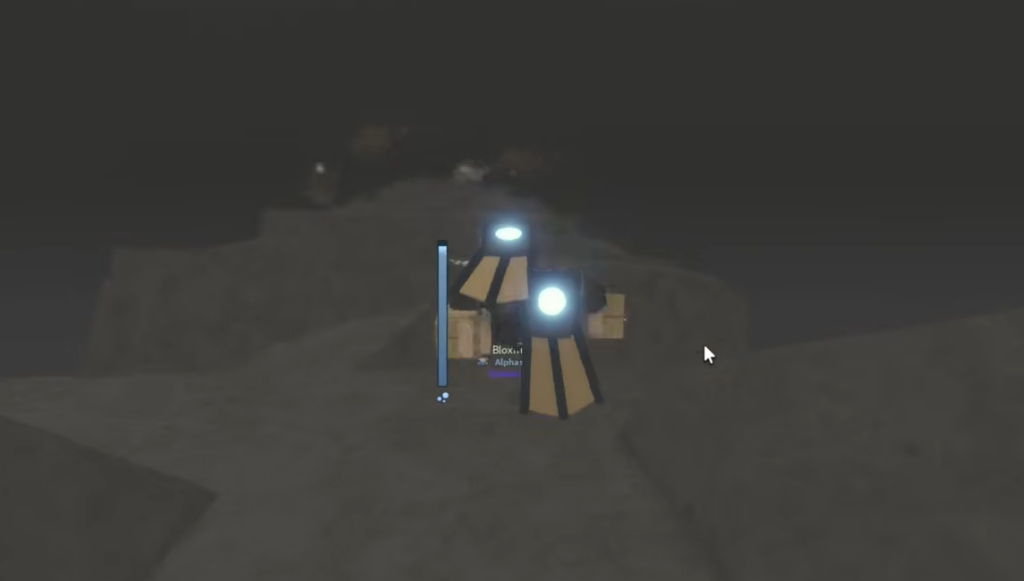
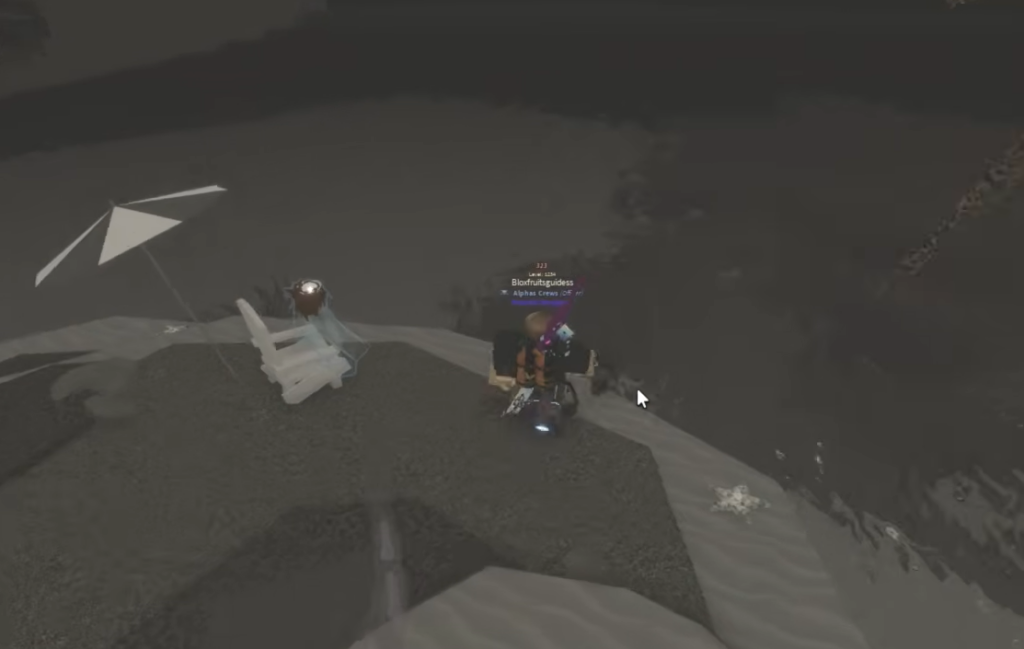
- The Cursed Storm Totem spawns the pool away from where you are standing, so you end up casting into the wrong water. Reposition to wherever the new storm pool actually appears and cast there.
- The weather is not Cursed Storm. If a regular cast produces no shake button and no bite at all, the storm state is almost certainly inactive or has already ended.
- You are casting in Hawaii but not into the storm pool itself. Bait choice does not fix this, because the storm fish is gated by the pool, not by what you have equipped.
If nothing lures even with bait and the weather looks right, refresh the storm by re-triggering it and watch closely for where the pool lands before casting again.
How to confirm it worked
You will know the catch succeeded when the Compact Disk appears in your inventory after reeling in the storm fish. From there, use the disk to remove the restriction on the Noiseform rod. The rod becoming usable is the final sign that everything lined up correctly.