Rods decide how much damage you deal to fish and how lucky your catches are in Fishing Master on Roblox. You start with the Wooden Rod for free, and every stronger rod is bought from the Rod Merchant NPC named Mankie in town. Equipping one is a separate step handled through the Equipments menu.
Quick answer: Sell fish to the Fish Merchant for Coins, talk to Rod Merchant Mankie and buy a rod, then open the Equip menu, select it under the Rods tab, and click Equip.
Rods sold by Mankie and what they cost
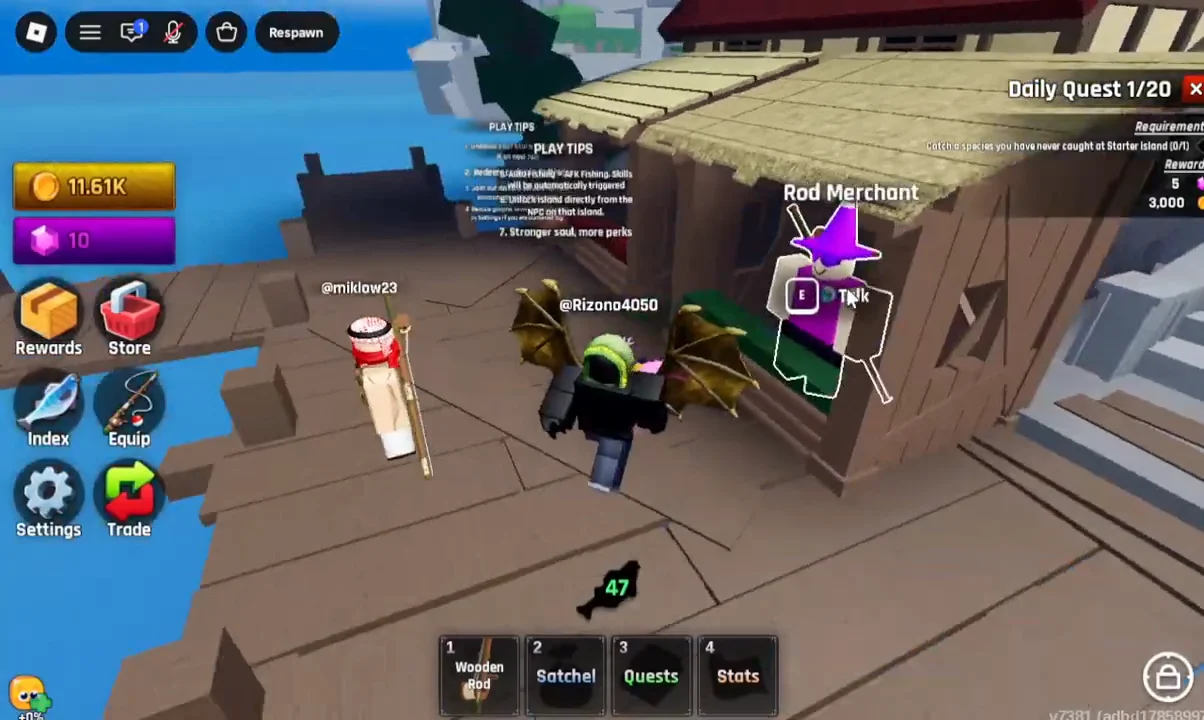
Mankie stands in town at the bottom of a set of wooden steps, with a purple star icon floating above his head. Talking to him and choosing “OK” opens the Rods shop. Three rods appear there, and the Wooden Rod is already marked as Owned when you begin.
| Rod | Attack Damage | Luck | Cost |
|---|---|---|---|
| Wooden Rod (Common) | +217 | +1 | Owned |
| Stone Rod | +289 | +3 | 3,000 Coins |
| Iron Rod (Uncommon) | +542 | +5 | 12,000 Coins |
The Iron Rod roughly doubles the Wooden Rod’s damage and gives five extra Luck for 12,000 Coins, which makes it the clearest early upgrade if you can cover the price.
Earn the Coins by catching and selling fish
If your balance falls short of the rod you want, head to the dock and catch a fish. A single valuable catch can cover most of the gap. One Epic Dogfish sold for 2,540 Coins, so a few good catches build up quickly toward a 12,000-Coin rod.
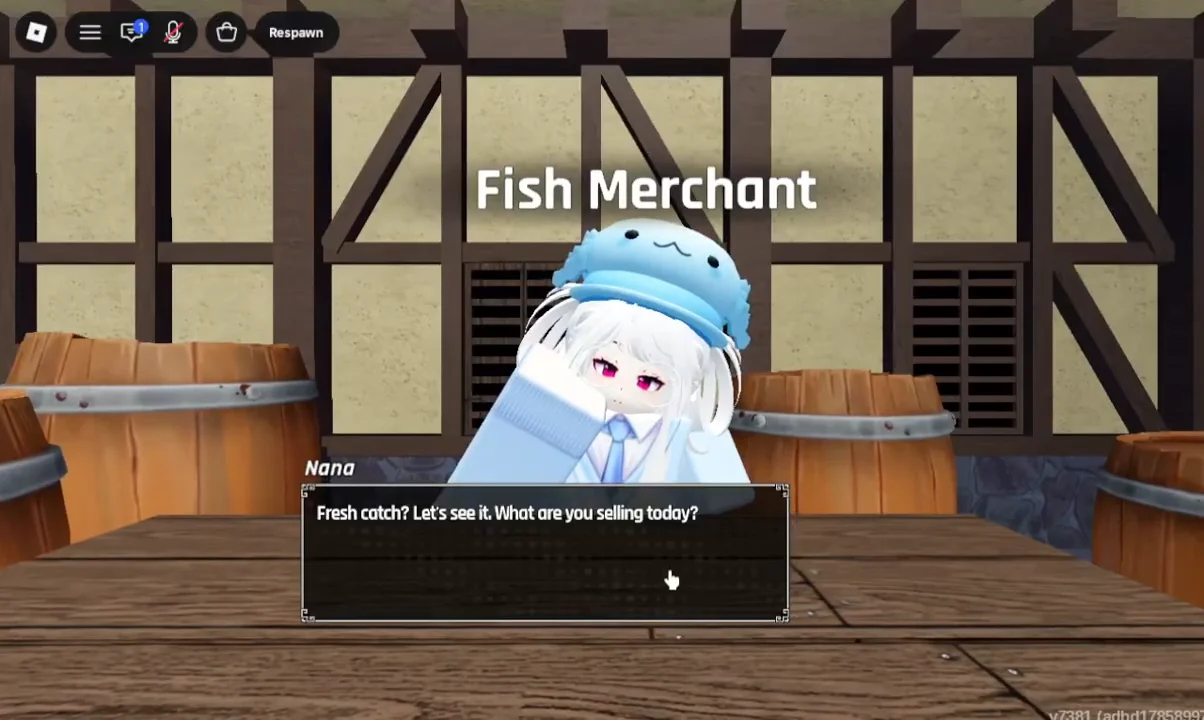
Catching a species you have never caught at Starter Island can complete a daily quest worth 5 Gems and 3,000 Coins, which speeds up your first rod purchase.
Buy the rod from the Rod Merchant
With enough Coins in hand, return to Mankie in town. Approach him until the E Talk prompt appears, then interact to open his dialog (“Buy some rods?”) and choose “OK” to open the shop list.
Pick the rod you want from the list and click its green purchase button. Buying the Iron Rod deducts 12,000 Coins, and the rod moves into your inventory. Buying it does not equip it, so one more step remains.
Equip the rod from the Equipments menu
Equipping happens in the Equipments window, reached from the left side of the screen. The window keeps separate tabs for Rods, Skins, Skills, Auras, Titles, and Units.
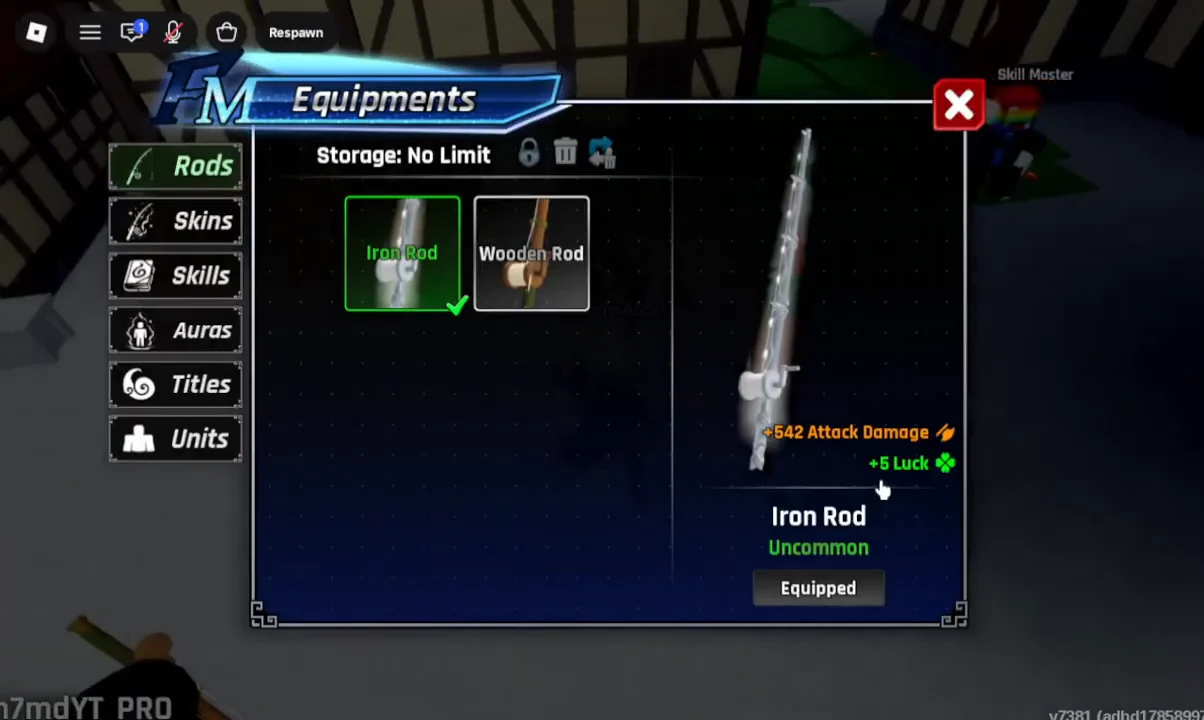
Confirm the rod is equipped
Check hotbar slot 1 at the bottom of the screen. It should now read the new rod’s name, switching from “1 Wooden rod” to “1 Iron rod” once the swap takes hold. That label is the fastest confirmation that the rod is active and ready for your next cast.