
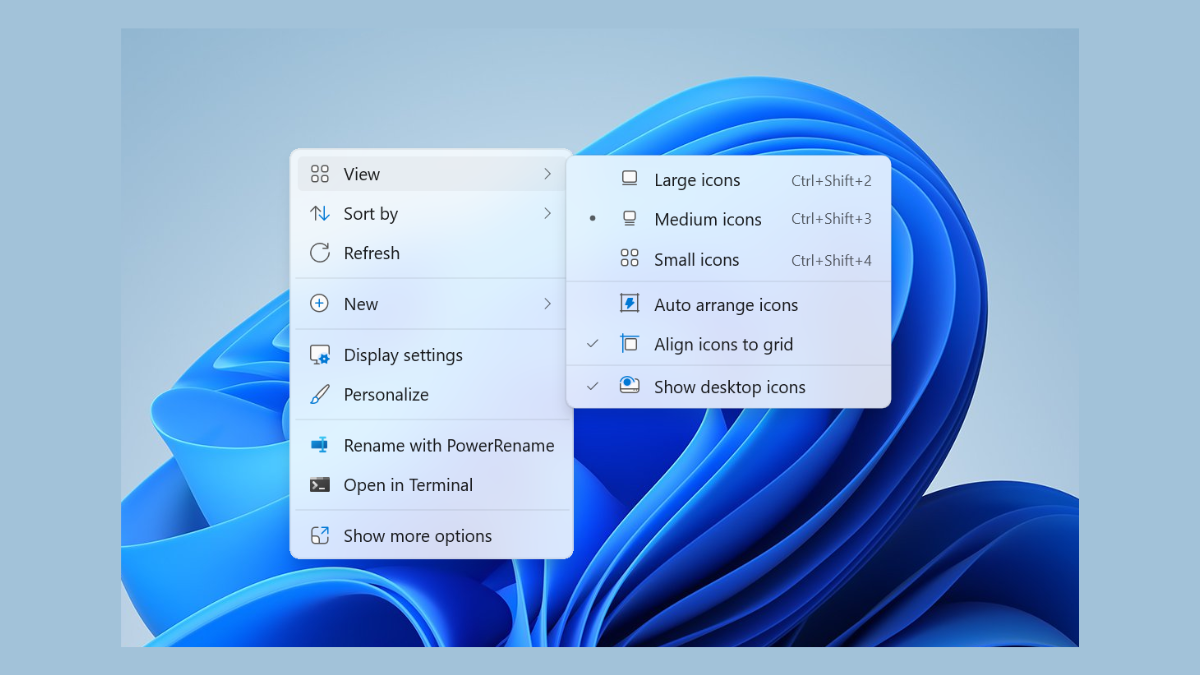
Right-clicking on one monitor and seeing the context menu pop up on another can slow down workflow and cause confusion, especially when using multiple displays with Windows 11. This issue often results from display configuration mismatches, outdated graphics drivers, or system glitches related to how Windows handles multi-monitor setups.
Adjust Display Settings to Match Physical Monitor Arrangement
Open the Windows Settings app by pressing
Windows + I. Click on System and then select Display from the sidebar. This section allows you to configure your monitors’ arrangement.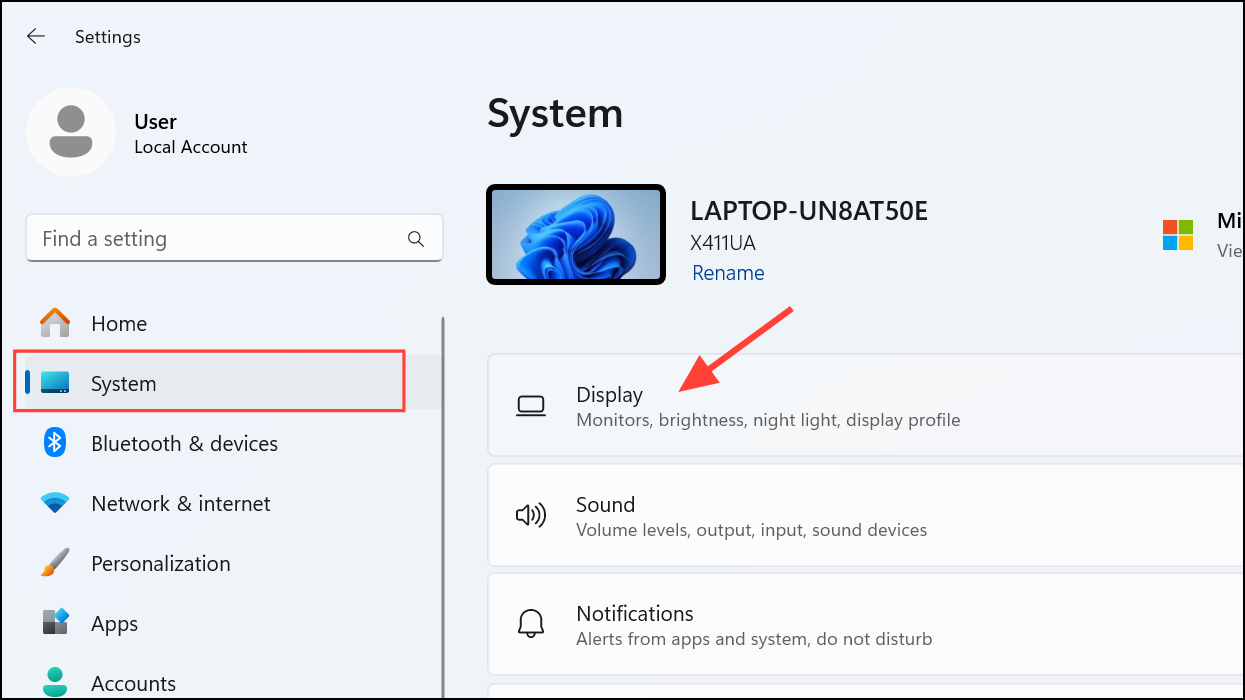
Under the “Rearrange your displays” section, drag the monitor icons to match the physical layout of your monitors on your desk. For example, if Monitor 2 is physically to the left of Monitor 1, ensure Monitor 2 is also shown to the left in this diagram. This alignment helps Windows accurately track where to display context menus and other pop-ups.
Click Apply to save the changes. Test the right-click menu on each screen to confirm that it now appears on the correct monitor.
Update Graphics Drivers
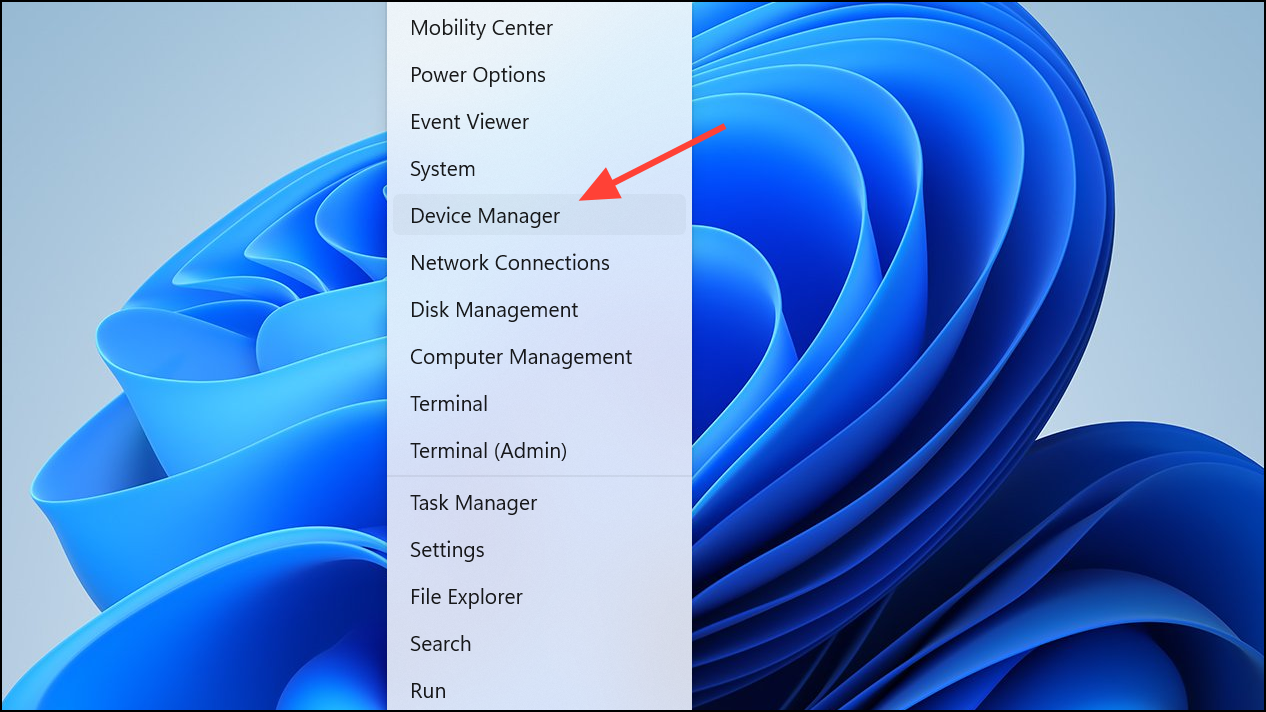
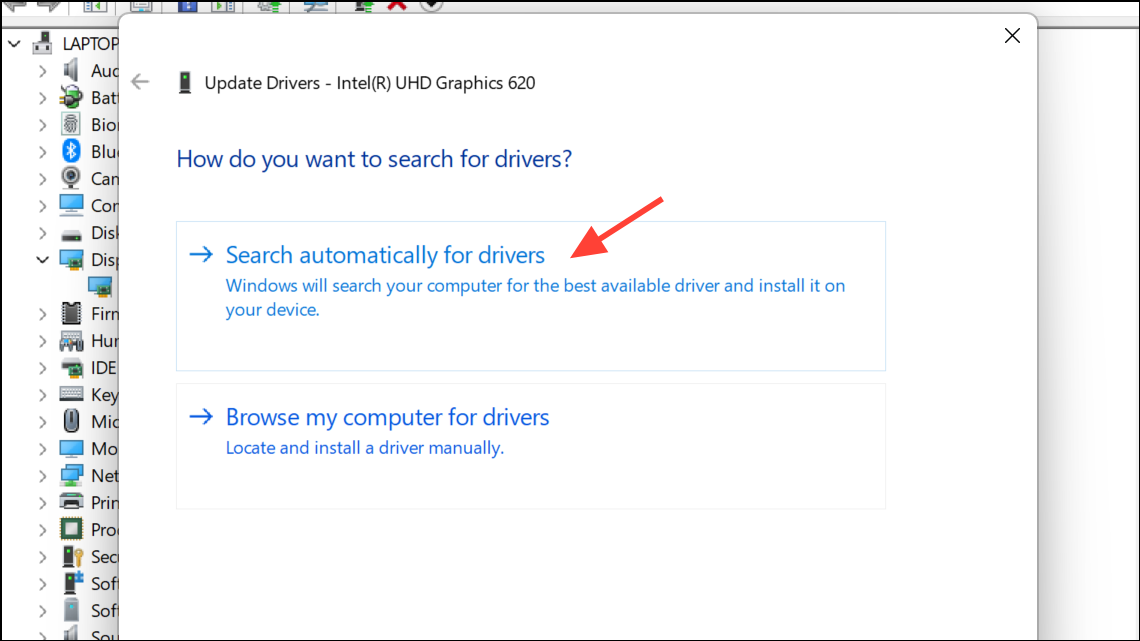
Outdated or corrupted graphics drivers can cause display inconsistencies. To update, right-click the Start button and select Device Manager.
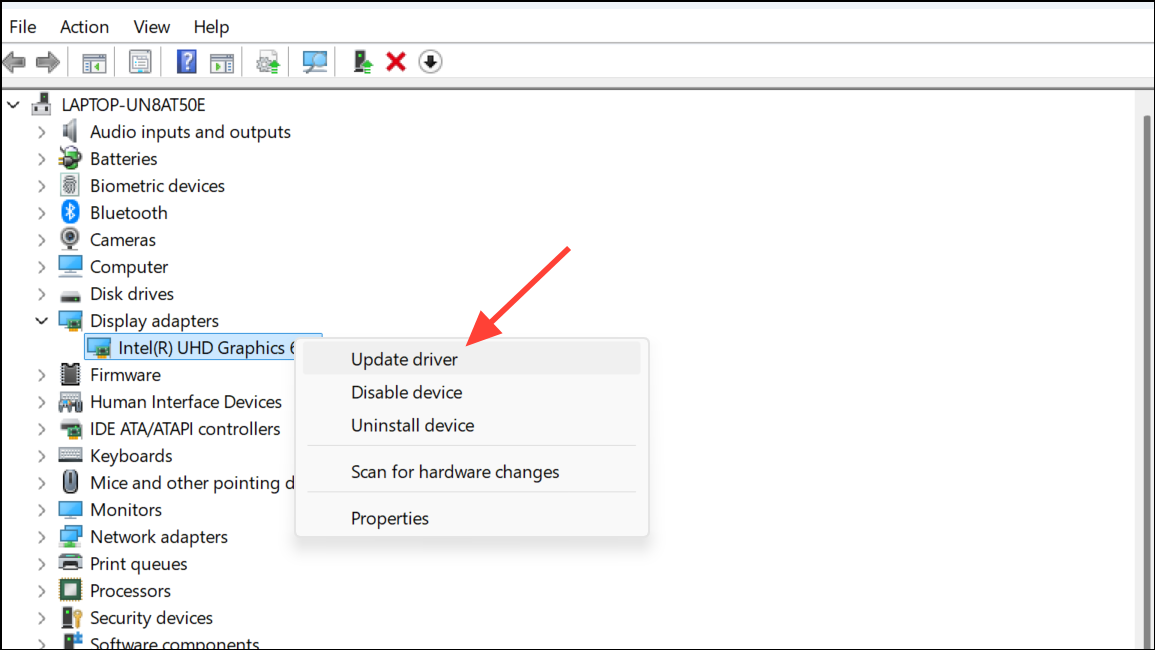
Select Search automatically for drivers. If an update is found, install it and restart your computer. This can resolve bugs that impact how Windows manages context menus across multiple screens.
Change Main Display Assignment
In some cases, Windows may prioritize the primary monitor for context menus, even if you right-click on a secondary screen. To change the main display, return to Settings > System > Display.
Click on the monitor you want to set as your main display. Scroll down and check the box labeled Make this my main display. This change guides Windows to anchor context menus and taskbars to your preferred monitor.
Restart Windows Explorer
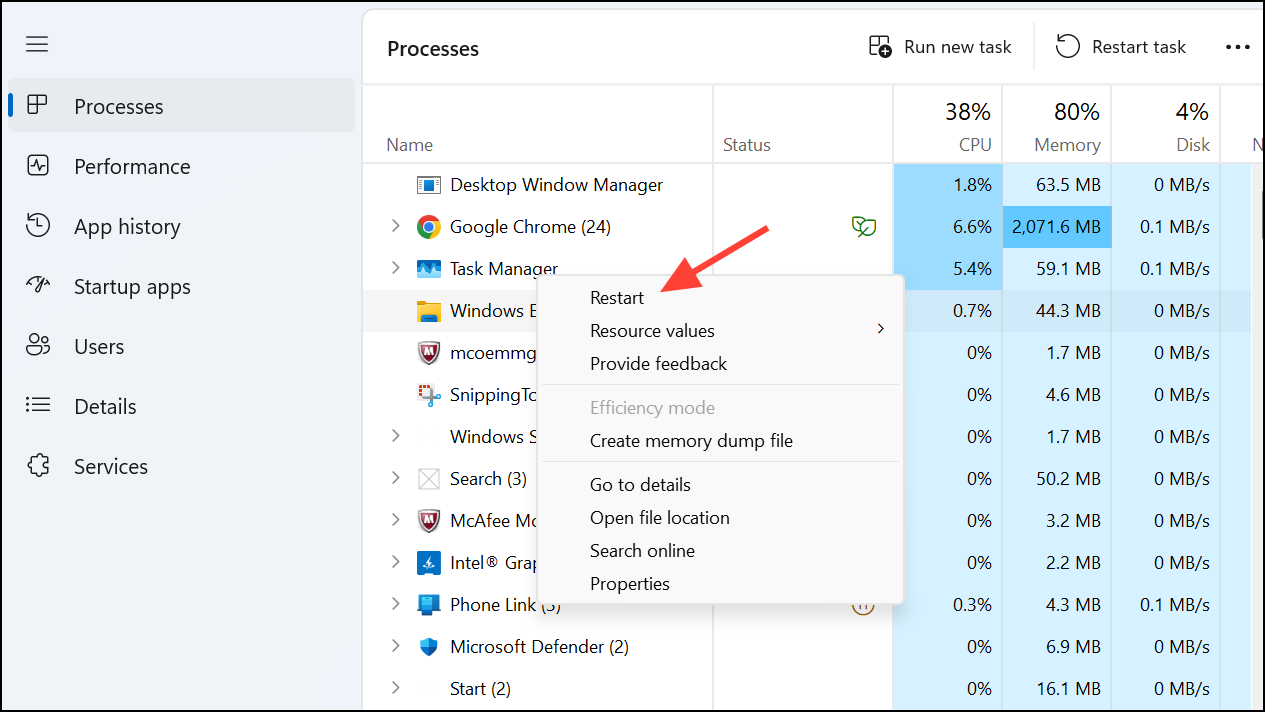
If the problem persists, restarting Windows Explorer can clear temporary glitches. Press
Ctrl + Shift + Esc to open Task Manager.Scroll down to find Windows Explorer in the list. Right-click it and choose Restart. The taskbar and desktop will briefly disappear and reload.
Check for Windows Updates
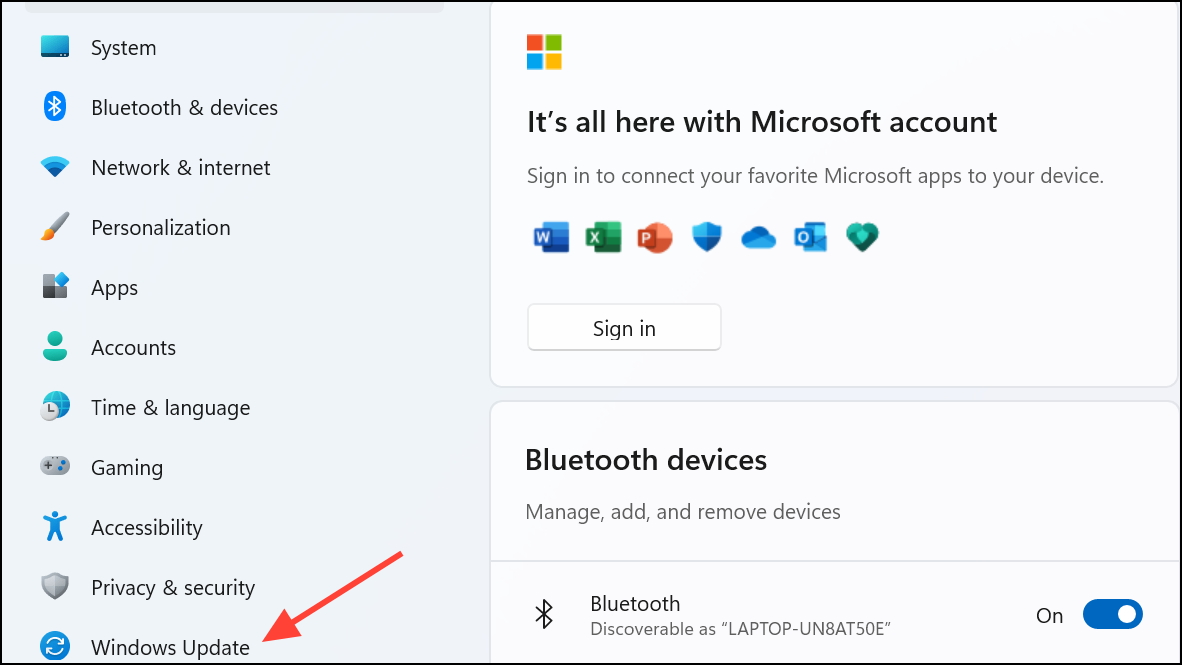
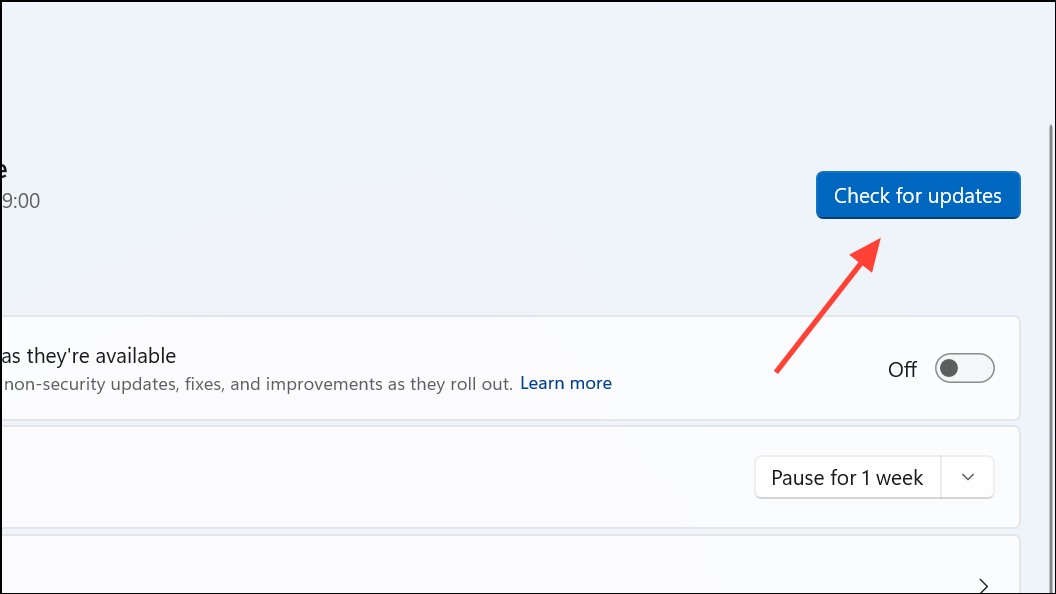
Click Check for updates. If updates are available, install them and restart your PC. This can resolve underlying system issues affecting multi-monitor behavior.
With these steps, right-click context menus should reliably appear on the intended monitor in Windows 11. Keeping display drivers and system updates current helps prevent similar issues in the future.



