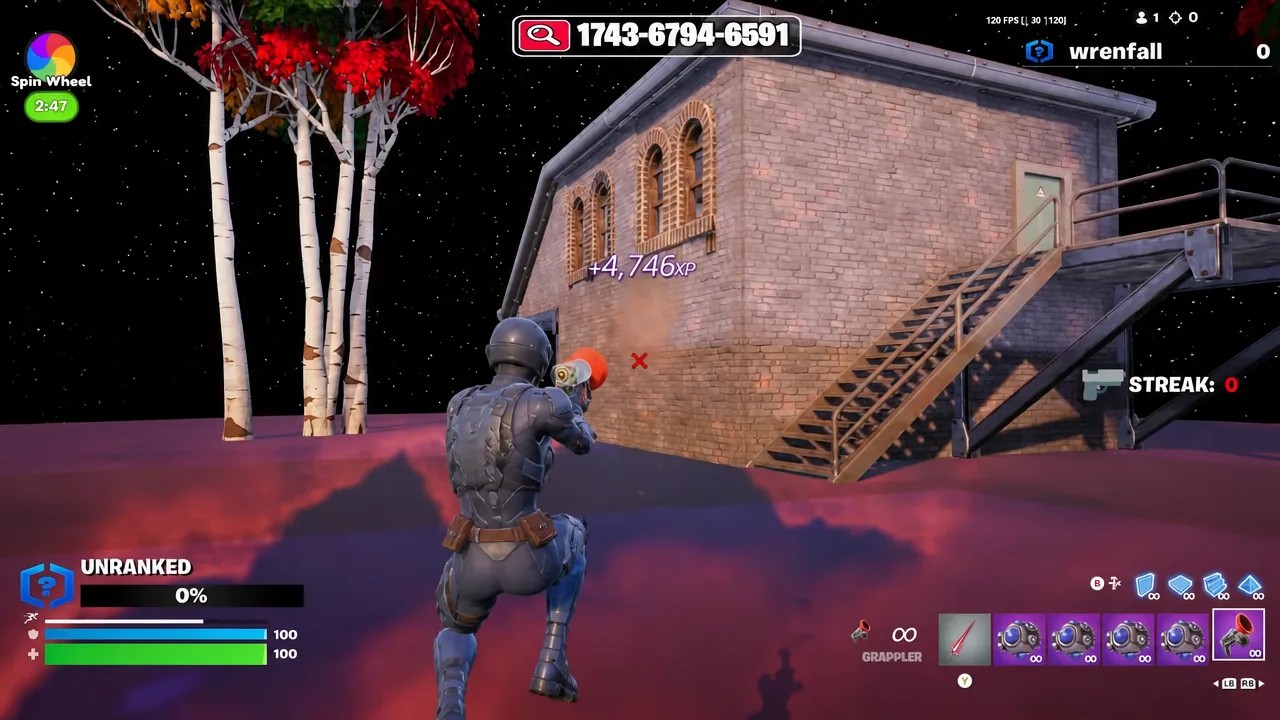
The Super 1v1 Practice island has become one of the more efficient XP routes in Chapter 7 Season 4 because it hides a secret room, a set of six hidden XP buttons, and a bounce chamber that keeps generating XP while you stand still. The route only works if you load the island as a private match and hit the interactions in the right order.
Quick answer: Load island code 1743-6794-6591 in a private match, emote in the far right corner of the arena to teleport into the timer room, emote again to skip the countdown, then punch in 8-6-4 on the wall keypad and select “Start AFK XP”.
Island code and match settings you need
Everything on this route depends on being alone in the session. If other players join, the emote teleport and the keypad can be occupied or interrupted before you reach them. Set the match to Private in the island lobby before you ready up.
| Detail | Value |
|---|---|
| Island name | Super 1v1 Practice |
| Island code | 1743-6794-6591 |
| Match type | Private |
| Secret room code | 8-6-4 |
| Hidden XP buttons | 6 |
| Bounce room item | Signal Remote C |
How to unlock the secret room and skip the timer
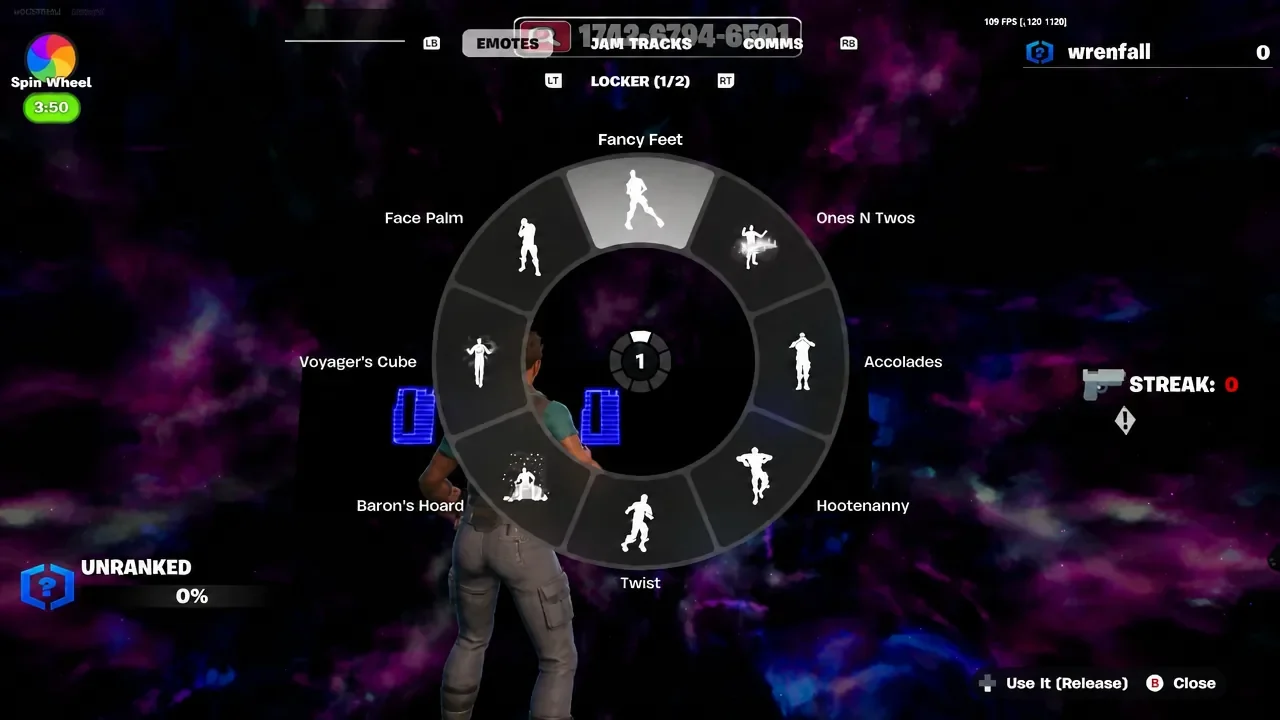
8-6-4 on the keypad mounted on the wall and press the confirm button next to it. The panel will then offer a “Start AFK XP” option.All six hidden XP button locations
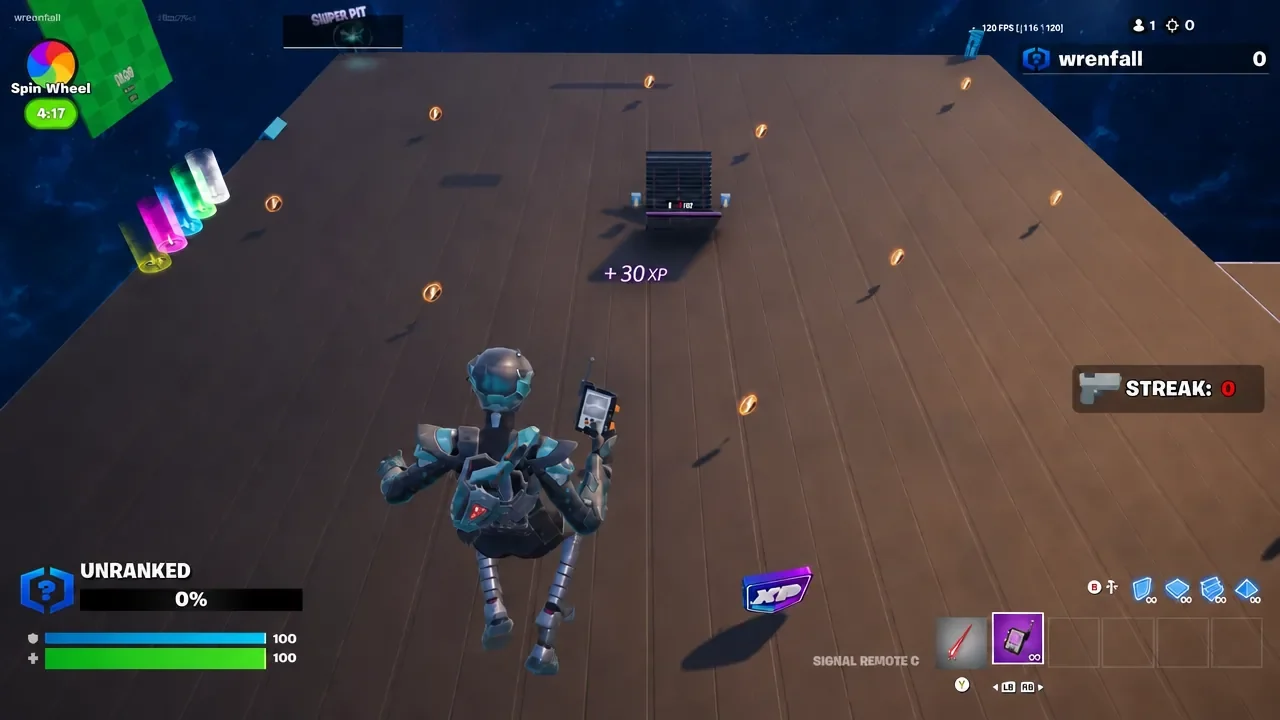
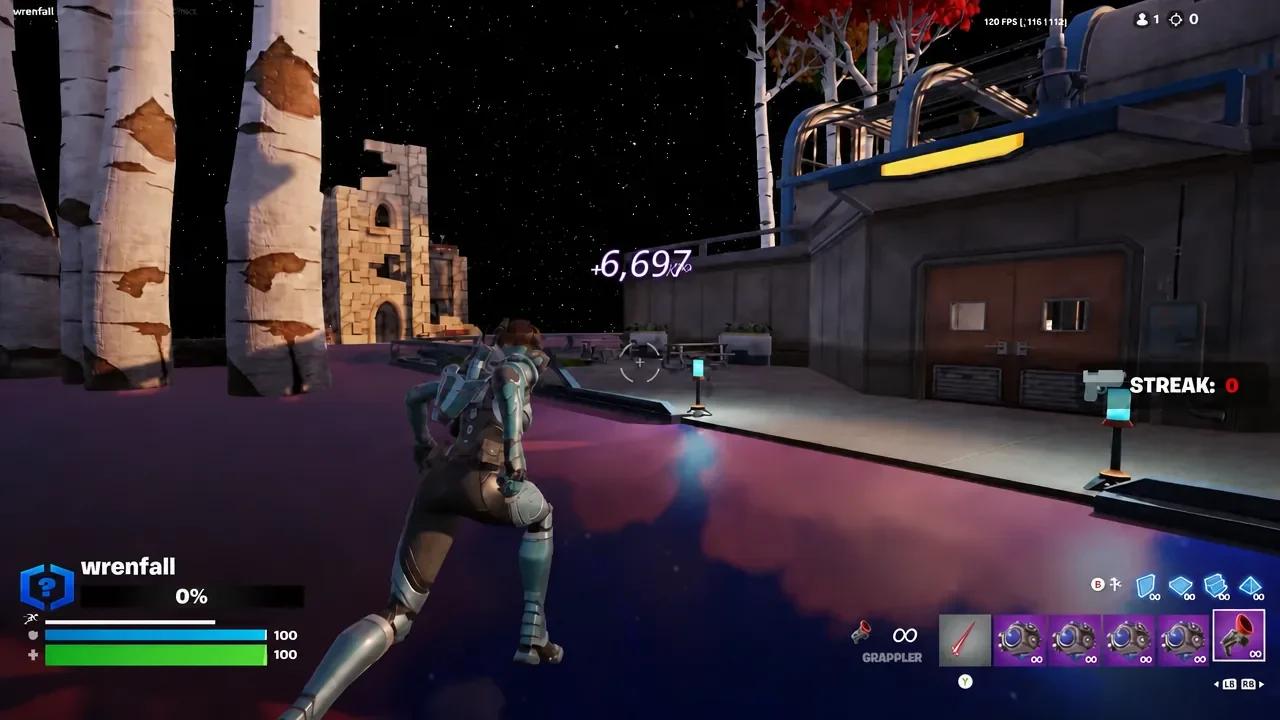
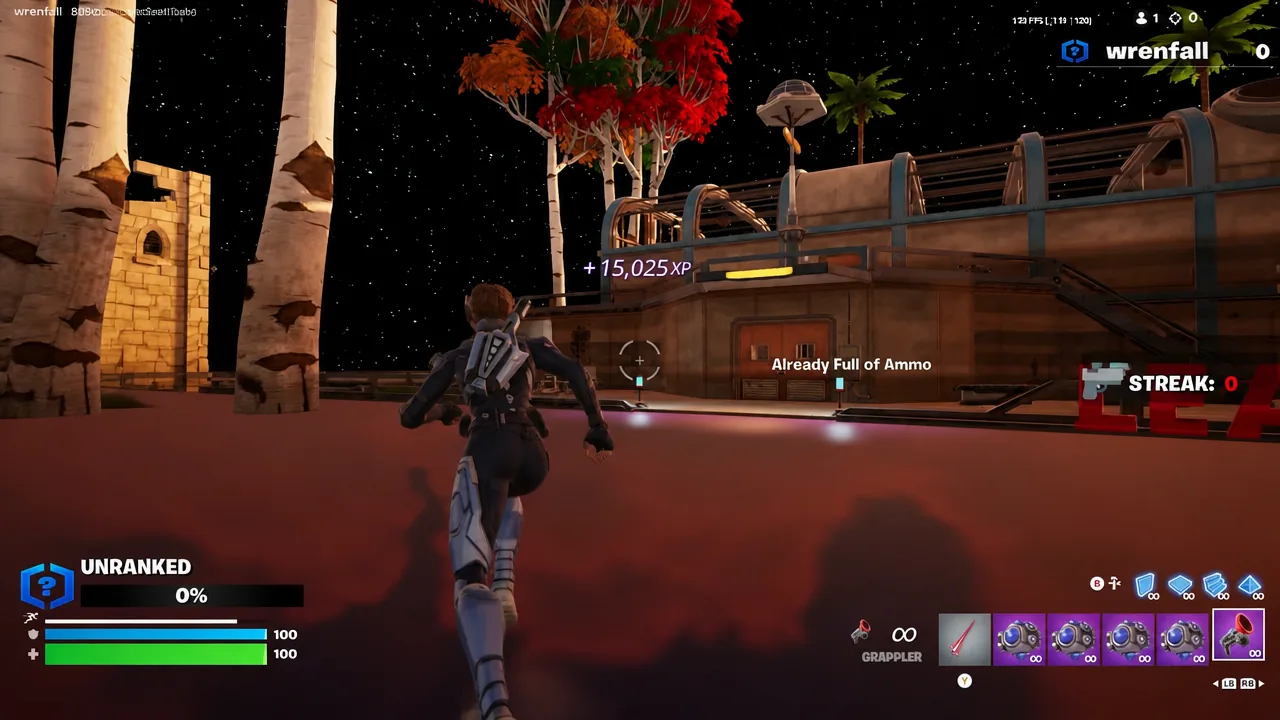
The buttons are spread across the second area and each one pays out once. Grab a grappler and shockwaves from the item spawners near where you land, since two of the six sit outside the normal walking route.
Using the AFK bounce room and Signal Remote C
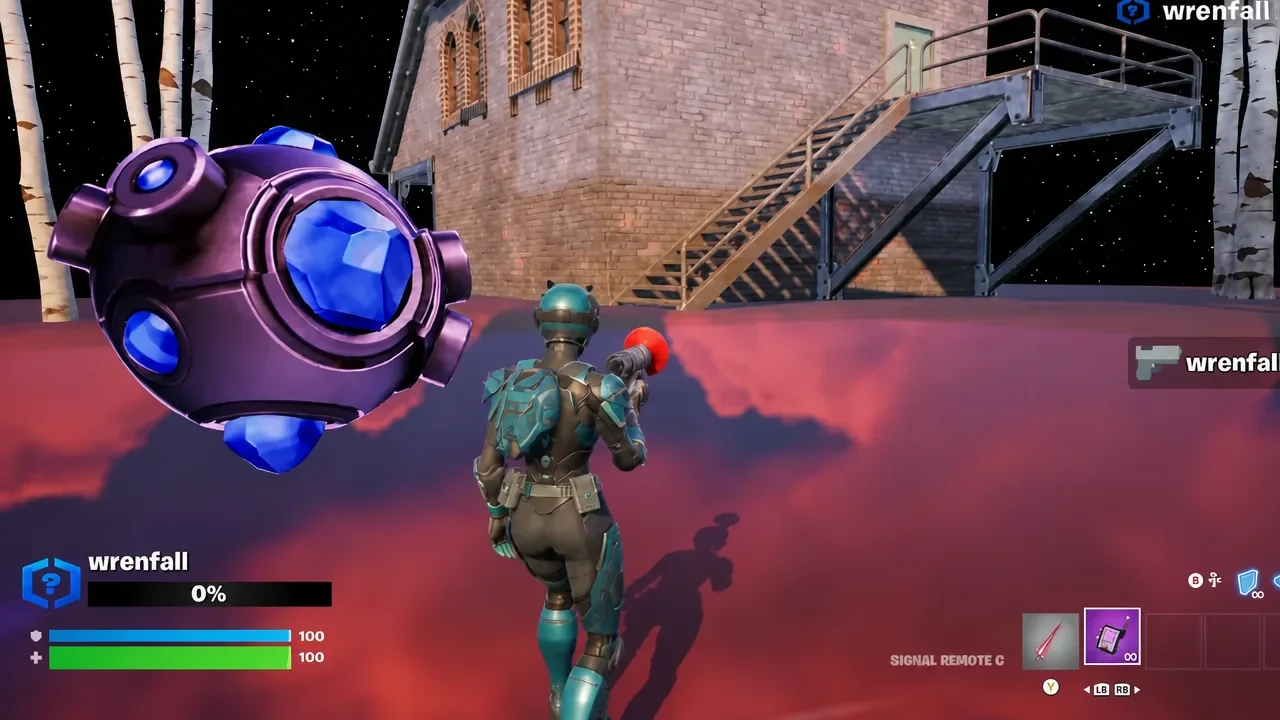
With the buttons cleared, teleport into the bounce room. Your character keeps bouncing on the pad without any steering from you, and XP ticks up the whole time. Equip the Signal Remote C item while you bounce to raise the rate of passive XP generation.
Fortnite runs input detection, so leaving the controller untouched will eventually kick you from the session. A controller with a turbo function that repeats an input is the only way to keep a bounce room running genuinely unattended.
How to confirm the AFK XP actually started
The clearest signal is the “Start AFK XP” prompt disappearing after you select it and the teleport firing you into the second area. From there, XP notifications should appear steadily on screen while you are in the bounce room, without you pressing anything.
If the route stalls, it is almost always one of these things.
- The match was not set to Private before launching.
- The emote was played somewhere other than the far right corner of the arena, so no teleport triggered.
- The keypad code was entered but the confirm button next to it was never pressed.
- You hit the weekly Creative XP limit, in which case the counters stop moving regardless of the island.
Chapter 7 Season 4 XP rates and the weekly Creative cap
Creative XP is capped weekly, and the cap applies across islands rather than per island. Once you hit it, no route on any map will keep paying out until the reset. The Creative reset lands every Thursday at 9AM Eastern, matching the season’s start day.
| XP source | Current rate |
|---|---|
| Uncalibrated creative island | 2,700 XP per minute |
| LEGO Brick Life | 2,750 XP per minute |
| LEGO Odyssey | 2,700 XP per minute |
| Festival Jam Stage | 2,900 XP per minute, plus 350 XP per 30 seconds in a jam circle |
| Weekly Creative limit | 60 levels / 4.8 million XP |
LEGO and Festival playtime XP does not appear to share the Creative weekly cap, which makes them the natural place to move once Creative dries up for the week. Slower payouts in the opening days of a season are also common, since many island creators recalibrate their maps shortly after a season starts.
Routes built on hidden keypads and timer skips tend to be short-lived. Epic Games can disable XP on an island without warning, and codes that worked a day earlier can pay nothing the next session. If the buttons and the bounce room stop registering entirely, that is usually a sign the island itself has been adjusted rather than a mistake in your run, and rotating to another calibrated island is the faster fix.