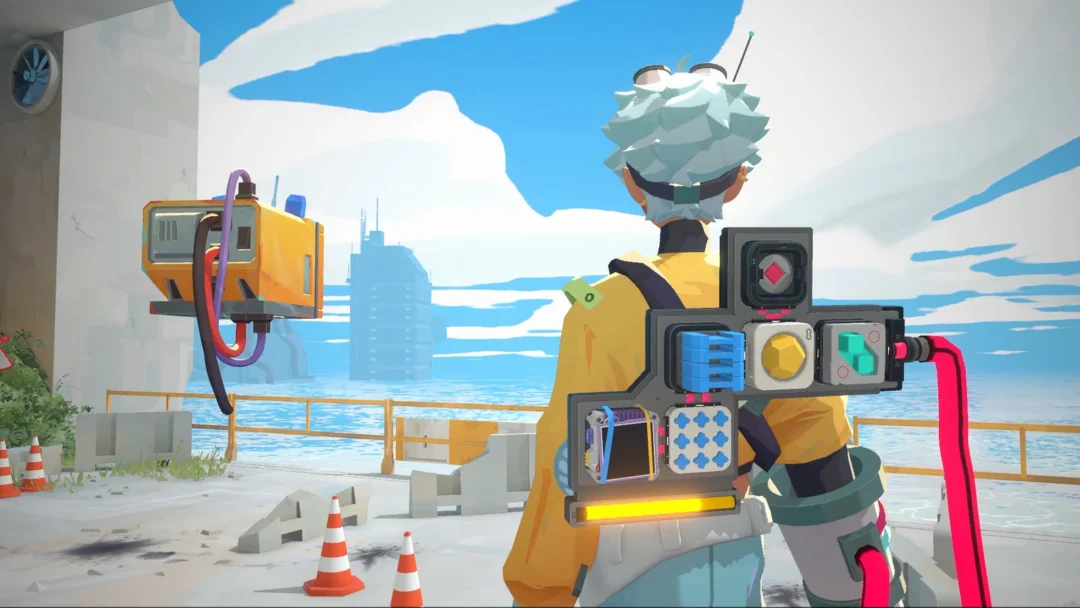
Gizmos are back in Fortnite Override, and Chapter 7 Season 4 spreads them across two reliable sources. You can claim them instantly with Admin Panel codes, or earn them steadily through the season’s Daily Quests and Goals. There are currently five Gizmos in rotation, and Epic Games may add more as the season runs.
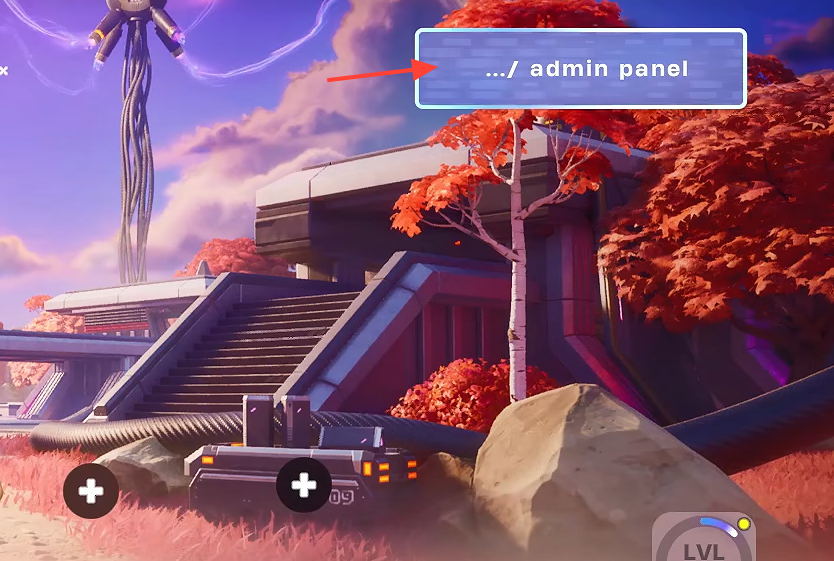
Quick answer: Open the Admin Panel from the Battle Royale lobby and enter a Gizmo code such as O2OVERRIDE, TakeYourHeart, SurviveTheNight, FindItChat, or PerfectOrder. A pop-up confirms the reward, and you also earn one rotating Gizmo per day from Override Daily Quests and Goals.
All Gizmo codes for the Admin Panel
Each code below drops a fixed set of Gizmos straight into your inventory. Codes are case-sensitive, so type them exactly as shown. There are no known expiration dates, but it is safest to redeem them well before the season ends.
| Code | Gizmo reward |
|---|---|
| O2OVERRIDE | 1x Llama Supply Drop and 5x Portable Extractors |
| TakeYourHeart | 2x Extraction Accelerators |
| SurviveTheNight | 2x Cheat Code Locators |
| FindItChat | 2x Cheat Code Locators |
| PerfectOrder | 4x Spicy Tacos |
How to redeem Gizmo codes in the Admin Panel
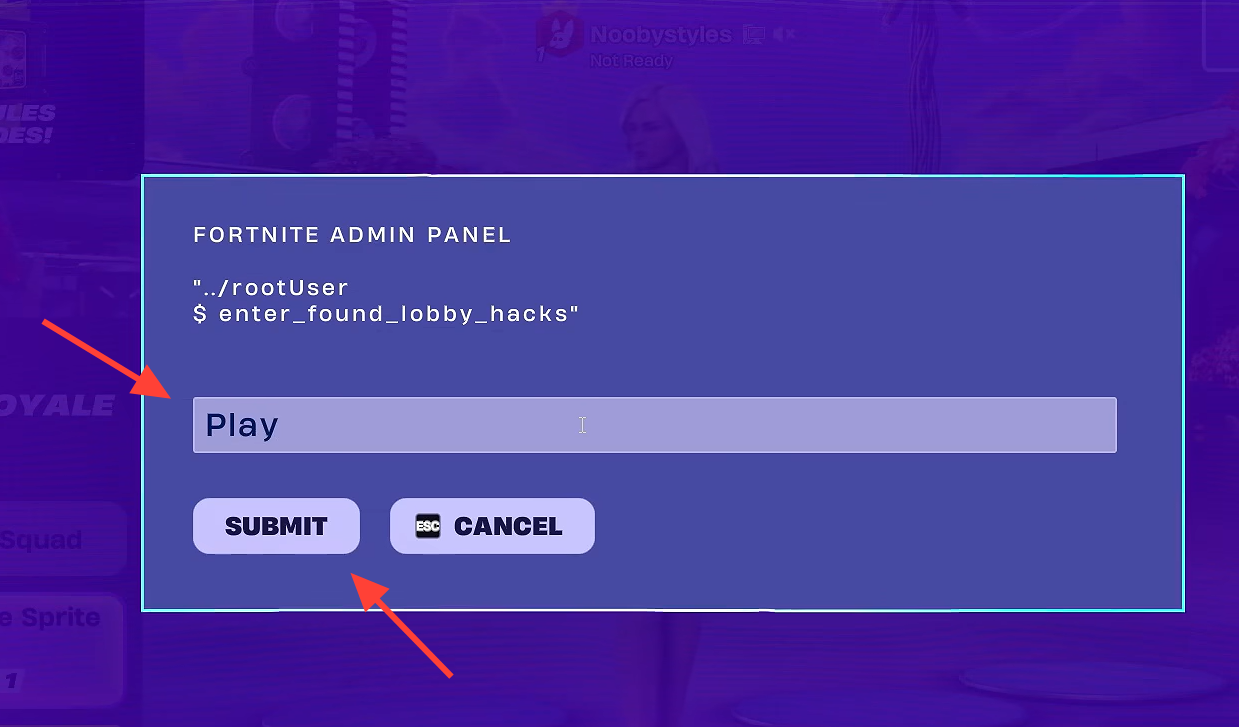
If the panel rejects a code, re-check for stray spaces and the O-versus-zero mix-up first, then confirm the spelling matches the table exactly.
Earn Gizmos from Daily Quests and Goals
Beyond the codes, Override Daily Quests and Goals hand out Gizmos on a rotation. Right now, completing these awards one Gizmo, with the specific Gizmo changing over time rather than letting you pick.
The exception is Cheat Code Day. During that window, every quest you finish awards three Portable Extractors instead of the usual single Gizmo, which makes it the fastest way to stockpile Extractors.
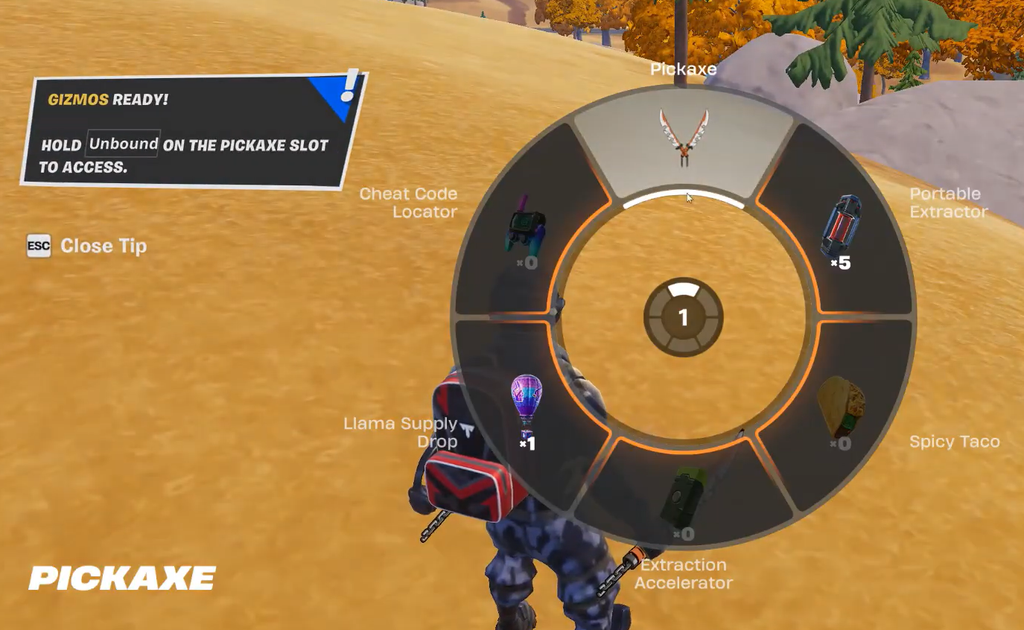
Mixing both methods is the most efficient approach. Clear the codes above once for an instant batch of Gizmos, then let your Daily Quests and Goals top you up each day. More Gizmos and codes are expected to arrive as Chapter 7 Season 4 continues, so it is worth checking the Admin Panel whenever a new update lands.