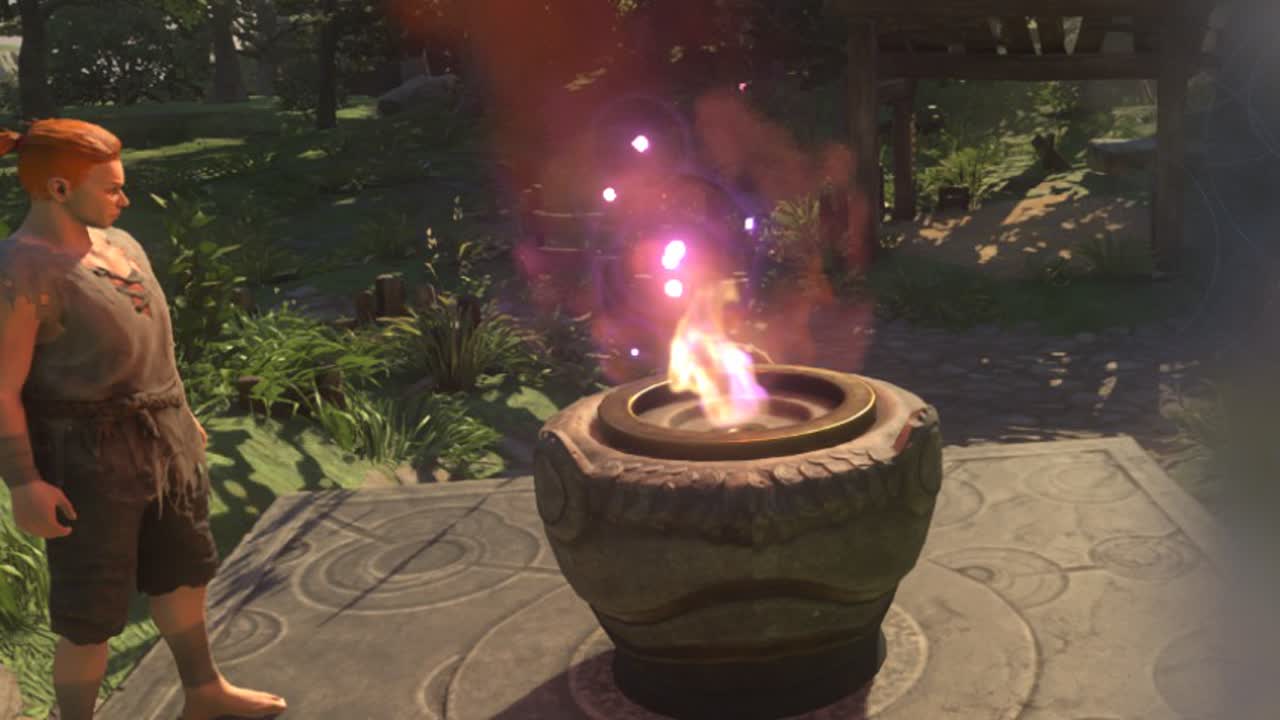
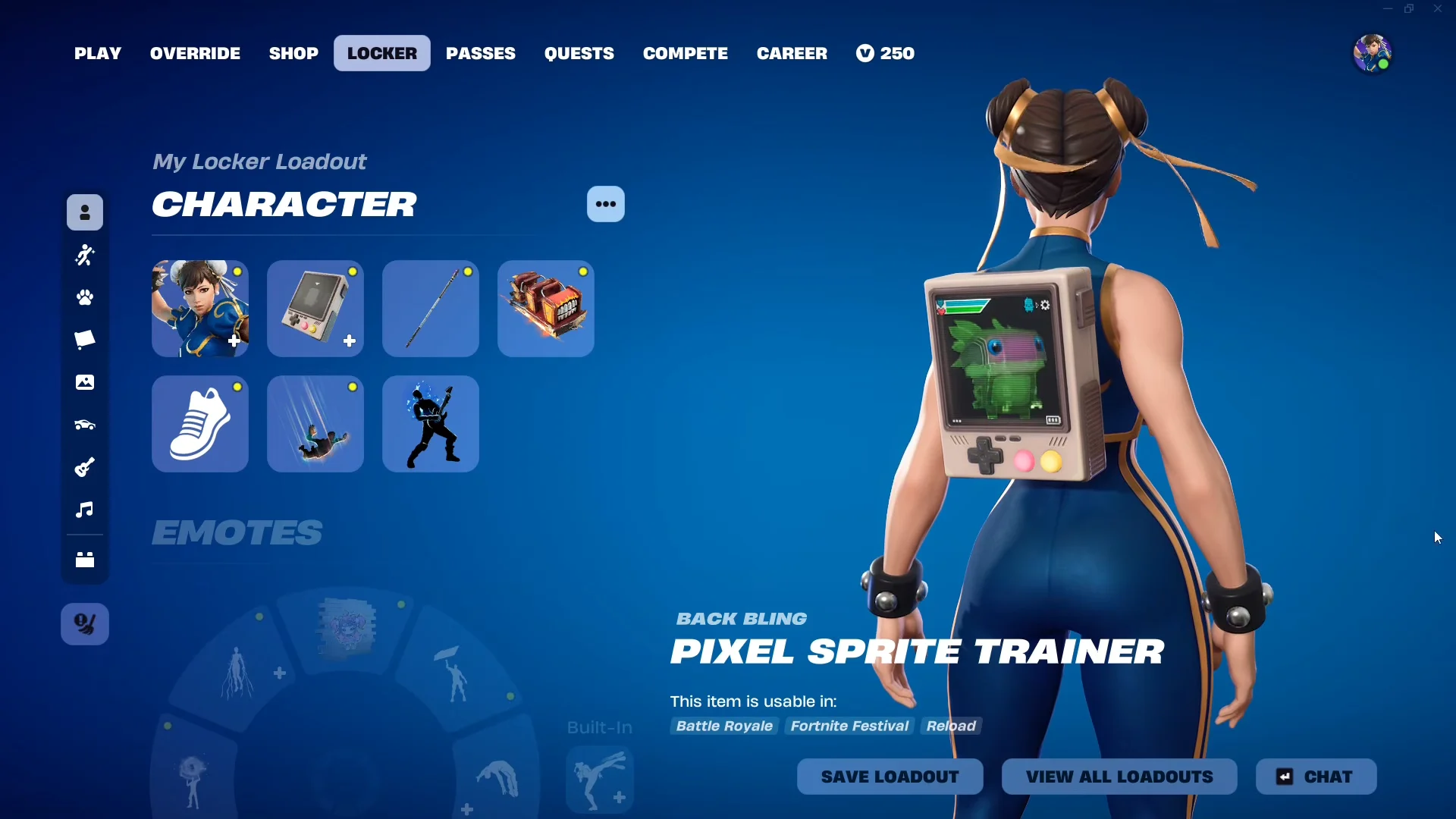
The Pixel Sprite Trainer back bling puts your mastered sprites on a chunky pixel display modeled after a retro handheld, with the active one selected through the Locker. Unlocking the base item is just the beginning. A sprite’s individual style remains unavailable until that sprite reaches mastery, making display progress a repeatable equip, level, and extract cycle.
Quick answer: Equip a sprite, level it to Level 5 in a match, and complete an extraction with it equipped. When you return to the lobby, a “Quest Complete” pop-up grants that sprite’s style for the Pixel Sprite Trainer.
How sprite styles unlock on the Pixel Sprite Trainer
The back bling costs nothing. Unlock it by extracting 30 sprites in total from Battle Royale and Zero Build matches, regardless of level or rarity. You can claim it until Chapter 7 Season 4: Override ends.
Owning the device does not fill the screen with options, though. Open the Edit Style menu and you will see a long list of locked sprite variants. A sprite only becomes selectable there once you have mastered it, which means taking it to Level 5. Master a sprite and its matching style appears; leave it at Level 4 or below and the slot stays empty.
Not every sprite in the game has a back bling style. Mastering a sprite always counts toward your collection, but a handful of sprites still cannot be placed on the screen. Additional styles are added in batches through game updates.
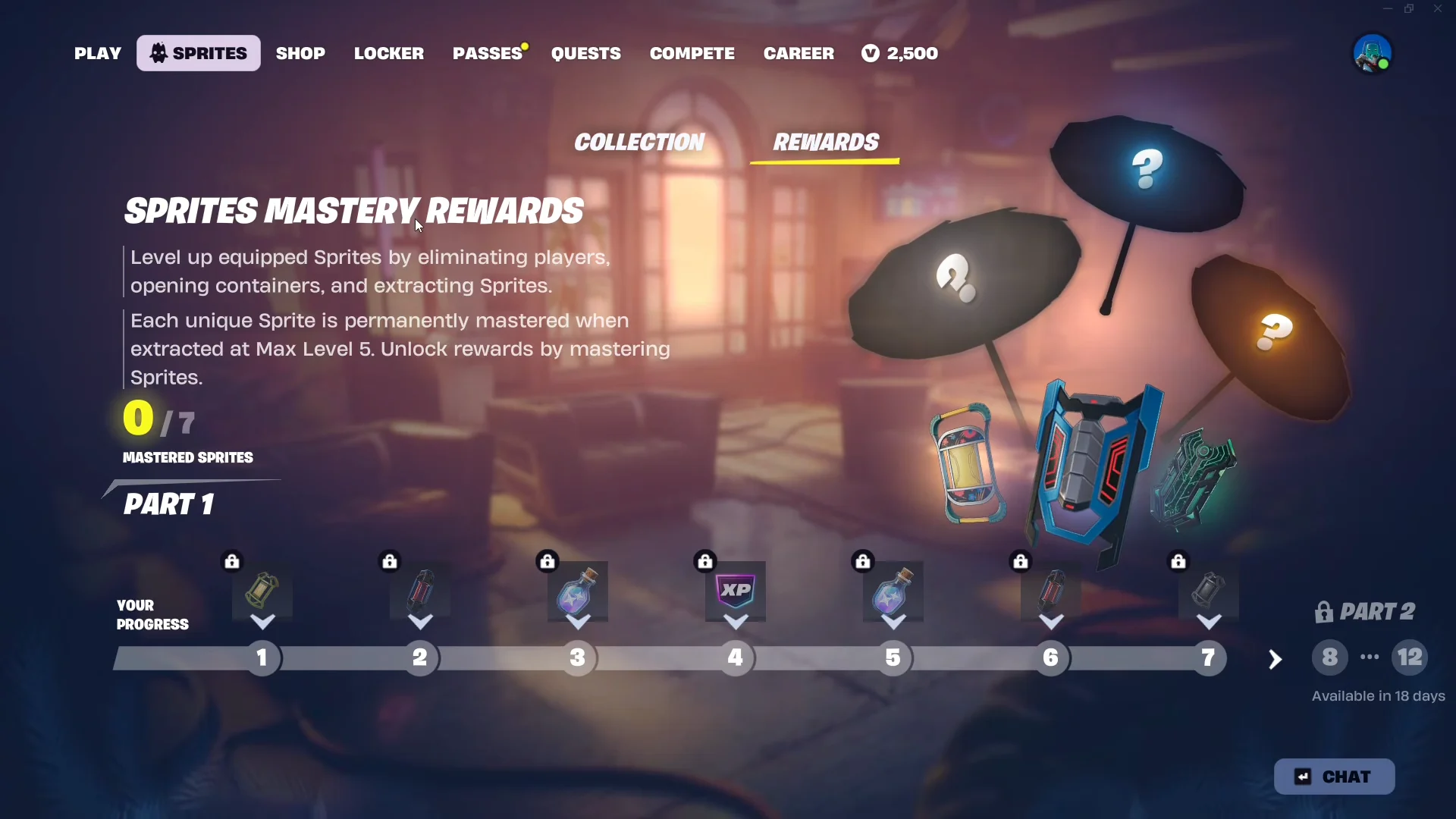
Master a sprite to add its style
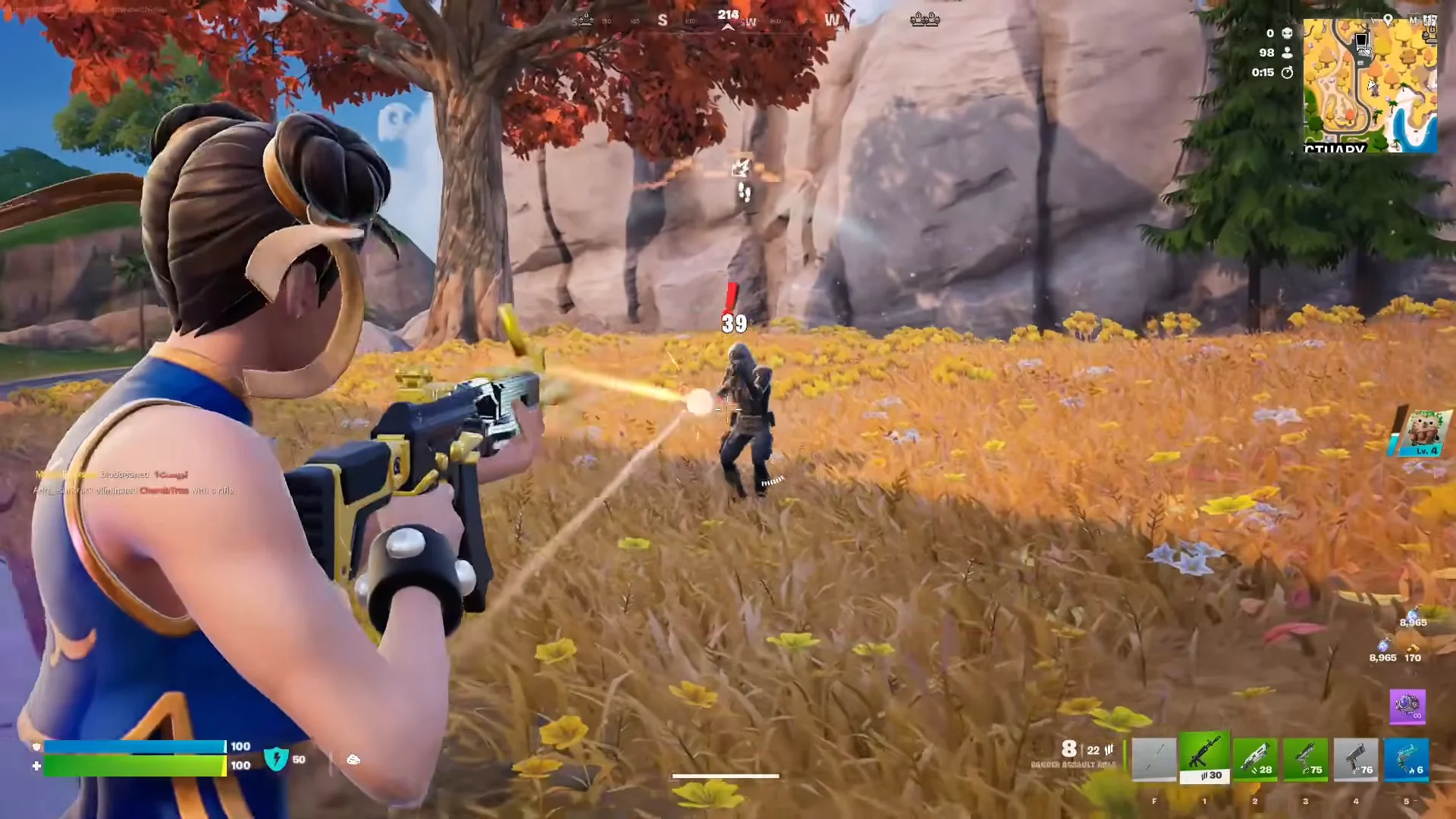
A sprite collects XP only when equipped, meaning each one must be mastered separately during a live match. For fast, repeatable attempts, Zero Build Solo is the simplest choice.
| Action | Sprite XP |
|---|---|
| Open a chest, ammo box, cash register or produce box | +75 |
| Eliminate an enemy or NPC guard | +300 |
| Extract a wild sprite | Progress toward level |
Sprites that need a specific task
Some sprites cannot complete their progression through ordinary XP by itself. Since these are the ones most likely to halt a run, complete their required condition before relying on them for mastery.
| Sprite | What it needs |
|---|---|
| Klombo Sprite | Consume shield and healing items (medkits, shield potions, chug jugs) |
| Gold Crown Sprite | Win a match with it equipped |
Double your leveling speed on Mastery Monday
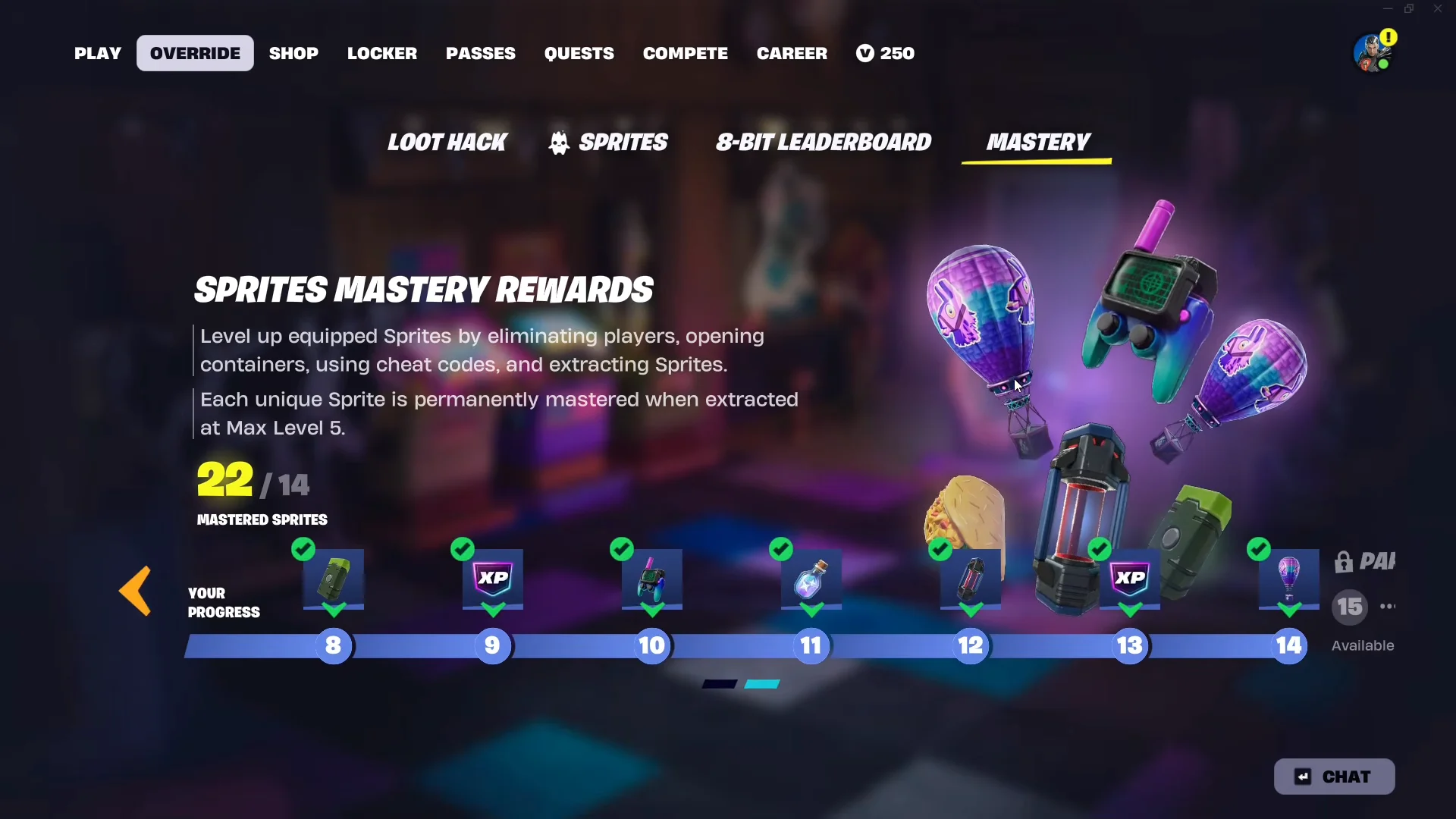
Every week, Mastery Monday is active from Monday 9:00 AM ET to Tuesday 9:00 AM ET. Sprite progression and sprite dust earnings are both doubled during that period, letting you finish each mastery in fewer matches. If your style total is behind, hold your unleveled sprites for this window instead of using them up on an ordinary weekday.
Confirm the style unlocked
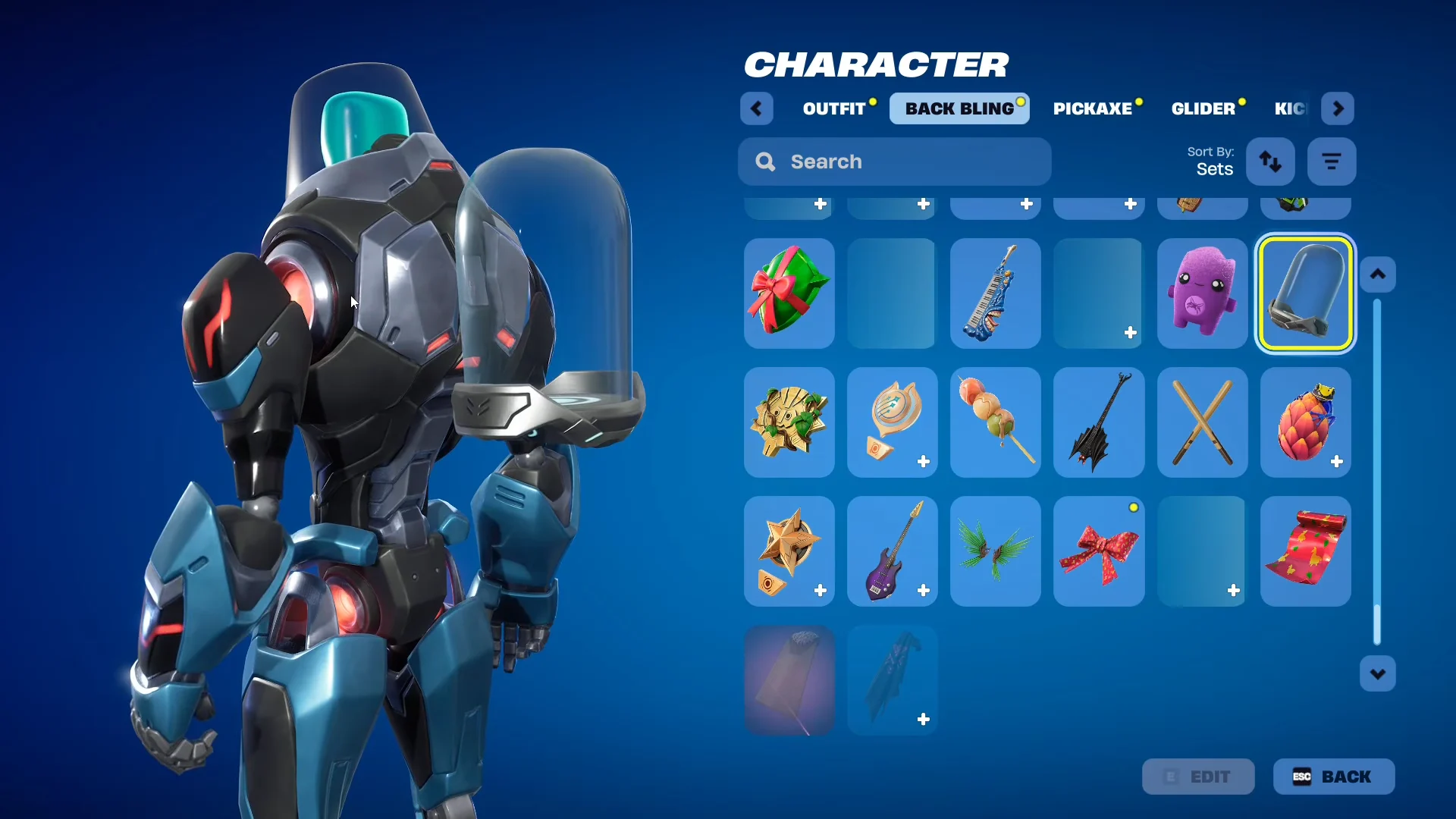
Back in the Locker, open the Pixel Sprite Trainer and go to the Edit Style menu. The sprite you just mastered now appears as a selectable style, no longer greyed out, and you can pick which mastered sprite shows on the handheld screen.
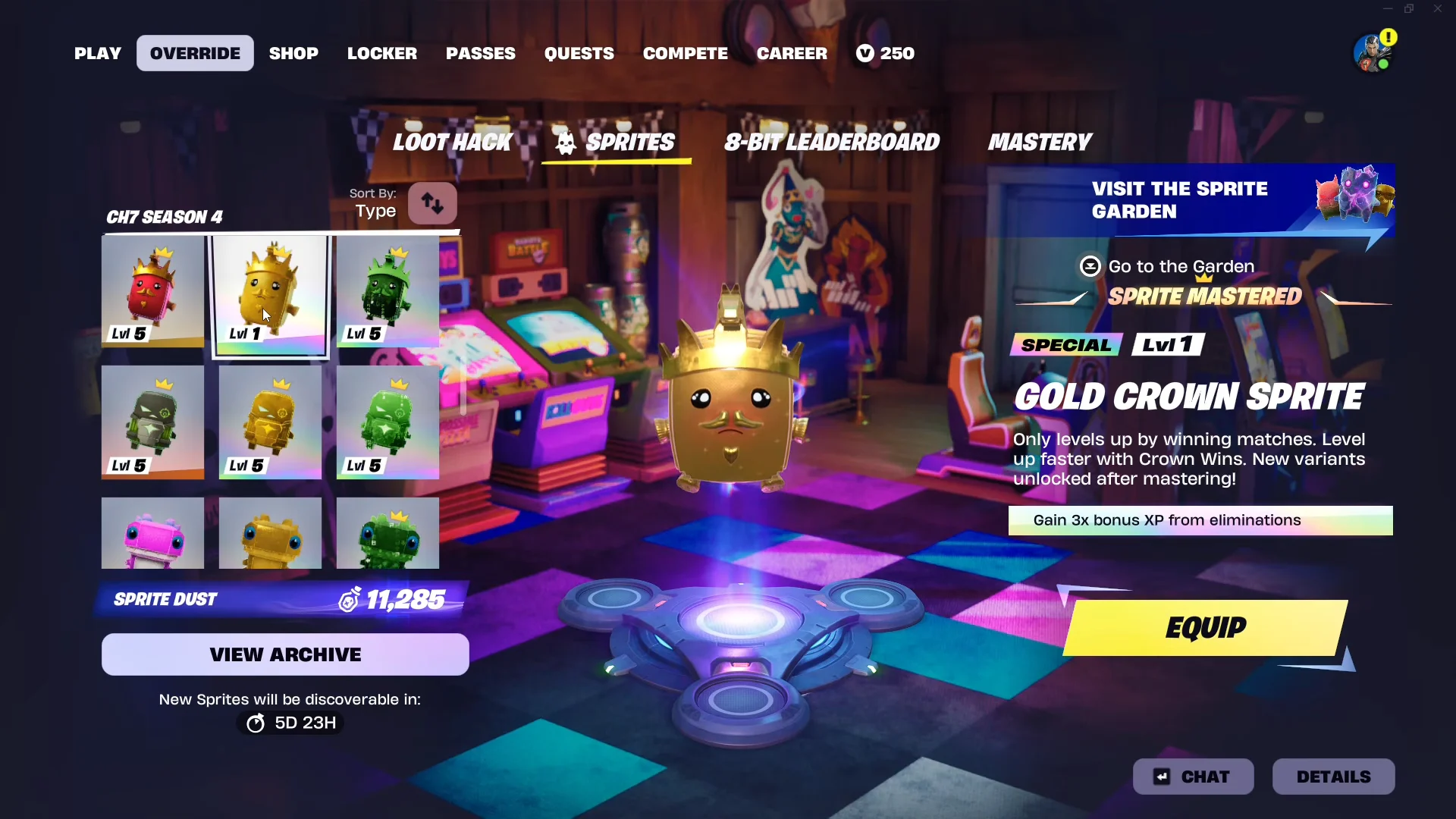
If a mastered sprite does not show as a style, check that it truly reached Level 5, since only mastered sprites appear on the device. Also remember that a small number of sprites have no back bling style yet, so mastering them counts toward your total without adding a screen option.
Same system as the Sprite Mastery Pod
The Chapter 7 Season 3: Runners Sprite Mastery Pod provides the model for how the Pixel Sprite Trainer functions. Mastering a sprite adds it as a selectable style, and you decide which style appears. Its presentation is different: the Pod used the sprite’s normal look, whereas the Trainer depicts it with a pixelated console treatment.
Sprites from earlier seasons have not been removed. Season 3 discoveries remain in the Sprite Garden, appear beside the newer generation on your Sprite Collection page, and continue to be available as styles for the Sprite Mastery Pod. For the current-season process, work on the lowest-level sprite you own, use Mastery Monday when the total is important, and each new Level 5 places another face on the handheld display.