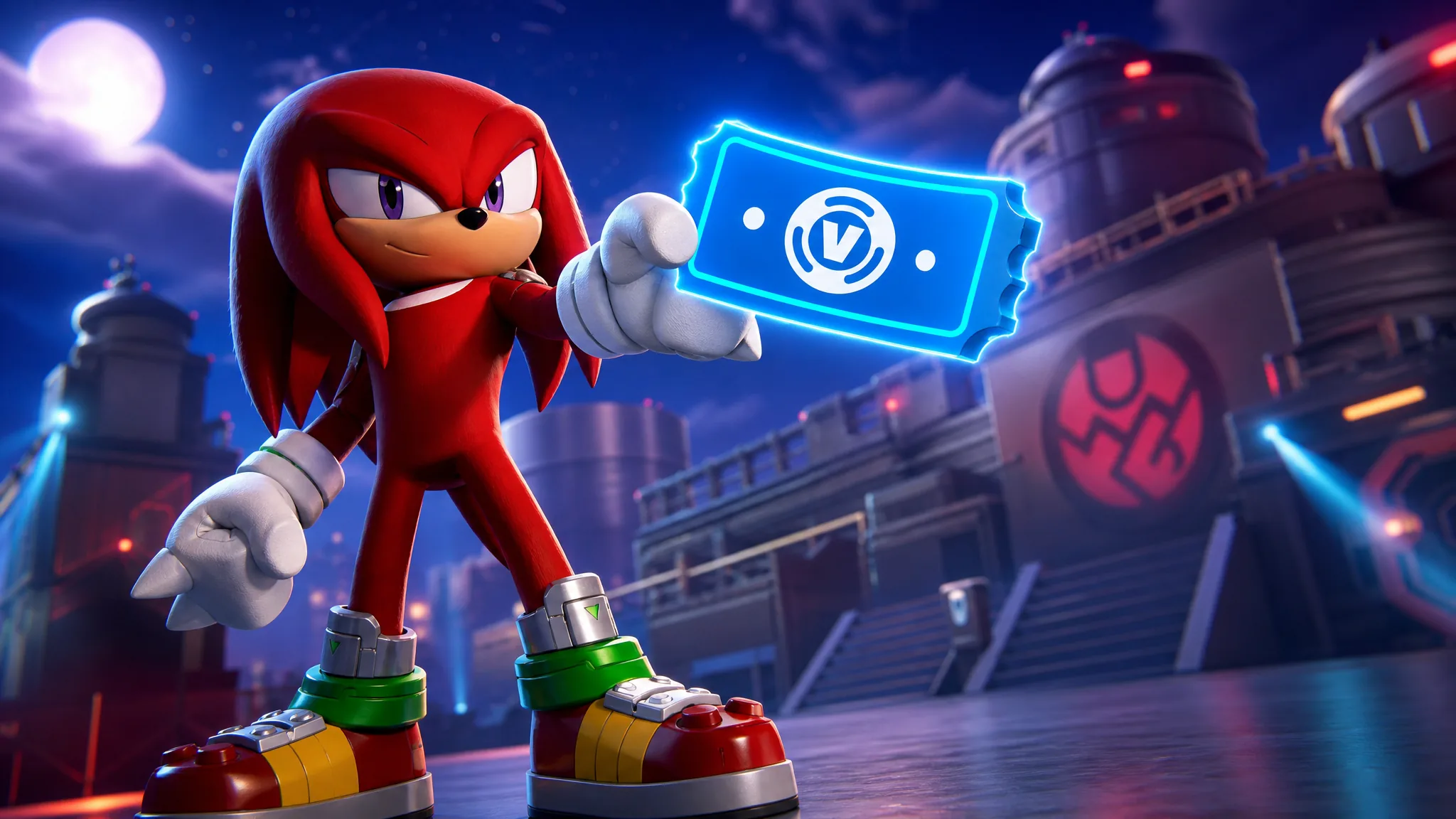
Fortnite will not sell extra refunds, and Epic Games Support will not add Return Tickets to an account. Every locker starts with three tickets and can hold three at once. A used ticket comes back on a 365-day timer. The only way to stretch that tiny pool is to stop burning tickets on mistakes you can still undo for free.
Quick answer: Use Cancel Purchase on an unused Item Shop buy within 24 hours. That returns the V-Bucks and leaves every Return Ticket untouched. After that window, one ticket covers an eligible V-Bucks purchase from the last 30 days, and the next ticket arrives 365 days after the most recent ticket you received.
How Return Tickets refill
More refunds, in the ticket sense, means waiting. After a ticket is spent, the next one is dated 365 days from the most recent ticket the account received. The clock does not speed up for Season 4, and it does not reset because you opened a support request.
The cap is hard. If three tickets are already sitting on the account, a fourth one does not appear. If you are at zero and the 24-hour cancel window has closed, that purchase stays. Epic Games Support cannot grant additional Return Tickets.
Treat the three-ticket pool as an annual budget, not a shop currency. Spend a ticket only when Cancel Purchase is gone and you still want the V-Bucks more than the cosmetic.
Cancel Purchase without a Return Ticket
Cancel Purchase is the refund that does not consume a ticket. It exists for an Item Shop buy made with V-Bucks in the last 24 hours, and only while that item has not been equipped or used in any game mode. The item leaves the account and the V-Bucks come back on the spot.
Stay out of a match in that skin, emote, or wrap if you might reverse the charge. Loading in with the new item ends the free cancel. Each item can be canceled once. Buy the same thing again after a cancel and Fortnite will remind you that the free undo is already gone.
When both buttons are on the receipt, pick Cancel Purchase. USE RETURN TICKET is the fallback for buys that are older than a day but still inside 30 days. Using a ticket on a cancel-eligible item is how people run out of refunds they did not need to spend.
Return Ticket eligibility
A Return Ticket only touches Item Shop purchases paid with V-Bucks in the last 30 days. The Shop tab is that catalog. Crew charges, real-money platform storefronts, and island vendors sit outside this ledger.
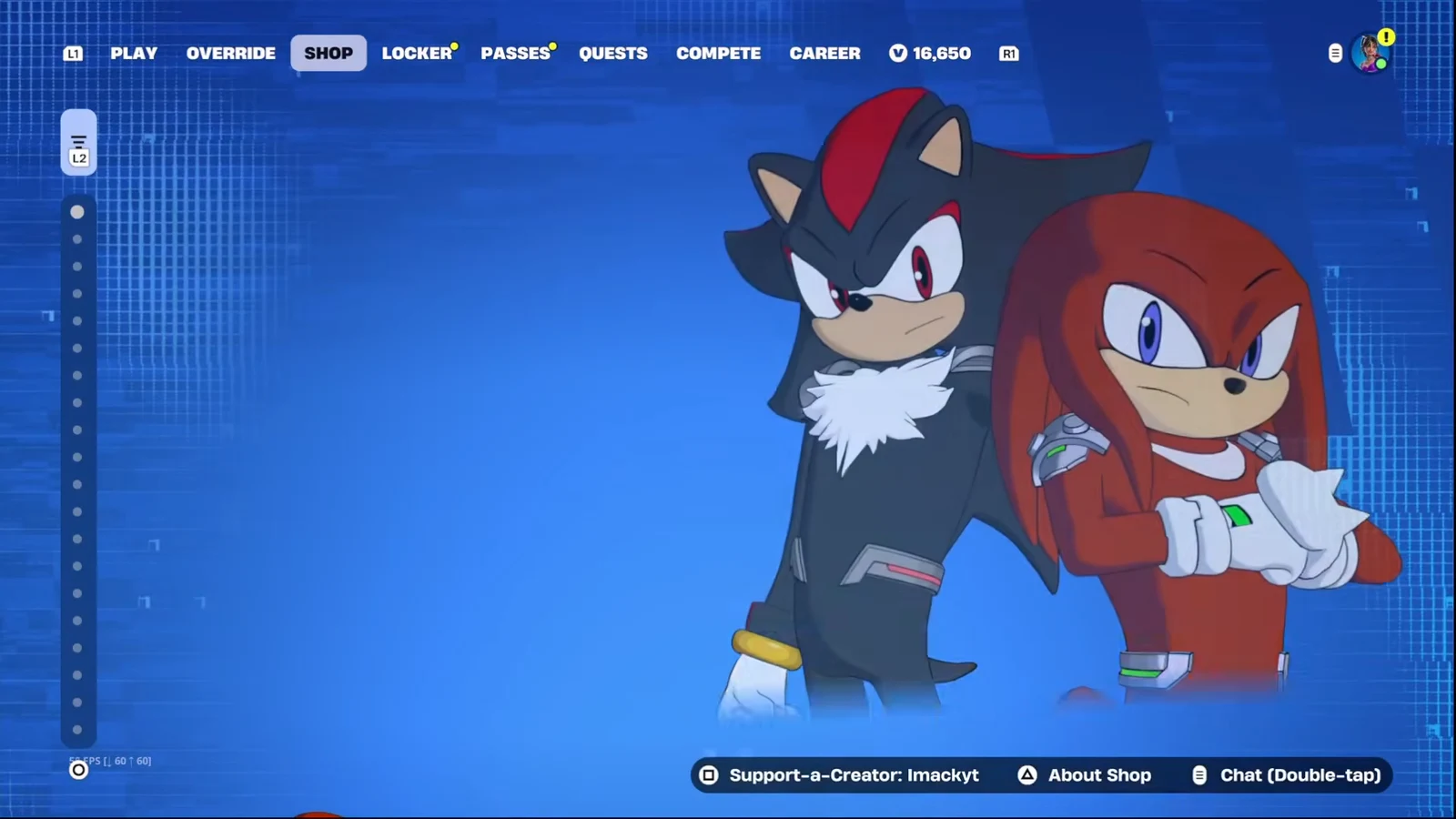
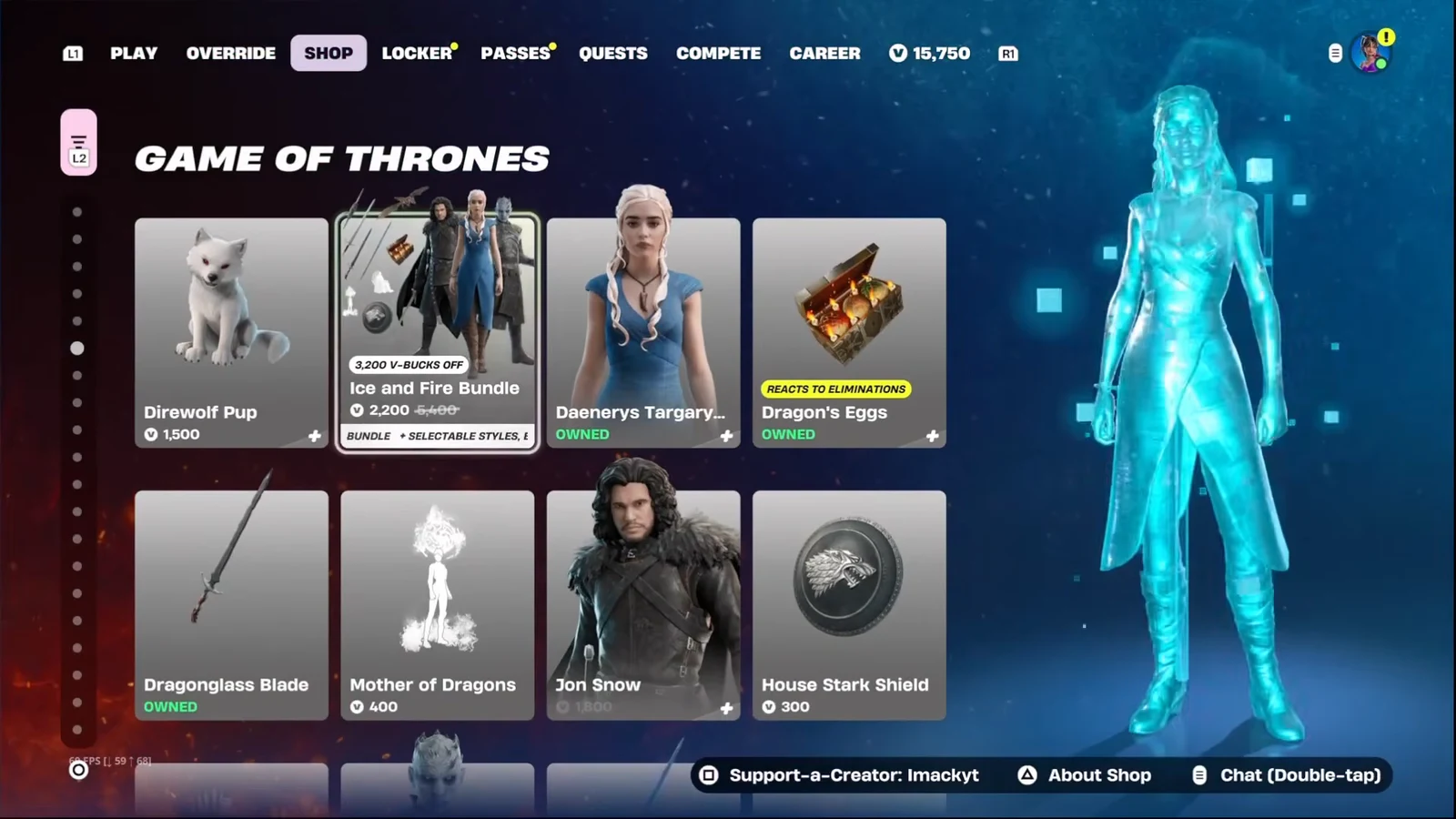
If the charge was a bundle, the whole bundle has to come back together. You cannot peel one skin out of a pack and keep the rest. In the Item Shop that reads as a single row, the same way the Ice and Fire Bundle sits in a Game of Thrones section.
| Method | Window | Uses a ticket |
|---|---|---|
| Cancel Purchase | Last 24 hours, unused | No |
| Return Ticket | Last 30 days | Yes |
| Neither option | Older than 30 days, or no tickets left | No refund |
Refund a purchase in Fortnite
The return list is an account menu, not a button on the cosmetic itself. Two in-game routes reach the same RETURN OR CANCEL PURCHASE screen. A browser path exists if you are already in the web Item Shop.
In-game from the Player Icon
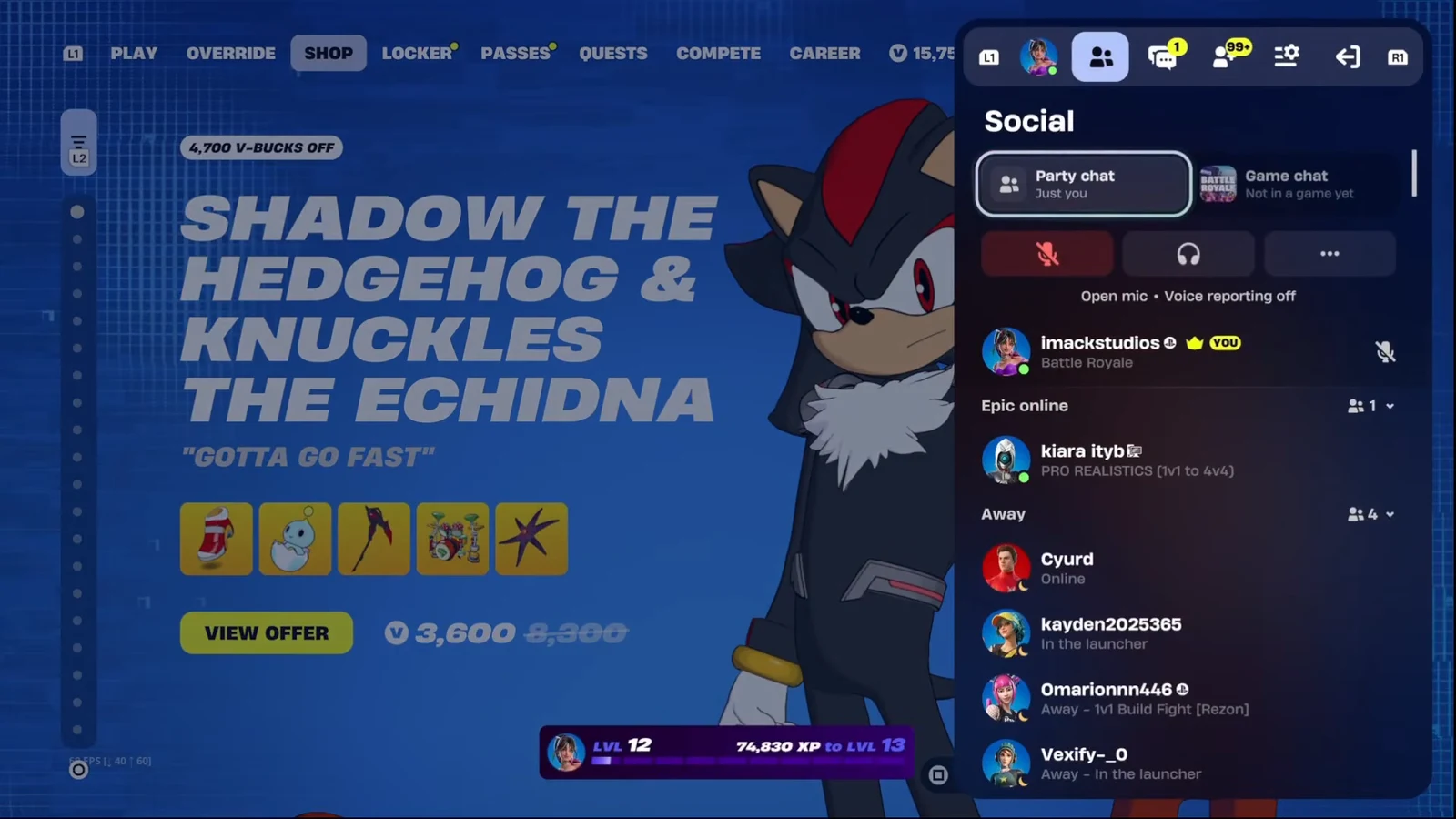
It worked when the item disappears from the locker and the refunded V-Bucks flash on screen. If the hold prompt never appears, the item was already equipped, the day already passed, or that cosmetic is not on the eligible list.
In-game from Settings
On the web Item Shop
Purchases that will not refund
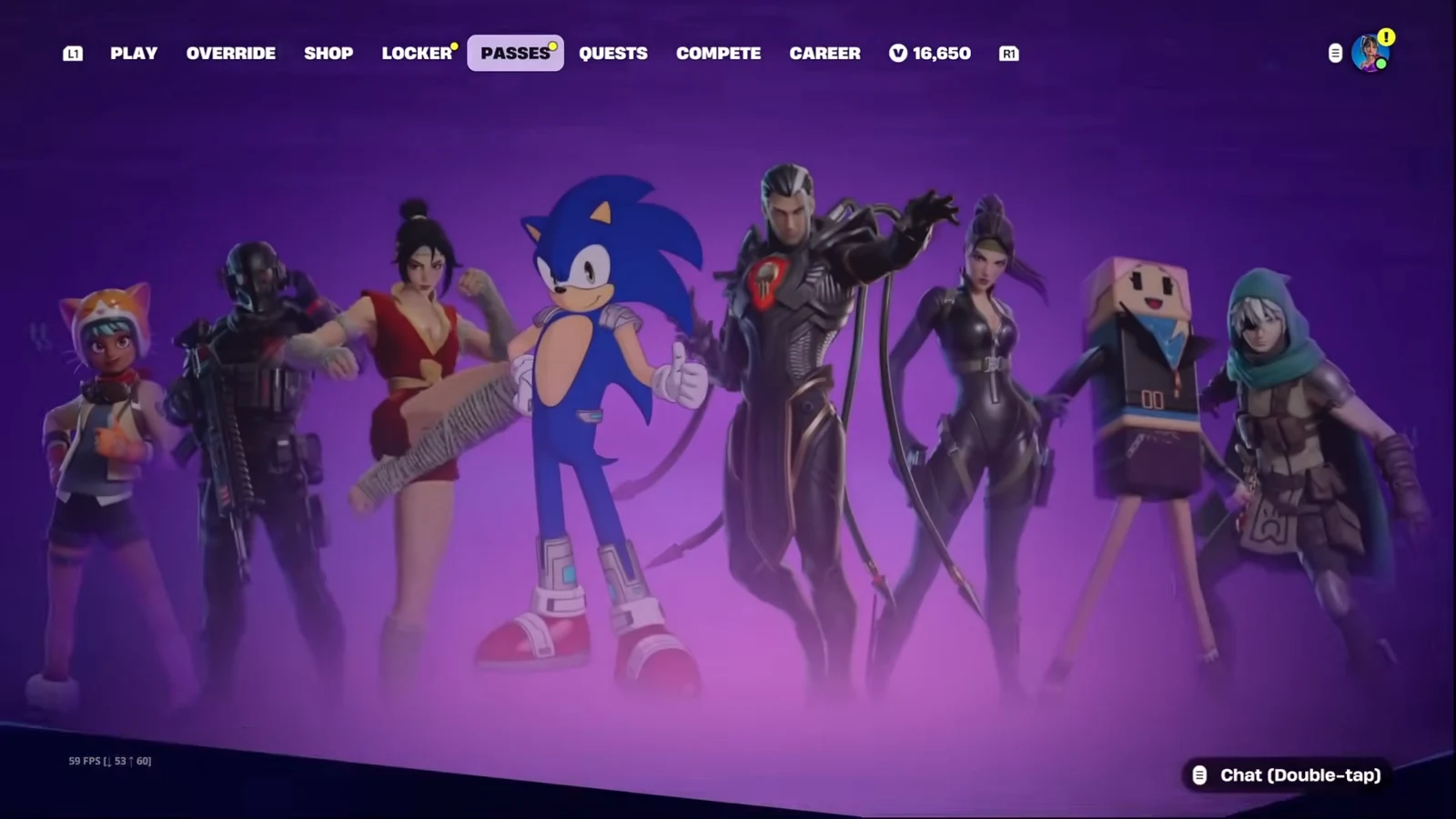
Several charge types never show a usable Cancel Purchase or Return Ticket button. The PASSES tab is where Battle Pass and other tracks live, and none of those charges can be reversed here.
| Purchase | Return Tickets or Cancel Purchase |
|---|---|
| All Passes, including the Festival Pass | Not refundable |
| Pass Level and Battle Pass tiers | Not refundable |
| Premium Reward Track | Not refundable |
| Gifted purchases | Not refundable |
| Level Up Quest Packs | Not refundable |
| Save the World loot llamas, event, or weekly items | Not refundable |
| Developer-made island purchases | Not refundable |
| Real-money buys on a console or phone store | Use that store, not tickets |
Epic cannot process a refund for real money spent through a third party. Those requests go through the Fortnite platform refunds page for Nintendo, Xbox, PlayStation, and the other storefronts listed there.
A return also fails when the Item Shop buy is older than 30 days, when no Return Tickets remain, or when you already canceled that same item once and then bought it again. In those cases the cosmetic stays in the locker and the V-Bucks stay spent.
There is no faster refill and no secret fourth ticket. Keep Cancel Purchase for the first day, spend Return Tickets only inside the 30-day window, and plan around the year it takes for a used ticket to come back.