Scrap farming in Droid Tycoon should be the easiest passive loop in the map. You point a pickaxe at the Scrap Station, hold the swing button, and walk away. The problem is that every blueprint upgrade you earn while swinging cancels the animation, which quietly ends your session the moment you stop watching the screen. There is a positioning quirk that sidesteps that interruption entirely.
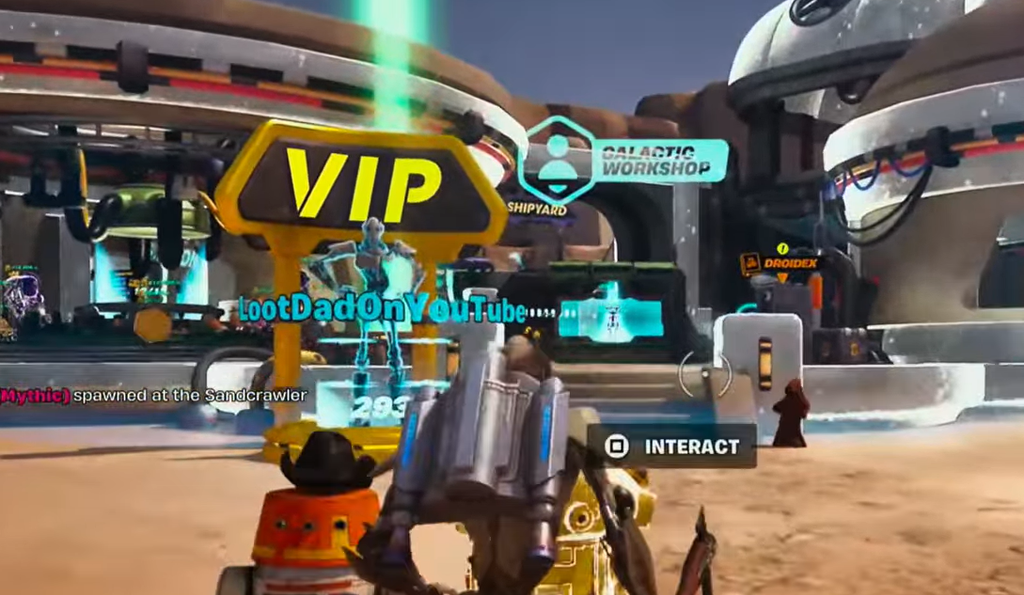
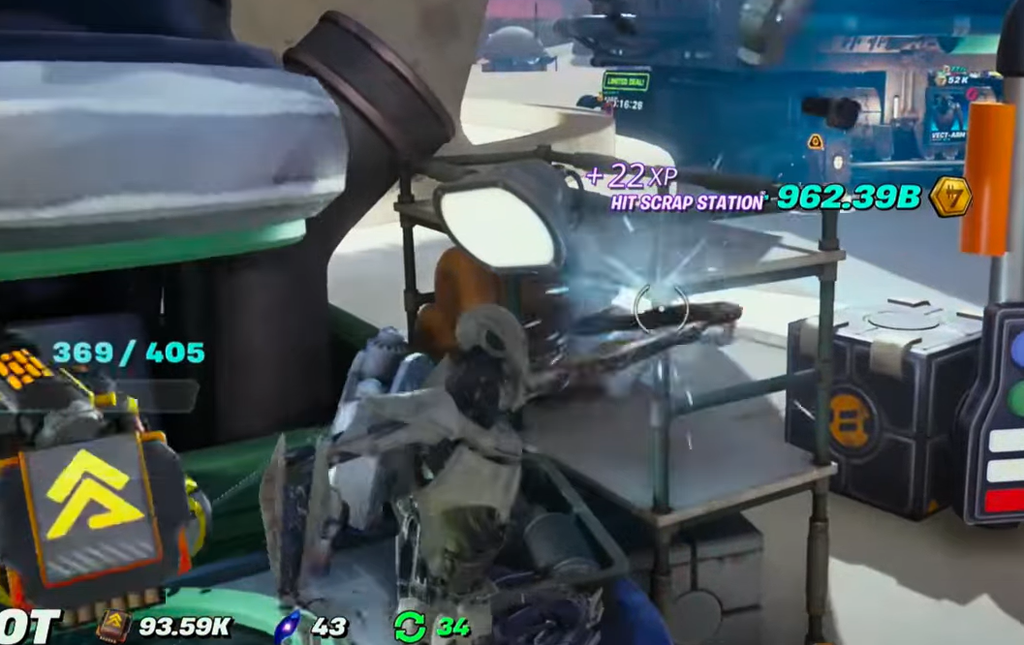
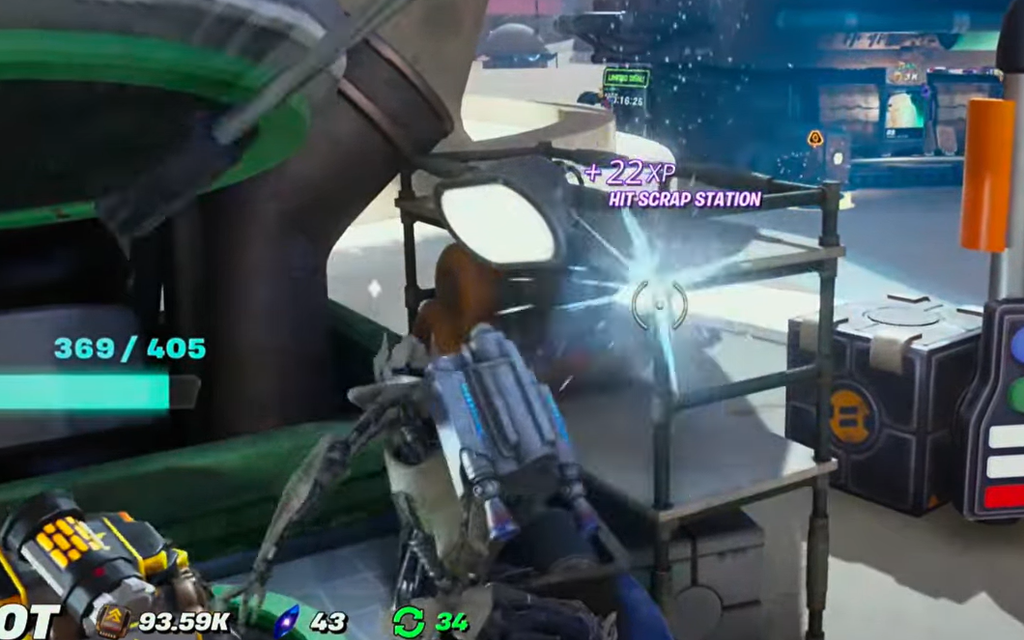
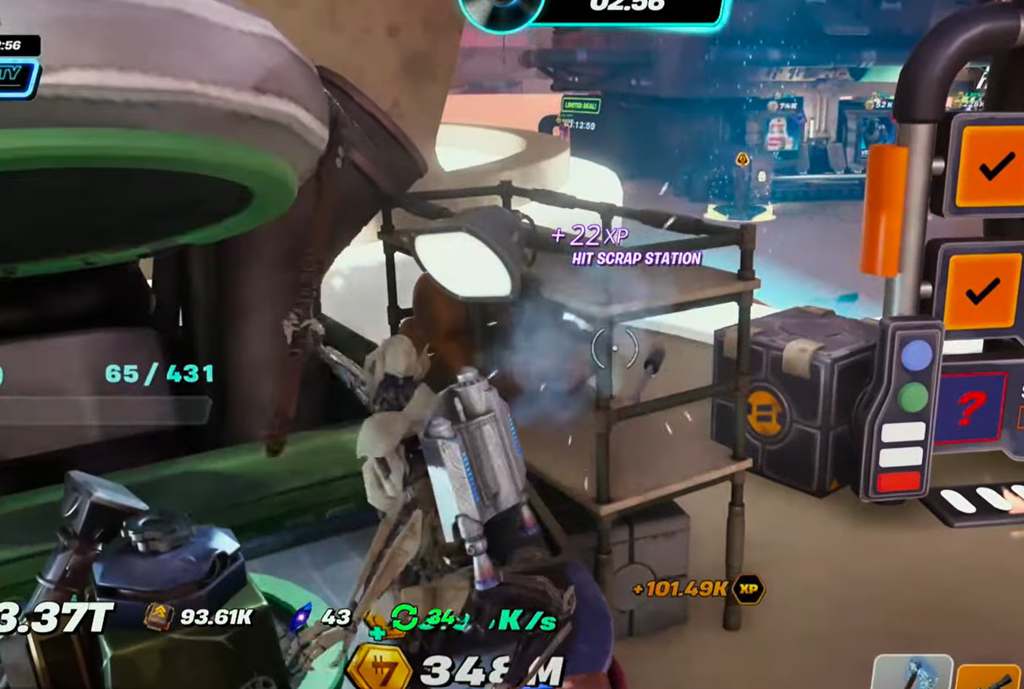
Quick answer: Stand on top of the green pipe structure beside the Scrap Station and aim at the corner of the metal storage rack next to it. Your hits still register on the Scrap Station, and blueprint drops fall to the floor without cutting your swing.
Why blueprint drops interrupt scrap pickaxing
When you hit the Scrap Station directly, the game hands you blueprint upgrades as you go. Each of those awards forces your character out of the swing animation so the pickup can play out. On a controller with the trigger held down, that break is enough to stop the loop for good — you come back expecting a pile of scrap and find your character standing still.
The workaround does not remove the blueprint rewards. It changes what your pickaxe is technically pointed at, so the reward drops to the ground as loose loot instead of triggering the animation cancel.
Scrap Station setup: where to stand and where to aim
How to confirm the setup is working
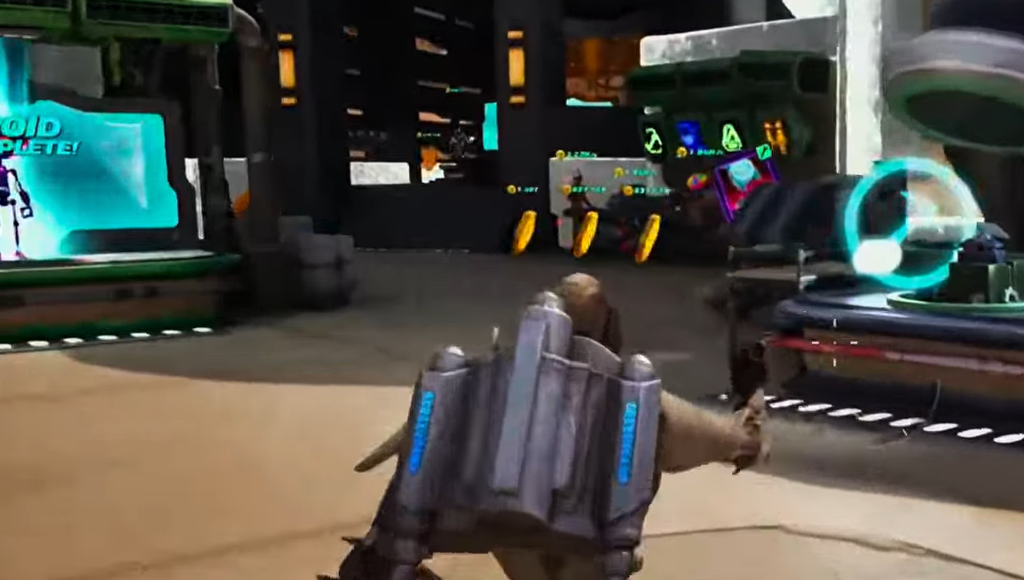
Two on-screen signals tell you the position is correct. First, the HIT SCRAP STATION feedback keeps firing even though you are aimed at the rack, which means damage is being credited to the station. Second, blueprints appear on the floor around you as loose items rather than being auto-collected mid-swing.
If your character freezes after a few seconds, the angle is off. Step back onto the pipe structure, re-centre on the rack corner, and try again before committing to a long session.
PS5 controller trick for hands-free swinging
Positioning solves the interruption, but you still need something holding the button. On PlayStation 5, opening a system overlay while the trigger is already pressed locks the input in place.
Pressing the PS button instead of Create produces the same input lock. The Create menu is the more useful of the two because it leaves most of the game view visible, so you can glance over and check that droids are still spawning and the swing is still running.
This is a system-level overlay behaviour, not an in-game setting. Exiting the overlay drops the input, and your character stops.
Common reasons the loop stops early
| Symptom | Cause |
|---|---|
| Swing stops when a blueprint pops | You are hitting the Scrap Station directly instead of the rack corner |
| No hits register at all | Crosshair is on the rack’s flat surface, not the corner |
| Animation runs but scrap barely moves | You are not standing on the green pipe structure, so the angle misses the station |
| Character stops the moment you look away | The overlay closed, releasing the held trigger |
Pickaxe level and wasted swings
Pickaxe level changes how much damage each hit does, and that has a side effect worth knowing about. Once your pickaxe is strong enough to destroy a scrap pile in a single hit, you get a couple of swings that make no contact while the game transitions to the next pile. Those swings do nothing, which thins out the returns on a long unattended session.
If you have already pushed your pickaxe well past that threshold, a super rebirth resets pickaxe level back down, which restores the tighter hit-to-hit rhythm.
Everything here relies on a positioning bug rather than an intended feature, so treat it as temporary. If a future update changes how hits are credited near the Scrap Station, the pipe-and-rack angle stops working and you are back to the standard swing loop with blueprint interruptions in it.