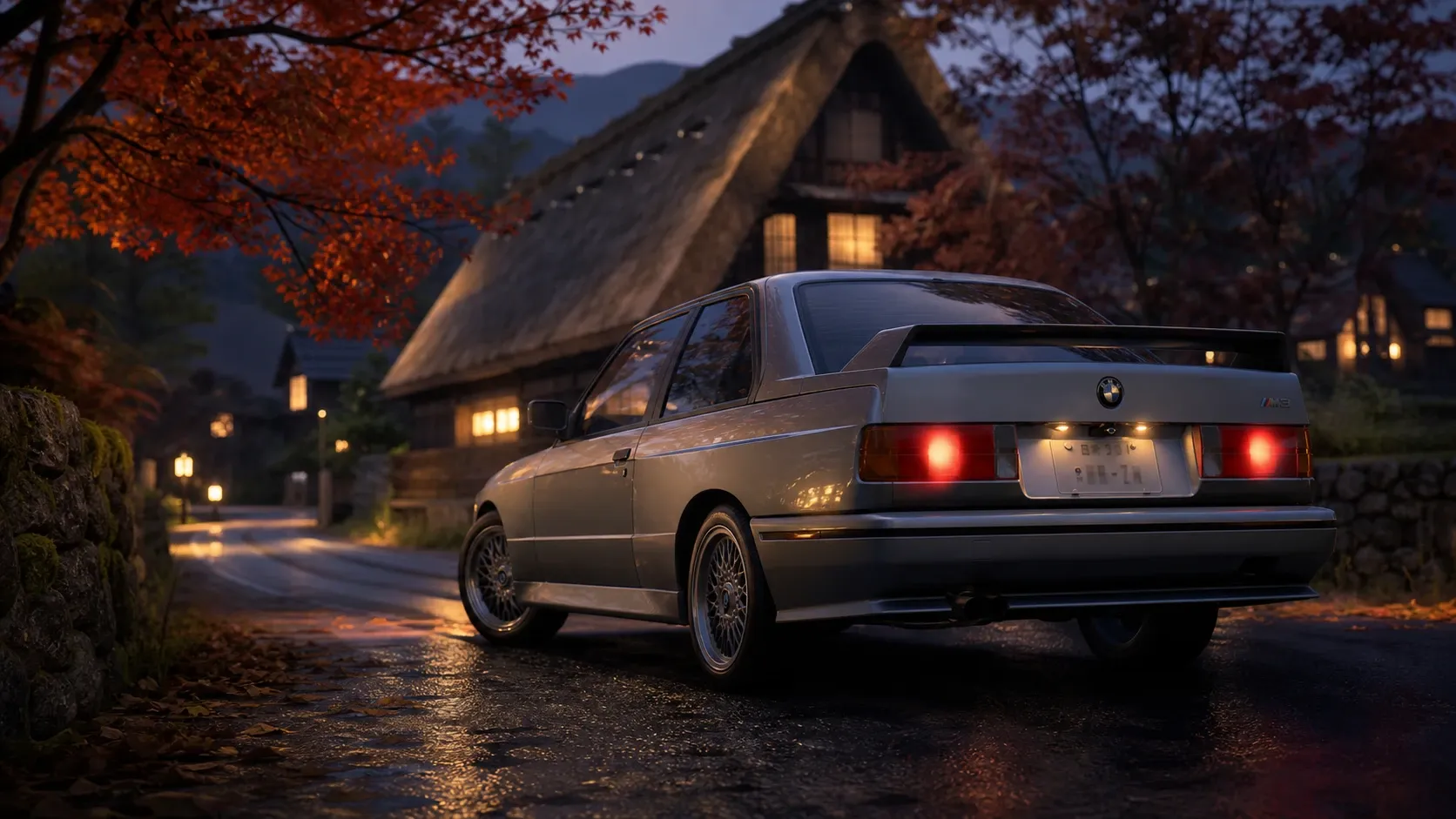
Your license plate in Forza Horizon 6 is a small piece of personalization that travels with you. Once you set it, the same plate appears on every car in your collection, so it carries your gamer tag, a favorite number, or a quick joke across the entire garage. The option lives inside the garage menu rather than the main car customization screens, which is why a lot of players never stumble onto it.
What you need before changing the plate
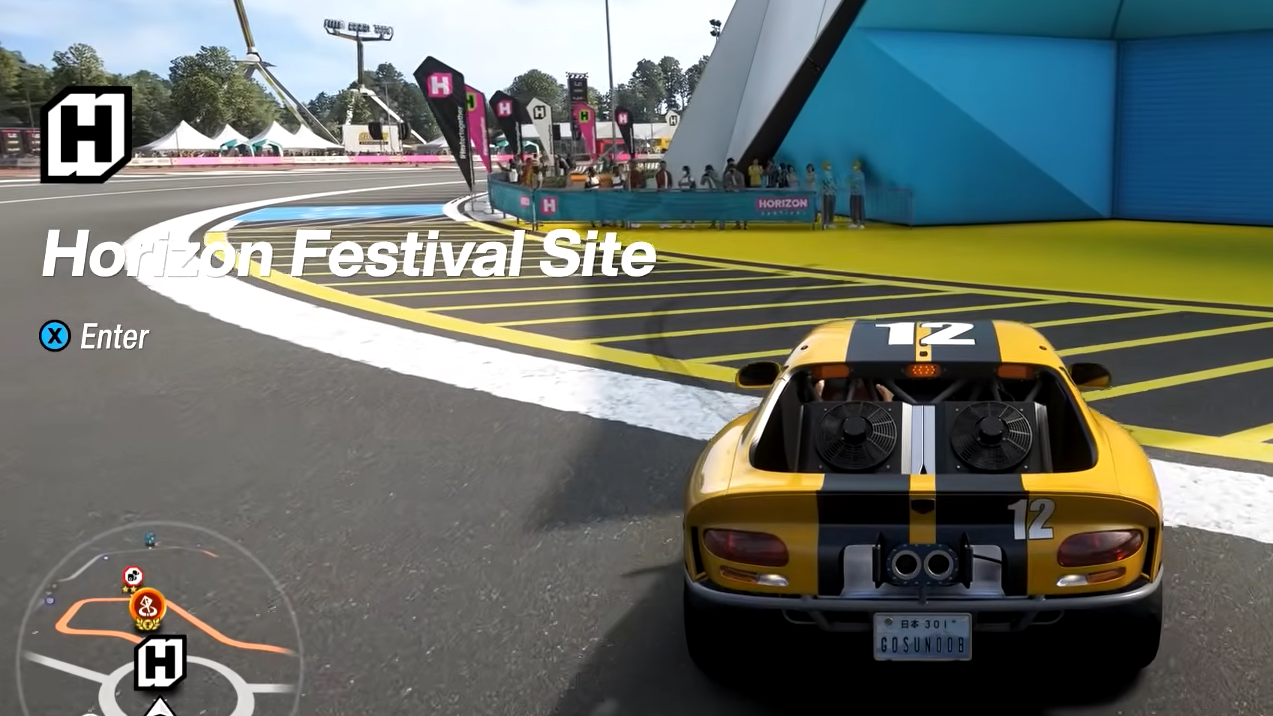
You need access to a garage, and there are two ways to get one. If you have bought a house, your personal garage is ready immediately. If you have not, the Forza Horizon Festival site has a garage you can use instead.
The Festival garage unlocks after you finish the first three or four races, so most players will already have it available. Either garage opens the same plate editor, so there is no difference in the result.
| Garage option | How to reach it | Availability |
|---|---|---|
| House garage | Open the menu, go to My Horizon, choose Return Home | Requires a purchased house |
| Festival site garage | Travel to the Forza Horizon Festival site | Unlocks after the first 3–4 races |
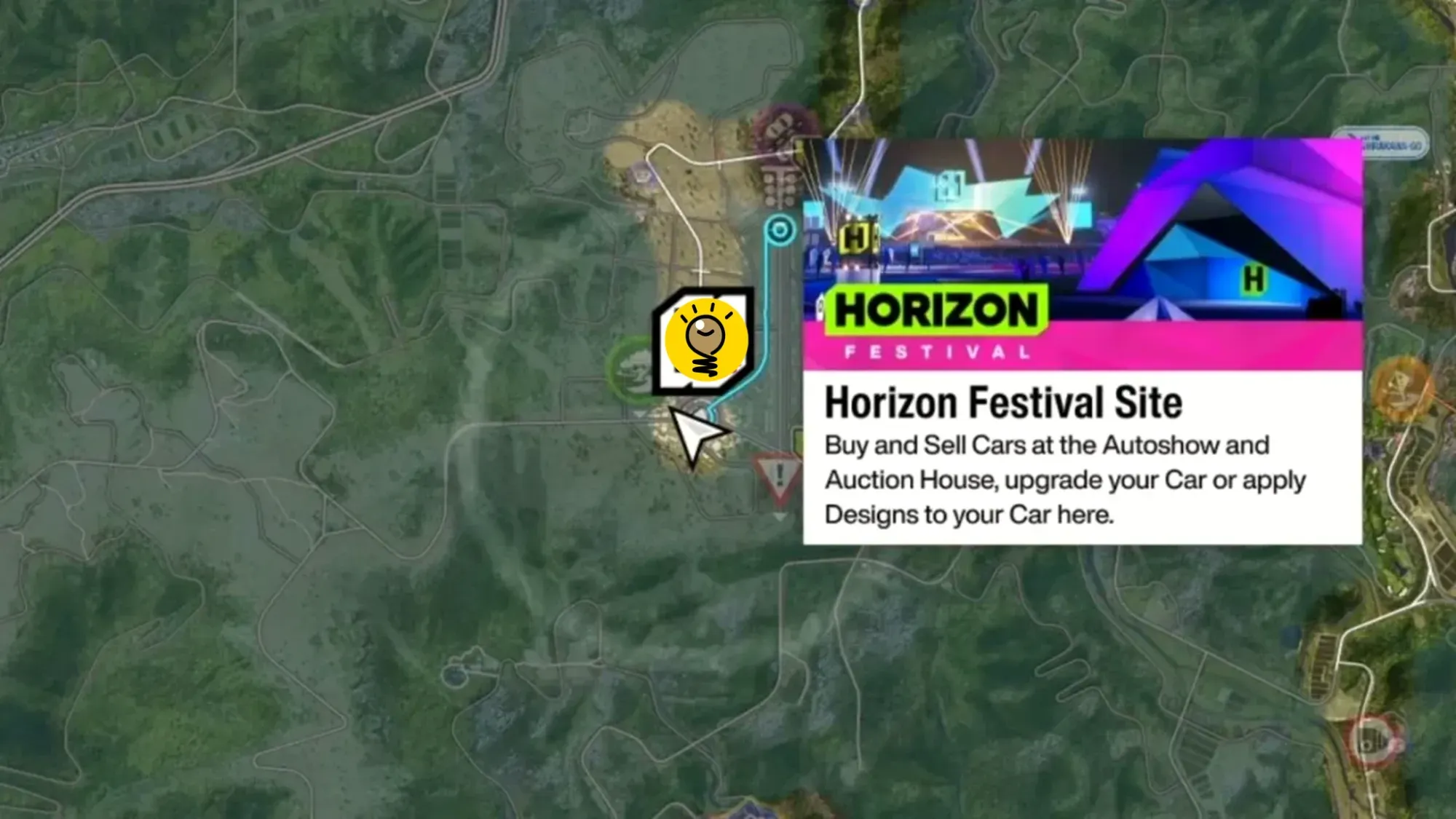
How to change your license plate in Forza Horizon 6
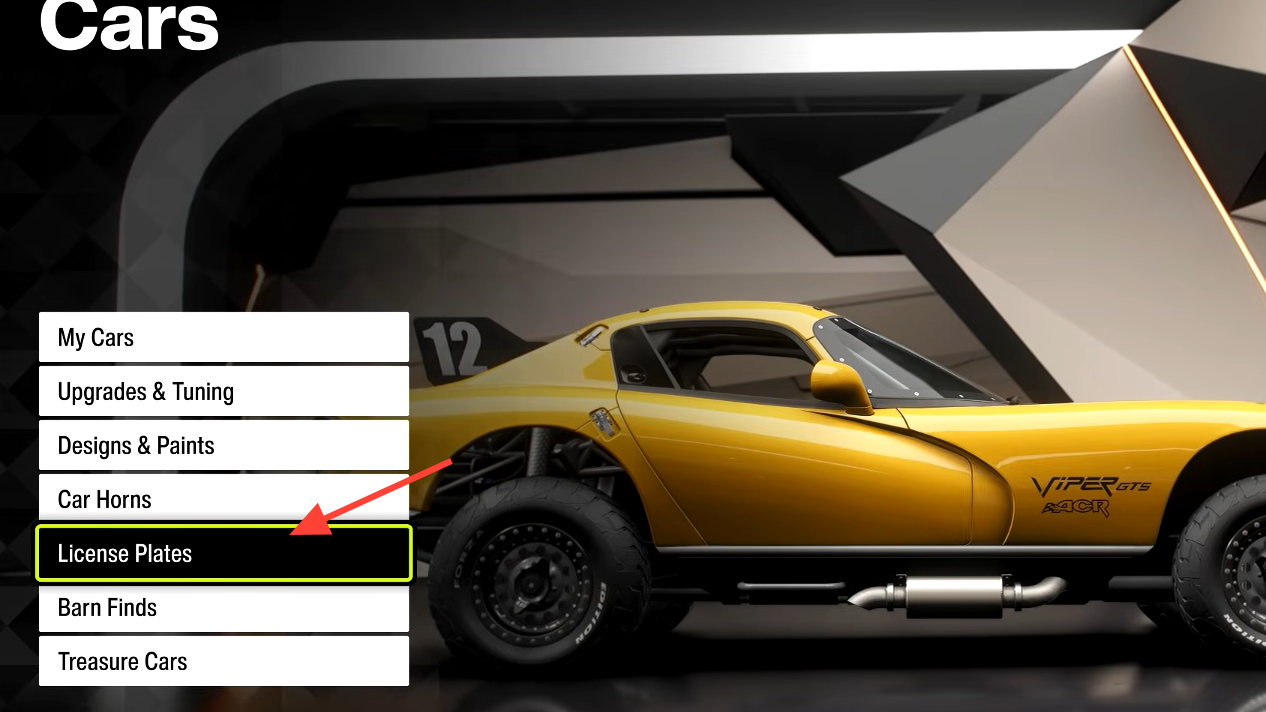
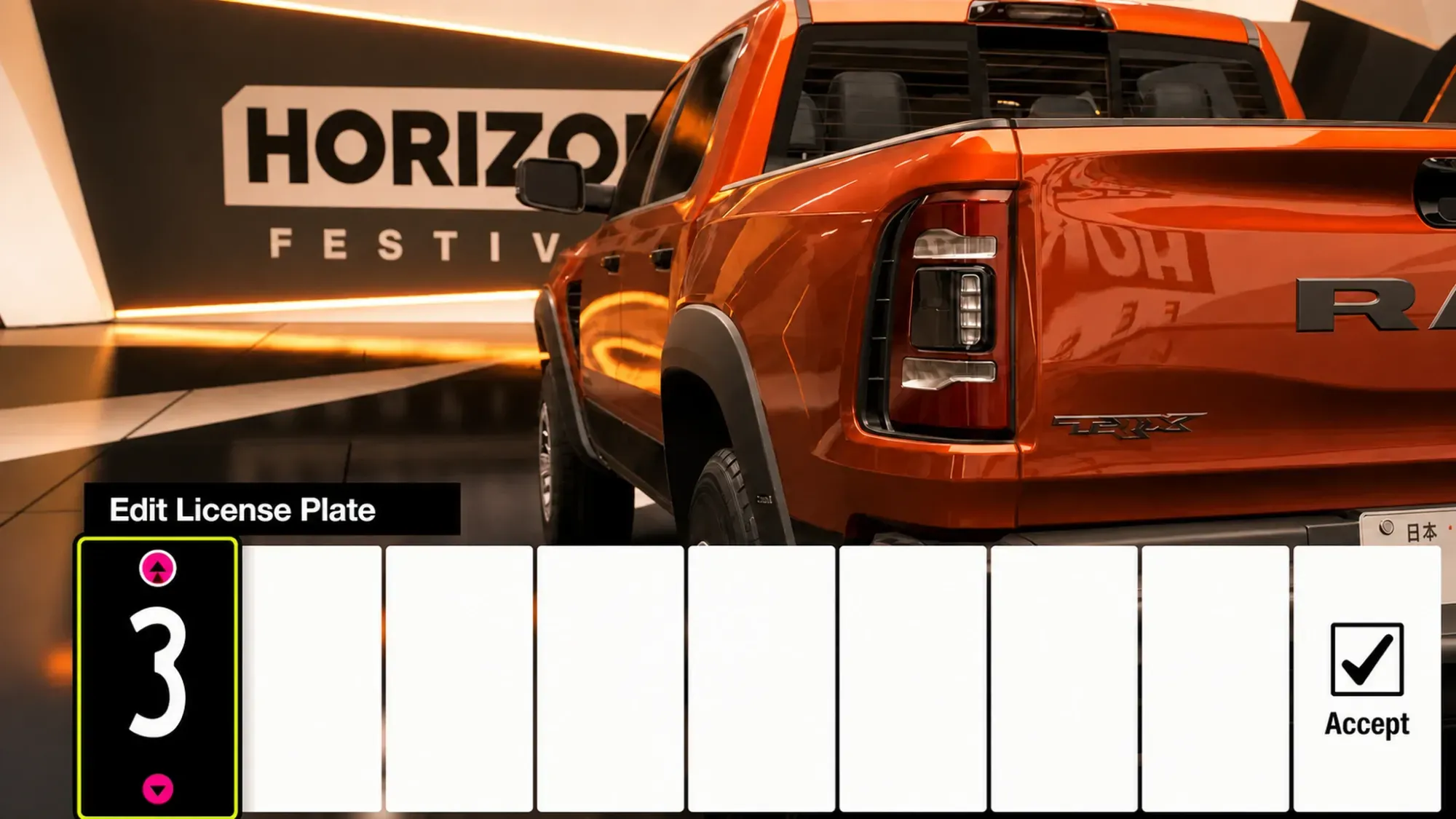
How to confirm the change worked
After you confirm, exit the editor and look at any car in your garage. The new text shows on the plate, and because the setting is account-wide, it carries over to every vehicle you own rather than a single car. If the plate still shows the old text, reopen the License Plates option and confirm again.
Tips for picking a plate
- Use your gamer tag, a favorite number, or a short pun to make it personal.
- Keep it clean. Other players online can see your plate, so avoid offensive text.
- You can update it anytime. Return to the garage menu and edit the plate again whenever you want a different look.
Changing the plate takes only a minute once you know it sits inside the Cars tab, and it adds a clear personal mark to every car you drive through the open world.