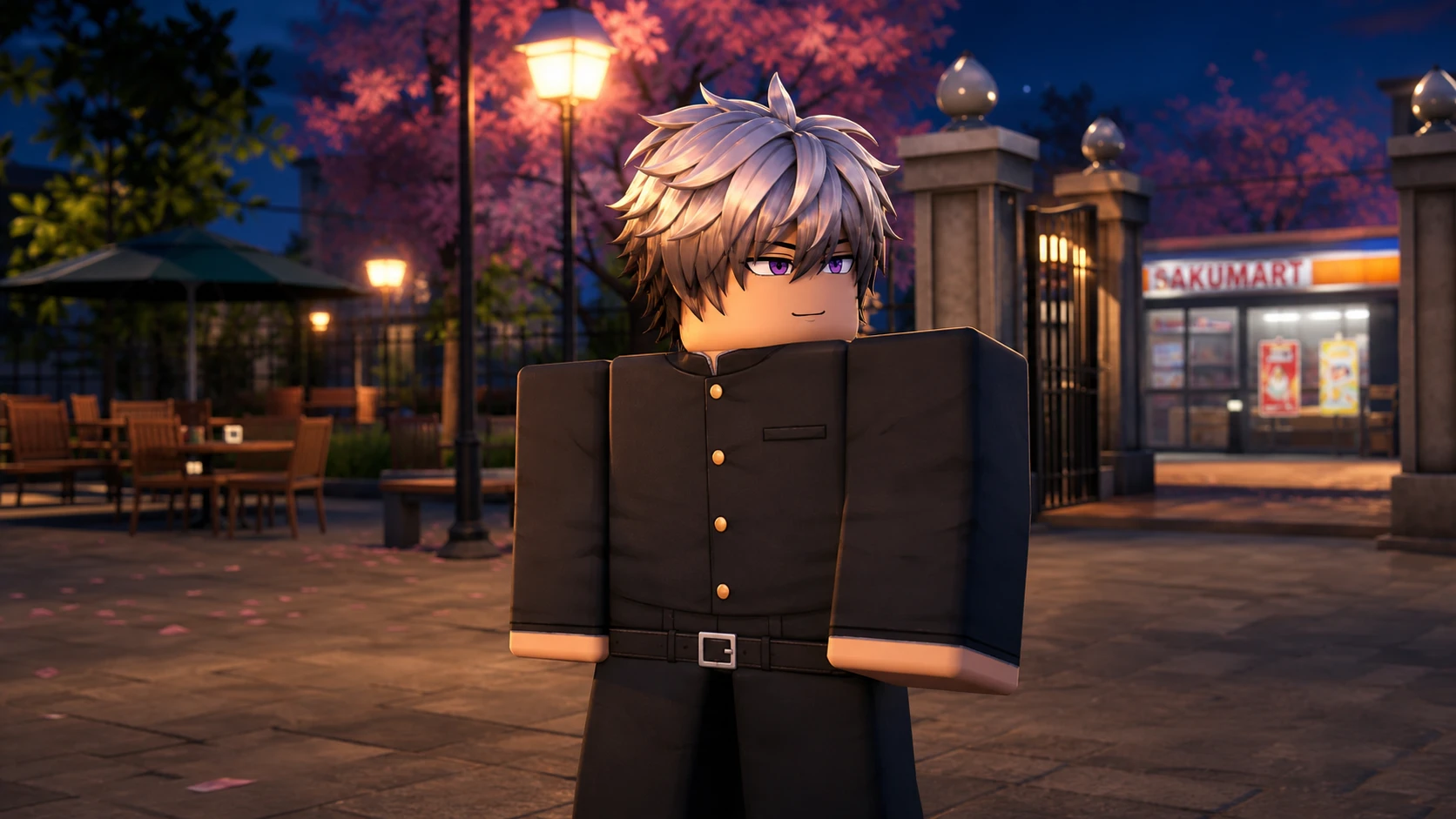
Changing your outfit in Gakuran works through a reroll system, not a shop. You open your character stats, jump to the Uniform tab, and spend rerolls to pull a random new look. There is no menu to hand-pick a specific outfit, so the number of rerolls you have decides how many attempts you get.
Quick answer: Open the left sidebar, click STATS, select the UNIFORM tab, then press the circular reroll icon next to an equipped slot to roll a new uniform.
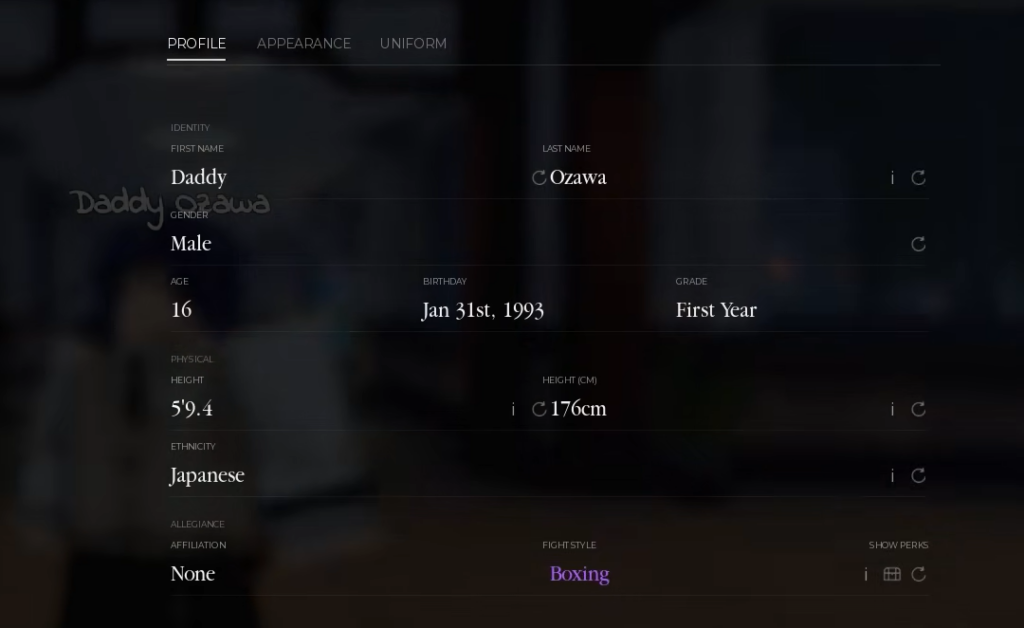
Reroll a new uniform from the Stats menu
The uniform controls live inside your character profile. Each reroll consumes one reroll and immediately swaps your equipped uniform to whatever you pull.
You will know it worked when your outfit updates on the spot and a notification appears, such as “That’s a fresh fit. (Common)” or “New uniform, new look. (Rare).” If nothing happens, you are out of rerolls and need to stock up first.
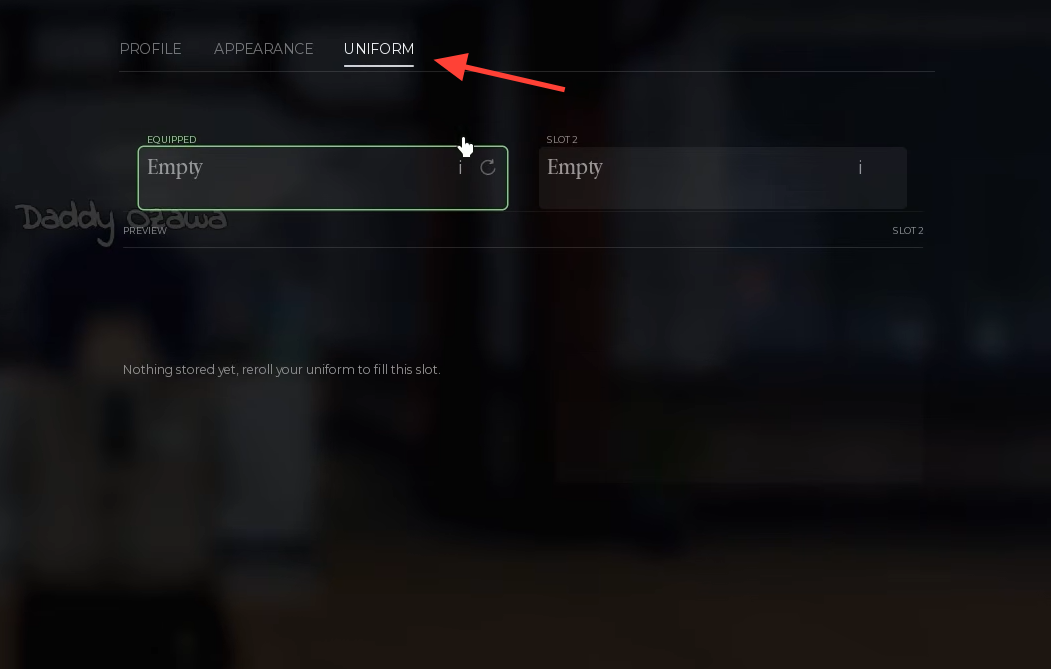
Get free rerolls with codes
Rerolls come from promo codes or in-game purchases. Codes are the fastest way to build up a stack before you start rolling, and they are entered in a separate menu.
| Code | Reward |
|---|---|
| ALI | 50 rerolls |
| 15REROLLS | 10 rerolls |
| GAKURAN | 10 rerolls |
Codes only grant rerolls. They do not hand you a specific uniform, so you still spend those rerolls in the Uniform tab to roll for a new look.
Uniform rarities and roll odds
Every reroll pulls from a rarity pool. Most rolls land on Common, and higher tiers get progressively rarer. These odds set your expectations before you spend a large stack of rerolls chasing a rare fit.
| Rarity | Chance |
|---|---|
| Common | 69% |
| Rare | 25% |
| Epic | 5% |
| Legendary | 1% |
| ??? | 0.1% |
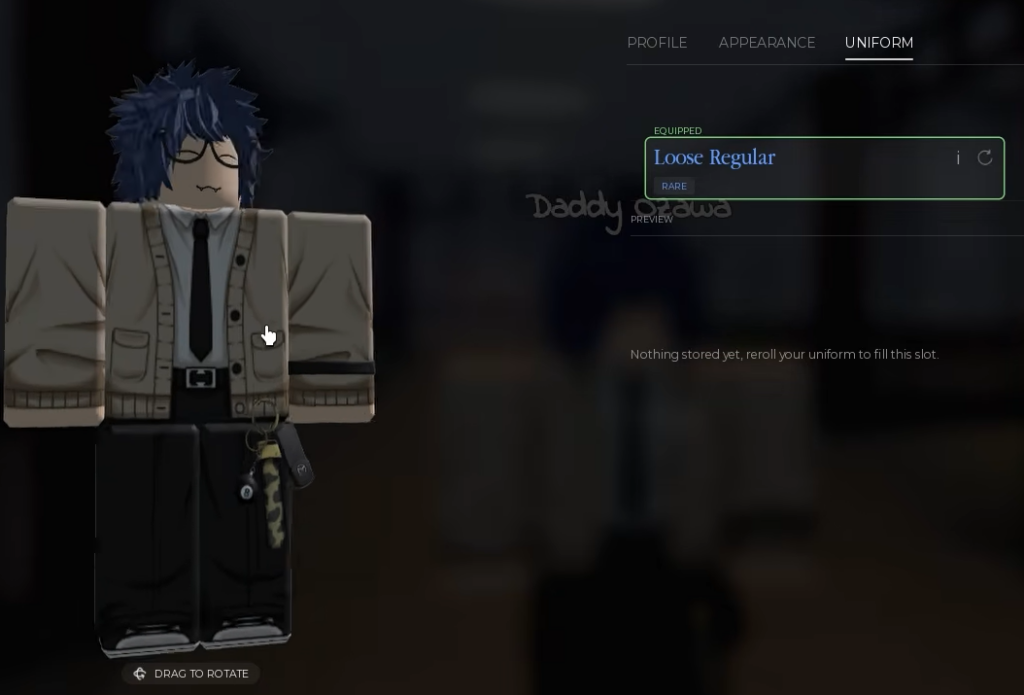
Uniforms you can roll include names like Male Uniform and Alt at Common, and Loose Regular at Rare. Because the outcome is random, a specific look is never guaranteed on any single roll.
Save and switch uniforms with slots
You are not limited to one uniform at a time. The Uniform tab has more than one slot, so you can store different rolled styles and swap between them without rerolling again.
Use Slot 1 and Slot 2 to hold separate uniforms. Roll a look you like into one slot, then reroll a different look into the other. From there, you can switch back and forth between the saved styles, which lets you keep a favorite outfit while still experimenting with new rolls.
The whole system rewards having rerolls on hand, so redeem the available codes first, then roll from the Uniform tab until you land a look worth saving to a slot. Since rolls are final and random, budget your rerolls if you are aiming for a Rare or higher tier.