Gaming How-To

How to Deposit or Withdraw Money From Jason’s Stash in GTA 6

Jason's stash sits under a bedroom floorboard next to his bed, and Triangle then Cross gets you to the cash.

Jason’s stash sits under a bedroom floorboard next to his bed, and Triangle then Cross gets you to the cash.

Jason has a stash of cash at his house in GTA 6. You get the house at the end of the Chapter 1 mission “Gone Fishing,” and the stash is hidden in the bedroom floor. The button names below use the PS5’s default controls.

Quick answer: Stand next to the bed in Jason’s bedroom until STASH shows, press Triangle, press Cross on the cash, then pick Withdraw or Deposit.


Where Jason’s stash is in GTA 6

Go to the house Jason gets when “Gone Fishing” ends and head to the bedroom. The stash is under a loose floorboard right beside the bed. The first time you go in, the game shows a tip in the bedroom that reads “In the bedroom, you can sleep to rest up and advance time. You can also access your hidden stash of cash.” While that tip is on screen, Jason kneels by the bed at an open gap in the floor, which shows you the exact spot.
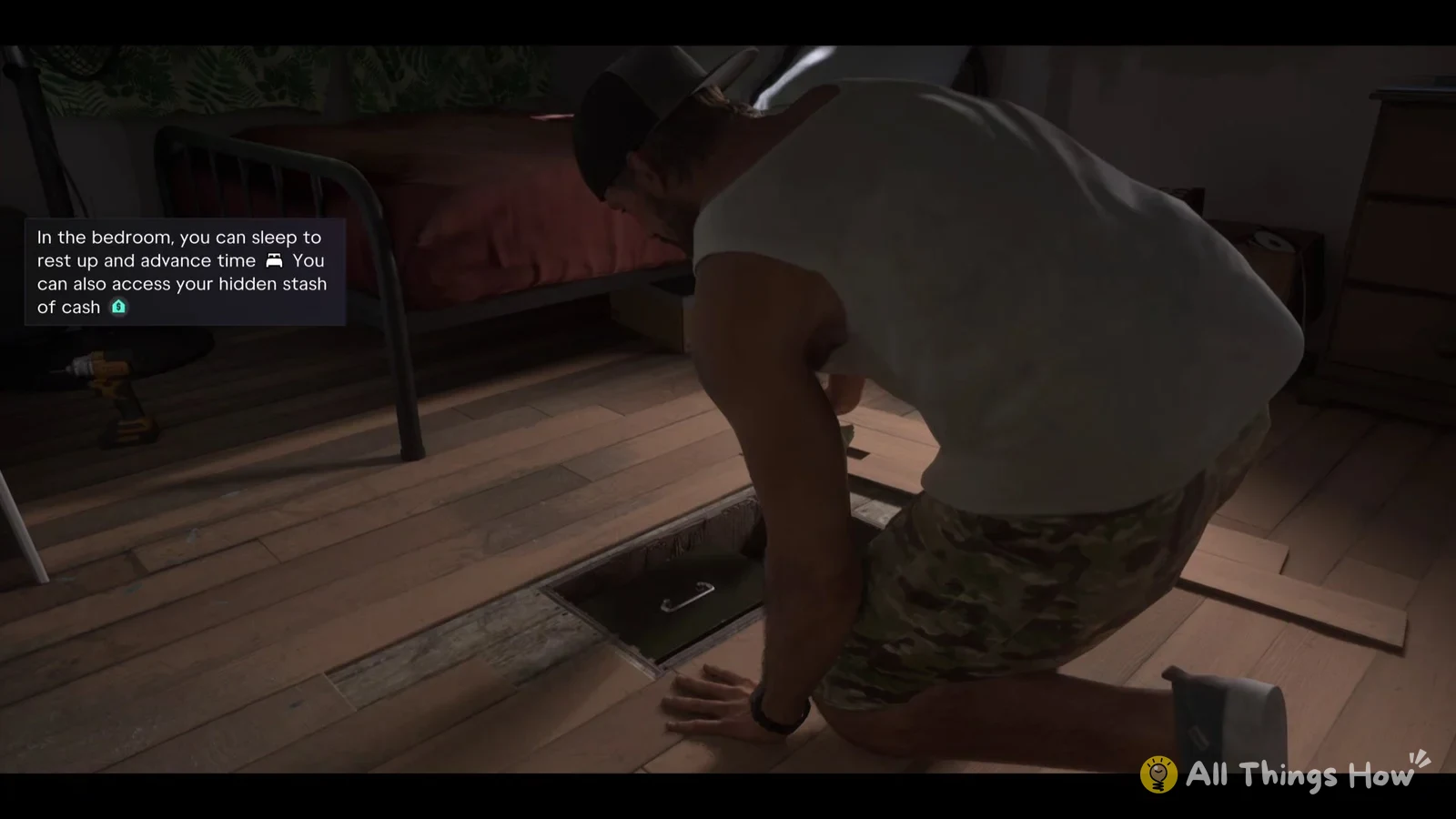
GTA 6 bedroom tip about sleeping and the hidden stash of cash at Jason's house
The bedroom tip, with Jason at the gap in the floor.

How to deposit or withdraw cash at the stash
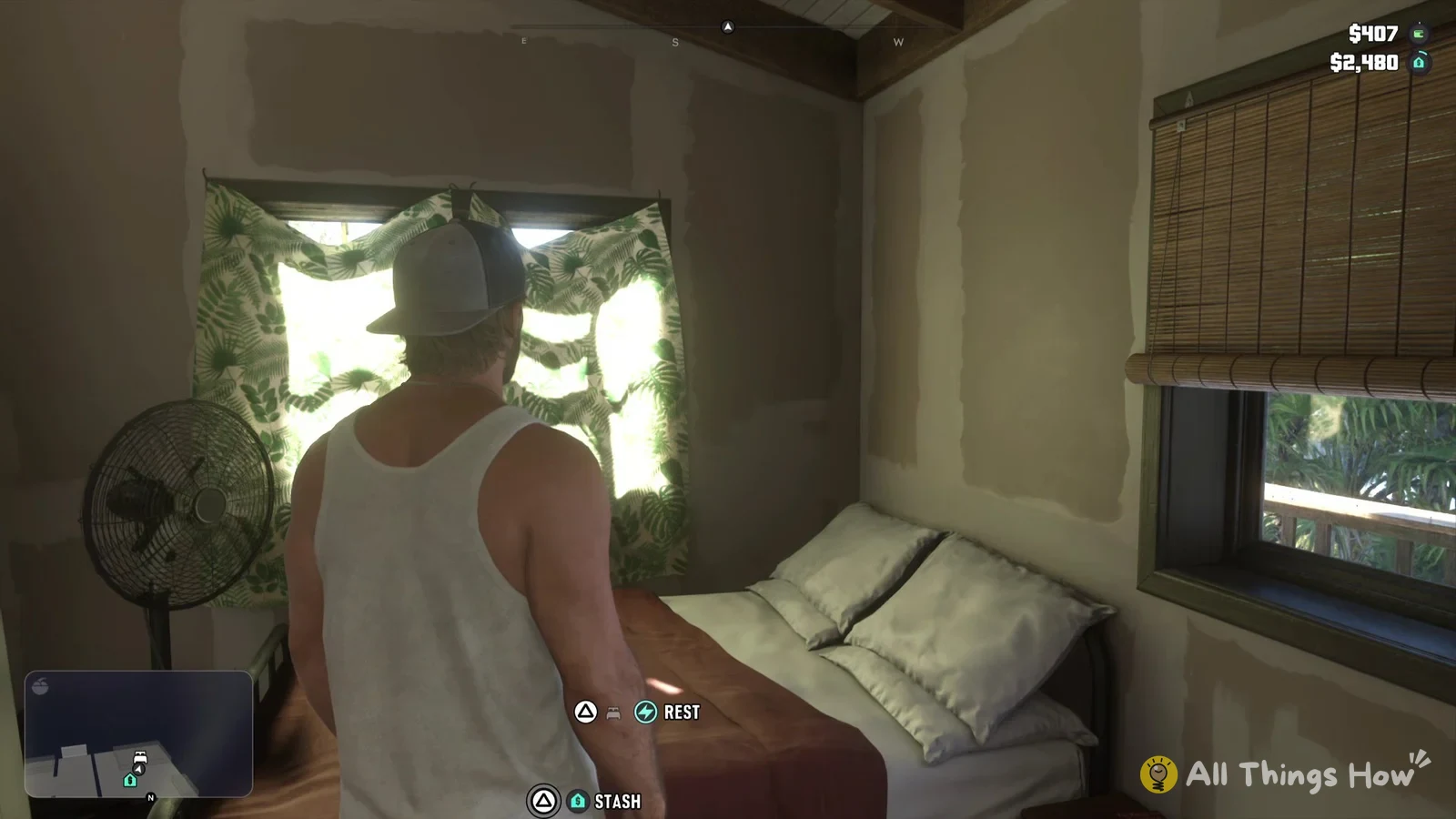
Walk up to the side of the bed and stop once the prompts show. You’ll see two of them, both on Triangle. REST has a bed icon and STASH has a house icon. Wait until STASH is the one you’re looking at before you press anything.
GTA 6 Rest and Stash prompts on Triangle beside Jason's bed
REST and STASH, both on Triangle.
Press Triangle while STASH is showing. Jason kneels down and lifts the floorboard next to the bed, which opens the stash.
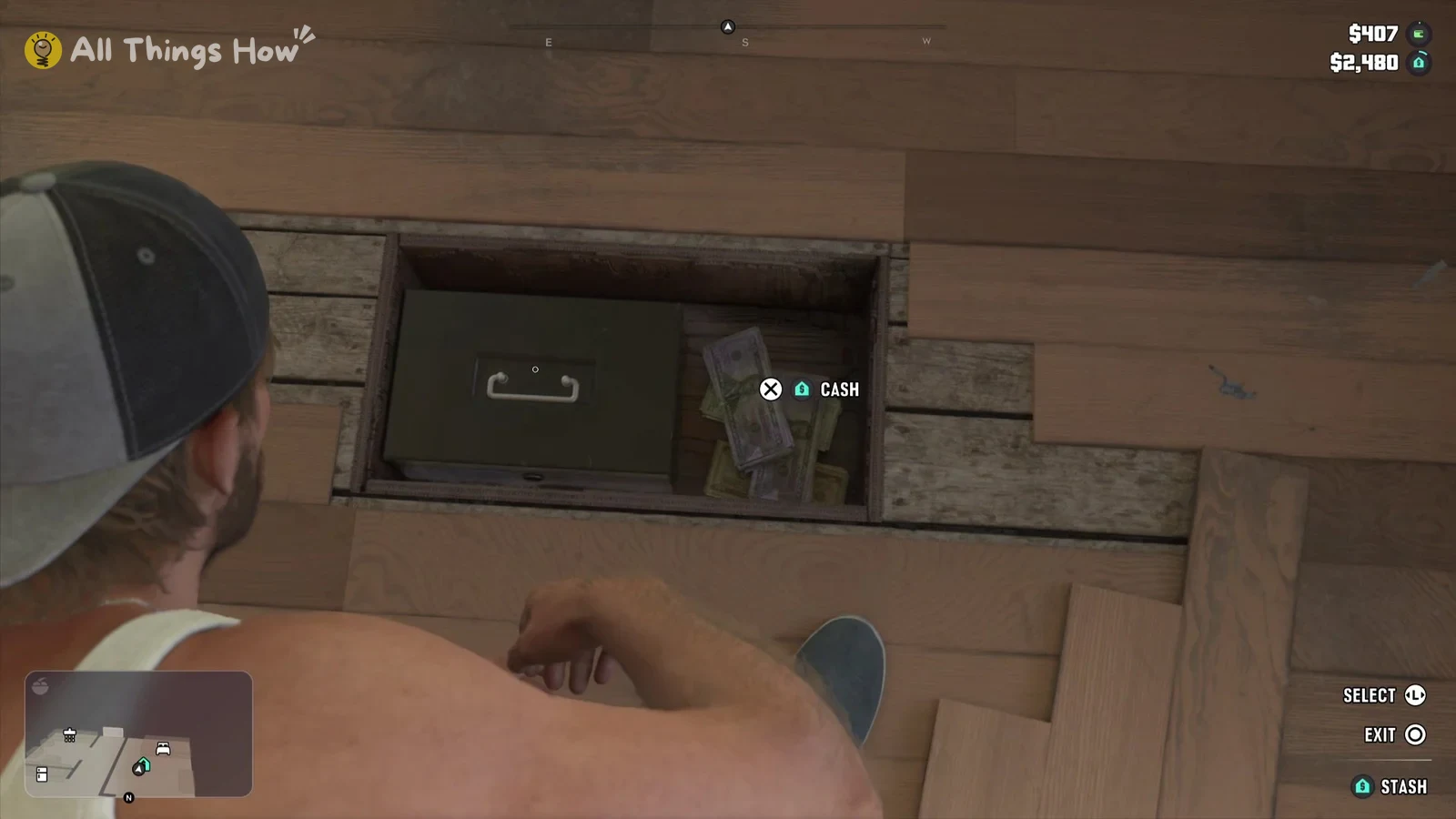
Choose the banknotes and press Cross. Beneath the board, you’ll see a metal lockbox alongside a bundle of cash; the banknotes have a Cross prompt marked CASH. If you haven’t picked them up, use the left stick to move over to them—the bottom-right corner labels it SELECT. That corner also displays EXIT beside Circle and STASH with a house icon.
GTA 6 stash under the floorboard with a lockbox and the Cash prompt on Cross
The lockbox and the cash under the floorboard.
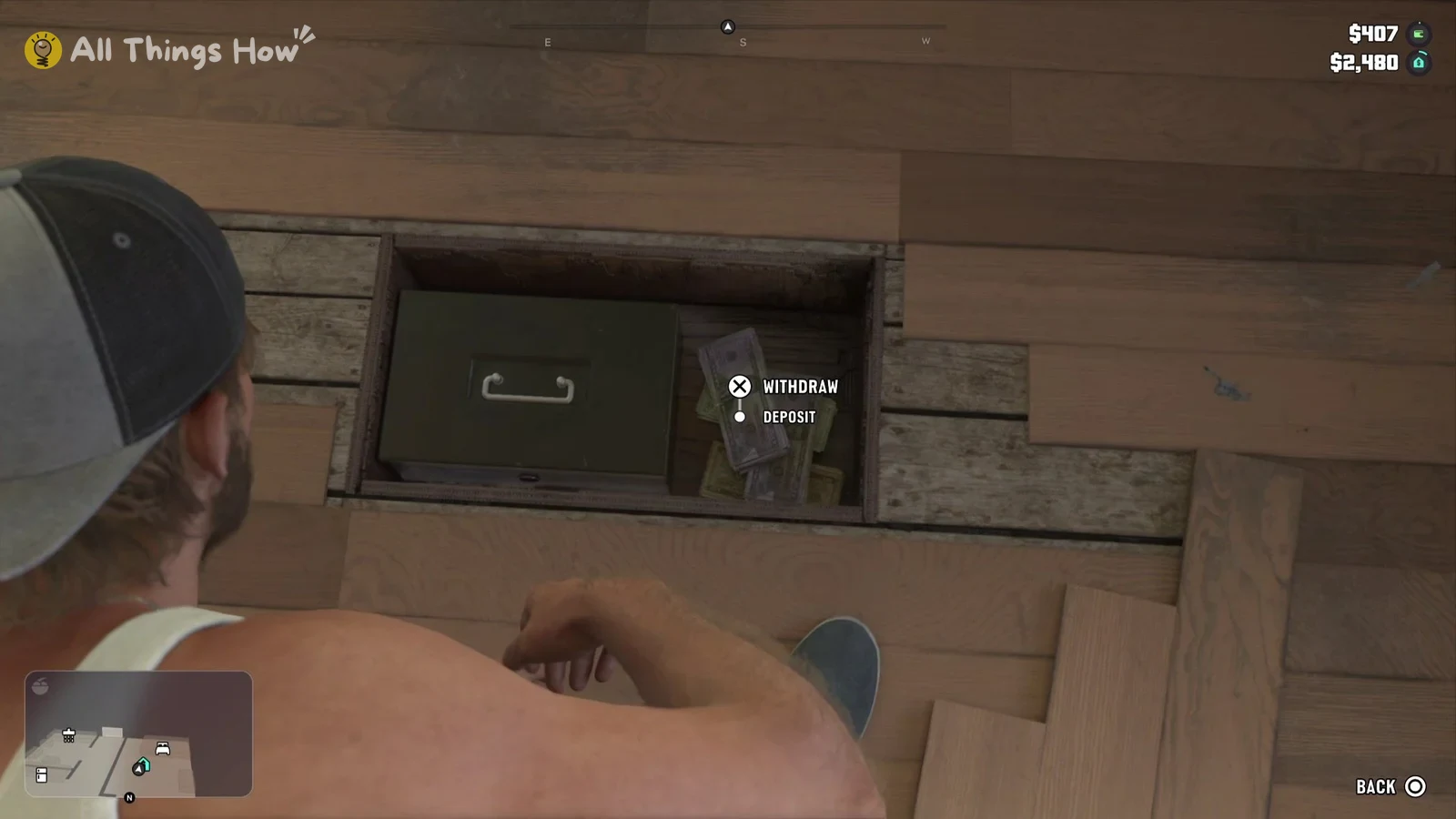
Choose WITHDRAW or DEPOSIT. WITHDRAW is at the top on Cross and DEPOSIT is right under it, so pick WITHDRAW to take money out or DEPOSIT to put money in.
GTA 6 stash cash options Withdraw and Deposit
WITHDRAW and DEPOSIT on the cash.
Press Circle to back out. On the WITHDRAW and DEPOSIT menu, Circle is BACK. Once you’re at the cash prompt again, Circle is EXIT, which closes the stash.

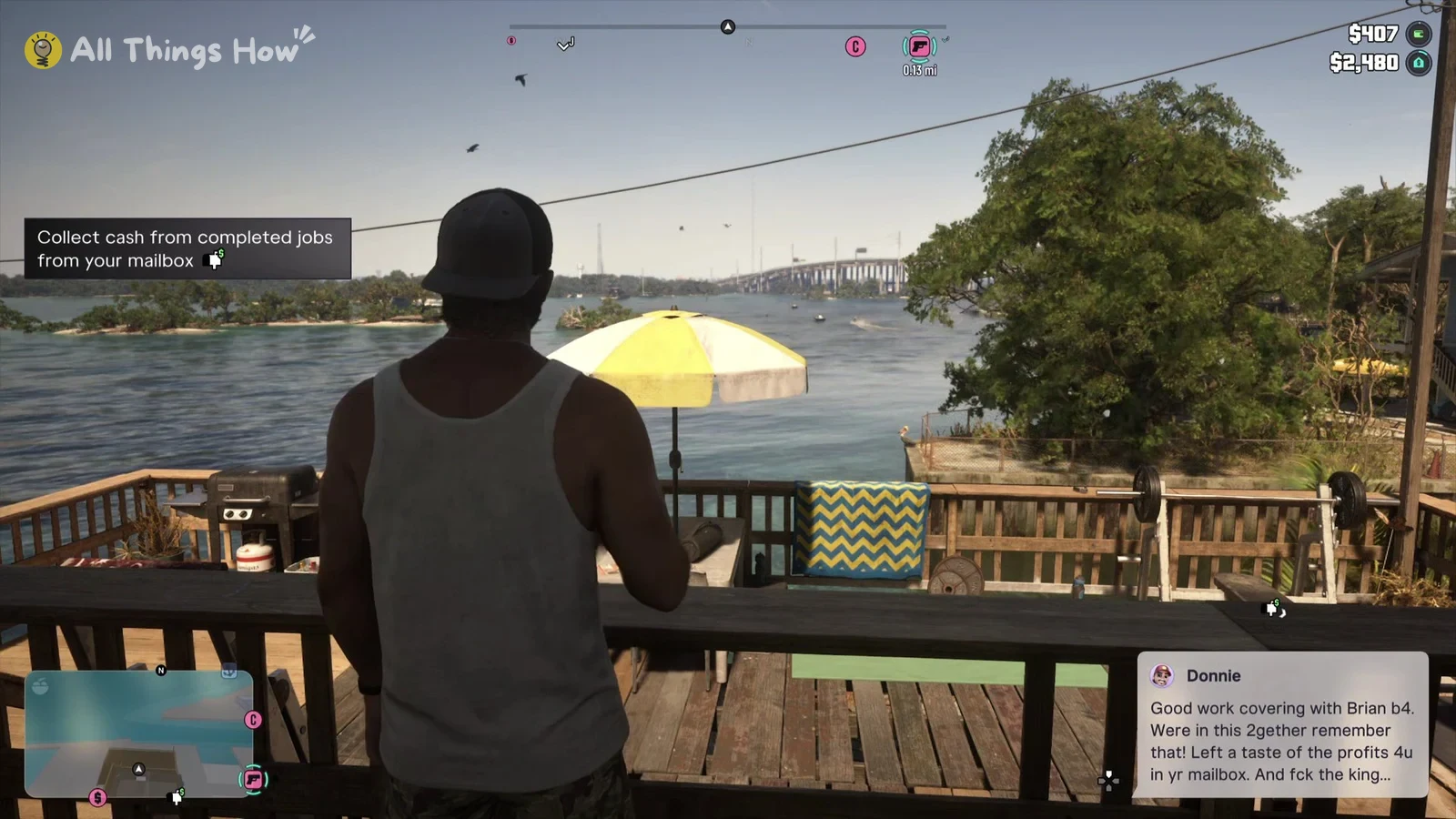
The two money numbers at the top right of the screen

From the moment the prompts show by the bed until you leave the stash menu, there are two money lines at the top right of the screen. Here’s what each one means:

LineIconExampleWhat it is
TopBanknote$407Cash Jason is carrying
BottomHouse$2,480Cash in the stash

The house icon on the bottom line is the same icon the STASH prompt uses, which is how you can tell that line is the stash balance. The top line matches the Pocket Cash figure in the pause menu, which shows $407 at the same time in the example above.

REST and STASH both use Triangle at the bed, so check which word is showing before you press it.