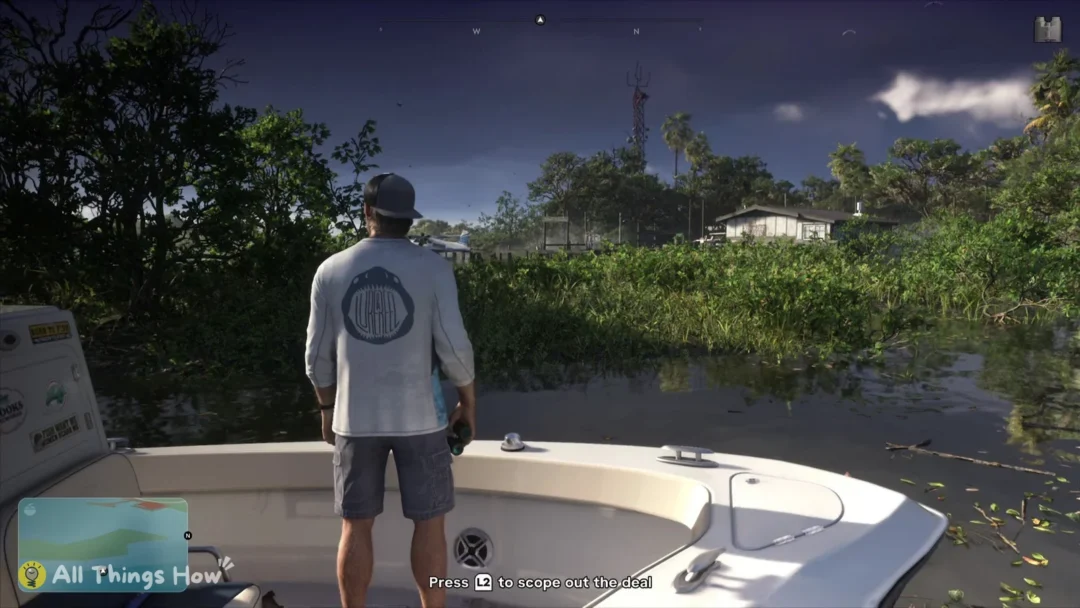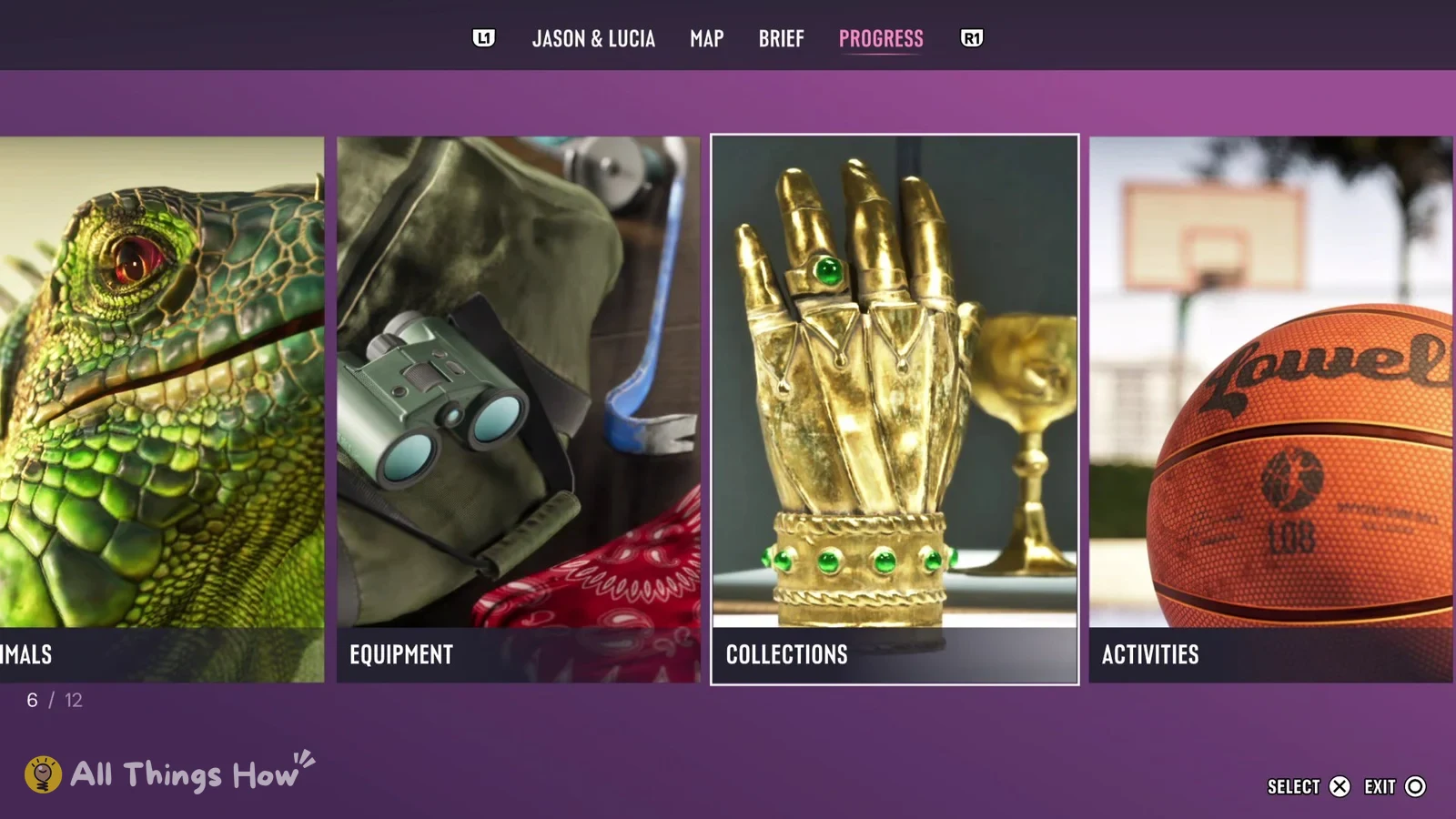
His sleep, food, body and fitness readouts are on a tab inside the pause map screen, and once Chapter 1 wraps with the mission “Gone Fishing,” that tab is in the row along the top.
Quick answer: Bring up the map while paused, then tap L1 until the JASON & LUCIA tab is selected. Under JASON DUVAL, scroll through Sleep, Nutrition, Strength, Cardio and Focus.
How to open the stats screen in GTA 6
These steps use the default PS5 controls.
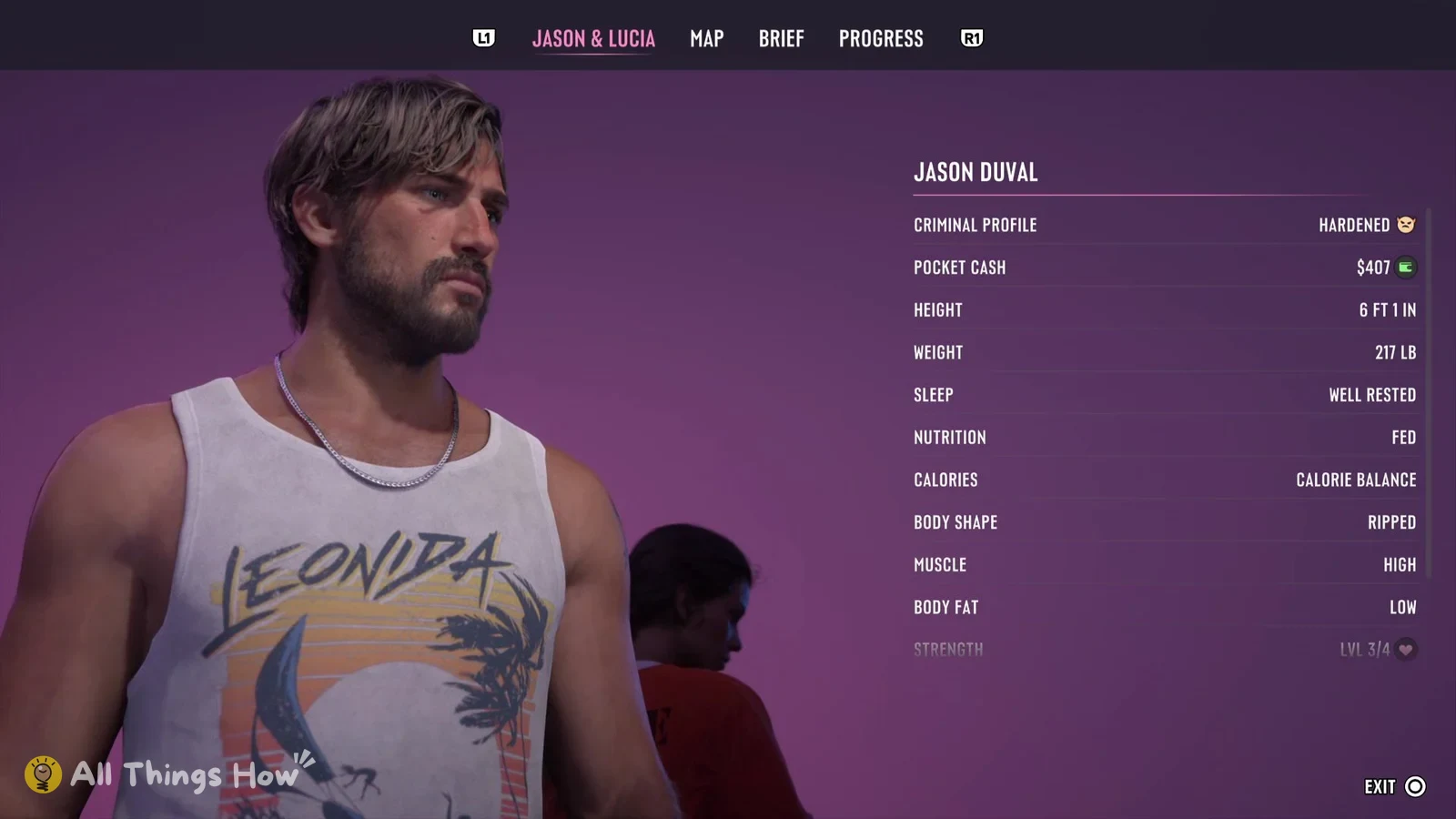
Press Circle, marked EXIT on the screen, when you’re done.
Jason’s stats after Chapter 1
Here’s the full JASON DUVAL list from top to bottom, with the values it shows at Jason’s house right after “Gone Fishing.”
| Stat | Value |
|---|---|
| Criminal Profile | Hardened (face icon) |
| Pocket Cash | $407 |
| Height | 6 ft 1 in |
| Weight | 217 lb |
| Sleep | Well Rested |
| Nutrition | Fed |
| Calories | Calorie Balance |
| Body Shape | Ripped |
| Muscle | High |
| Body Fat | Low |
| Strength | Lvl 3/4 (heart icon) |
| Cardio | Lvl 1/4 (lightning icon) |
| Focus | Lvl 1/4 (eye icon) |
| Money Spent | $0 |
You won’t see numbers for Sleep, Nutrition, Calories, Body Shape, Muscle or Body Fat. Each is labeled with a word or short phrase, such as Well Rested for Sleep or Fed for Nutrition, so the label tells you Jason’s condition instead of a bar or score.
Strength, Cardio and Focus levels
Strength, Cardio and Focus are the only rows on the list measured in levels, and each one tops out at 4. Every row also has its own icon: a heart next to Strength, a lightning bolt next to Cardio and an eye next to Focus.
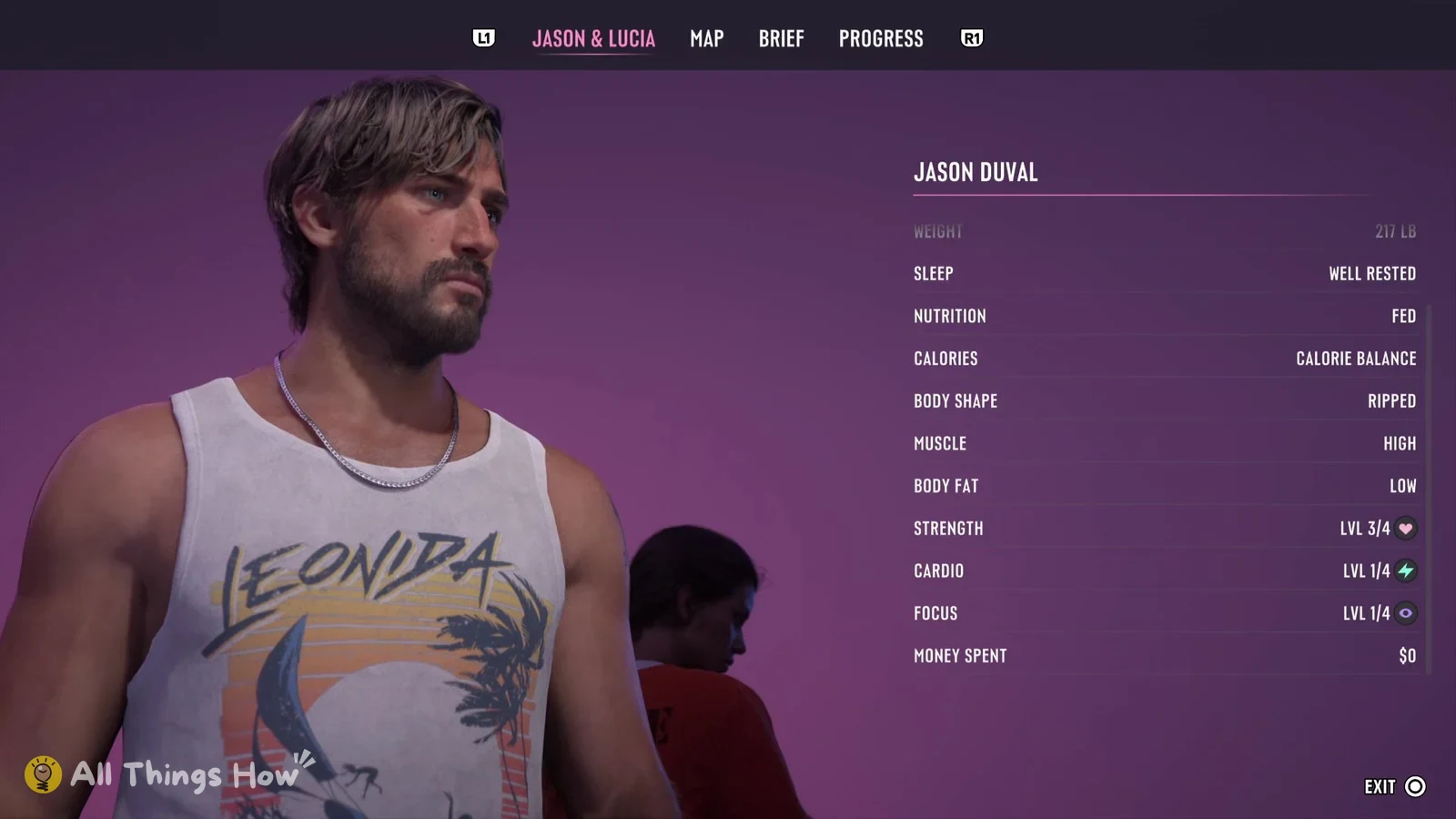
Jason heads into the open part of the game at Strength Lvl 3/4, which puts him one level short of the cap, while Cardio and Focus both sit at Lvl 1/4, the lowest value either row shows at that point.