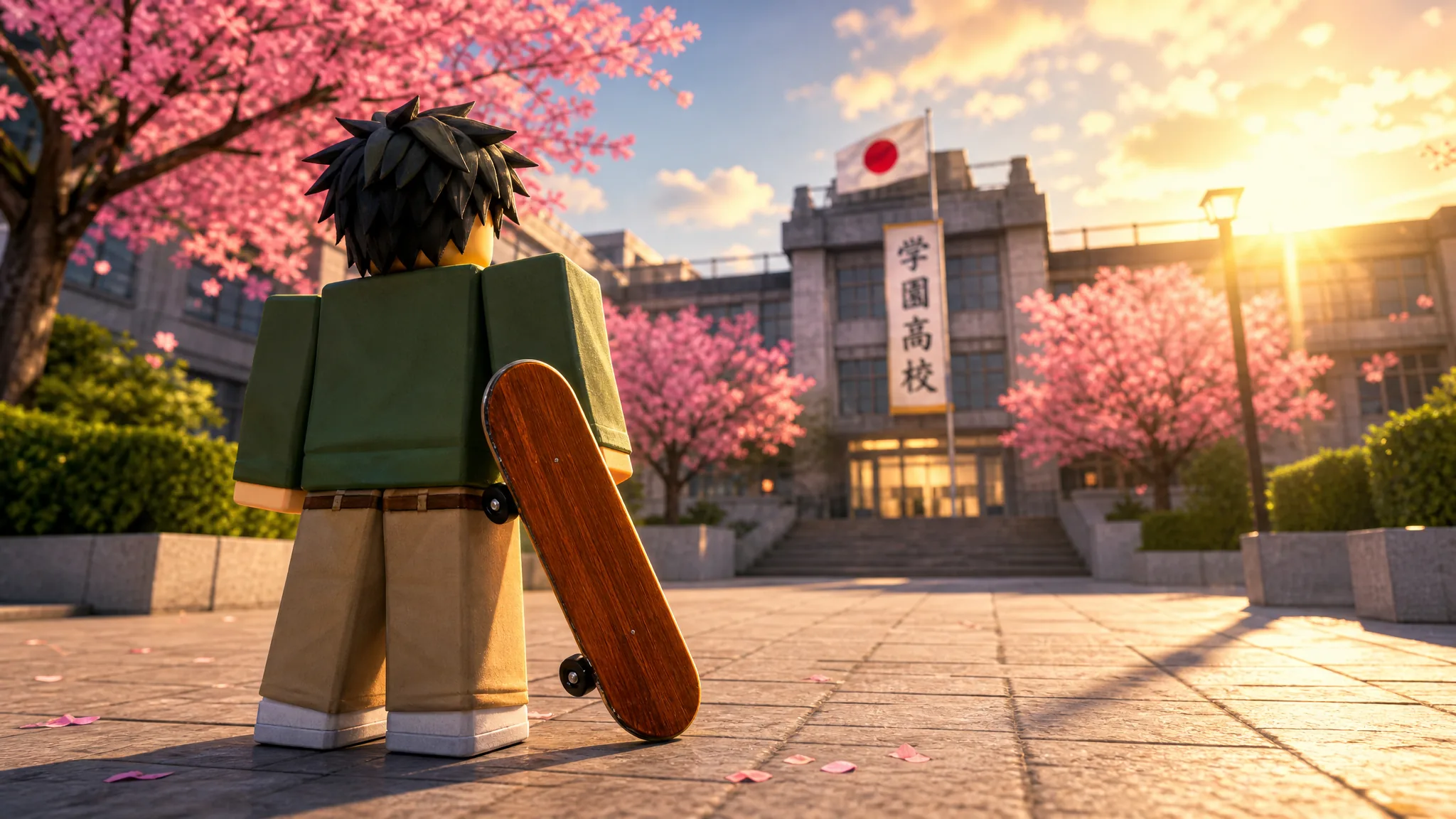
The Skateboard in Gakuran is one of the few things you can grab without grinding. There’s no quest chain, no Yen sink, and no level gate. You walk up to a display, hold a button, and pay for it with Robux. The only catch is knowing exactly where the display sits and how much it costs before you commit.
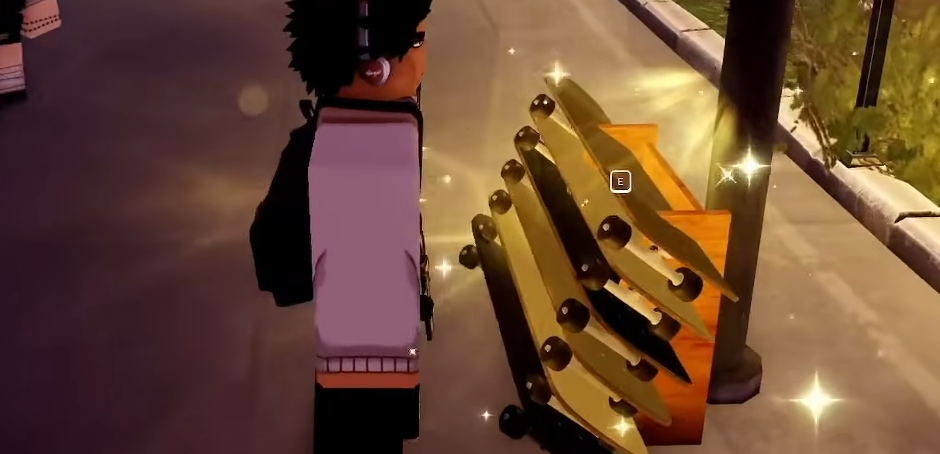
Quick answer: Head to the front entrance of Gakuran School, turn right to the skateboard rack next to the building, hold E on a board, and buy it for 800 Robux.
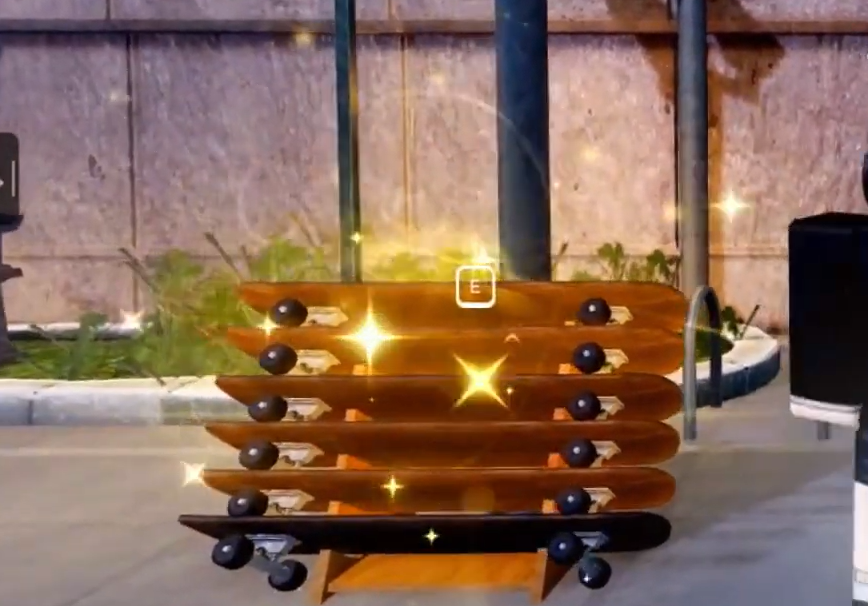
Where the Skateboard display is
The whole trip takes under a minute from spawn. The rack sits outside, right beside the school building, and it’s lit with a yellow glow so it’s hard to miss once you’re facing the right direction.
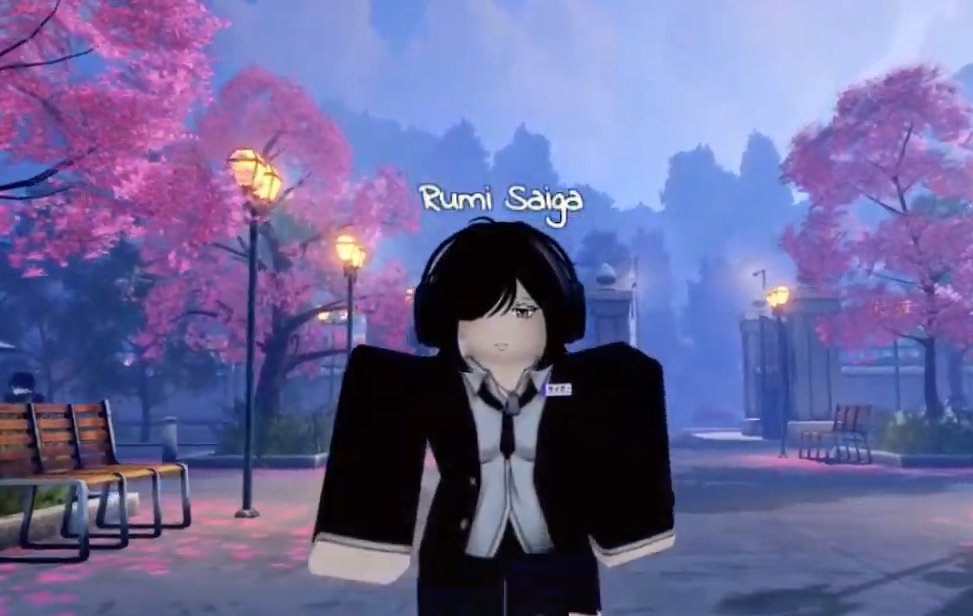
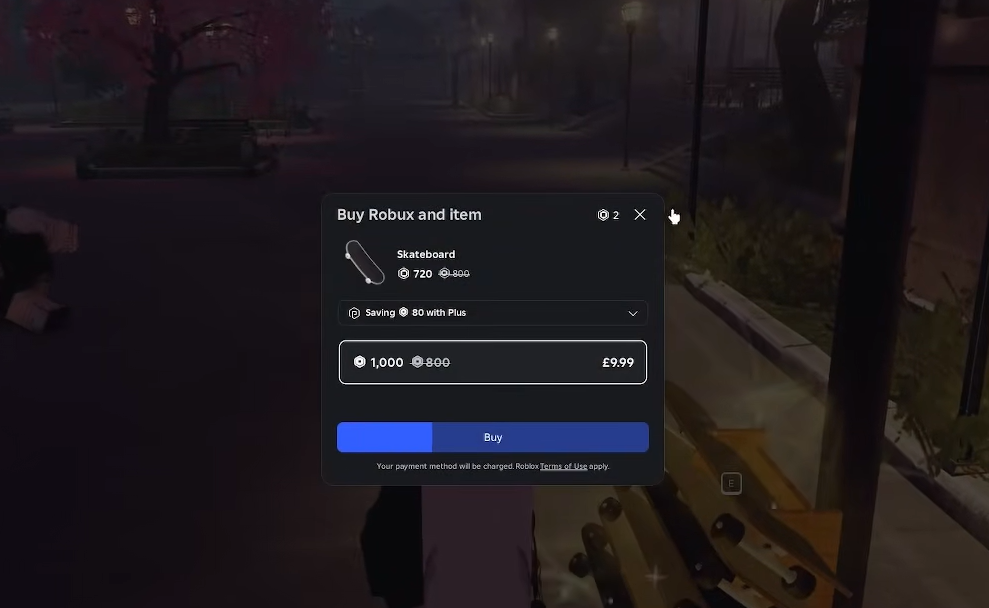
E while standing next to a board to open the buy window, then confirm the purchase for 800 Robux.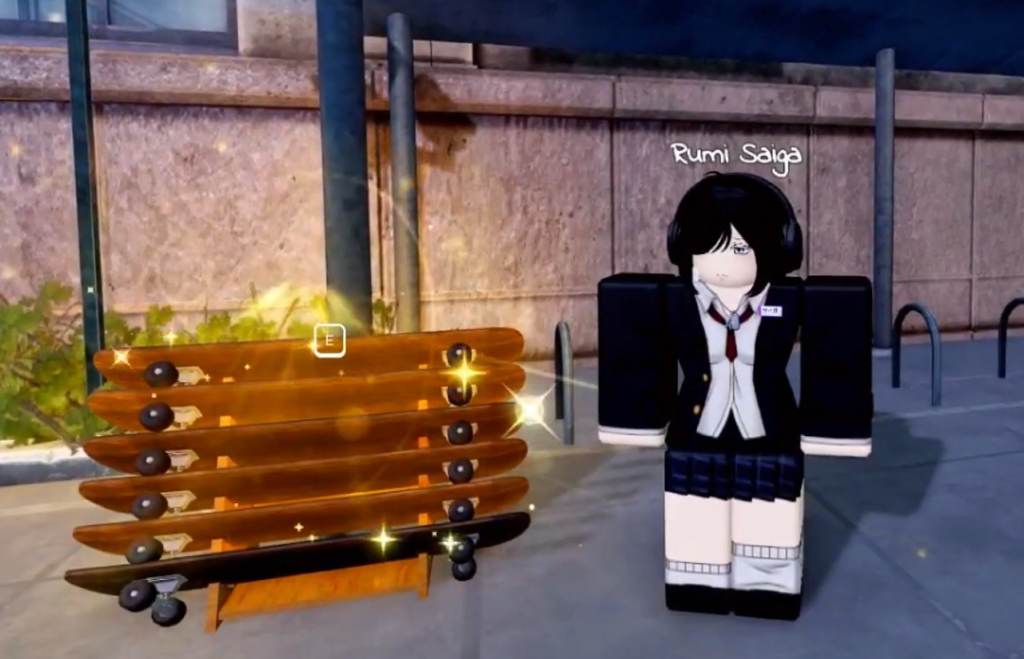
Load at least 800 Robux onto your account before you make the run. If the balance is short, the game bounces you to the store mid-purchase, and you’ll have to start over.
Cost and what to check before you spend
The Skateboard is a Robux-only cosmetic. Yen, the currency you earn from jobs and activities in the city, will not buy it. Because real premium currency is on the line, confirm these three things when you walk up to the rack.
| Check | What you should see |
|---|---|
| Location | Right side of the school’s front entrance, at the skateboard rack |
| Prompt | A hold-E interaction appears when you stand next to a board |
| Price | 800 Robux shown in the purchase window |
If you own Roblox Premium, the window may show a small discount on the listed price. Treat the in-game display and the figure it shows you as the reference point, since the Skateboard isn’t tied to any quest requirement.
If the buy prompt doesn’t appear
When the hold-E option refuses to show, it’s almost always position or loading. Work through these in order.
How to confirm the purchase worked
After you confirm, the Robux window closes, and 800 Robux is deducted from your balance. The Skateboard then belongs to your account, so you can start cruising around the city instead of walking. If the prompt closes without charging you, the purchase didn’t go through, and the most common reason is simply not having 800 Robux ready before you interacted with the board.