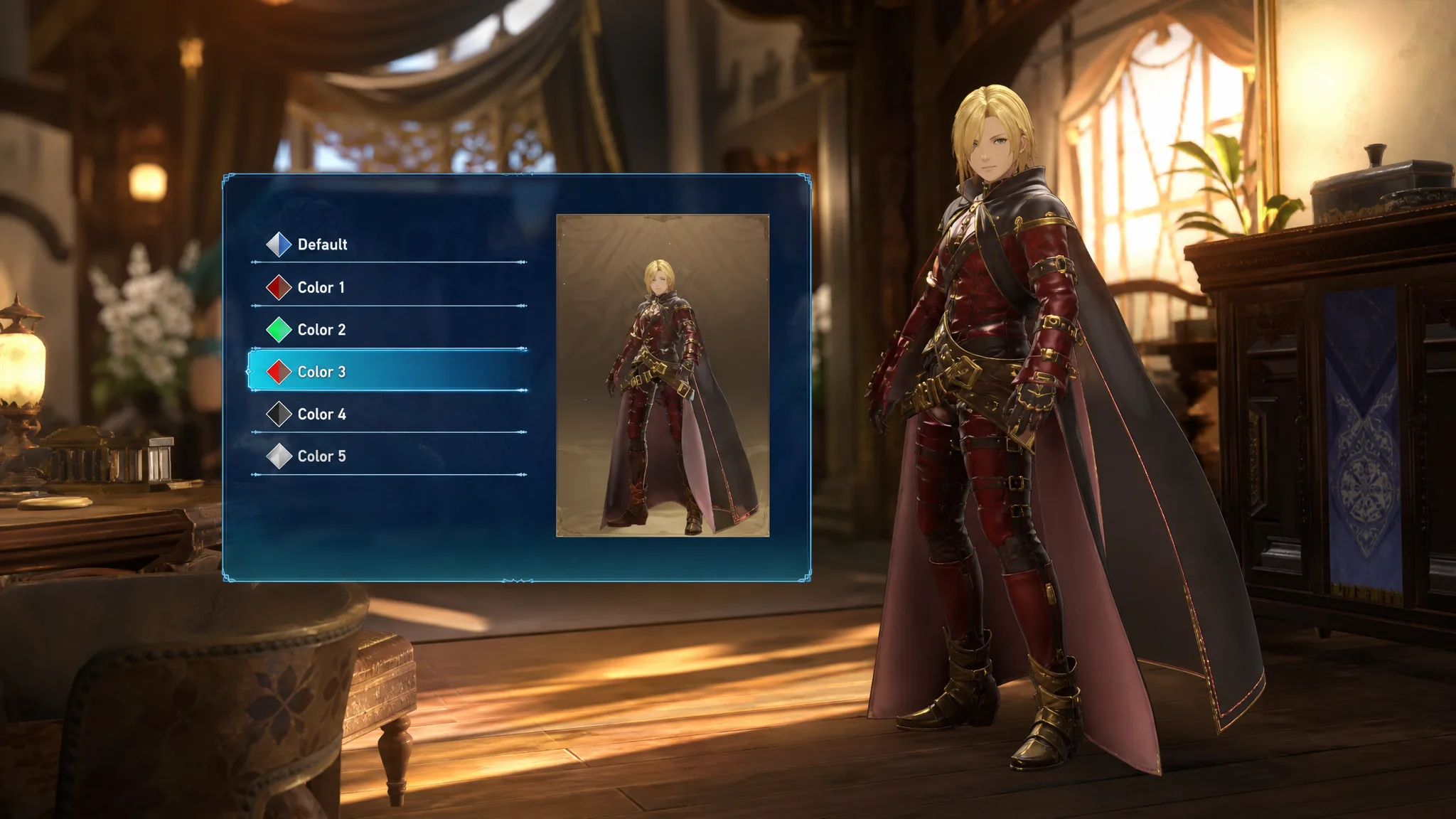
Changing how a character looks in Granblue Fantasy: Relink and its Endless Ragnarok content is handled entirely through the menu, and every option is cosmetic. Picking a different outfit or color variant swaps the model you see during exploration, combat, and cutscenes without touching that character’s stats or performance.
Quick answer: Open the menu, select the character you want to edit, and choose an unlocked appearance or color variant. The new look applies immediately and stays until you switch it again.
Change a character’s appearance from the menu
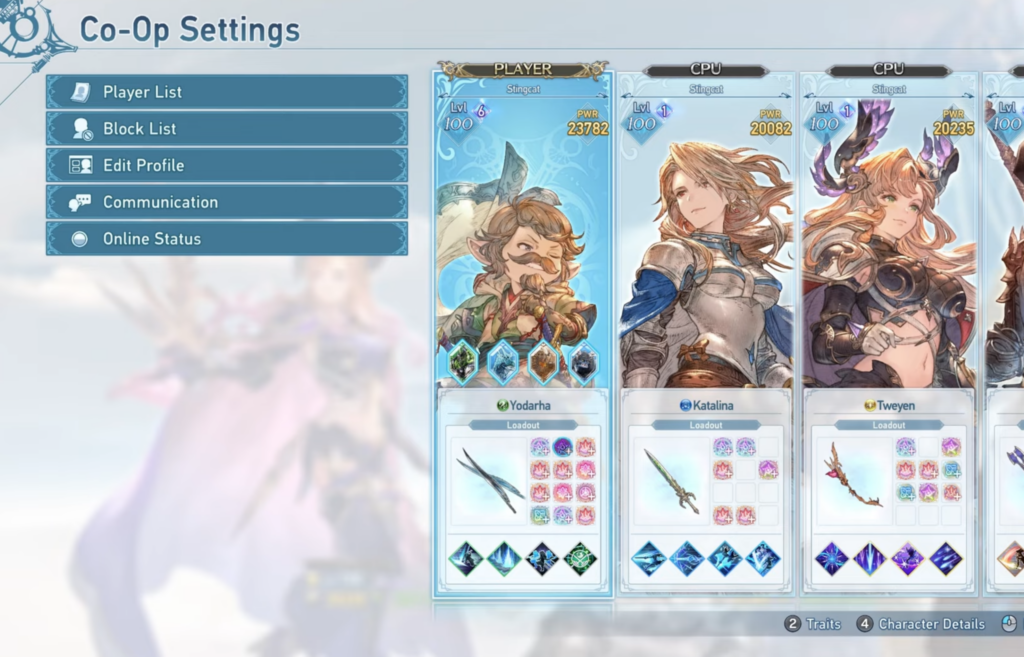
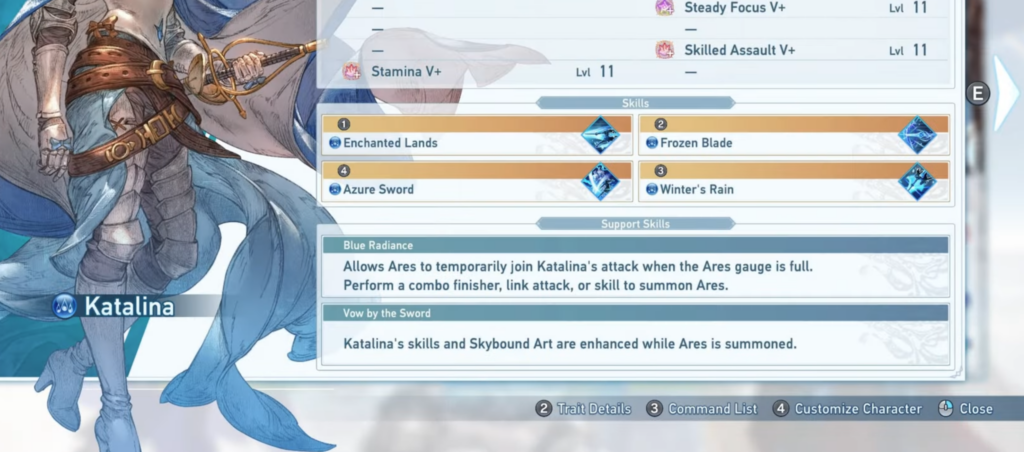
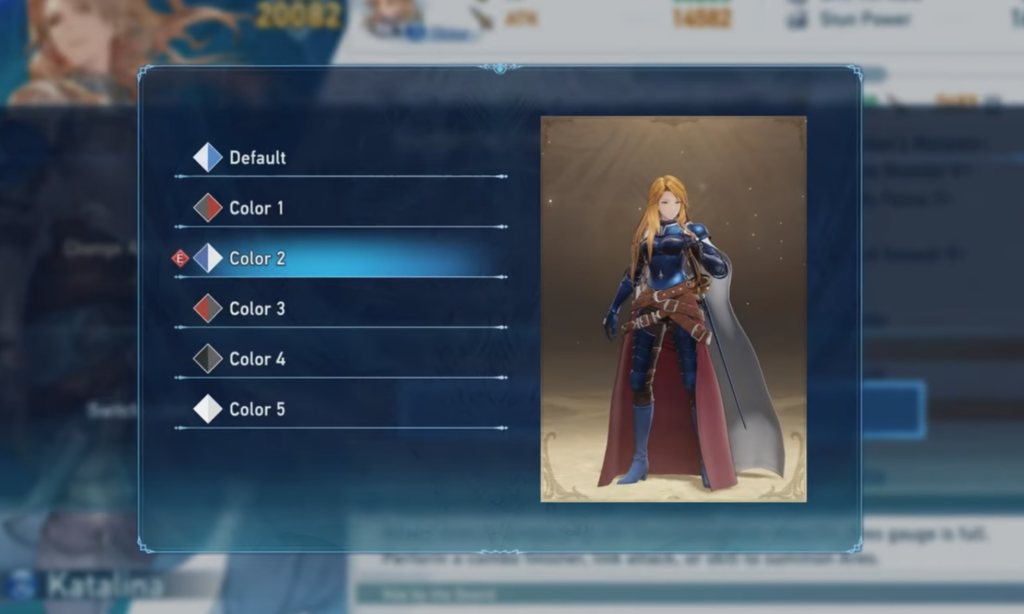
Appearance changes are cosmetic only
Switching outfits or colors never alters attack, defense, or any other combat value. The choice is purely visual, so you can style a character however you like without weakening them in a fight.
To actually improve how a character plays, work on their gear and levels instead. Upgrading weapons and progressing a character’s growth is what changes their power, while the appearance menu only handles the way they look.
Confirm the change worked
You know the swap took effect when the character preview updates on the selection screen and the same model appears once you return to the field. The look persists across sessions, so you only need to set it again if you want a different variant.
If an outfit or color you expected isn’t listed, it simply hasn’t been unlocked yet. Only variants you already own appear as selectable options, so unlocking more looks is what expands the choices on this screen.