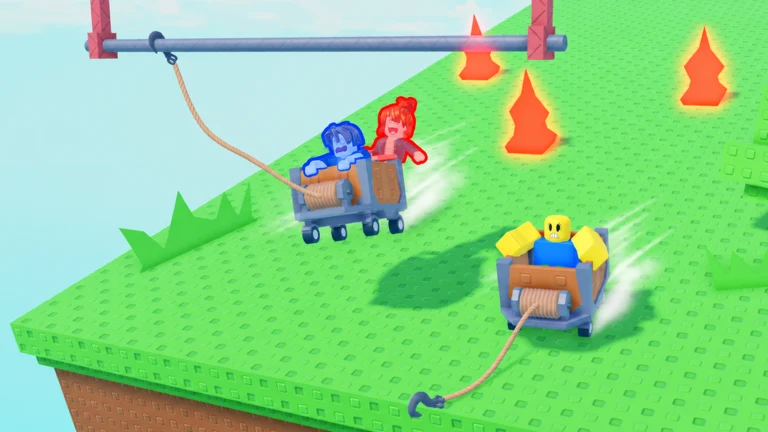
Shoving a rival off the rails in Grapple Cart Obby is a built-in interaction, not a glitch or a hidden control. It appears as a prompt over other players once you are close enough in your own cart, and activating it is a paid action tied to Robux.
Quick answer: Drive up behind another player’s cart, aim at them until the “[E] Push” prompt appears, then press E. The push costs 9 Robux each time.
What you need to push a player
The push interaction is a paid feature, sold as a Robux purchase rather than a free ability. You do not need a special cart or a completed stage to use it, but you do need to be riding and physically near another player.
- An active cart, spawned from a pad at the starting area.
- Another player in their own cart, within range on the same track.
- 9 Robux available to confirm the “Push Player” purchase.
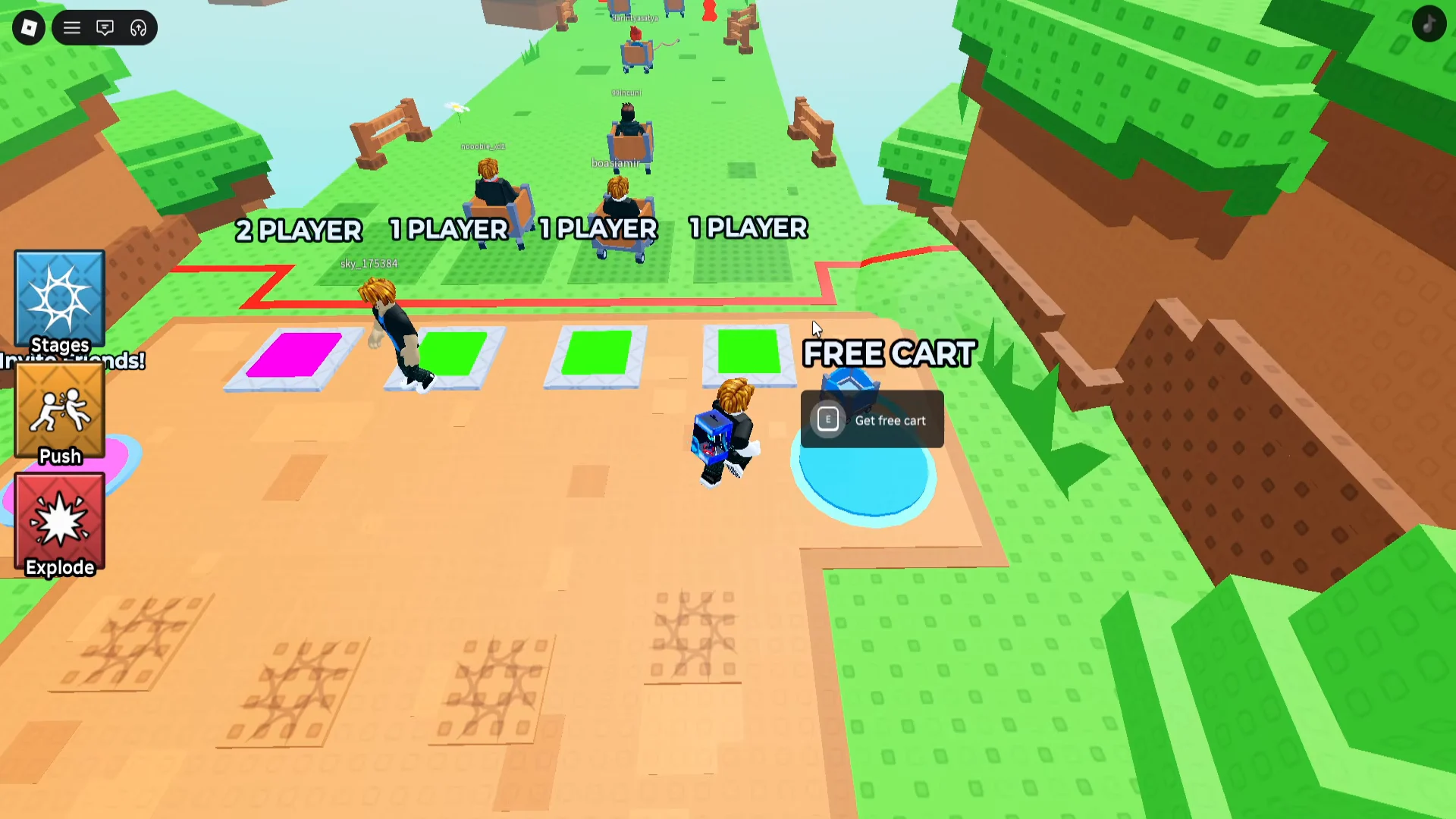
How to push another player on the track
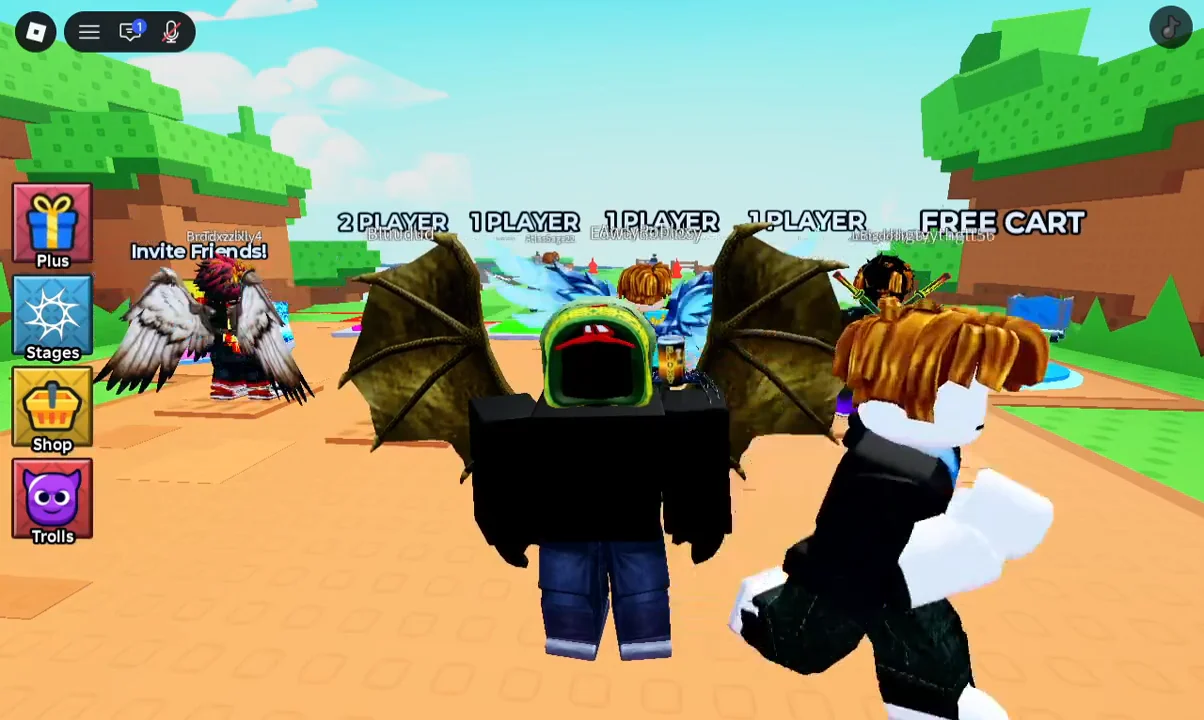
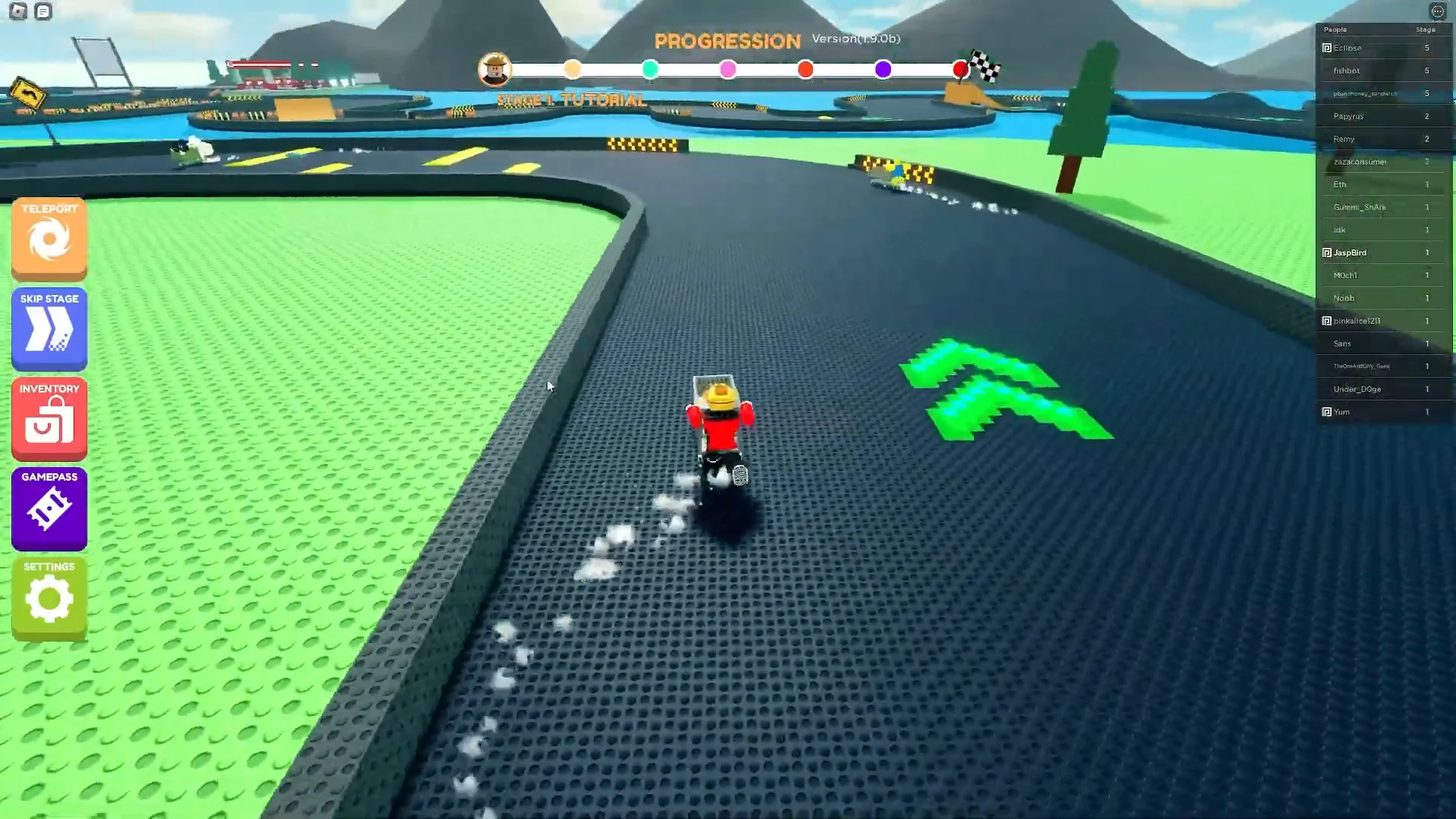
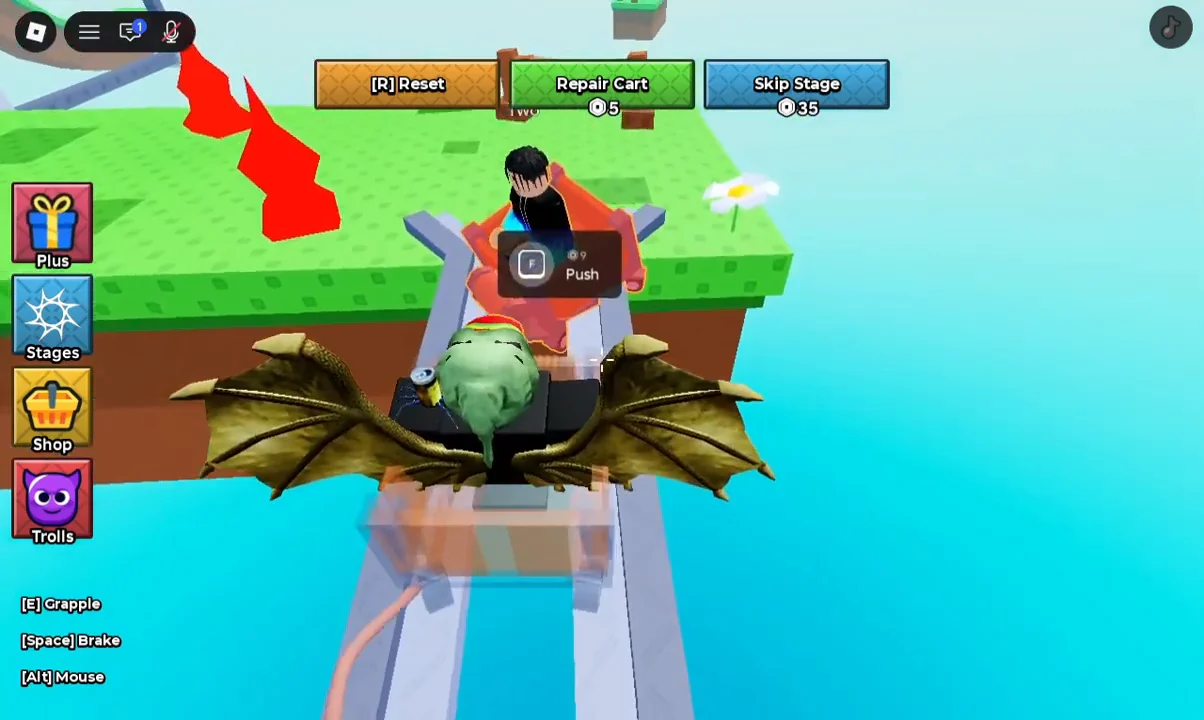
Even without paying, carts collide with each other on the track, so bumping into another player can knock them around during tight sections and loops.
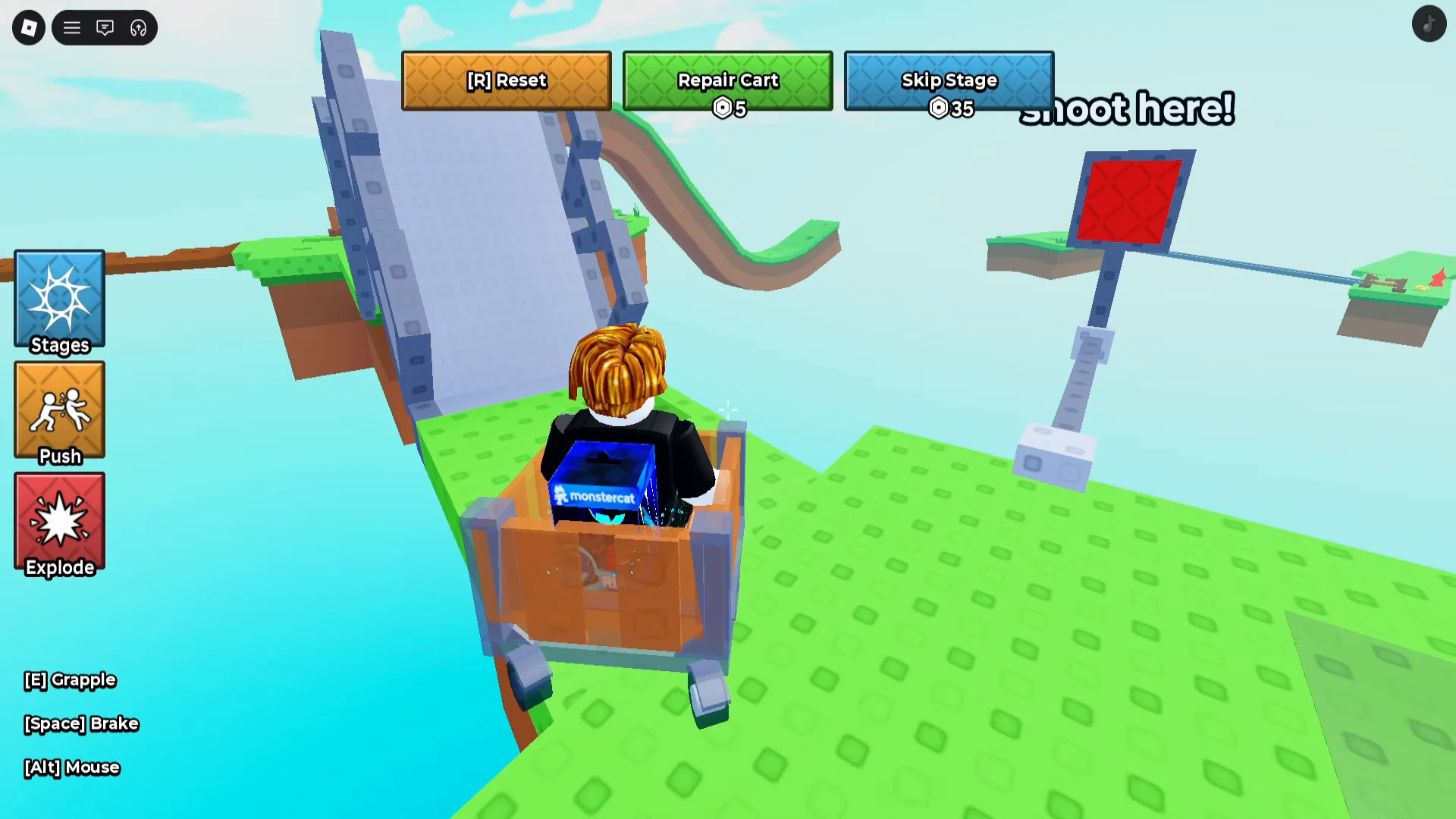
Confirming the push worked
When you press E on the prompt, the “Buy Robux and Item” checkout window opens with “Push Player” listed as the item. Confirming with the “Buy” button charges your payment method and grants the action. If you close or cancel that window, nothing is charged and the push is not applied.
Once the purchase goes through, the push takes effect on the player you were aiming at, giving you a clear opening to pass them on the rails. From there you can keep riding, line up the next target, and repeat the same prompt whenever another cart is within reach.