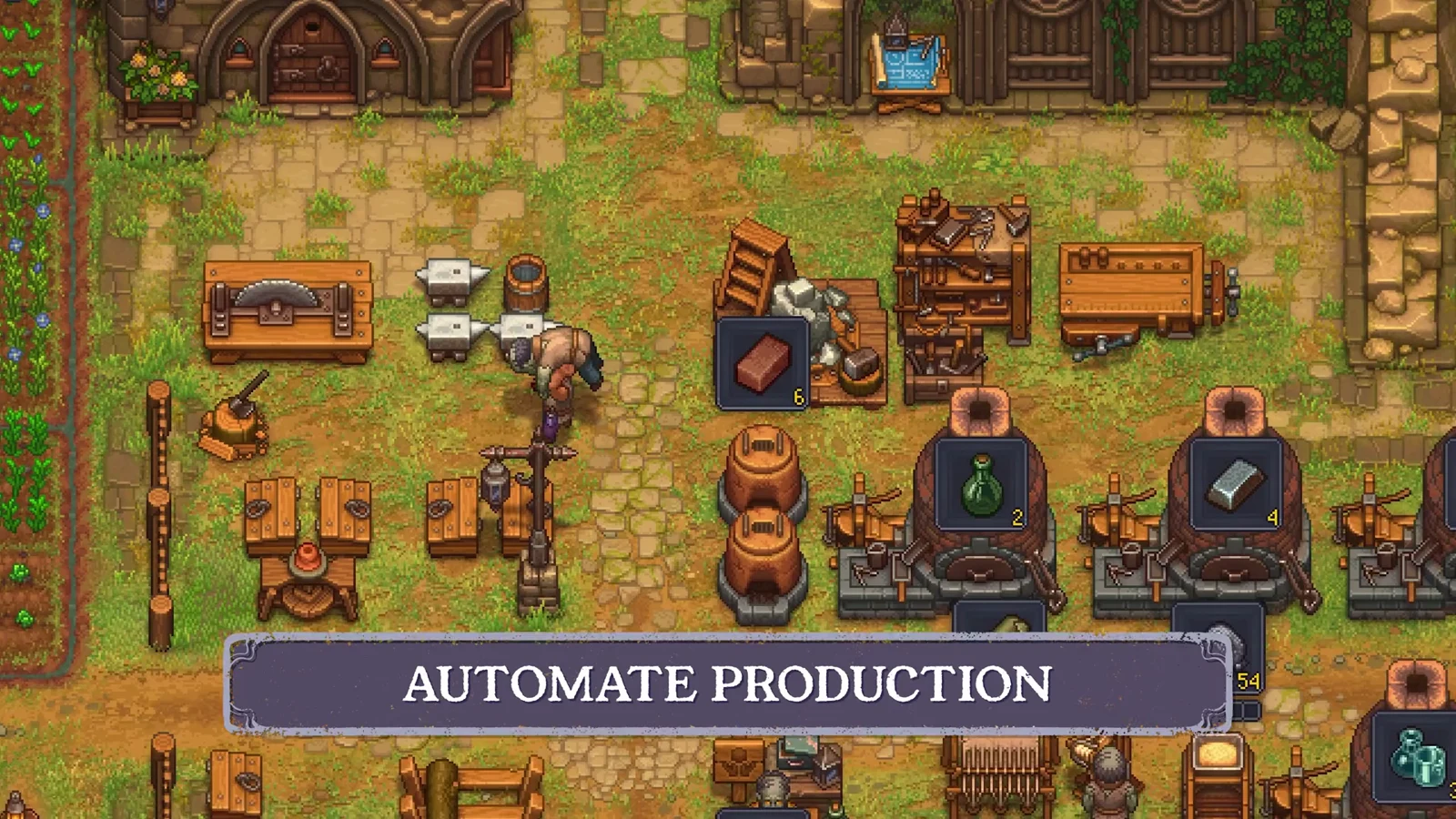
An automated wood line in Graveyard Keeper 2 keeps logs flowing into your Yard without felling a single tree yourself. The setup relies on a zombie chopping wood at the Abandoned Sawmill and a porter carrying it home through an underground route. Once the chain is connected, your home stockpile refills on its own while you focus on quests and crafting.
Quick answer: Get the Forest Pass, unlock the Zombie Lumberjack blueprints, build a Lumberjack stand, Timber stockpile, and Porter Station at the Sawmill, then clear the Old Mine into the Factory so timber routes to your Yard.
Requirements before you start
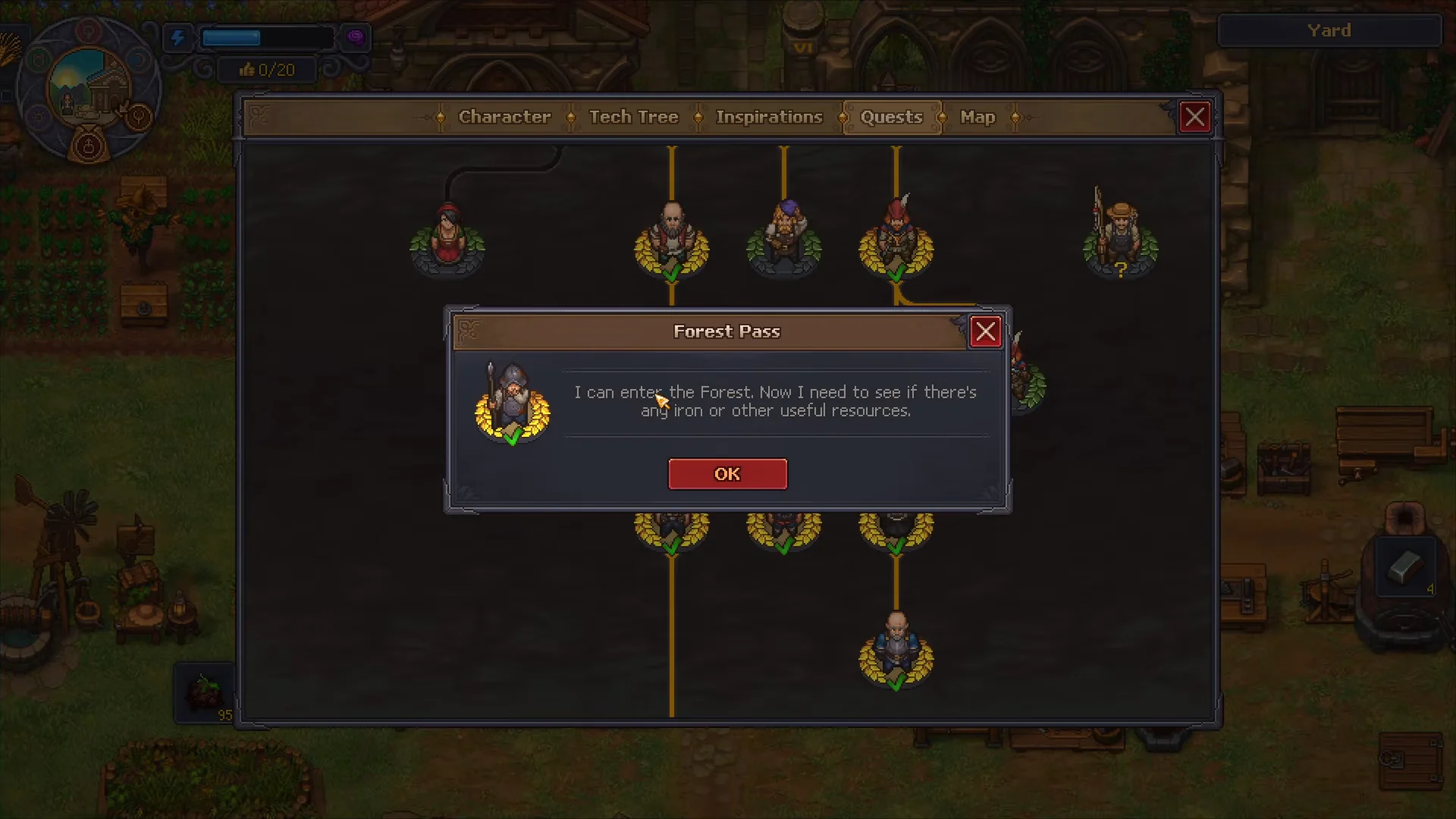
The whole system depends on reaching the Forest, and that gate opens through the quest line rather than the map alone. Progress the main story until you receive the Forest Pass, which grants entry to the Forest area and, from there, the Abandoned Sawmill.
- Complete the “Into the Forest” quest to earn the Forest Pass and show it to the guards.
- A working zombie with an axe equipped in its tool slot.
- A second zombie to staff the Porter Station.
- Access to the Old Mine above the Quarry, plus the tech to clear it.
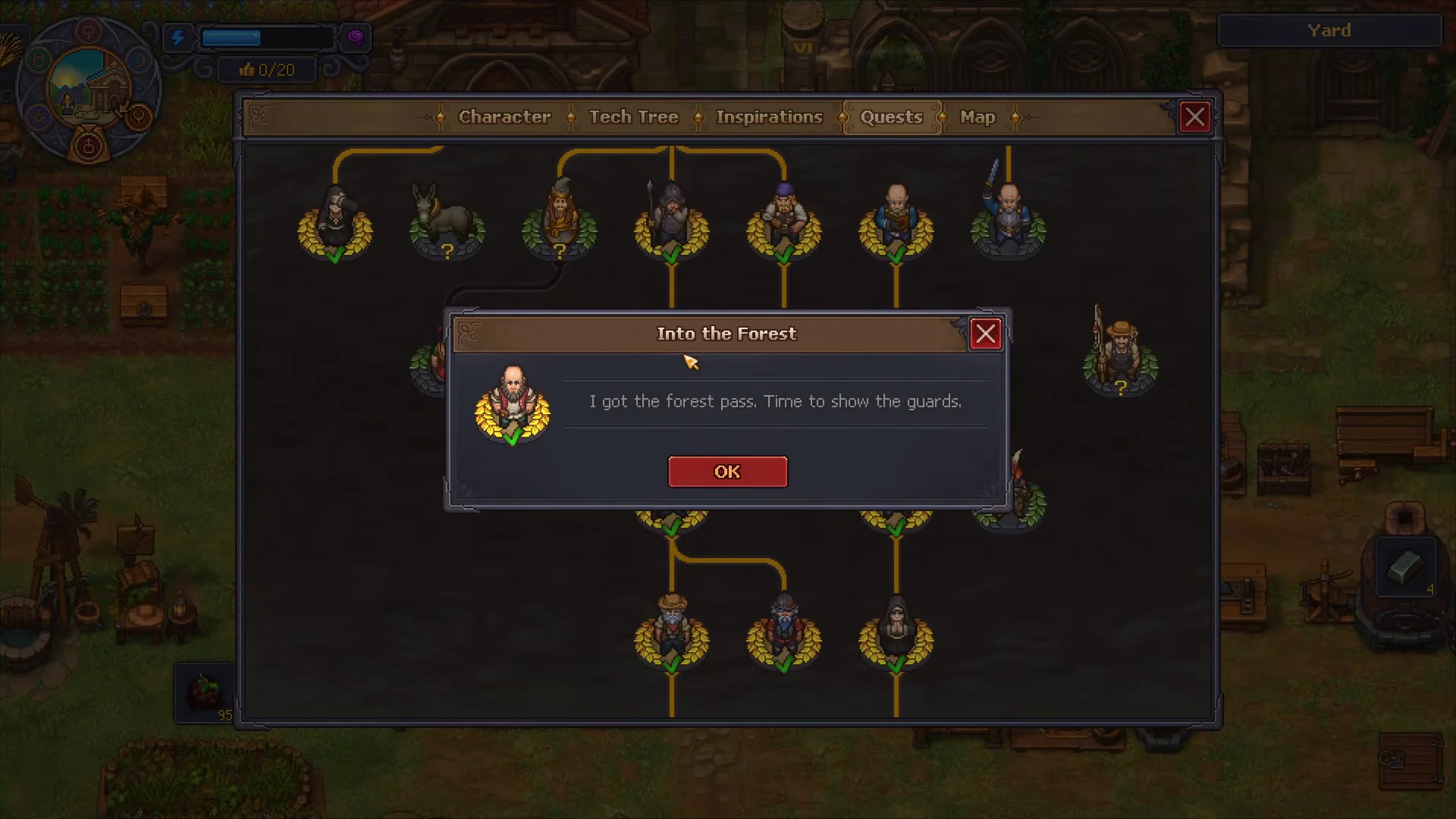
Follow the quest tree through its later nodes as they appear, including “Go Wild in the Wild lands,” to keep opening up the Forest and its resources. With the pass in hand you can enter the area and scout west for the Sawmill.
Unlock the Zombie Lumberjack blueprints
Construction at the Sawmill requires researching the Zombie Lumberjack technologies in the Tech Tree’s Building tab. That branch grants the three blueprints needed: Lumberjack stand, Timber stockpile, and Porter Station.
Research only opens the build options. You still have to gather the materials and finish each structure yourself, so plan the wood and parts before you head into the Forest.
Build and staff the Sawmill
Travel west through the Forest path until the “Sawmill” area label appears. Everything for the chopping half of the line gets built here.
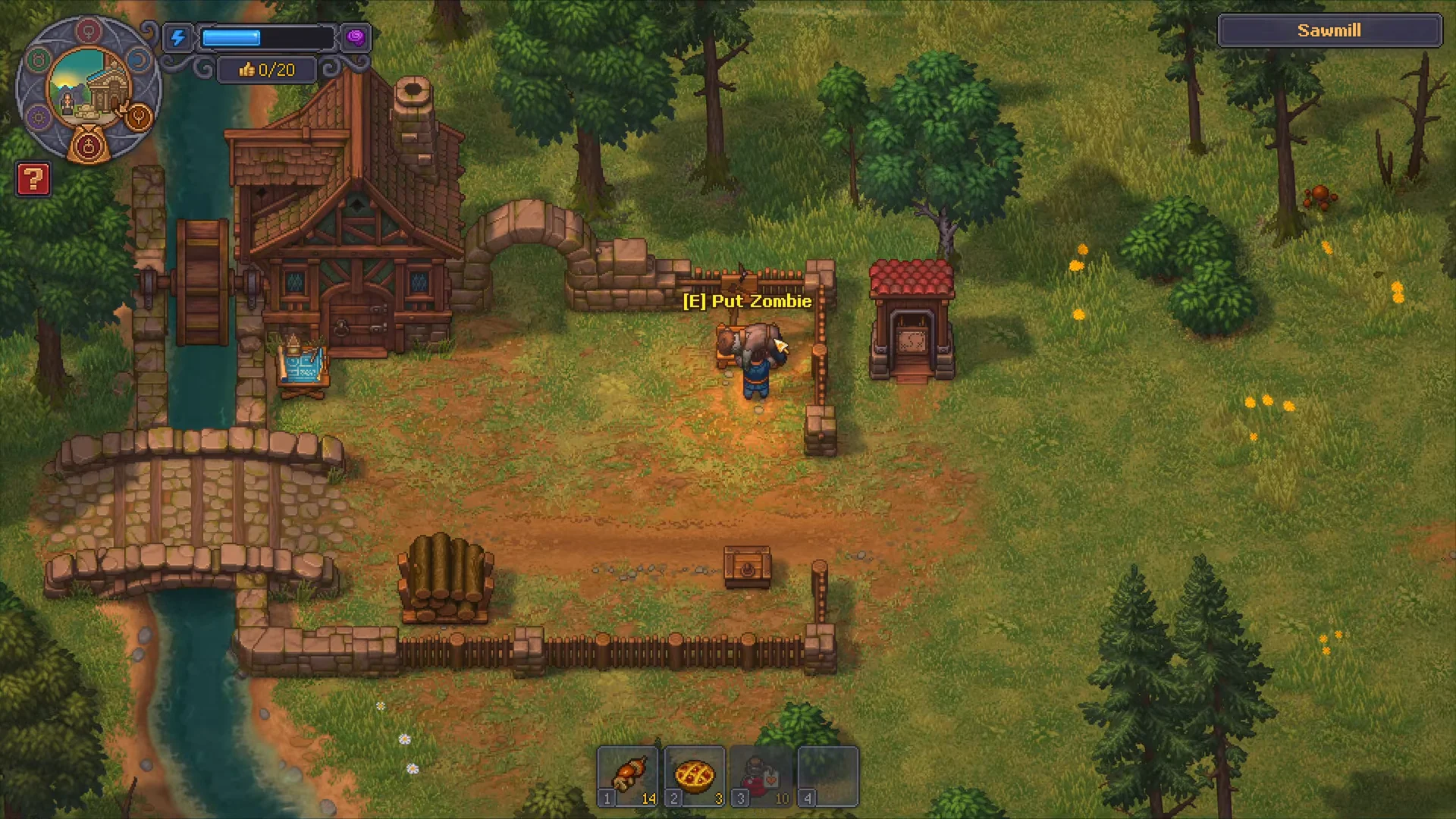
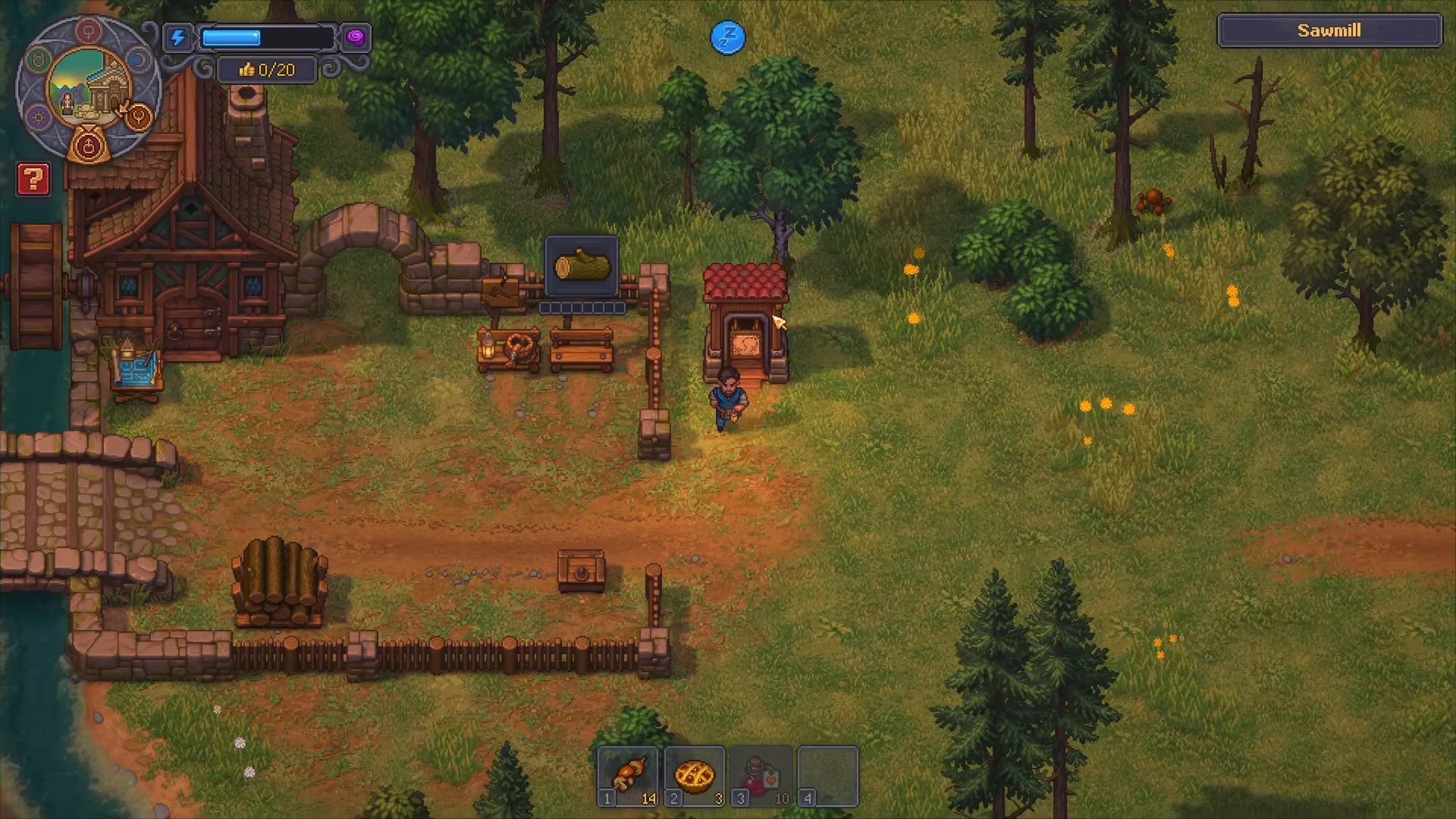
Keep the stockpile directly next to the stand so the porter has a clear, short path and does not stall between pickups.
Connect the route through the Old Mine and Factory
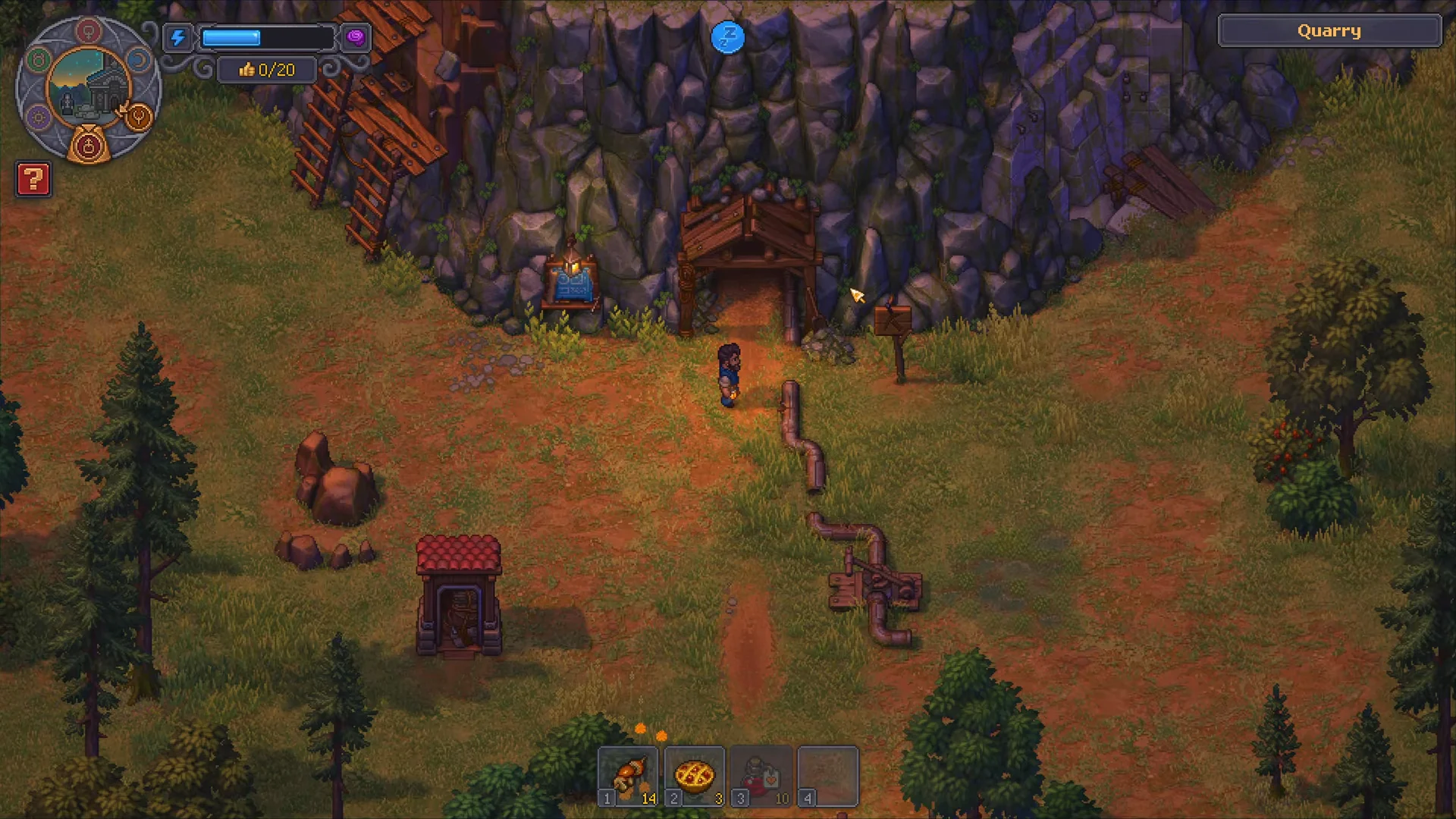
The porter can only reach your Yard once the underground path is open. That route runs from the Old Mine, above the Quarry, down into the Factory area where wood is sent up to the surface.
Confirm the wood is arriving
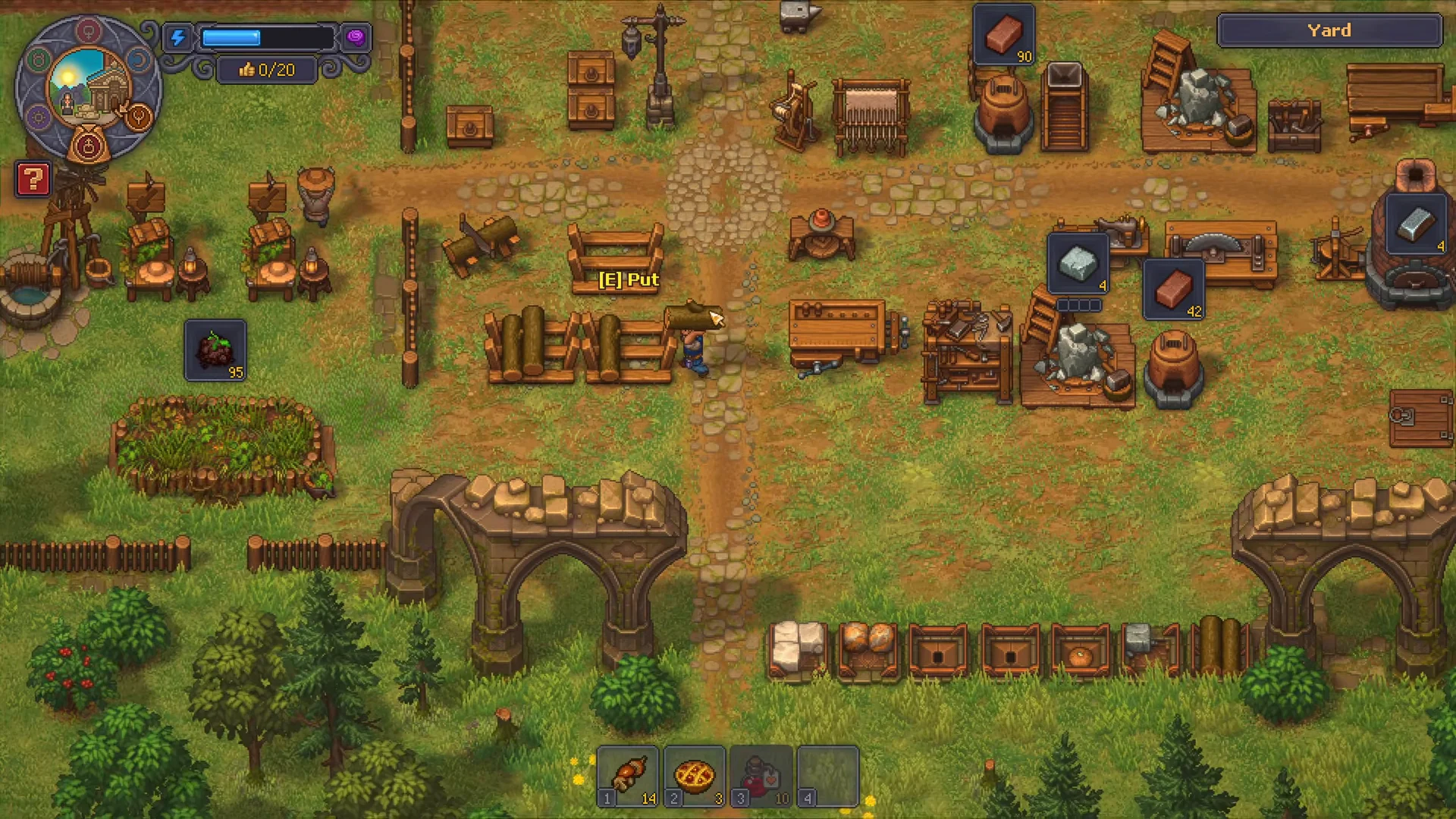
Return to the Yard and check the wood stockpile. When the chain is working, logs appear there automatically, without you harvesting anything or depleting the trees around your home.
You can verify it end to end by crafting from the stored timber. Open the Woodworking Workbench II and the Sawhorse and make items like a Wooden Plank or Board using the automated supply. If those recipes pull from your stockpile, the line is fully connected and will keep restocking on its own.