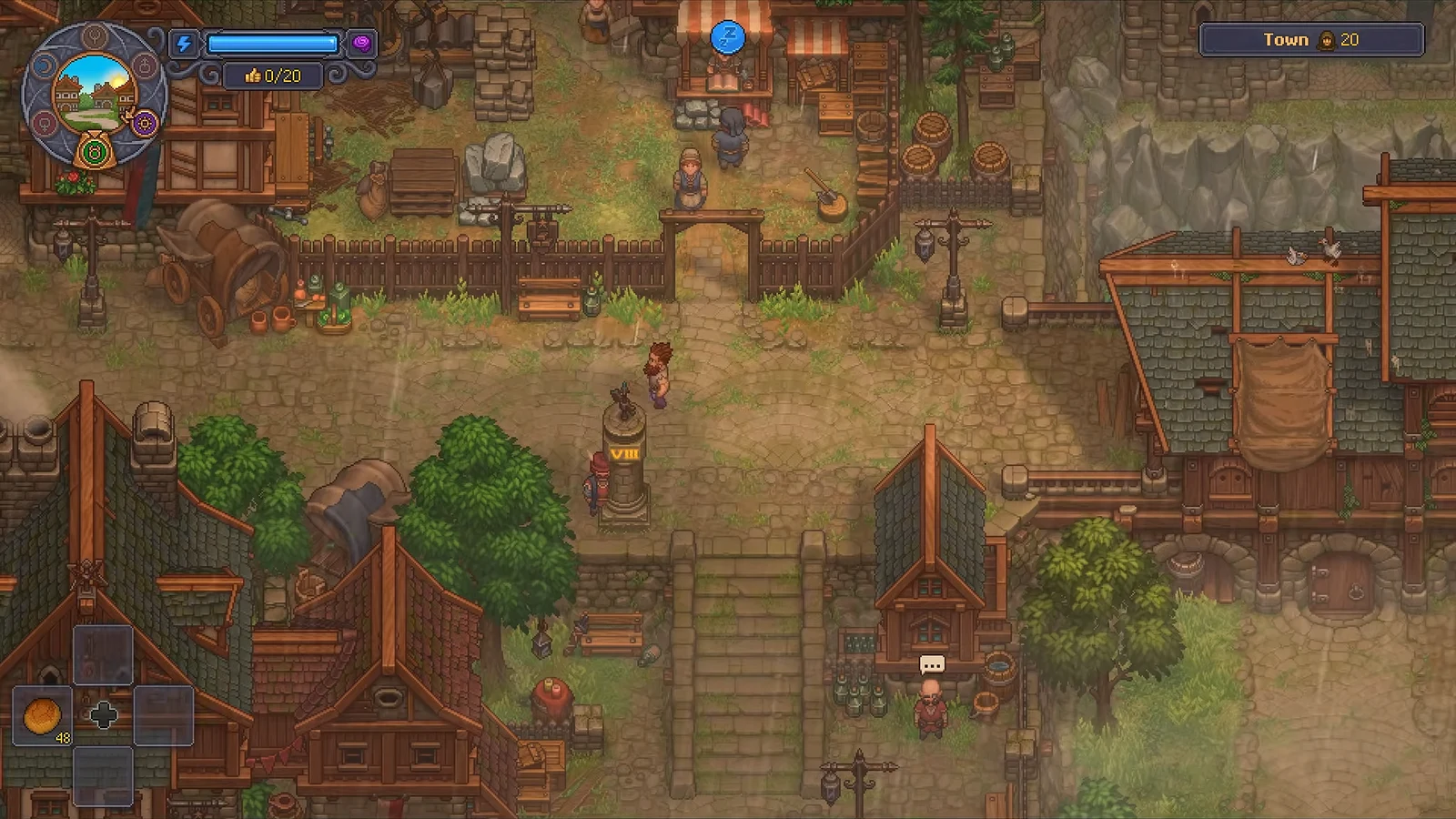
Green Scrolls are a quest item in Graveyard Keeper 2 that drive Town growth. You earn them by rebuilding residential buildings, and you spend them on Linda at the Dockside Club to pull new people into the Town and raise how many Likes it can hold.
Quick answer: Repair houses in the Town to earn Green Scrolls, then take them to Linda at the Dockside Club in the Port on a Lust day to raise your maximum Likes.
Repair Town houses to get Green Scrolls
Green Scrolls come only from restoring residential buildings scattered around the Town. Each ruined house is marked by a blue wooden signpost. Shops are a separate track. They bring traders and Town orders, but they never pay out Green Scrolls, so if your goal is population and a higher Likes cap, put your materials into houses first.
There are four residential projects, and every plot of a given type pays the same fixed reward. Completing all of the Town’s houses yields 180 Green Scrolls in total.
| House project | Scrolls each | Plots | Total |
|---|---|---|---|
| Repair Small House | 1 | 1 | 1 |
| Repair House | 3 | 3 | 9 |
| Repair Large House | 10 | 7 | 70 |
| Repair Block | 25 | 4 | 100 |
Repairing a house does not raise Town quality or reputation on its own. The house only hands you the scrolls, and the increase happens later when you give those scrolls to Linda.
Materials needed to repair a house
Each repair asks for pre-crafted construction kits. A larger house needs the same kit types as a small one, just in higher quantities. Three kits are involved.
- Building Kit I and Wooden Kit I — crafted at Assembly bench I, II, or III, or a Woodworking Workbench I or II.
- Iron Kit I — crafted at Smelting II or III, an Iron Anvil, or a Steel Anvil, and requires the matching study.
Construction uses no time and no energy, and there is no skill check. You only need the materials, which can come from your backpack or from shared chests in the same area.
How to repair a house step by step
[E] Build to open the Housing menu. Read the required kits before you commit, since a Large House or a Block costs far more than a Small House.Give Green Scrolls to Linda on Lust day
Linda is the hostess at the Dockside Club in the Port, and she is the only character who accepts Green Scrolls. You reach her through Port progression, so if the turn-in is not available yet, continue the earlier Port and Town quests. You first meet her during the Safe Harbor quest.
She takes them only when the six-day game calendar shows the Lust symbol. Follow the symbol on the calendar rather than a real-world weekday. On any other day, her “New people” option displays a day icon and cannot be picked. The one exception is your very first visit, when handing in her quest opens the offer on any day.
The batch sizes Linda accepts grow with her reputation, and each of the first four offers can be taken once.
| Linda’s reputation | Green Scrolls accepted |
|---|---|
| 10 | 1 or 3 |
| 20 | 10 |
| 30 | 10 |
| 40 | Any amount, in lots of 1, 5, or 10 |
Because Green Scrolls stack safely, stockpile several house rewards and bring them all when a Lust day comes around, instead of making a trip after every single repair.
What Green Scrolls do for your Town
Turning scrolls in to Linda raises citizen reputation and lifts your maximum Likes limit, with each scroll adding 1 to Town quality. That maximum is the ceiling on how much happiness the Town can hold, which in turn controls how far your sermons and Church attendance can grow. Church attendance is limited by the lower of Church quality and the Likes available to support it.
Raising the cap does not fill it. The current Likes total and the maximum are two separate numbers, so after you increase the ceiling you still need to earn Likes to use the new room. Town orders remain the main source of Likes, so keep accepting and delivering them after each cap increase.
Storing and stacking Green Scrolls
Green Scrolls are quest items that stack to 999, so you can carry as many as you will ever need. Keep them in a Universal bag or Big universal bag. They cannot be destroyed, and no trader will buy them, so there is no reason to dump or sell extras.
Keep them in ordinary accessible inventory rather than a specialized bag. The loop is simple once it is running: repair houses, collect the scrolls, wait for a Lust day, and hand them to Linda when you are ready to raise the cap, then work through Town orders to fill the higher Likes limit you just unlocked.