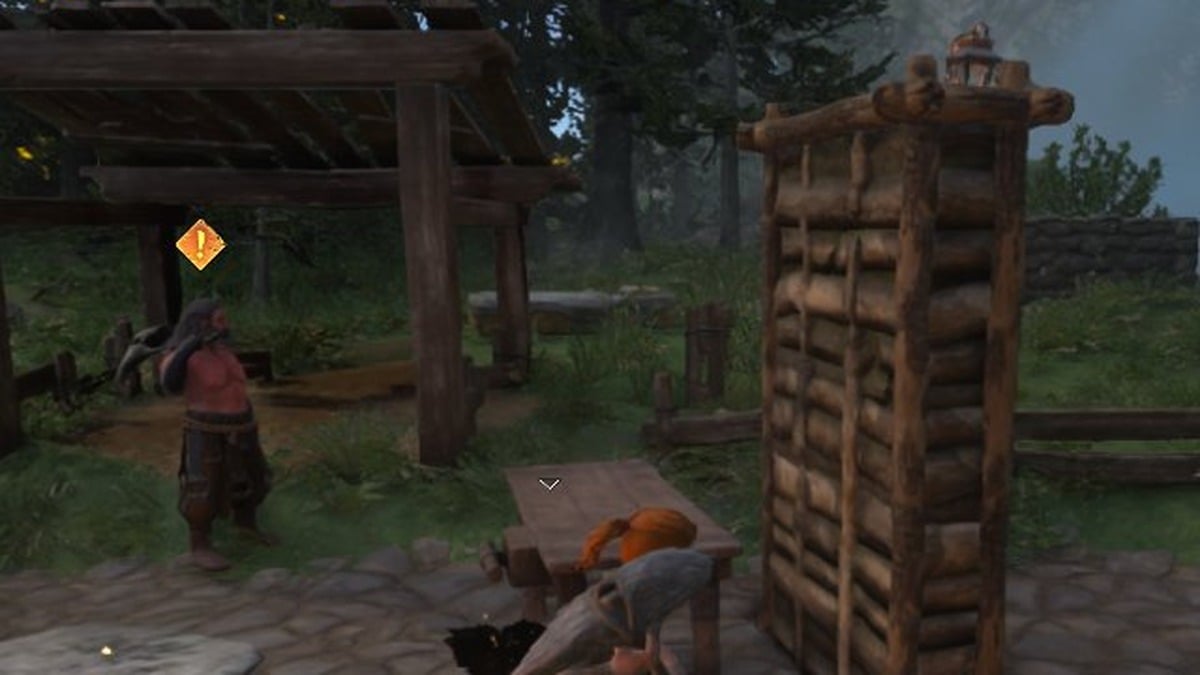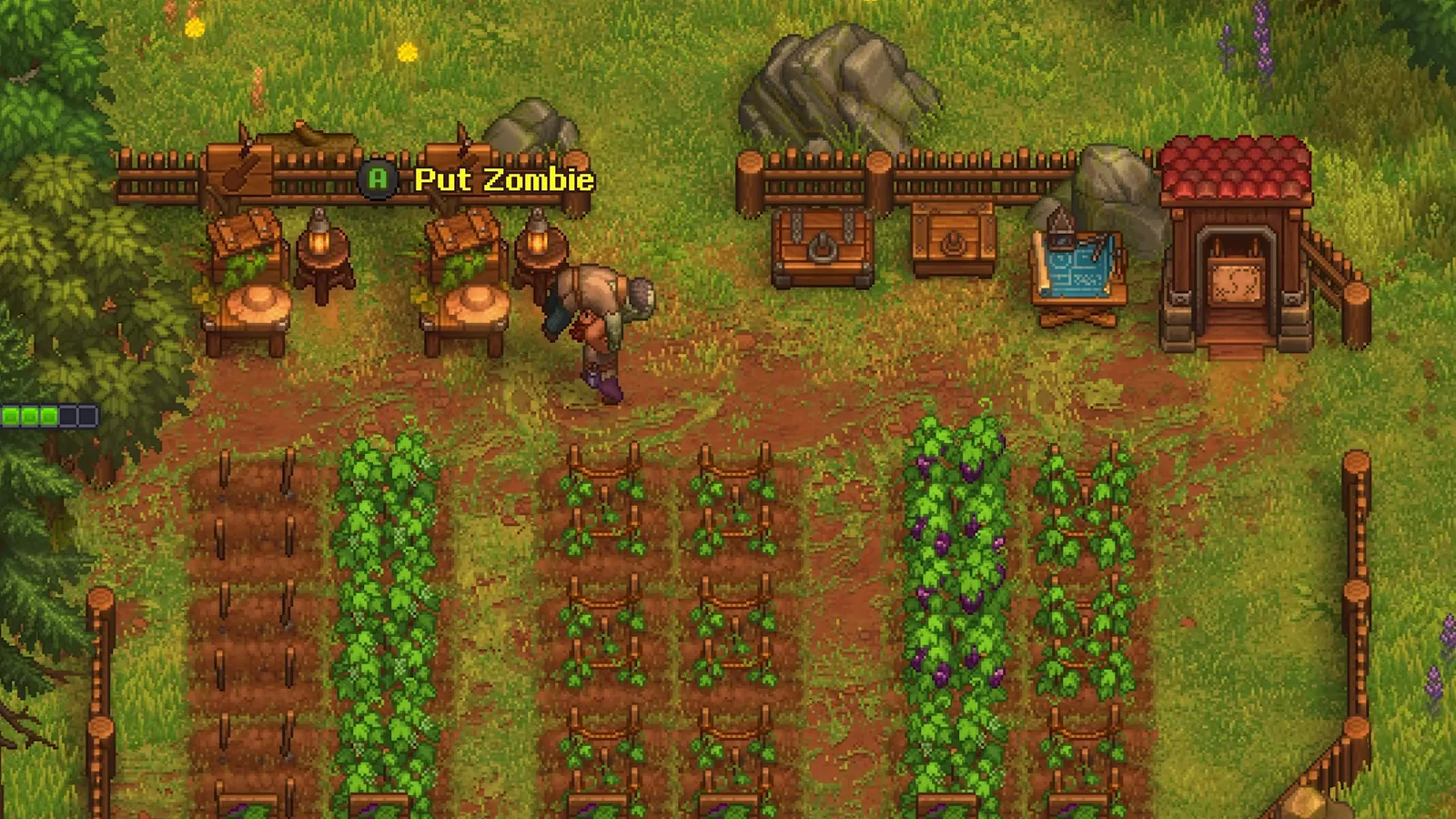
The Gardener Stand assigns the entire farming routine to one zombie. After construction and proper setup, that worker sows seeds, looks after the beds, gathers mature crops, and places the results in a nearby chest while you work elsewhere. Construction is quick, yet omitting a required detail leaves the system failing without explanation; the game does not identify the missing condition.
Quick answer: Build the Gardener Stand at the garden blueprint table, carry a zombie onto it, equip that zombie with a shovel to raise its farming mastery, then place crop tablets over the beds and keep a garden chest stocked with matching seeds.
What you need before the Gardener Stand works
The setup requires four conditions simultaneously. Leaving out even one causes the zombie to remain idle in the garden, the usual explanation when the arrangement seems faulty.
- The Gardener Stand must be unlocked on the Tech Tree and constructed within the garden work zone.
- Carry a zombie to the stand and place it there.
- Equip that zombie with a shovel so its farming mastery increases.
- Cover the beds you want tended with the appropriate crop tablets, and put the corresponding seeds in a garden chest.
The stand has a low material cost: 4 Wooden Planks, 2 Bronze Details, and 6 Bronze Nails. By the time its recipe opens, you will already be making all three materials. Adding another stand is useful later, when the garden becomes too large for one zombie to maintain.
Build the Gardener Stand and place a zombie on it
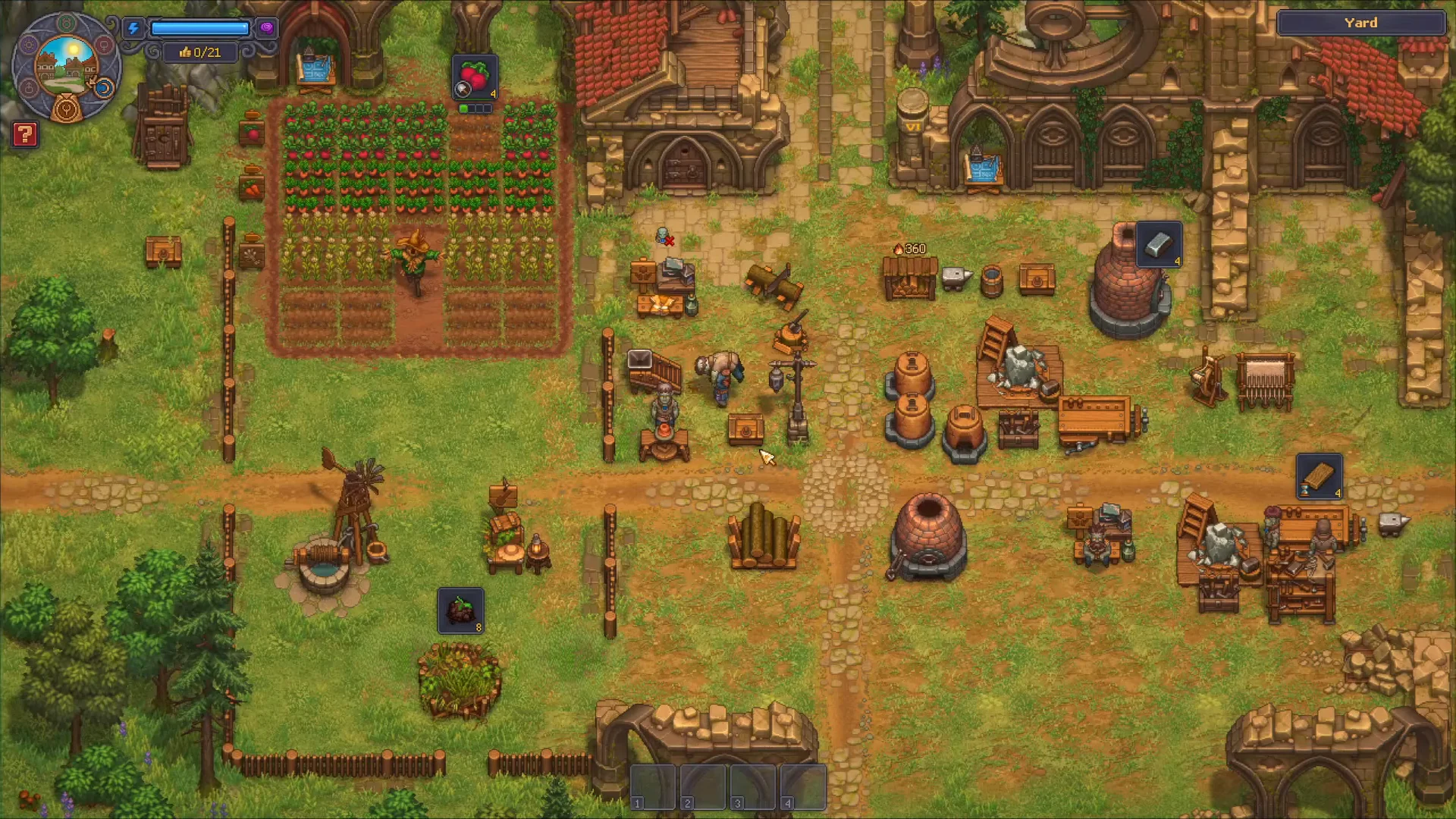
Equip a shovel to raise farming mastery
When a zombie remains still at the stand, the usual problem is insufficient farming mastery. The shovel supplies that stat: an axe serves crafting and woodcutting, a hammer handles metallurgy, a pickaxe handles mining, and a fishing rod handles fishing.
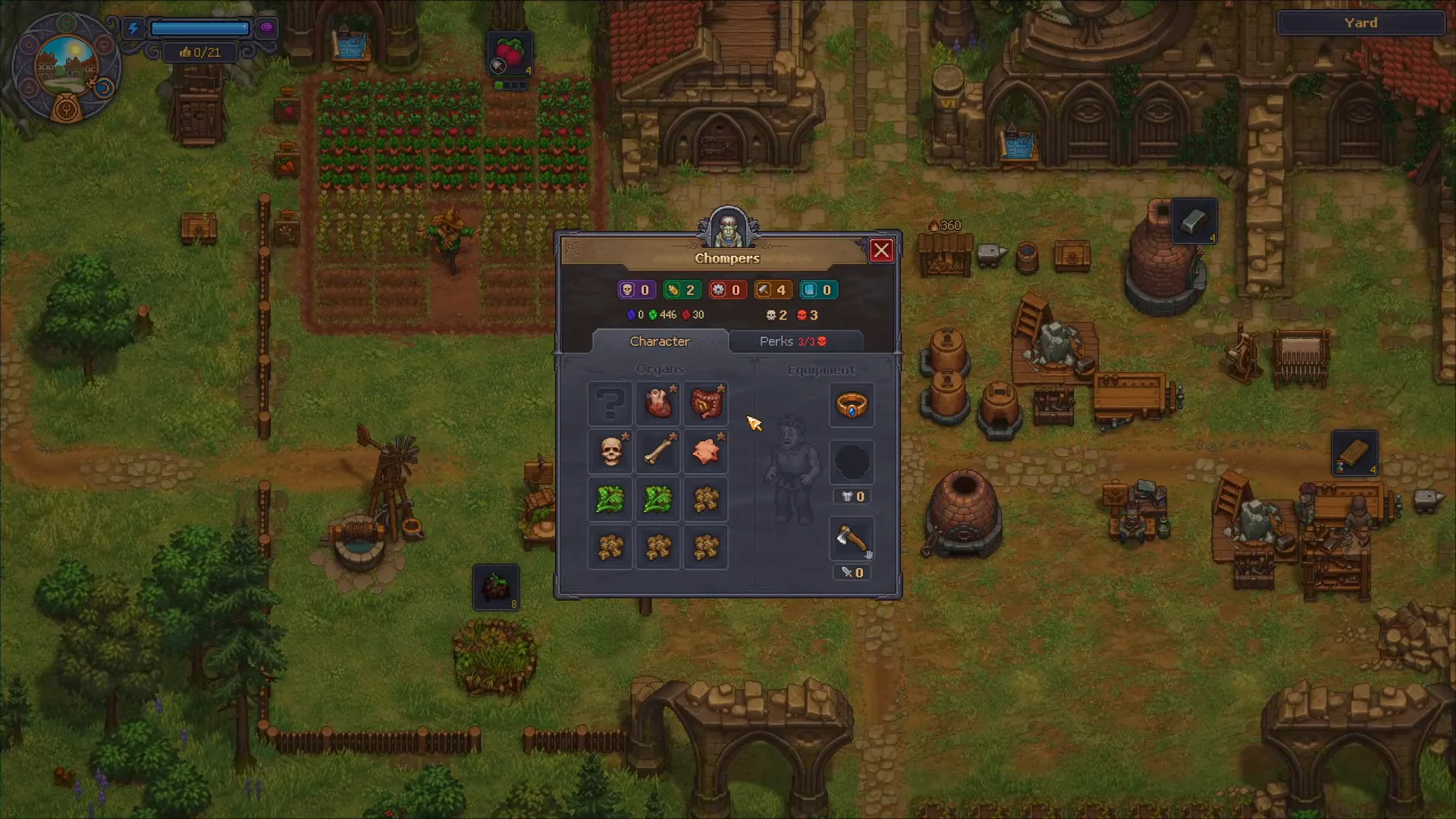
The setup is active once the zombie takes the shovel and digs the beds assigned to it. It then handles planting and harvesting repeatedly without more input.
Assign crops with garden tablets
The zombie follows the crop instructions supplied by tablets made on tab two of the garden blueprint table. One tablet assigns a particular crop to one bed.
- Tablet “Wheat” Workbench Extension
- Tablet “Beet” Workbench Extension
- Tablet “Carrot” Workbench Extension
- Tablet “Cabbage” Workbench Extension
- Tablet “Pumpkin” Workbench Extension
- Tablet “Onion” Workbench Extension
- Tablet “Flax” Workbench Extension
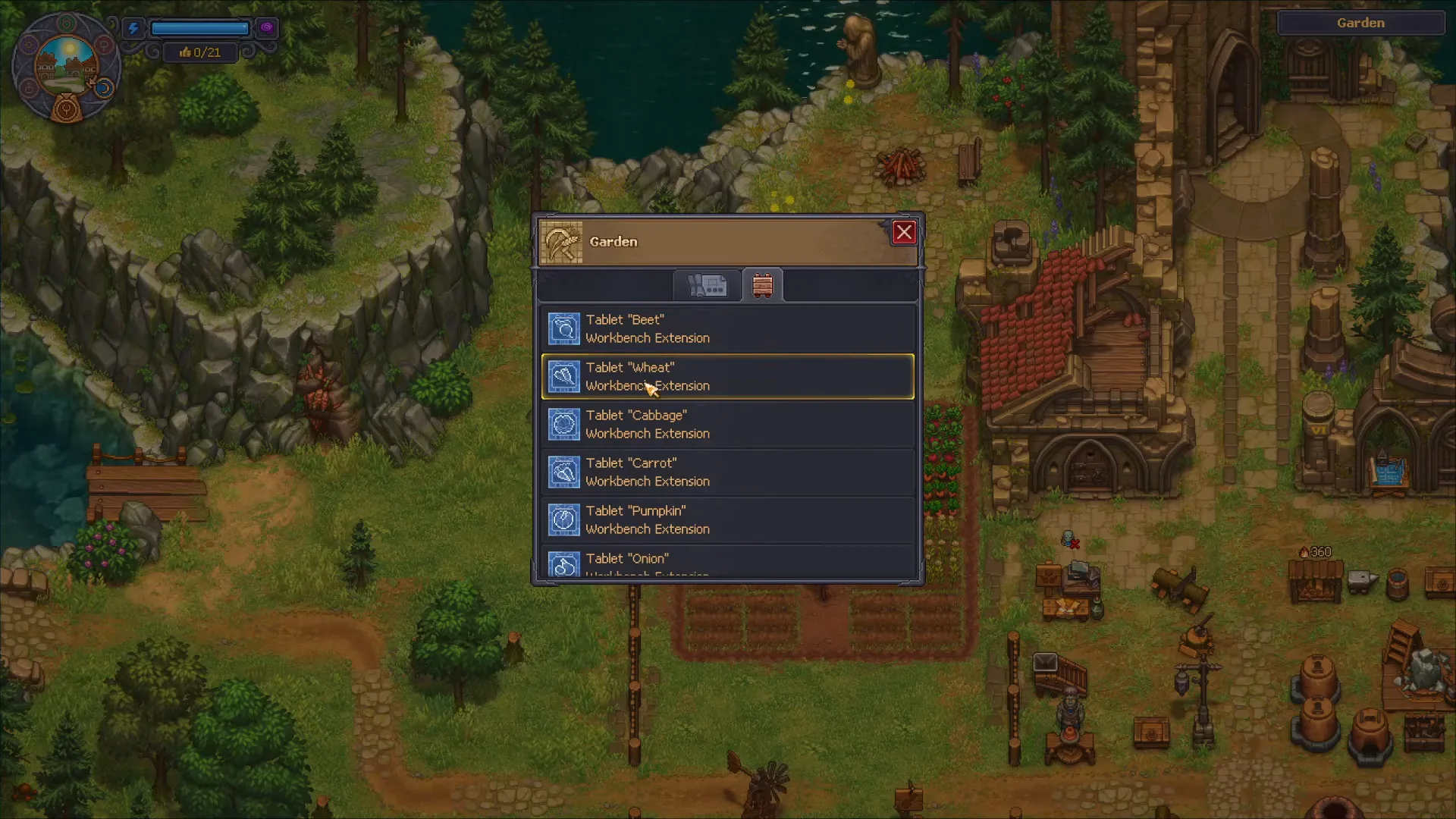
A tablet can be replaced. Remove it at the blueprint table and construct a tablet for another crop, but harvest what is already growing beforehand: the zombie farmer works only on the crop specified by its tablet.
Stock the chest and confirm the zombie is farming
Put a storage chest, including a Simple Chest, within the garden zone and stock it with the corresponding seeds. The zombie takes those seeds from garden chests, plants the tablet-selected crops, and deposits each ready harvest into a chest in the garden.
Confirmation is visual and reliable. The zombie walks the assigned rows, digs and plants, and produce begins appearing in the chest without any further action from you. If crops are stacking up in a garden chest, the loop is running correctly.
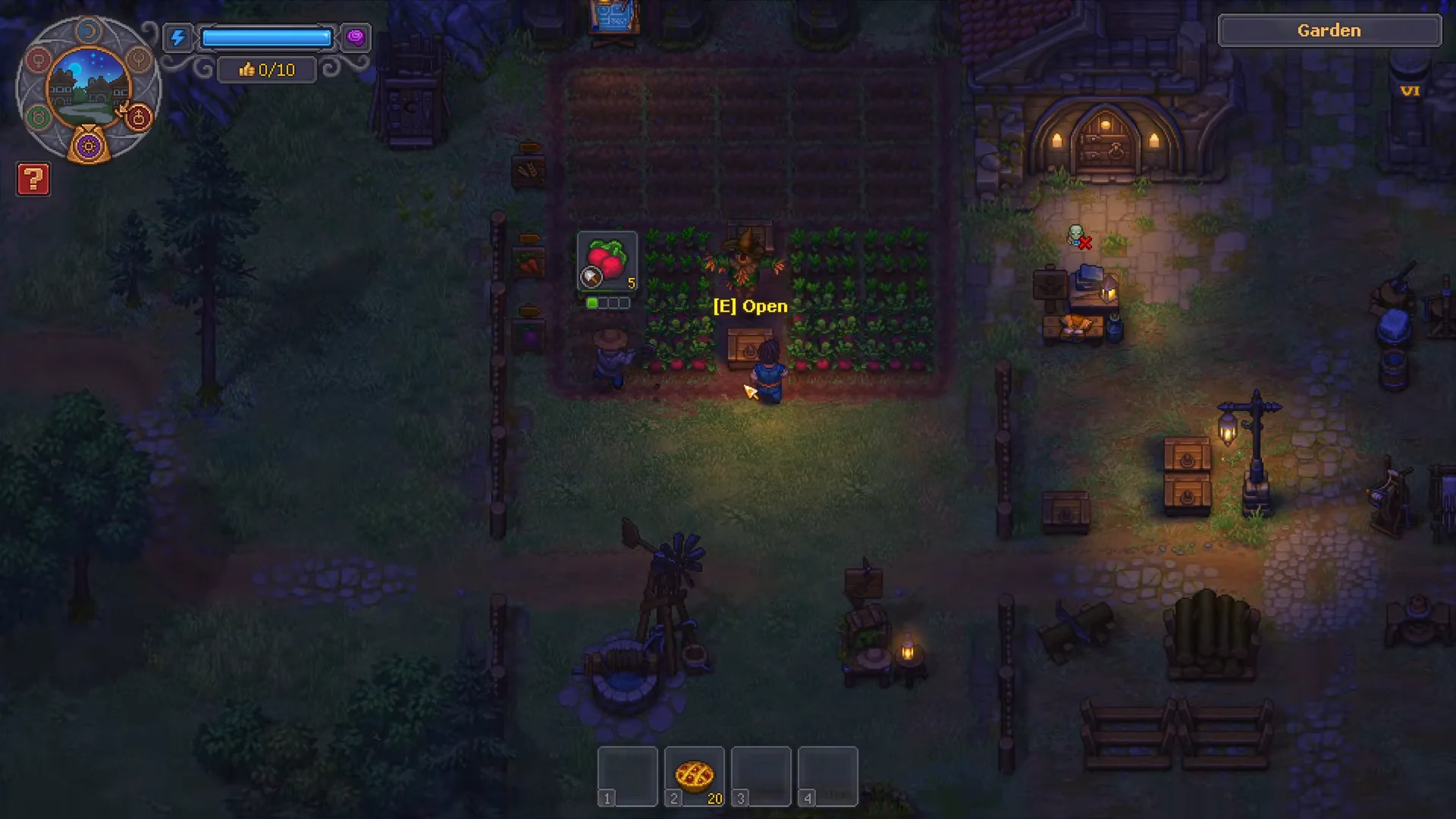
Compared with crafting zombies, farmer zombies need little supervision. Refill the seed chest when necessary and clear the output chest so the next harvest has room.
Workers and chests belong exclusively to their zones. A kitchen worker cannot use a garden chest, and a kitchen porter will not leave to retrieve crops, so transferring goods among the garden, kitchen, brewery, and the rest of your base remains your responsibility. A Zombie Supplier Station and its courier zombie can move goods within one zone, but never between zones.
Raise mastery and perks for bigger harvests
Zombies on the job gather gems, while crops yield green points. Once a zombie has saved enough, you can purchase permanent improvements, such as “Add mastery +1,” which raises its farming level without requiring a superior tool. More mastery grants access to advanced tasks, and farming perks increase the amount harvested.
How many perks a zombie can ever hold is fixed by its body. Each red skull unlocks one perk slot, and early Bronze Zombie Collars cap that at five. If you plan to build a dedicated farmer, save red-skull body parts from corpses you are not burying and add them at the Autopsy Table before committing a zombie to the Gardener Stand.
Inspect your zombies periodically: gems accumulate in the background, and leaving them unspent keeps the gardener below its possible output. With a shovel-equipped zombie at the stand and a tablet assigned to every bed, the garden largely operates on its own; you only need to remember to empty the chest.