The Gnome is an Epic gear in Grow a Garden 2 that acts as a security guard for your plot. Rather than helping your crops grow, it punishes other players who wander into your garden while you are away, making it one of the more direct answers to the game’s stealing mechanic.
Quick answer: Place a Gnome in your garden and, for 10 minutes, any player who enters its range gets knocked back, loses health, and has some of their Sheckles taken. Each Gnome works only once.
What the Gnome does in Grow a Garden 2
The Gnome is a defensive item. In Grow a Garden 2, other players can steal plants from your plot when you are away from it during the Night weather event. The Gnome exists to make that risky for anyone who tries.
Once placed, it protects an area around it. Any player who steps inside that range is thrown into the air and loses a portion of their health. On top of that, some of the trespasser’s Sheckles are taken from them, so attempted theft can cost the thief instead of you.
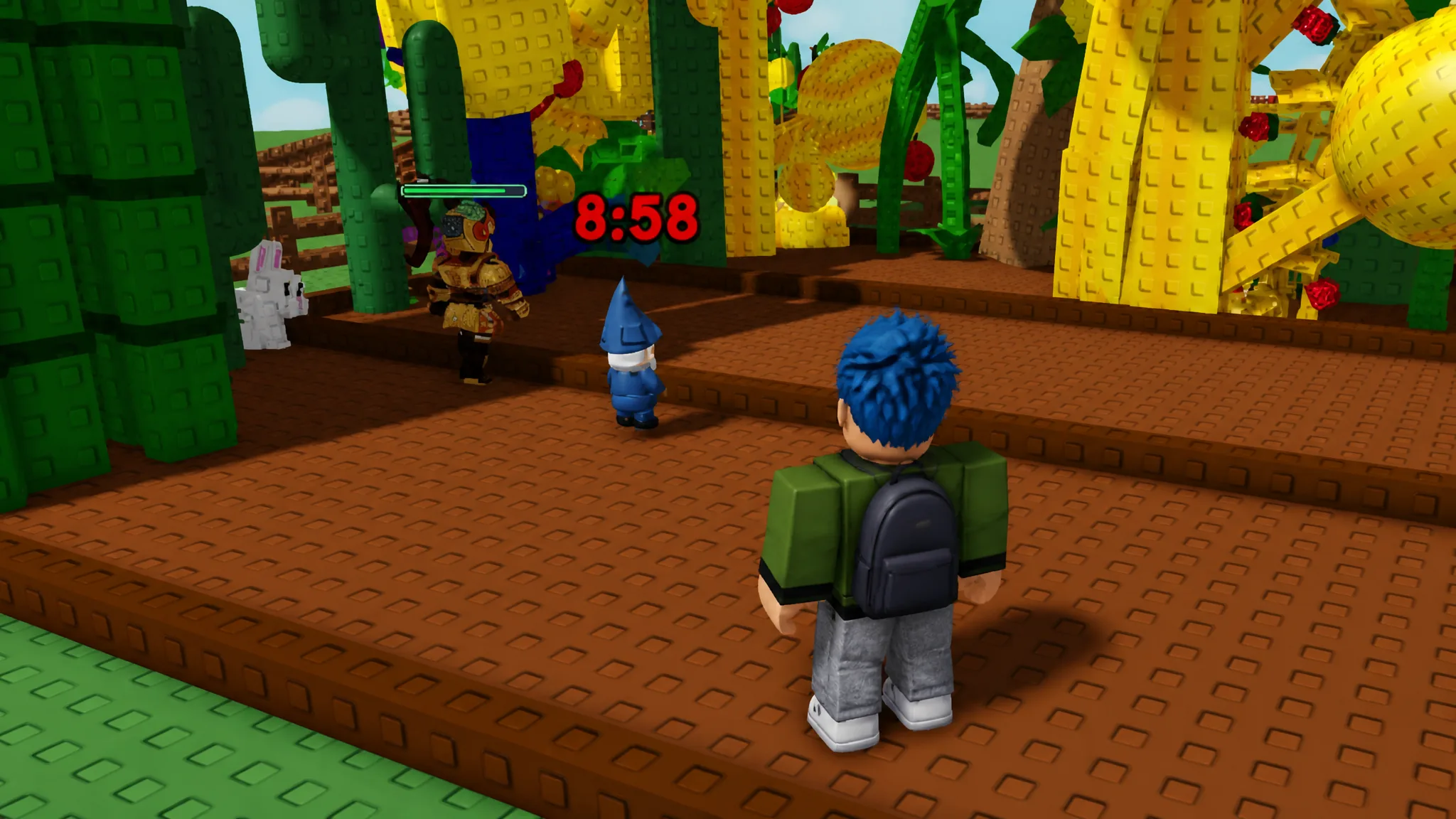
The protection runs for 10 minutes from the moment you set the Gnome down. After that timer ends, the Gnome is spent and your plot is open again until you place another one.
How to get the Gnome
The Gnome comes from the Gear Shop. It costs 100,000 Sheckles, or you can buy it with Robux instead. Because it carries an 8% stock chance, it will not always be on the shelf, so you may need to wait for a restock before it appears.
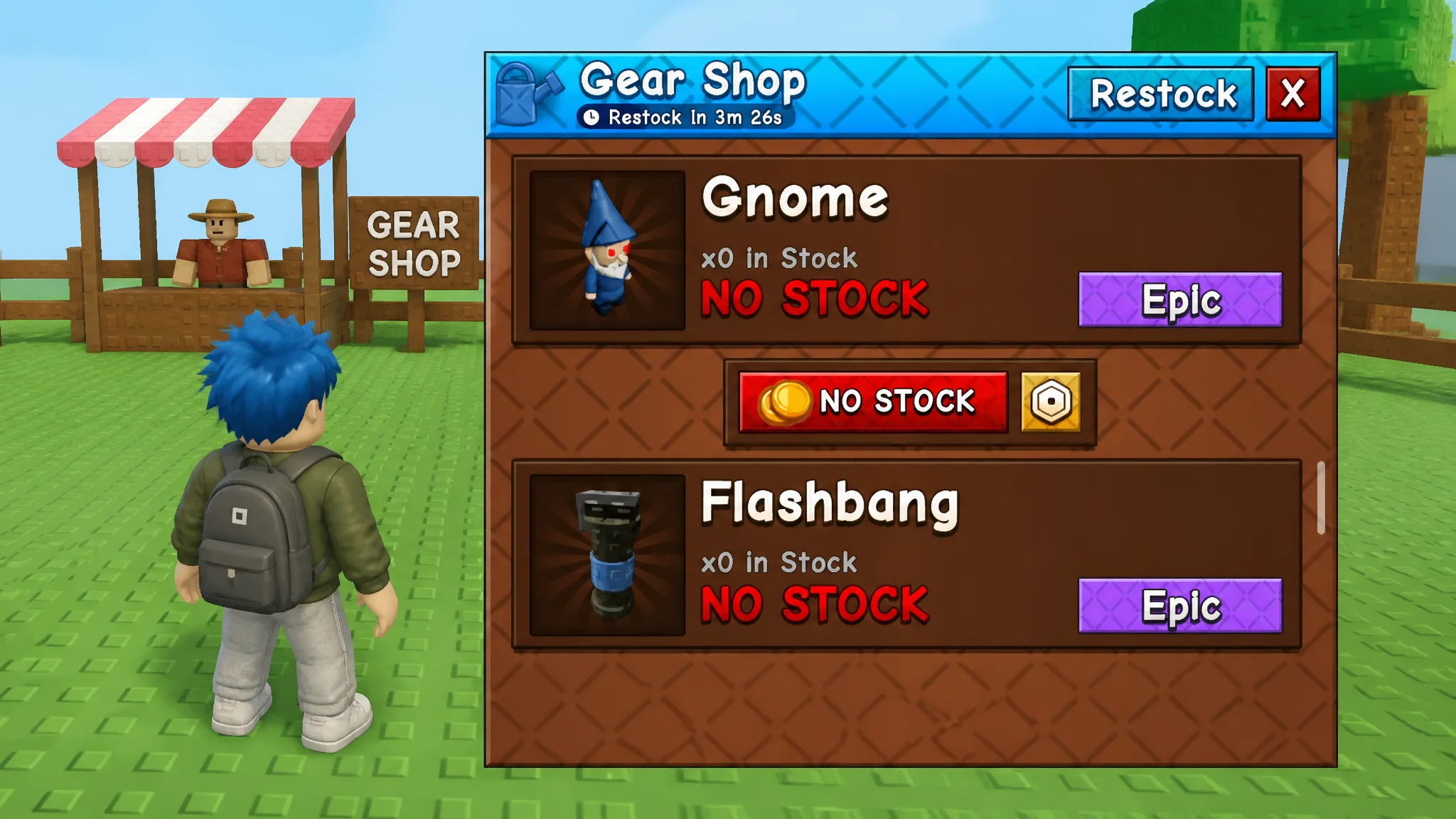
| Detail | Value |
|---|---|
| Rarity | Epic |
| Sheckle price | 100,000 |
| Robux price | 95 (1x), 285 (3x), 950 (10x) |
| Stock chance | 8% |
| Effect | Protects plants, attacks intruders |
| Duration | 10 minutes per use |
How to use the Gnome
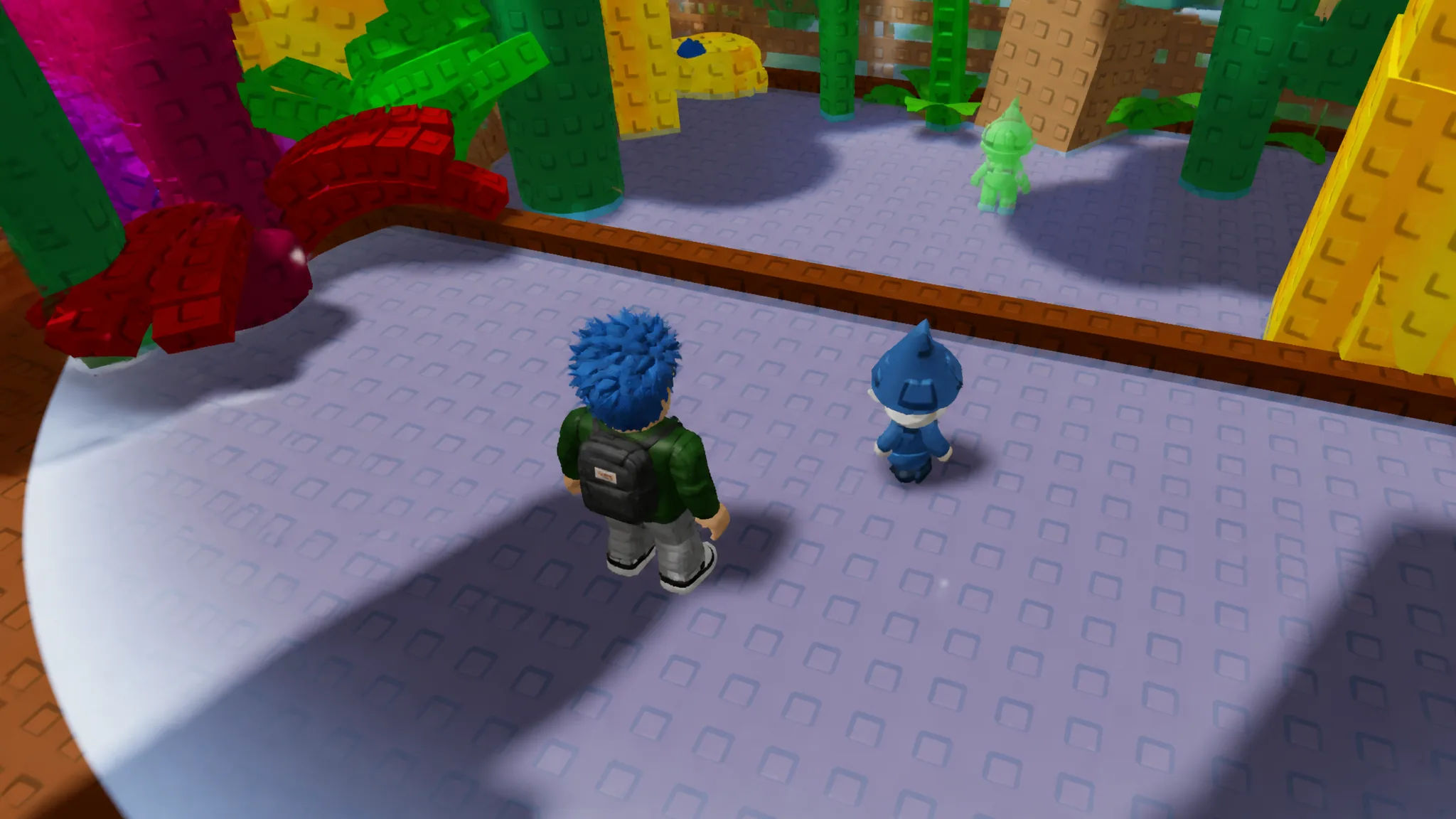
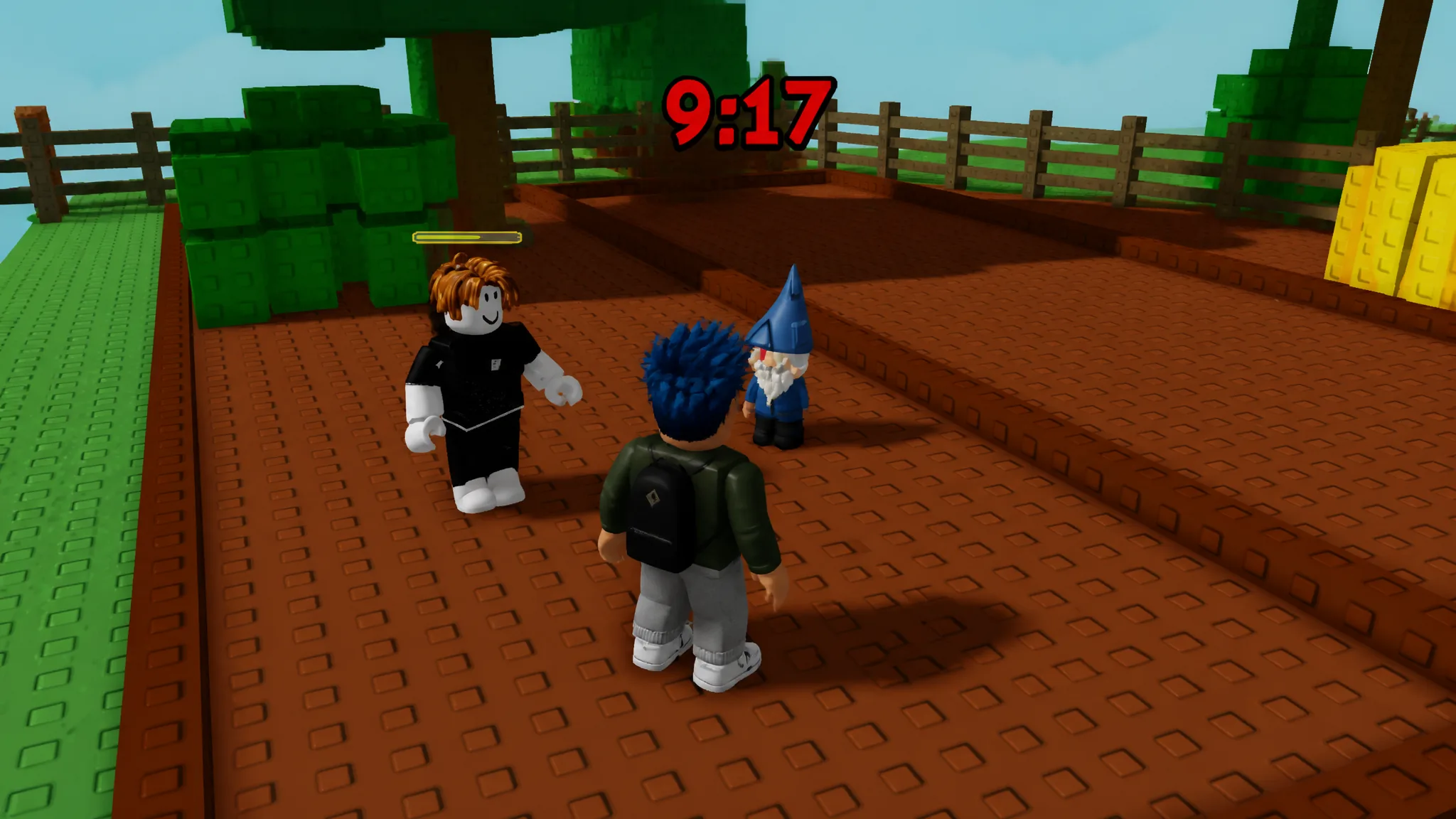
Gnome is one-time use
A Gnome is consumed after a single placement. When its 10 minutes run out, that Gnome is gone. To keep your plot defended, or to cover it with more than one Gnome at a time, you have to buy additional copies from the Gear Shop.
Note: Because protection is limited to 10 minutes per Gnome, it is most useful for short windows when you expect to be away during Night, rather than as permanent, round-the-clock security.
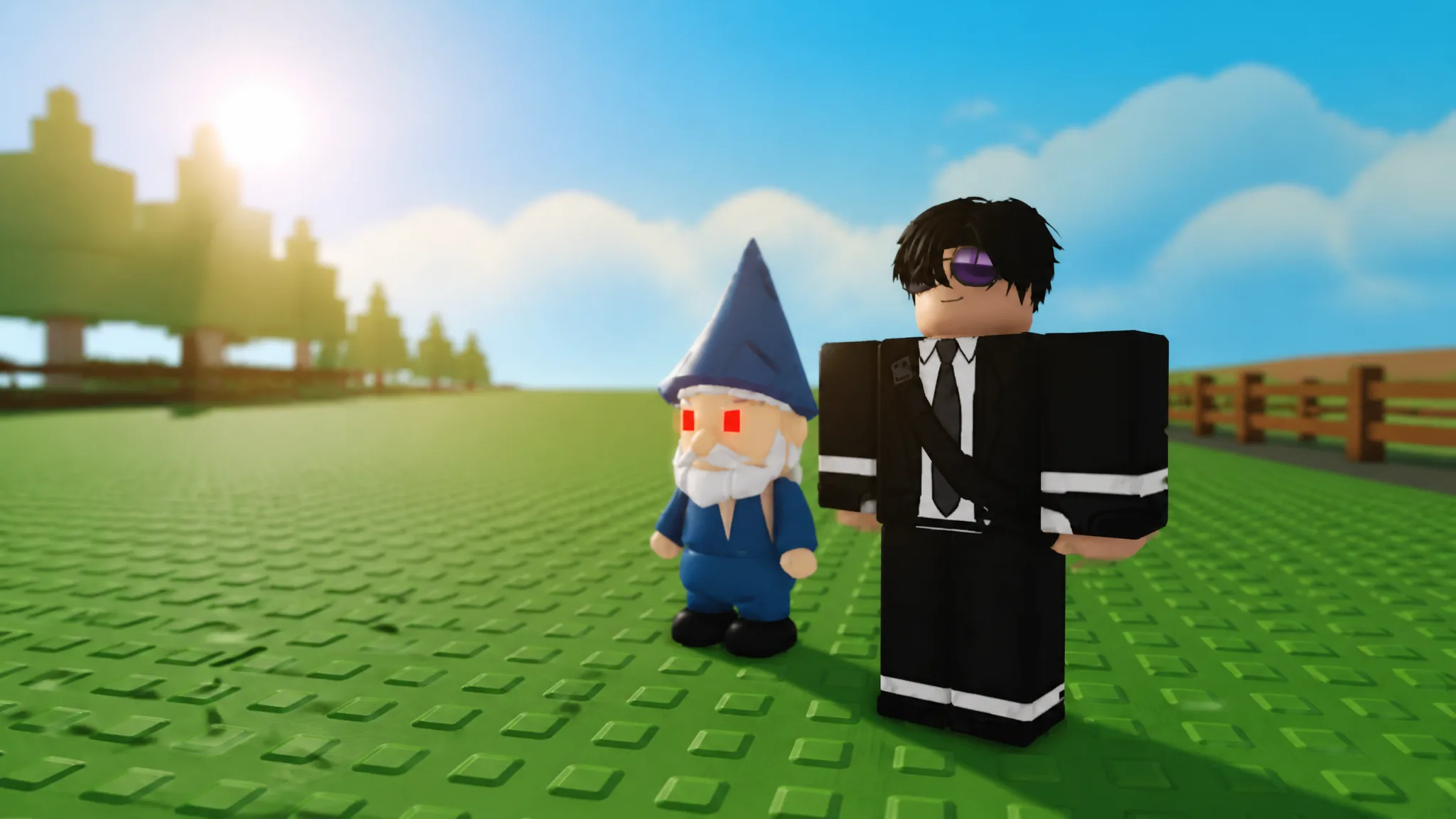
For its appearance, the Gnome looks like a blue imp wearing a blue hat, with red eyes and a beard, which makes it easy to spot once it is sitting in your garden. Stocked through the Gear Shop and added when the game released on June 12, 2026, it remains one of the most straightforward ways to turn the tables on would-be thieves.