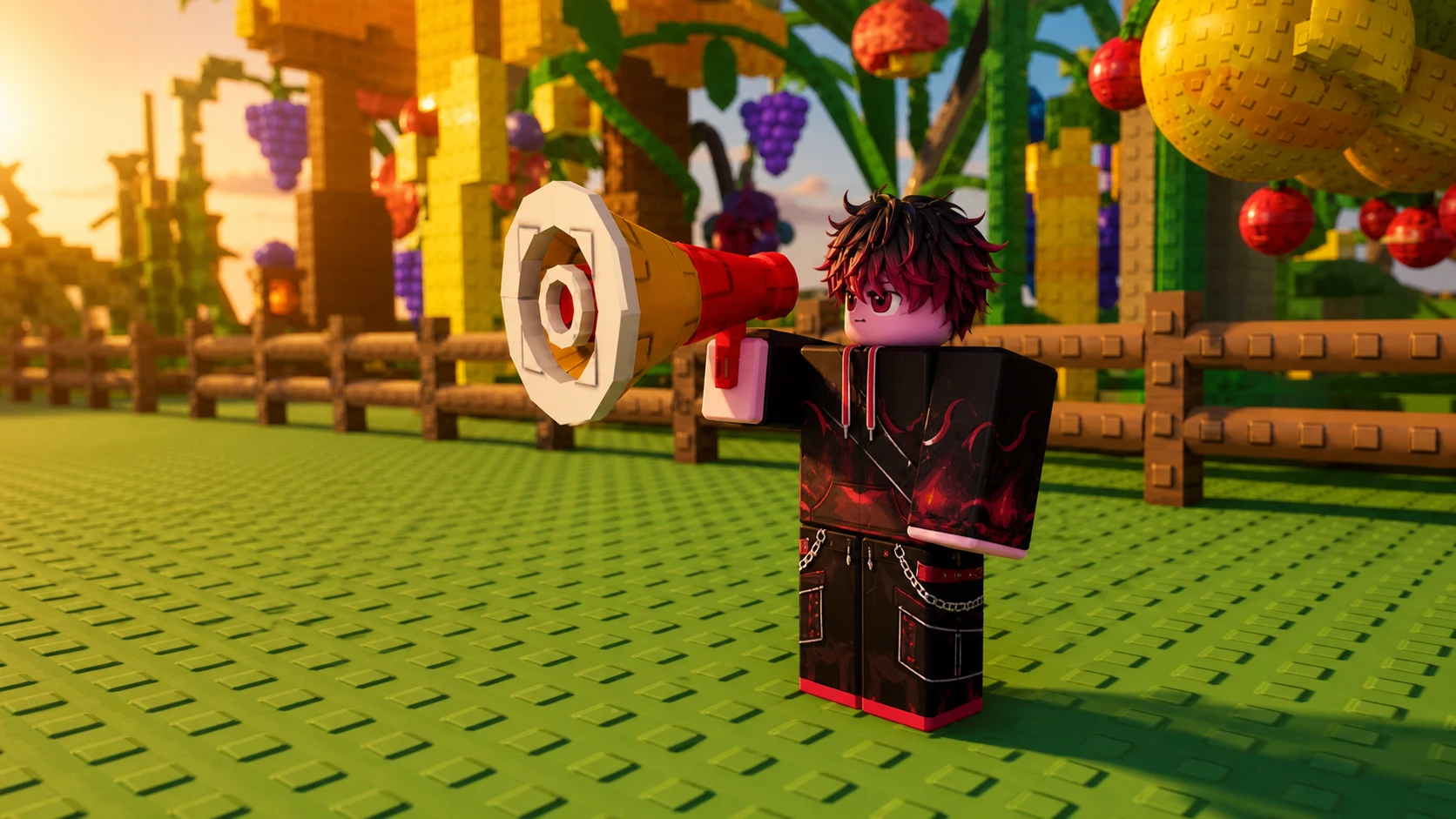
The Megaphone is a gear item in Grow a Garden 2 that lets you play any Roblox music code out loud across the server. Once you own it, you equip it, open its settings, and type in a song ID to broadcast tracks while you farm. It is a party gear meant for playing with friends rather than boosting crops.
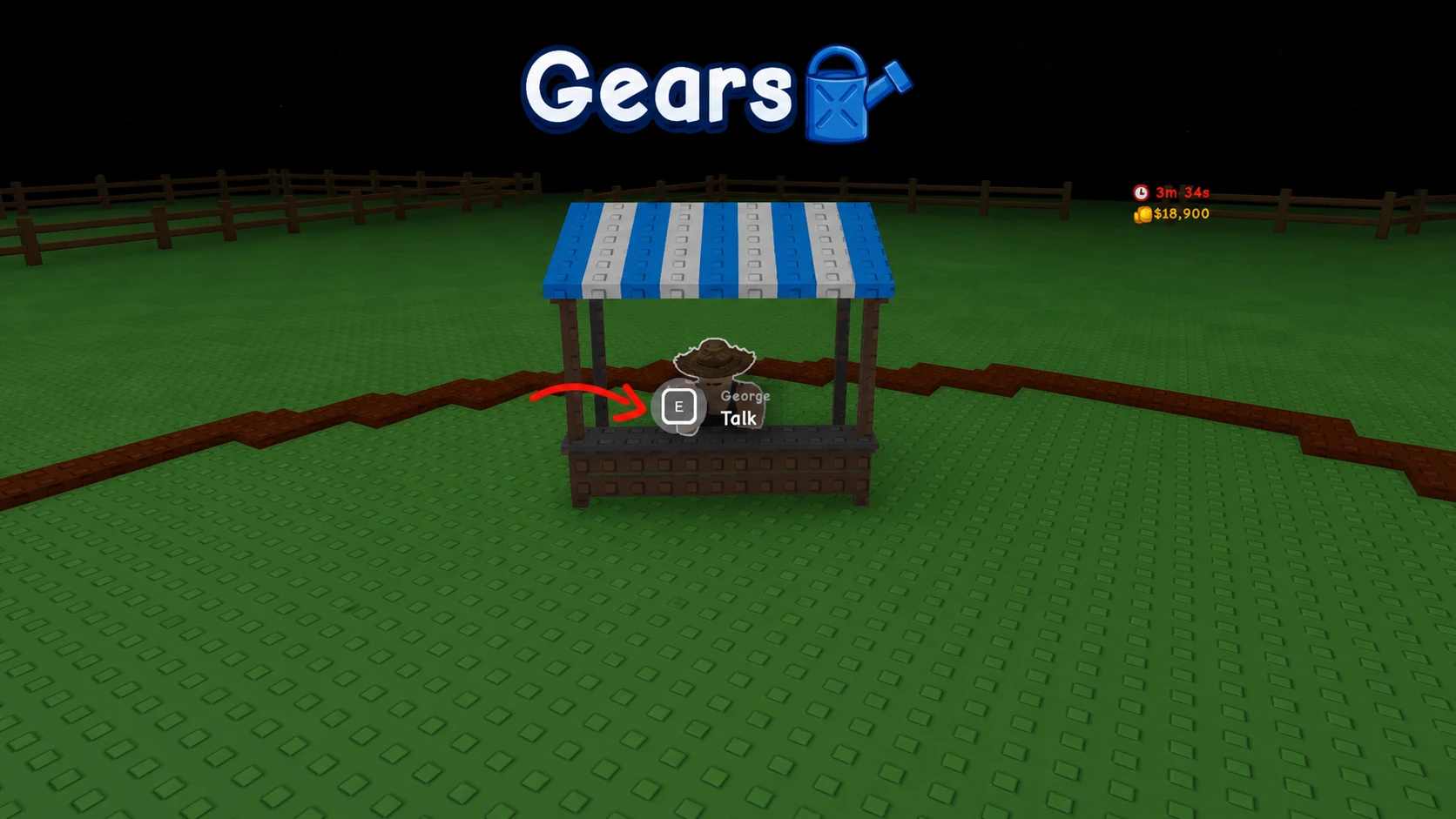
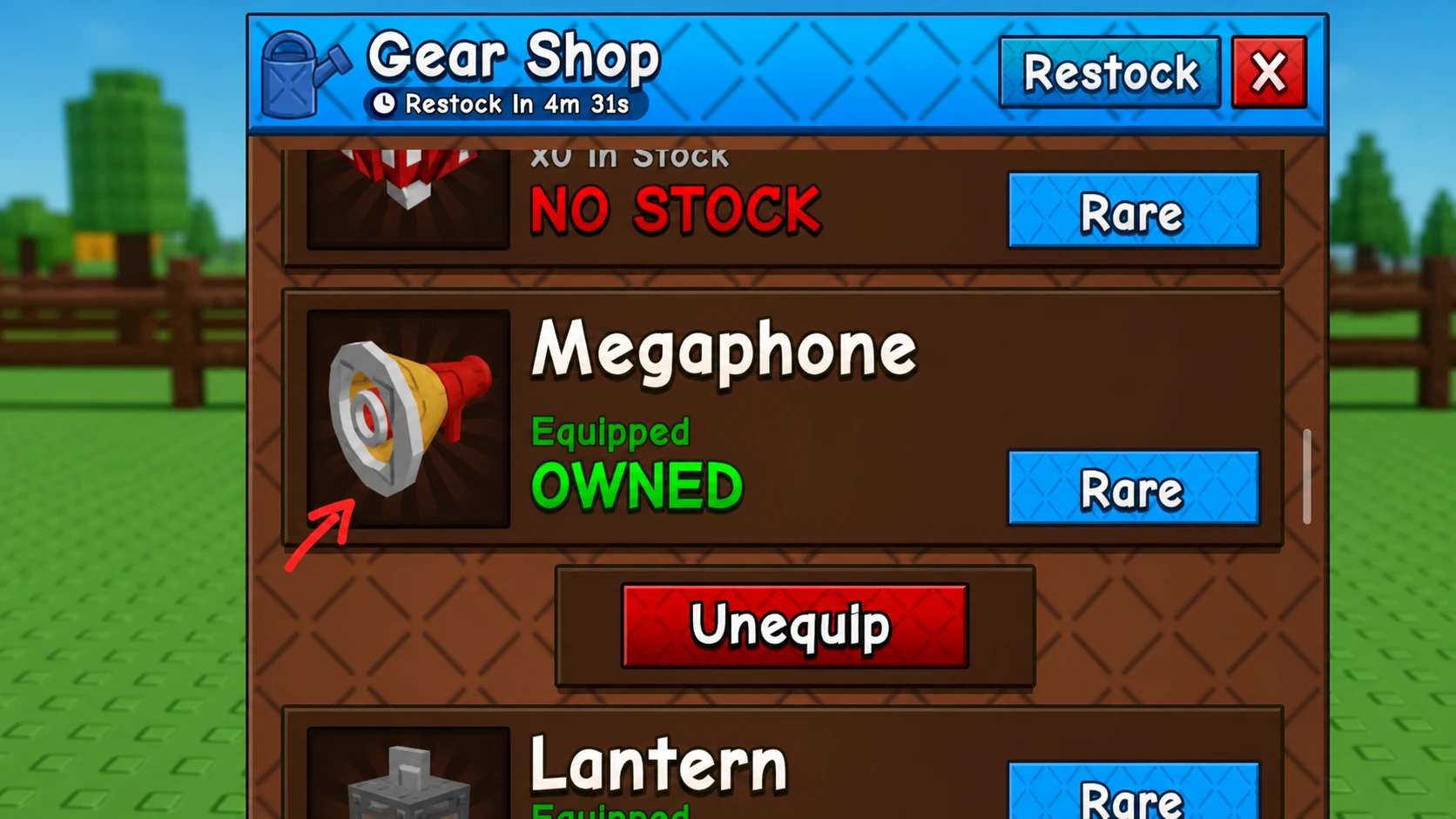
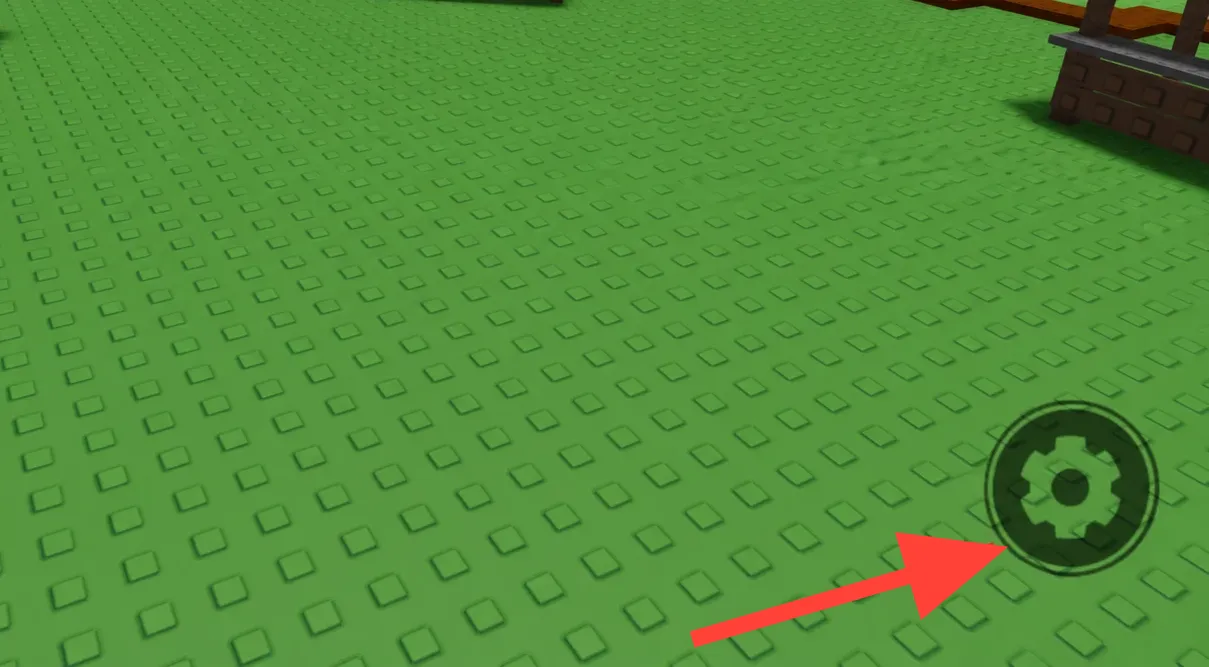
Quick answer: Teleport to the central lobby, talk to George at the Gears counter, and buy the Megaphone for 8,000 Sheckles. Equip it, click the gear button on screen, paste a Roblox music code into the song ID field, and press Enter to start playing.
How to get the Megaphone in Grow a Garden 2
The Megaphone sits in the Gear Shop and stays in stock around the clock, so there is no restock timer to wait on. After you buy it once, it stays in your inventory permanently. It costs 8,000 Sheckles, which is cheap for a gear you keep forever.
How to equip and configure the Megaphone
You have to equip the Megaphone before it does anything, the same way you equip a sprinkler. After it is in your hands, a settings menu lets you set the song and the volume.
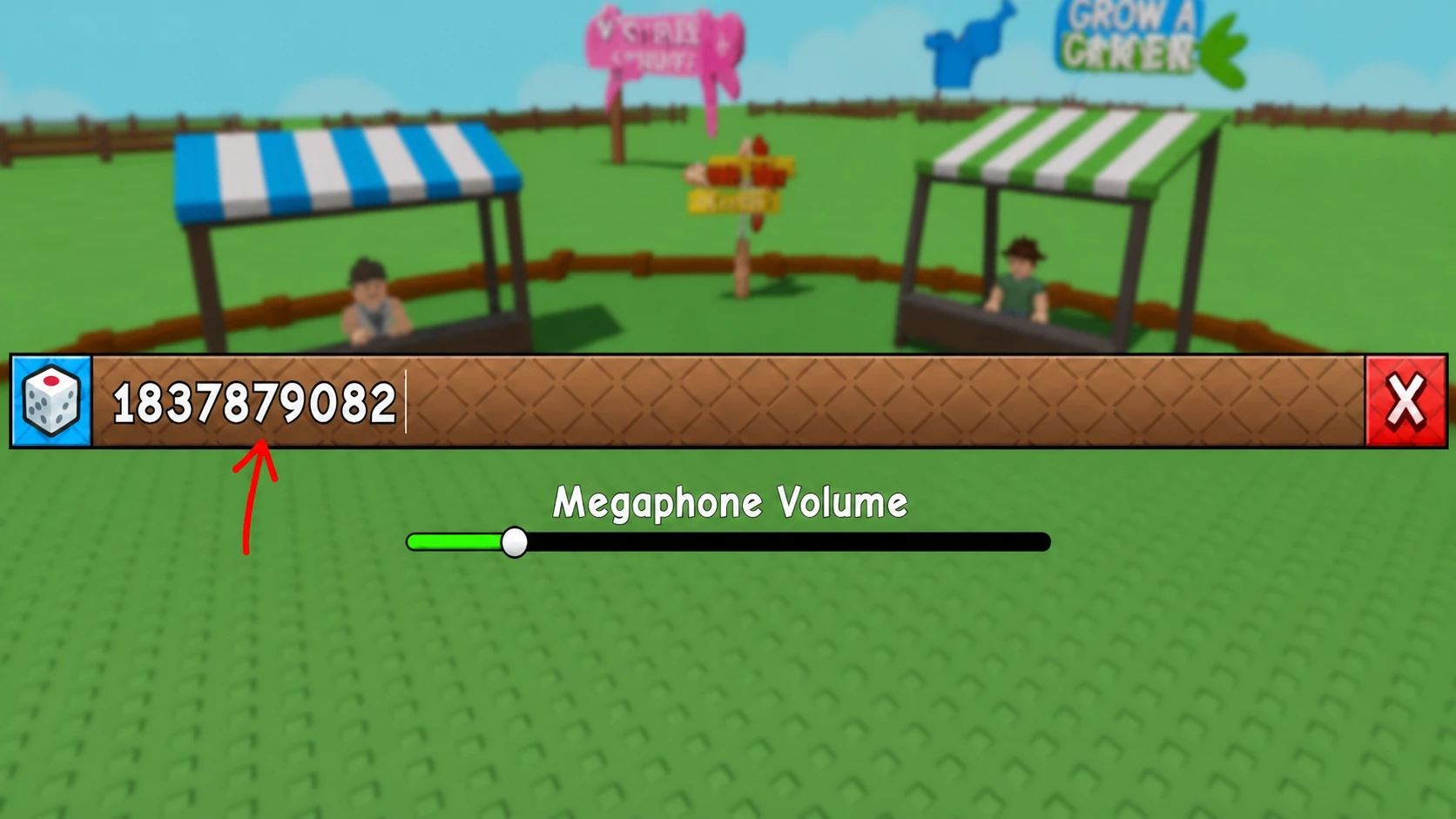
You will know it worked when the track starts playing through the Megaphone. To switch songs, reopen the settings and enter a different code at any time.
Roblox music codes for the Megaphone
Any valid Roblox music code works in the song ID field. The codes below cover viral tracks, meme sounds, and a few classics to get you started.
| Sound ID | Track |
|---|---|
| 5410086218 | Noisestorm – Crab Rave |
| 142376088 | Raining Tacos |
| 1837015626 | Tokyo Drift |
| 1626996526 | Windows XP Theme |
| 168208965 | Whatcha Say |
| 1846368080 | Stadium Rave (SpongeBob SquarePants) |
| 515669032 | Spooky Scary Skeletons |
| 7363412529 | You’ve Been Rick Rolled |
| 9106904975 | Better Call Saul Theme |
| 9119119619 | Elevator Music |
Note: There is no single best track. Pick whatever you like and swap it whenever you want from the settings menu.
That covers buying the Megaphone, equipping it, and loading a sound ID. Since it stays in your inventory for good, one 8,000 Sheckle purchase is all it takes to keep music playing across your garden whenever you log in.