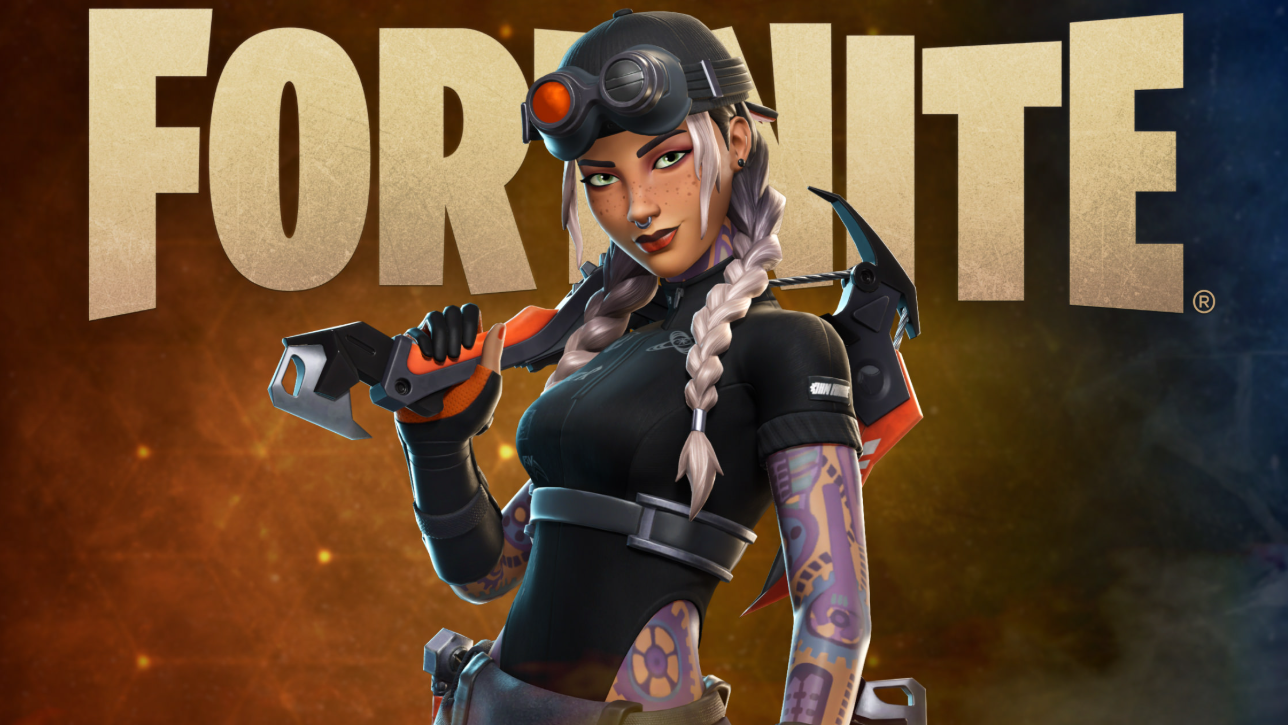
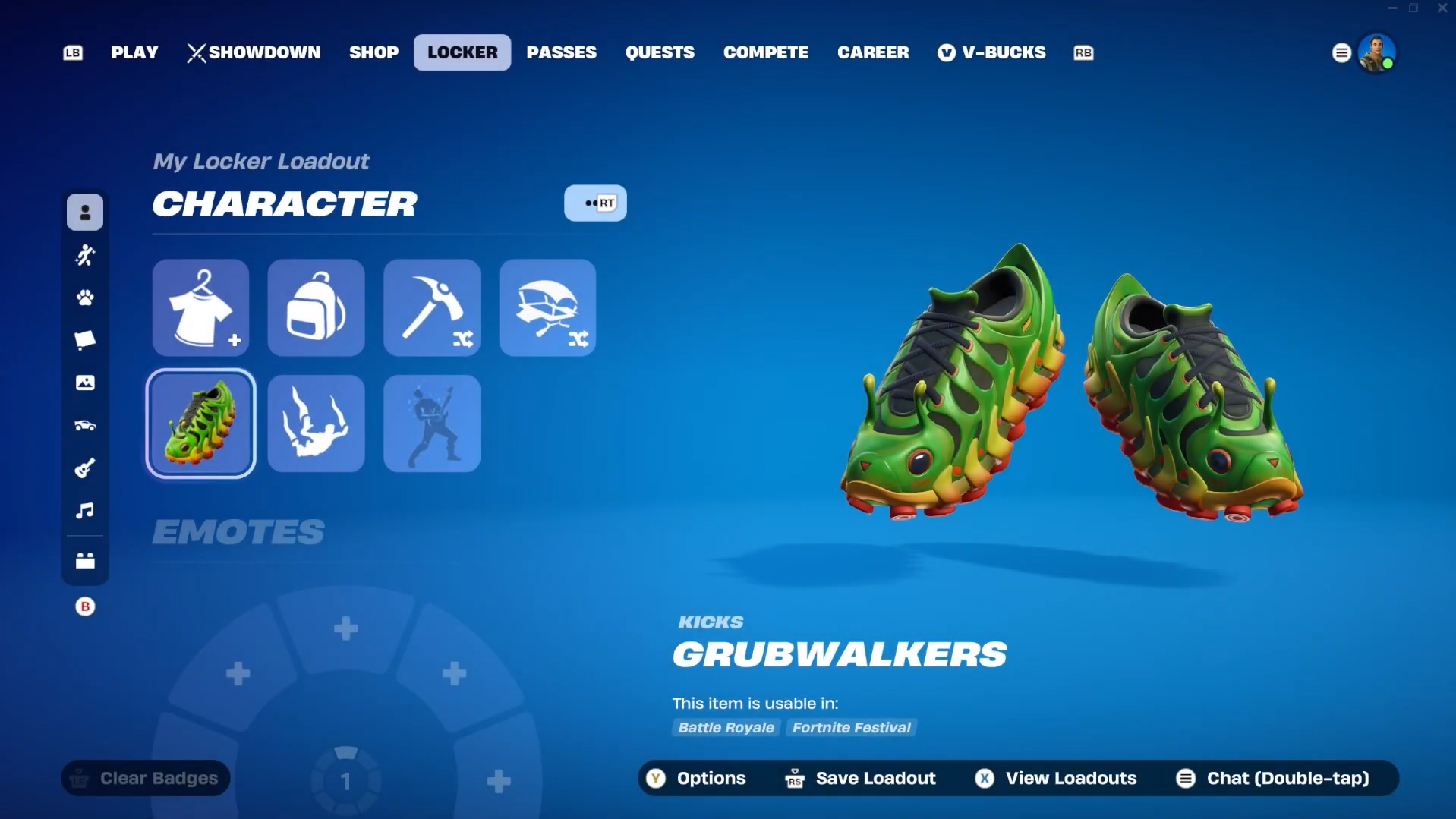
The Grubwalkers are Uncommon Kicks tied to the Chrysalis Crew Set, sold individually in the Fortnite Item Shop or as part of a larger bundle that includes a matching outfit and back bling. They are not a free reward, despite some chatter suggesting otherwise.
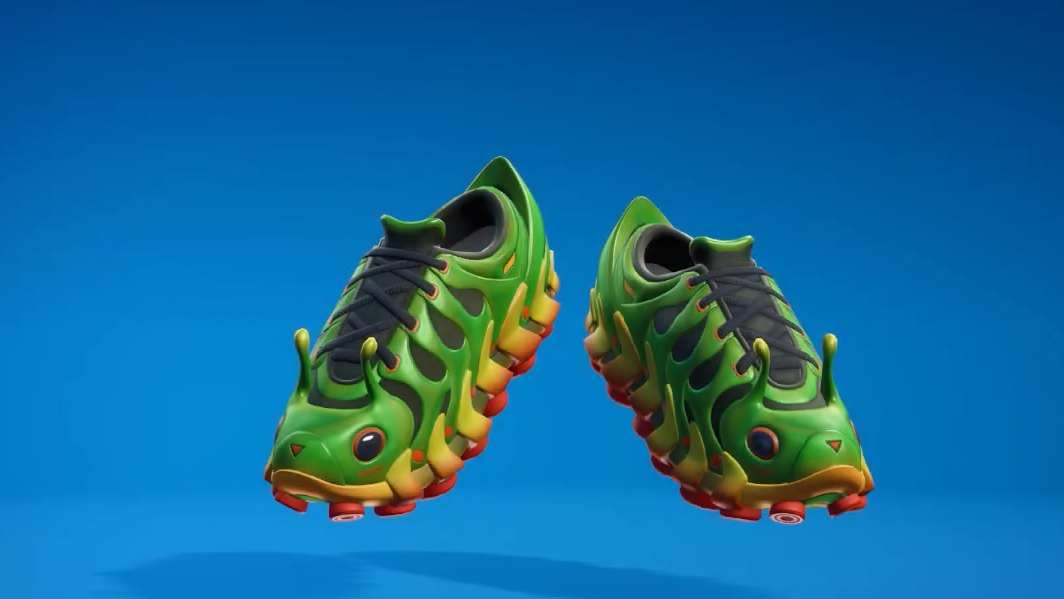
What the Grubwalkers are
Grubwalkers are caterpillar-styled sneakers categorized as Kicks, the cosmetic shoe slot used across Battle Royale and Fortnite Festival. They debuted in Chapter 7, Season 2, with the in-game tagline “Show ’em off.” The item ID is Shoes_GoodGrubs.
They are sold standalone for 600 V-Bucks on the official Fortnite Item Shop page, and they are also bundled with the Pillar outfit and Carapace back bling.
Pricing and bundle contents
| Item | Rarity | Price (V-Bucks) | Includes |
|---|---|---|---|
| Grubwalkers (Kicks) | Uncommon | 600 | Kicks only |
| Caterpillar Kick Bundle | Rare | 1,500 | Pillar outfit, Carapace back bling, Grubwalkers |
The bundle pulls from the Chrysalis Crew Set and includes a LEGO Fortnite style for the Pillar outfit alongside the standard Fortnite version.
Shop window
The Grubwalkers and the Caterpillar Kick Bundle are currently in the Item Shop, with the listing scheduled to leave on April 30 at 7:59 PM. After rotating out, returns to the shop are not guaranteed on any fixed schedule.
About the “free” framing
There is no quest, login reward, code, or account-linking promotion that grants the Grubwalkers Kicks or the Caterpillar Kick Bundle at no cost. Both require V-Bucks. The only current free-cosmetic offer tied to account linking is the long-running Epic and LEGO account connection, which unlocks the Explorer Emilie and Mr Dappermint outfits, not Kicks. You can start that process from the Epic Apps and Accounts page.
Where Kicks are usable
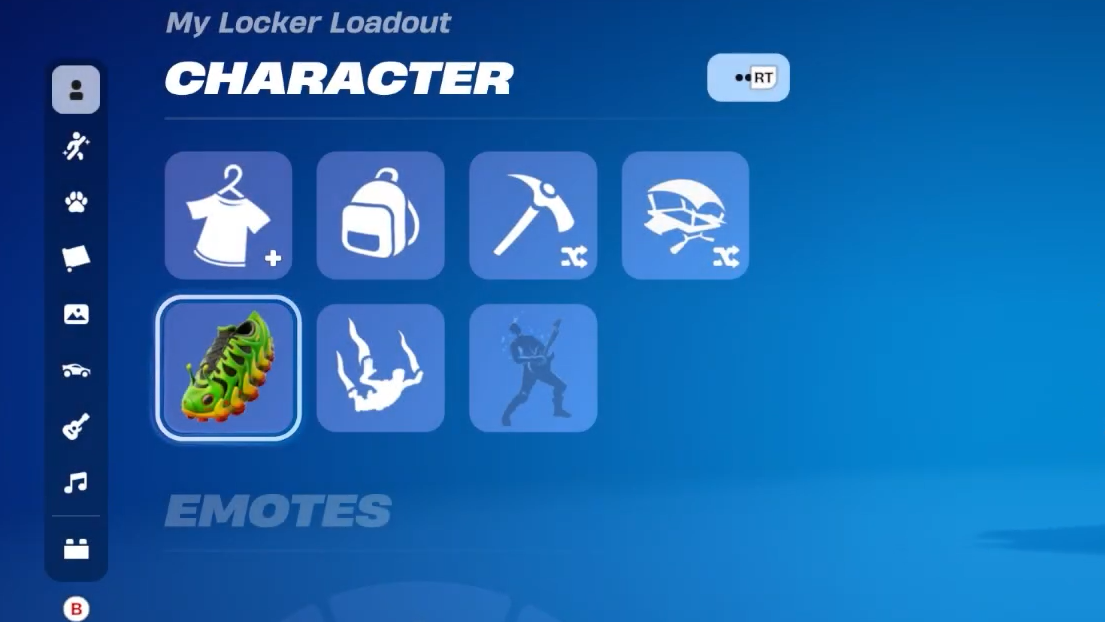
Kicks are equipped through the Locker and appear on compatible outfits in modes that support them, including Battle Royale and Fortnite Festival. Visibility depends on the outfit’s footwear setup, so some skins will not display Kicks at all.
How to buy
If the tile is missing from your shop, the rotation has already ended for your region. There is no workaround beyond waiting for a future appearance.