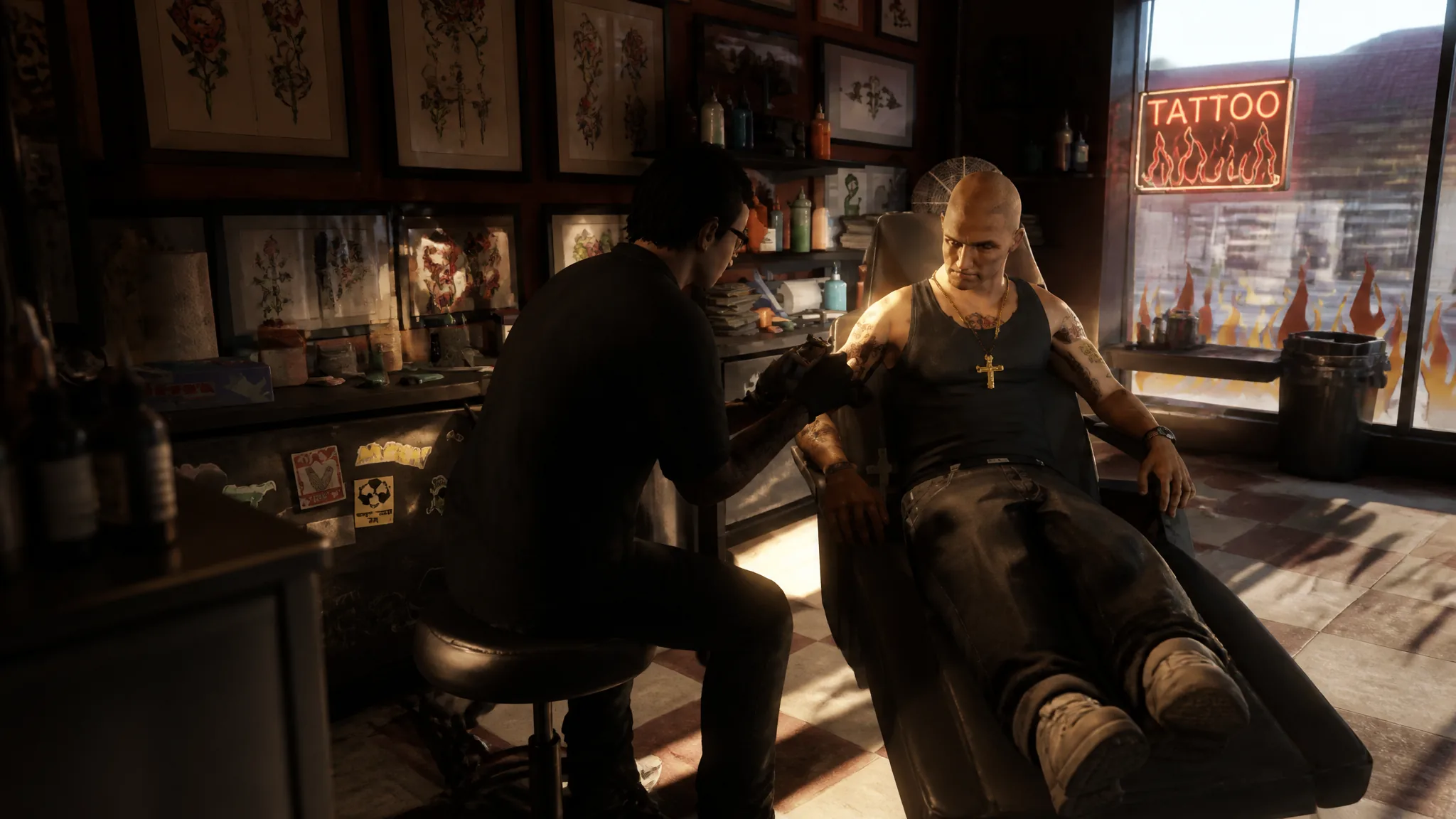
Tattoos are one of the few appearance choices in GTA 5 that stick with a character until you decide otherwise. They are applied at dedicated tattoo parlors, come in separate sets for Michael, Franklin, and Trevor, and cost cash each time. The ink is purely cosmetic, so it changes how a protagonist looks without affecting stats or gameplay.
Quick answer: Visit any of the six tattoo parlors marked with a heart icon, talk to the artist, choose a body area and design, then pay in cash to apply it. Removal is done the same way and costs nothing.
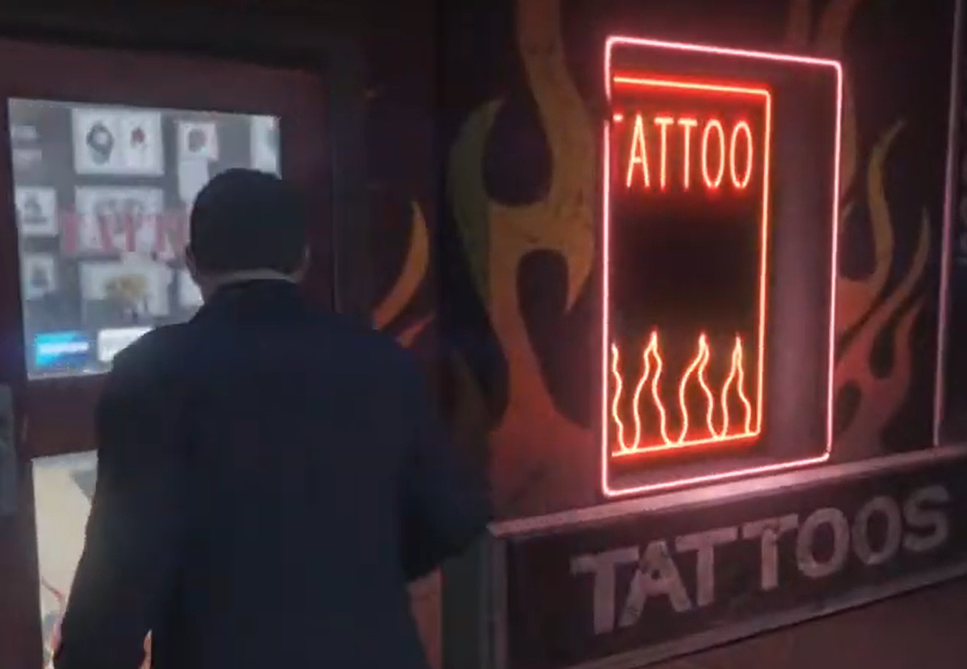
When tattoo parlors unlock in GTA 5
Tattoo parlors are locked at the start of the game. They become available after you complete the mission Mr. Philips, which is the point where Trevor enters the story. If you drive to a parlor before that and cannot go inside, you simply have not reached that mission yet.
After you finish the jewelry heist as Franklin and drive to Michael’s house, a short chain of missions triggers and Trevor is introduced. Once that happens, every parlor on the map opens for all three characters.
Where to find the six tattoo parlors
There are six tattoo parlors across the map, each shown with a heart icon. A common one to run into is at the Vespucci Canals, a spot all three protagonists tend to pass through. The others are spread across the state so you rarely have to travel far.
- Vespucci Canals
- Downtown Vinewood
- El Burro Heights
- Sandy Shores
The remaining locations round out the six and are marked with the same heart icon, so you can spot them while driving. Every parlor offers the same menu of designs, meaning you do not need to hunt for a specific shop to get a particular tattoo.
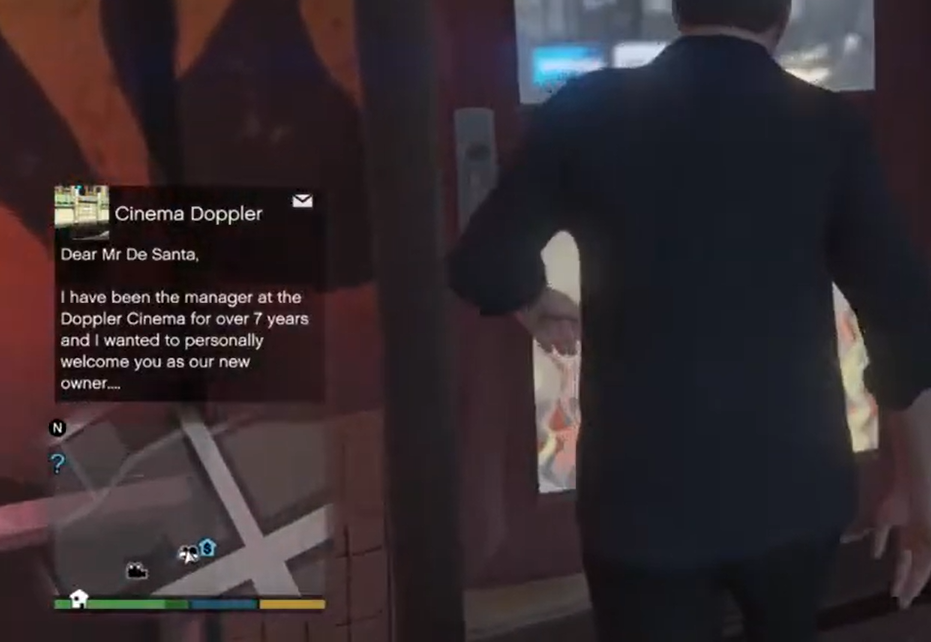
How to apply a tattoo
- Head
- Torso
- Left Arm
- Right Arm
- Left Leg
- Right Leg
Michael, Franklin, and Trevor each draw from their own separate catalog of designs, so a tattoo you see on one protagonist may not exist for another.
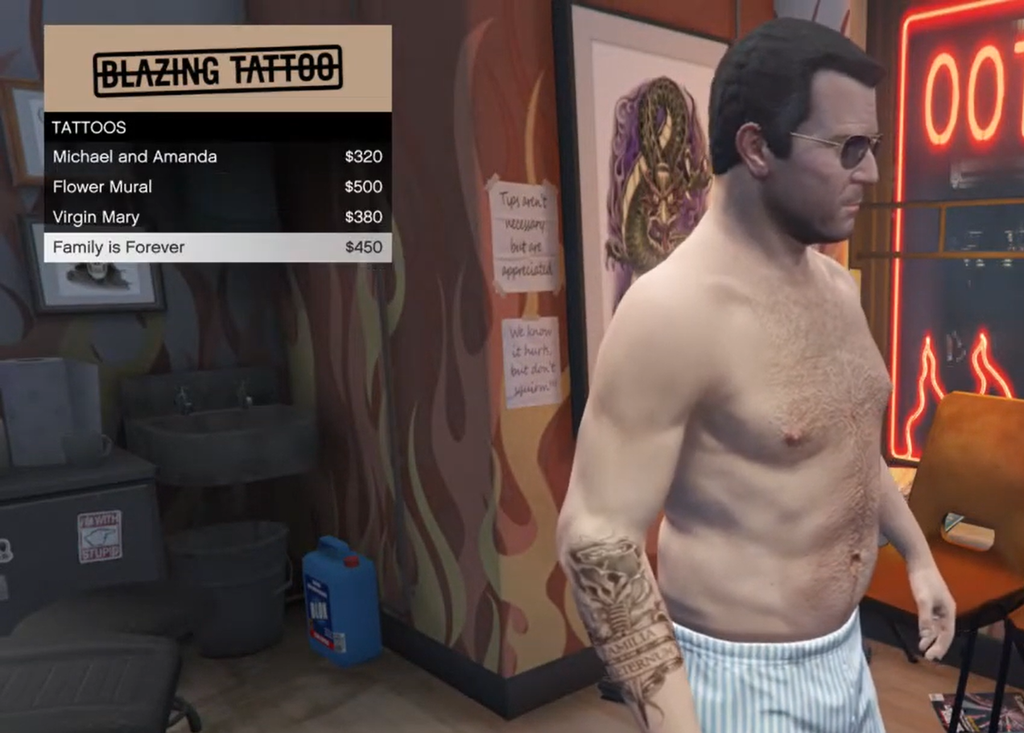
How to remove tattoos
Tattoos in GTA 5 are not permanent. To take one off, return to any tattoo parlor, open the menu, and select the tattoo the character already has equipped. Removing it works the same way as clearing any other cosmetic in the menu.
Removal is free and instant. There is no separate cost and no need to return over multiple sessions, so you can restore a character to their default look whenever you change your mind. The tattoo disappears from the body as soon as you deselect it, which confirms it worked.