Gaming How-To

GTA 6: How to Anchor a Boat (Lower and Raise the Anchor)

Where the ANCHOR tile sits in the Vehicle Menu, what it shows, and how the boat behaves once it's lowered.

Where the ANCHOR tile sits in the Vehicle Menu, what it shows, and how the boat behaves once it’s lowered.

In Grand Theft Auto VI, you drop a boat’s anchor from the Vehicle Menu, the same strip you use for the radio and a car’s lights and engine. On the Bombora S23 CCS, for example, the anchor has its own tile on the VEHICLE tab, and you can lower or raise it from the wheel with the default PS5 controls.

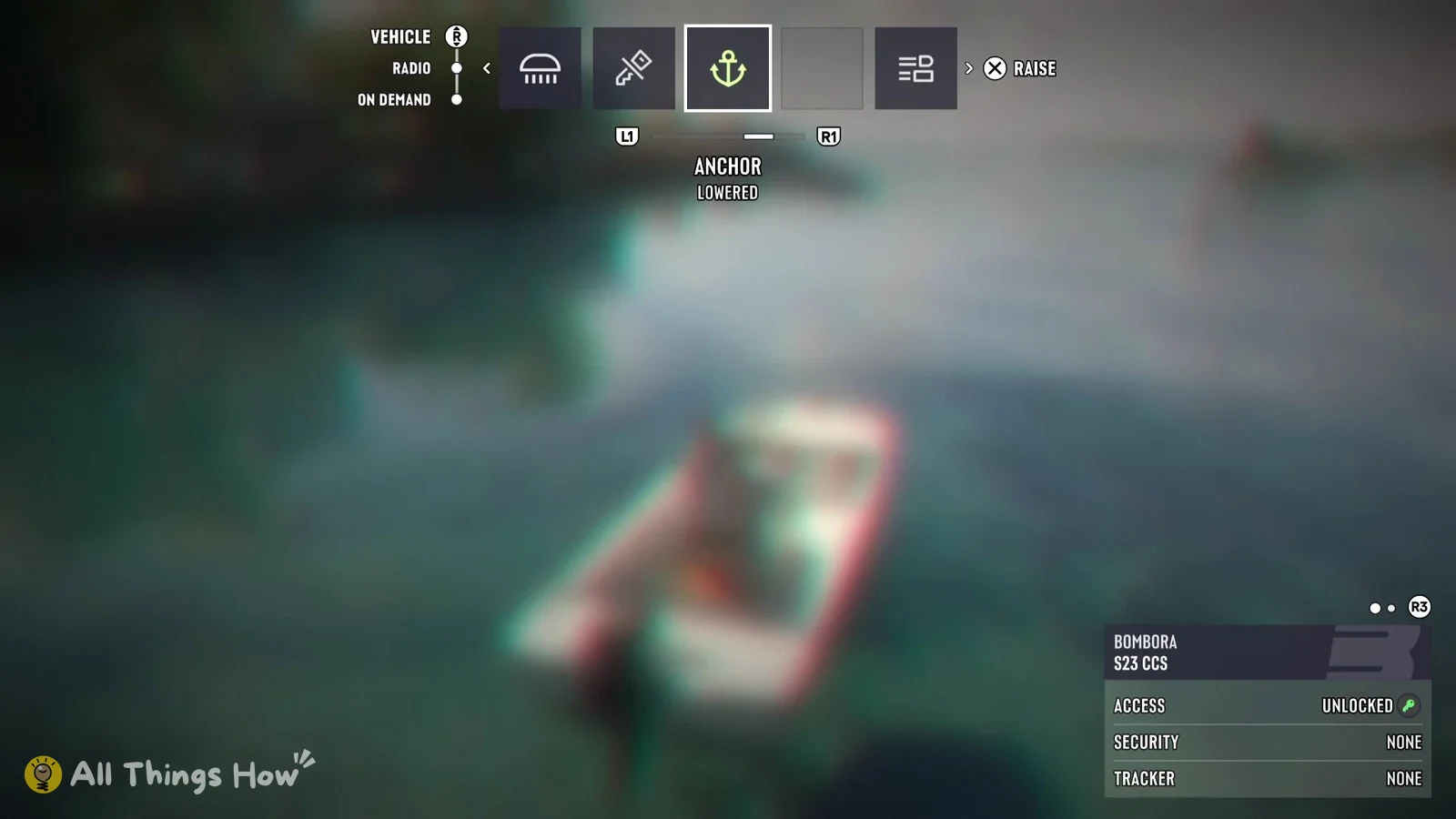
Quick answer: To lower the anchor from the wheel, press and hold left on the d-pad, open the VEHICLE tab, then use L1 / R1 to select ANCHOR and press Cross (LOWER). The tile will show “ANCHOR / LOWERED”.


How to anchor a boat in GTA 6
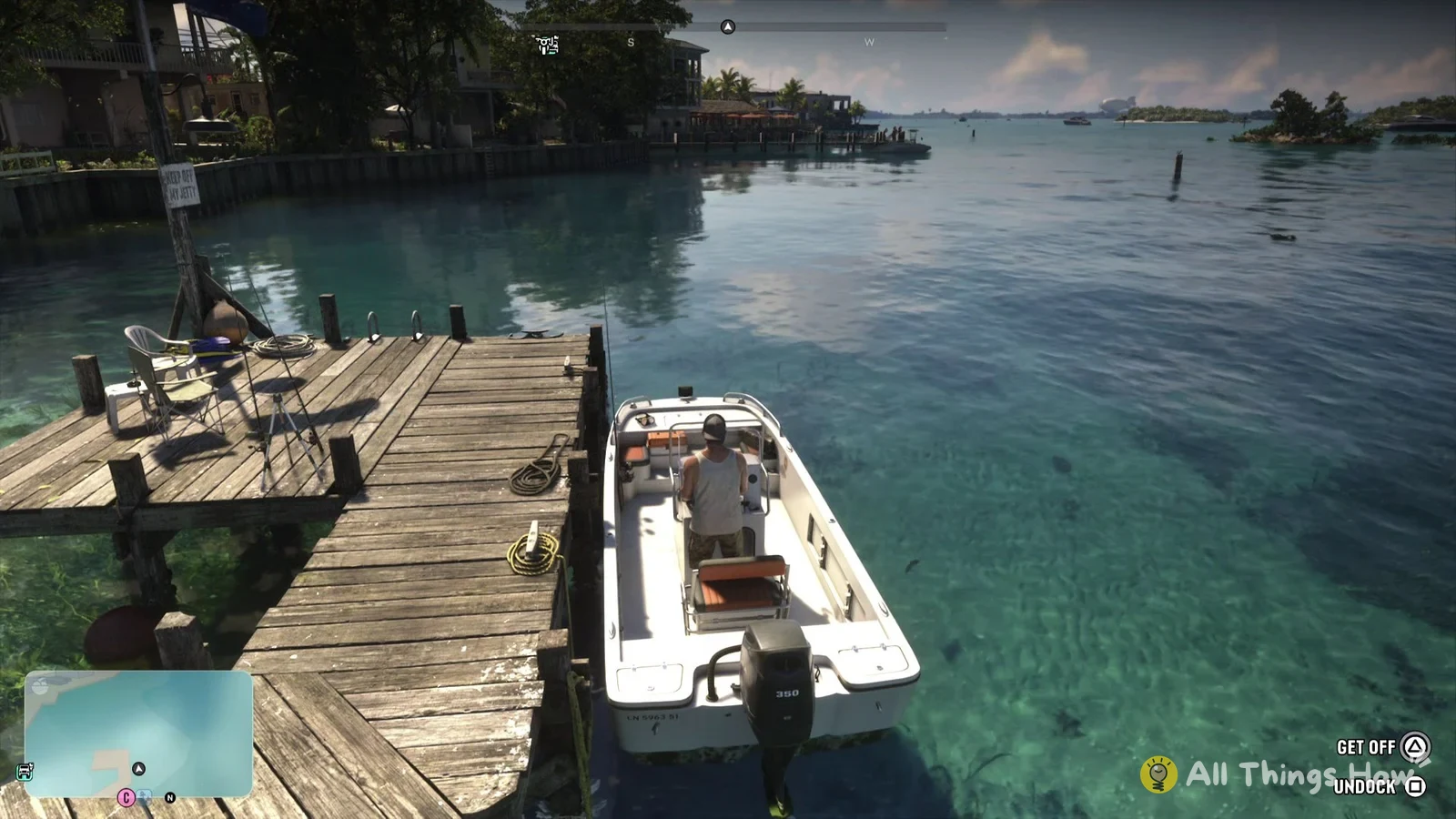
Board the boat and get to the wheel. When it’s still tied to a dock, you’ll see “GET OFF” (Triangle) and “UNDOCK” (Square) on screen.
GTA 6 Bombora boat at a dock with GET OFF and UNDOCK prompts
At the dock: GET OFF and UNDOCK.
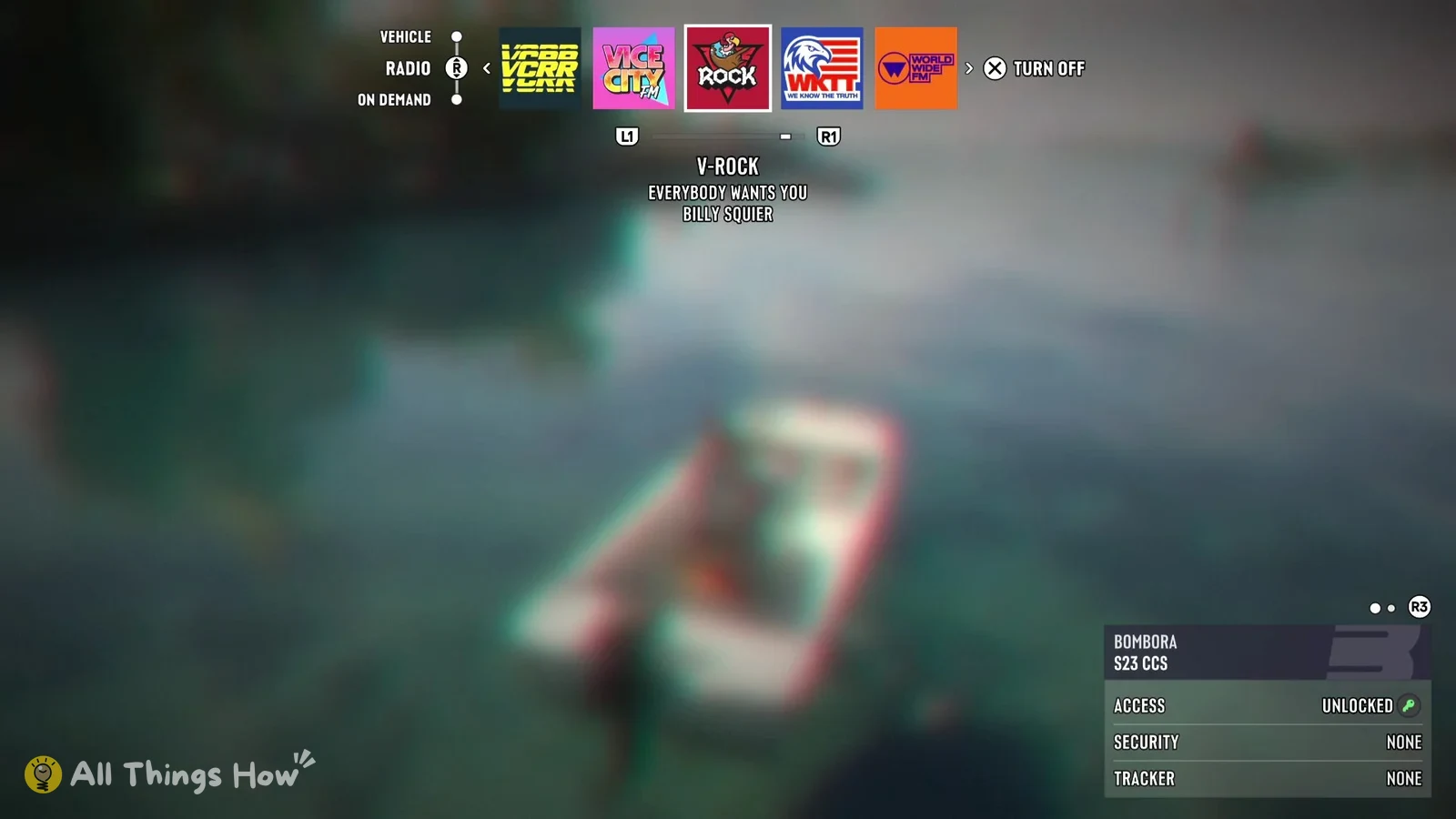
Press and hold left on the d-pad to bring up the Vehicle Menu strip across the screen’s top. RADIO is selected when it opens, alongside the VEHICLE and ON DEMAND tabs. You can also use this menu for car controls for the engine, hazards, headlights and windows.
GTA 6 boat Vehicle Menu strip opening on the RADIO tab
The Vehicle Menu opens on RADIO.
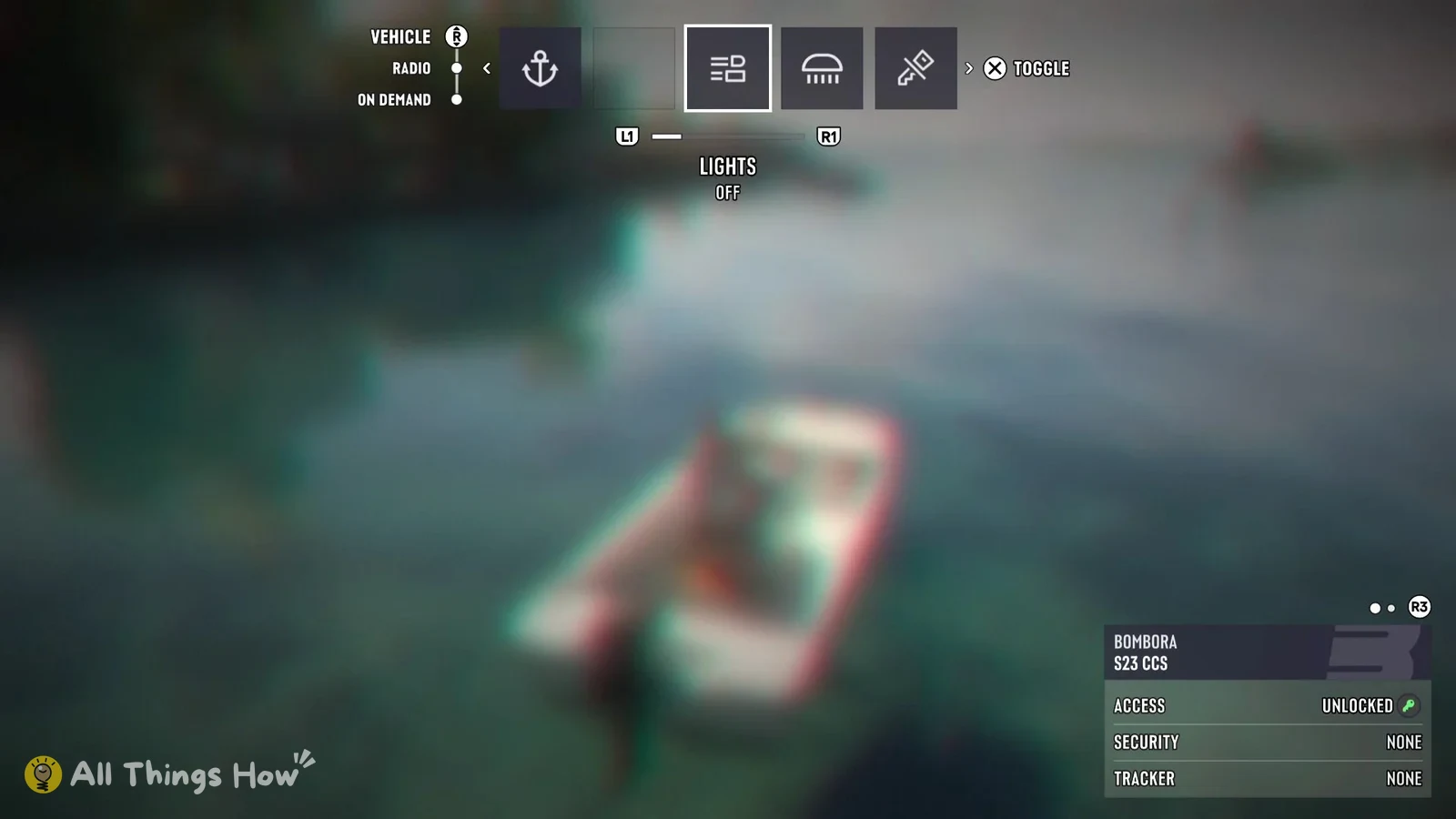
Push the right stick up to switch to the VEHICLE tab, which has the R icon next to it. The boat’s tiles show up, starting with LIGHTS / OFF and a Cross “TOGGLE” prompt.
GTA 6 boat VEHICLE tab with the LIGHTS tile
The VEHICLE tab: LIGHTS / OFF.
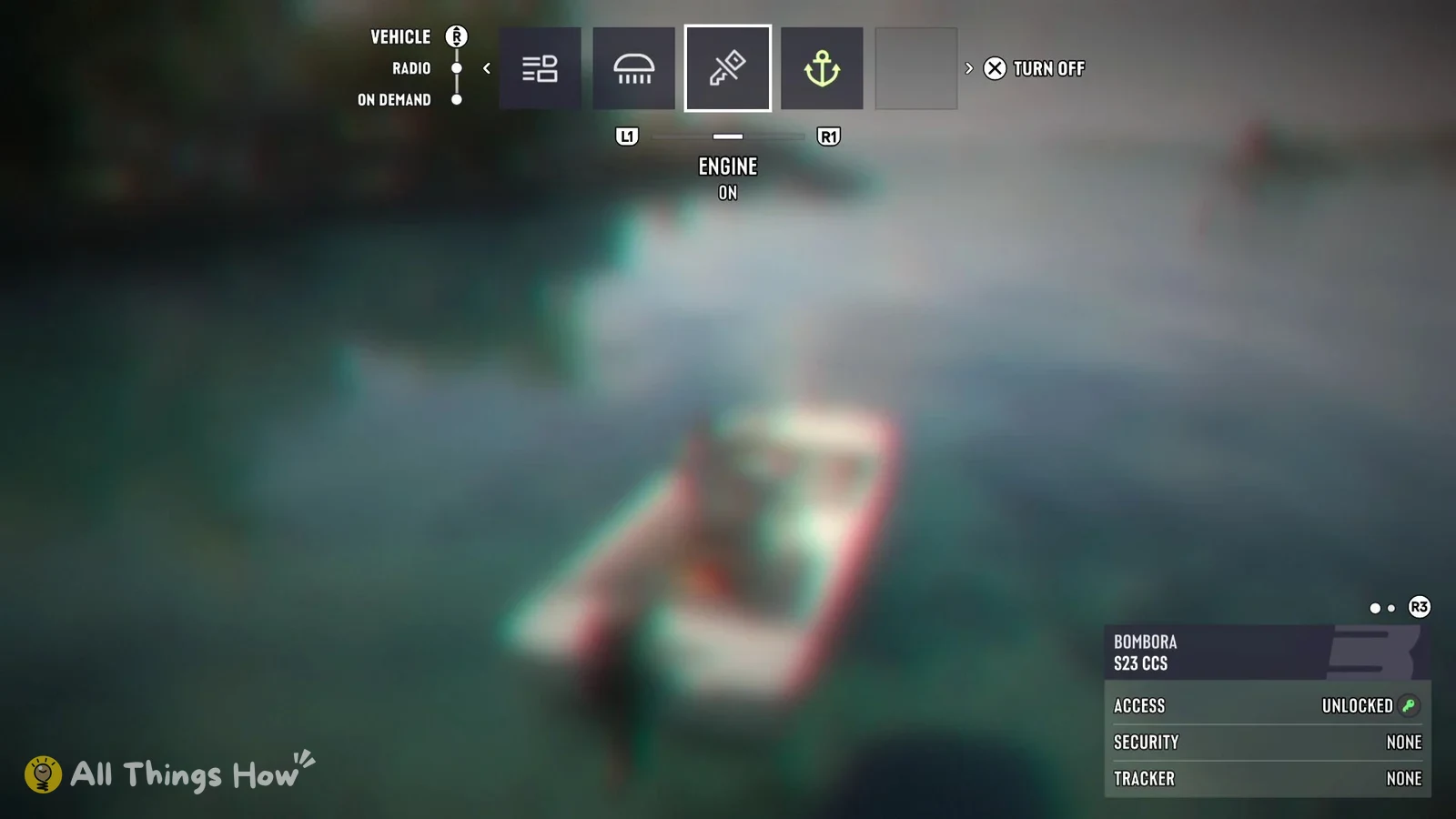
Use L1 and R1 to move along the tiles until you reach ANCHOR, which sits just to the right of ENGINE. The row wraps around, so you can go either way.
GTA 6 boat ENGINE tile with TURN OFF next to the ANCHOR tile
ENGINE, with ANCHOR to its right.

On the Bombora S23 CCS, the VEHICLE tab has these tiles, from left to right:

TileStatus shownCross button
LIGHTSOFF“TOGGLE”
UNDERGLOW—“TOGGLE”
ENGINE“ON”“TURN OFF”
ANCHORRAISED“LOWER”
(empty tile)——
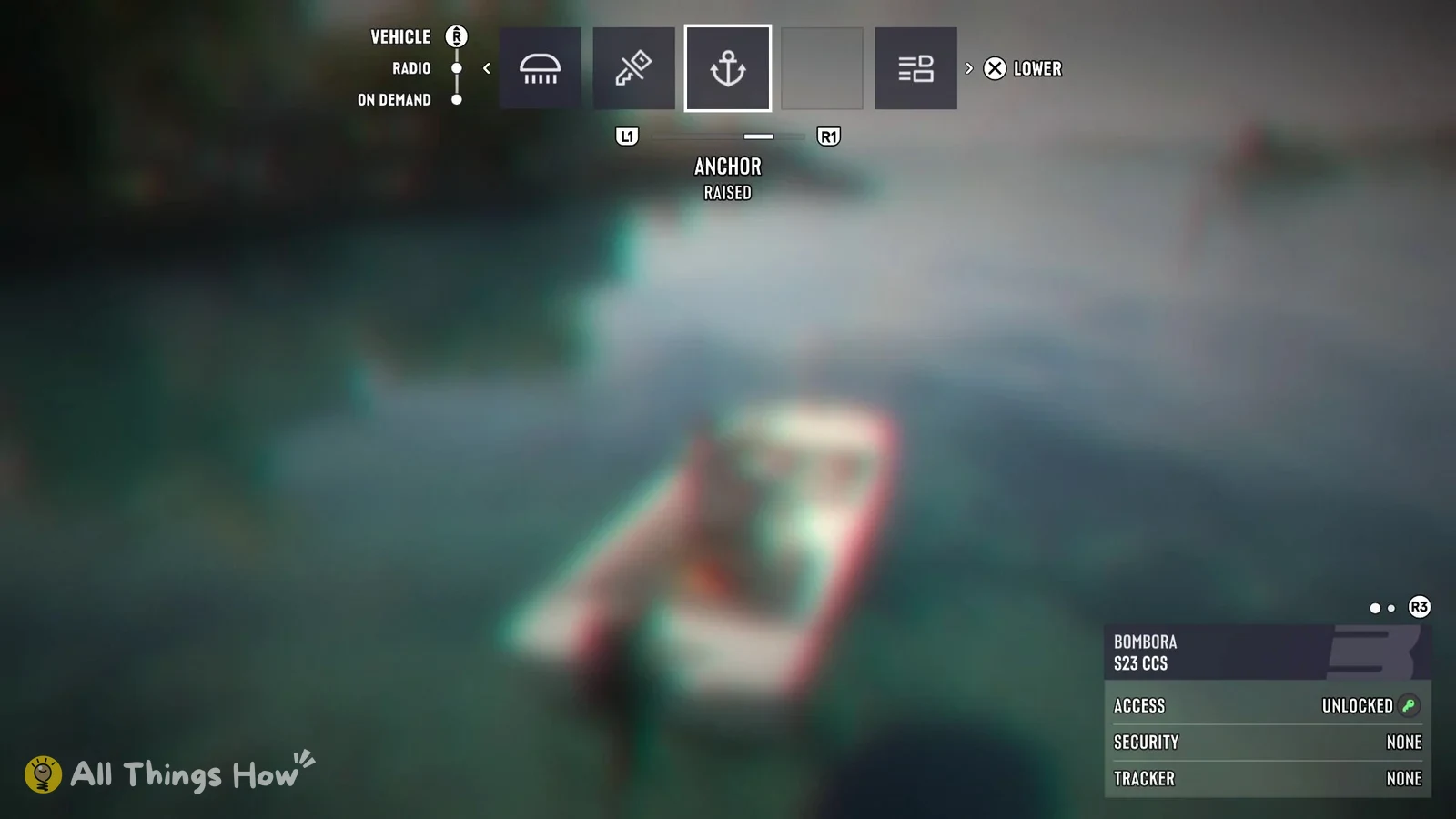
GTA 6 boat ANCHOR tile reading RAISED with Cross LOWER
"ANCHOR / RAISED": Cross LOWER.
With the ANCHOR tile selected, it reads “ANCHOR / RAISED” and the Cross prompt says “LOWER”. Press Cross, and the tile changes to “ANCHOR / LOWERED”, the anchor icon turns green and the button becomes Cross “RAISE”, which tells you the anchor is down.
GTA 6 boat ANCHOR tile reading LOWERED with a green anchor icon
"ANCHOR / LOWERED": Cross RAISE.

What happens when the anchor is down

With the anchor lowered, pressing Triangle at the wheel moves you back from the console onto the deck, and the boat stays where it was. Press Triangle at the console again to take the wheel back.
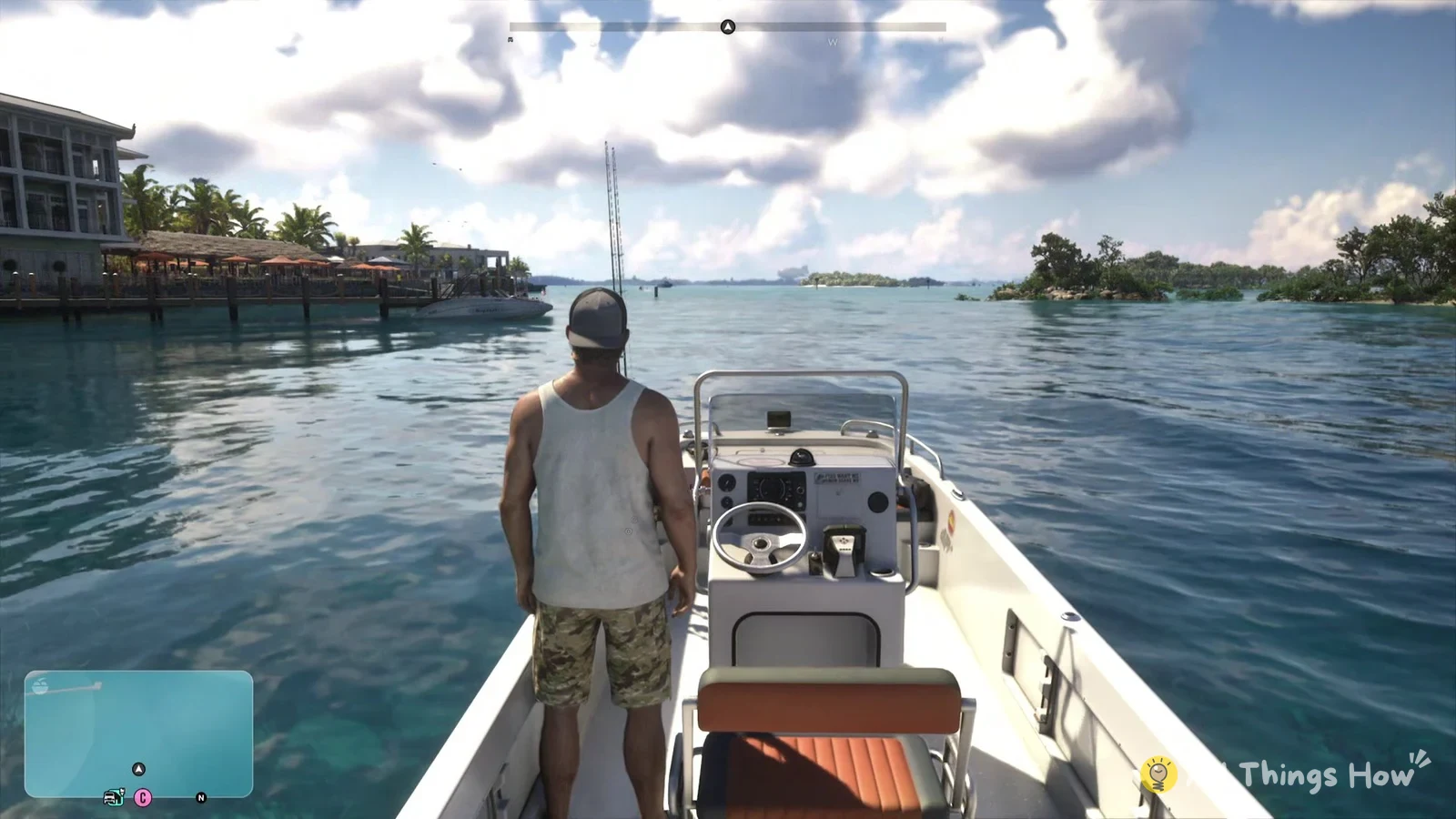
GTA 6 Jason standing on the deck of the anchored boat
On deck with the anchor down.

Stepping away from the wheel can also shut the engine down. In one example, the ENGINE tile read “OFF” in orange with a Cross “TURN ON” prompt afterward, so open the VEHICLE tab and press Cross on ENGINE to start it again before you drive.
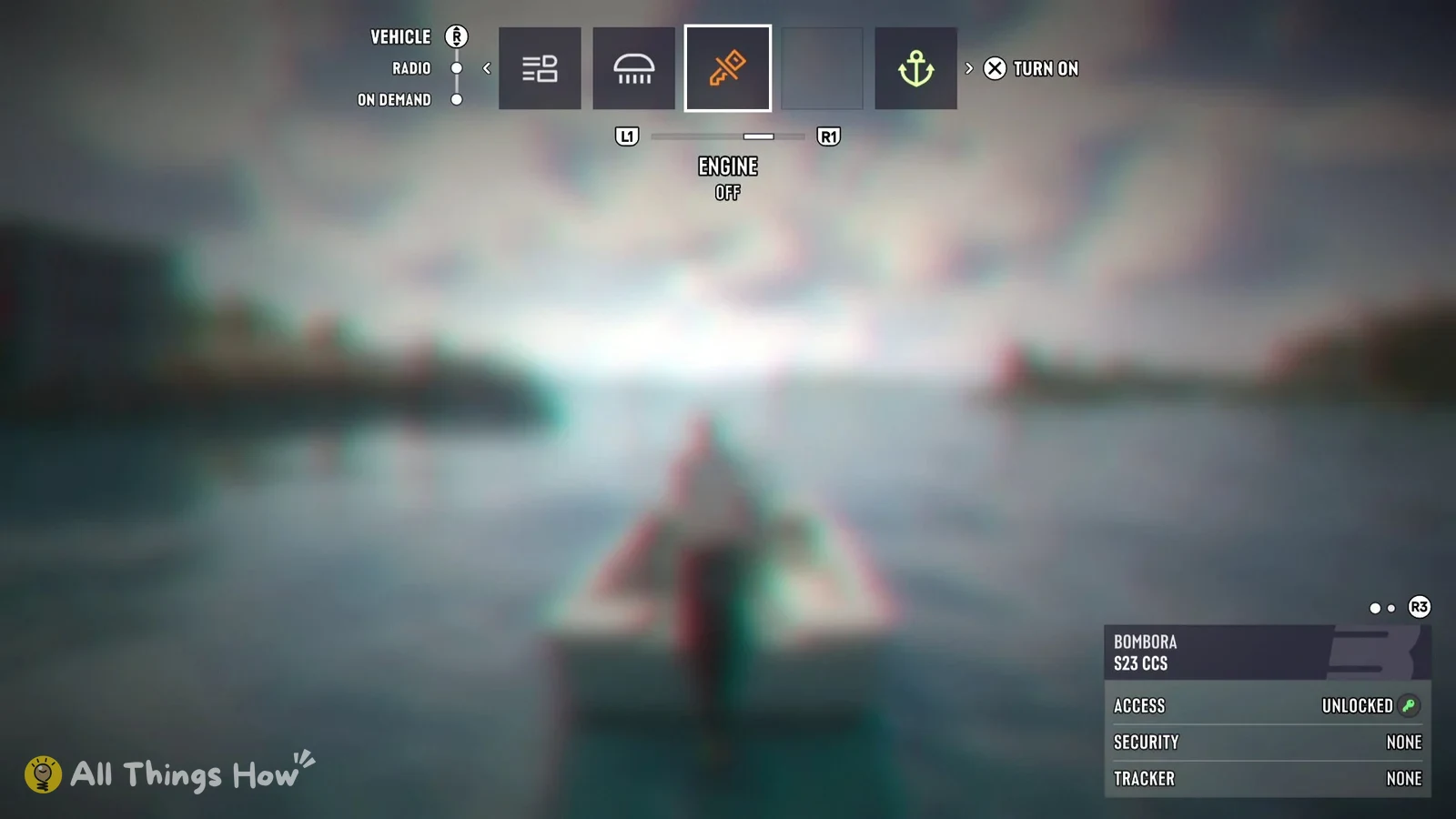
GTA 6 boat ENGINE tile OFF in orange with Cross TURN ON
ENGINE: OFF, Cross TURN ON.

With the engine running and the anchor lowered, opening the throttle moved the boat off. Afterward, ANCHOR showed “RAISED” again. To have the anchor down after driving off, check the tile and lower it again if needed.
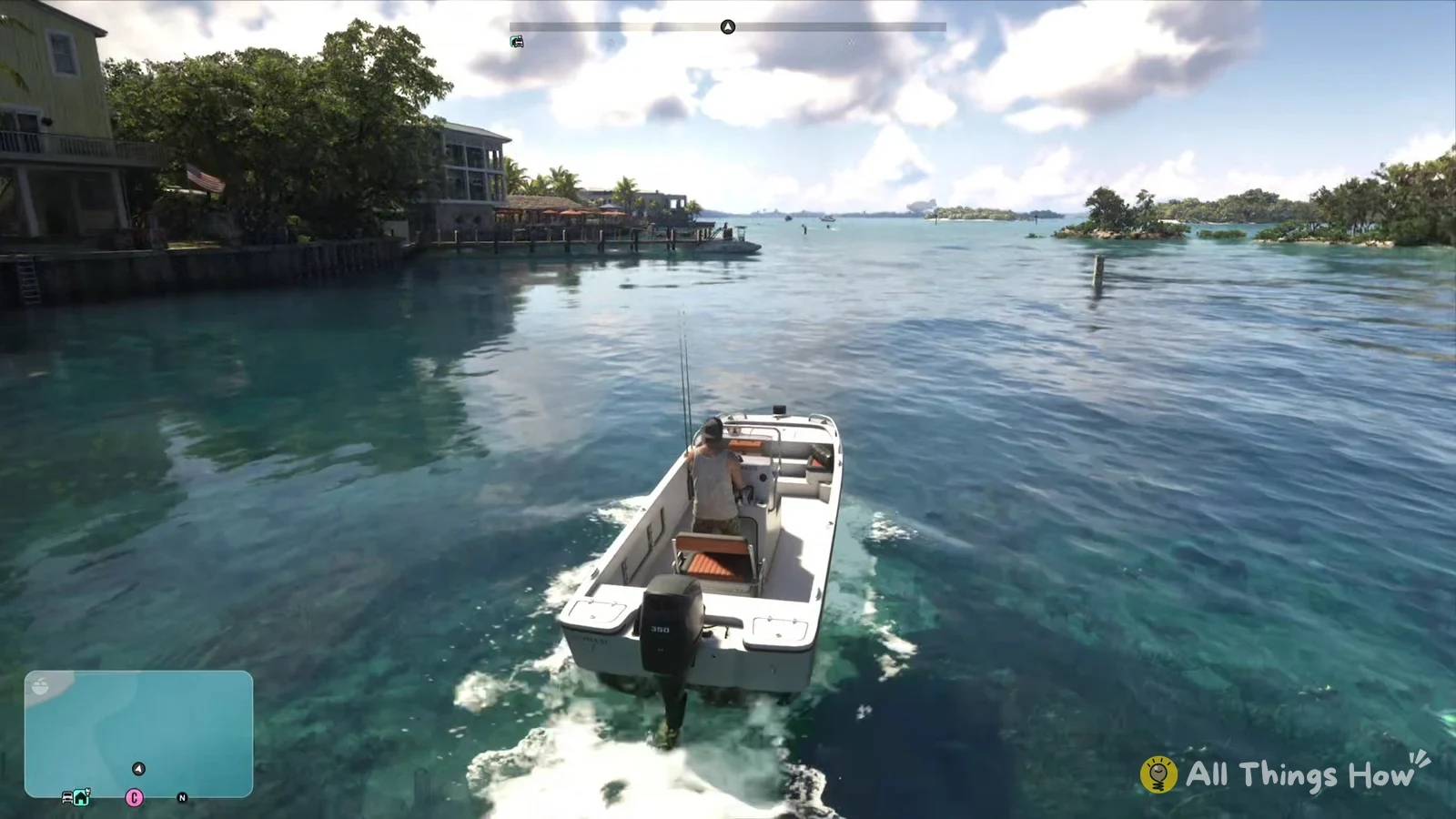
GTA 6 Bombora boat moving off with the anchor lowered
Throttle with the anchor down.

How to raise the anchor

Open the Vehicle Menu the same way, go to the ANCHOR tile on the VEHICLE tab and press Cross (“RAISE”).
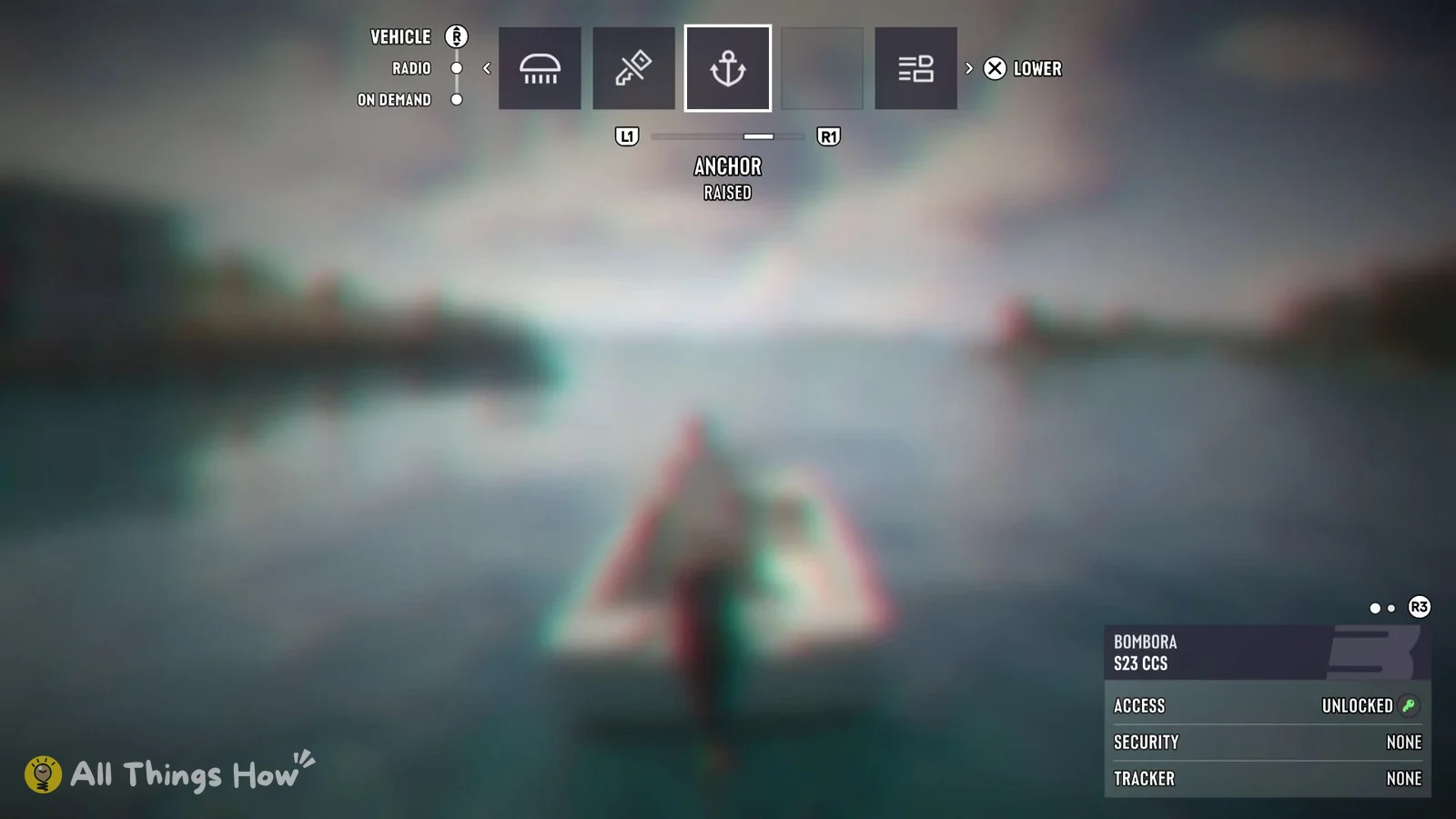

GTA 6 boat ANCHOR tile back to RAISED
ANCHOR reads RAISED again.