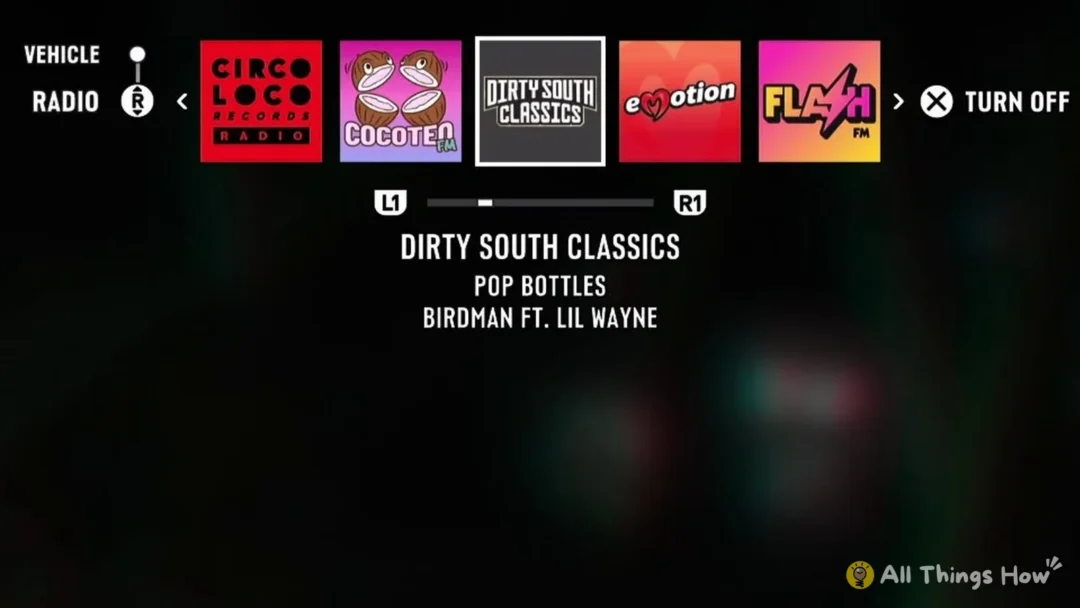
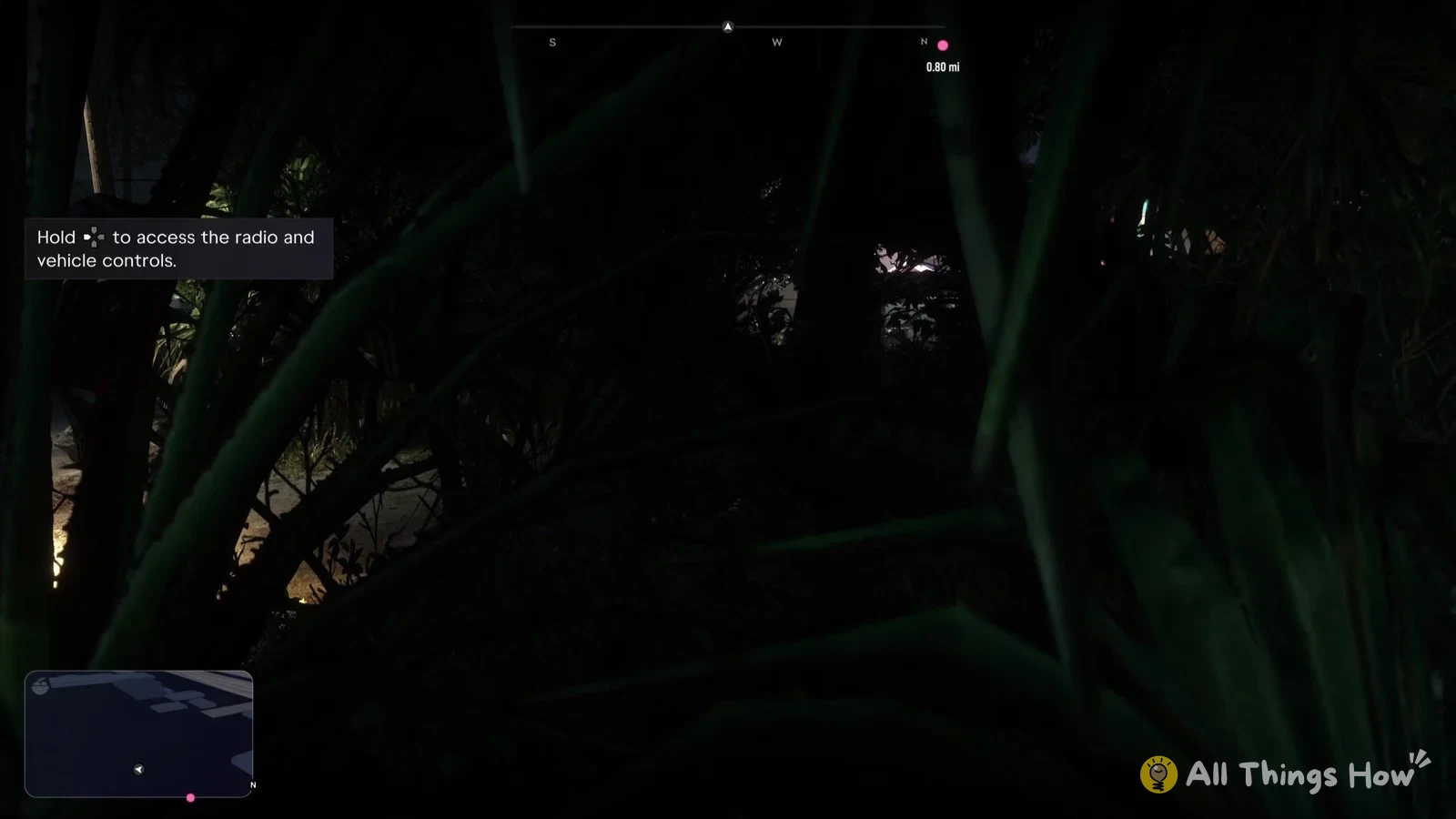
In GTA 6 you don’t need a separate button for each part of a car. The engine, hazard lights, headlights and windows all sit in one menu that you open from the D-pad, and it’s the same menu that holds the radio. When you get into a vehicle, the game shows a tip at the start: “Hold (D-pad left) to access the radio and vehicle controls.”
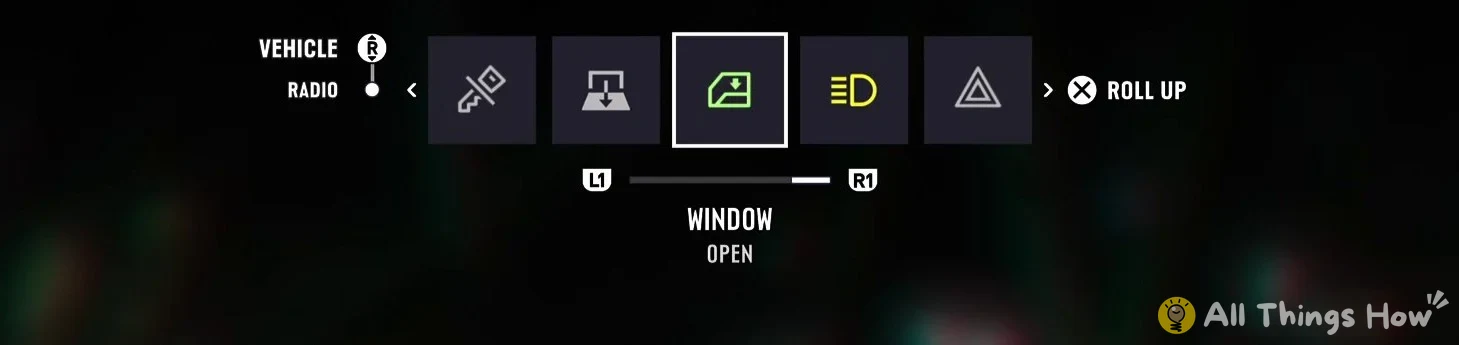
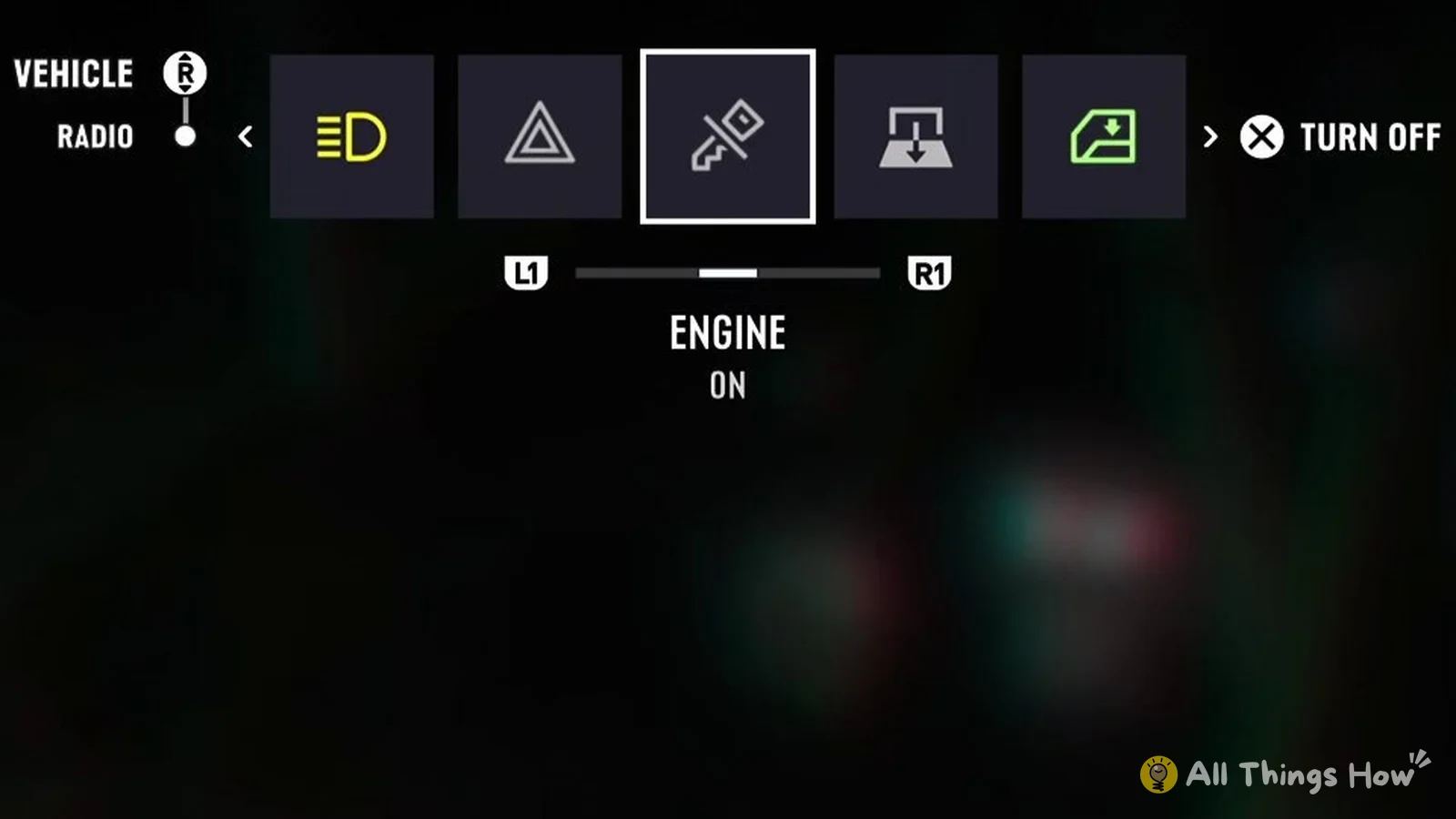
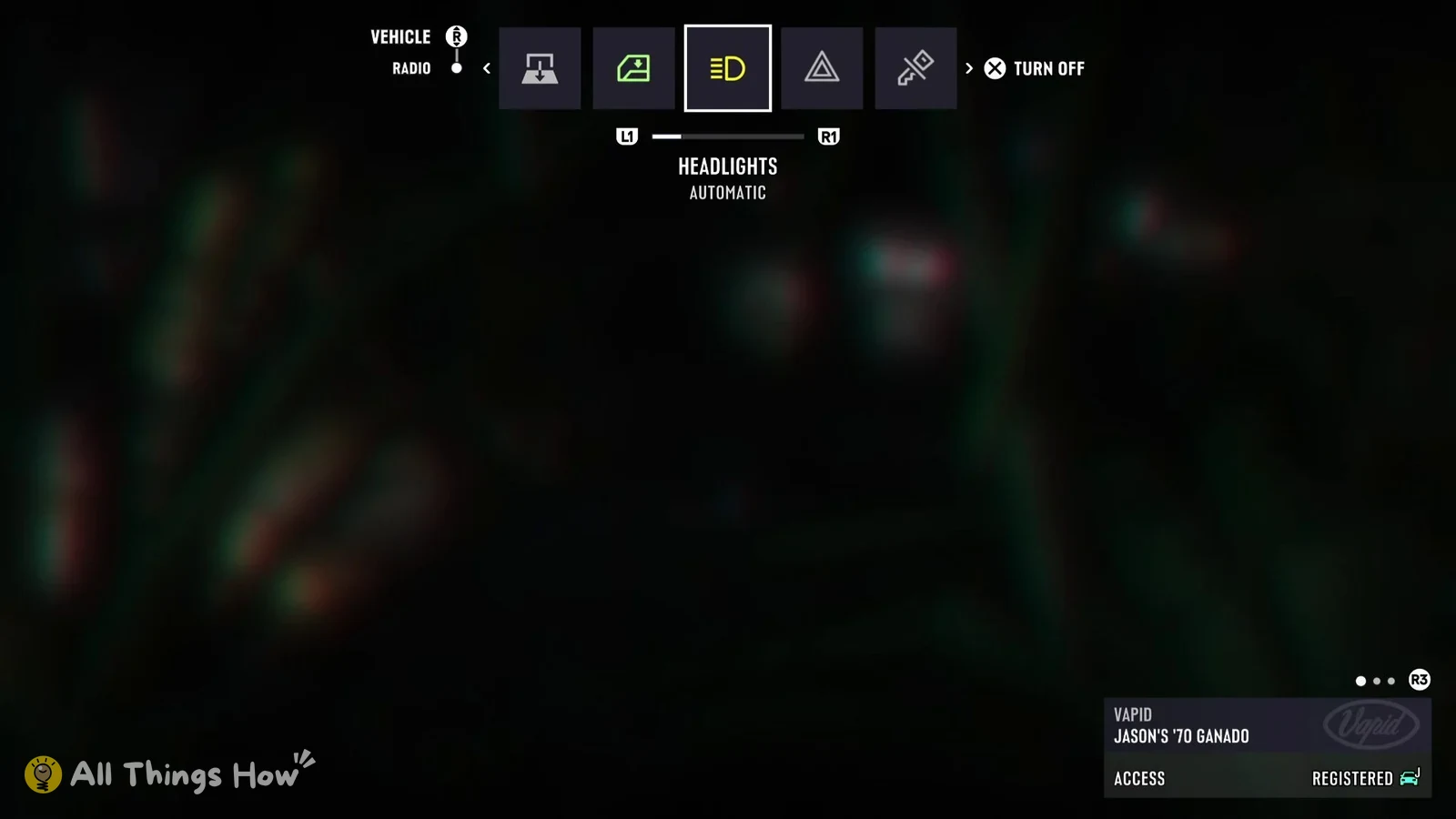
Quick answer: While you’re in a vehicle, keep left on the D-pad held down. Find the VEHICLE row, move through Headlights, Hazards, Engine, Tailgate or Window with L1 and R1, and tap Cross to toggle your choice.
How to open the vehicle controls in GTA 6
These steps use the default PS5 controls.
Vehicle controls in GTA 6
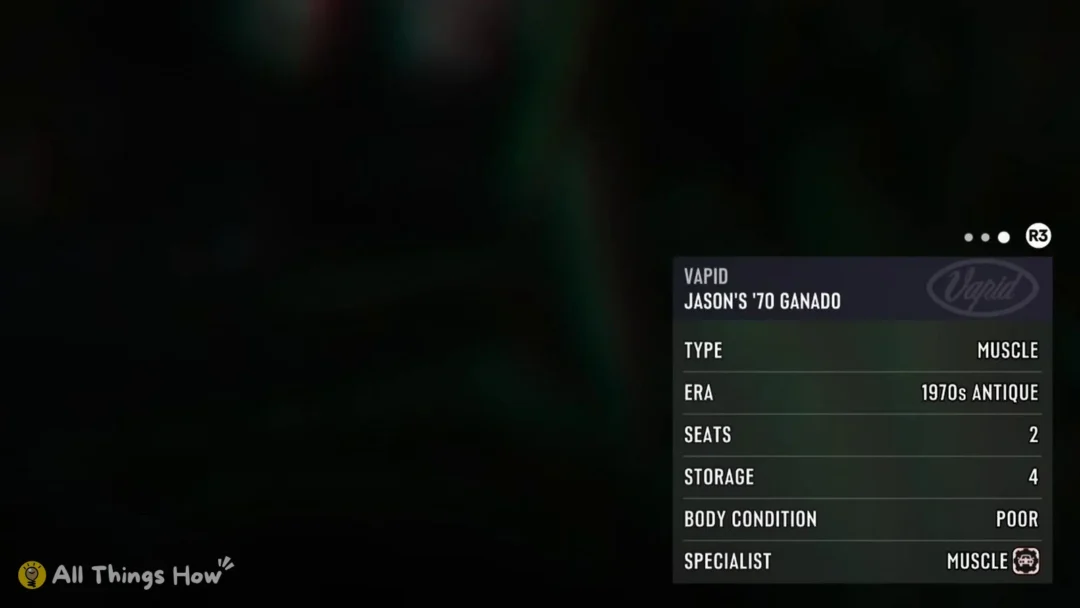
Jason’s ’70 Ganado pickup has five icons on its VEHICLE row. Here’s the state each one shows and the word on the Cross prompt.
| Control | State we saw | Cross does |
|---|---|---|
| Headlights | Automatic | TURN OFF |
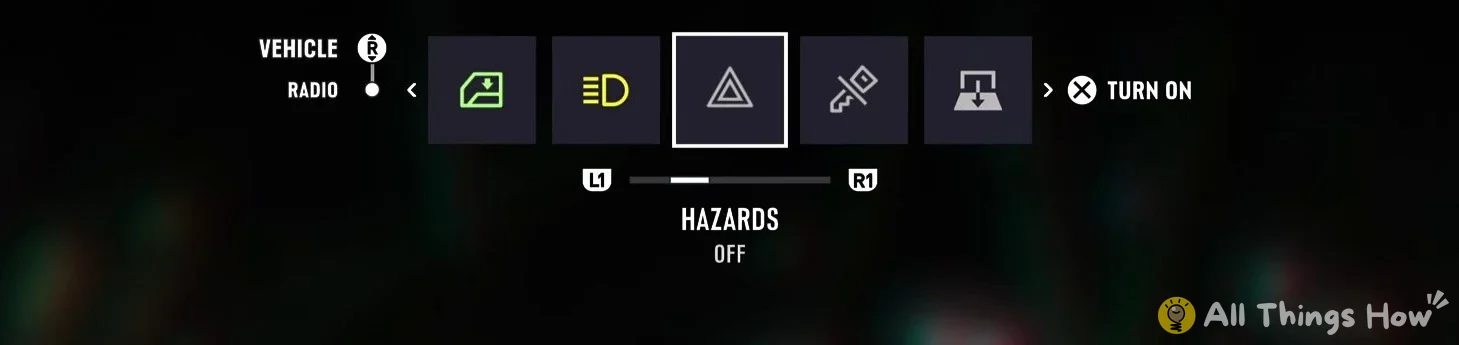
| Hazards | Off | TURN ON |
| Engine | On | TURN OFF |
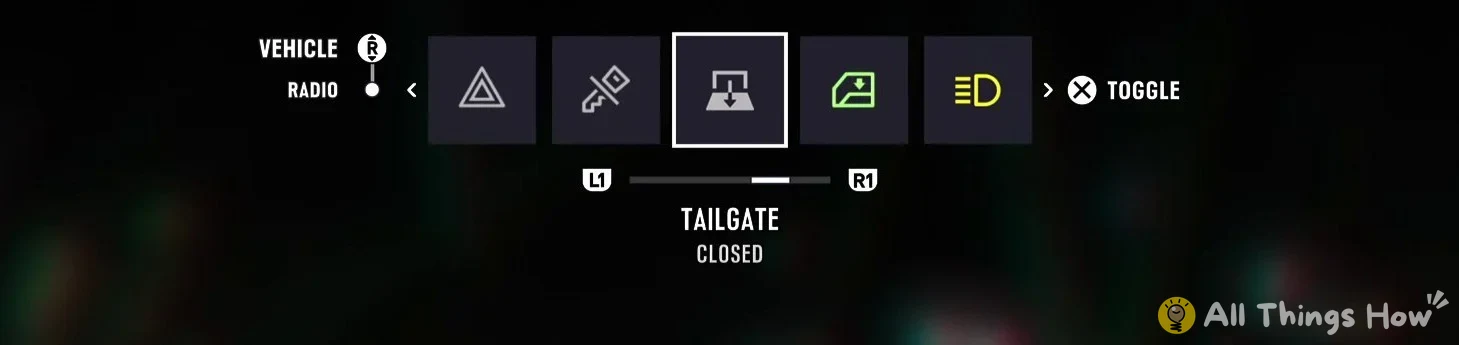
| Tailgate | Closed | TOGGLE |
| Window | Open | ROLL UP |
Tailgate is on the list because the Ganado is a pickup truck, so the row can look different in other vehicles. Whatever you’re driving, the name and state under the middle icon tell you what’s selected, and the Cross prompt tells you what pressing it will do.
How to turn off the engine
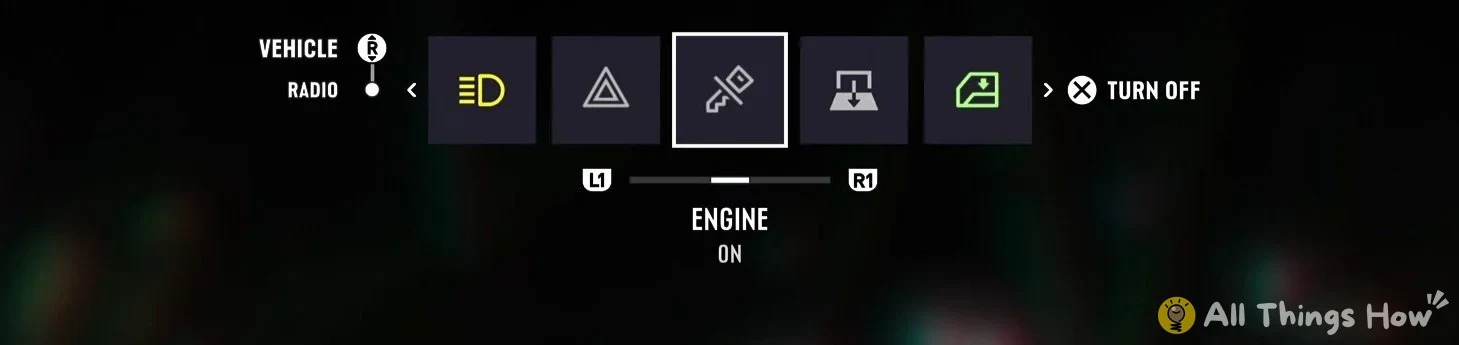
Hold left on the D-pad, stay on the VEHICLE row and scroll with L1 or R1 until Engine sits in the middle, with its state showing On. Press Cross while the prompt reads TURN OFF.
How to turn on hazard lights
Open the strip with left on the D-pad and scroll the VEHICLE row with L1 or R1 to Hazards, which shows Off as its state. Press Cross on the TURN ON prompt.
How to turn headlights off
Headlights are set to Automatic, and you’ll find them on the VEHICLE row after holding left on the D-pad and scrolling with L1 or R1. With Headlights selected, press Cross while the prompt says TURN OFF.
How to roll windows up or down
Hold left on the D-pad and scroll the VEHICLE row with L1 or R1 to Window, whose state line tells you whether it’s open. When it shows Open, the Cross prompt reads ROLL UP, so press Cross to bring the window up.