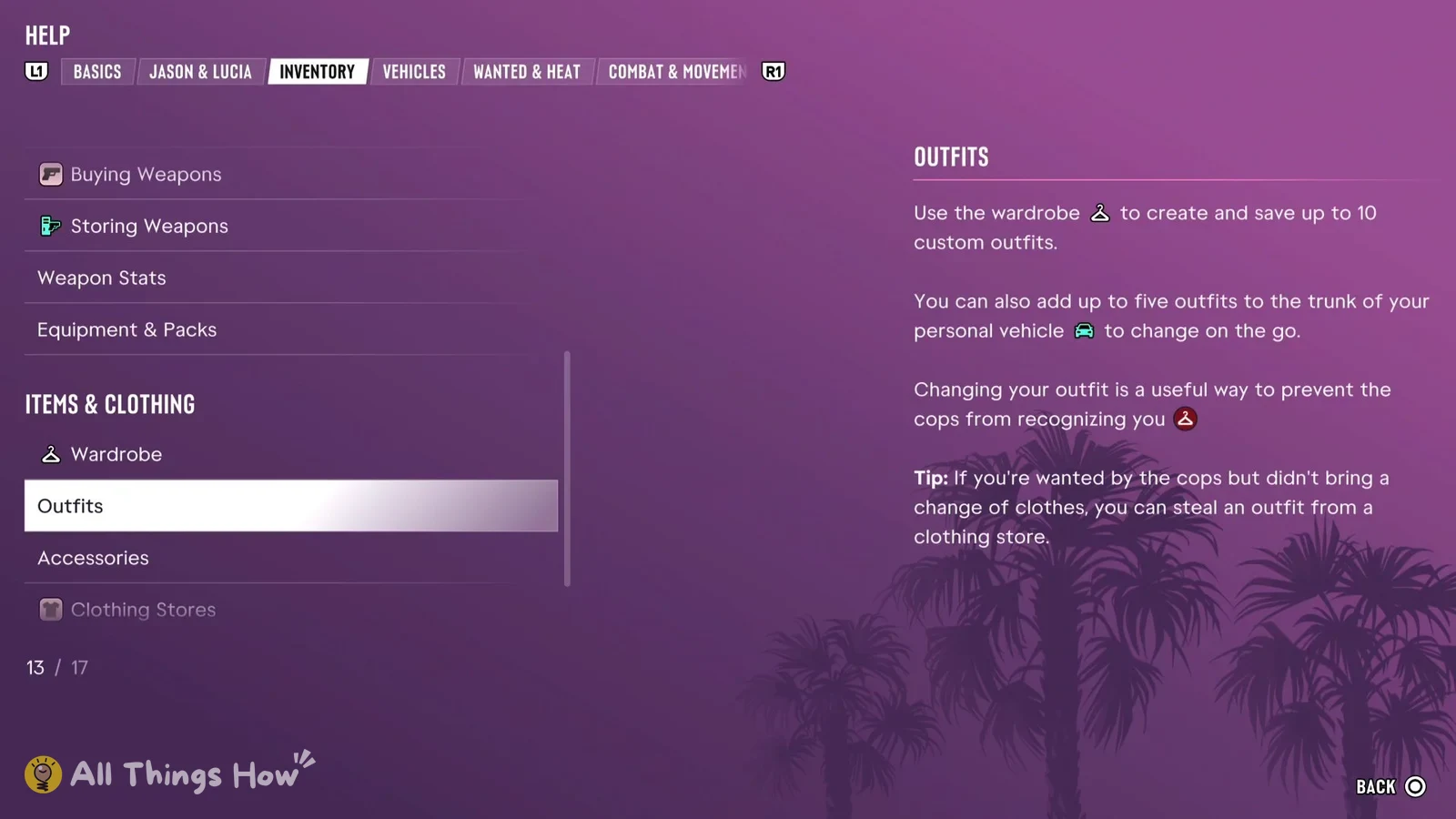
In GTA 6, a mask isn’t a separate item with its own menu. It’s an accessory, like headwear or eyewear, and you put it on and take it off from the same loadout you use for everything else you’re carrying. The game’s Help menu (Pause > Help) covers masks across four pages, and they all point back to the same button presses.
Quick answer: Bring up your loadout by holding L1. Tap R1 to switch to your items, select the mask, and press Cross to wear it. Press Cross once more to remove it.
How to put on a mask in GTA 6
The controls are listed under Help > INVENTORY > “Loadout – Items & Clothing”. You need to be carrying a mask first, since the loadout only lists what you’ve got on you. The game puts it this way: “The loadout will show anything you’re carrying, including smokes, accessories, and gear.”
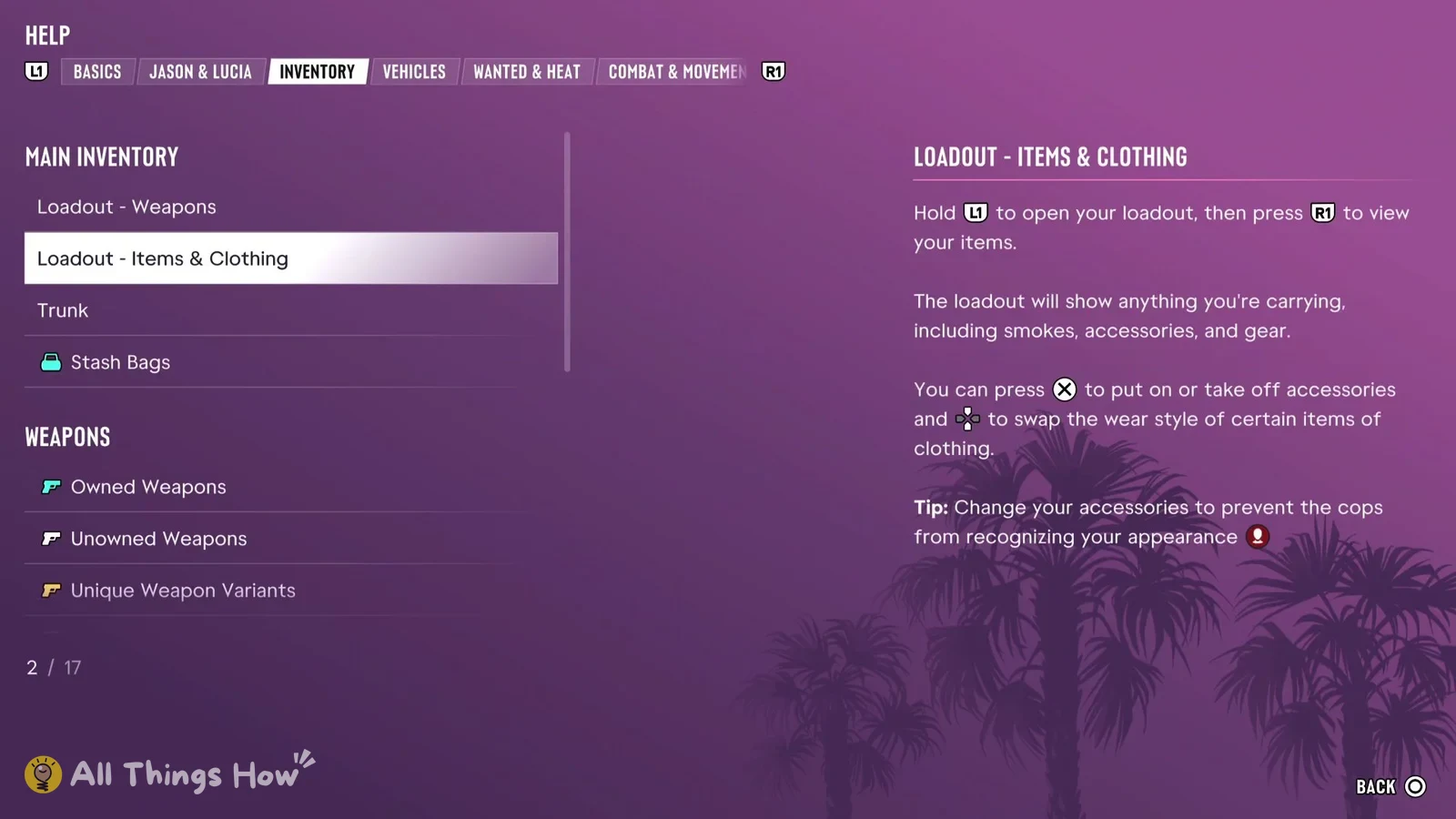
The [D-pad] part of that line is about changing how certain clothing is worn, not about masks, so you don’t need it to put a mask on.
How to take a mask off in GTA 6
Taking a mask off uses the exact same path in reverse. Hold [L1], press [R1] to get to your items, highlight the mask you’re wearing and press [Cross] again. Cross works as a toggle for accessories, so one press puts the mask on and the next press takes it off. The same page adds a tip that explains why you’d bother: “Tip: Change your accessories to prevent the cops from recognizing your appearance”
Where GTA 6 masks are stored: Wardrobe and trunk
Outside the loadout, masks are managed at the wardrobe in your safehouse. Help > INVENTORY > “Accessories” says “Use the wardrobe to manage accessories, like masks, headwear, and eyewear. You can put on or take off accessories in your loadout.”
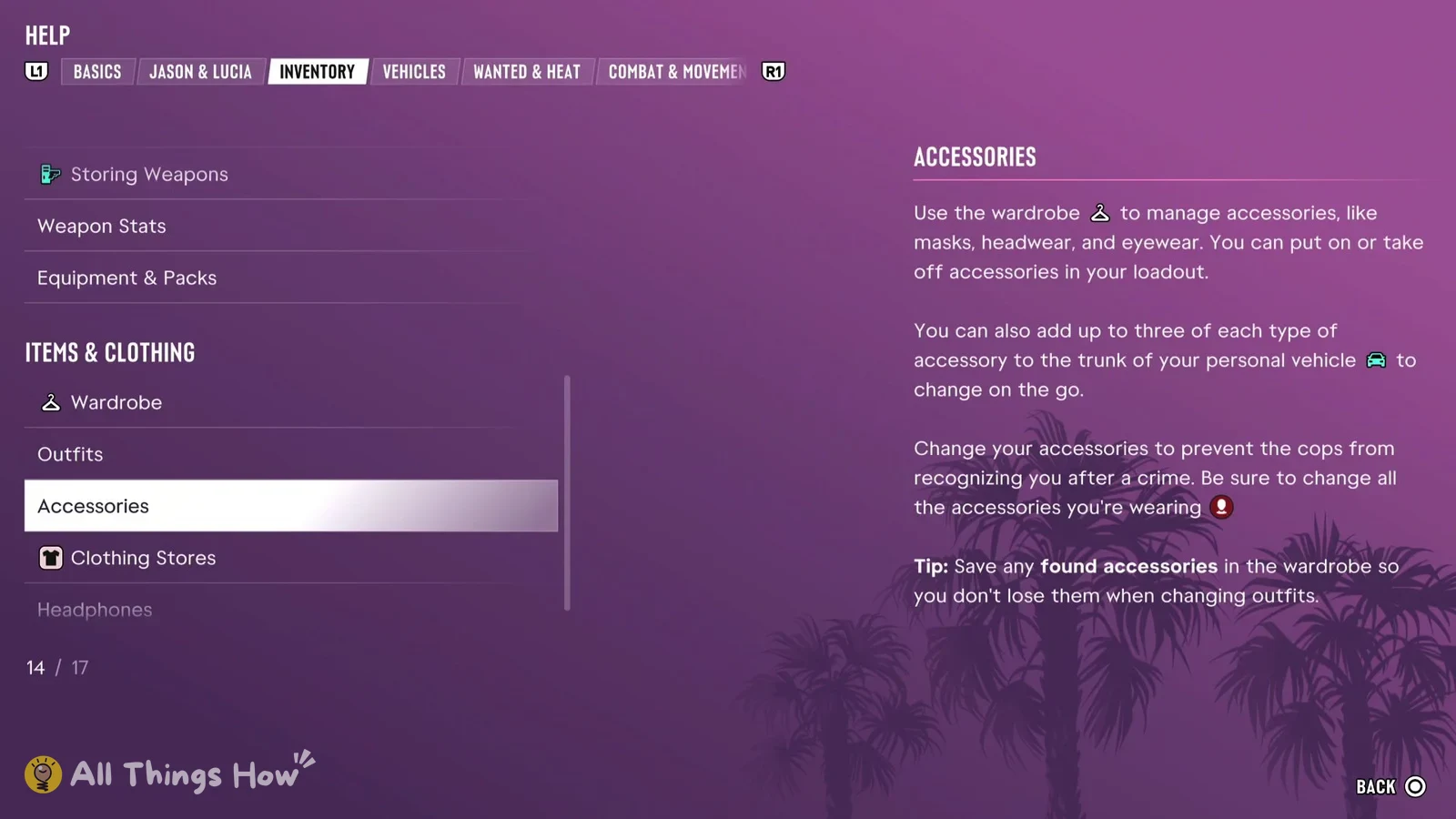
Your personal vehicle can hold accessories too, which means you don’t have to go back to the safehouse to switch looks. The game says “You can also add up to three of each type of accessory to the trunk of your personal vehicle to change on the go.” That limit is per type, so up to three masks can sit in the trunk next to your other headwear and eyewear.
The game warns “Tip: Save any found accessories in the wardrobe so you don’t lose them when changing outfits.” If you pick up a mask and want to keep it, put it in the wardrobe before you swap outfits.
The same page also says “Change your accessories to prevent the cops from recognizing you after a crime. Be sure to change all the accessories you’re wearing” so if you’ve got a hat or glasses on along with the mask, change those as well.
When to wear a mask in GTA 6
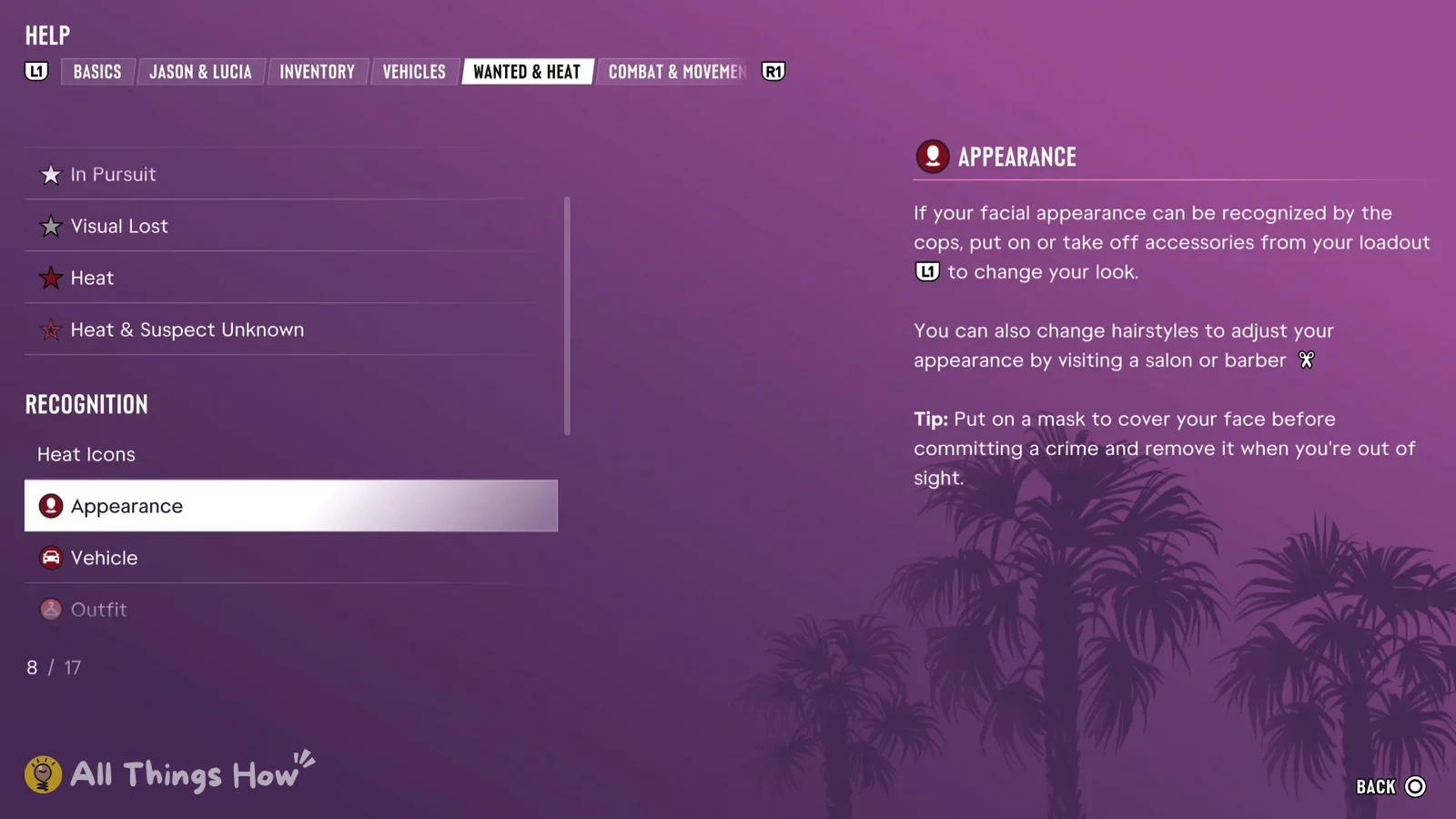
Masks tie into how the police recognize you. Under Help > WANTED & HEAT > “Appearance”, the game says “If your facial appearance can be recognized by the cops, put on or take off accessories from your loadout [L1] to change your look.” The page pairs that with “Tip: Put on a mask to cover your face before committing a crime and remove it when you’re out of sight.”
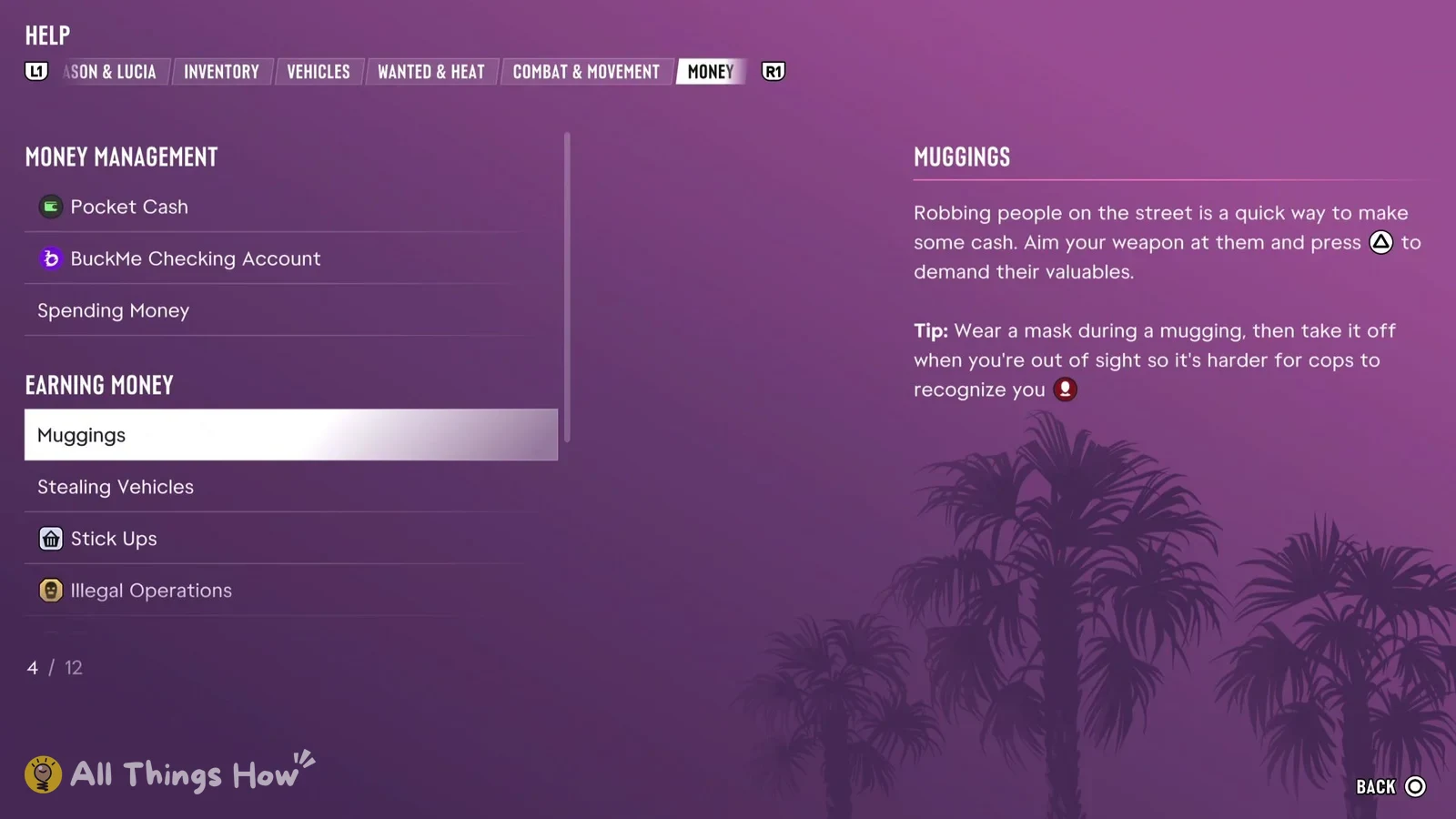
Muggings get the same advice. Help > MONEY > “Muggings” carries the line “Tip: Wear a mask during a mugging, then take it off when you’re out of sight so it’s harder for cops to recognize you”
Both tips follow the same order: mask on before the crime, mask off once nobody can see you. Watch for the red head icon on these Help pages, which the Heat Icons page labels “Appearance recognized”. When it shows, the cops can recognize your face, and that’s the point where the game tells you to open your loadout with [L1] and change what you’re wearing.