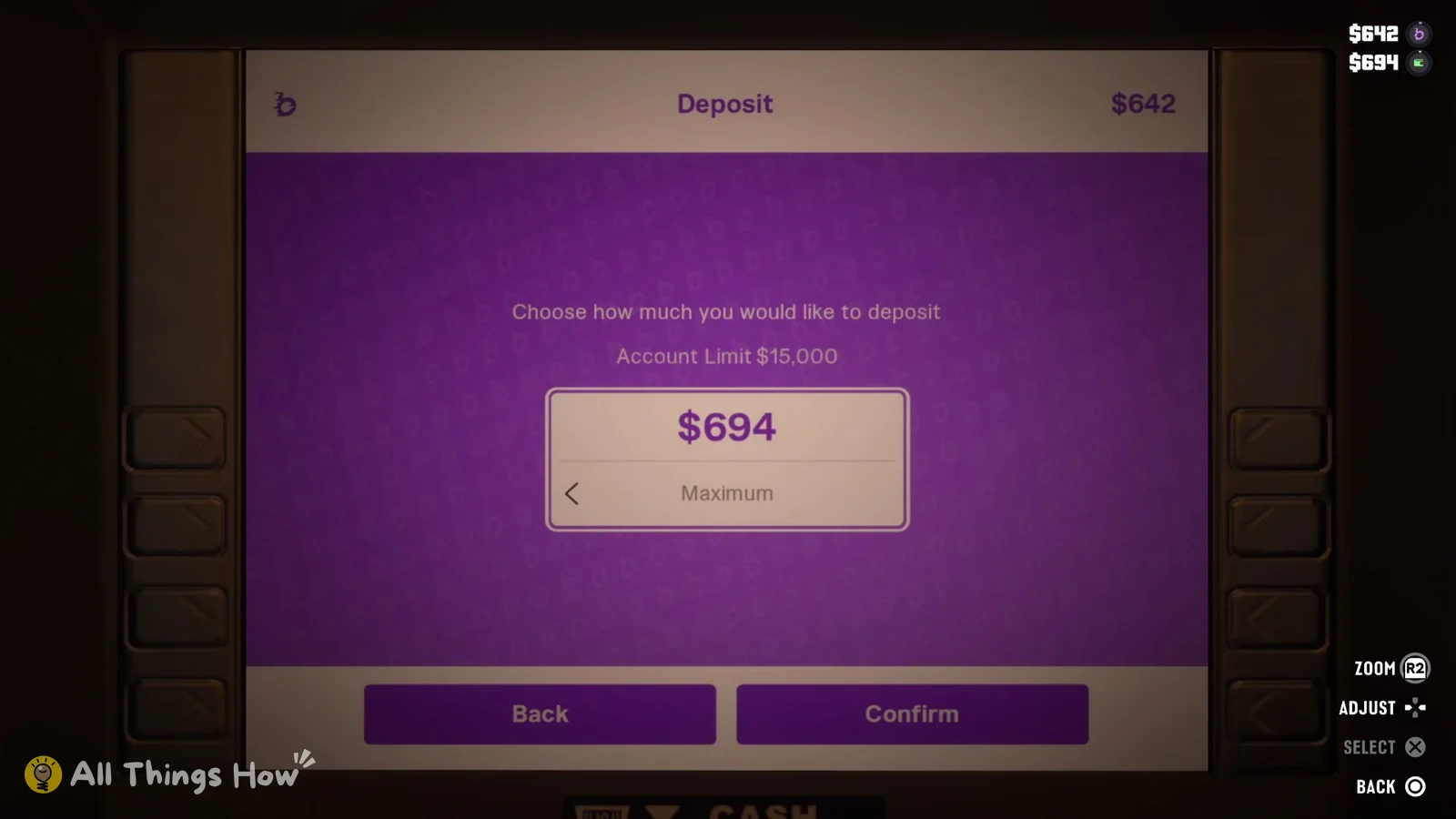
In Grand Theft Auto VI, the money you build up during Chapter 1 doesn’t automatically follow you into Chapter 2. Most of it is wiped when the chapter ends, and only one account carries over. You have to move your cash there yourself before you start the mission that ends the chapter.
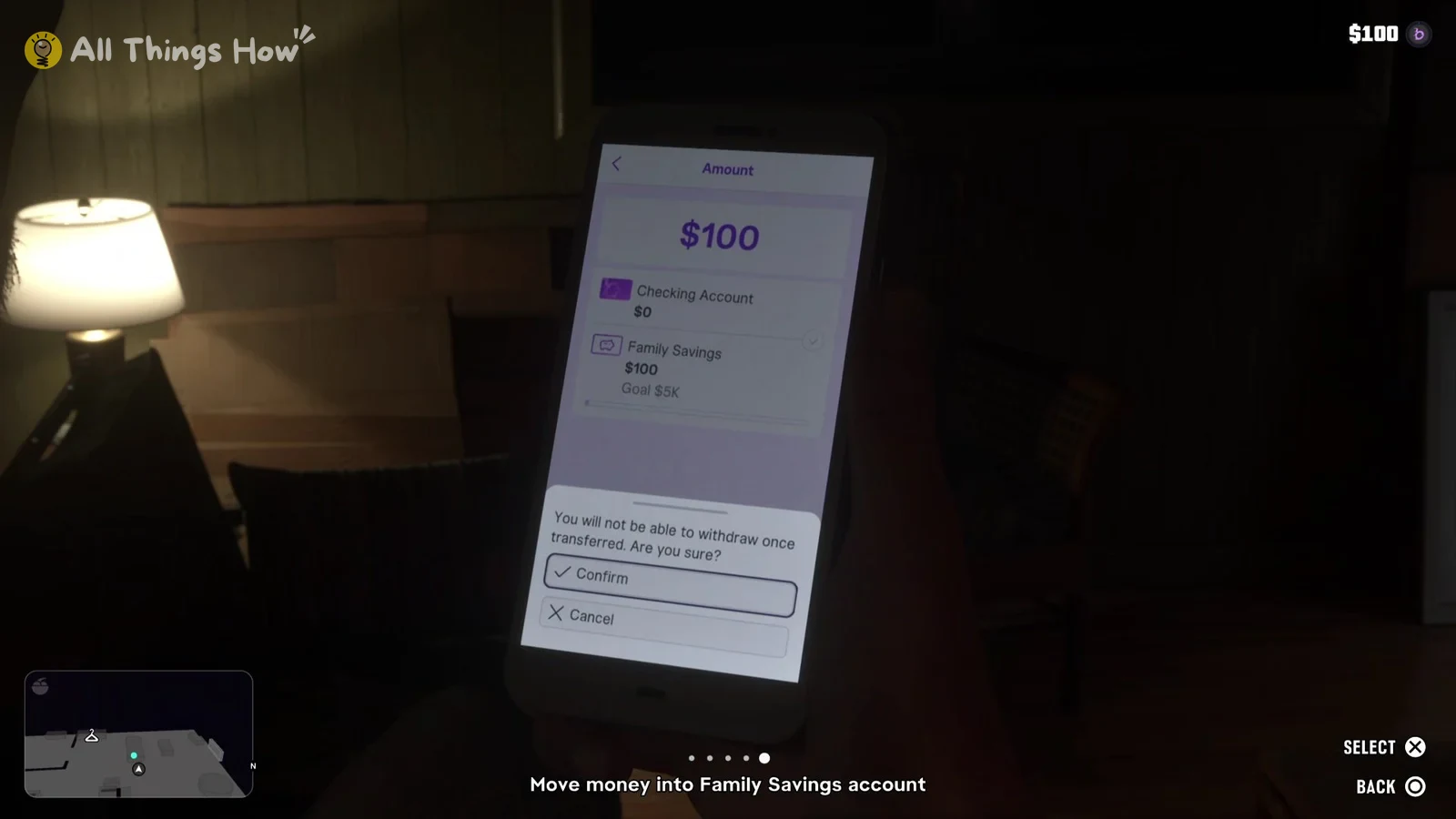
Quick answer: Yes. You lose your pocket cash, the stash at Jason’s house and your BuckMe checking balance. BuckMe Family Savings carries over, so move money there before starting Tourist Trap.
What you lose after Chapter 1 in GTA 6 and what you keep
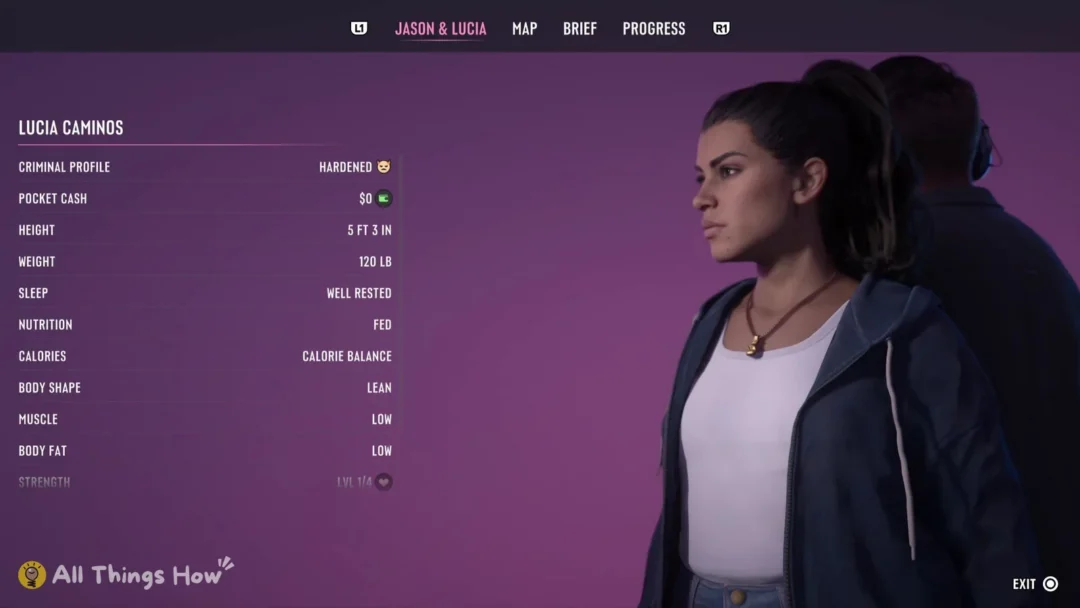
- Lost: the cash in your pocket.
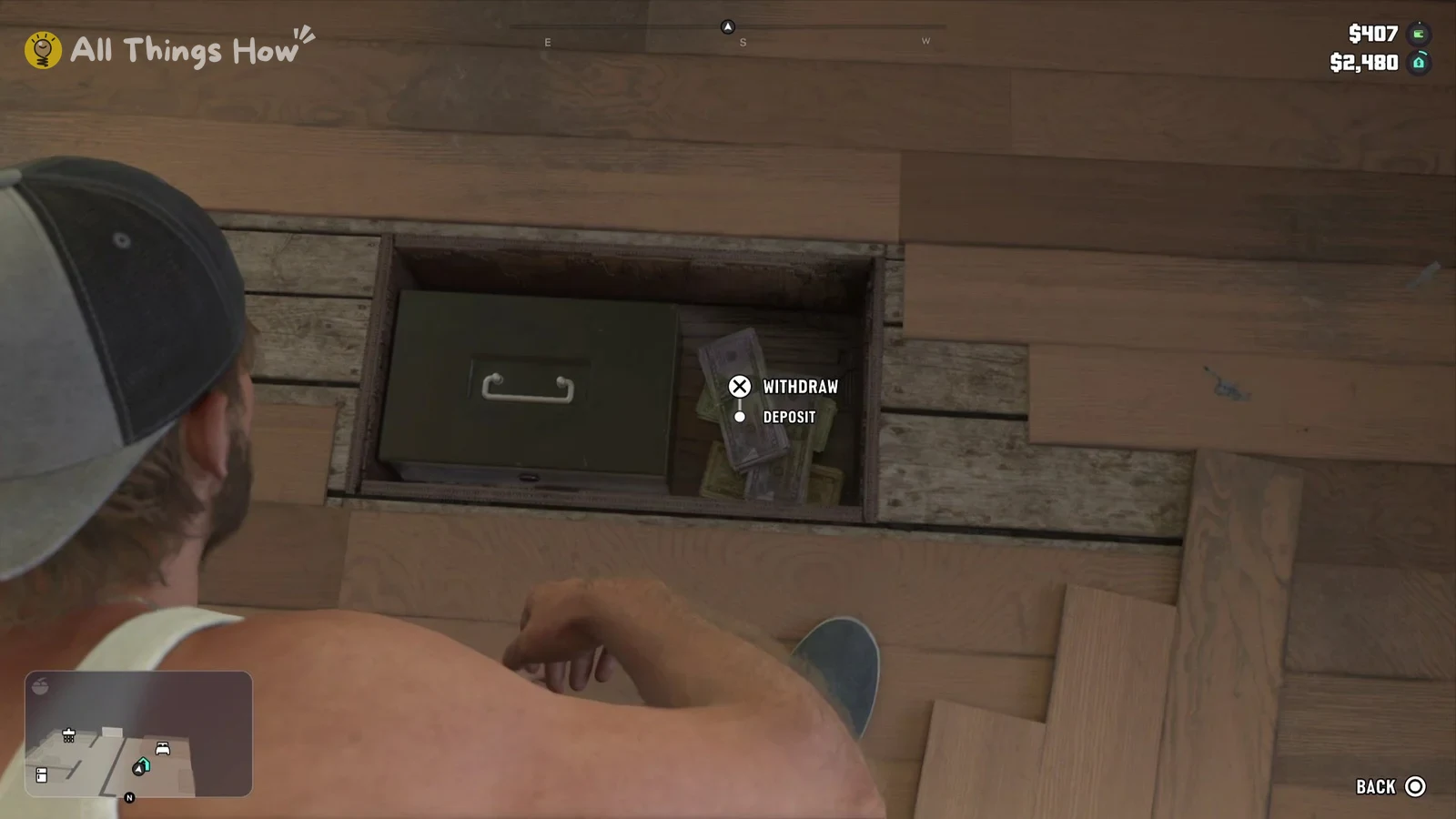
- Lost: the cash stash under the floor at Jason’s house.
- Lost: the money in your BuckMe checking account.
- Jason’s personal cars, including the Ganado, don’t carry over. Don’t put money into them near the end of Chapter 1.
- Kept: the money in BuckMe Family Savings.
- Kept: your weapons.
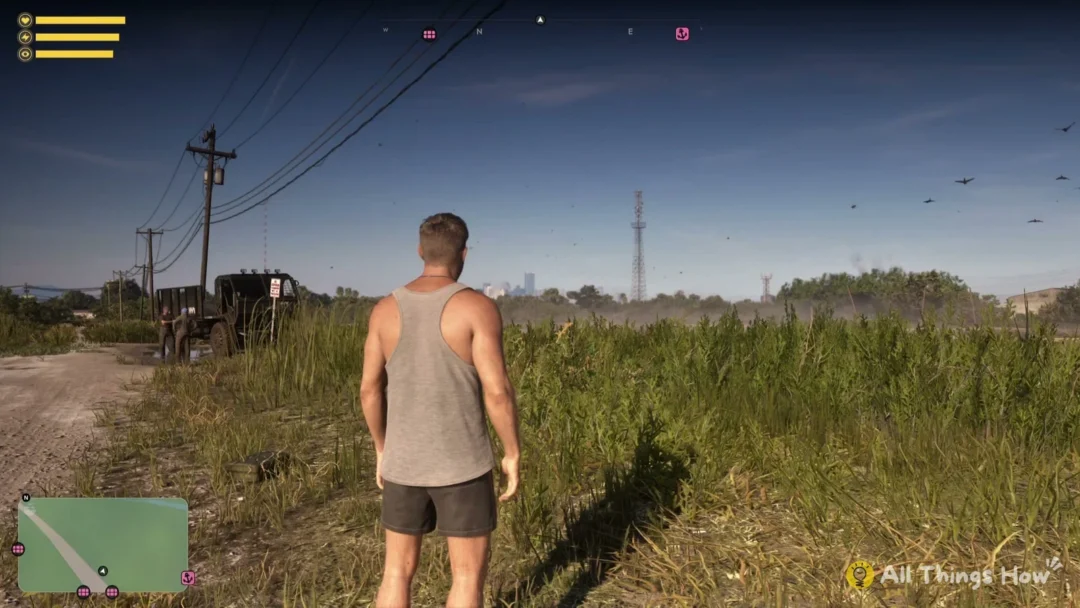
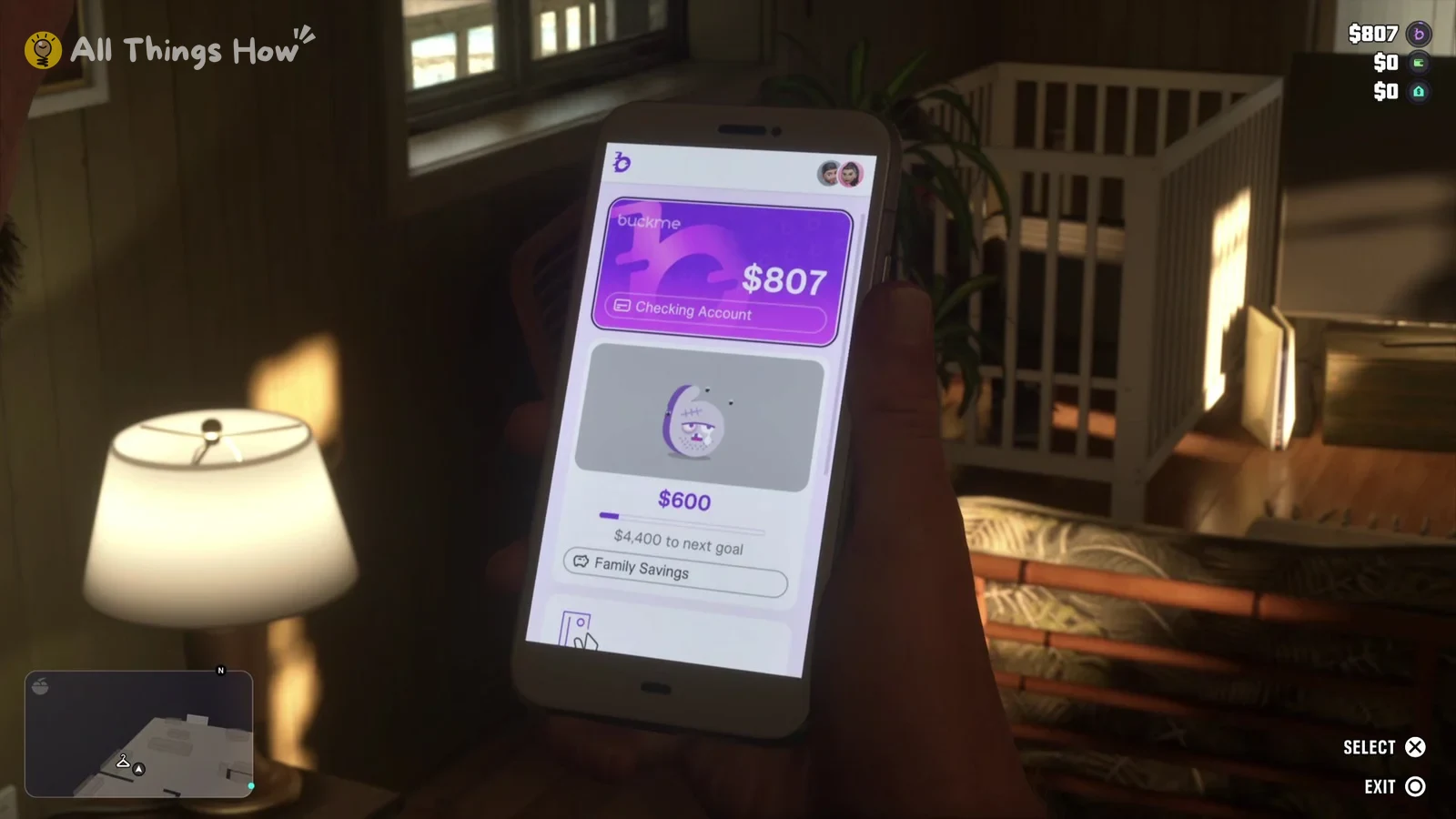
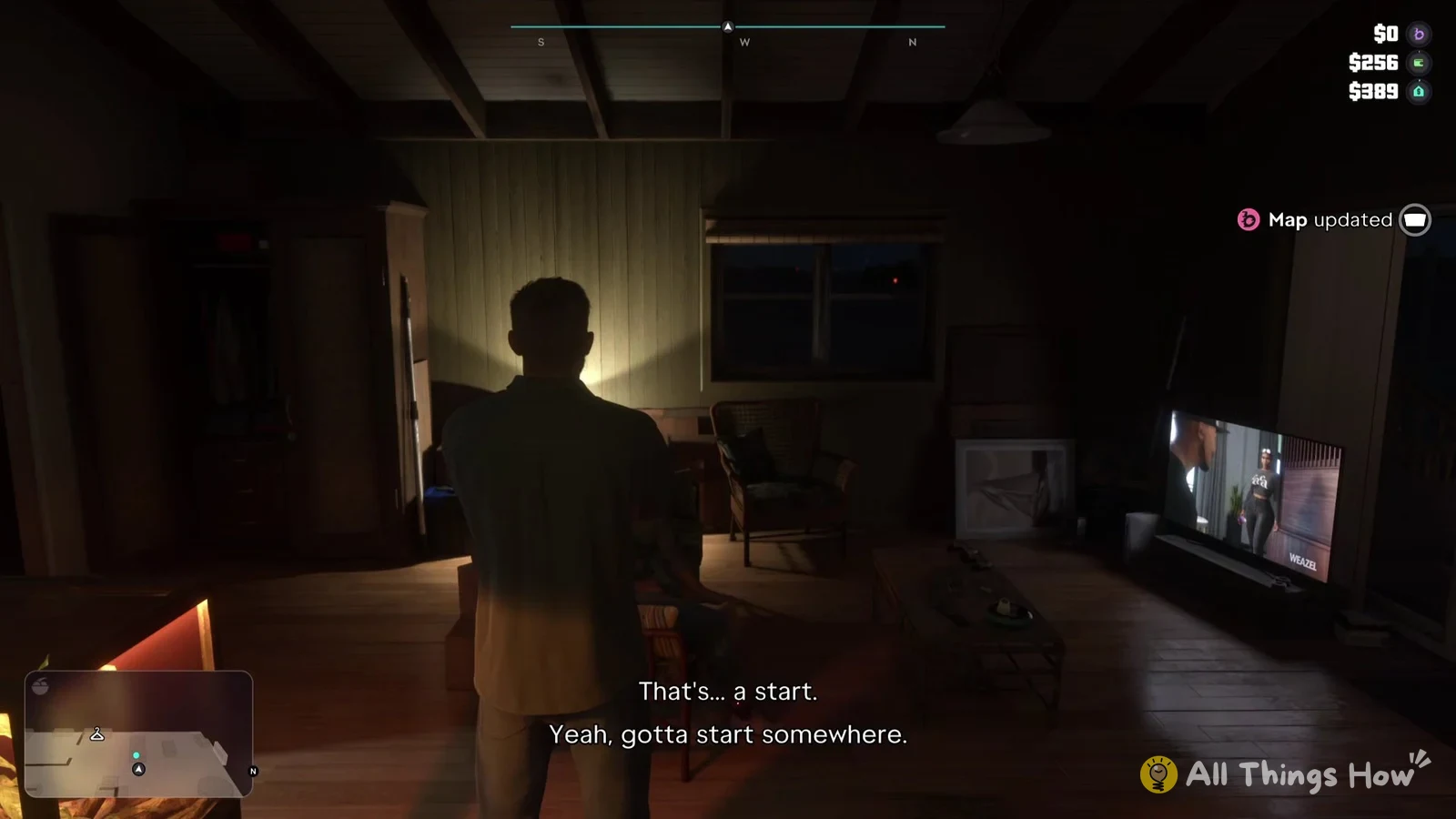
You can check all three of the amounts that get wiped at the top right of the screen. The “b” icon is your BuckMe balance, the wallet icon is the cash you’re carrying and the house icon is the stash at Jason’s place. None of those count as BuckMe Family Savings, which is the only balance that makes it to Chapter 2.
When the money goes: Tourist Trap
Starting the story mission Tourist Trap is the point of no return. It comes after the mission Recalibration, and once it starts it runs straight into Home Sweet Home and then on into Chapter 2, with no break in between where you could get to an ATM or your phone. Anything you want to keep has to be in Family Savings before you start Tourist Trap.
Spoilers for the end of Chapter 1 follow.
During Home Sweet Home, Lucia heads back to Jason’s house to grab his hidden cash. The house catches fire and she has to get out without the money, which is why the floor stash is lost along with everything else.
How to keep your money before Chapter 1 ends
Save for the Future: the Family Savings goal
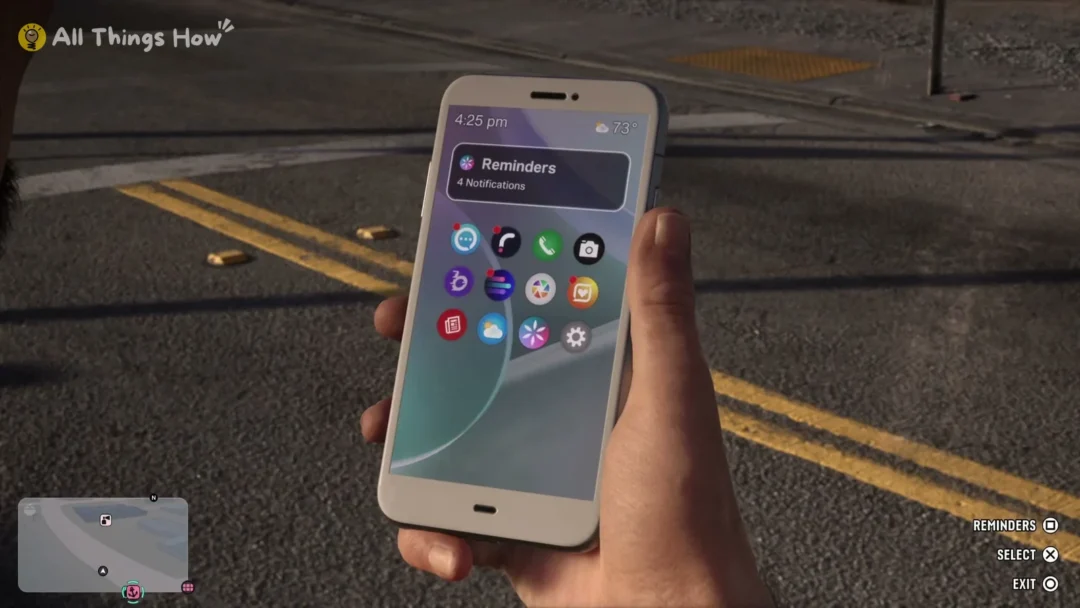
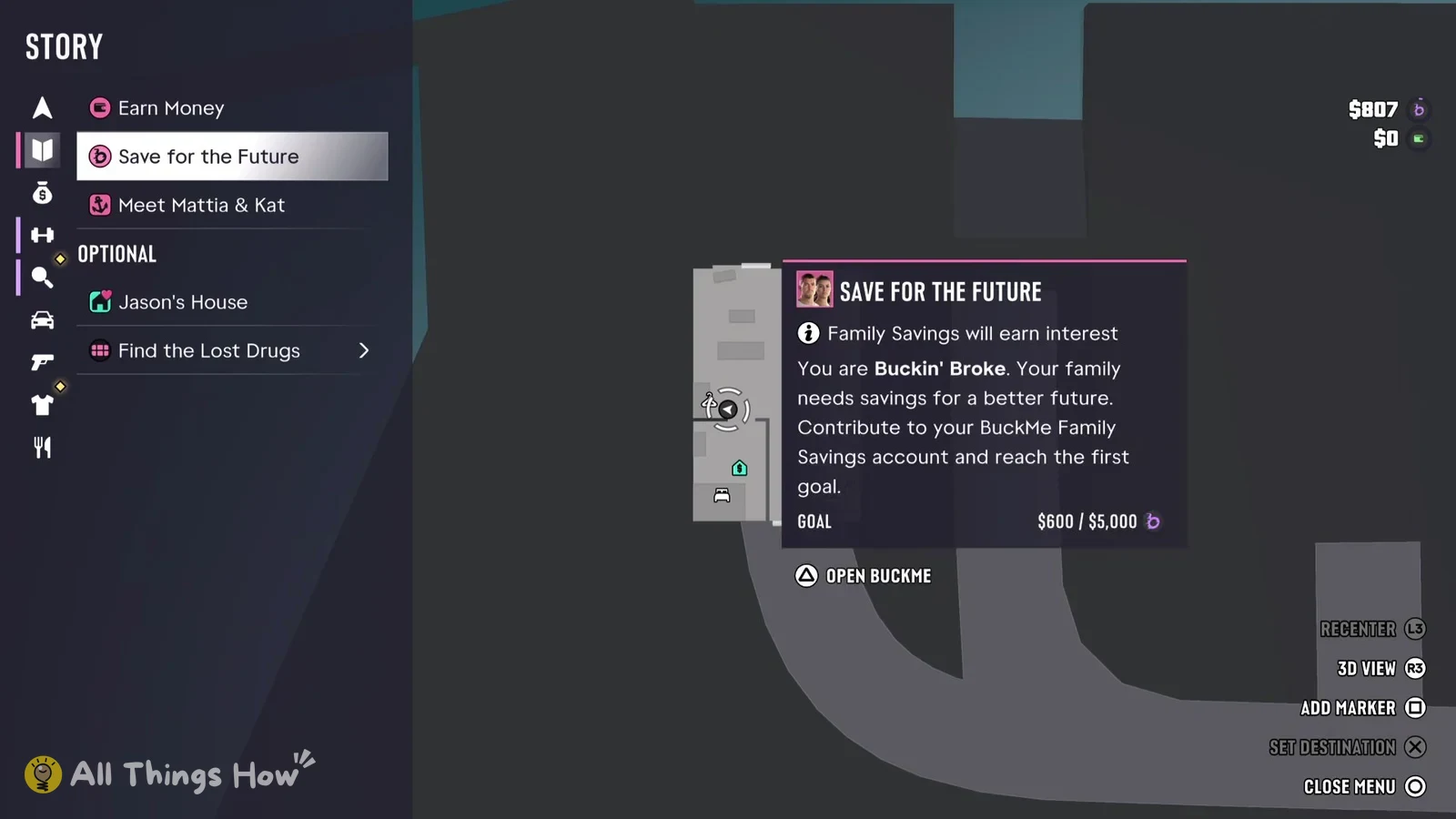
Family Savings is tied to a goal called “SAVE FOR THE FUTURE” in the Story list. Its description reads “Family Savings will earn interest” and “You are Buckin’ Broke. Your family needs savings for a better future. Contribute to your BuckMe Family Savings account and reach the first goal.” With $600 saved, the goal shows “GOAL $600 / $5,000”, and “OPEN BUCKME” [Triangle] takes you straight to the app.
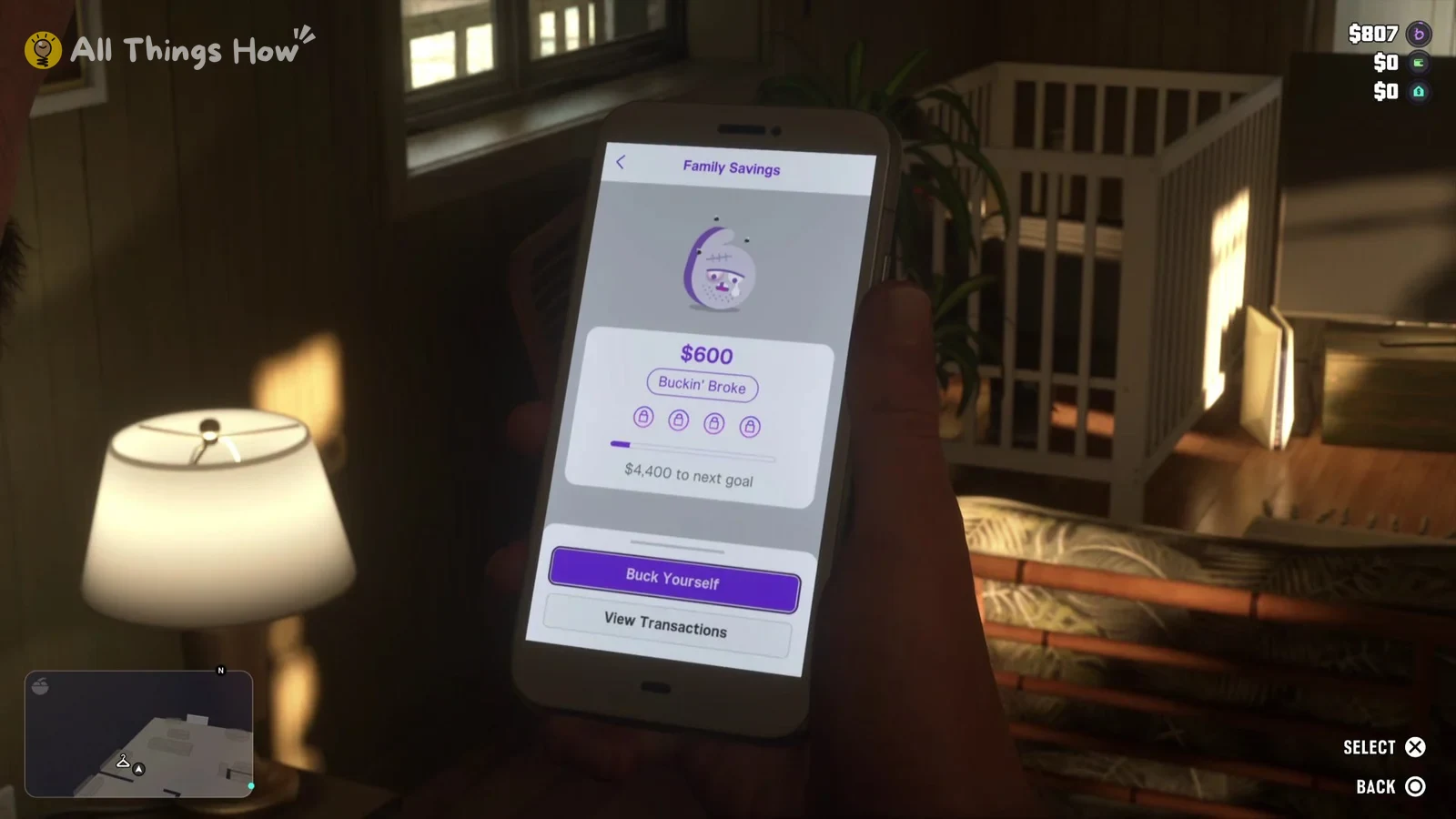
Inside BuckMe, the Family Savings page shows your balance (“$600” in that same example), the “Buckin’ Broke” label, four padlock icons and a progress bar reading “$4,400 to next goal”. “Buck Yourself” and “View Transactions” sit underneath. Your savings start earning interest once they pass $5,000.
GTA 6 Chapter 1 money FAQ
Can you take money out of Family Savings?
No. The “Buck Yourself” confirmation makes clear that transferred money can’t be withdrawn, so only send funds you’re willing to leave in Family Savings.
Is it worth grinding money in Chapter 1?
No. Better ways to earn open up later, so save up to $5,000 in Family Savings and spend the rest before Tourist Trap. Cash also isn’t safe in your pocket while you play. Here’s how much money you lose when you die, and the GTA 6 cash limit covers how much you can carry at once.