GTA 6 Walkthrough & Guides More guides
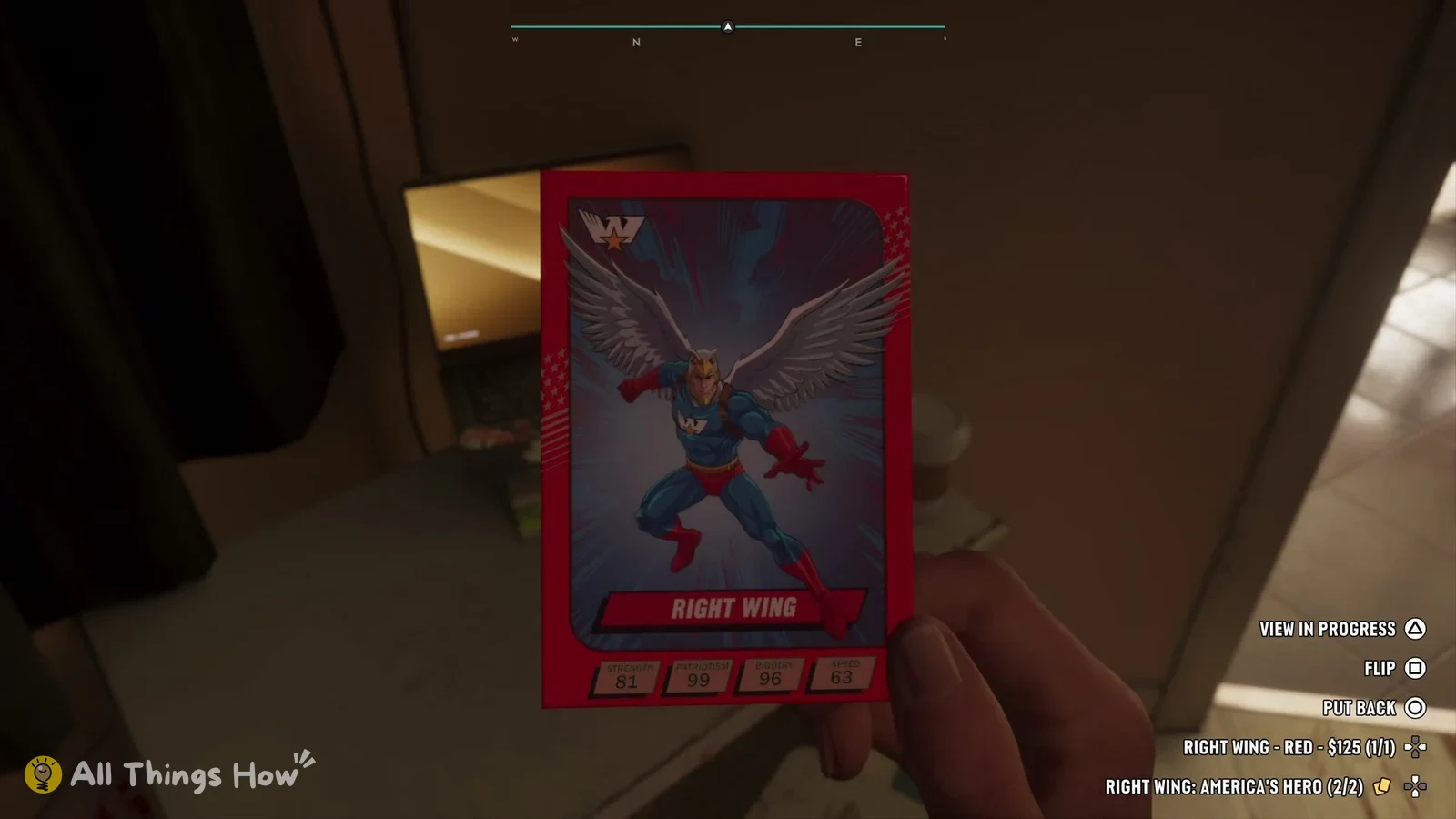
Collectible cards in Grand Theft Auto VI go into a box in your safehouse, and you can sell them for cash. Before you do, it helps to know what selling takes away, where your cards can still be viewed afterward, and how much each card is worth. All three show up when you pick a card up at Jason and Lucia’s apartment.
Quick answer: Hold a card to see its cash value on screen. Selling one clears it from the box at home. The game says your cards are still viewable in the Progress menu.
What happens to a GTA 6 collectible card when you sell it
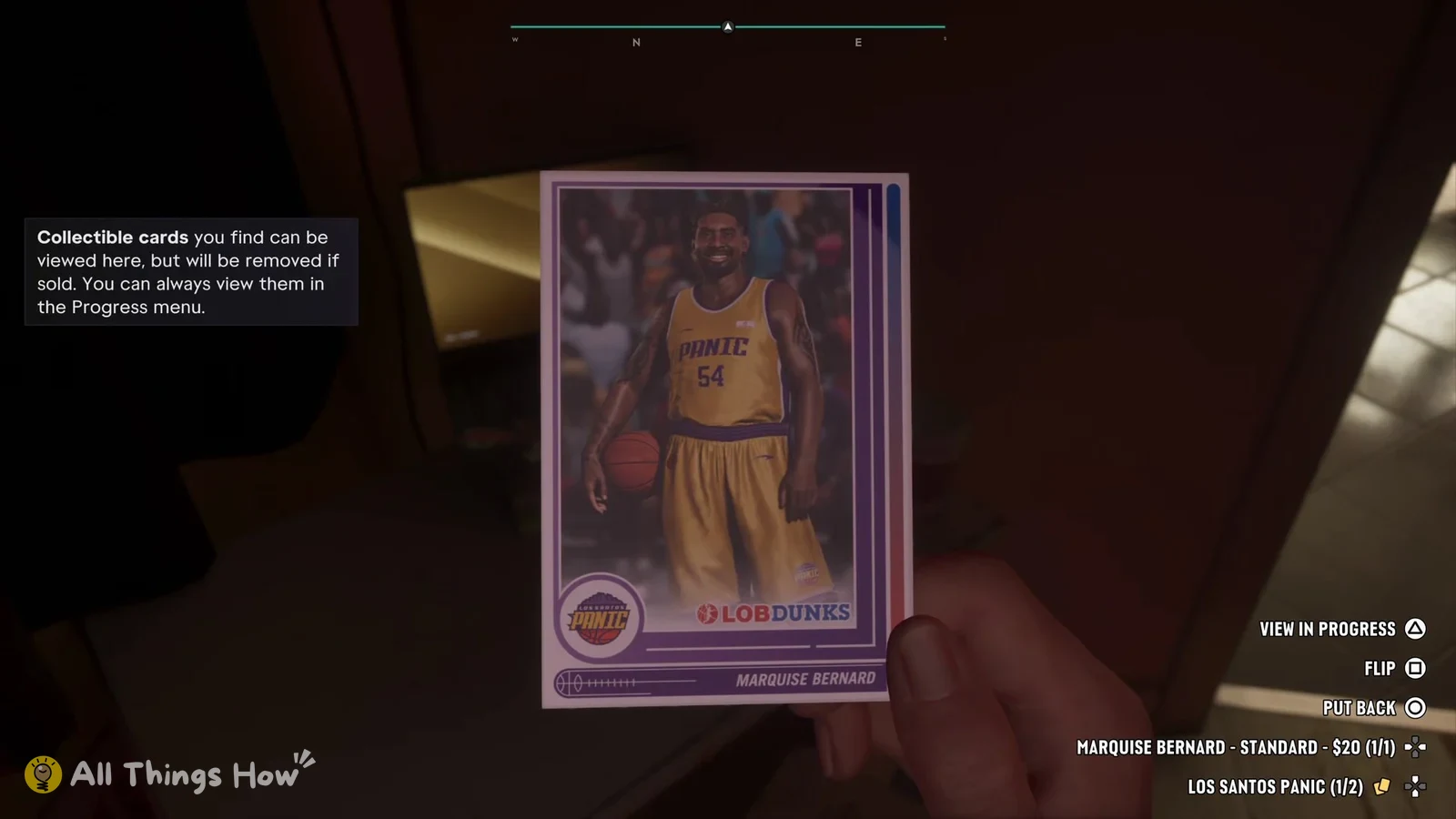
When you pick up a card from the display at home, a tip box pops up with the game’s own explanation: “Collectible cards you find can be viewed here, but will be removed if sold. You can always view them in the Progress menu.” So a sold card leaves the box in your apartment, while the Progress menu stays where you look at your cards.
The Help tip on cards backs this up. It says “Collectible cards will be kept in a box in your safehouse until you sell them.” and adds “Tip: Collectible cards will range in value based on their rarity and color variant.”
Cards are sold a whole set at a time with a SELL ALL button that names the set and the cash you’ll get, like “SELL ALL LOS SANTOS PANIC (+$20)” or “SELL ALL RIGHT WING: AMERICA’S HERO (+$125)”. The full card list and how to sell them covers the pawn shop side of this.
How to view your cards at Bayside Apartments 201
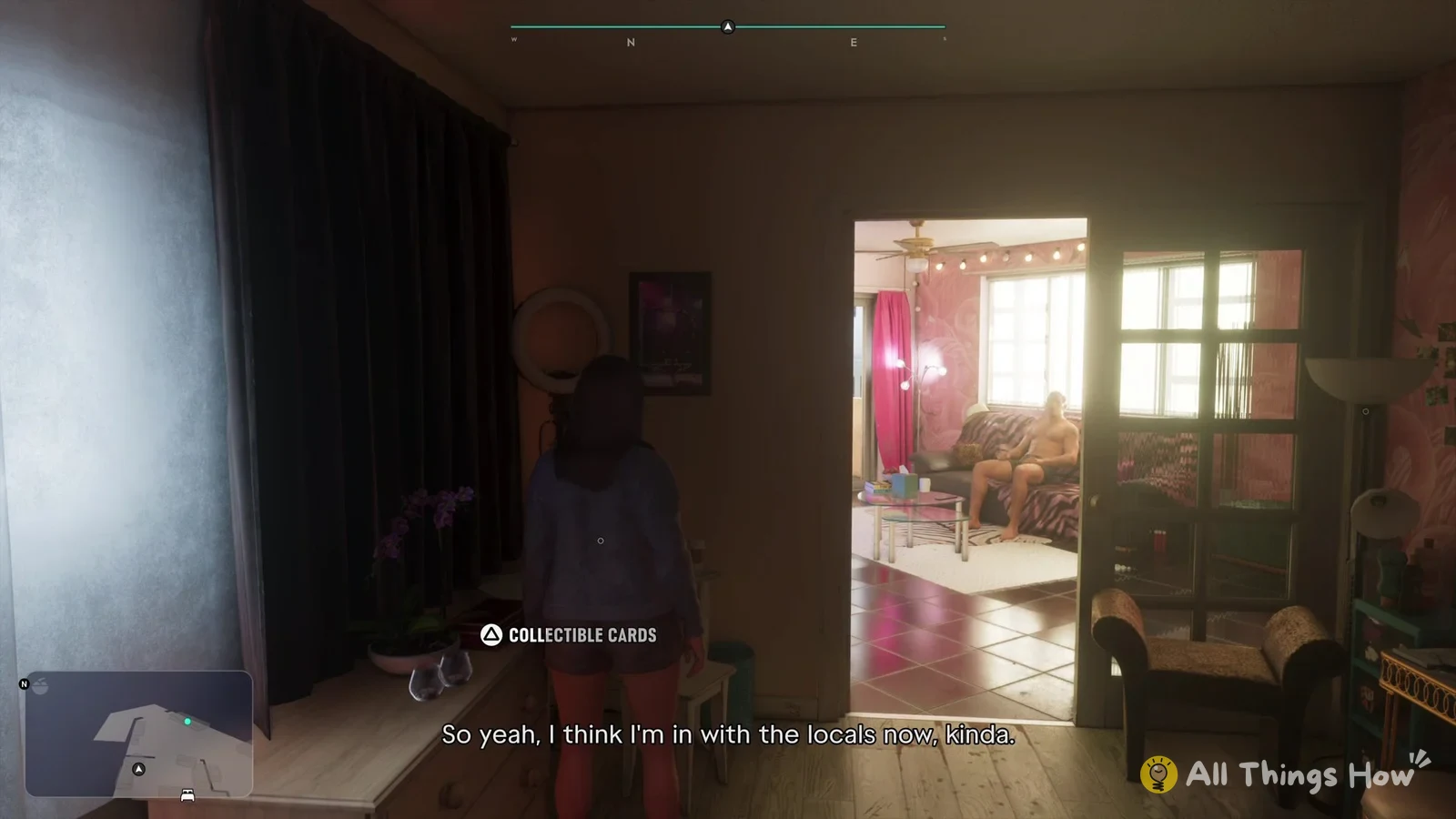
Your cards sit in the bedroom of Bayside Apartments 201, the apartment Jason and Lucia share in Vice City.
What each card is worth
Look at the card row in the bottom right to check its name, rarity and cash value without visiting a shop. One example is “MARQUISE BERNARD – STANDARD – $20 (1/1)”. The collection row is underneath.
| Card | Label | Value | Collection row |
|---|---|---|---|
| MARQUISE BERNARD | STANDARD | $20 | LOS SANTOS PANIC (1/2) |
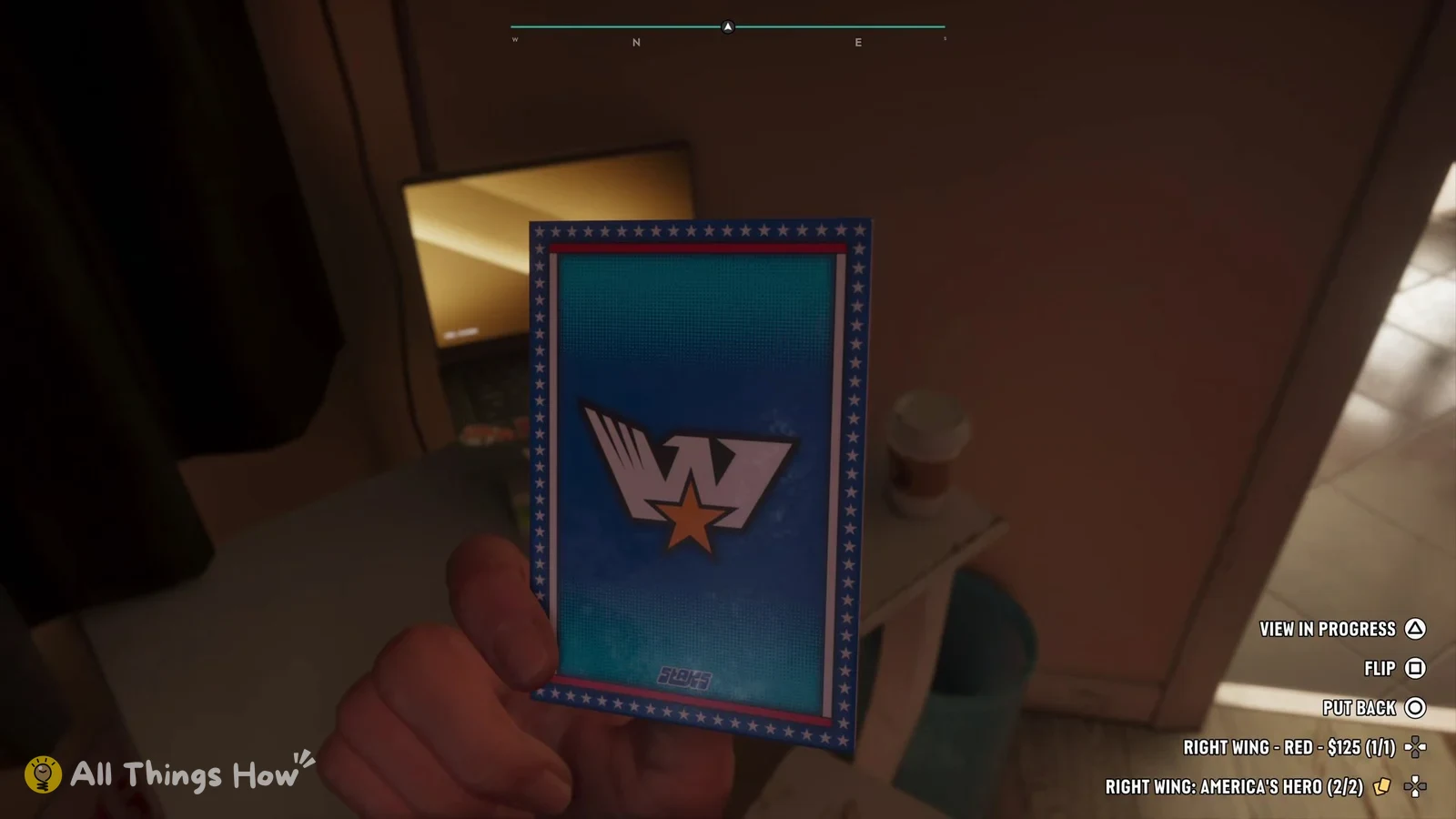
| RIGHT WING | RED | $125 | RIGHT WING: AMERICA’S HERO (2/2) |
Front and back of a card
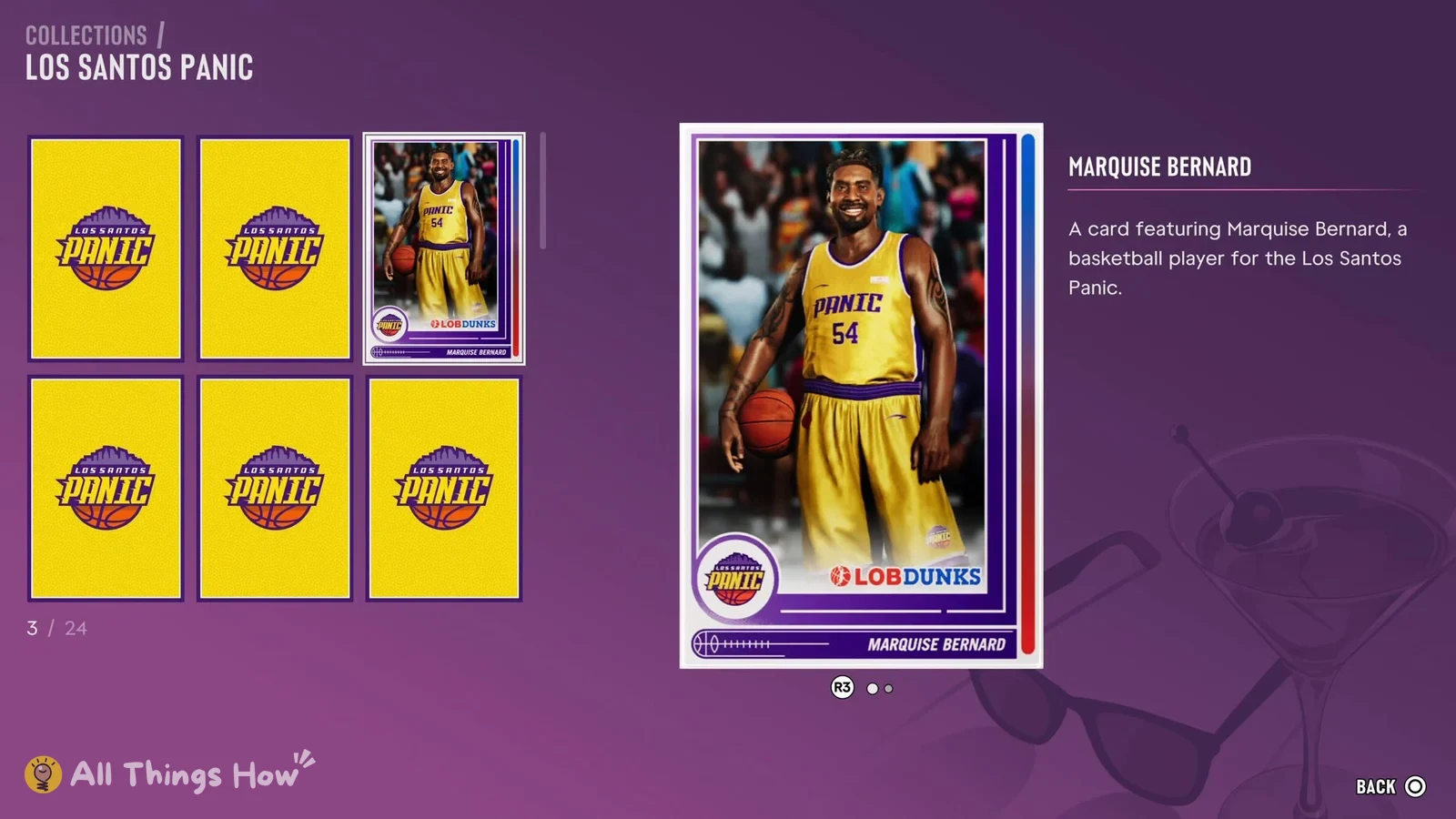
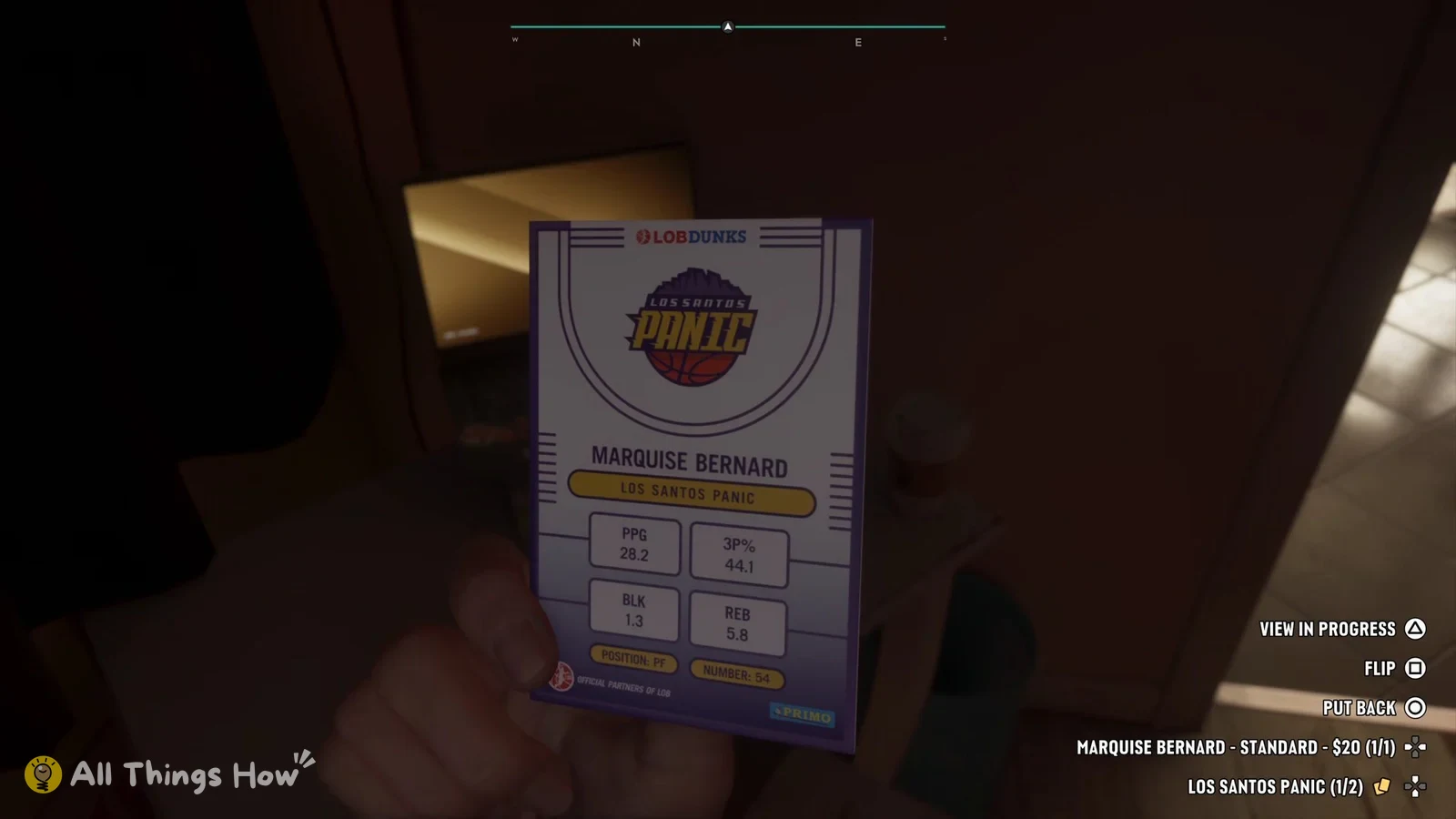
Marquise Bernard appears on the front in a yellow PANIC 54 jersey, holding a basketball, and the card bears the LOBDUNKS logo. Press FLIP [Square] to see the back. It has the LOBDUNKS logo and the LOS SANTOS PANIC logo, followed by his name, “LOS SANTOS PANIC” and a short details block:
- PPG 28.2
- 3P% 44.1
- BLK 1.3
- REB 5.8
- POSITION: PF
- NUMBER: 54
Viewing cards in Progress > Collections
VIEW IN PROGRESS takes you straight to a set’s page. You can also get there from anywhere through Pause > PROGRESS > COLLECTIONS, which is the menu the game points you to for viewing cards after you’ve sold them. For more on the other collectibles and who buys them, see collectibles and who buys them.
The LOS SANTOS PANIC page lays out the set’s 24 cards as slots, and any card you don’t have yet shows only the yellow Panic logo. The selected card appears large with the line “A card featuring Marquise Bernard, a basketball player for the Los Santos Panic.” and you can press R3 to turn it.