GTA 6 Walkthrough & Guides Install & fixes
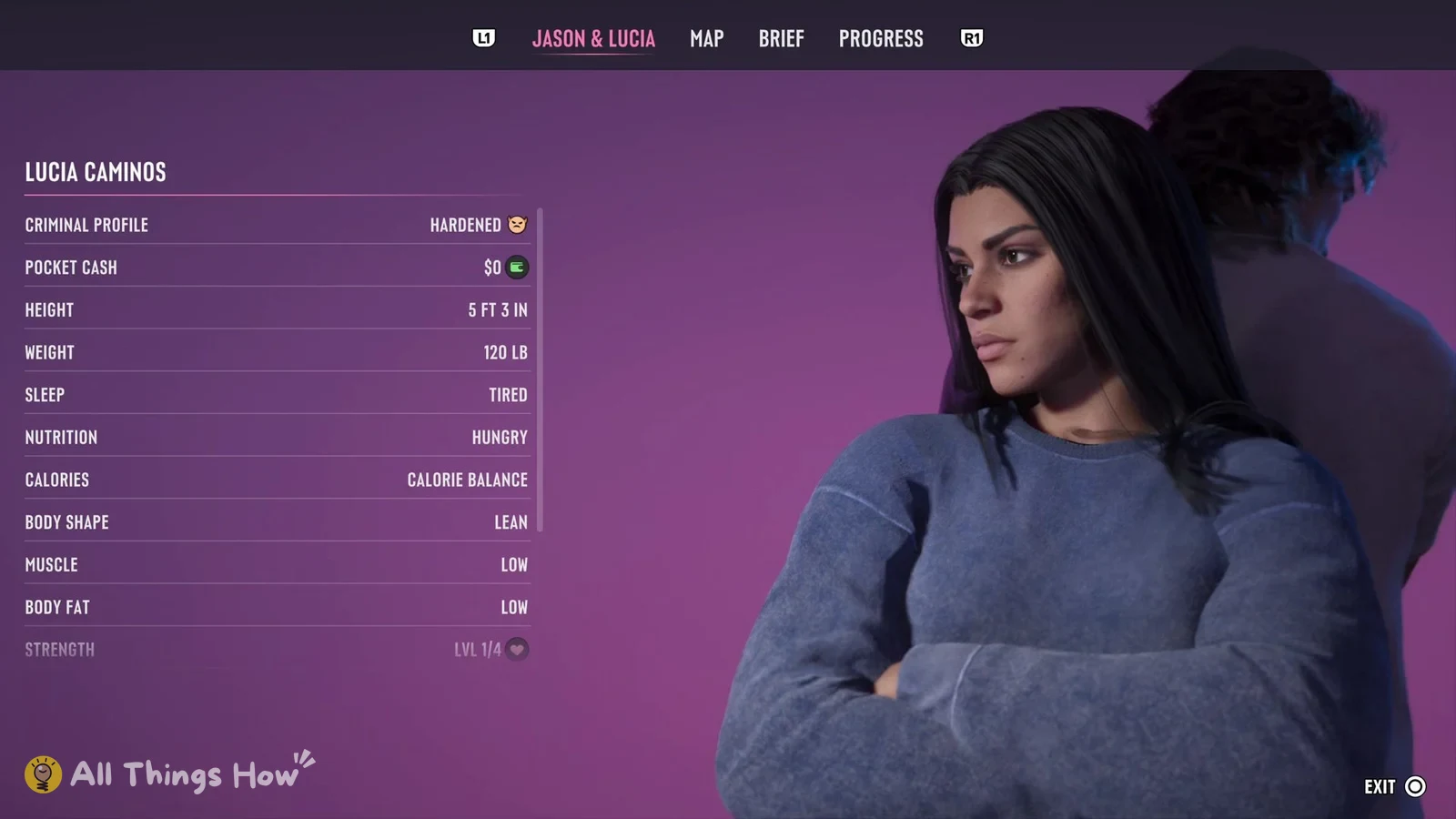
Jason and Lucia in Grand Theft Auto VI can both get hungry and tired. The game tracks each state with a single word on the character’s stats page and in the phone, not a meter. To clear them, you eat something for hunger, and you sleep in your safehouse bed for tiredness. Hunger also slows how your health comes back.
Quick answer: Buy or take any food item and press [R1] to eat until “Hunger Satiated” appears. Then sleep in your safehouse bed until “Refreshed” appears at the bottom right.
Where GTA 6 shows Hungry and Tired
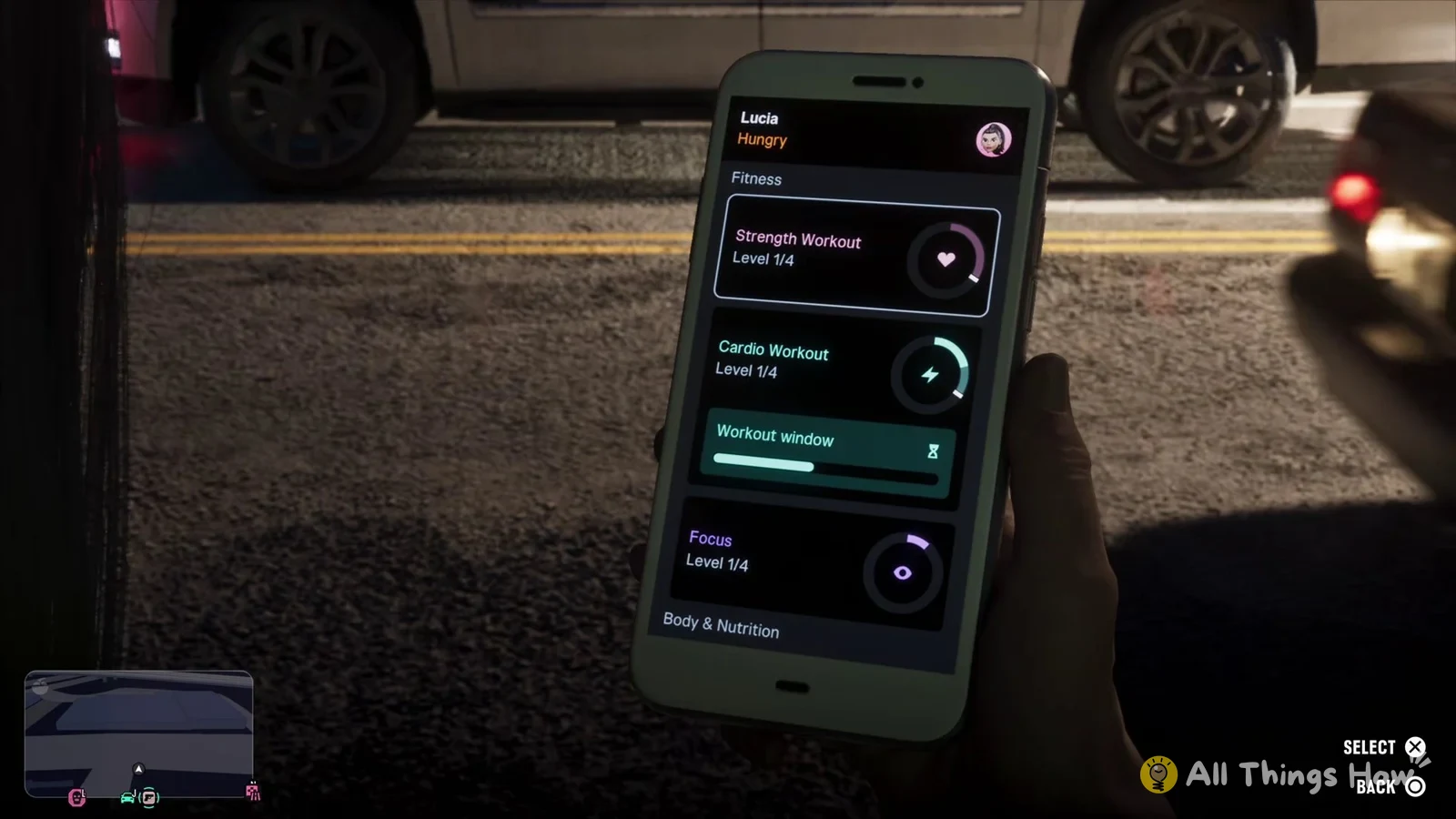
You can check the two states in three places. Two of them are on the phone, so you don’t have to open the pause menu every time.
- Pause menu, JASON & LUCIA tab: press [L1] from the map. Each character’s page has a SLEEP row that reads “TIRED” or WELL RESTED, and a NUTRITION row that reads “HUNGRY” or FED.
- Fitness app: The character’s name appears above their status, such as “Lucia” / “Hungry”. Strength Workout, Cardio Workout and Focus levels are listed below.
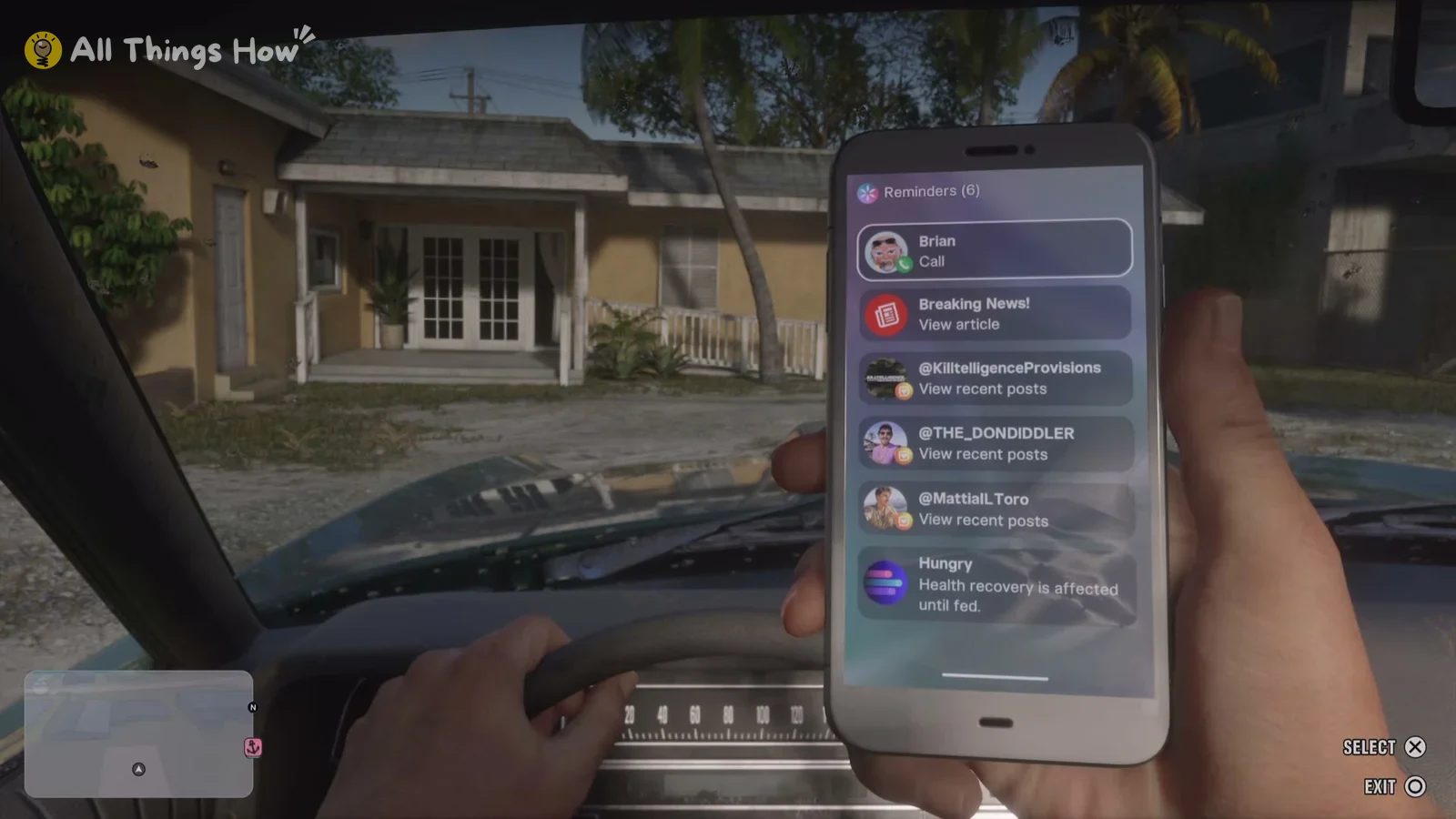
- Reminders list: a line shows up when you’re hungry that reads “Hungry” / “Health recovery is affected until fed.”
The same stats page also lists rows like CRIMINAL PROFILE, POCKET CASH, HEIGHT, STRENGTH and MUSCLE.
What being hungry does to your health
Hunger affects your health recovery until you eat. The phone reminder says exactly that.
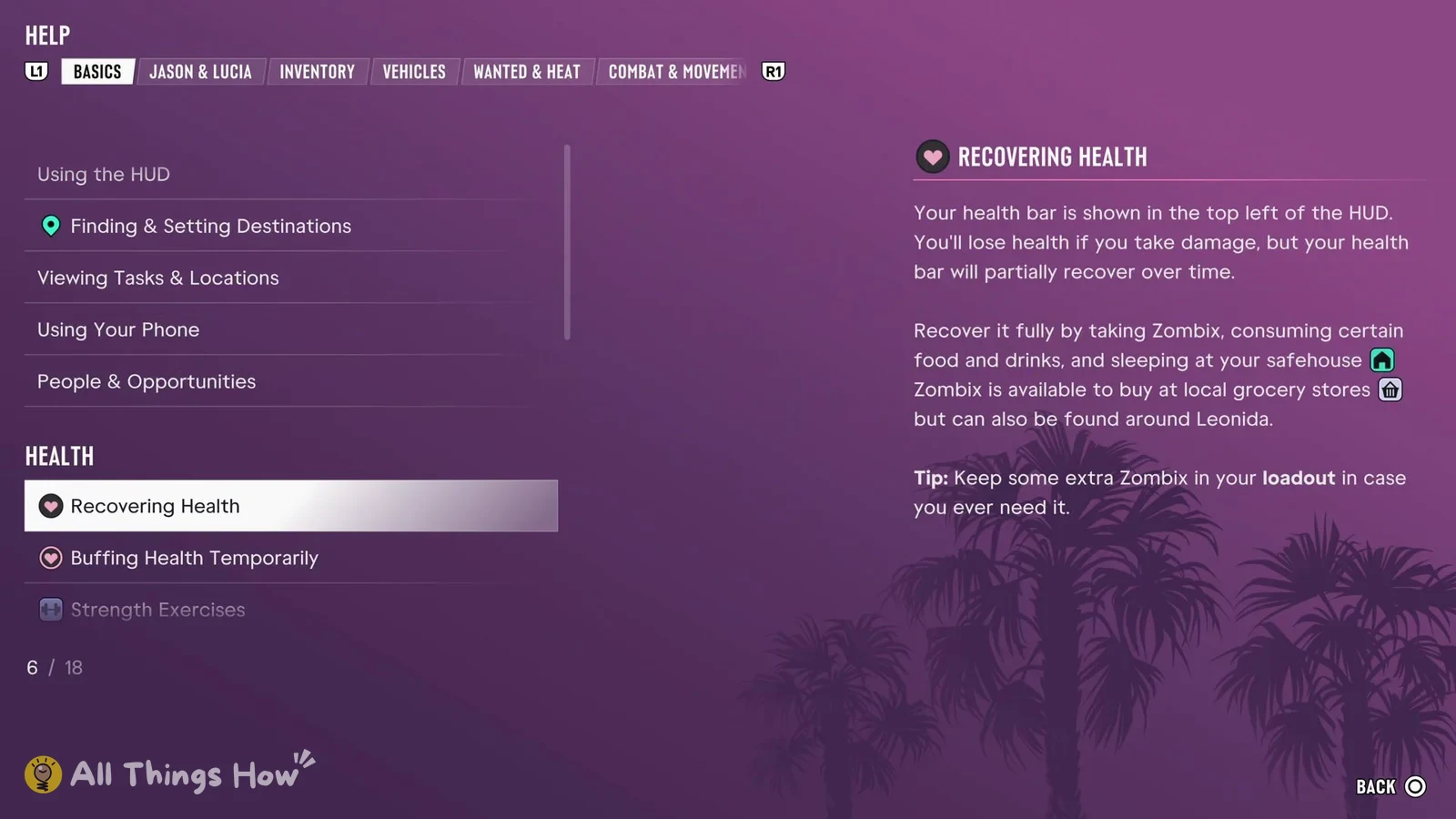
The game’s Help menu explains how health works under BASICS > Recovering Health. The health bar sits at the top left of the screen. You lose health when you take damage, and the bar “will partially recover over time.” To fill it all the way back up, you can take Zombix, which local grocery stores sell. You can also eat and drink certain food and drinks, or sleep at your safehouse.
How to stop being hungry in GTA 6
Fast food counters, cafes and convenience stores all sell food. If you’re playing as Lucia, the fruit bowl at Bayside Apartments 201 is free and clears hunger too. Walk up to it and press [Triangle] on APPLE.
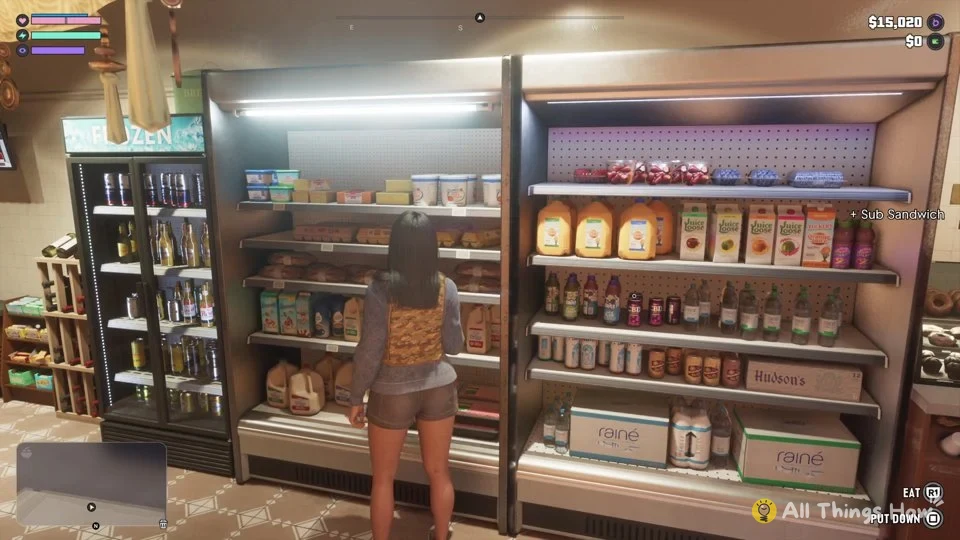
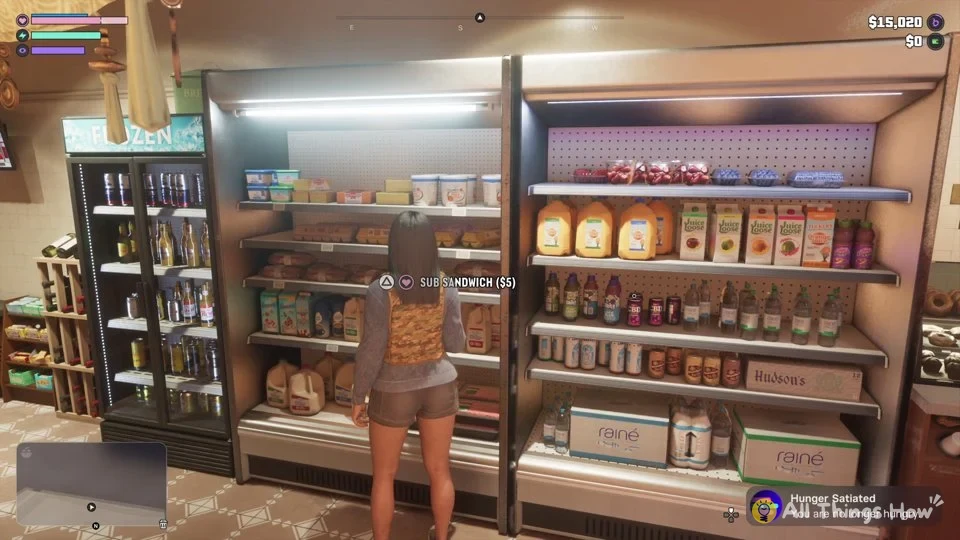
Here’s what the same store charges for the sandwich and for the drinks in its fridge:
| Item | Where in the store | Price |
|---|---|---|
| Sub Sandwich | Chilled shelf | $5 |
| Raine Water | Fridge | $2 |
| CBD Soda | Fridge | $4 |
| Blitz Green Smoothie | Fridge | $5 |
How to stop being tired in GTA 6
Resting in your safehouse bed removes Tiredness for free. In Vice City, Lucia’s bed is at Bayside Apartments 201. Jason’s Keys home has a REST prompt at his bed.
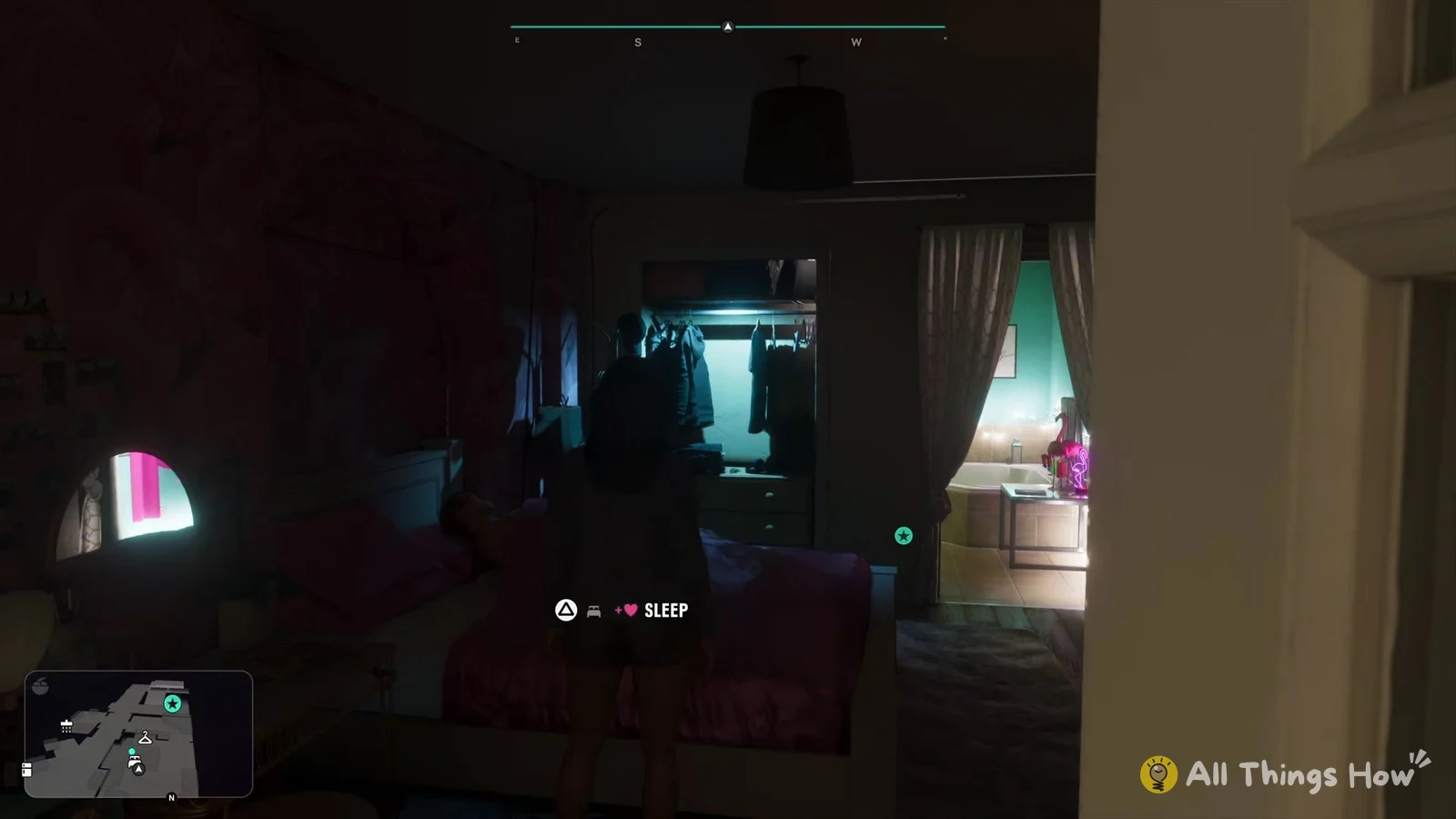
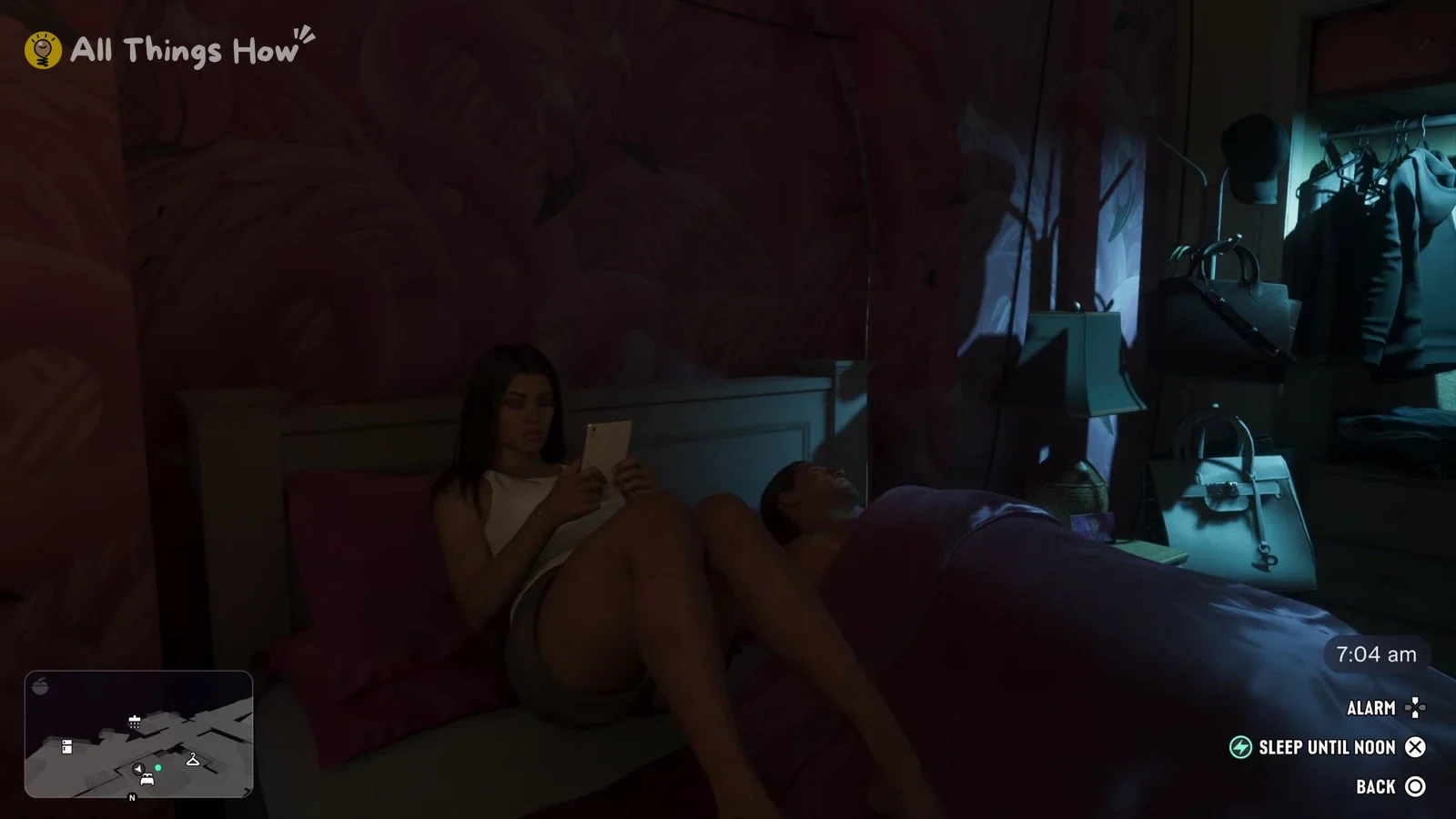
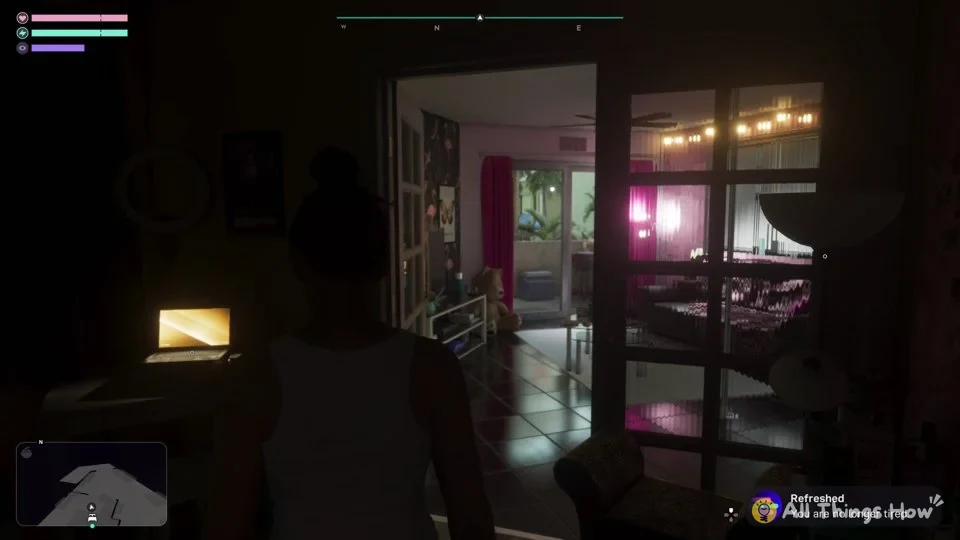
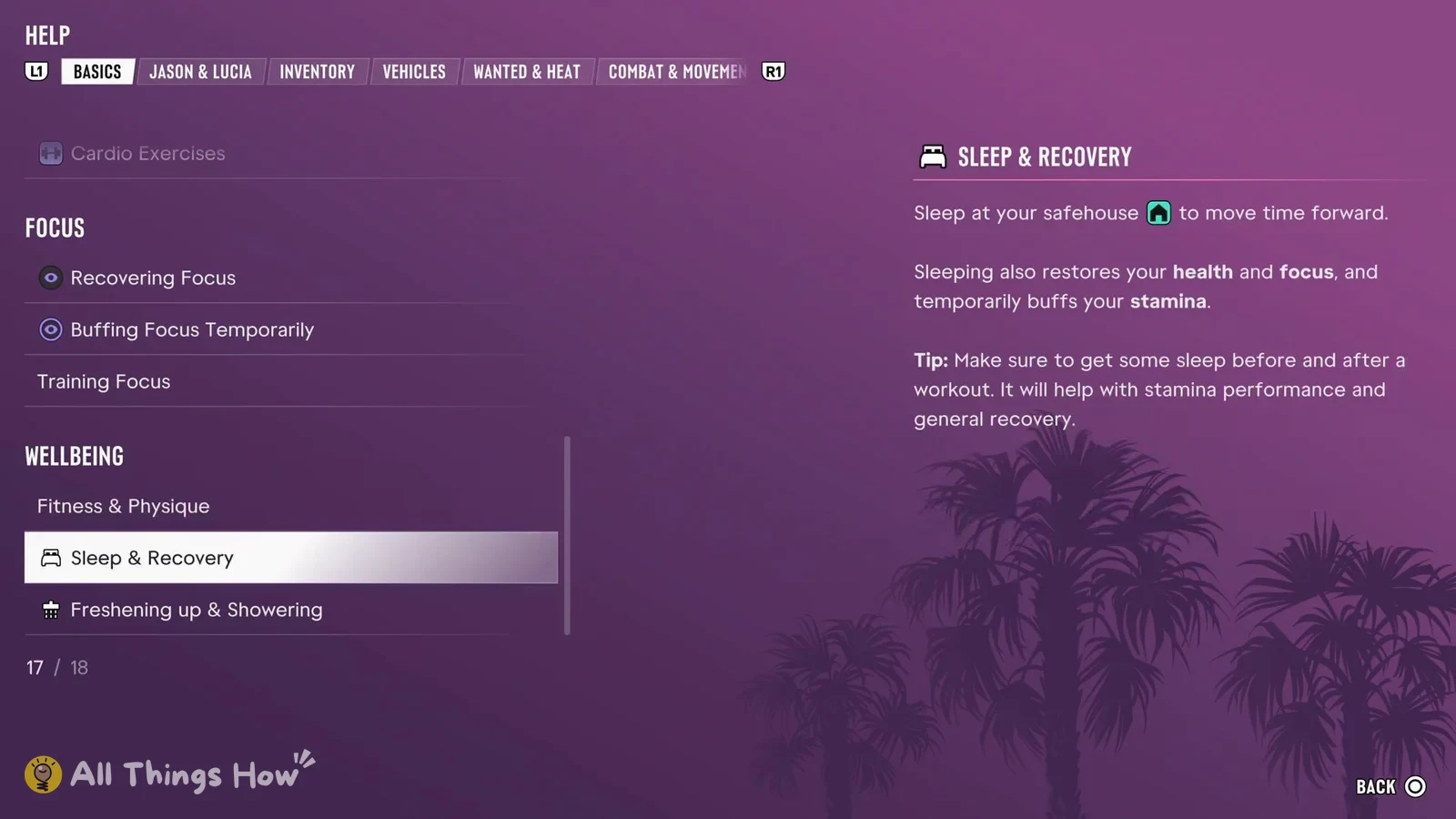
Sleep does more than clear Tired. Under BASICS > Sleep & Recovery, the Help menu says “Sleep at your safehouse to move time forward.” It also says sleeping restores your health and focus and gives your stamina a temporary boost. The same page suggests sleeping before and after a workout, since that helps stamina performance and general recovery.