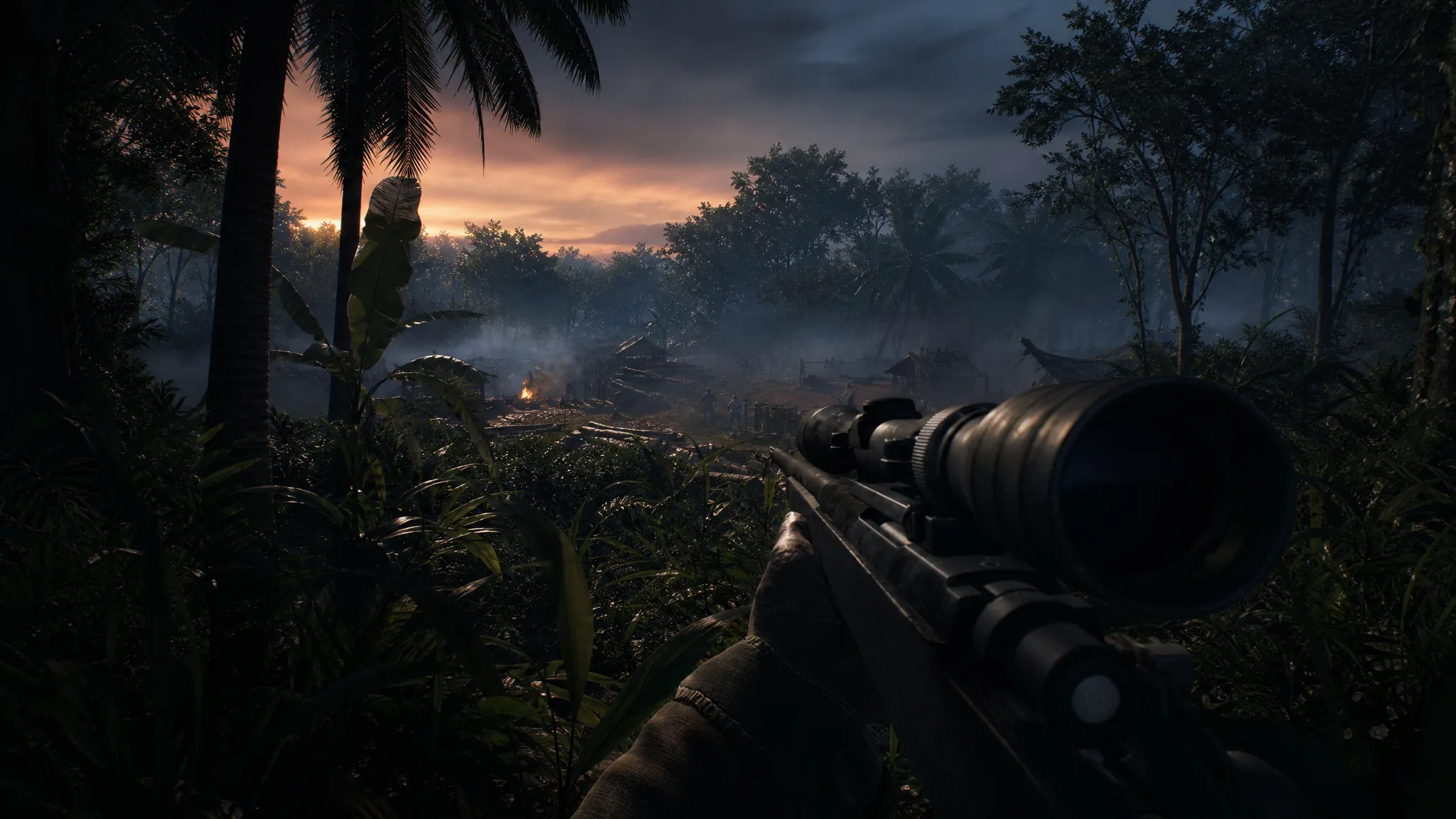
Sound is one of your most reliable tools in Hell Let Loose: Vietnam. In thick jungle, enemies are hard to see, so gunfire, footsteps, reloads, vehicle noise, and voice comms tell you where the fight is before your eyes do. Setting your audio correctly keeps those cues loud and readable instead of drowned in music or clutter.
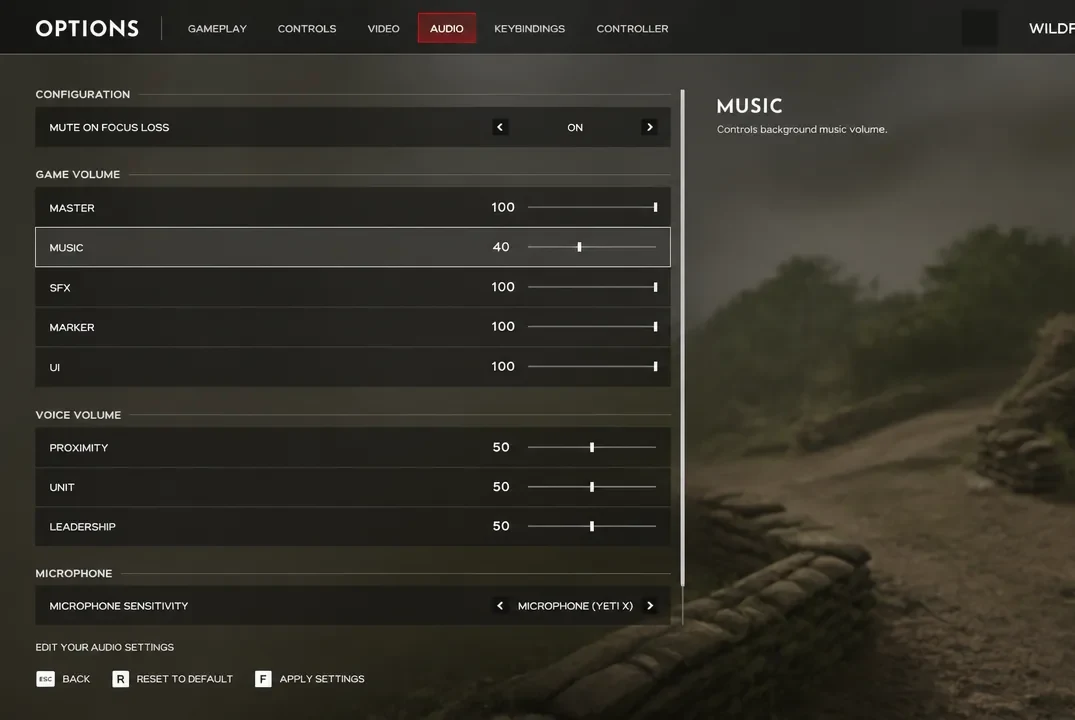
Quick answer: Set Master, SFX, and Marker to 100, drop Music to 40 (or lower for competitive play), keep every Voice Volume channel and Microphone at 50, and turn Mute On Focus Loss on. Adjust Music and Microphone from there based on personal preference and teammate feedback.
Recommended audio values
Open the Options menu and move to the Audio tab, then match the values below. Each group controls a different part of the mix, so it helps to set them in order from top to bottom.
| Setting | Value |
|---|---|
| Mute On Focus Loss | On |
| Master | 100 |
| Music | 40 |
| SFX | 100 |
| Marker | 100 |
| UI | 46 or 40 |
| Proximity (Voice) | 50 |
| Unit (Voice) | 50 |
| Leadership (Voice) | 50 |
| Microphone Volume | 50 |
Set Master to 100 as your baseline
Keep Master Volume at 100 as long as your headphones or speakers are comfortable at that level. Master acts as the ceiling for everything else, so running it full gives you the most room to balance the other categories without pushing important sounds too quiet. If 100 is uncomfortable, lower it a little rather than cutting the individual game sound channels.
With SFX and Marker both at 100, weapon fire, footsteps, reloads, vehicles, and objective markers stay at their strongest. These are the sounds that tell you an enemy is close or moving, so there is no reason to reduce them.
Lower Music for competitive play
Music adds atmosphere and keeps long matches from feeling repetitive, but it does nothing to help you spot an enemy or pick out distant gunfire. For competitive play, keep it between 0 and 40. At 40 you still get some of the mood without masking the audio cues that matter; drop it lower or to zero if you want the cleanest possible mix.
Voice channels and microphone
Proximity, Unit, and Leadership voice channels sit at 50 each so incoming comms stay audible without burying gunfire and footsteps. Communication carries a lot of weight in Hell Let Loose: Vietnam, and a called-out enemy position is often worth more than a full magazine, so you want teammate voices clear but not overpowering.
Microphone Volume also sits at 50. Pushing your mic too high can make your own voice distort and sound unclear to squadmates, which makes calls harder to follow in intense moments. Keep it moderate and nudge it up or down based on how clearly your team says they can hear you.
After applying these values, drop into a match and listen for footsteps and distant fire. If those cues sit clearly above the music and voices, the mix is working. If comms or music are overriding movement sounds, trim Music first, then the voice channels.
Treat these numbers as a strong starting point rather than a fixed rule. Master, Music, and Microphone are the values worth tweaking to taste, while SFX and Marker are best left at 100 so the sounds that reveal enemy movement stay as loud as the game allows.