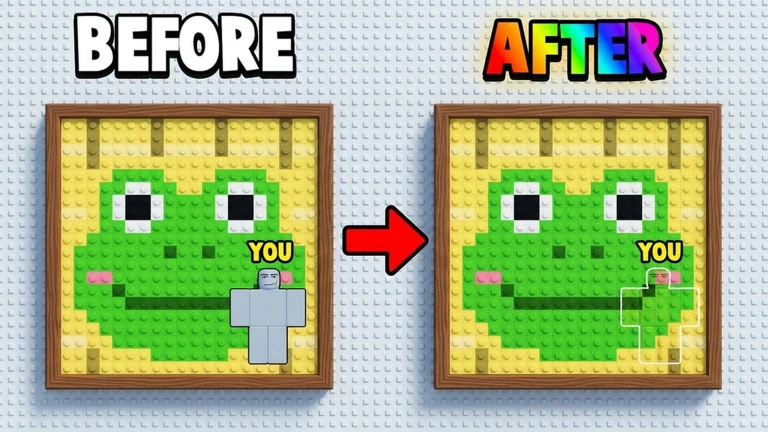
Hide in Pixels is a Roblox duel where two players turn their own avatars into camouflage. Each player sits at an easel, gets a slice of a pixel-art painting, and reshapes a 3×3 block of their character to melt into the picture. Once both are locked in, the roles flip: each player grabs a pistol and tries to shoot the spot where the other is hiding. Blend better than your rival and you take the round.
Quick answer: Two players sit at an easel, each disguises a 3×3 avatar block inside a pixel canvas by copying nearby colors, then hunts the other with a pistol. Winning two rounds pays $250.
How a Hide in Pixels match is structured
A standard match is a one-on-one contest decided over a short series of rounds. Each round shows both players the same pixel-art canvas, and the goal is simple: hide inside it more convincingly than the other person. Victory goes to the first player to win two rounds, and each round won adds $250 to your in-game cash. Your win streak is tracked across the session and shown on the lobby’s leaderboards.
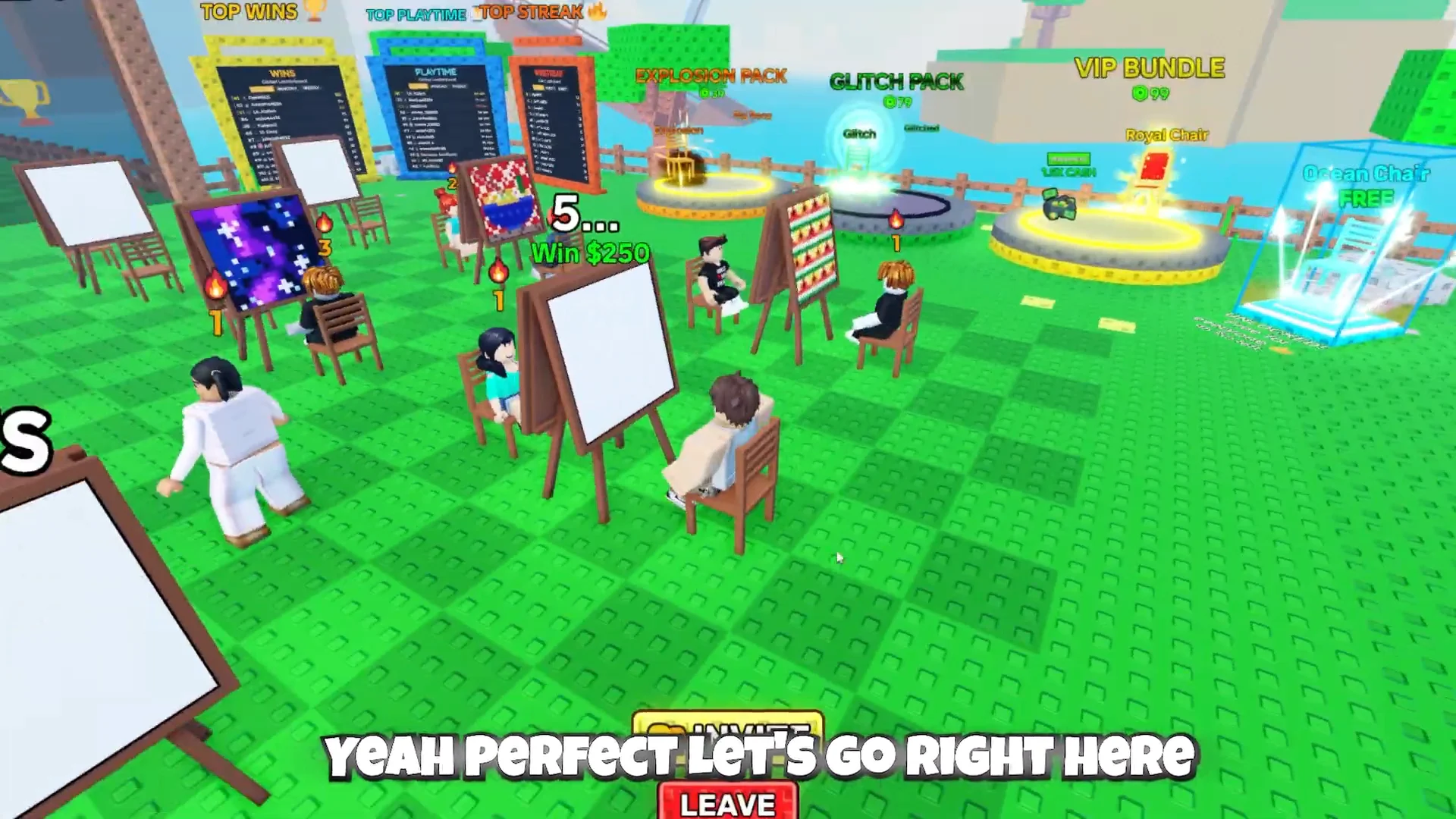
Everything starts from an easel station in the lobby. A chair carries a capacity label such as “0/2 Players” alongside the “Win $250” prize. Sitting down queues you for that match, and the label updates to “1/2 Players” once one seat is taken. When both seats fill, a short intermission countdown runs before the first round begins.
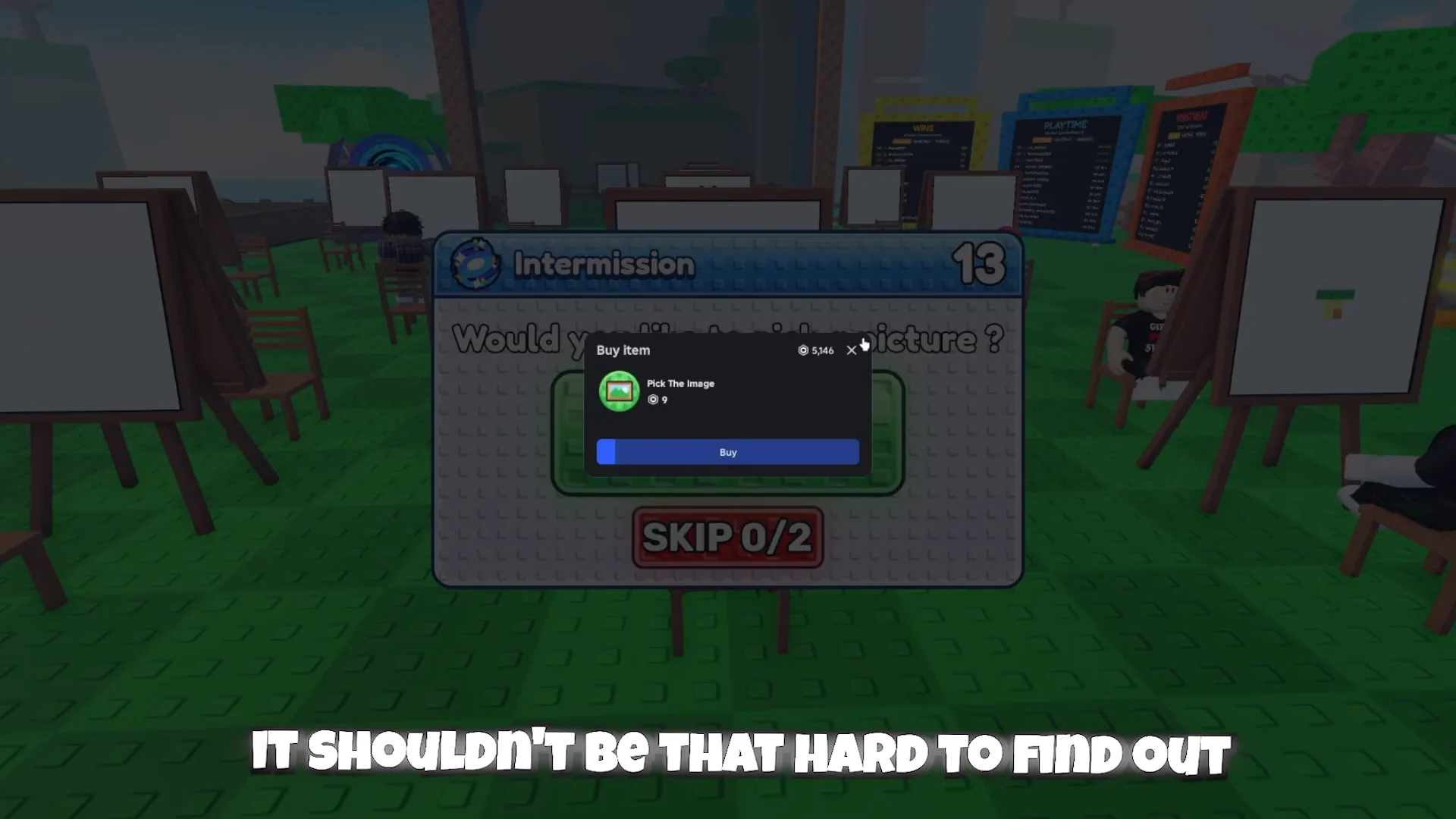
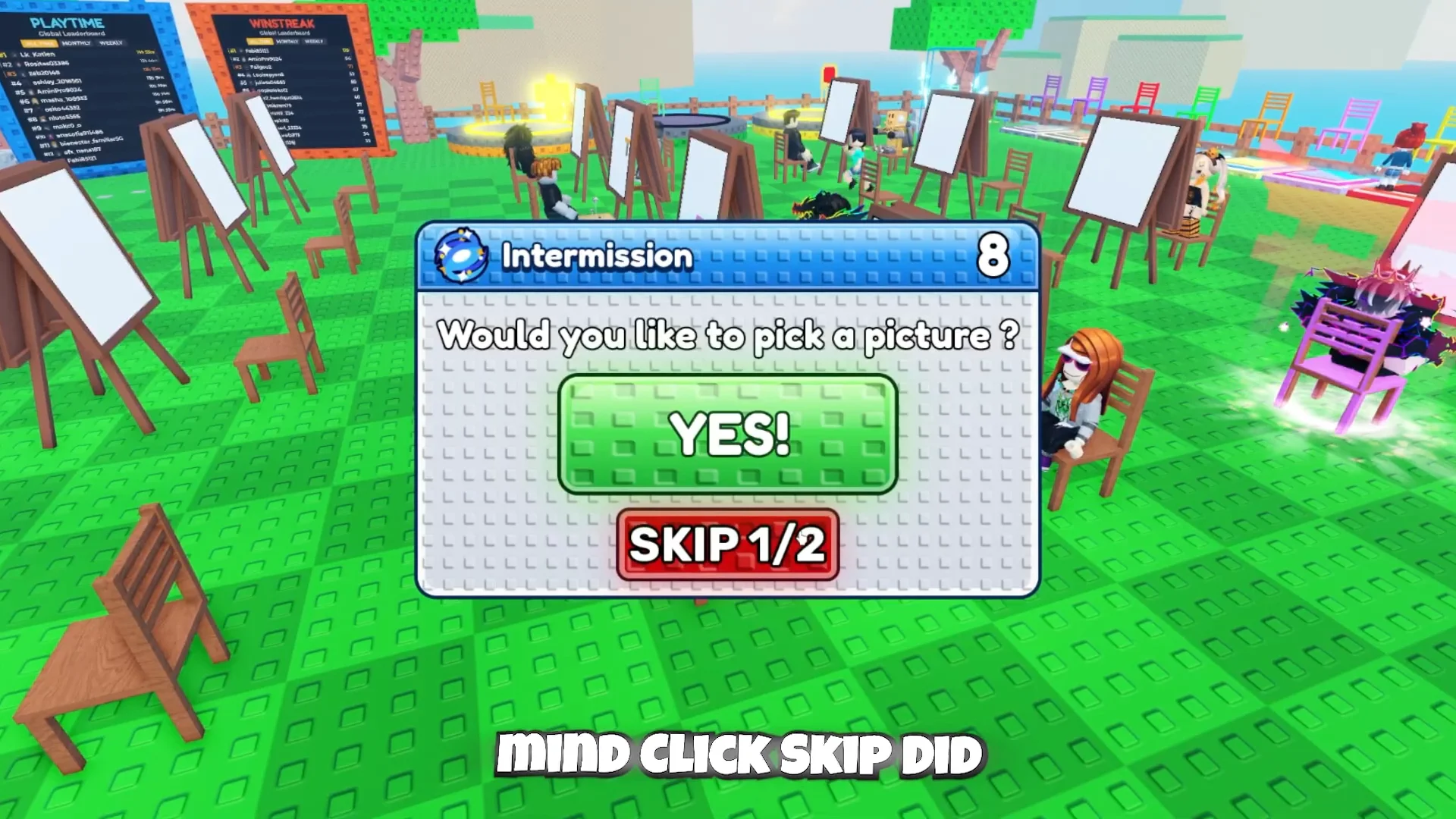
During intermission, a prompt lets you decide whether to choose the painting. That option uses Robux and is marked down to 400 Robux; alternatively, vote “SKIP” and let chance decide. When both players skip, the game picks a canvas on its own.
The hiding phase: shaping your avatar into the canvas
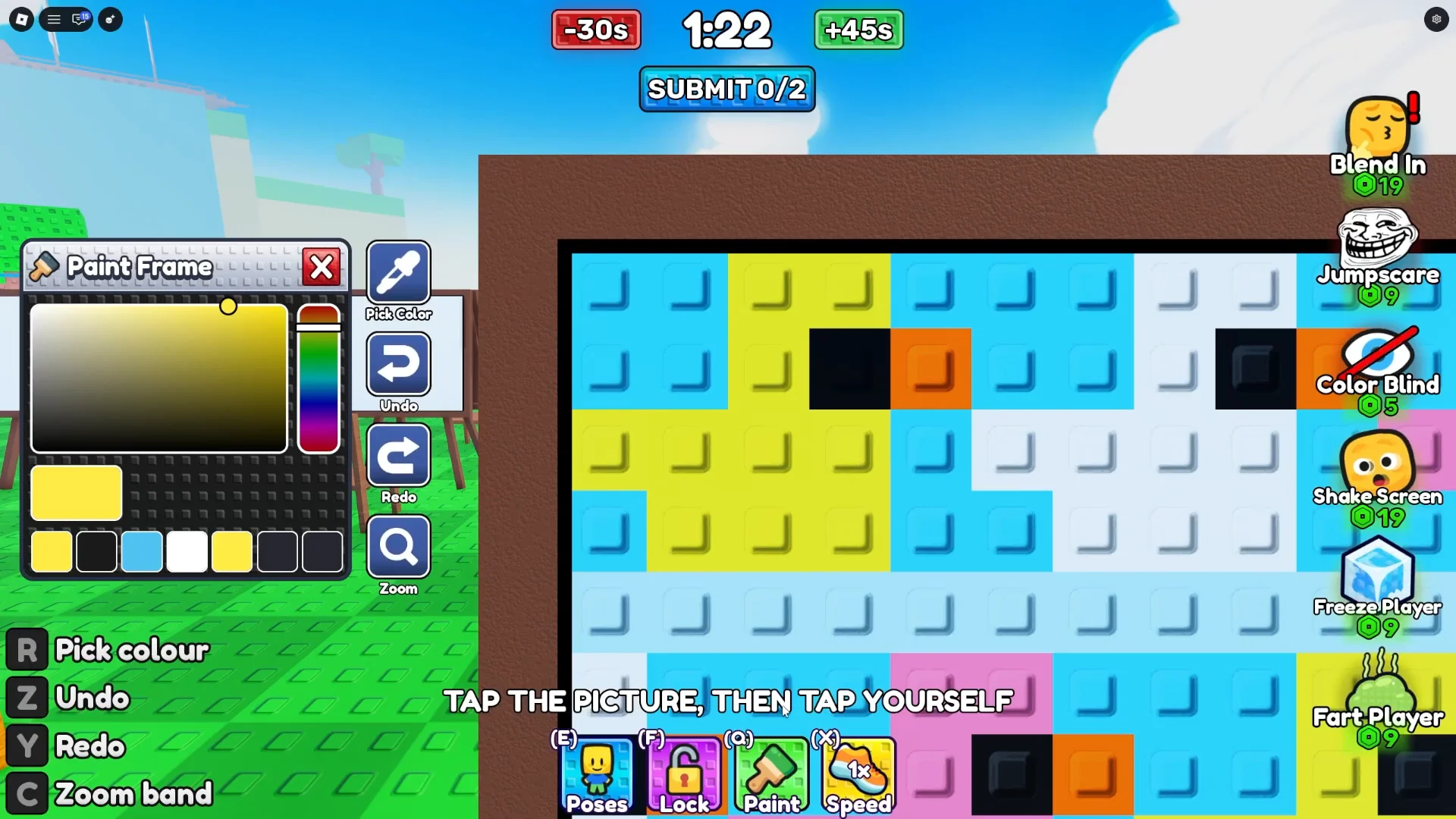
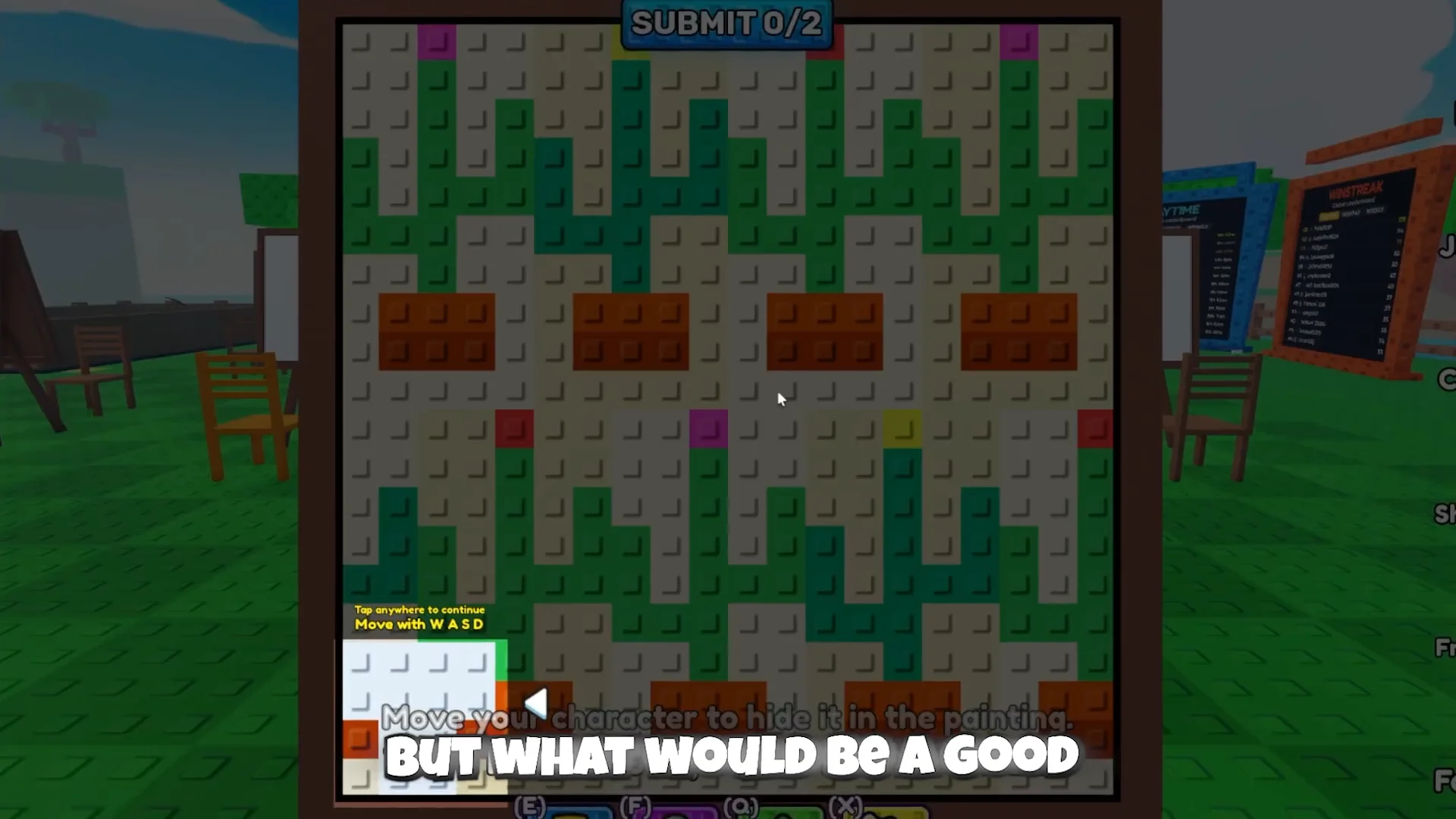
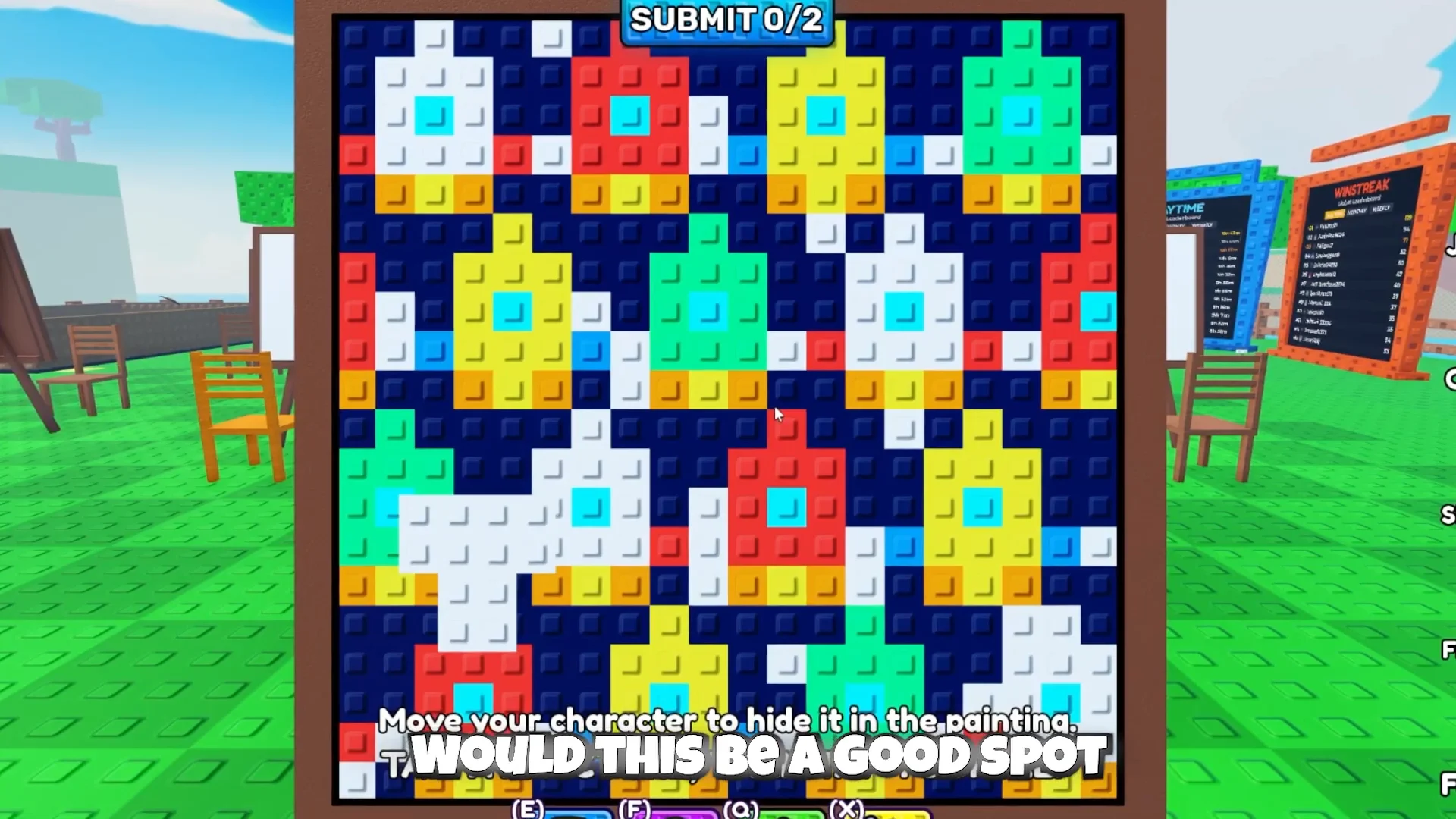
At the start of a round, a “vs” graphic appears before your canvas is placed on the easel and the submission countdown begins. Your avatar is represented by a 3×3 block, which you move with W, A, S and D or by clicking and dragging. Set the block over a patch whose nearby pixels are simple to reproduce, making your still character blend into the artwork instead of looking like a conspicuous square.
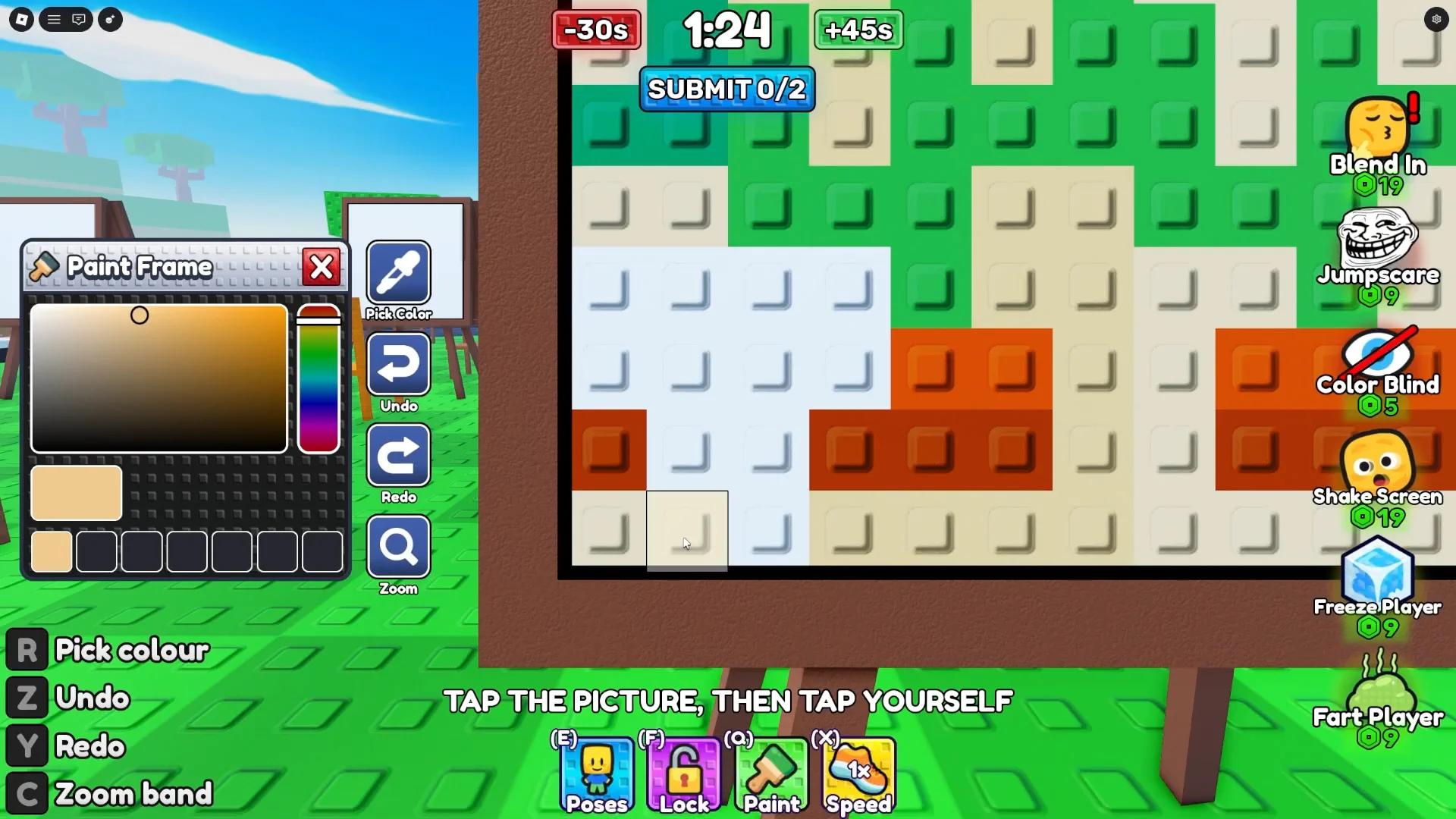
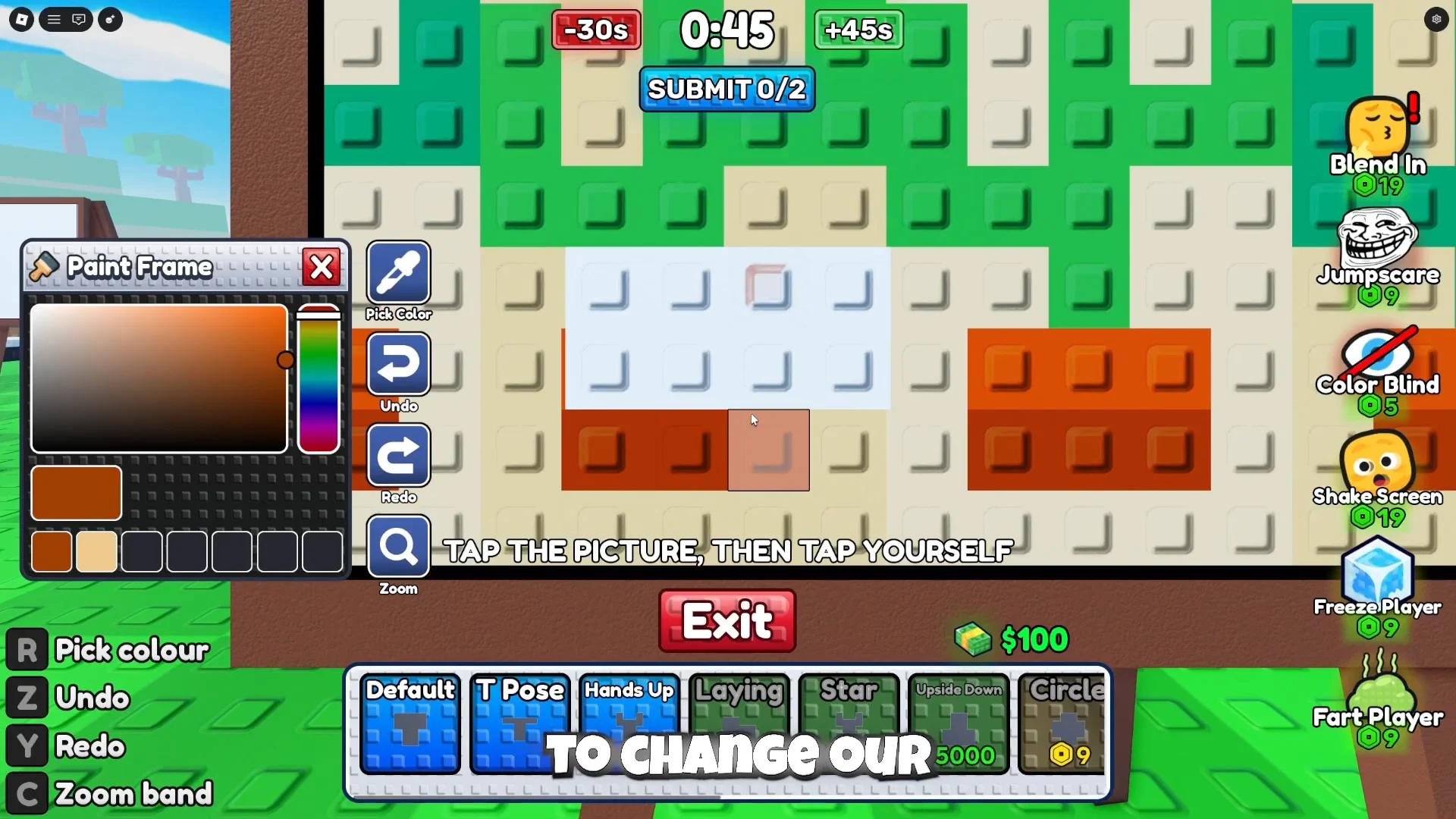
Color matching is handled through the Paint menu. The “Pick colour” eyedropper samples a pixel straight from the canvas, and tapping a sub-square of your block paints it that shade. Working one square at a time, you rebuild your block to mirror whatever sits directly behind it. The prompt onscreen spells out the loop as “TAP THE PICTURE, THEN TAP YOURSELF.”
Different canvases demand different tactics. A multi-colored bell pattern, for example, forces you to paint across several hues at once, mixing reds, blues, oranges and whites so the block dissolves into the busy background. Spots near the center of a dense pattern can hide you well, but only if every square lines up with its neighbor.
Tools and poses in the bottom bar
A toolbar sits along the bottom of the hiding screen, each entry mapped to a key. These control how your block looks, how it moves, and when it commits.
| Tool | Key | What it does |
|---|---|---|
| Poses | E | Opens the stance menu for your avatar |
| Paint | C | Opens the color palette and eyedropper |
| Speed | X | Adjusts how fast your block moves |
| Lock | F | Freezes your character in place |
| Submit | — | Locks in your final hiding spot |
| Edit | — | Reopens your submission to change it |
The Paint Frame palette also carries Undo, Redo and a zoom band, so a wrong color or a misaligned row can be corrected before you commit. Poses change your stance to fit awkward shapes in a canvas, and some of them cost cash.
| Pose | Cost |
|---|---|
| Default | $0 |
| T Pose | $0 |
| Circle | $0 |
| Hands Up | $1,000 |
| Laying | $2,500 |
| Star | $5,000 |
| Upside Down | $5,000 |
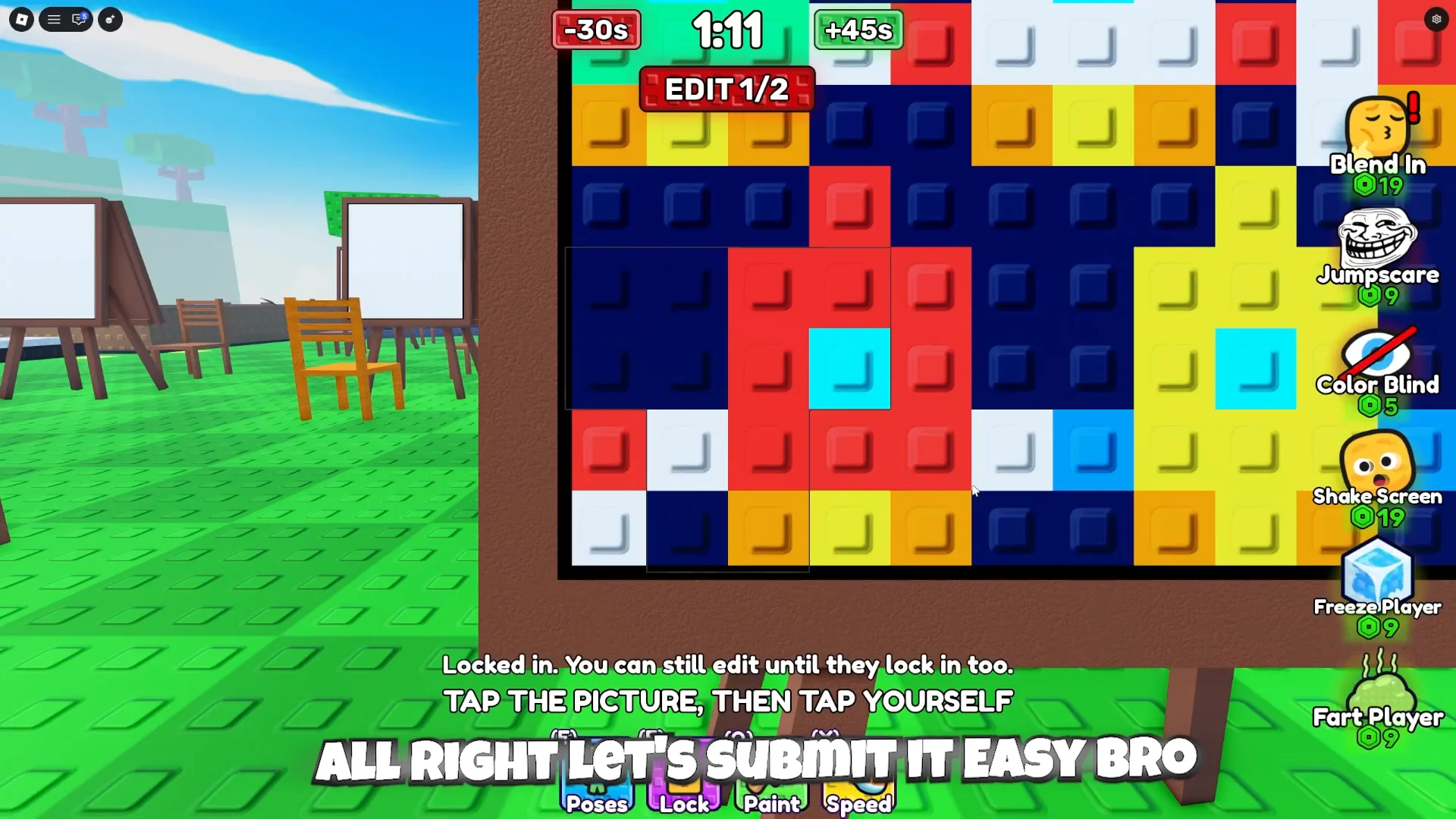
Locking in does not end your turn. After you lock, the game reads “Locked in. You can still edit until they lock in too,” and the button flips to Edit. The window stays open until your opponent commits or the timer expires, so last-second color fixes can still swing the round.
The seeking phase and round power-ups
After both players submit, roles switch to hunting. Each player is handed a pistol with five bullets and must shoot the point on the canvas where they think the opponent is hiding. A block that was obvious in the center gets spotted almost instantly; a well-matched one can run the clock out while the seeker burns shots on empty pixels.
Several purchasable effects are available during a round, some for free and some for Robux. They cover both hiding and seeking:
- Reveal and +3 Bullets to help the seeker
- Flash Bang, Distract and Jumpscare to disrupt the other player
- Blend In, Freeze Player, Color Blind, Shake Screen and Fart Player as further round effects
The player who finds their opponent faster wins the round. The round-end screen reports each side’s timer, listing a value such as “1.63s” for a quick find or “NEVER” when a hider was never located, and names the winner.
Winning the match, cash, and unlocks
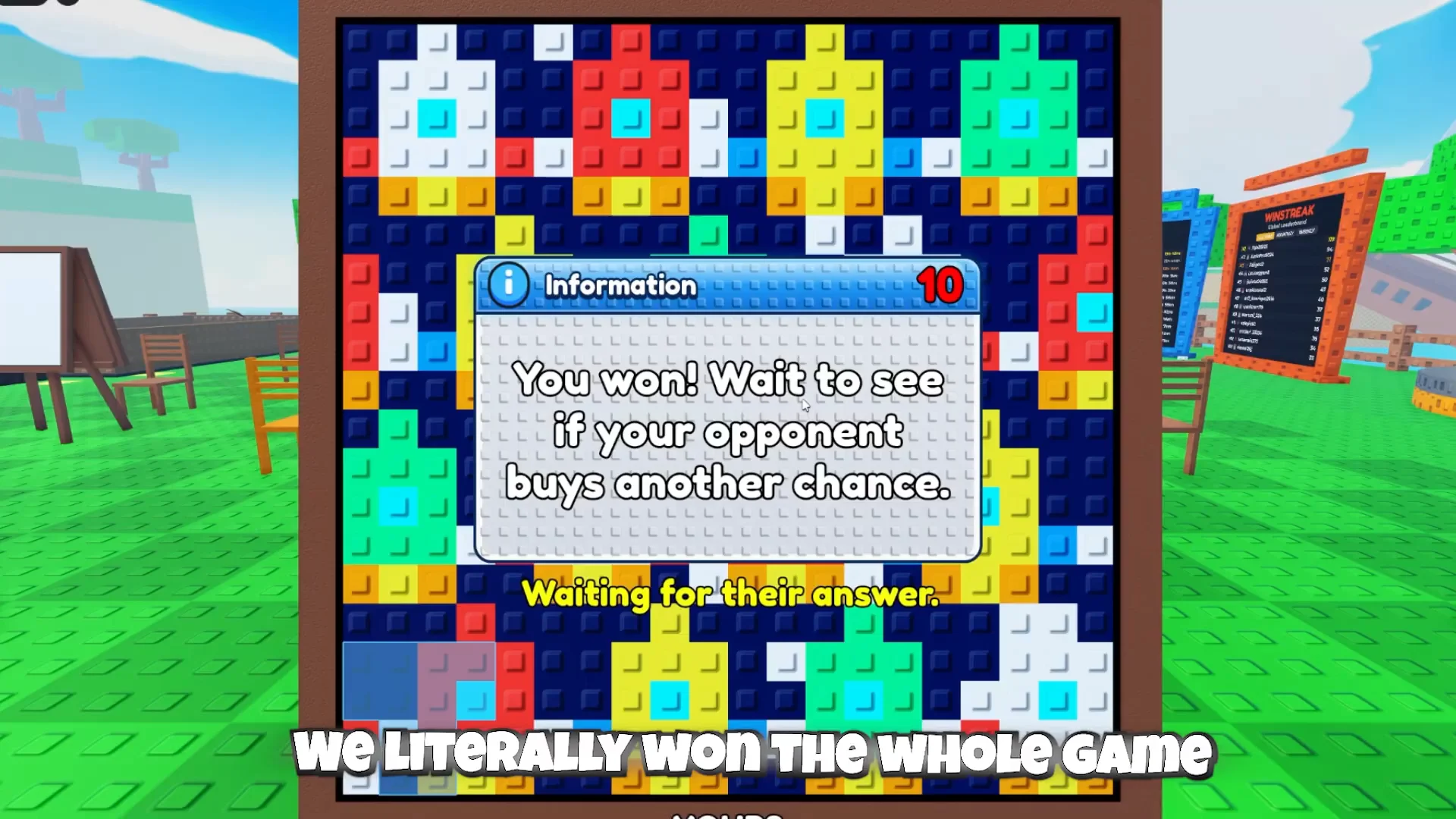
Take two rounds and you win the full match. The game compares how well each avatar blended in, hands the better hider the round and its $250, and updates your streak on the lobby’s win displays. Winning back-to-back matches is the fastest way to build cash for the paid poses.
Reaching 3 wins unlocks a Secret Item chair, tracked in the Secret Item menu with a “0/3” counter that fills as you win. A Hard Mode serves tougher canvases such as snowman and abstract patterns, but it is restricted to 16+ Pro Servers. Liking the game and joining the Vyxen group also unlocks a reward at a dedicated “CLAIM ME” board in the lobby.
Starting a fresh match repeats the whole loop. From a new easel you can skip picture selection again and go straight into the next canvas once the second player locks in their vote.
A basic canvas, such as a plain rubber duck, makes the technique especially clear: place the block on the duck, color its body yellow and its eye black, then lock in; the square disappears into the picture. Once blending on a simple image feels routine, denser Hard Mode paintings and maintaining a win streak bring the challenge.