Cash is the resource that keeps Basic Summon going in Slop Tower Defense, and the fastest way to stockpile it is not to win anything. It is to lose, quickly, over and over, without touching the keyboard. The trick is setting up a run that ends in defeat in about 20 seconds, then handing the replay clicks to a macro.
Quick answer: Load Backrooms on Endless at Nightmare difficulty, set game speed to x5, turn Auto Skip on, place no units, then loop a TinyTask macro that clicks the speed icon and the Replay button.
What the AFK farm loop pays per run
The whole method rests on one number. A failed Backrooms run on Nightmare ends on Wave 7 and still pays out, and at x5 speed with Auto Skip enabled that failure arrives almost immediately. Here is the exact configuration and what it returns.
| Setting | Value |
|---|---|
| Map | Backrooms |
| Mode | Endless |
| Difficulty | Nightmare |
| Game speed | x5 |
| Auto Skip | On |
| Units placed | None |
| Run ends | Defeat on Wave 7 |
| Payout | 140 Cash, 2 Gems, 1 XP |
| Cycle length | About 20 seconds |
If runs keep landing every 20 seconds, that works out to roughly 420 Cash a minute with no input from you. The Gems trickle in too, but two per cycle means Cash is the real reason to leave this running.
What you need before you start
- A Windows PC running Slop Tower Defense in windowed or full screen.
- TinyTask, a small Windows macro recorder that replays mouse clicks.
- A solo server, so nobody else changes the map vote.
- A window position you will not move, since the macro replays fixed screen coordinates.
The macro clicks wherever it recorded, not wherever the buttons are. Dragging the Roblox window, changing resolution, or alt-tabbing to a different layout will send those clicks into empty space and break the loop.
Set up the Backrooms Endless run on Nightmare
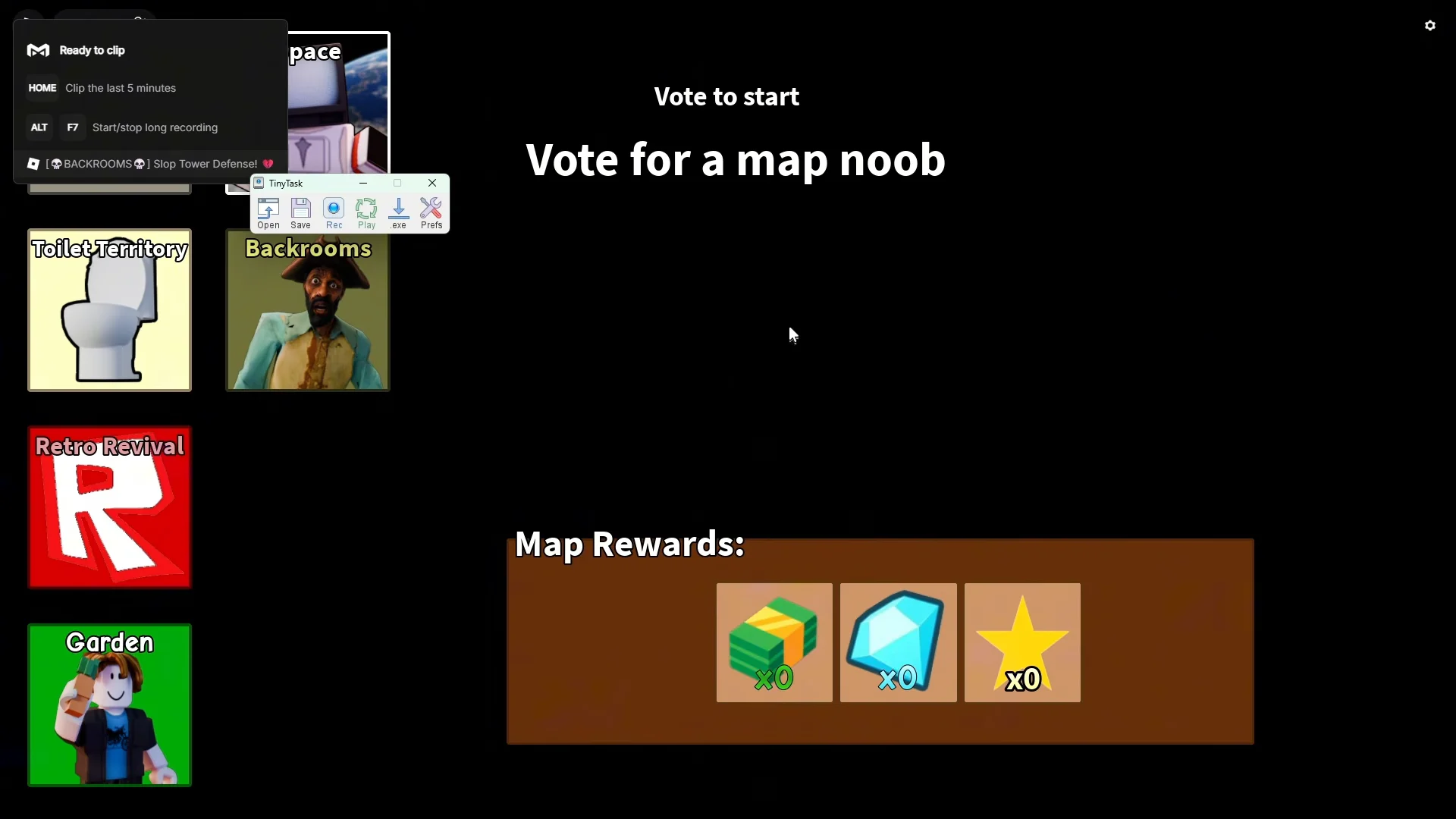
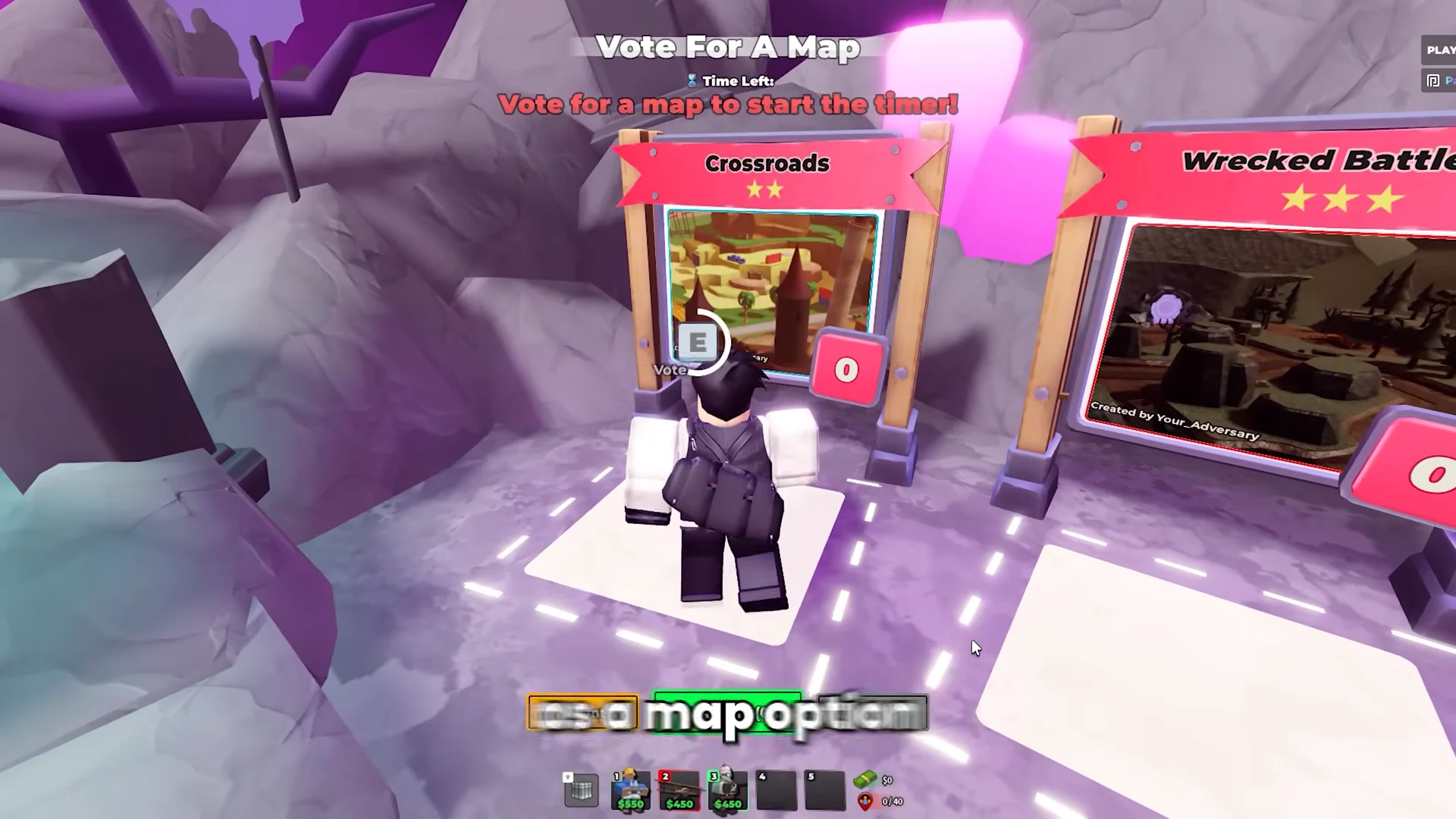
Record the TinyTask macro that replays the run
TinyTask only needs to reproduce two clicks per cycle, so the recording is short. Keep its floating toolbar somewhere it will not overlap the Roblox buttons you are about to click.
9999999. That is effectively infinite, so the macro keeps cycling until you stop it yourself.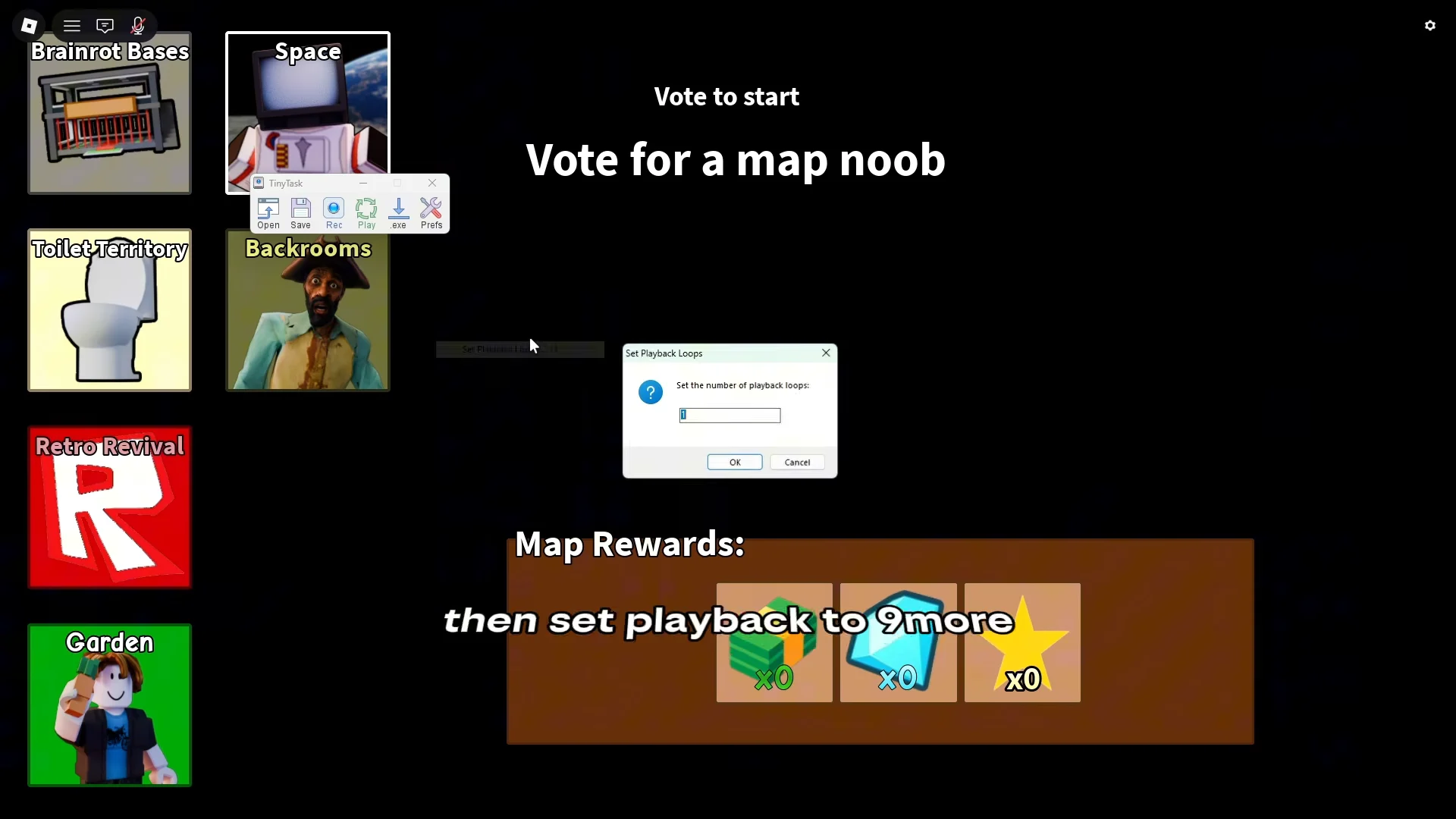
How to confirm the loop is actually running
Watch two full cycles before you walk away. A working loop finishes a match roughly every 20 seconds, flashes the Defeat screen on Wave 7, and restarts on its own without you touching anything. Your Cash counter should climb by 140 each time the results screen clears.
If the game sits on the defeat screen instead of restarting, the Replay click is missing its target. Stop playback, reposition nothing, and re-record the two clicks from the same window layout.
Why the AFK loop cannot replace real wins
Every cycle here ends in a loss, and losses do not count toward wins. Code redemption in Slop Tower Defense is gated behind 10 Wins, so the Cash pile from AFK farming does nothing for you until you clear real stages the normal way.
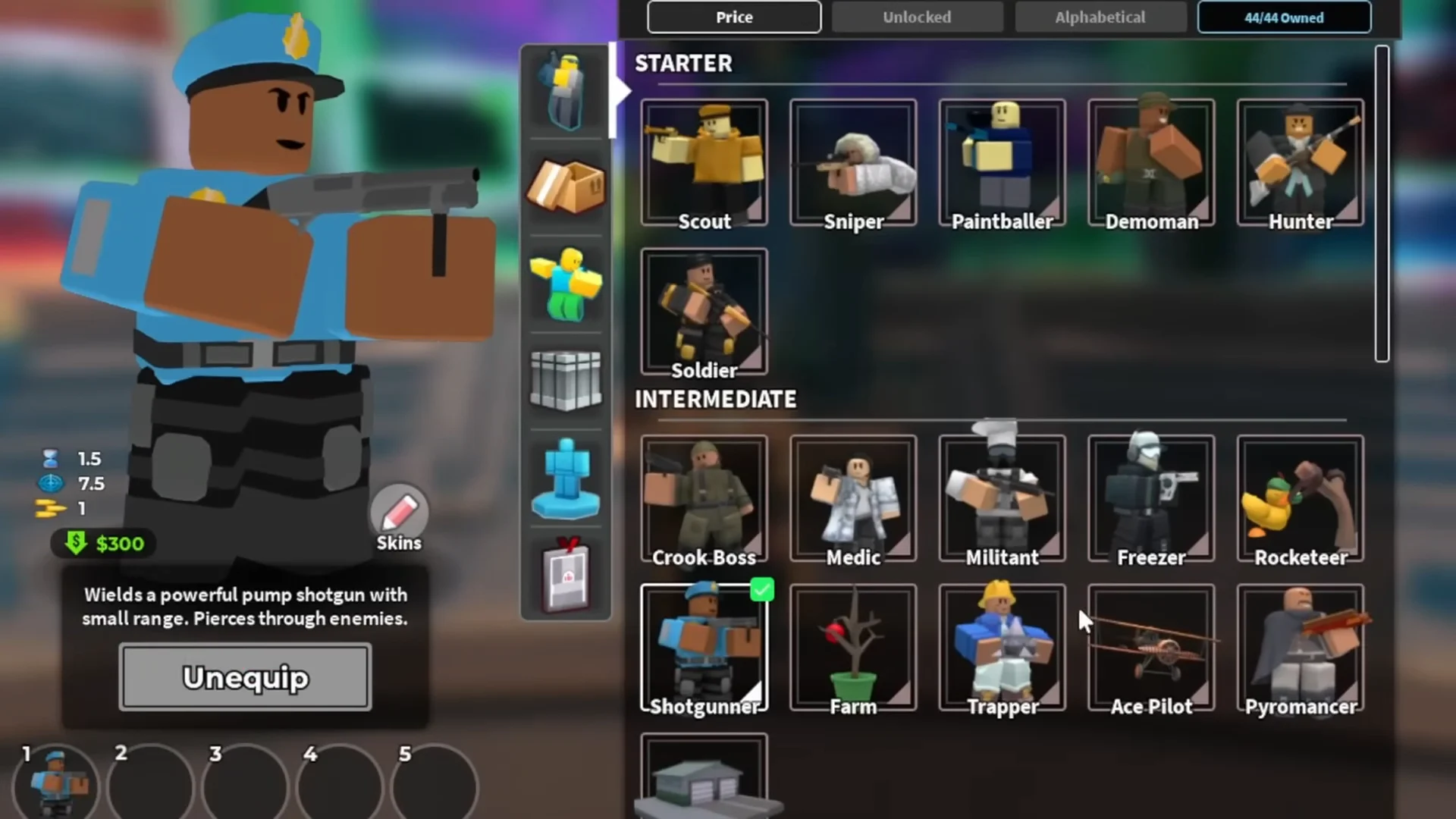
That means equipping a proper roster before you queue up seriously. Economy units such as Freddy Trashcan keep Cash flowing during setup, while splash and single-target damage units handle what comes down the path.
Placement matters more than volume. Units dropped along bends and chokepoints cover the path for longer, which is the difference between a wave clearing and a wave walking past.
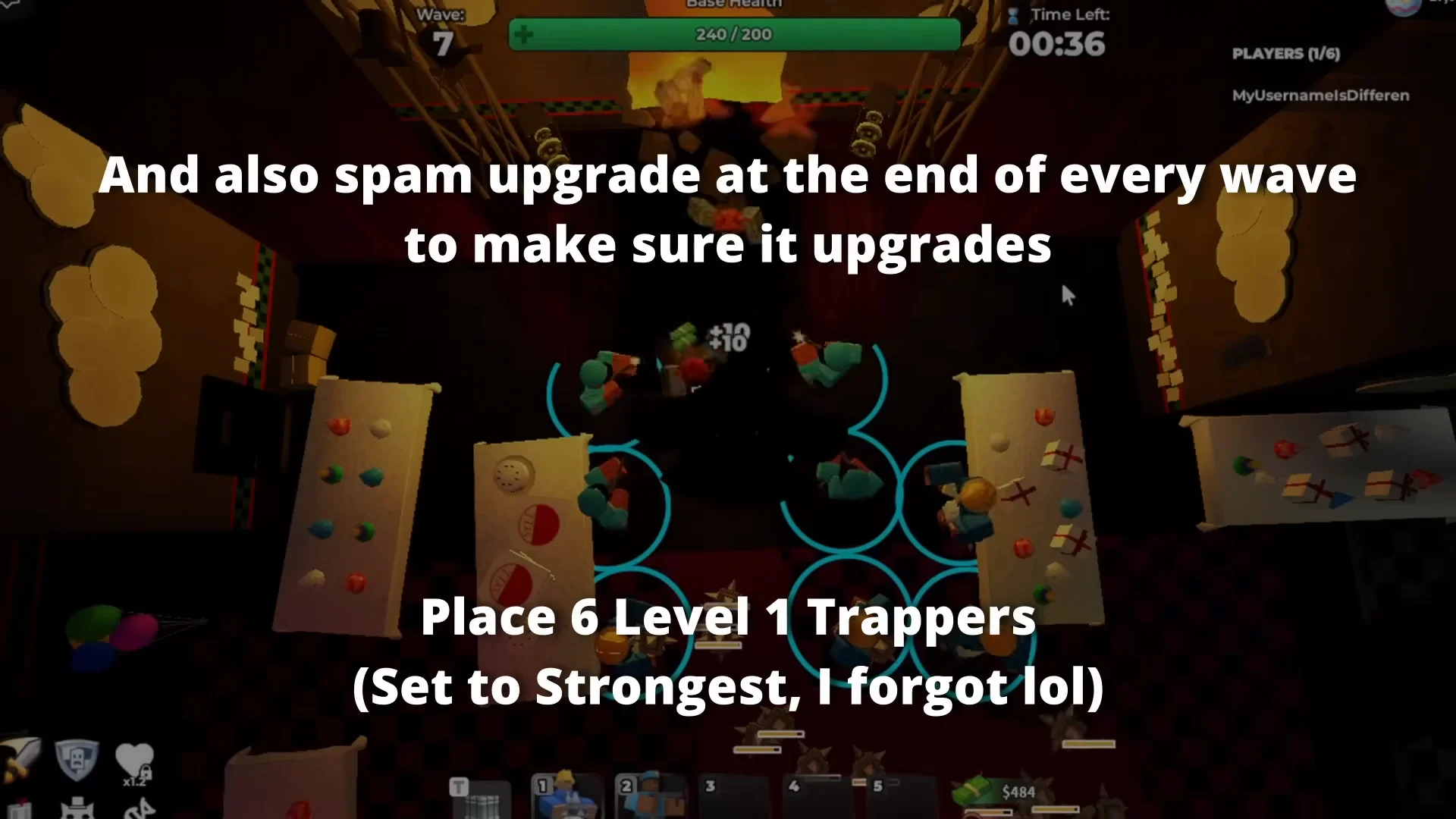
Once the line holds, pour the farmed Cash into upgrades rather than more placements. Concentrated upgrades before the final wave are what actually convert a run into the win that unlocks code redemption.
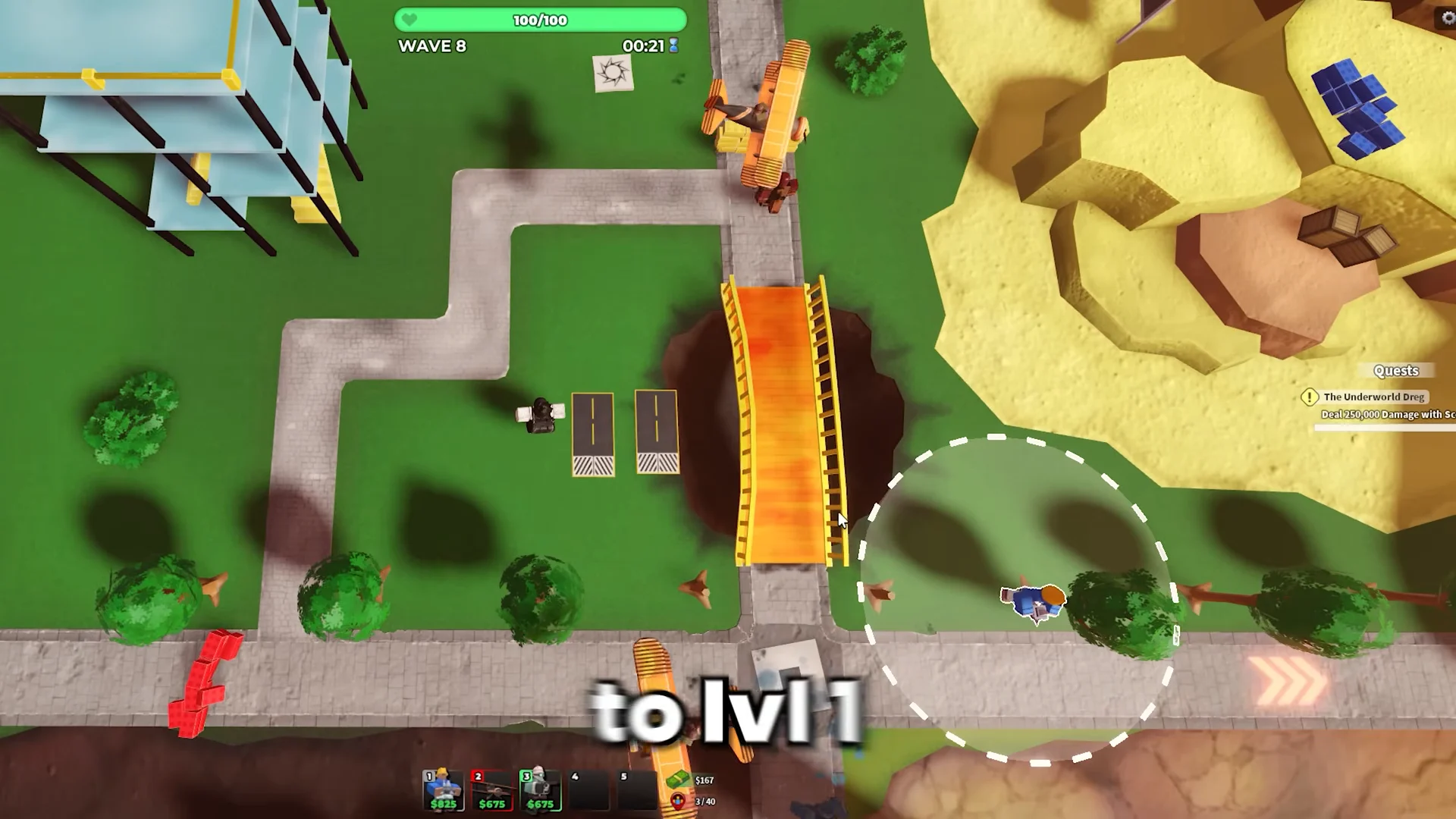
Treat the macro as a background Cash tap and nothing more. Leave it running while you are away, then come back, spend the pile on summons and upgrades, and go earn the wins by hand.