Seasons in Forza Horizon 6 control more than the scenery. They change road grip, weather, visibility, and the rewards tied to the Festival Playlist. Plenty of players go looking for a button that swaps Summer for Winter on demand, and the short version is that the open world doesn’t work that way.
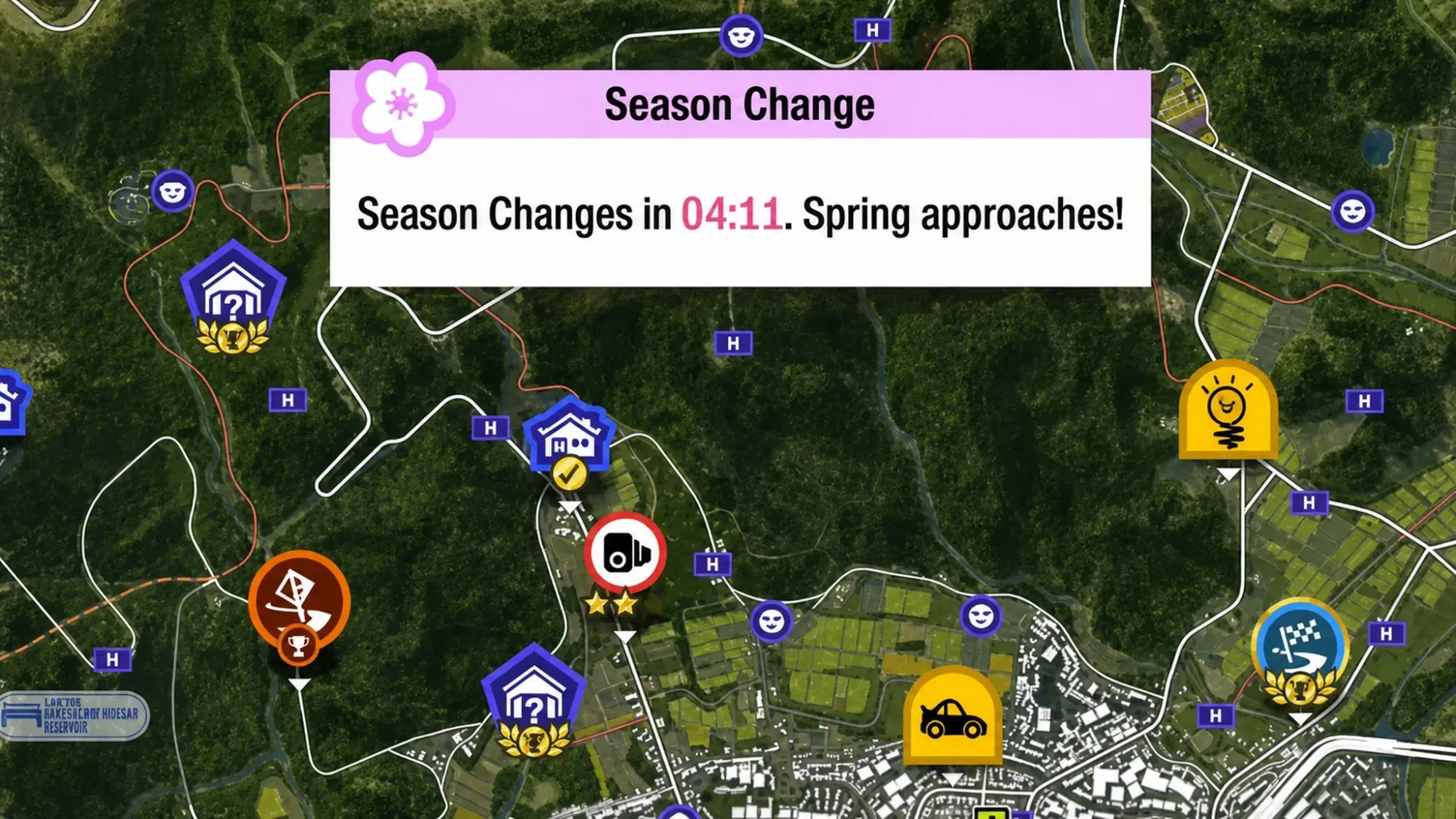
You can’t manually change seasons in the open world
The main map uses a live seasonal rotation that applies to every player worldwide at the same moment. There is no in-game option to override it during free roam, championships, or story content. Whatever season is active is the one you race in until the weekly reset arrives.
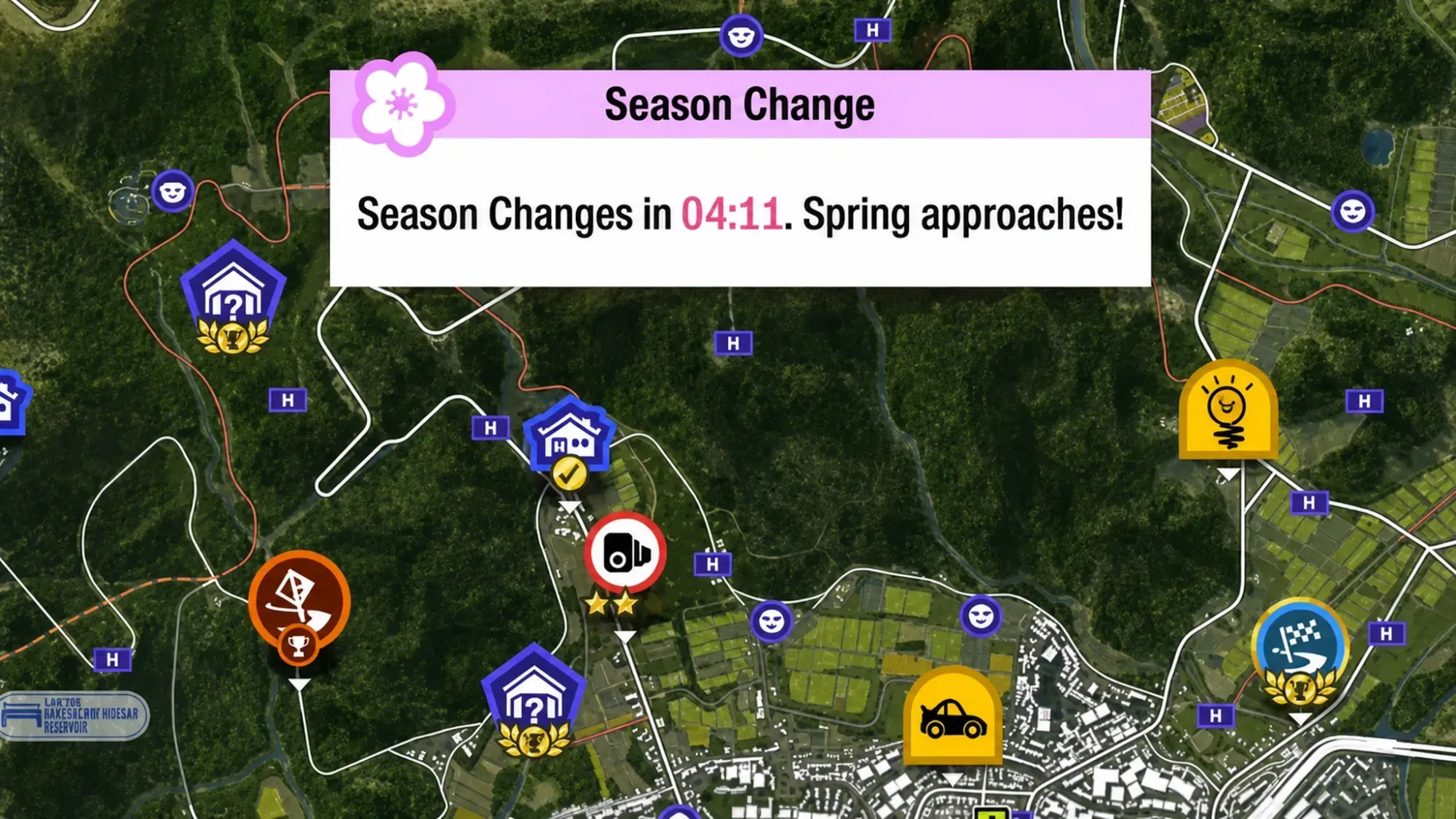
The game does warn you before it happens. Roughly 10 minutes before the change, an on-screen countdown appears and tells you which season is coming next. That timer matters, because any seasonal challenges you haven’t finished disappear the moment the new season begins.
Forza Horizon 6 season rotation schedule
The rotation runs on a weekly cycle and moves through all four seasons in order. The cycle began when general access opened, with each season taking over the map for a full week.
| Start date | Season |
|---|---|
| May 21 | Summer |
| May 28 | Autumn |
| June 4 | Winter |
| June 11 | Spring |
The switch happens at the same instant everywhere, so the local time depends on your region. Use the table below to know exactly when your map will flip to the next season.
| Region | Reset time |
|---|---|
| Pacific Time (PT) | Thursday, 7:30 AM |
| Eastern Time (ET) | Thursday, 10:30 AM |
| Central European Time (CET) | Thursday, 4:30 PM |
| India Standard Time (IST) | Thursday, 8:00 PM |
| Japan Standard Time (JST) | Thursday, 11:30 PM |
| Australian Eastern Time (AEST) | Friday, 1:30 AM |
How seasons change driving and rewards
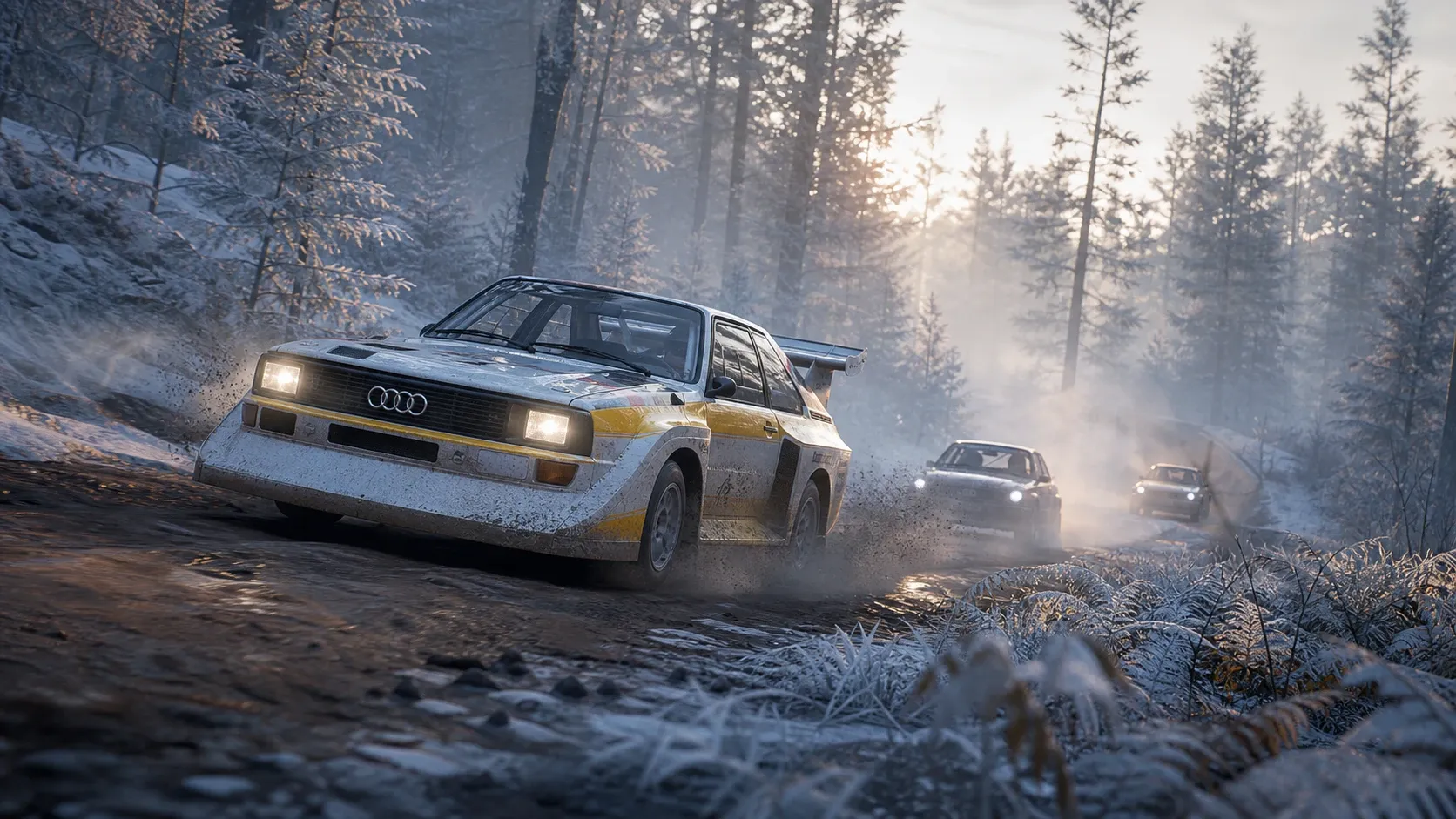
Each season rewrites how the map behaves. Wet roads cut traction during rain, which makes hard acceleration tricky and punishes aggressive setups. Fog drops visibility and forces you to slow down, especially on fast mountain roads and tight Touge runs where braking points move earlier.
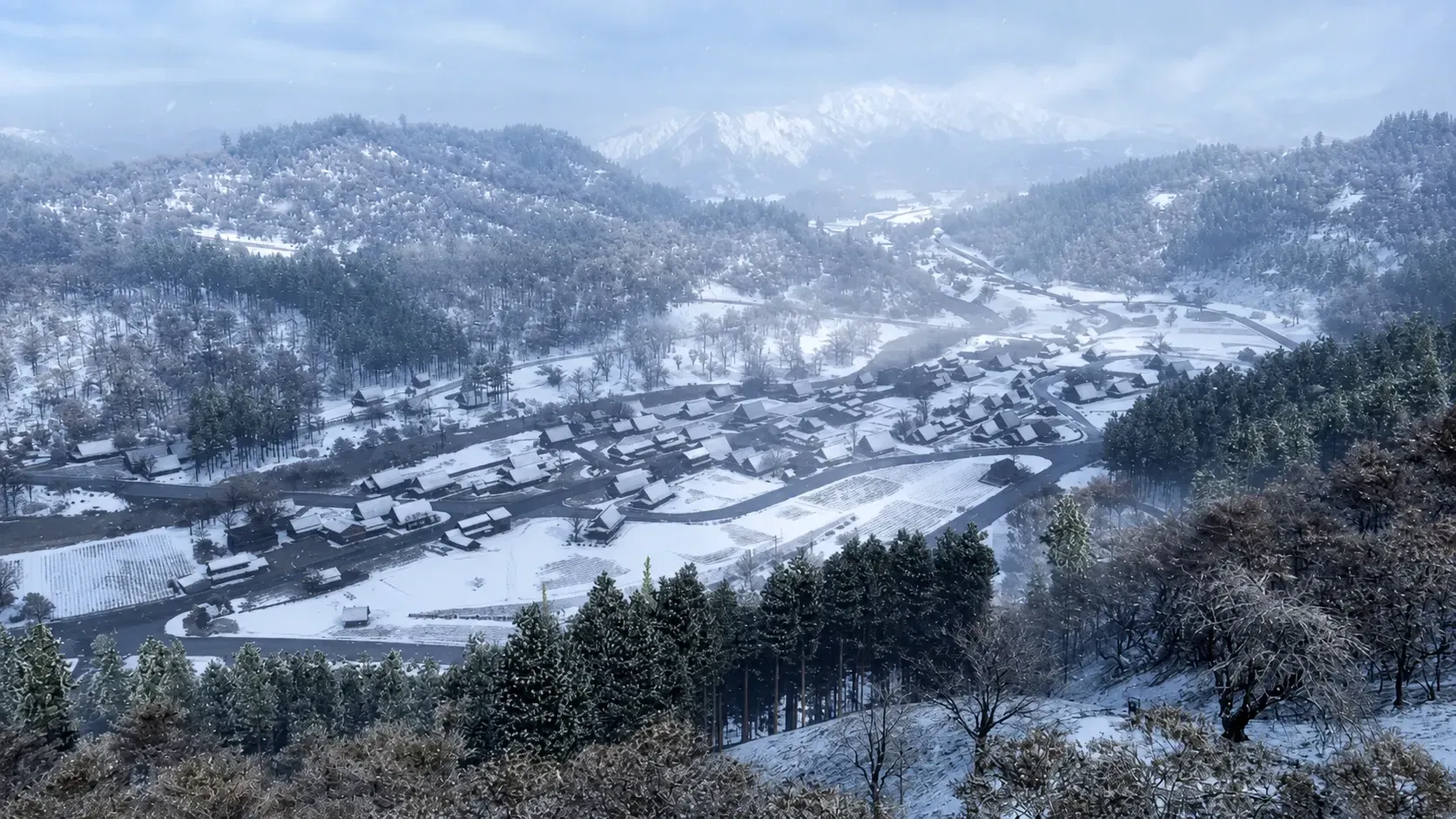
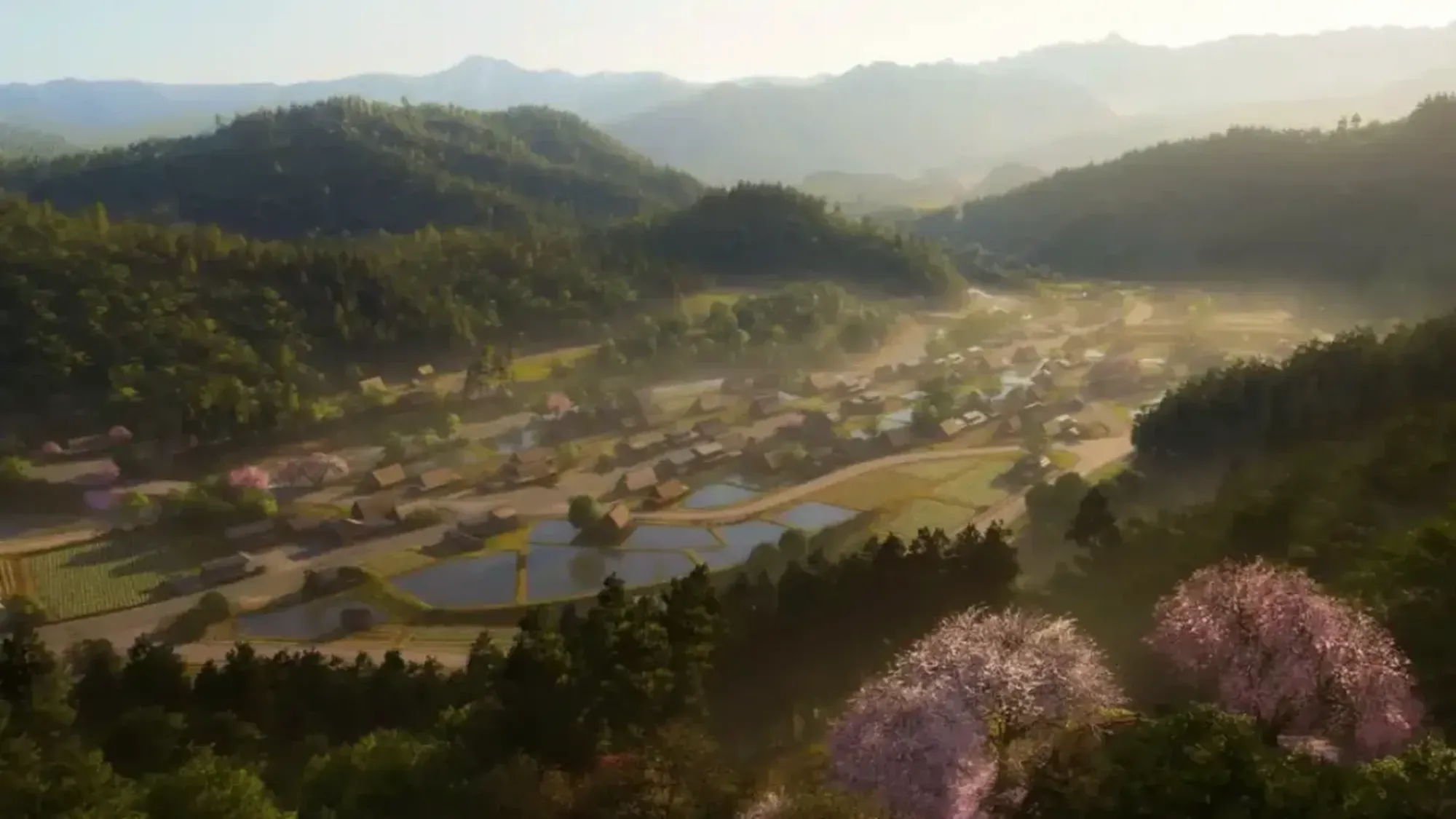
The look of the world shifts too. Spring brings heavy sakura bloom across the map, while rainy stretches leave slick surfaces that expose unstable tuning. Because reward vehicles are tied to seasonal points, collectors need to play through the Festival Playlist before each weekly cutoff or wait for that car to return in a later cycle.
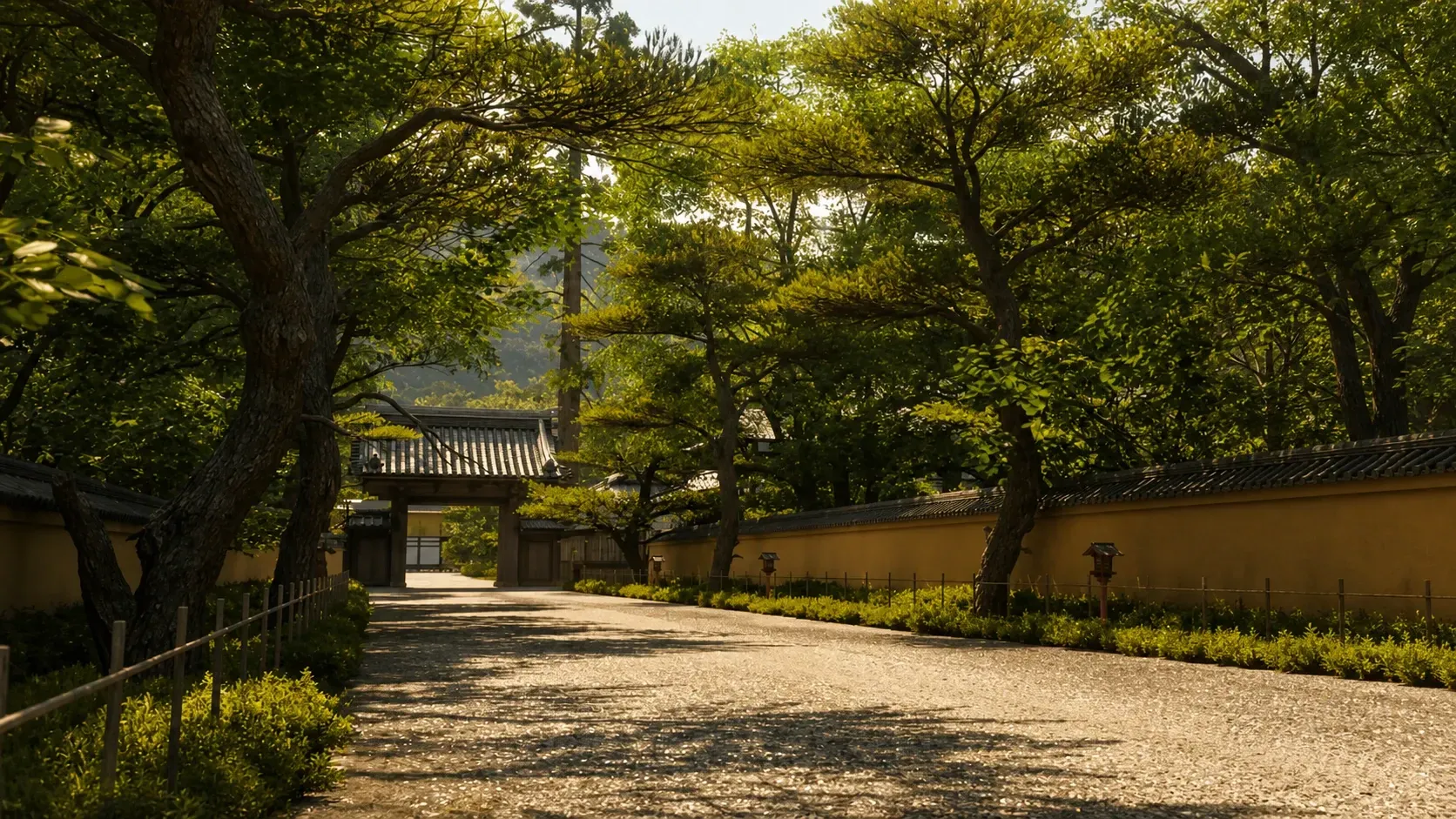
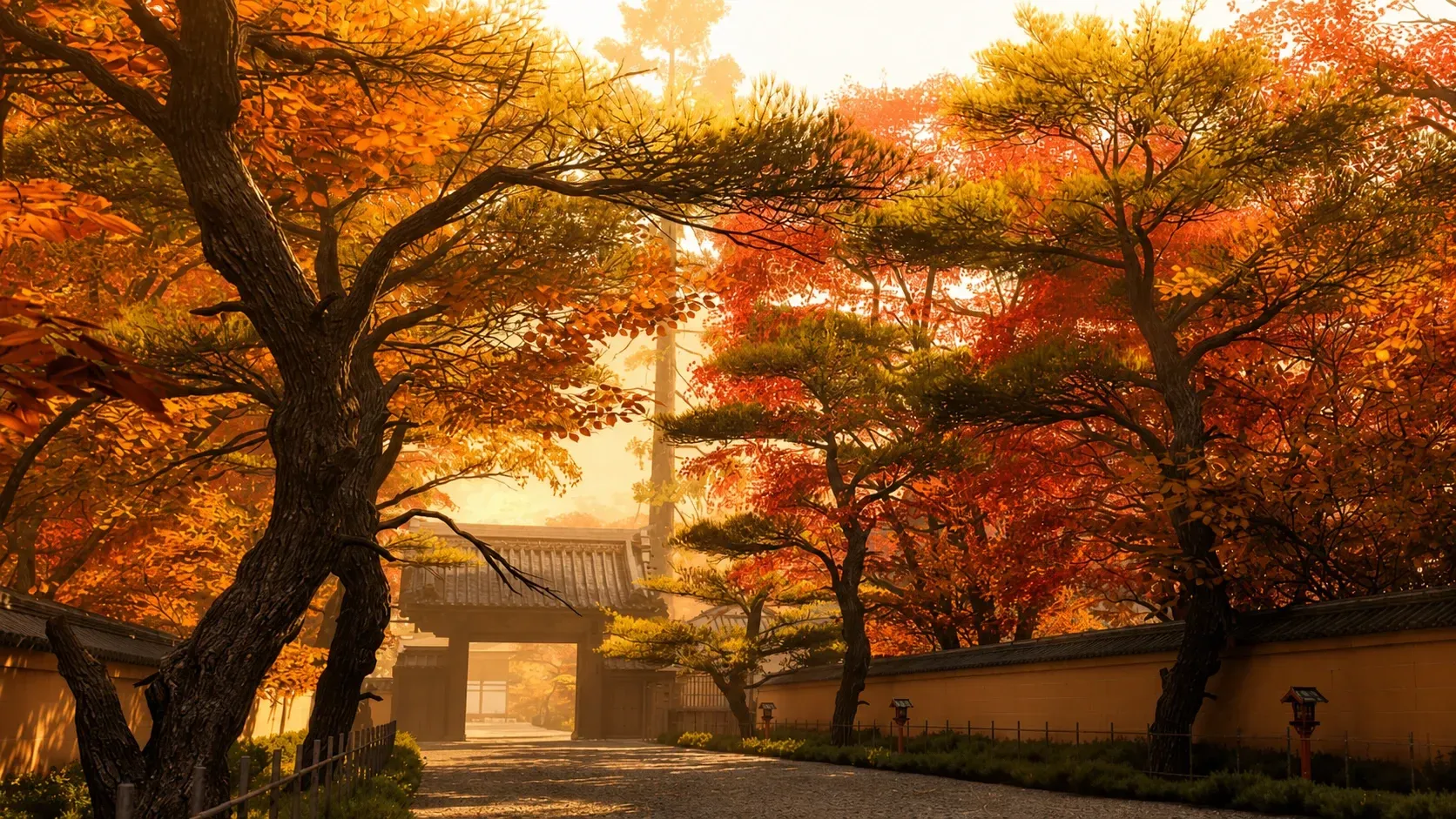
Drive in any season using EventLab
While the open world stays locked to the weekly rotation, you can pick your own season inside a custom event. The trick is to build a quick route in EventLab and World Builder, then set the season manually in the event settings. This works well for Photo Mode shots, car testing, drift tuning, wet-weather practice, or just cruising under cherry blossoms.
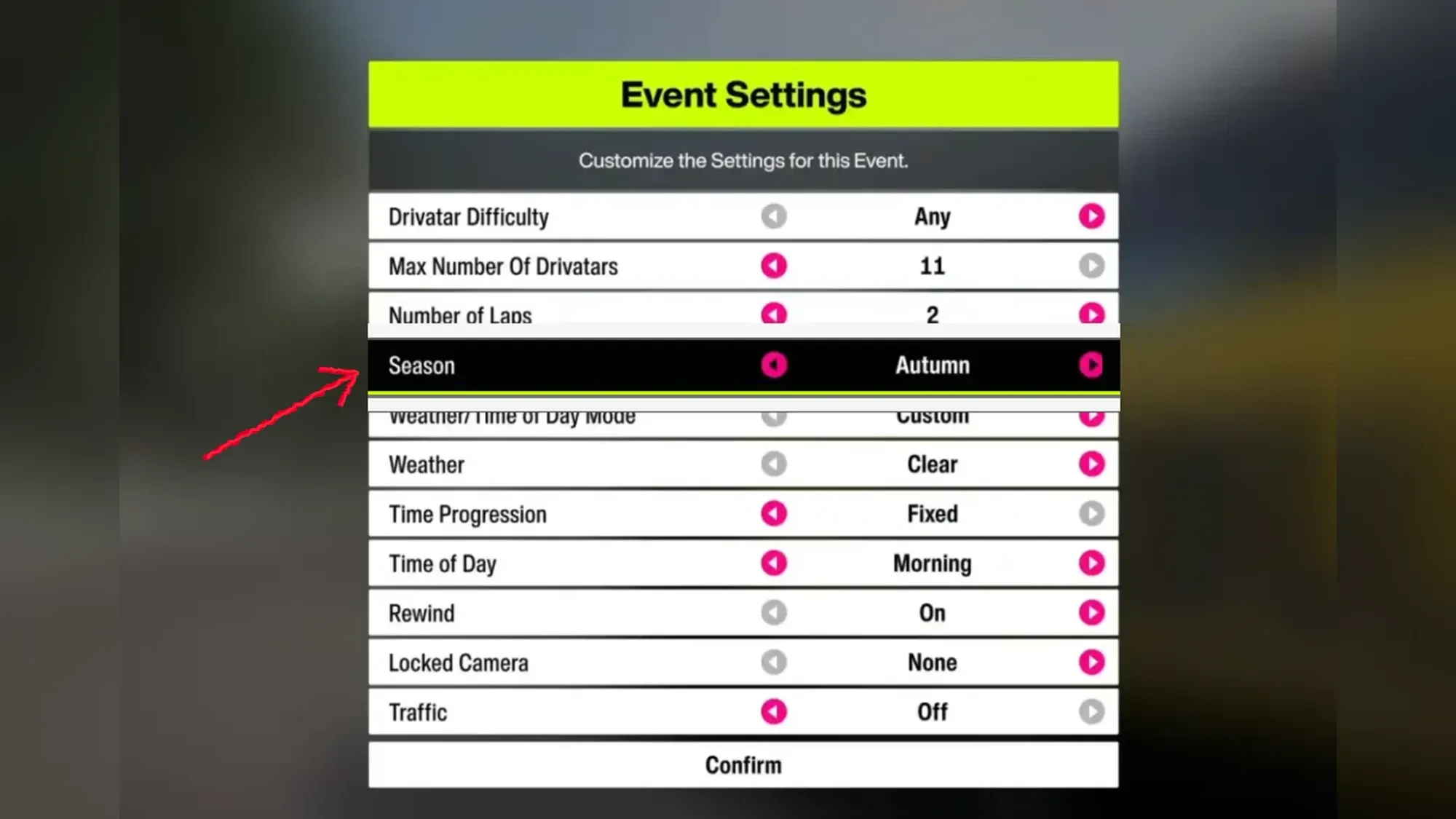
Once the event loads, you can stay inside it for as long as you like under the season you chose. The change only applies within that custom session, though. The moment you leave the event, the open world returns to whatever season the official weekly rotation has active.
So there’s no real way around the weekly cycle on the main map, and that’s by design. If you simply want a specific season for screenshots or tuning, the EventLab route is the reliable workaround. For anything tied to the Festival Playlist, keep an eye on the 10-minute countdown and the Thursday reset, since that’s the only clock that decides which season the whole map plays in.