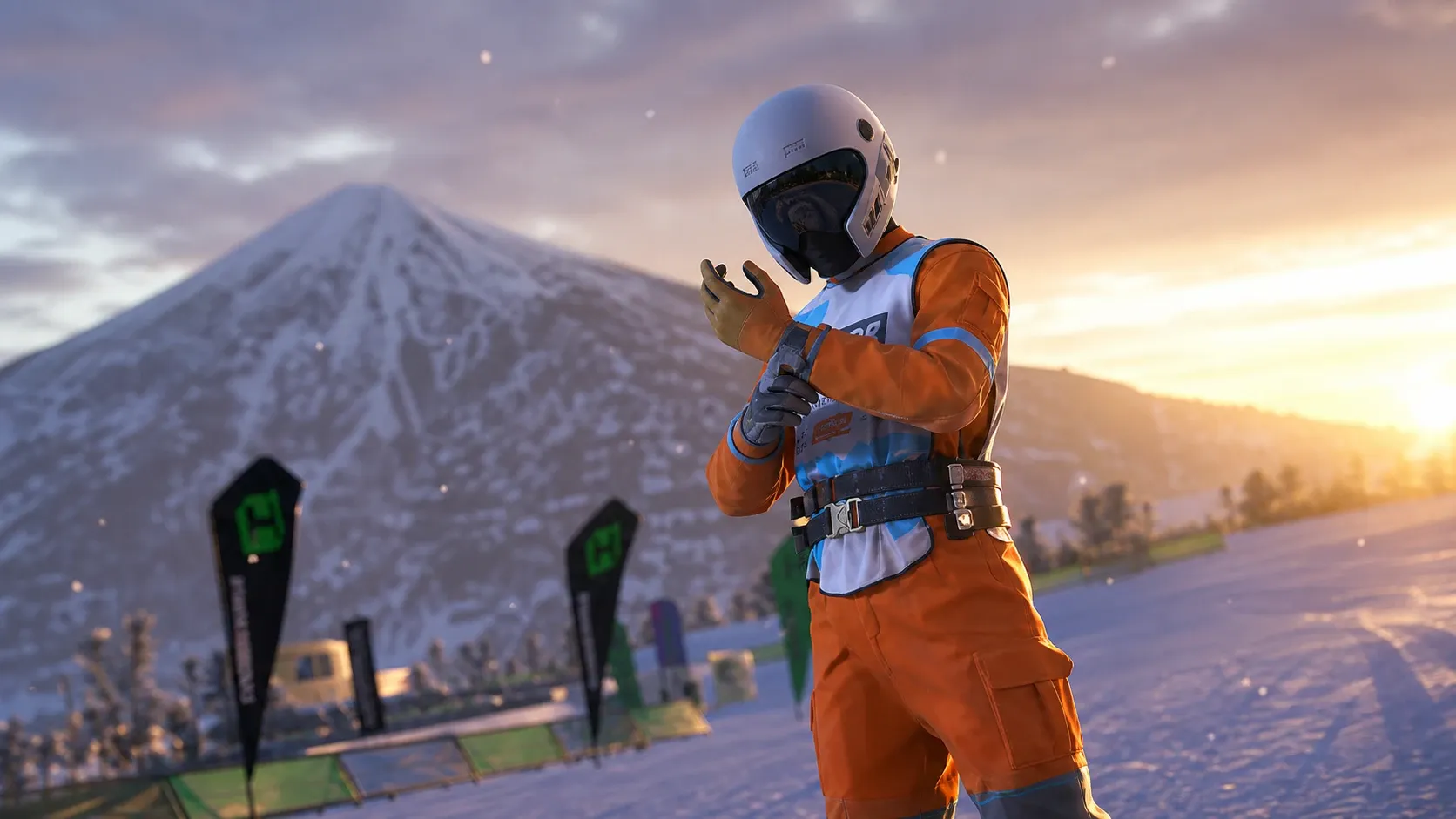
Your driver in Forza Horizon 6 starts out in a plain white t-shirt and blue jeans, and a lot of players never change it because the customization menu sits inside one of your owned houses rather than in the main settings. Once you know where to look, swapping tops, pants, shoes, hats, and accessories takes only a few seconds.
Open the character customization menu in Forza Horizon 6
Clothing changes happen inside any house you own. The fastest route is fast travel from the main menu, which drops you directly at your home so you can reach the appearance editor.
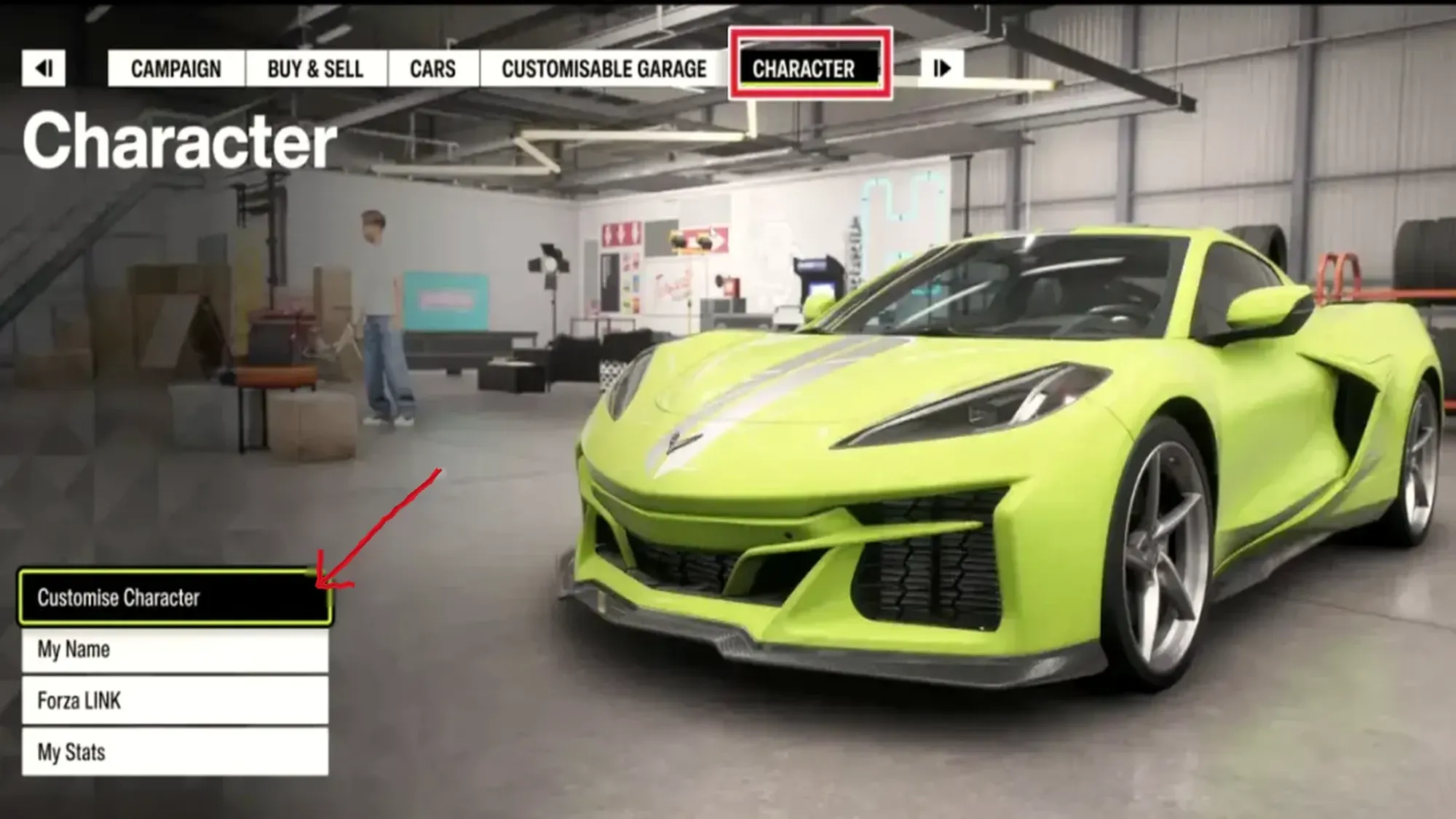
Change clothes and equip accessories
Inside the editor, all outfit categories are listed down the left side of the screen. You can swap each piece on its own, so mixing a jacket with different pants, shoes, and a hat is straightforward.
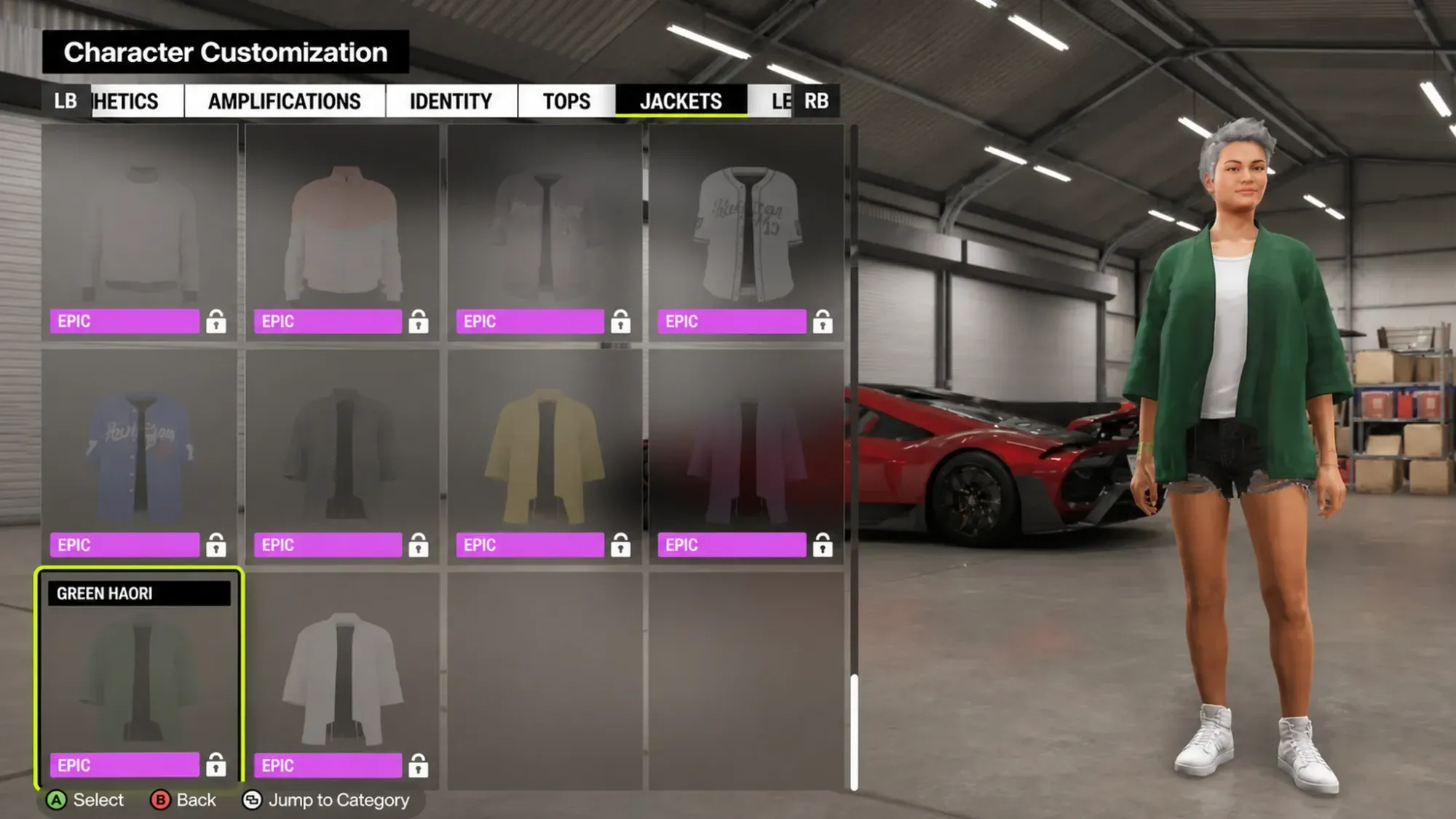
Beyond clothing, the same menu controls a wider set of appearance changes. The editor lets you adjust the following:
- Skin tone
- Body type
- Accessories such as glasses and gloves
- Hair-related cosmetic options
- Full outfit presets
Some items can be equipped for free right away, while many require Credits before they stay on your character permanently. If you are short on Credits, running races and side activities is the quickest way to build them back up.
Change clothes while driving around the map
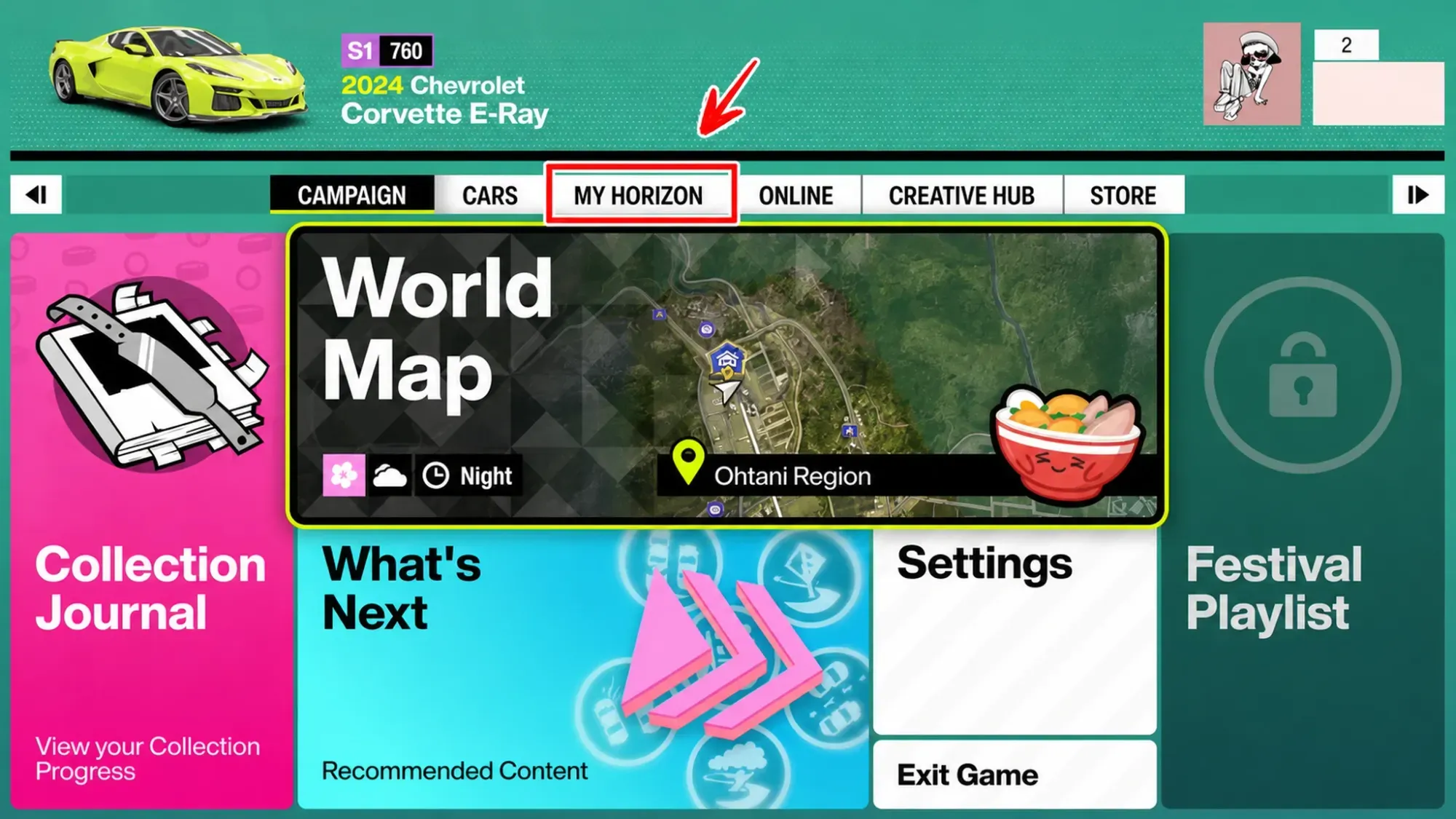
If you are out exploring and nowhere near your home or the festival site, you can still reach customization through fast travel without opening the My Horizon tab.
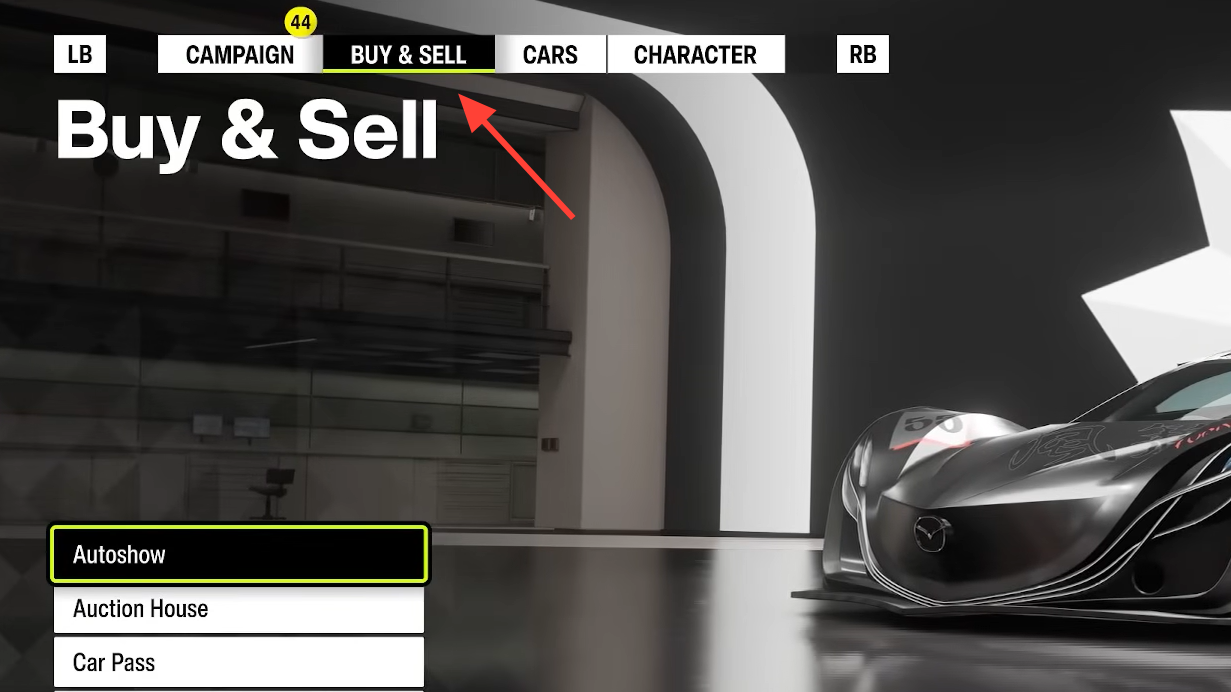
Unlock more outfits and free cosmetics
Not every item costs Credits. Several outfits and accessories are handed out as you progress, so it is worth checking your inventory before spending currency since you may already own pieces you have not equipped.
The main ways to earn additional clothing include:
- Wheelspins and Super Wheelspins
- Clothing Vouchers
- Festival Playlist objectives and seasonal rewards
- Increasing your player level
- Progressing through Discover Japan and race challenges
You will know a change took effect when the new piece appears on your character model in the editor and remains equipped after you back out of the menu. If an item will not equip, it usually means you do not yet own it and still need the required Credits or a reward unlock to claim it.
Customization tends to matter more once you start collecting rare cars, taking photos, or joining convoys and online races, since your driver shows up alongside everyone else. Because fresh cosmetics keep arriving through Wheelspins and seasonal events, it pays to revisit the Customize Character menu regularly to claim what you have earned.