Furniture in Neverness to Everness does not appear in your home the moment you buy or earn it. Each piece must be claimed from a hidden submenu inside City Tycoon before it can be placed, which is the single most common point of confusion for new property owners in Hethereau.
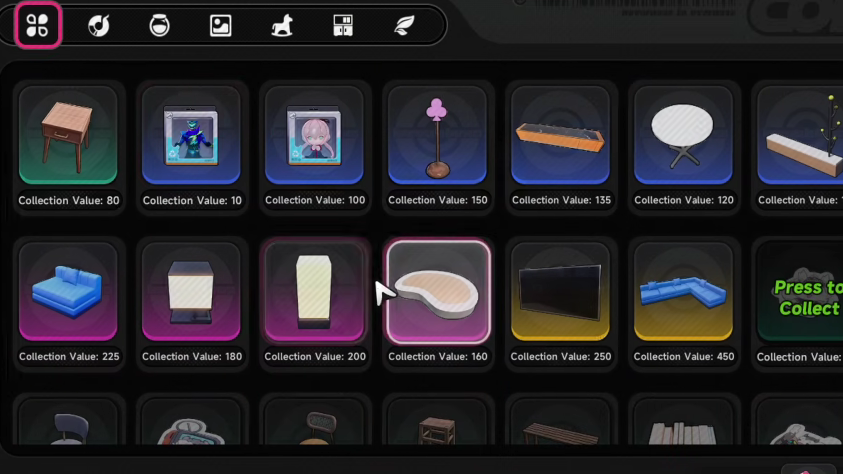
Quick answer: Open City Tycoon, go to Property, pick a property you own, tap Furniture Collection, then press Collect on every item flagged “Press to Collect.” Each claim adds its value to your House Collection bar and makes the piece available to place.
Requirements before you can collect furniture
You need an owned property to access the Furniture Collection screen. The first apartment, Wiener Apartments, becomes available at Tycoon Rank 5 and is purchased from Monica inside the Leon Estate Group building for 200,000 Fons. Reaching Rank 5 requires finishing the early tutorial flow and the Coffee Curator tutorial quest, then completing City Tycoon activities to push past Rank 4.
Once you own at least one property, every furniture item you buy, pick up, or earn from a quest is routed to the Furniture Collection queue automatically. You only need to claim it.
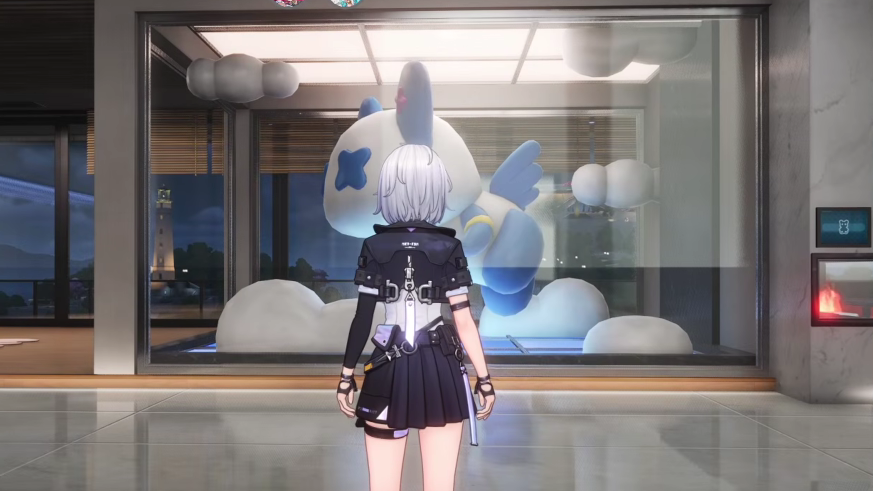
Collect furniture from the City Tycoon menu

Where to find furniture in NTE
Most furniture comes from city shops, free pickups, and rewards. The table below summarises the main sources.
| Source | How it works |
|---|---|
| DeLuxor Decor | Main furniture chain in Hethereau. Branches in Illusion Town and New Herland District sell most standard pieces for Fons. |
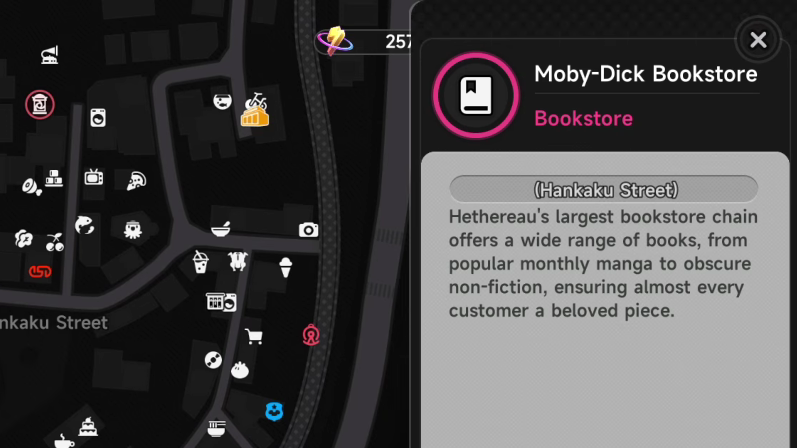
| Specialty shops | Luna Bay Aquarium Shop, plant shops across the city, and bookstores (including Moby Bookstores) sell themed décor. Stickers and mats from bookstores count as green-rarity wall décor. |
| Abandoned furniture | Around twelve free pieces are scattered across Bridge Crossings and Illusion Town. Useful for cheap early-game decoration. |
| Quest rewards | Several side quests deposit furniture directly into your inventory, which then appears in Furniture Collection. |
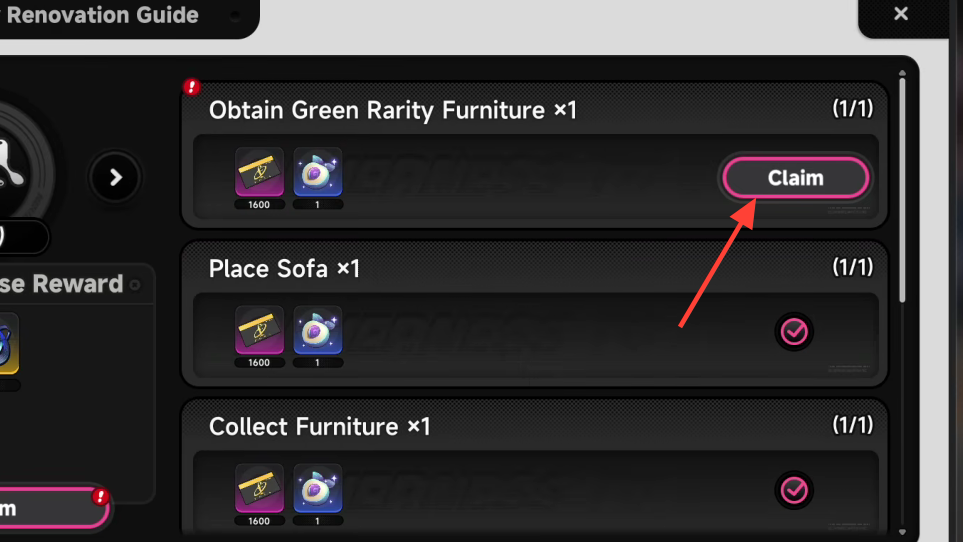
| Property Renovation Guide | Hitting renovation milestones on owned properties grants Fons, Dreamless Seeds, and additional furniture pieces. |
| Anomaly activities | Defeating anomalies and completing related commissions drops materials used to unlock Anomaly Furniture with passive effects. |
To trace a specific piece you are missing, open Furniture Collection, tap any locked entry, and read the Source field. The game lists the exact shop or activity that provides it.
Standard furniture vs Anomaly Furniture
Standard furniture is cosmetic. It personalises a property and contributes to its Comfort value, which feeds into Tycoon Rank and unlocks further home features over time. Buying a single sticker or mat is enough to satisfy a green-rarity furniture requirement if you are chasing a low-cost milestone.
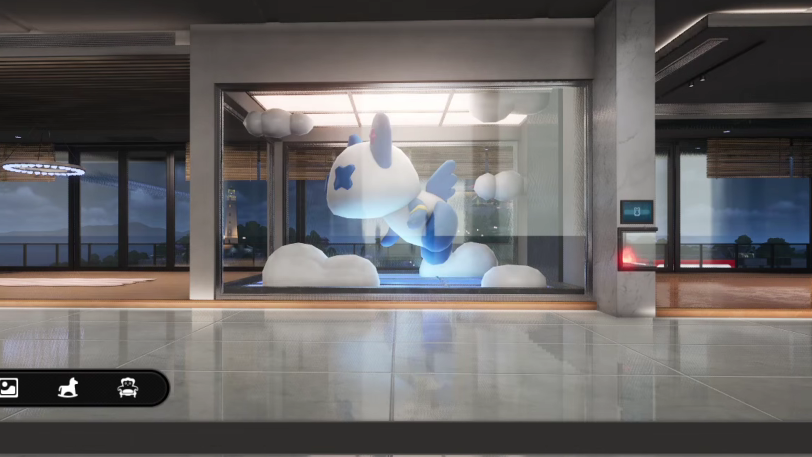
Anomaly Furniture is the high-value category. Each piece grants a passive effect that applies outside City Tycoon, and the items can only be placed in specific properties. Some unlock instantly when you buy your first apartment, while others require quest progress, photos, or materials from anomalies.
| Anomaly Furniture | Effect | Unlock condition |
|---|---|---|
| Unknown Caller | Fast Teleport to property | Auto-unlocked on first property purchase |
| Coocoo Alert | Clears Warrant on entry | Auto-unlocked on first property purchase |
| Blind Mammon | Unlocks Realm of Greed (Fons rewards) | Gluttonous Eye x1 |
| Replica Ghost Car | Reduces vehicle durability loss | Complete Drift Away, Legend! questline |
| Mechanic | Vehicle repair services at home | Repair a vehicle once at Rampage Players |
| Hamster Ball | Produces Modules of varying rarity | Little Melon Seed x3 |
| Silver Edge Butler | Quick Completion for Anomaly Zones | Arcane Thread x25 |
| Old Mailbox | Accept Special City Deliveries | Complete two City Deliveries |
| Damaged Crate | Daily Beetle Coins | Spider Wood x1 |
| Forgotten Helmet | Reduces vehicle durability loss in races | Defeat all six Sunday Challengers |
| Dream Weaver’s Knot | Raises Character Pixel cap | 120 Character Pixels (Eden Apartments) |
| Compressed Boom Boom Cloud | 1 Fluffy Cotton every 72h | Total Comfort across houses: 400 |
| Nameless Blade | Increases deployed ATK | Blade Forging Stone x2 |
| Resting Boxer | Increases deployed CRIT DMG | Boxer’s Respect x1 |
| Empty Shell | Increases deployed DEF | Unextinguished Scale Armor x2 |
| Old Skateboard | Lowers Dash and Dodge stamina cost | Tomorrow Paint x2 |
| Paper Plane | Lowers climbing stamina cost | Feather Fragment x2 |
| Twin Fish Banner | Lowers swimming stamina cost | Scale Pattern x5 |
Anomaly Furniture can be upgraded with Anomaly Furniture Materials such as Arcane Thread, Magic Thread, Scale Pattern, Feather Fragment, Unextinguished Scale Armor, and Lost Armor. Higher levels increase the strength of each passive.
Confirming a successful collection
You know the claim worked when three things happen at once. The Press to Collect prompt disappears from that entry, the House Collection bar in the lower-left advances, and any reward tied to the new threshold drops into your inventory. If a piece is still flagged after you tap it, re-enter the Furniture Collection menu, since the UI occasionally needs a refresh.
Hitting House Collection Level 3 does not require owning three properties. The bar accumulates from every claimed piece across all your properties, so the fastest route is to keep buying inexpensive items from DeLuxor Decor and bookstores, picking up abandoned furniture, then claiming each one through the same menu.
Why a piece is not showing up
If furniture you bought or earned does not appear in Furniture Collection, the cause is almost always one of these.
- The piece is Anomaly Furniture and is filed under its own anomaly menu (chair icon at the top of the screen inside an apartment), not the standard Furniture Collection list.
- You have not yet purchased the property the piece is tied to. Dream Weaver’s Knot, for example, is gated behind Eden Apartments.
- The unlock condition is not complete. Quest- or material-locked items only enter the queue once the requirement is satisfied.
- You are checking the wrong property tab. Open each owned property in turn, since some items only register on the property they were placed in.
The Furniture Collection system is the connective tissue between shopping, quests, and home decoration in NTE. Once the habit of checking that menu after every purchase or anomaly clear is set, House Collection levels and the rewards attached to them progress steadily, and Anomaly Furniture buffs start stacking across your roster.