Animal Hospital puts you on the night shift at a veterinary clinic, checking in animals and treating them in the medical rooms. The catch is that some of those animals are not animals at all. They are monsters wearing a familiar shape, and your only defense is reading them correctly before you press admit. Get it wrong and your shift falls apart fast.
Quick answer: Run three checks on every patient in this order — look at them at the window, take and compare their photo, then pull up the CCTV. If any one of those layers shows a clear red flag, hit the red shutter button on the left of the reception desk to reject them. Only admit when all three match.
What an anomaly is and why rejecting matters
Anomalies are fake patients that arrive at your check-in window disguised as ordinary animals. Something is always off about them. If you let one through, it eventually drops the disguise inside the hospital and becomes a Skinwalker, an aggressive creature that hunts both players and real patients.
Every Skinwalker attack drains your Sanity meter, shown in the corner of the screen. When Sanity reaches zero, the shift ends. That makes the cost of admitting an anomaly far higher than the cost of wrongly rejecting a real patient, where you only lose that patient’s reward. When you are unsure, lean toward rejecting.
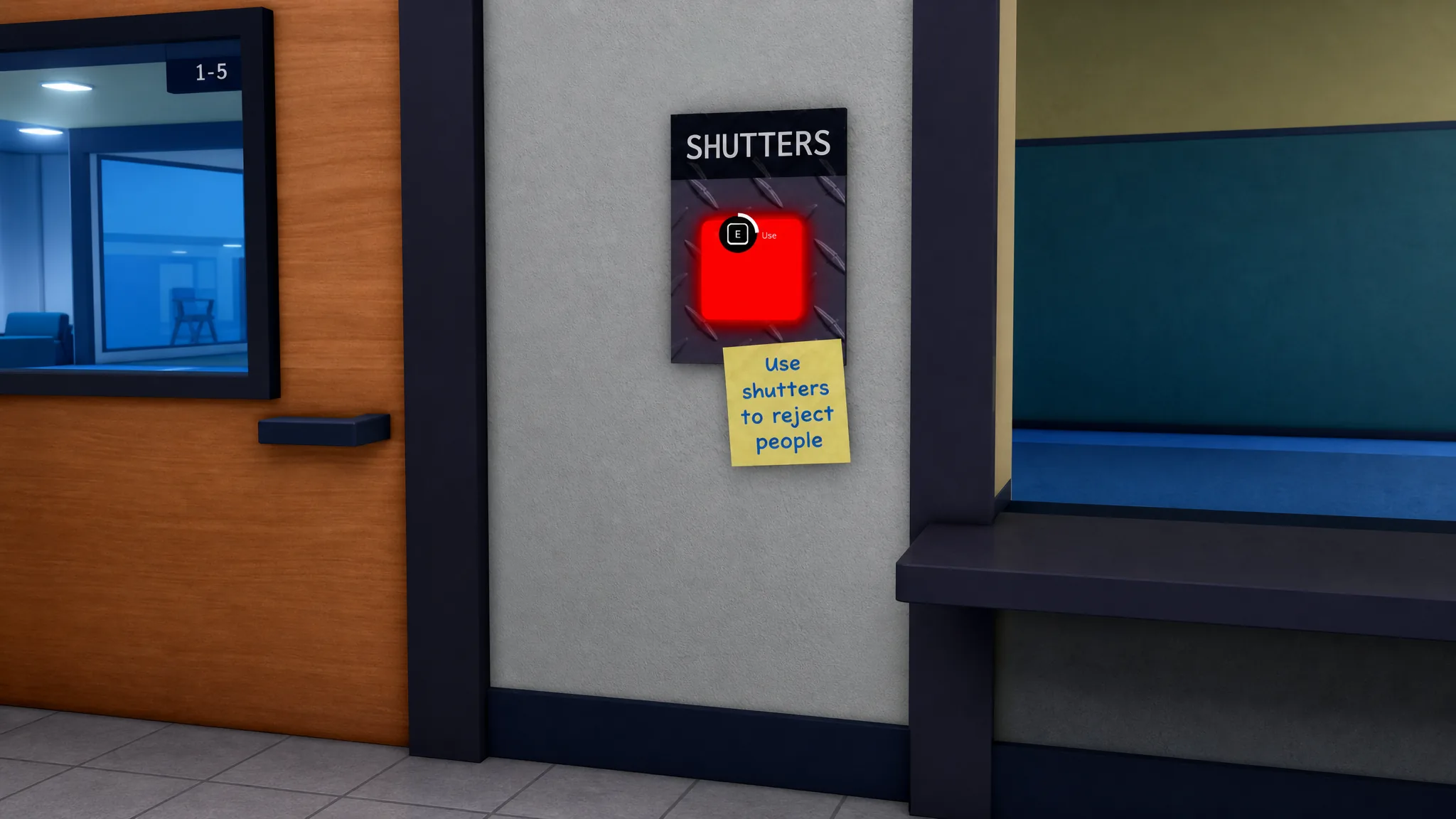
To reject a patient, press the red shutter button on the left side of the reception desk. The window closes, the patient leaves, and your anomaly counter ticks up for a better end-of-shift score. You know it worked when the shutter drops and the patient walks away.
Step 1: Visual check at the window
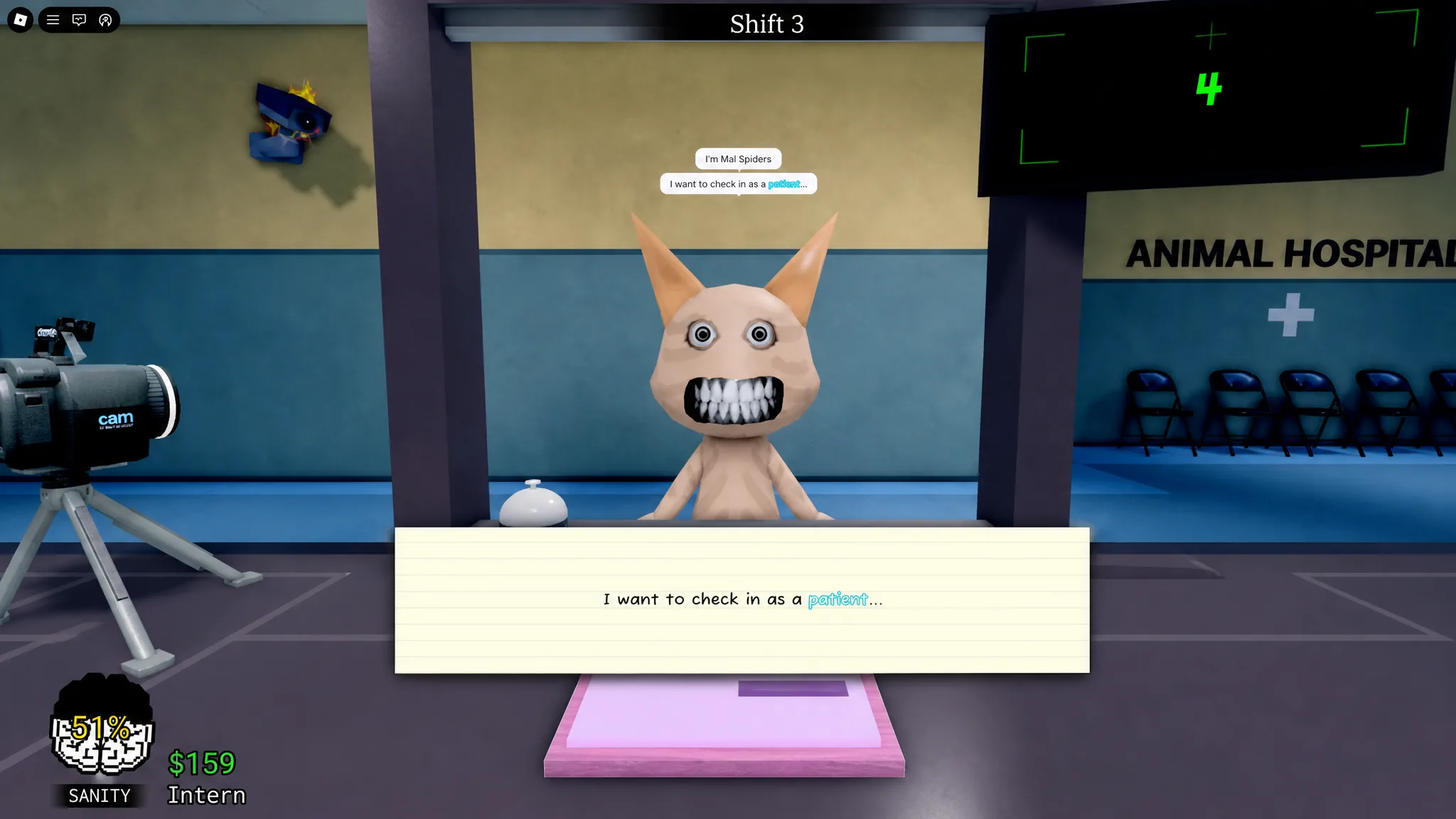
This is always your first move. Before you touch the photo or open a camera, look directly at whoever is standing at the window. Scan the eyes, teeth, mouth, posture, and whether the head tracks you as you move.
| Visual sign | Image | What to do |
|---|---|---|
| Three glowing red eyes | 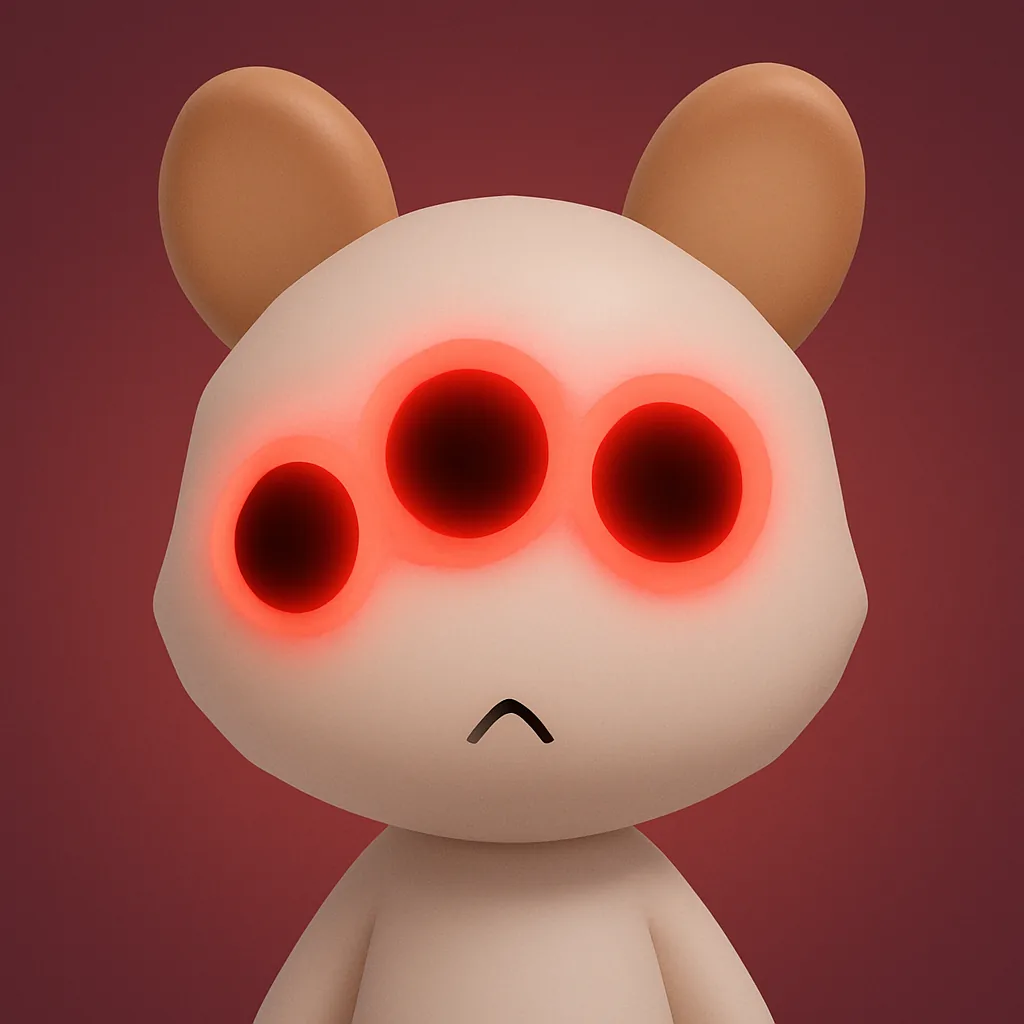 | Reject |
| Hollow black eyes |  | Reject |
| Human-like teeth or sharp fangs | 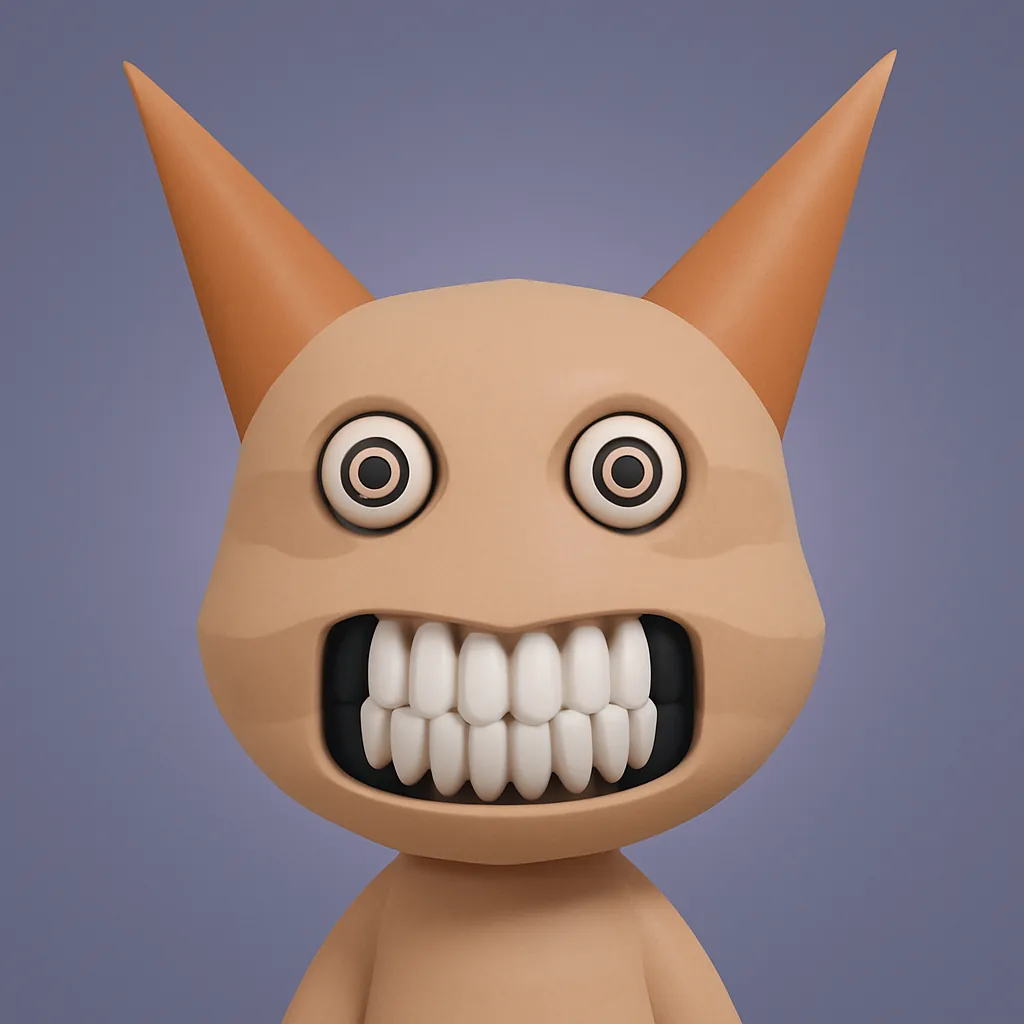 | Reject |
| Wide creepy grin | 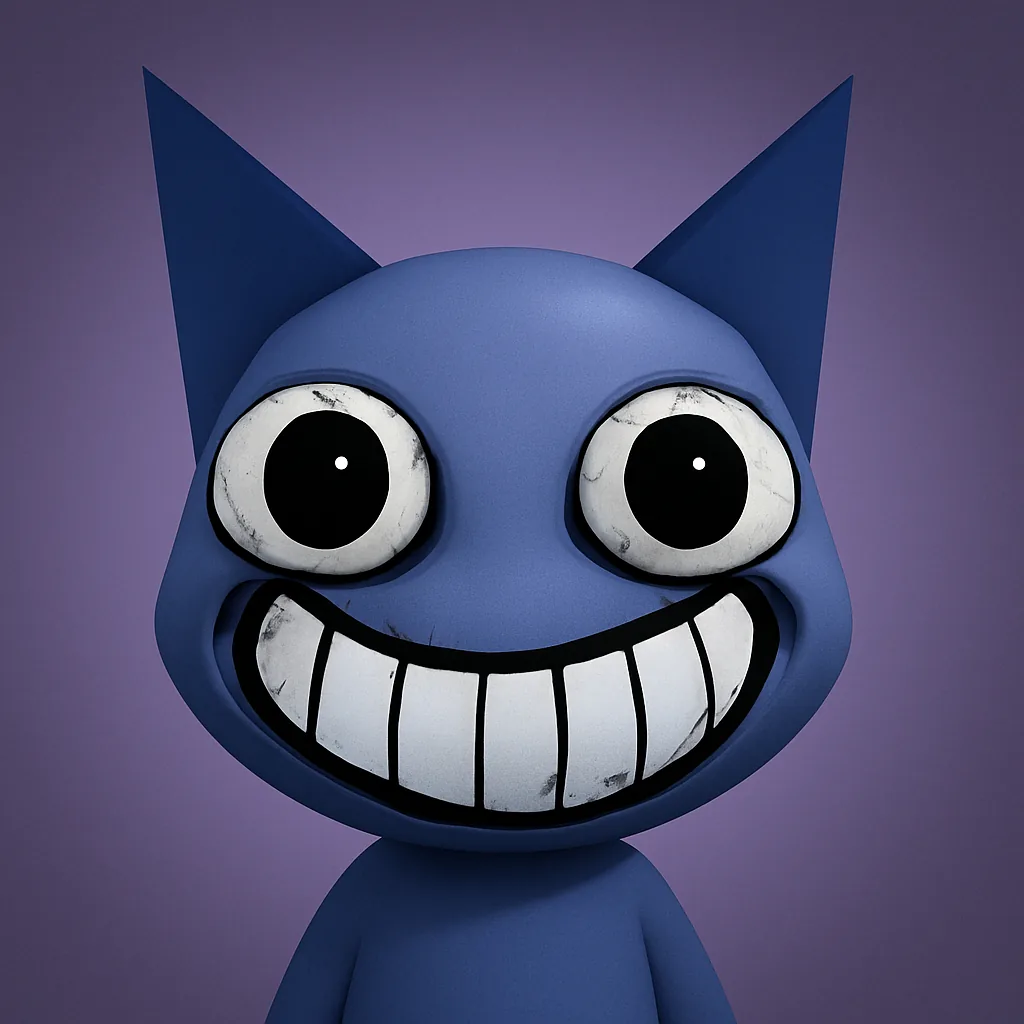 | Reject |
| Head, hand, and neck twitching violently | 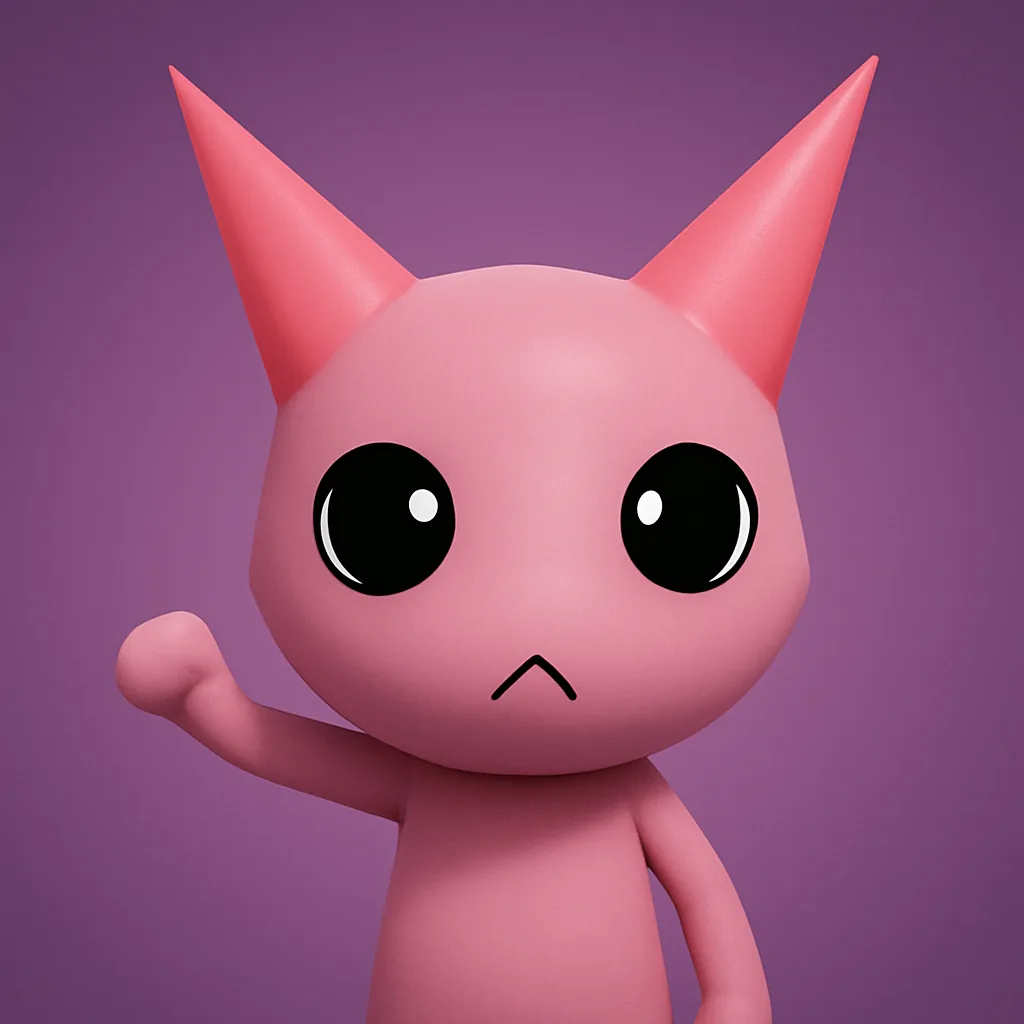 | Reject or double-check CCTV |
One more window trick: if a patient’s head keeps following you, move so you are behind it. A real animal stops tracking. An anomaly that is staring will keep its head locked on your position, which confirms the reject.
Step 2: Compare the printed photo
This is where a lot of players get caught early on. A patient can look completely normal at the window, but their photo tells a different story. Take the photo, then compare it point by point with the live animal in front of you.
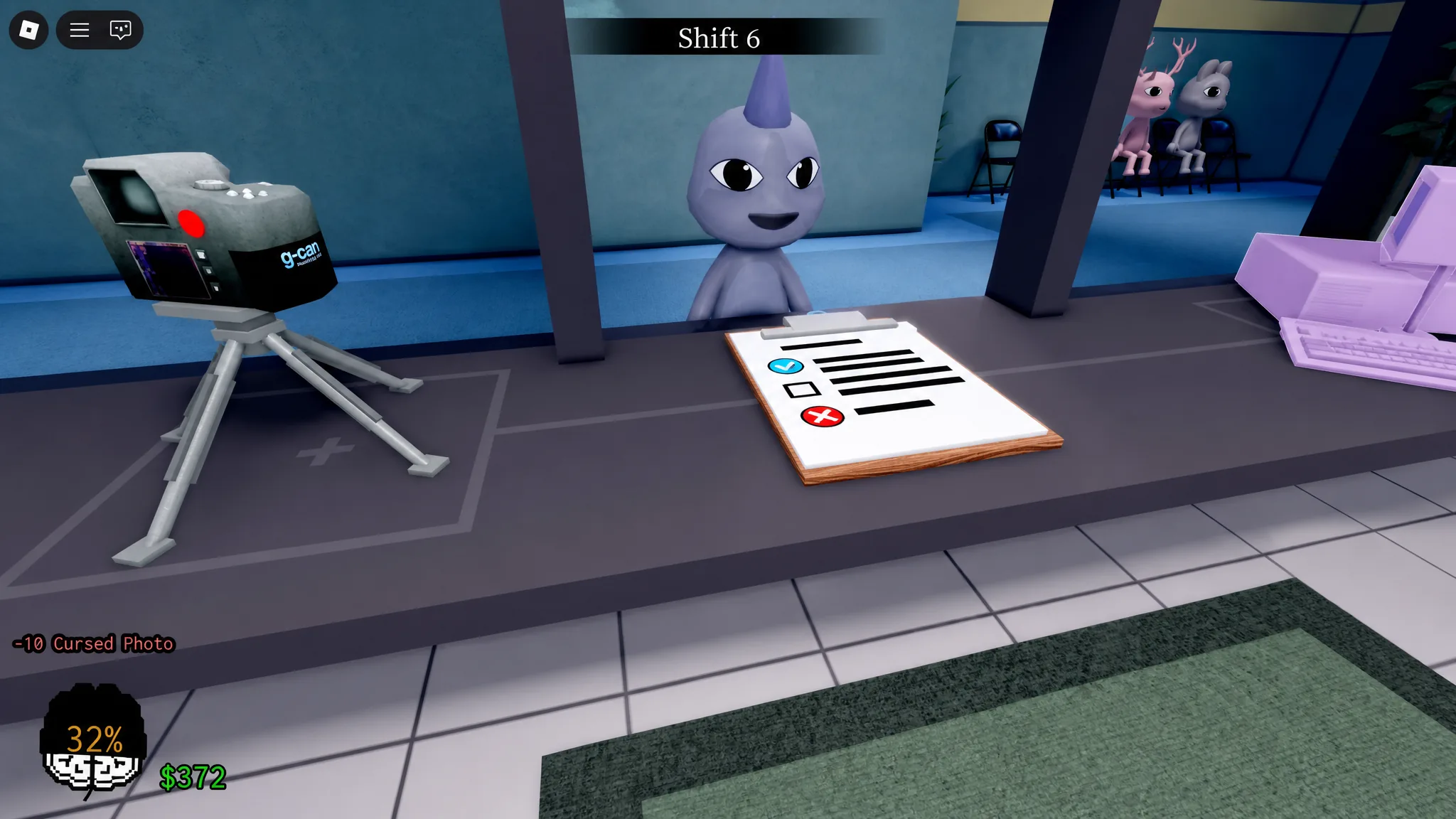
| Photo sign | Image | What to do |
|---|---|---|
| Face shape or whole face doesn’t match (cursed photo) | 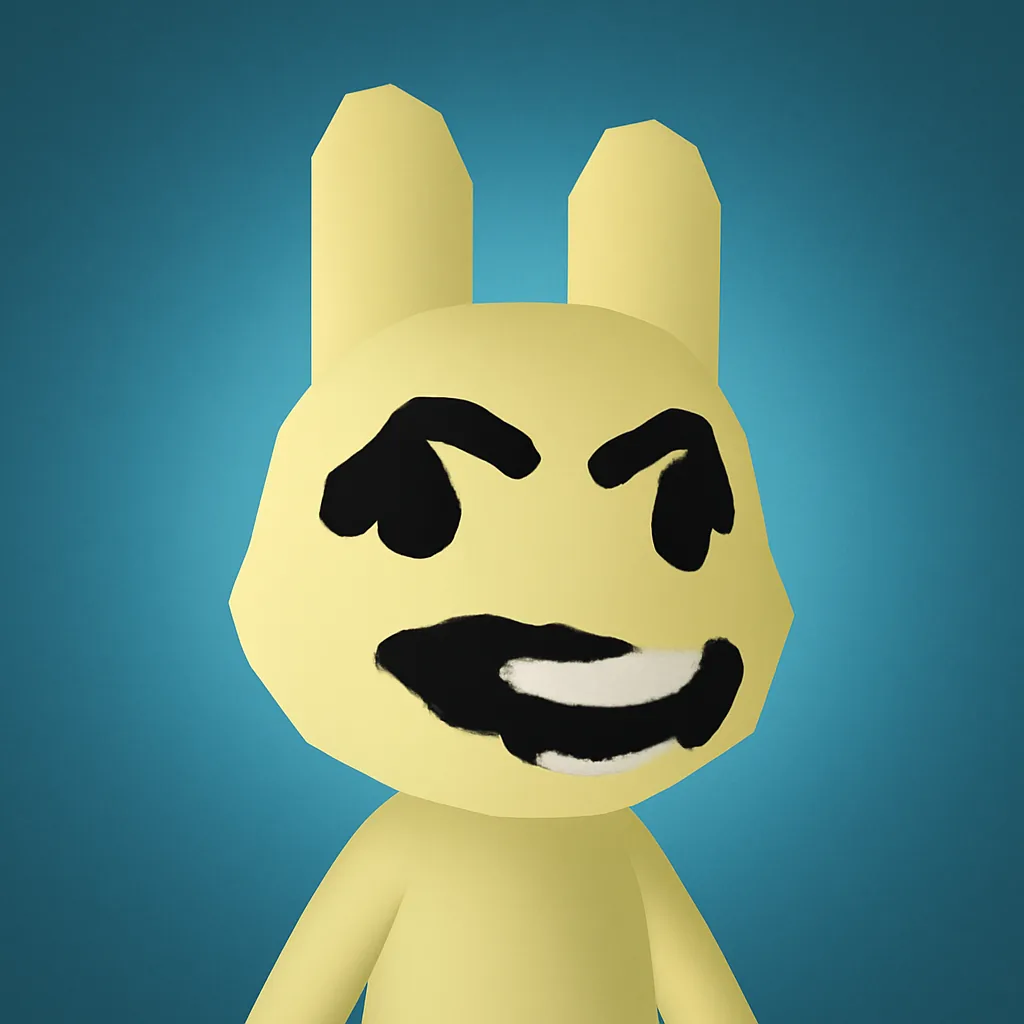 | Reject — and don’t stare |
| Horn present in the photo but missing on the patient, or vice versa |  | Reject |
| Photo has a grainy, static texture | 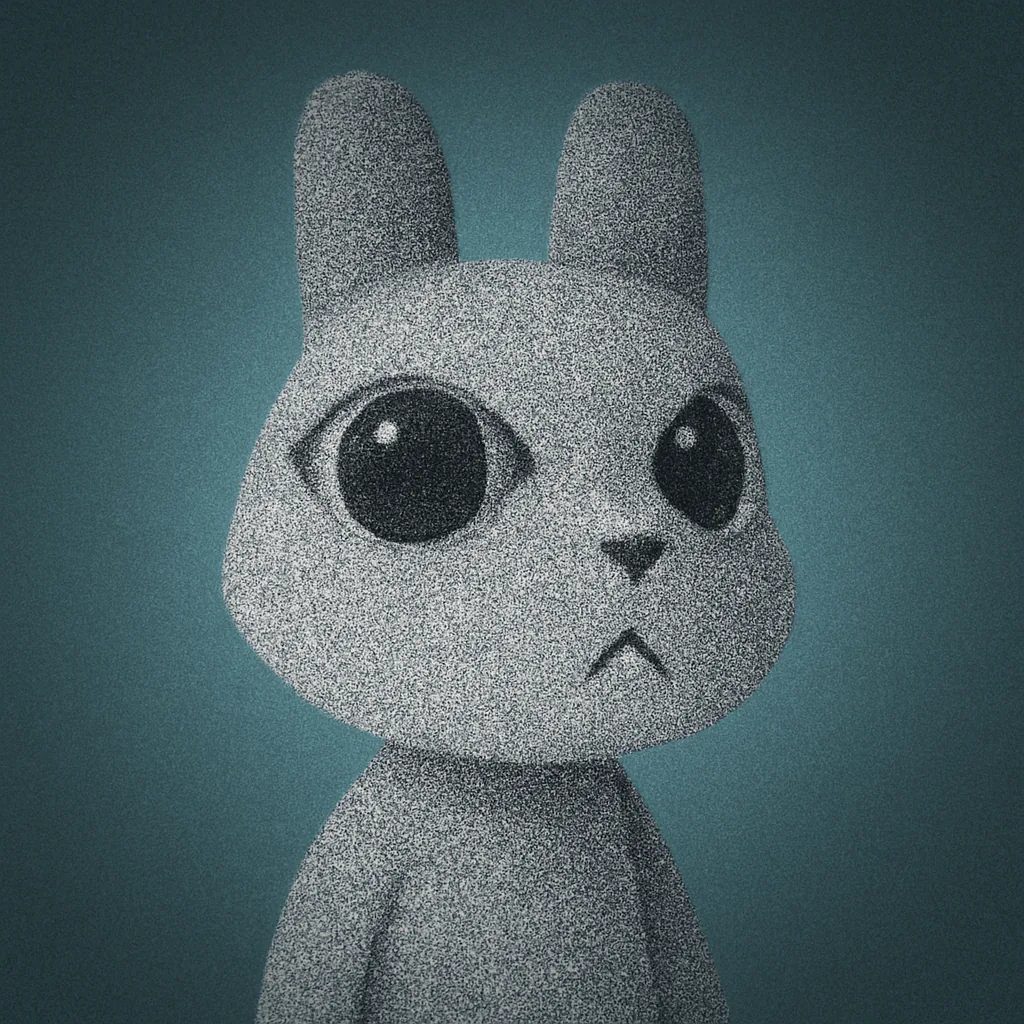 | Reject |
| Photo shows bloodshot eyes and a wide grin (cursed photo) | 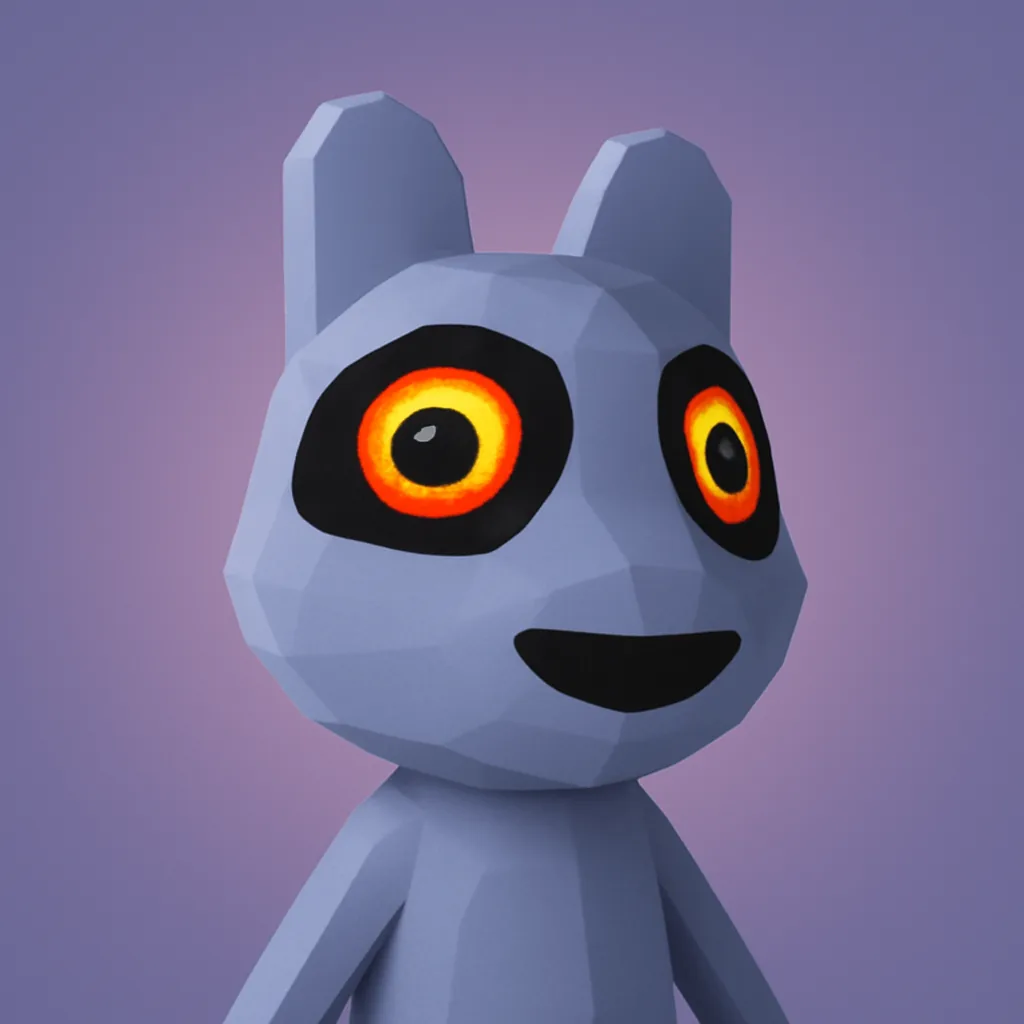 | Reject — and don’t stare |
Note: the cursed photo is dangerous on its own. It shows bloodshot eyes and a creepy grin, and lingering on it costs you 10 Sanity. The habit to build is to always check the photo, but reject as soon as you confirm a cursed one instead of studying it.
Step 3: Check the CCTV cameras
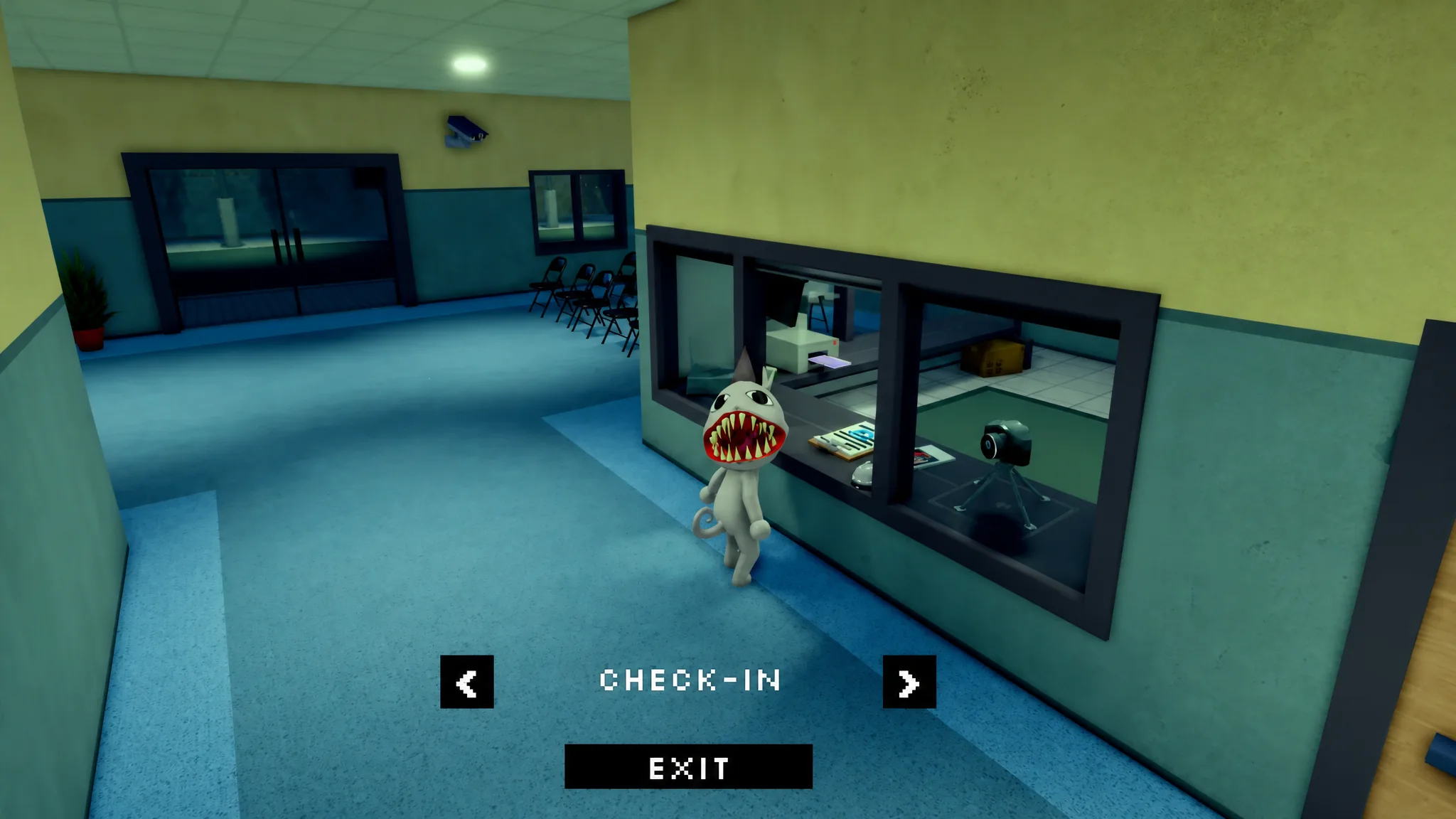
Some anomalies look perfectly normal at the window and have a clean photo, then reveal themselves only on the security cameras. Switch to the CCTV feed to look at the same patient again. The feed can re-randomize when you reopen it, so a second look is safer.
| CCTV sign | Image | What to do |
|---|---|---|
| Body is a complete black void | 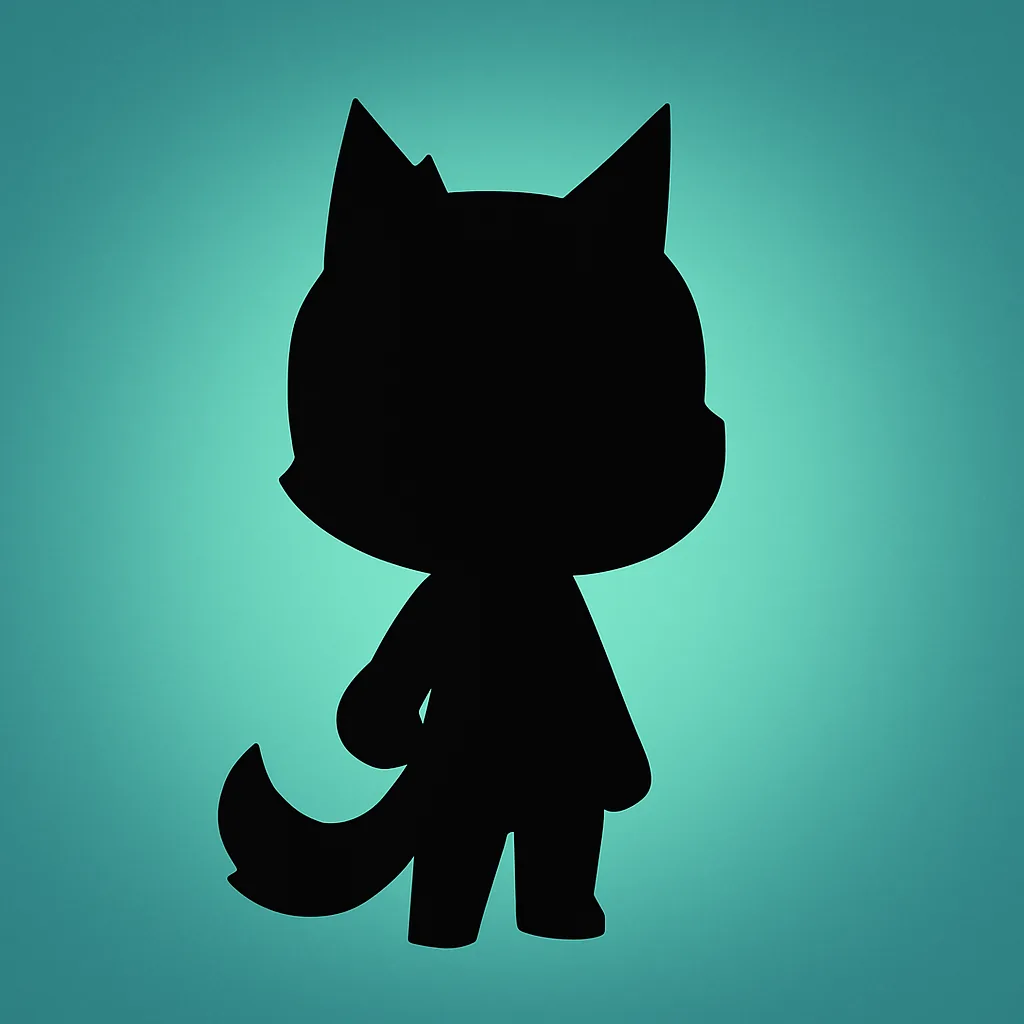 | Reject before admitting |
| Box covering the eyes | 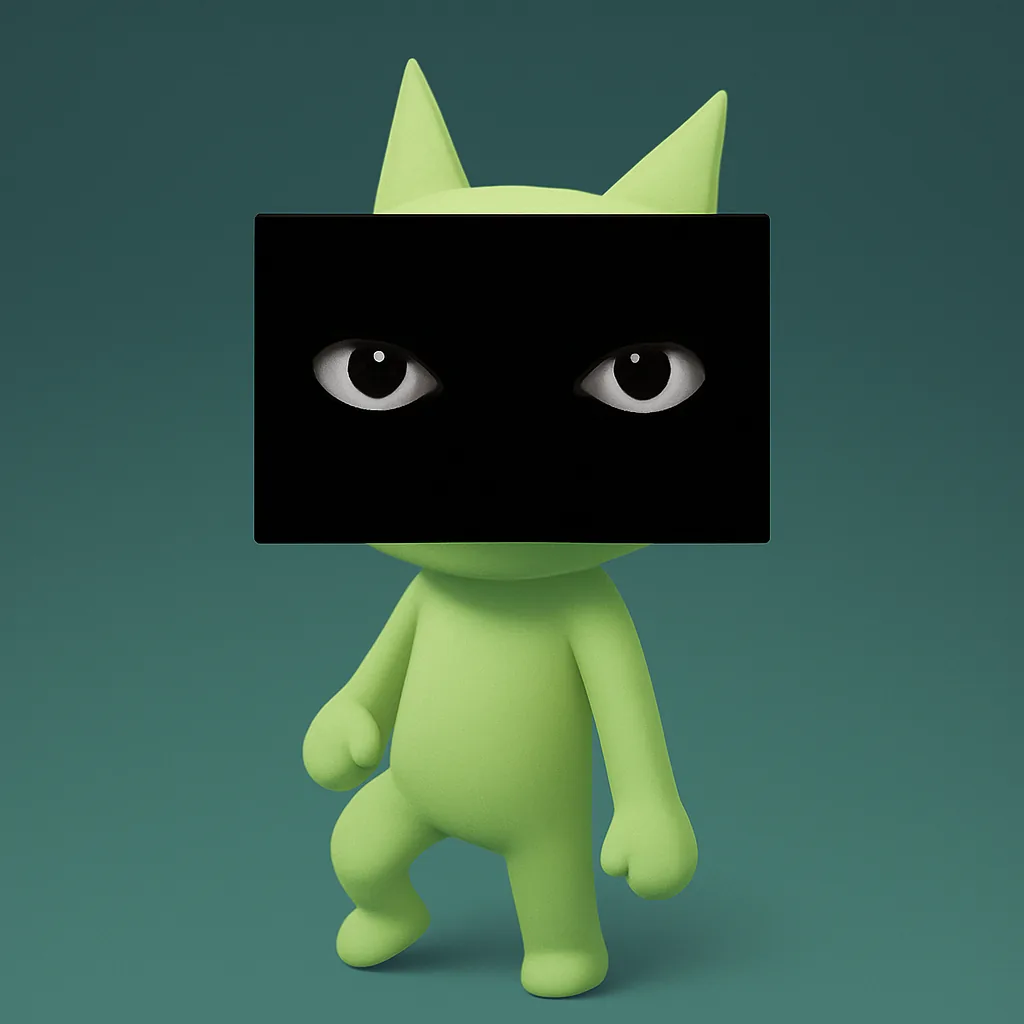 | Reject before admitting |
| Limbs or body heavily stretched or warped | 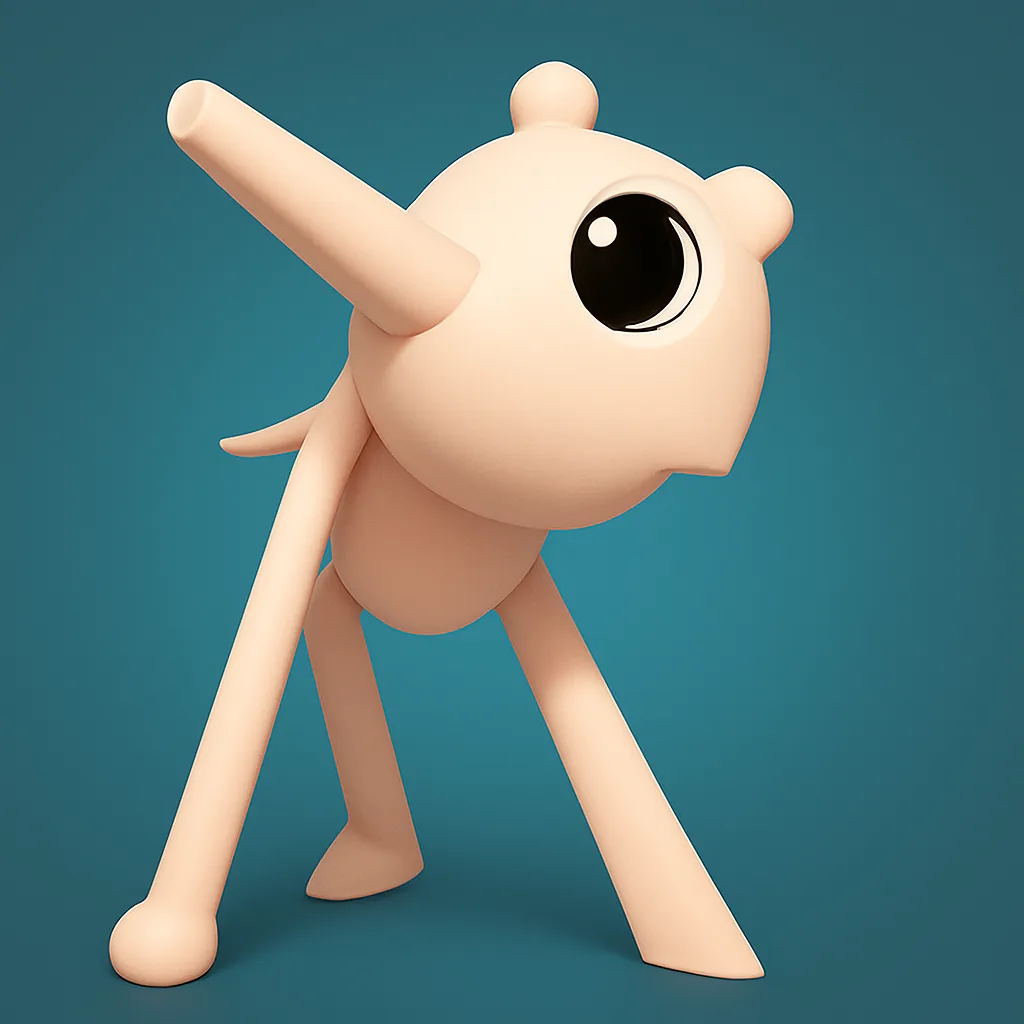 | Reject |
| Patient stares straight into the camera while walking | 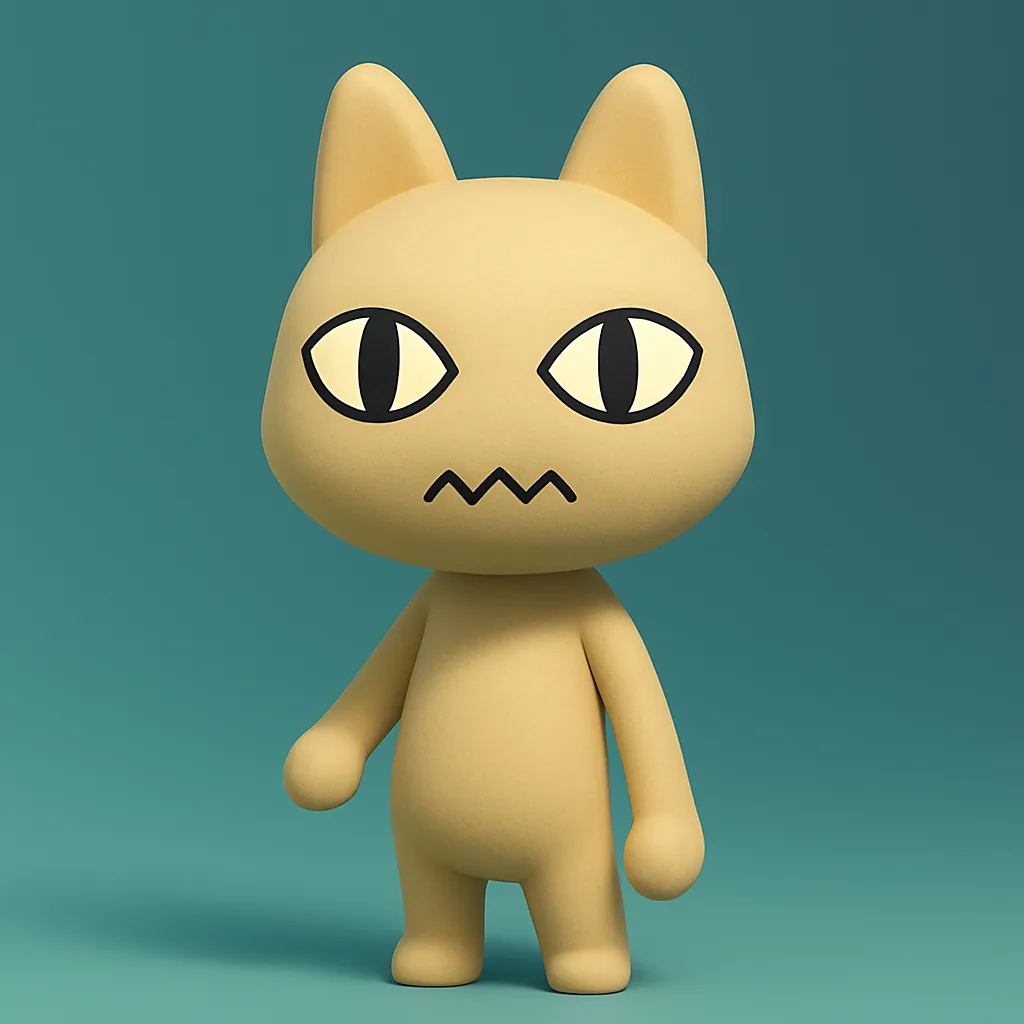 | Reject |
| Patient appears in Skinwalker form on camera | 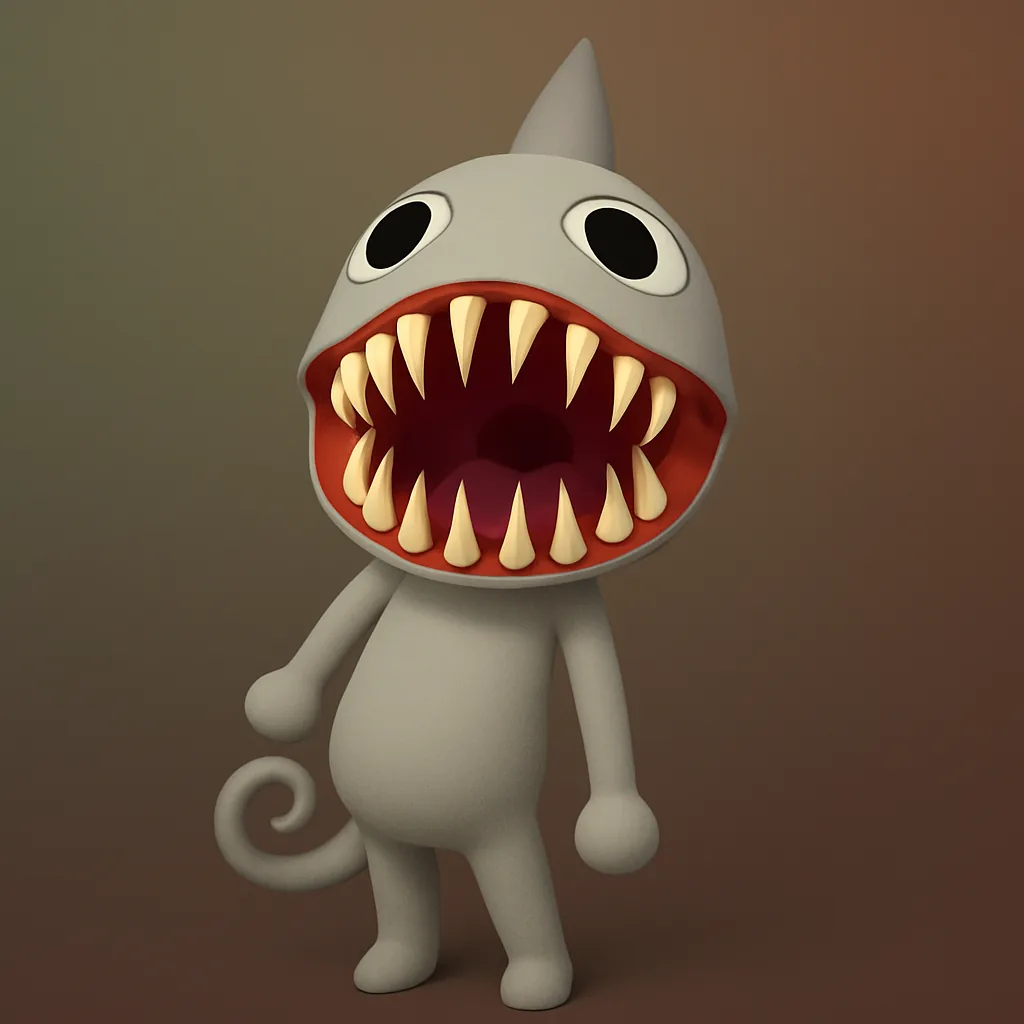 | Reject immediately |
| Body twitching and head almost falling off | 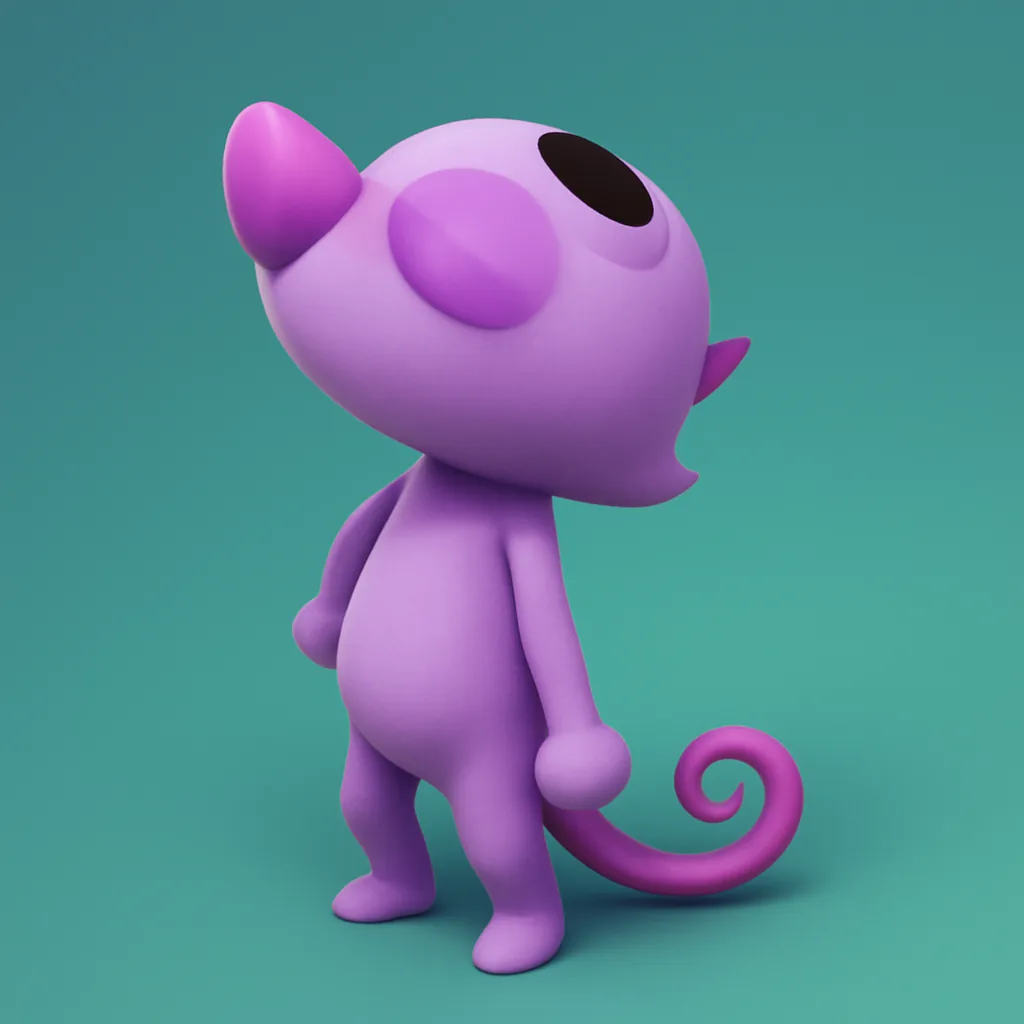 | Reject immediately |
| A dark figure with red eyes zooms into frame | 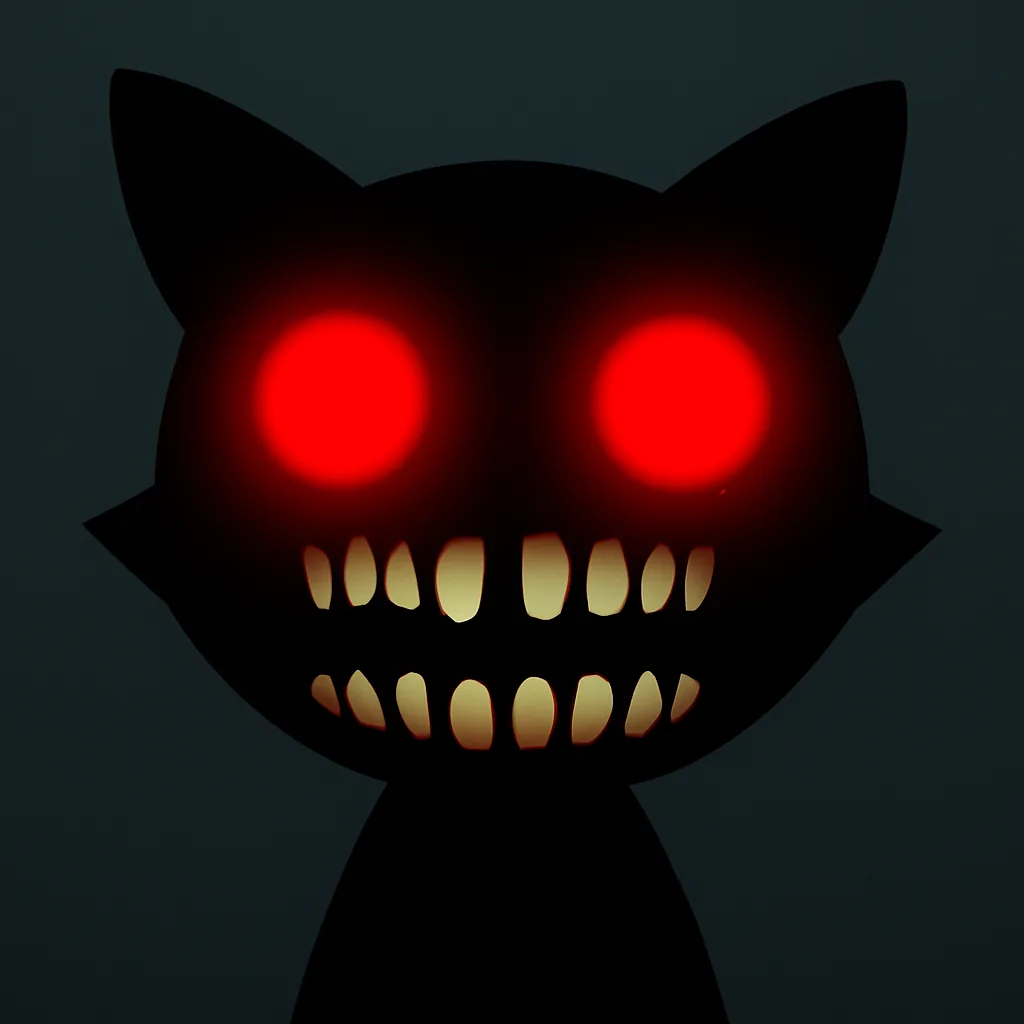 | Look away and switch cameras — heavy Sanity loss |
The zooming dark figure is the one to respect most. Staring at it drains a lot of Sanity and can be fatal if you keep watching, so look away or switch cameras the moment it starts moving toward the lens. If your cameras go dark, hold E outside the booth to repair them, and fix them before the queue piles up.
Verify the paperwork too
The medical records are the quietest red flag, and easy to skip. Check that the name, species, and appointment details match the animal in front of you. If the paperwork says dog but something else shows up, or the appointment does not line up, that contradiction alone is enough to reject.
Treat the layers as an OR check, not an AND check. One confirmed red flag in any single layer means you drop the shutter. Only admit a patient when the window, photo, CCTV, and paperwork are all clean.
The fixed order to run on every patient
Use the same sequence every time. Speed feels good, but consistency is what keeps your Sanity intact across long shifts.
- Window — scan eyes, teeth, mouth, ears, horns, body proportions, and movement.
- Voice — note anything low-pitched or distorted as a secondary warning.
- Photo — compare eyes, ears, horns, texture, and expression against the live patient.
- CCTV — check for black eyes, void bodies, stretched limbs, Skinwalker form, or camera staring.
- Paperwork — confirm name, species, and appointment match.
- Decide — reject on any major mismatch, or admit only when everything matches.
Voice alone is rarely enough to reject someone, but a low-pitched or distorted voice paired with anything else you spotted confirms the call. If you are unsure, take the extra ten seconds and re-check the photo and camera before pressing admit.
Solo and co-op detection
In co-op, split the duties clearly. Put one player on the window and shutter decisions, one on photo comparisons, and one watching the camera feeds. Pick a single caller so two people are not making opposite decisions at the same time.
Solo play is a different mindset, since you run every check yourself. Slowing down is the correct play. The Secretary class passively recovers Sanity while you work the desk, and Security starts with a Taser in hand as insurance for the times an anomaly slips through.
What to do if an anomaly gets inside
Mistakes happen even with careful checks. When an anomaly transforms inside a medical room, you will hear an audio cue. That is your signal to act fast.
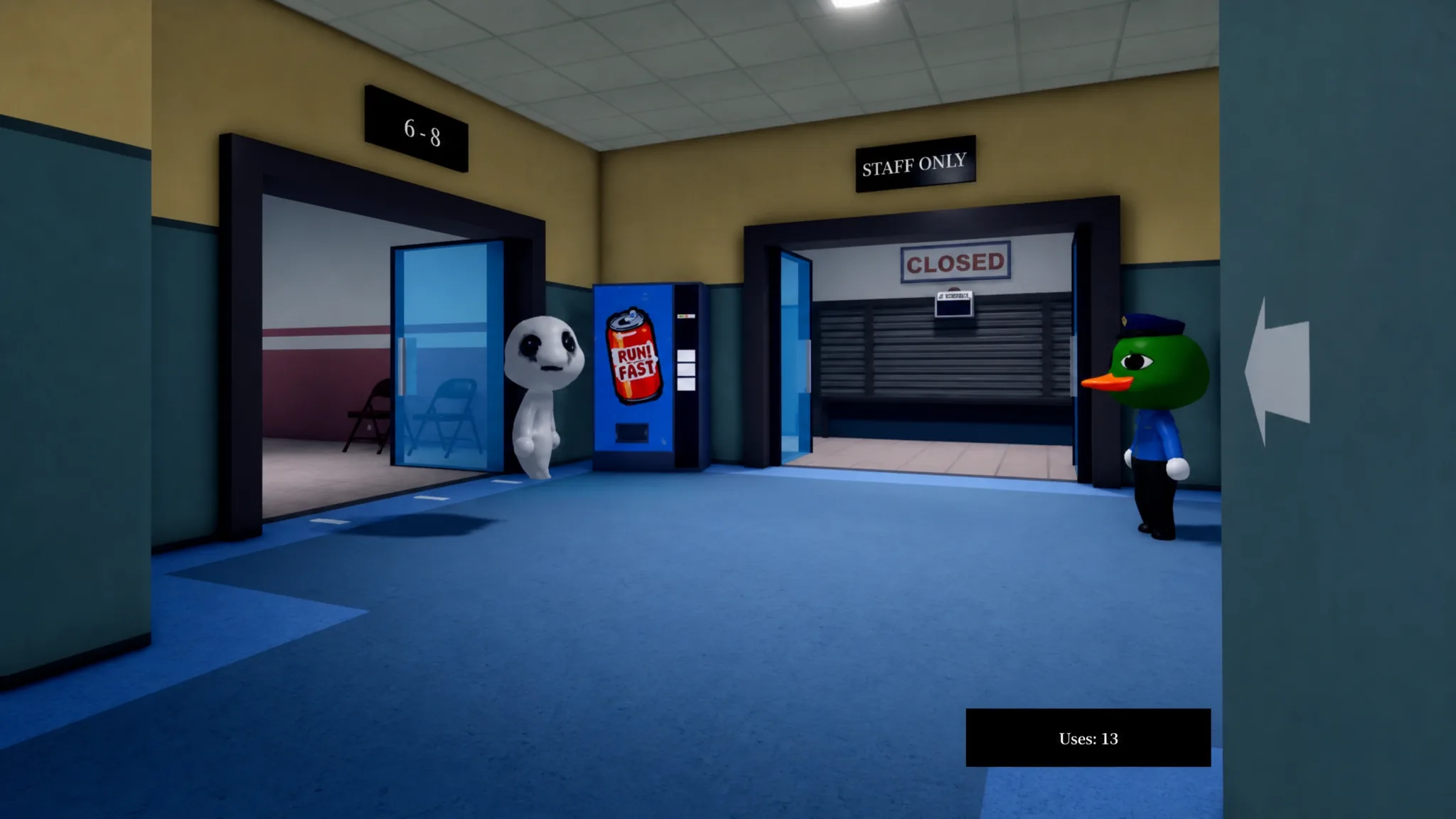
Grab a weapon like the Taser and approach the Skinwalker. Hold E to use the Taser, and keep pressing E if it grabs you. The longer the grab lasts, the more Sanity you lose. A Gun lets you work from a safer distance.
If it moves room to room, prioritize keeping it away from patients you have already admitted. Accidentally tasing a real patient costs Sanity, but a single zap will not kill them. There is also a quieter option, since anomalies that reach the treatment rooms can be killed by deliberately administering the wrong item during their treatment, which costs you no points.
Build the habit of running all three checks before every decision and resist the urge to clear the queue quickly. Once that becomes muscle memory, the night shift gets far more manageable. Take your time and trust the order.