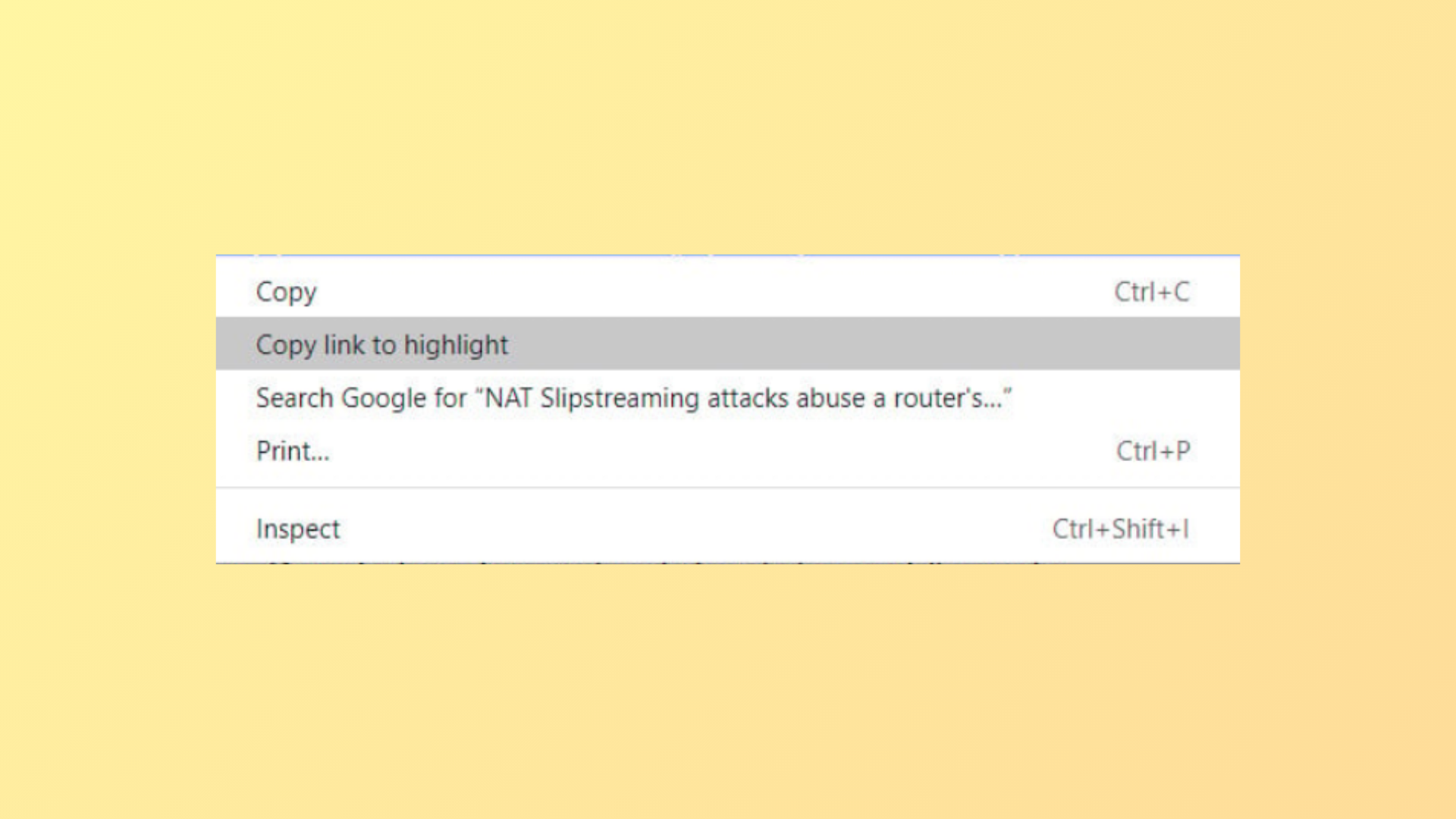
The “Copy link to highlight” option in Google Chrome’s context menu often disrupts workflow for users who rely on right-click muscle memory. This feature, which generates a URL pointing to a specific text fragment on a web page, cannot be disabled through Chrome’s standard settings or flags as of version 121 and later. Previous solutions, such as command-line switches or internal flags, have been deprecated or removed. Here’s how to address this issue and what alternatives remain for users who want to remove or avoid this menu entry.
Method 1: Understanding the Current Limitations (Chrome v121+)
--disable-features=CopyLinkToText command-line switch and related chrome://flags options are no longer available in Chrome v121 and newer. Attempts to use these methods will not remove the “Copy link to highlight” entry from the context menu.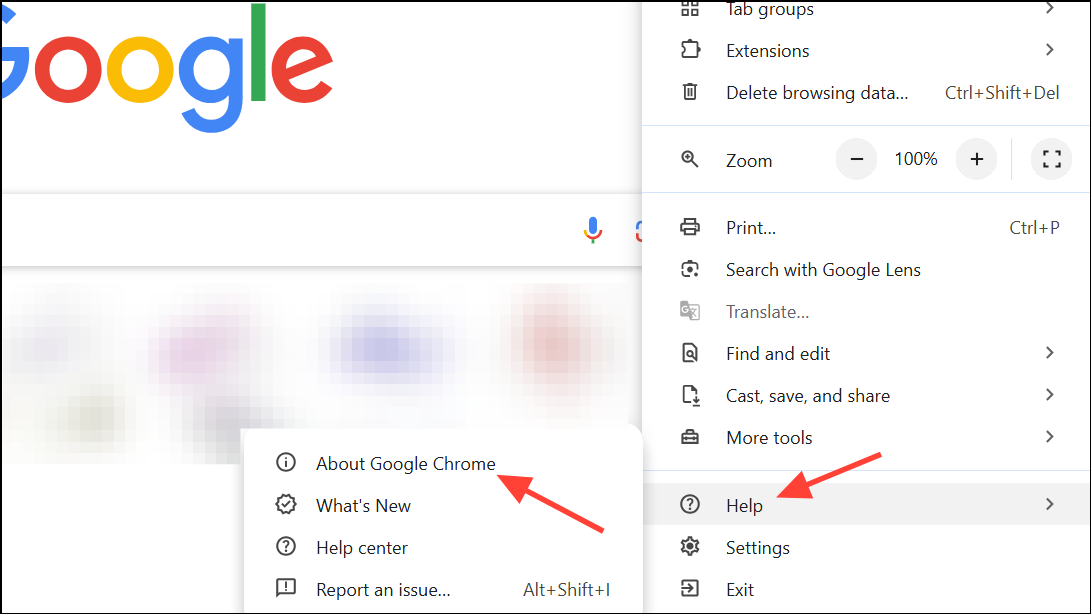
Method 2: Using Older Chrome Flags and Command-Line Switches (Deprecated)
chrome://flags in the address bar. Search for “Copy Link To Text” or “Shared Highlighting”. If you find a flag such as #shared-highlighting-use-blocklist or #shared-highlighting-refined-blocklist, set it to Disabled and relaunch Chrome.--disable-features=CopyLinkToText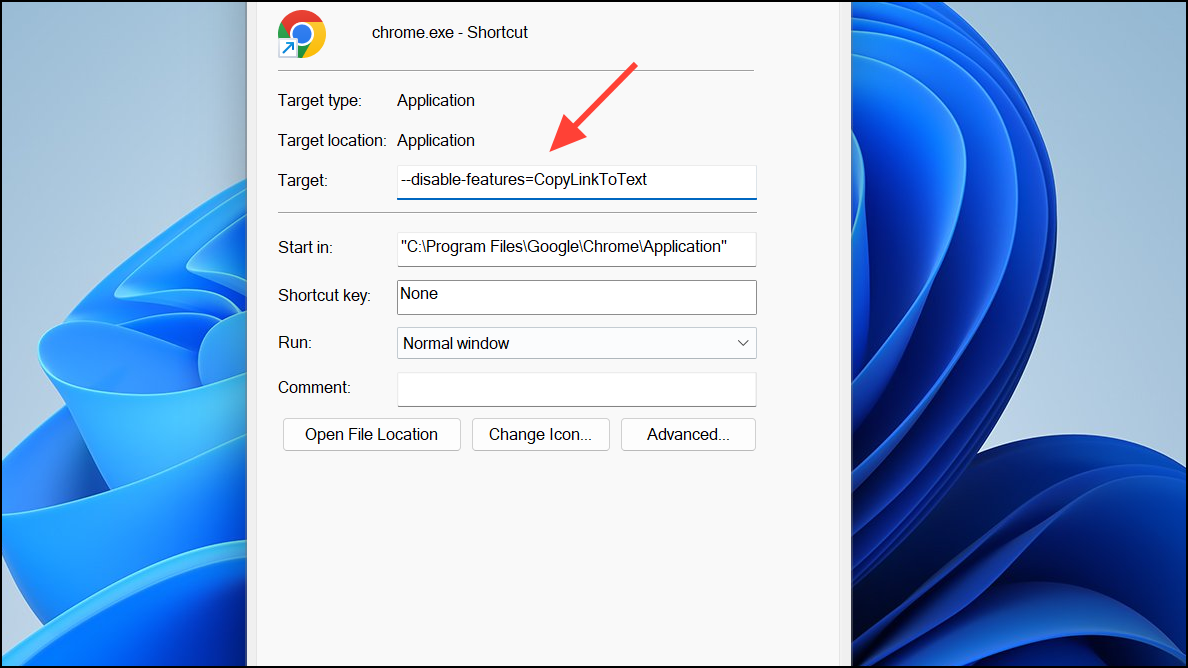
This method previously removed the “Copy link to highlight” entry from the context menu. However, as of recent Chrome releases, this switch no longer works. If you are unable to find the flag or the switch has no effect, your browser version is likely too new for this workaround.
Method 3: Alternative Browsers and Workarounds
- Brave and Ungoogled Chromium may have the feature, but context menu behavior can differ.
- Firefox does not implement Chrome’s “Copy link to highlight” feature and may be preferable if you want a clean right-click menu.
S will trigger “Search Google for…” as a workaround to avoid accidental clicks on “Copy link to highlight.”Method 4: Custom Extensions or Scripts (Advanced Users)
Currently, Chrome does not offer a supported method to remove “Copy link to highlight” from the context menu in versions 121 and newer. The most practical solution is to adapt workflow, switch browsers, or follow community discussions for future developments.