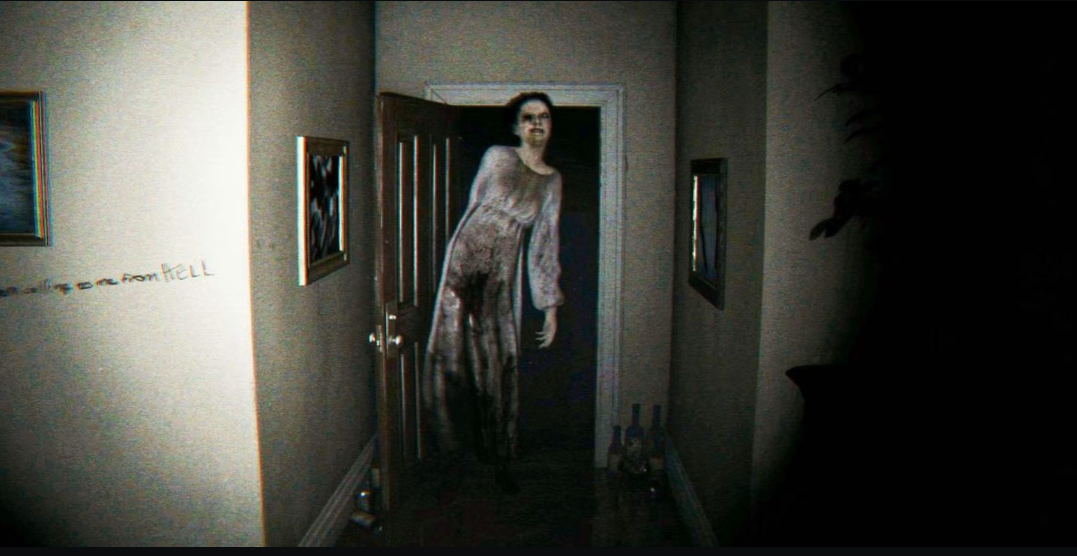
P.T., the playable teaser for the canceled Silent Hills, now runs on PC through a native port built by LoreanXavier. It is not an emulator and not a remake. It is the original teaser, decompiled and rebuilt so Windows and Linux can run it directly, which means you no longer need a PS4 that still has the game installed.
Quick answer: Download the P.T. – [US] [EN] [1.00].pkg file and the v1.0.1 setup program, run the setup, point it at the PKG, then click Install. A “P.T. PC Port” shortcut appears on your desktop.
This is a fan-made project, so only use the official release pages below and avoid any mirror or “free download” link you come across elsewhere.
Files you need before installing
Two downloads are required. The installer alone will not work, because it reads the game data out of the PKG file.
- The game data file: P.T. – [US] [EN] [1.00].pkg.
- The Windows installer, P.T.PC.Port.Setup.exe, from LoreanXavier’s v1.0.1 release.
- On Linux, download P.T.PC.Port.Setup-linux instead of the Windows executable.
Both files can sit in your Downloads folder. You will select the PKG from inside the installer in a moment.
Install P.T. on Windows
Install P.T. on Linux
The flow is the same, except you run the P.T.PC.Port.Setup-linux file in place of the Windows executable. Point it at the same PKG file and click Install.
Confirm the install worked
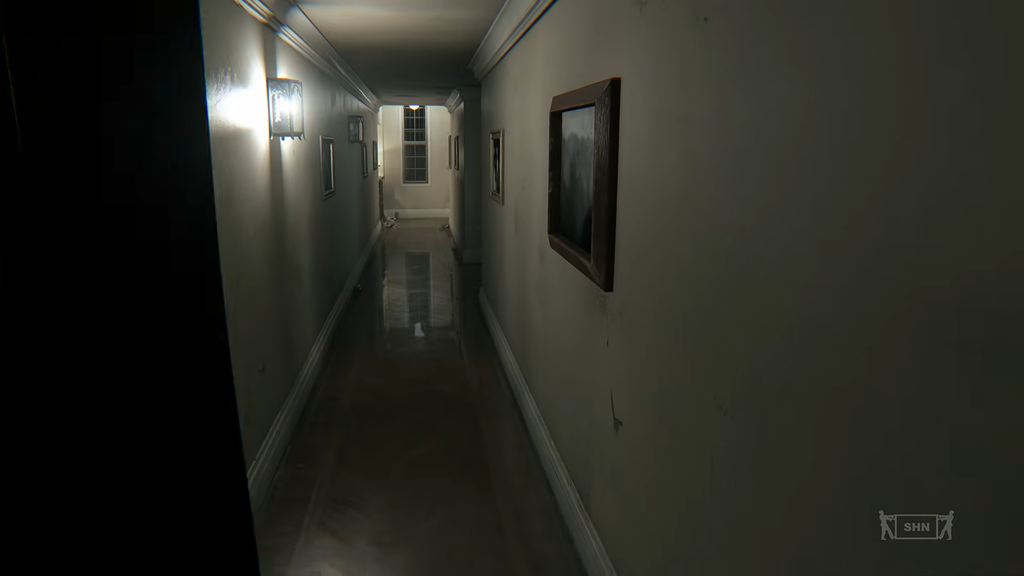
A shortcut named P.T. PC Port is placed on your desktop after a successful install. Double-click it to load straight into the looping hallway. If the shortcut is there and the game boots, you are done.
What the native port adds
Unlike an emulated PS4 image, this native build provides PC options that the 2014 teaser lacked. Vulkan handles rendering; display can be windowed, borderless, or fullscreen at any resolution, and V-Sync can be switched on or off.
| Area | Options |
|---|---|
| Upscaling | AMD FSR 3.1, NVIDIA DLSS 4.5, Intel XeSS, FSR Native AA, DLAA |
| Frame generation | AMD FSR 3, NVIDIA DLSS |
| Presets | Low, Medium, Original, High, Ultra, Custom |
| Ray tracing | Shadows, ambient occlusion, reflections |
| Textures | Adjustable quality, optional Real-ESRGAN upscaling |
Photo mode is available, as is a free camera with adjustable field of view, focus, and flashlight. Other features include a browser for loops, a museum, and Game+ mode. A speedrun clock records every loop and can link with LiveSplit. The port works in multiple languages and supports keyboard and mouse, gamepads, mods, third-person perspective, and experimental VR via OpenXR.
P.T. first appeared on PlayStation 4 in August 2014 as a teaser for Silent Hills, a horror project led by Hideo Kojima with Guillermo del Toro and Norman Reedus. Konami canceled the game in April 2015 and later pulled the teaser from the PlayStation Store, which is why a working PC install is now the most direct way to play the real thing.